

Accessibility goals can be difficult to act on when they stop at “make our content accessible.” Without specific milestones, owners and timelines, institutions have little way to track what has improved or where accessibility gaps remain.
The Los Angeles Community College District (LACCD), which spans nine colleges, took a more structured approach to meet ADA Title II requirements. It developed an Accessibility Maturity Model with 89 checkpoints across four areas: policy, procurement, pedagogy and platform.
Each checkpoint turns a broader accessibility goal into something teams can assign, track and review. That gives LACCD a district-wide framework for managing digital accessibility across areas such as vendor procurement, faculty training, course content and technology.
Let’s understand how LACCD’s Accessibility Maturity Model works and what other colleges and universities can take from it.
How LACCD built accountability into its accessibility strategy
Most institutions default to the same accessibility playbook: an awareness campaign, a training workshop, maybe an all-staff email reminding everyone that accessibility matters. What’s usually missing is a way to check whether those efforts actually changed anything.
Without timelines, named owners or an escalation path, accessibility can become a responsibility that belongs to everyone in theory and no one in practice.
As LACCD prepared for the April 2027 ADA Title II deadline, it took a more structured approach. Instead of treating accessibility as a standalone strategy, LACCD built it into existing decision-making, including procurement approvals, instructor onboarding and campus budget reviews.
That is where the digital accessibility maturity model becomes useful. It gives teams specific checkpoints to work toward, identifies who is responsible for moving them forward and creates a way to see where progress is on track or beginning to stall.
What are the four areas in LACCD’s accessibility maturity model?
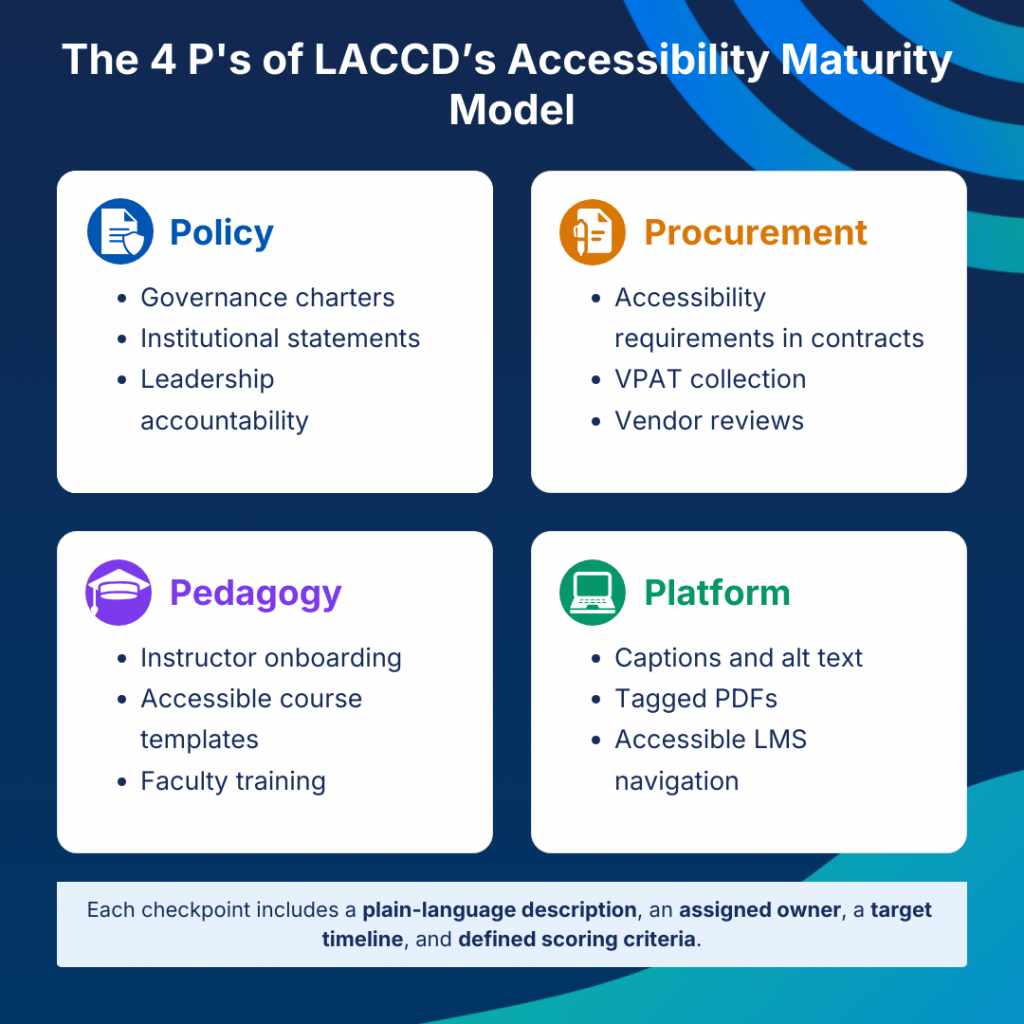
LACCD organized its 89 accessibility checkpoints across four domains, each covering a different part of how accessibility is managed across the district:
- Policy: Governance charters, institutional statements and leadership accountability
- Procurement: Accessibility requirements in contracts, VPAT collection and vendor reviews
- Pedagogy: Instructor onboarding, accessible course templates and faculty training
- Platform: Captions, image alt text, tagged PDFs and accessible LMS navigation
What makes these checkpoints useful is their specificity. Instead of a broad goal like “improve accessibility training,” LACCD can track a target such as 80% of faculty trained on accessible content creation. Procurement can be measured just as clearly, for example, by requiring accessibility language in all new contracts.
Each checkpoint has a plain-language description, an assigned owner, a target timeline and defined scoring criteria. That makes it clear whether a checkpoint has been met, who is responsible for it and what still needs attention.
Related: How Arkansas Scaled Digital Accessibility for 436,000 Students
How does LACCD track accessibility progress across campuses?
LACCD uses scorecards to track progress across the four accessibility domains and review where individual campuses are falling behind.
At monthly governance meetings, each campus reports its current status. If a campus is behind on procurement or digital content checkpoints, it has to explain the gap and outline how it plans to address it.
Checkpoints that remain stalled for more than a quarter can trigger direct support. In one case, a campus that was behind on digital content received hands-on help from instructional designers at another campus and closed a four-checkpoint gap in 60 days.
The district also pairs accountability with practical support, including instructor coaching, shared procurement templates, a centralized helpdesk for remediation questions and peer-to-peer knowledge sharing across campuses.
Some checkpoints, such as vendor approval, budget allocation and legal sign-off, require executive review. This helps keep accessibility requirements visible during decisions that can have a wider impact across the district.
What changed for students after LACCD implemented the model?
A tracking system that only lives in spreadsheets doesn’t mean much to the student trying to use a course tool that doesn’t work with their screen reader. The real test of LACCD’s model is what shifts in daily experience.
Procurement became more proactive
Every vendor now passes an accessibility review, including VPAT validation, before a contract is signed. Inaccessible tools rarely make it into a classroom in the first place, which means fewer retrofits and fewer students waiting on a fix that should never have been necessary.
Instructor training got more structured
The faculty used to guess at what “accessible content” meant. Now, milestones tied to hiring, course updates, and content creation schedules trigger templates and training automatically, rather than leaving accessibility up to whoever happened to care enough to look it up.
The legacy content backlog became more manageable.
Rather than attempt an unsustainable full-archive audit, LACCD broke PDF remediation into milestones tracked quarterly, prioritized by usage and impact. That approach cut the backlog in half over two years — a pace that a one-time audit sprint almost never sustains.
Accessibility became more consistent across nine campuses.
A student with a visual impairment at one campus and a neurodiverse student at another now have access to comparable accommodations, because the same framework applies everywhere, not just at whichever campus happened to prioritize it.
How can colleges build their own accessibility maturity model?
LACCD’s advantage wasn’t simply its size or budget. It was the structure behind the model, and that is the part smaller colleges and universities can adapt.
1. Map measurable checkpoints, not broad goals
“Make all content accessible” is difficult to track. Define specific checkpoints across policy, procurement, pedagogy and platform, with clear criteria for completion.
A smaller institution could start with 10–20 checkpoints for each area and use a framework such as the W3C Accessibility Maturity Model as a starting point. Penn State took a related approach with Bronze, Silver and Gold maturity tiers tied to budget requests, connecting accessibility progress with funding decisions.
2. Name an owner for every checkpoint
Each accessibility goal should have someone responsible for moving it forward. That could be a procurement lead, instructional designer, accessibility coordinator, IT team or academic department.
Minnesota’s state IT office uses domain leads for each pillar of its maturity model. Those leads meet monthly to review progress and support other departments.
3. Build the review cadence into the model
Decide how often accessibility progress will be reviewed before gaps start to accumulate. That could include monthly self-reporting, quarterly cross-departmental reviews and an annual recalibration of the framework.
Colorado’s accessibility scorecard approach follows a similar recurring review model, helping teams treat digital accessibility as ongoing operational work rather than a one-time remediation project.
4. Make accessibility metrics visible in existing decision-making
Track accessibility alongside other institutional priorities so gaps are easier to identify and address. Colleges can include accessibility metrics in dashboards used for areas such as enrollment, retention, procurement and budget planning.
Canada’s federal procurement reform moved accessibility review earlier in the purchasing process, before contracts are signed. This can help prevent costly remediation after inaccessible technology has already been adopted.
5. Start before the full model is perfect
A college does not need 89 checkpoints, a dedicated legal team or a complete VPAT repository before it can begin.
SUNY allowed campuses to use centralized remediation support while they were still developing their own internal tools and expertise. That gave campuses a way to move forward without waiting for every resource to be in place.
A smaller institution can take the same approach: choose one domain, define five to ten practical checkpoints, assign owners and run a 90-day sprint. Use what you learn to refine the process before expanding it across other areas.
Build accessibility into content creation
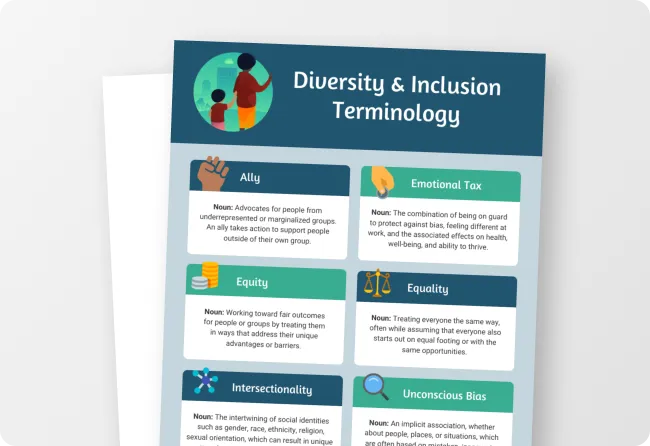
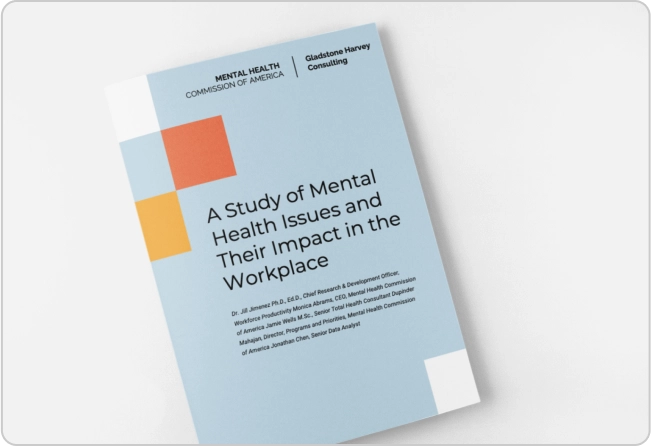
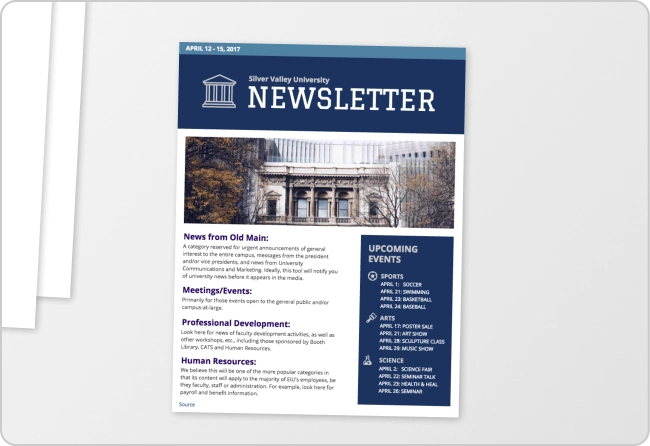
Smaller colleges may not have a dedicated accessibility specialist reviewing every report, handout or course document before it is published. One way to make those content-related checkpoints easier to follow is to build accessibility into the creation process itself.
Venngage’s built-in Accessibility Checker tests your documents against the WCAG requirements and flags issues such as missing alt text, low color contrast, reading order and document structure while teams are still working on a design.
You can review the recommendations, fix issues before export and use the Visual Simulator to check how content may appear to people with different visual impairments.

For recurring materials, Venngage also offers accessible templates for reports, presentations and infographics, giving departments a more consistent starting point. Designs can then be exported as PDF/UA so accessibility structure is preserved in the final PDF.
Related: How Colleges Can Reduce PDF Remediation Costs in 2026
What can colleges learn from LACCD’s accessibility model?
LACCD’s model shows that accessibility at scale depends on structure. Clear checkpoints, assigned owners and defined timelines make it easier to track progress and see where work is falling behind.
Any institution, regardless of size, can build its own version of this. It won’t look identical to LACCD’s 89 checkpoints, and it doesn’t need to. What matters is the underlying mechanic: specific milestones, named owners, a recurring review cycle, and visibility that makes it hard for progress to quietly stall.
FAQs
1. What is LACCD’s Accessibility Maturity Model?
It’s a district-wide framework built by the Los Angeles Community College District, consisting of 89 specific milestones across four domains: Policy, Procurement, Pedagogy, and Platform. This model tracks and drives real accessibility progress across nine campuses ahead of the 2027 ADA Title II deadline.
2. How is LACCD’s model different from a typical accessibility policy?
A policy document states an intention. LACCD’s model assigns each milestone a specific owner, a target timeline, and scoring criteria, then reviews progress monthly and escalates when a campus falls behind, turning intention into an auditable operating system.
3. Can a smaller college replicate LACCD’s approach?
Yes. LACCD’s advantage was structure, not scale. A smaller institution can start with one domain, define five to ten practical milestones, assign owners, and run a 90-day pilot before expanding. Several other institutions and government agencies referenced in this framework have used this model successfully.
4. What happens when a campus falls behind on a milestone in LACCD’s system?
If a campus stalls on a milestone for more than a quarter, it’s flagged for review, and the district provides direct support — resource reallocation, peer coaching, or hands-on intervention — rather than only applying pressure.
5. Does this model actually improve student outcomes, or is it just a compliance exercise?
LACCD ties the model to concrete outcomes, such as safer procurement (vendors are vetted before contracts are signed), systematized instructor training and a legacy content backlog cut in half over two years. These are changes that directly affect what students experience day to day, not just what appears in a compliance report.
Build accessibility into your content workflow
If you’re working on an accessibility maturity model for your college or district, Venngage can help you set up a more consistent way to create and check accessible reports, handouts, presentations and other digital content.
With accessible templates, a built-in Accessibility Checker and PDF/UA export, teams can catch common issues earlier and build accessibility into everyday content workflows.