


Free AI Contract Generator
Generate NDAs, service agreements, employment contracts, and leases from text prompts. Fill in the parties, dates, and terms. Edit any clause and export to Word, Google Docs, or PDF.




Start with a template
Get started with a professionally designed template. You can either edit the template with AI or make manual changes.
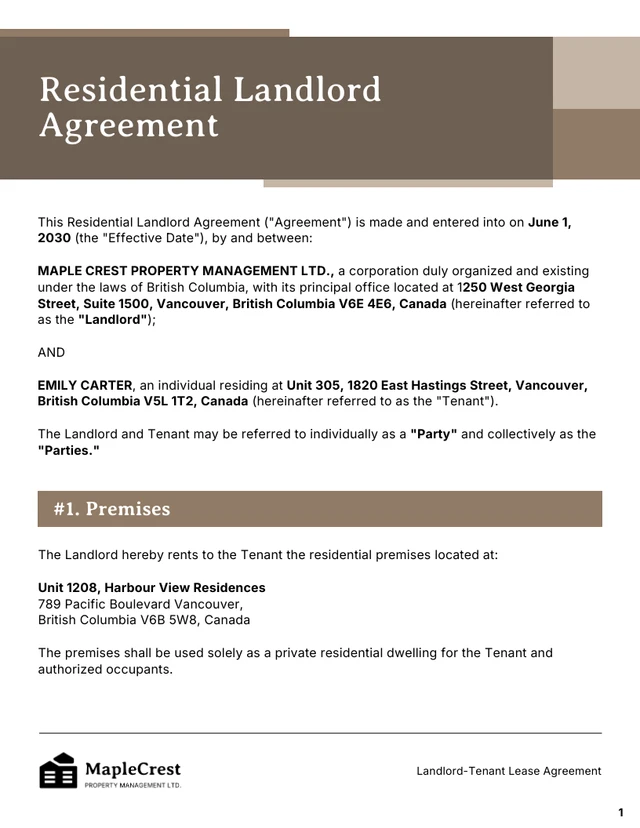
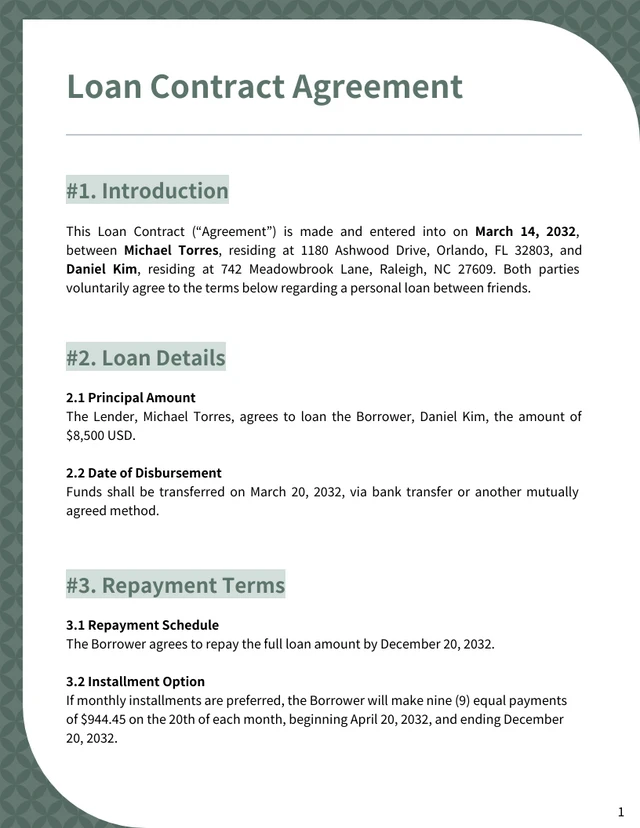
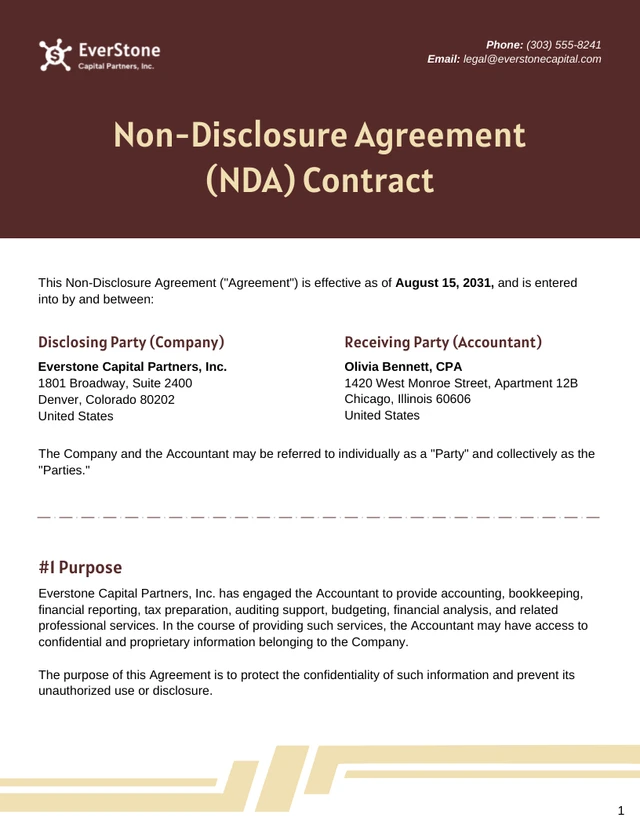
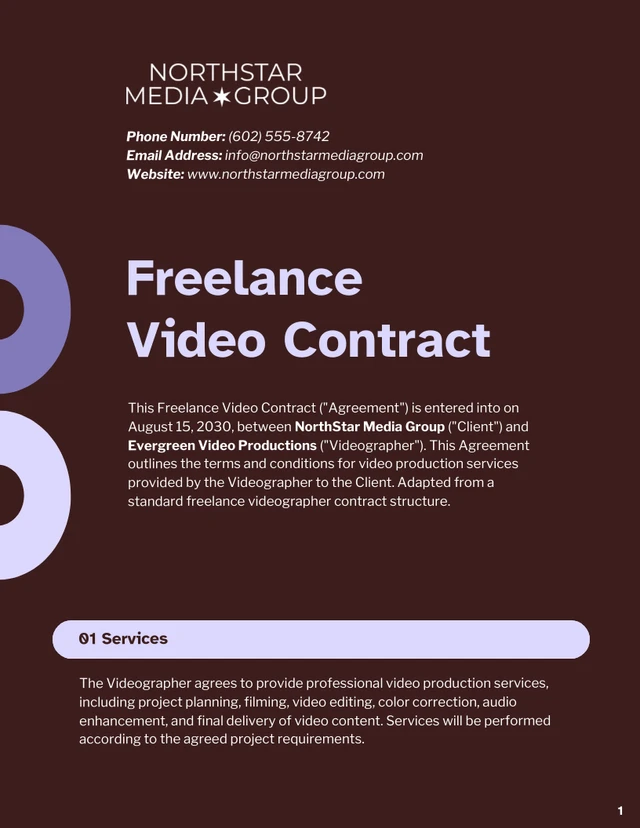
AI-Powered Tools
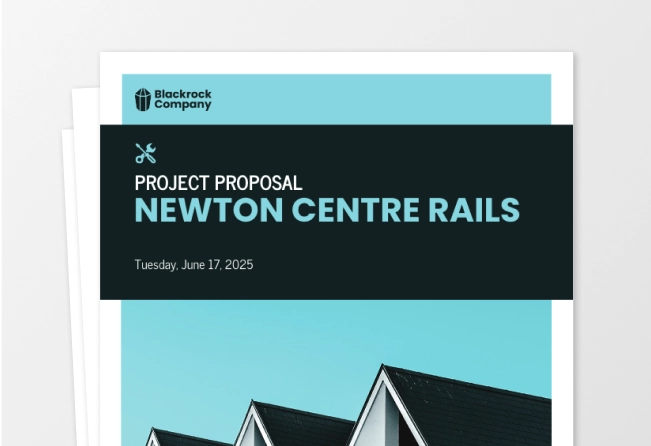
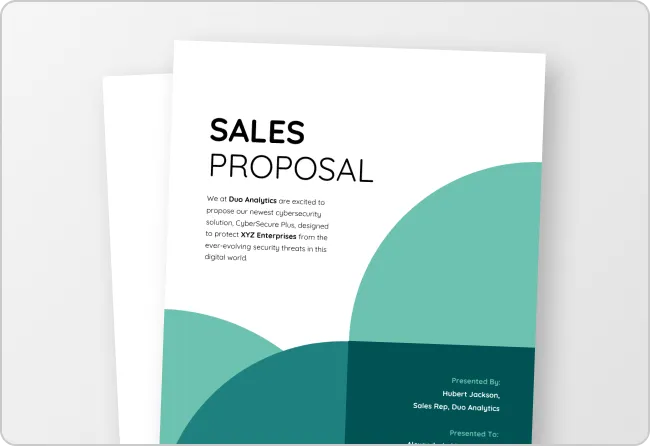
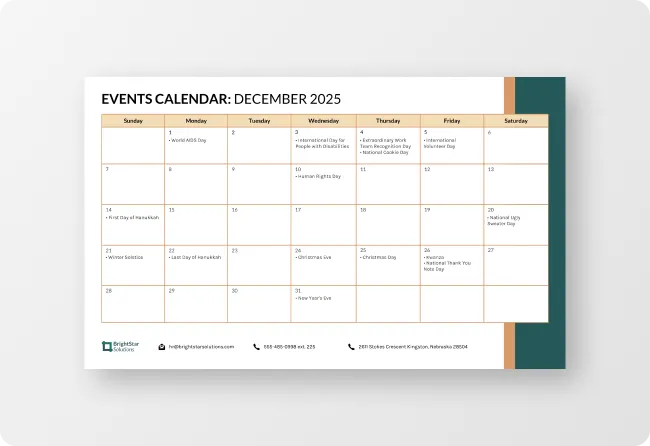
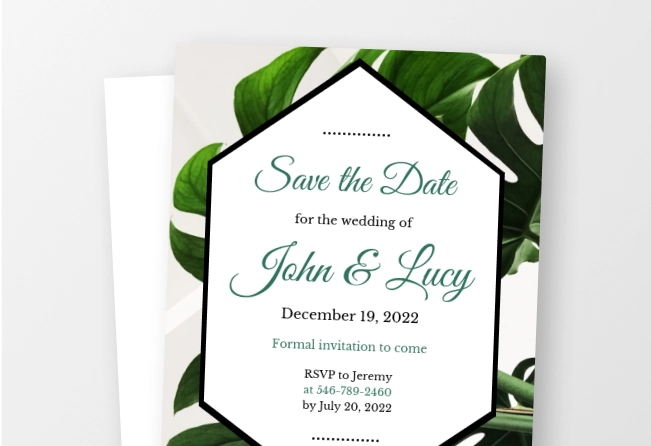
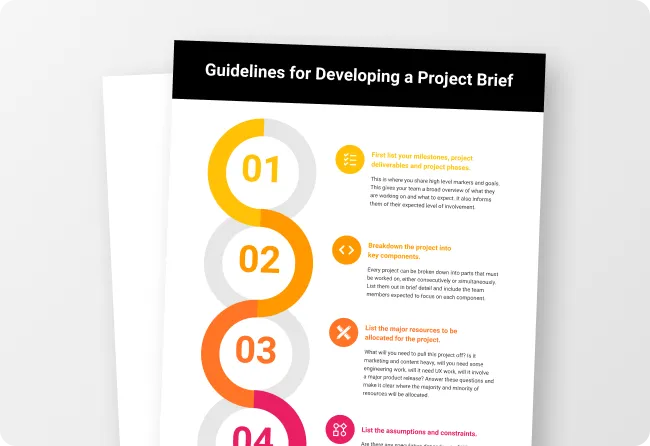
How To Write a Prompt That Generates The Contract You Want?
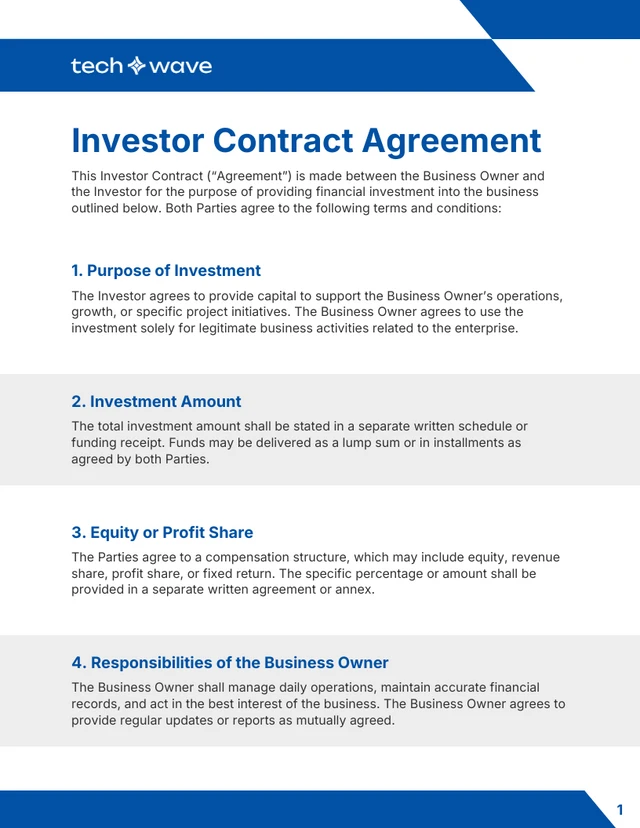
Name the contract type: NDA, service agreement, employment contract, lease, investor contract. The standard clauses for that type get pulled in automatically.
Outline the key terms:Instead of ‘a contract for a freelance project,’ paste the real terms: ‘service agreement between Acme Studio LLC and Jane Doe, freelance copywriter, $4,500 for a website rewrite, 50% upfront and 50% on delivery, work completed within 30 days.’
Mention specific clauses you want to add:Mention any specific clause you want to add, such as IP ownership, revisions cap, late-payment penalty, termination notice, dispute resolution, and jurisdiction.
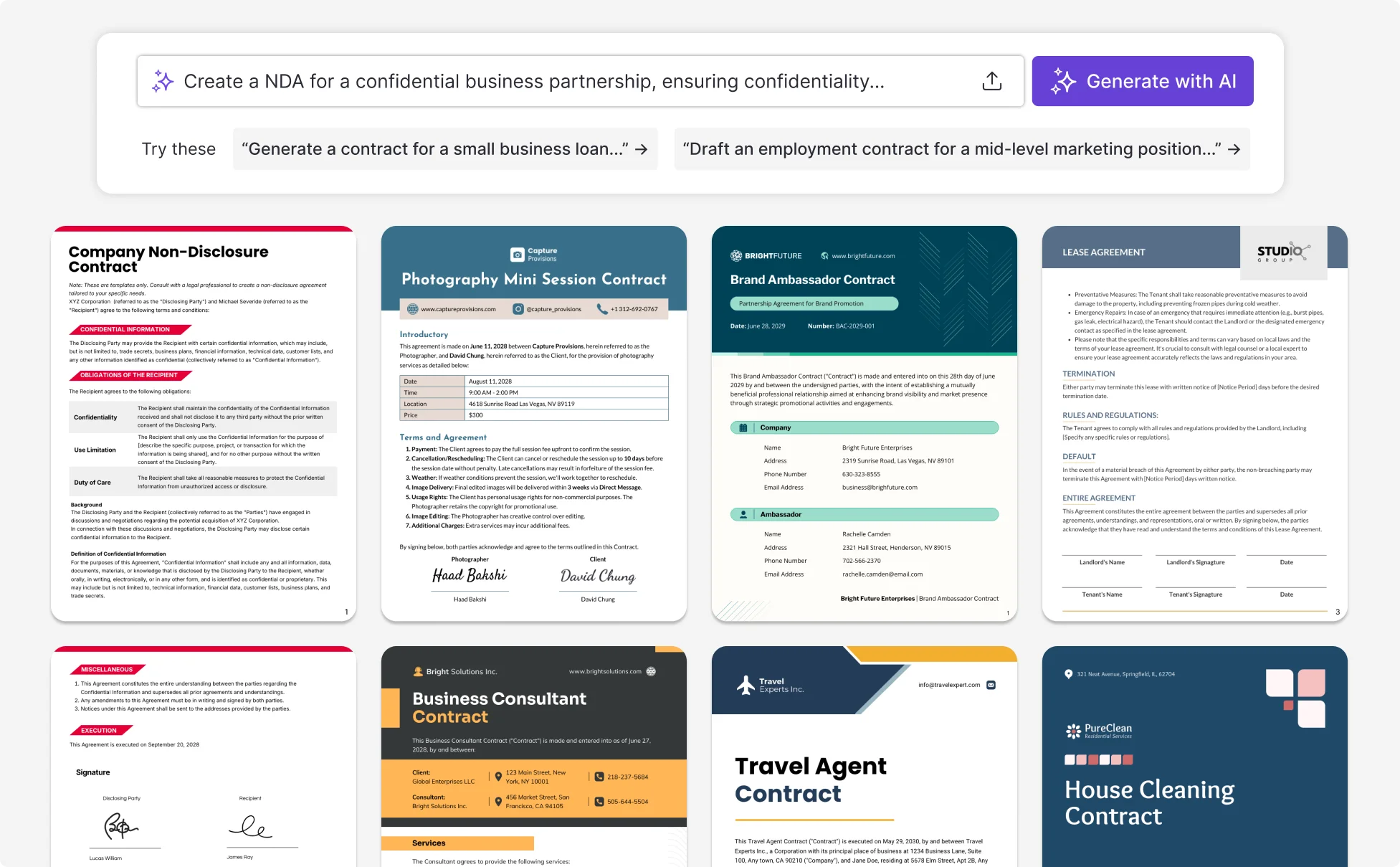
Sample Prompts You Can Modify and Use
“Service agreement for a freelance web designer, $6,500 for a five-page Shopify site, 50% deposit and 50% on launch, two rounds of revisions, designer retains portfolio rights.”
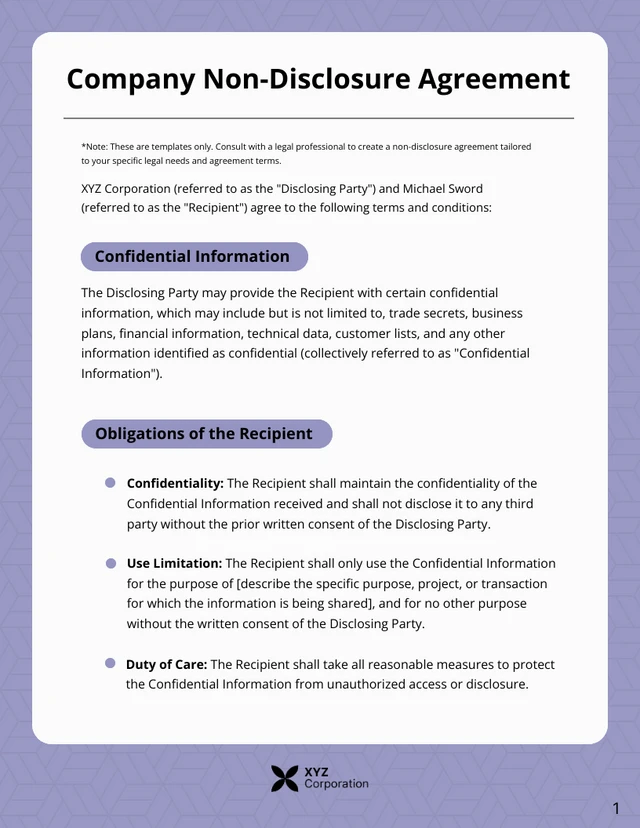
“NDA between Bright Marketing LLC and a contractor working on an unreleased product launch, mutual confidentiality for two years, no non-compete.”
“Employment contract for a full-time product manager joining a Delaware C-corp, $130k base, four-year vesting with one-year cliff on 0.5% equity, at-will employment, IP assignment.”
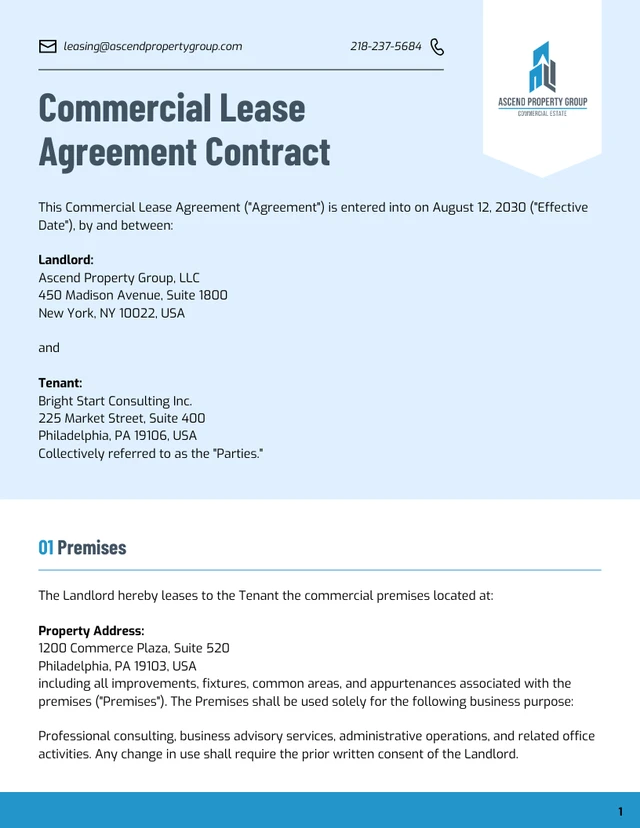
“Residential lease for a two-bedroom apartment in Austin, Texas, $2,400 monthly rent, 12-month term, two months' security deposit, tenant pays utilities, pets allowed with $300 deposit.”
How to Generate a Contract Using AI
Step 1
Define the Agreement Goal
State the type of contract you need, the parties involved, and the key terms to write a prompt that covers the purpose of the agreement.
Step 2
Write a Prompt or Upload Your Agreement Details
Describe the responsibilities, payment terms, timeline, and conditions in a prompt, or upload your notes so Venngage’s AI Contract Generator can structure the contract.
Step 3
Generate the Contract Using Venngage’s AI Contract Generator
Click generate to create a structured contract with sections such as scope of work, payment terms, obligations, and termination clauses.
Step 4
Edit the Contract Using Venngage’s Editor and AI Tools
Use the drag-and-drop editor to adjust text, layout, fonts, and colors, then refine the document with Venngage’s AI Writing Assistant, AI Designer, and My Brand Kit.
Step 5
Export or Share the Contract
Download the contract as a PDF or document file, or share a private link to send a finalized agreement ready for signing.
Draft Different Types of Business Contracts as a Small Business Owner
If you're a small business owner, you've probably reused the same contract template for years. Every new agreement gets edited into shape, and the clauses that belong in a specific type of contract often don't make it in.
Venngage's AI Contract Generator gives you a different starting point for each type of agreement. NDA, service contract, vendor deal, lease, employment offer, investor contract. Each one comes with the required clauses already built in, so you don't have to figure out what to add.
Generate Contracts With AI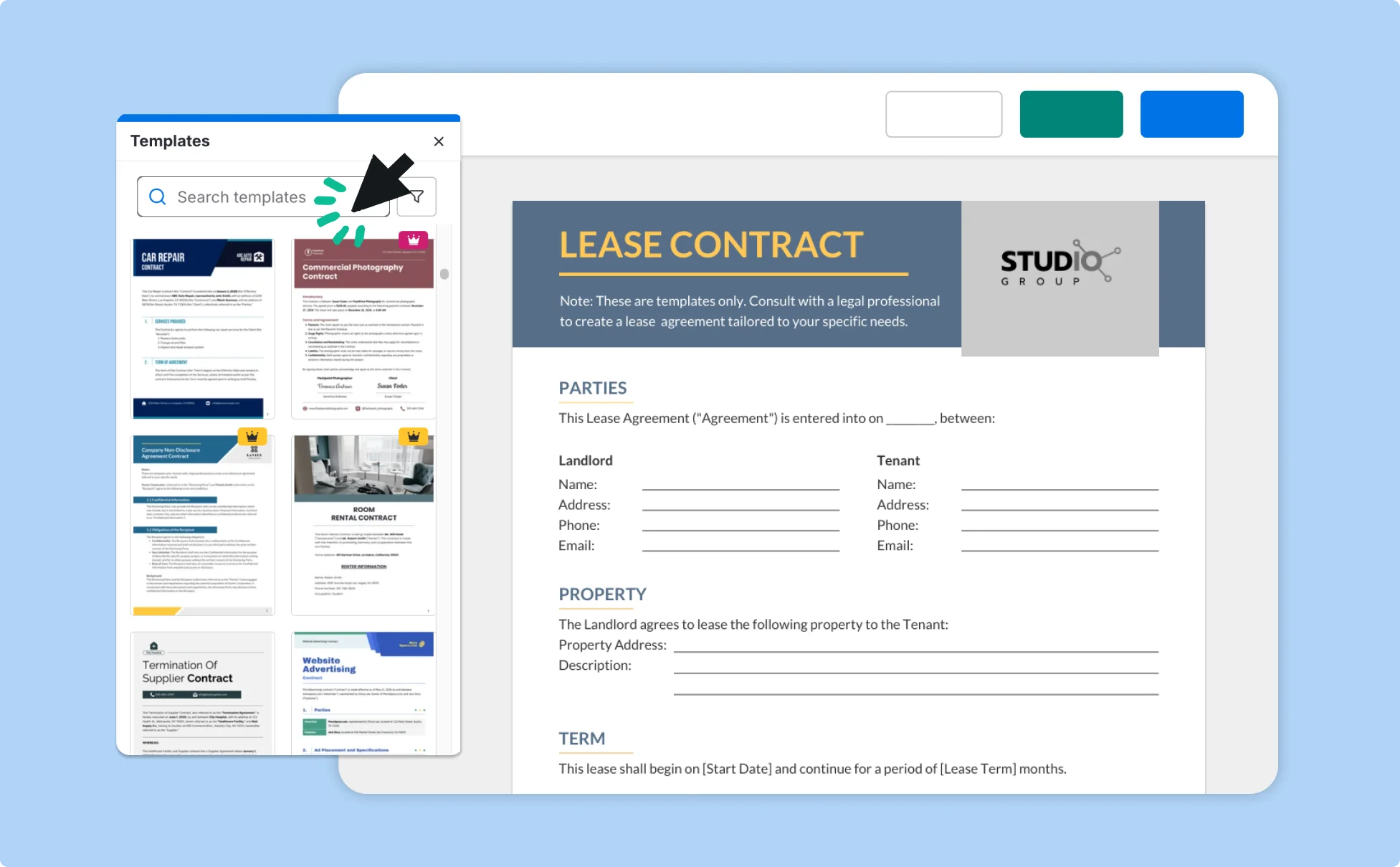
Create Customized Offer Letters as an HR Manager
Every offer letter ends up slightly different. One candidate negotiates equity, another needs relocation support, while someone else is moving from contractor to full-time. HR teams often end up manually editing templates, fixing formatting issues, and reworking layouts every time new clauses or compensation details are added.
With Venngage’s AI Contract Generator, you can customize offer letters without rebuilding the document each time. Add bonuses, equity, employment terms, relocation packages, and candidate-specific clauses while keeping the contract polished, branded, and easy to export as a PDF or Word file.
Generate Contracts With AI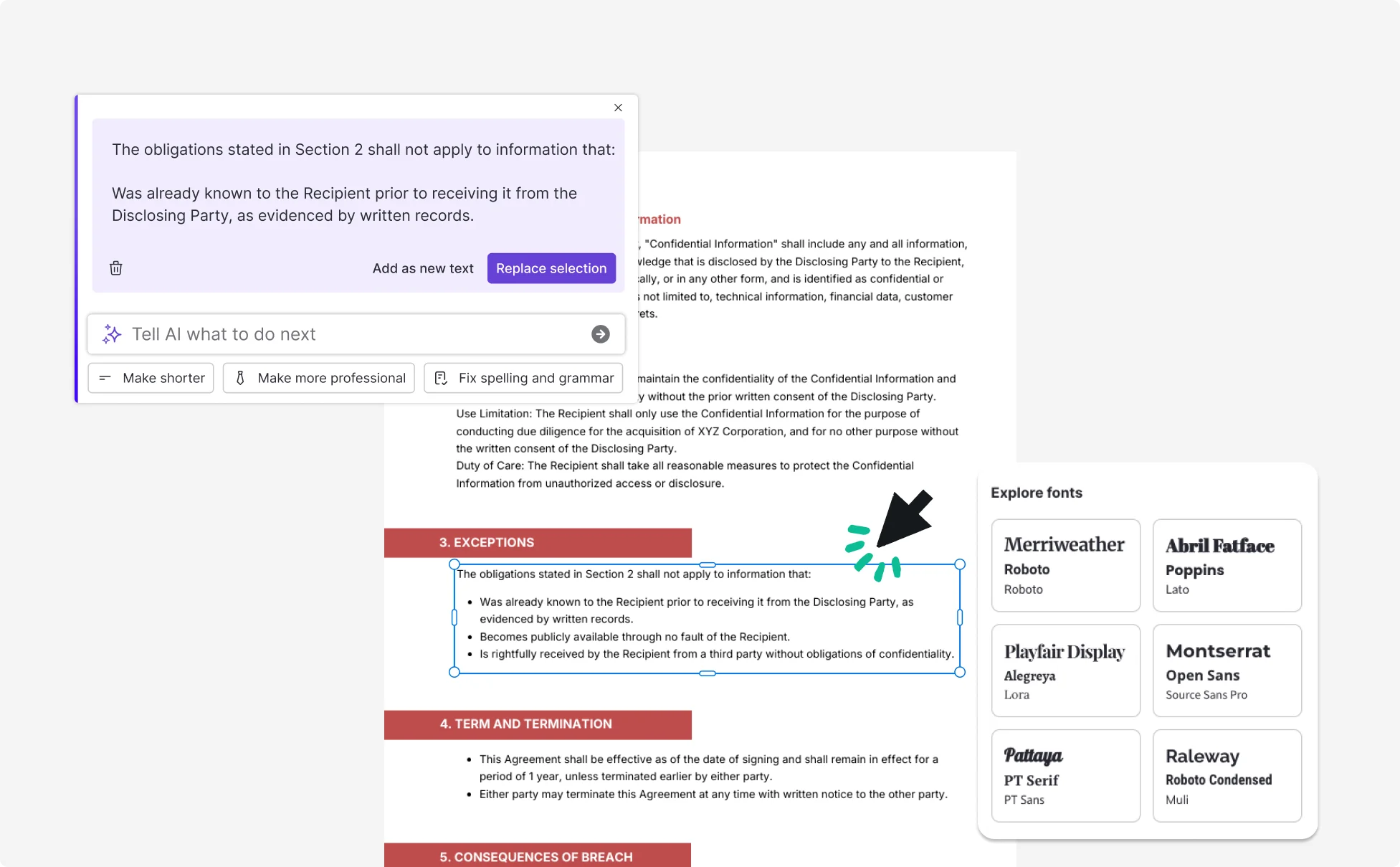
Create service agreements as a freelancer
Most freelance projects start with an email confirmation or a Slack thread agreeing on a price and a timeline. That works until a dispute comes up, like a scope disagreement, a late invoice, or a client who stops responding. When that happens, there's nothing concrete to point to.
Venngage's AI Contract Generator turns a short prompt about the project into a service agreement with the clauses freelancers actually need: scope of work, payment schedule, revisions cap, late-payment penalty, and IP ownership. Edit any clause, then export to PDF or Word and send it for signature.
Generate Contracts With AI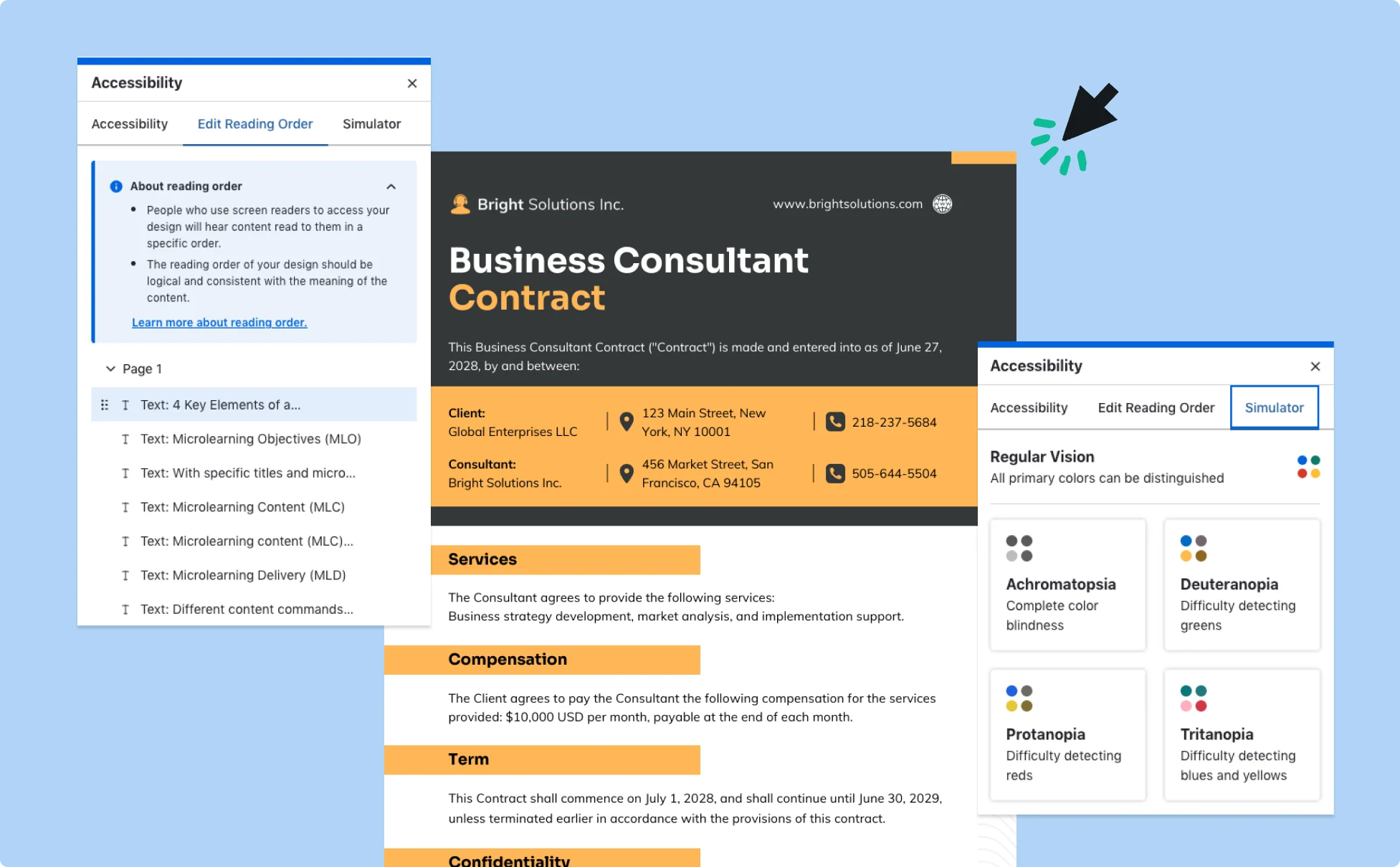
Fuel Your Creativity with AI-Powered Design Tools
Venngage is your one-stop shop for creating impactful presentations, infographics, reports, and more. It's a favorite among professionals, educators, and marketers for a reason:
AI Branding Automation
Instantly extract brand colors, fonts, and styles. Auto-apply your logo and visual identity to every design for seamless brand consistency.

DesignAI Generator
Turn simple prompts into stunning professional visuals in seconds. Describe what you need in plain language and watch our AI generate layouts optimized for maximum visual impact.

AI Content Auto-Fill
Kickstart your design process in seconds. Choose a template and let our AI auto-fill it with relevant, on-brand content, ideal for streamlining workflow and boosting productivity.

AI Generated Icons and Images
Create unique visuals that perfectly match your content and style. Generate custom illustrations, icons and images that align perfectly with your brand.

AI Writer and Translation
Enhance clarity, rewrite content, and instantly translate text to create accessible, global-ready visuals.

Smart Accessibility AI
Ensure every project looks great and works for everyone. Use AI to write alt text check contrast, layout, and font readability, and export fully WCAG-compliant visuals and PDFs.

FAQs
Yes. Every AI-generated contract on Venngage is fully customizable. You can edit the wording, update clauses, add your branding, change colors and fonts, and tailor the layout to match your business or legal requirements.
Yes, Venngage offers a wide variety of contract designs to suit different needs and preferences. Whether you're looking for something sleek and modern, or more detailed and data-focused, you'll find numerous options to choose from in our extensive template library.
Yes, the AI-generated contracts created using Venngage's tools are copyright-free. You can use them for both personal and commercial purposes without any restrictions on copyright. However, it's always good practice to ensure that any externally sourced content you include is also cleared for use.
We offer a free plan so you can try out all our AI features without spending anything. If you want more advanced features like private sharing and auto branding, we've got Premium and Business plans available too.
Yes, AI-generated contracts can be legally valid when they clearly outline the agreement terms and are reviewed, accepted, and signed by all parties involved. Venngage’s AI contract generator helps create structured, professional contracts that you can customize to fit your needs. For important business or legal agreements, it’s recommended to consult a qualified legal professional before finalizing the document.
Yes. AI can help structure clear terms, organized clauses, and consistent formatting, reducing ambiguity for freelancers and businesses.
AI detects inconsistencies, analyzes clauses, and flags missing details, reducing risk and improving compliance in every agreement.
AI speeds up drafting but doesn’t replace legal expertise. Always review for local laws, complex clauses, and negotiations.
Yes. Venngage adapts templates for franchise, construction, and real estate contracts. Review output for regional compliance.
Yes. It uses machine learning and natural language processing (NLP) to draft professional, consistent agreements.
Venngage’s AI contract maker combines accuracy, flexibility, and design, ideal for freelancers, startups, and businesses.
No. Smart contracts are blockchain-based and execute automatically, while AI-generated contracts are editable legal documents reviewed and signed by people. Venngage focuses on creating customizable, professional agreements for everyday business use.
No, if you review and approve content. Users are responsible for accuracy and compliance before signing.
Yes. AI can draft NDAs, service agreements, and proposals, streamlining workflows across teams.
Every valid contract requires offer, acceptance, consideration, and intent. Venngage’s AI Contract Generator helps you structure these key elements clearly and professionally for a legally sound agreement.
AI-generated contracts provide a structured starting point, but it’s important to review them to ensure they meet local laws and specific business requirements. You can edit and refine clauses in Venngage’s editor and consult a legal professional if needed before finalizing the agreement.
HR teams often need to create multiple agreements such as employment contracts, offer letters, and contractor agreements. Venngage’s AI Contract Generator quickly turns job details and employment terms into structured contracts, reducing time spent drafting documents from scratch.
You can create many types of agreements, including employment contracts, freelance agreements, vendor contracts, partnership agreements, service agreements, and lease contracts. Venngage’s AI Contract Maker structures the document based on the terms and details you provide.
A contract can be legally binding if it includes essential elements such as clear terms, agreement between parties, and valid signatures. AI-generated contracts can serve as a draft or template, but they should be reviewed to ensure they meet legal requirements in your jurisdiction.
Yes. With Venngage, you can download your contract as a PDF or a PPT document file, or share it with others using a private link for review or signing.