


Free AI Instructions Generator
Generate clear, step-by-step instructions for tasks, processes, or workflows tailored to your goals, audience, and output format from a single prompt.




Simplify complex tasks into step-by-step instruction guides
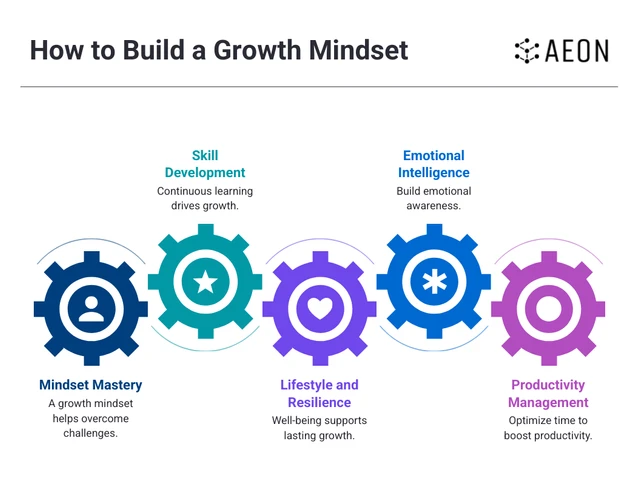
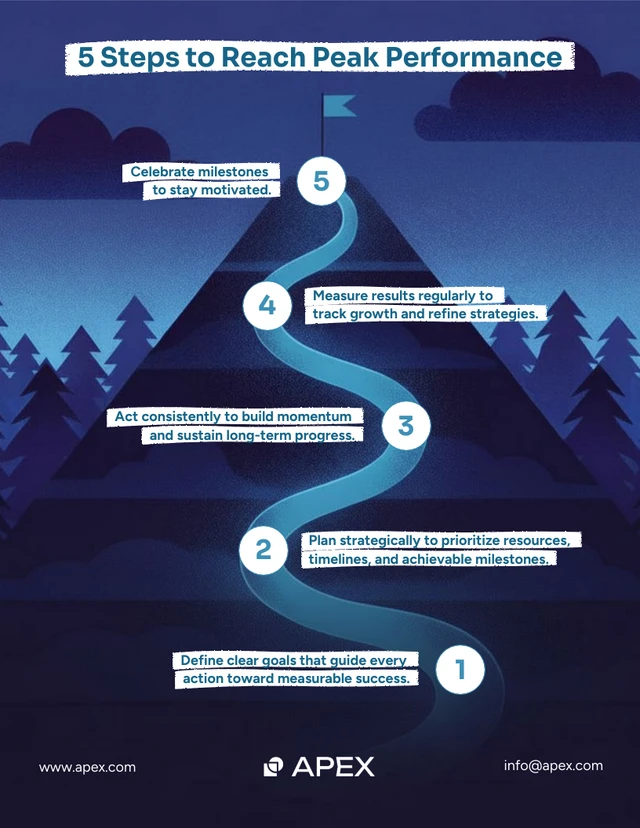
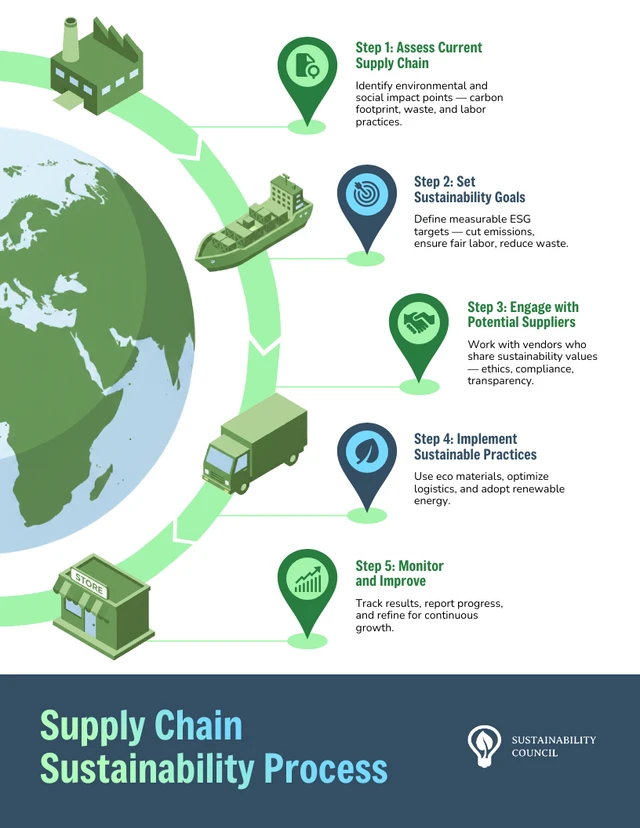
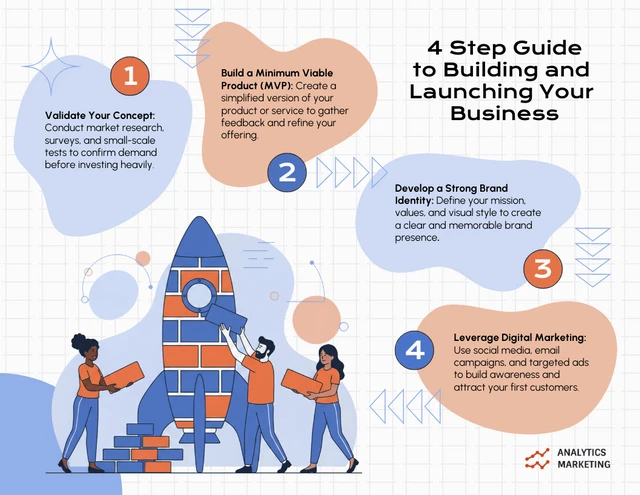
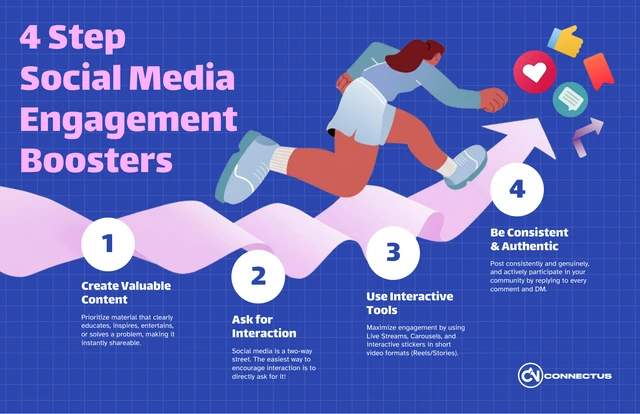
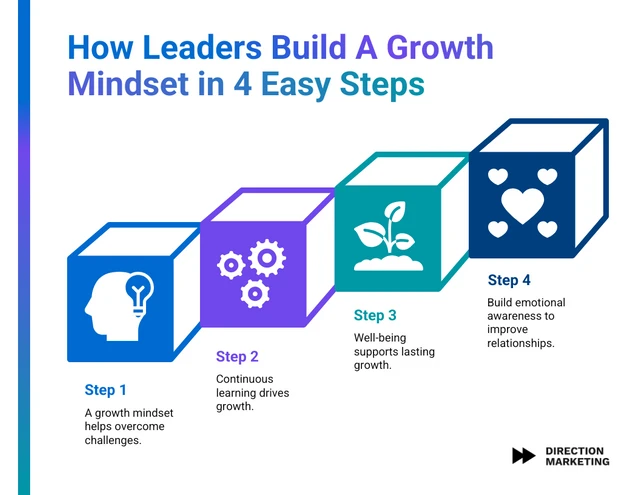
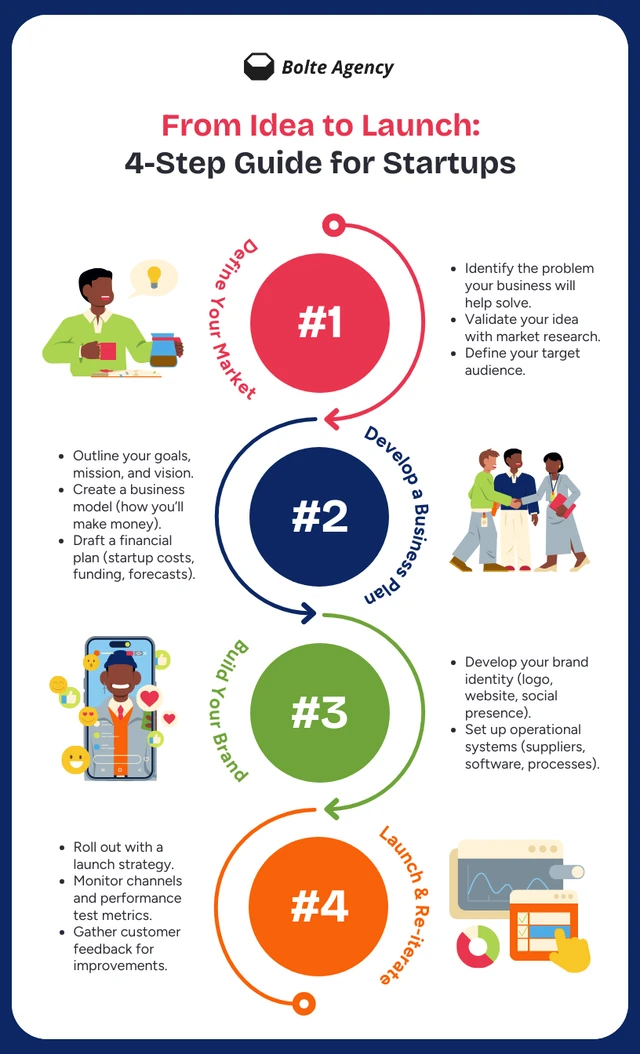
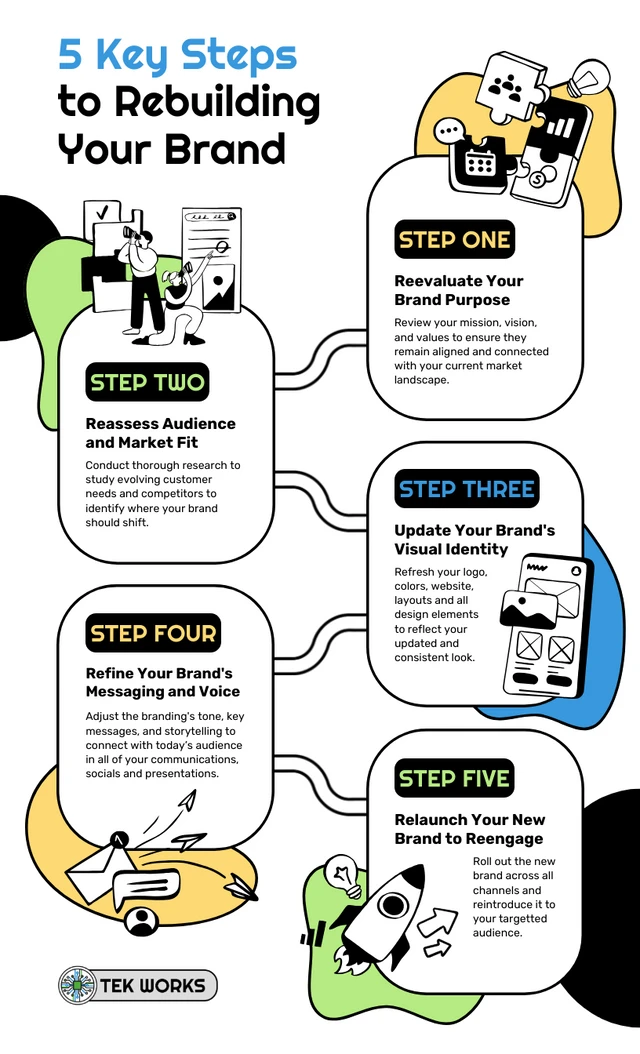
Explore popular designs



How To Write A Prompt That Generates The Instruction Sheet You Want?
Define the Task: Clearly specify the process or task you need instructions for to ensure the content is relevant and focused.
Break Down Key Steps: List the essential steps, tools, or details involved to ensure the instructions are accurate, comprehensive, and easy to follow.
Review for Clarity and Accuracy: After generating the instructions, review them to ensure they are reliable and clear to users. Adjust as needed to improve precision.

Sample Prompts You Can Modify and Use
“Generate setup instructions as a small business owner explaining how employees process online orders. Create a printable workflow instruction sheet designed for staff training.”
“Create instructions as a customer success manager explaining how support agents escalate customer complaints. Generate a process workflow instruction sheet designed for internal training and quality assurance.”
“Write detailed instructions as a nonprofit program coordinator explaining how volunteers register, complete orientation, and log volunteer hours. Generate a volunteer onboarding instruction sheet formatted as a printable guide.”
“Create a step-by-step guide as a teacher explaining how students submit assignments through Google Classroom. Generate a student-friendly instruction sheet formatted as a one-pager.”
How to Create Instruction Sheets Using AI
Step 1
Define Your Task in Venngage’s AI Instruction Sheet Generator
Describe the process, task, or workflow you need documented and include the target audience and goal.
Step 2
Specify Key Steps, Requirements, and Tone of Your Instruction
List the main steps, tools, safety notes, and choose a tone such as beginner-friendly, professional, or technical for your audience.
Step 3
Generate the Instruction Sheet
Click generate to create a structured instruction sheet layout with organized step-by-step content.
Step 4
Edit and Refine the Instruction Sheet Using Venngage’s Editor and AI Tools
Adjust text, visuals, fonts, and colors using the drag-and-drop editor, then use AI Designer, AI Image Generator, AI Icon Generator, AI Writing Assistant, and Text Translation to improve layout, visuals, and clarity.
Step 5
Export the Instruction Sheet
Download the instruction sheet as PDF one pager, PNG, PPT, HTML, or shareable design document.
Create Instruction Sheets For Employee Onboarding As An HR Manager
Training new hires gets overwhelming when onboarding steps are scattered. HR managers use Venngage’s AI Instruction Sheet Generator to create instruction sheet PDFs, onboarding one-pagers, and training guides that keep onboarding organized.
Enter onboarding steps to generate the instruction sheet, then share or download the PDF. Use it during onboarding sessions, training rollouts, or policy updates.
Generate Instructions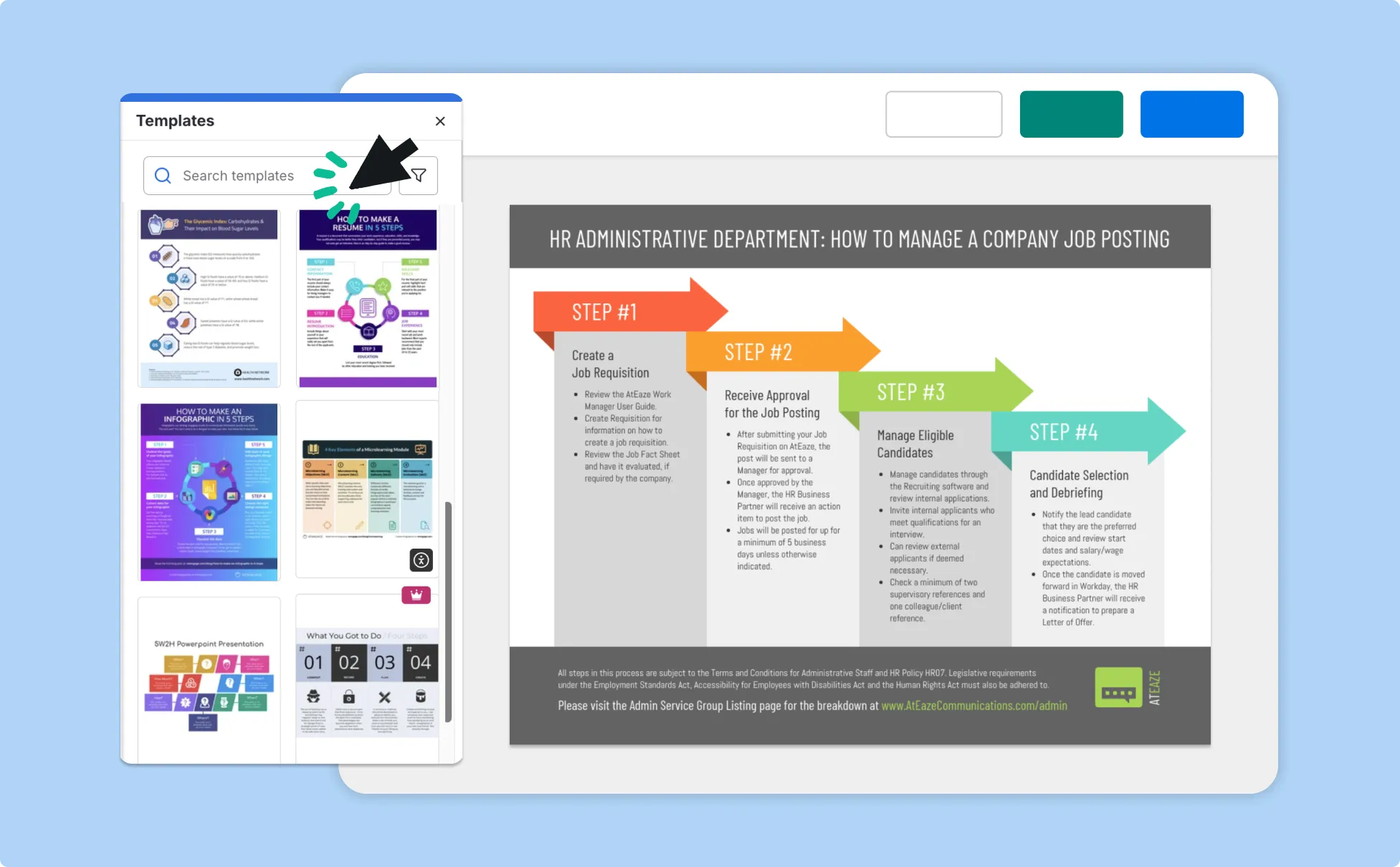
Build Process Instruction Sheets Faster As An Operations Manager
Keeping team workflows consistent gets difficult when processes are undocumented or constantly changing. Operations managers can rely on the Instruction Generator to create workflow instruction PDFs, SOP one-pagers, and process guides for teams.
Just enter a process outline, generate the instruction sheet, and share the document with your team during process launches or internal training.
Generate Instructions
Create Branded Campaign Instruction Sheets As A Marketing Manager
Employees spend nearly 20% of their workweek searching for internal information, which is why clear instruction sheets help teams stay aligned. Marketing managers can use Venngage’s AI Instruction Sheet Generator to create branded instruction sheet PDFs and campaign workflow one-pagers.
Add campaign steps to generate the instruction sheet design, then share it with your team for campaign launches and coordination.
Generate Instructions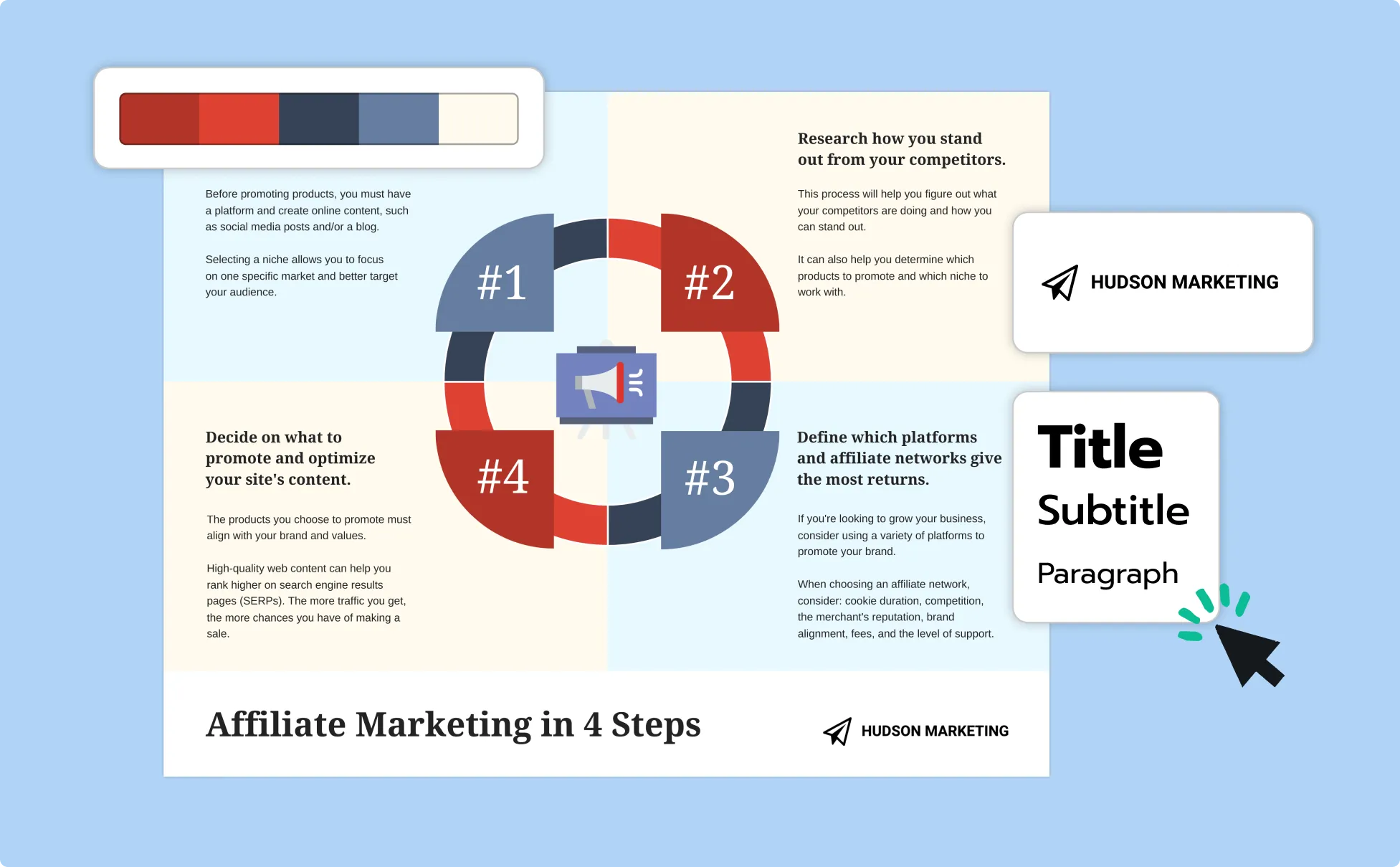
Fuel Your Creativity with AI-Powered Design Tools
Venngage is your one-stop shop for creating impactful presentations, infographics, reports, and more. It's a favorite among professionals, educators, and marketers for a reason:
AI Branding Automation
Instantly extract brand colors, fonts, and styles. Auto-apply your logo and visual identity to every design for seamless brand consistency.

DesignAI Generator
Turn simple prompts into stunning professional visuals in seconds. Describe what you need in plain language and watch our AI generate layouts optimized for maximum visual impact.

AI Content Auto-Fill
Kickstart your design process in seconds. Choose a template and let our AI auto-fill it with relevant, on-brand content, ideal for streamlining workflow and boosting productivity.

AI Generated Icons and Images
Create unique visuals that perfectly match your content and style. Generate custom illustrations, icons and images that align perfectly with your brand.

AI Writer and Translation
Enhance clarity, rewrite content, and instantly translate text to create accessible, global-ready visuals.

Smart Accessibility AI
Ensure every project looks great and works for everyone. Use AI to write alt text check contrast, layout, and font readability, and export fully WCAG-compliant visuals and PDFs.

FAQs
Absolutely. All AI-generated templates on Venngage's platform are fully customizable, allowing you to personalize colors, layouts, images, and more to match your unique vision.
Yes, Venngage offers a wide variety of instruction sheet designs to suit different needs and preferences. Whether you're looking for something sleek and modern, or more detailed and data-focused, you'll find numerous options to choose from in our extensive template library.
Yes, the AI-generated instruction sheets created using Venngage's tools are copyright-free. You can use them for both personal and commercial purposes without any restrictions on copyright. However, it's always good practice to ensure that any externally sourced content you include is also cleared for use.
On the free plan, you can generate a set number of instruction sheets, and that limit is shown clearly in the product before you start. This makes it easy to understand what you get for free, with no hidden restrictions or surprise paywalls.
Instruction sheets can be exported in standard formats such as PDF and PNG, which work well for sharing, printing and offline use. Additional export options and watermark-free downloads are available on paid plans, giving you more flexibility depending on how you plan to use your files.
Yes, instruction sheets can be shared outside Venngage through downloadable files, shareable public or private links, and embed options for internal tools or websites. This allows you to collaborate easily and use the instructions wherever they are needed, not just inside the editor.
The AI generates instructions based on the information provided in your prompt, so accuracy improves when the input is clear and specific. The output is designed to be practical and useful, but reviewing and editing the instructions is recommended to ensure precision and correctness.
To get the best results, your prompt should explain the task, the intended audience, any tools or materials involved, and how detailed the instructions need to be. Providing this context helps the AI generate instructions that are more complete and relevant.
The tool can assist with structuring and simplifying technical tasks, but it is not a replacement for professional or regulatory expertise. For safety-critical, regulated, or highly technical instructions, the output should always be reviewed and approved by a qualified expert before use.
Yes. An AI instructions generator can turn product details or workflows into structured, step-by-step guides. Venngage helps organize complex technical processes into clear, visual instructions that are easier to follow and share with users or teams.
Start by writing prompts using simple language and clear goals. After generating the guide, review and simplify technical terms, add visuals, and break steps into smaller actions. Using visual layouts and icons in Venngage can also make instructions more beginner-friendly.
Yes. Venngage allows you to customize layouts, colors, fonts, and logos using Brand Kit tools. This helps ensure your instruction manuals match your company’s branding and remain consistent across training materials and documentation.
Yes. AI-generated instructions can include icons, diagrams, and visual markers to make each step clearer. Venngage provides built-in icon libraries, diagram tools, and an AI icon generator that lets you create or customize icons to match your instructions and branding, helping make guides more visual and easier to follow.
Our AI instruction generator automatically creates structured guides from prompts in seconds, saving time during drafting. A traditional SOP maker usually requires manual writing and formatting and takes hours. Venngage combines AI automation with visual design features to help teams create clearer, more polished instructions.
Yes. Venngage supports exporting instructions as PDFs, PNG, PPT, HTML or shareable links. This allows you to distribute guides digitally, print them for training sessions, or embed them into documentation platforms.
TYou can fully edit AI-generated instructions inside the Venngage editor. You can rearrange steps, update text, add visuals, or remove sections. You can also use AI tools like the AI Designer to adjust layouts and the AI Icon Generator to customize visuals, making it easier to refine instructions based on real workflows or feedback.