

Training program design is easy to overcomplicate. Many teams know they need training, but they struggle to turn that need into a program that actually improves performance. This guide walks you through a practical process for designing employee training step by step, from identifying skill gaps and setting learning objectives to choosing delivery methods, building the program, and evaluating results. If you want a repeatable framework instead of vague advice, you’re in the right place.
What is training program design?
Training program design is the process of planning, structuring, delivering, and evaluating employee training so it helps to improve job performance. The work happens in the planning stage, where you decide what success looks like and how you will measure it.
This guide focuses on workplace training program design, not fitness or workout program design, since the two get mixed together in search results.
Training and development are related but not the same thing. Employee training builds job-specific skills tied to a current role, while employee development builds broader, transferable skills like leadership and communication that apply across roles. This guide focuses on the design process behind both, with most examples drawn from common training practices.
Why training program design matters
Good training design aligns learning with business goals. When a program starts with a clear performance problem and works backward to the right content and format, it tends to stick. When it starts with content and works forward, it often misses the mark.
Poor design often shows up as wasted training time, low adoption after launch, and budgets nobody can defend with a measurable result. As the US Office of Personnel Management notes in its training guidance, training is rarely the only fix for a performance problem. Some gaps need clearer expectations or better processes instead.
The workplace context has also shifted: teams are more distributed, skills change faster, and managers play a bigger role in reinforcing what employees learn. LinkedIn’s 2025 Workplace Learning Report found that only 36% of organizations have a mature career development program in place. At the same time, nearly half of training professionals say their executives are worried employees lack the skills to execute the business strategy. That gap is why training program design works best as a repeatable process rather than a one-time execution.
How to design a training program in 7 steps
The seven steps below cover the full lifecycle of a training program, from identifying the need through measuring whether it worked. Each step builds on the one before it.
1. Identify the training need
Start by figuring out whether you actually have a training problem. A training problem exists when employees lack the knowledge or skill to do something correctly. A non-training problem looks similar on the surface but has a different cause, such as unclear expectations, a broken process, missing tools, or low motivation. Training will not solve any of those, no matter how well it is designed.
Run a gap analysis to confirm which one you’re dealing with. Compare current performance against the performance you need, using sources like manager input, performance data, and direct conversations with the people doing the work. If the gap is clearly about missing skills or knowledge, you have a training need. If it isn’t, look at process, resourcing, or management fixes instead.

2. Define your audience and goals
Once you’ve confirmed a training need, get clear on who the training is actually for. A learner’s role and experience level determine how much background explanation the program needs to include. Their location and work setup, whether in-person, remote, or hybrid, shape which delivery methods are realistic. Constraints like shift schedules or language needs also determine how the program should be structured.

At the same time, define what success looks like from a business perspective. Are you trying to reduce errors, speed up onboarding, support a new system rollout, or close a known skills gap? Write this down before you choose any content or format, since it will shape every decision after this point.
3. Set clear learning objectives
Translate your business goal into specific learning objectives using the SMART framework: specific, measurable, achievable, relevant, and time-bound.
A vague objective like “understand customer service better” is hard to design around and impossible to evaluate later. A SMART version, like “respond to customer escalations within two minutes using the approved script by the end of week two,” gives you something concrete to build content around and something specific to measure during evaluation.
4. Choose the right training methods
With clear objectives in place, match them to a delivery method. Later in this guide, the “Common Training Methods to Consider” section breaks down when each method fits best. In short, the right method depends on your objective, your audience, the scale of the rollout, and the resources you have available. Most programs end up blending two or three methods rather than relying on just one.

5. Build the training structure and materials
Once you know the method, sequence the content with a clear order. Start with the foundational concepts learners need before anything else will make sense, then build toward application. Add practice opportunities and realistic scenarios throughout, since learners retain skills better when they apply them during the training, not only afterward.
Build job aids alongside the core training. A job aid is a short reference document, like a checklist or quick-reference card, that employees can refer to later when they’re applying what they learned on the job. Job aids are especially useful for steps that are easy to forget but rarely need to be memorized in full.

6. Deliver and implement the program
Delivery is where good design can still fall apart if the details aren’t handled. Communicate the training clearly: what it covers, why it matters, and what’s expected of participants. Get manager buy-in early, since employees are far more likely to apply training when their manager reinforces it afterward.
Schedule the program around realistic workloads rather than squeezing it into whatever time is left over. Build in accessibility from the start, including captions for video content, alt text for visuals, and materials that work with screen readers, so the training works for the whole audience, not just part of it.
If you’re delivering through an LMS or another workflow tool, confirm the technical setup works before launch day, not during it.
7. Evaluate results and improve the program
Evaluation should be planned from the start, not added afterward. The Kirkpatrick model offers a useful structure:
- Reaction (did learners find it useful)
- Learning (did they gain the intended knowledge or skill)
- Behavior (are they applying it on the job)
- Results (did it move the business metric you set out to affect).
The most common mistake at this stage is stopping at completion rates and satisfaction surveys. Those numbers tell you whether people sat through the training, not whether it changed anything. Track behavior change and business outcomes wherever you can, even if that means waiting a few weeks after the program ends to check in. Use a training checklist to document what changed and feed those findings into the next round of training design.


What makes a good training program
Strip away the details and a good training program comes down to five elements:
- Real needs analysis
- Clear objectives
- Content that’s relevant to the audience
- A delivery method that fits the situation
- A plan for evaluation and follow-up.
Programs that are missing any one of these tend to underperform, even if the content itself is well produced. The seven steps above walk through how to build each of these elements in practice.
Common training methods to conside
Once your objectives are set, the method should follow from what the learner needs to do, not from what’s easiest to produce. Here’s when each common method tends to work best.
- Instructor-led training is strongest when the content is complex, when learners benefit from asking questions in real time, or when the topic involves judgment calls that are hard to capture in static content.
- eLearning works well for standardized content that needs to reach a large or distributed audience consistently, especially when learners can move through it at their own pace.
- On-the-job training fits skills that are best learned in context, where a new hire or employee practices the actual task with support nearby.
- Coaching and mentoring are best when the skill is judgment-based and benefits from ongoing, one-on-one feedback rather than a single session.
- Blended learning combines formats, often pairing eLearning for foundational knowledge with instructor-led or on-the-job components for application.
- Microlearning suits narrow, frequently needed skills that can be covered in a few focused minutes, especially as a refresher rather than a first introduction to a topic.
In practice, most training programs end up combining two or more of these methods. The right mix depends on your objective, your audience, the scale of the rollout, and the resources you have to build and maintain the program.
How to build better training materials with visuals
Why visuals improve training communication
Visuals make training easier to follow. They improve clarity, help learners remember what they’ve learned, speed up comprehension, and give employees something to reference back to on the job. But visuals work best as a finishing touch, not a starting point. They build on a program that’s already well planned, using the steps covered earlier in this guide.
Where visuals help most in a training program
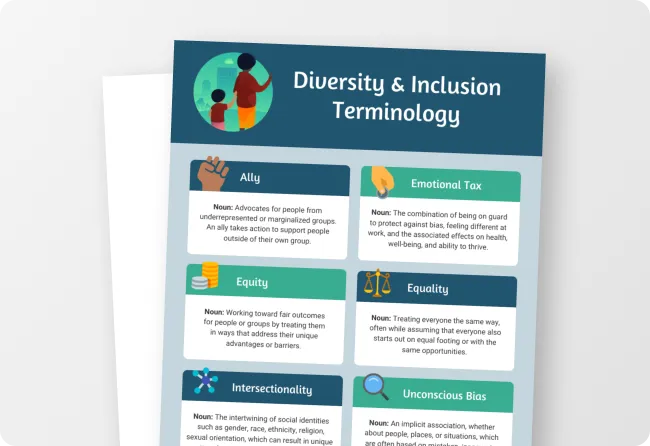
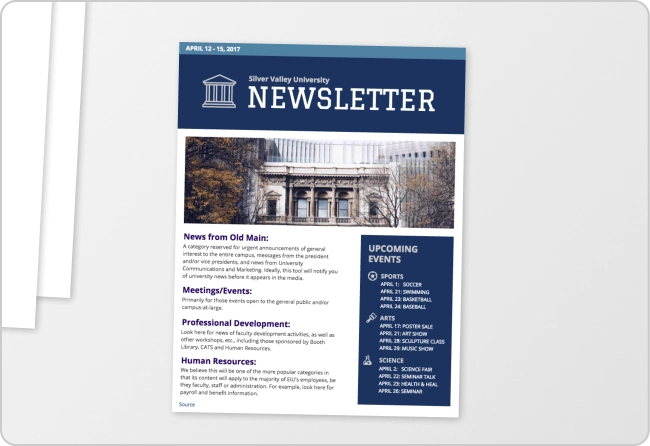
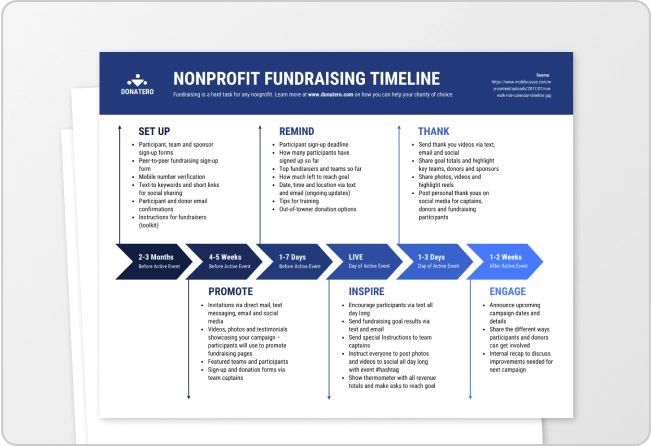
Some materials in almost every training program become significantly clearer when they’re visual rather than text-only, including strategy documents, training plans, employee handbooks, onboarding process documents, presentation decks, handouts and worksheets, learning certificates, job aids, and organizational charts.
How to choose visuals for training materials
Before building a visual, run through a short checklist: Is the concept complex enough that a diagram would make it easier to follow? Does the learner need to remember a specific sequence of steps? Will they need to reference this material later, on the job, rather than just once during the training itself?
If the answer to any of those is yes, a visual is probably worth the time. If the content is simple and won’t be referenced again, plain text may be enough.

Examples of visual training materials you can create
Once your training program is designed, the materials below are practical assets you can build to support delivery, communication, and follow-up.
1. Reports for executives and your learning and development team
Focus on key data points and takeaways: employee survey results, needs analysis findings, costs and benefits of current programs, or training outcomes. Tie your recommendations to what your audience actually cares about, and keep the format easy to forward to other stakeholders. This works best when you need to summarize program performance for people who weren’t involved in the day-to-day design work.

2. Individualized learning roadmaps to motivate employees
Map out learning paths or individual goals in a way that shows both progress made and what’s still ahead. Reference any badges or certifications with simple visual icons. Best used for ongoing development plans rather than one-time training events.

Related: Individual Development Plans: 14 IDP Templates & Examples that Motivate
3. Infographics for job aids
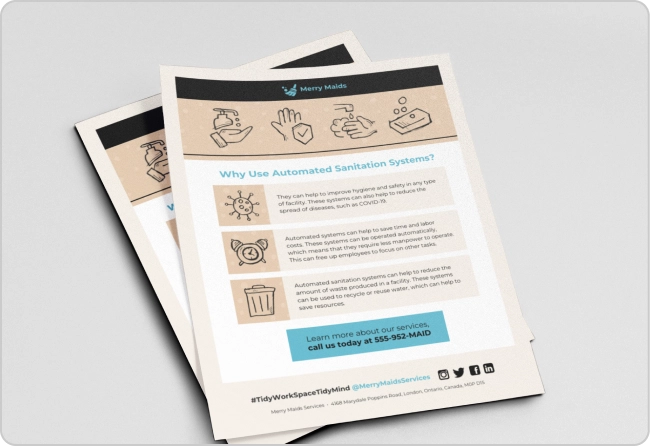
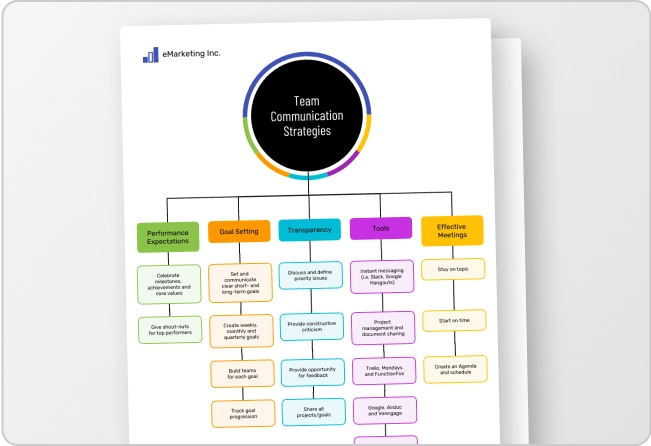
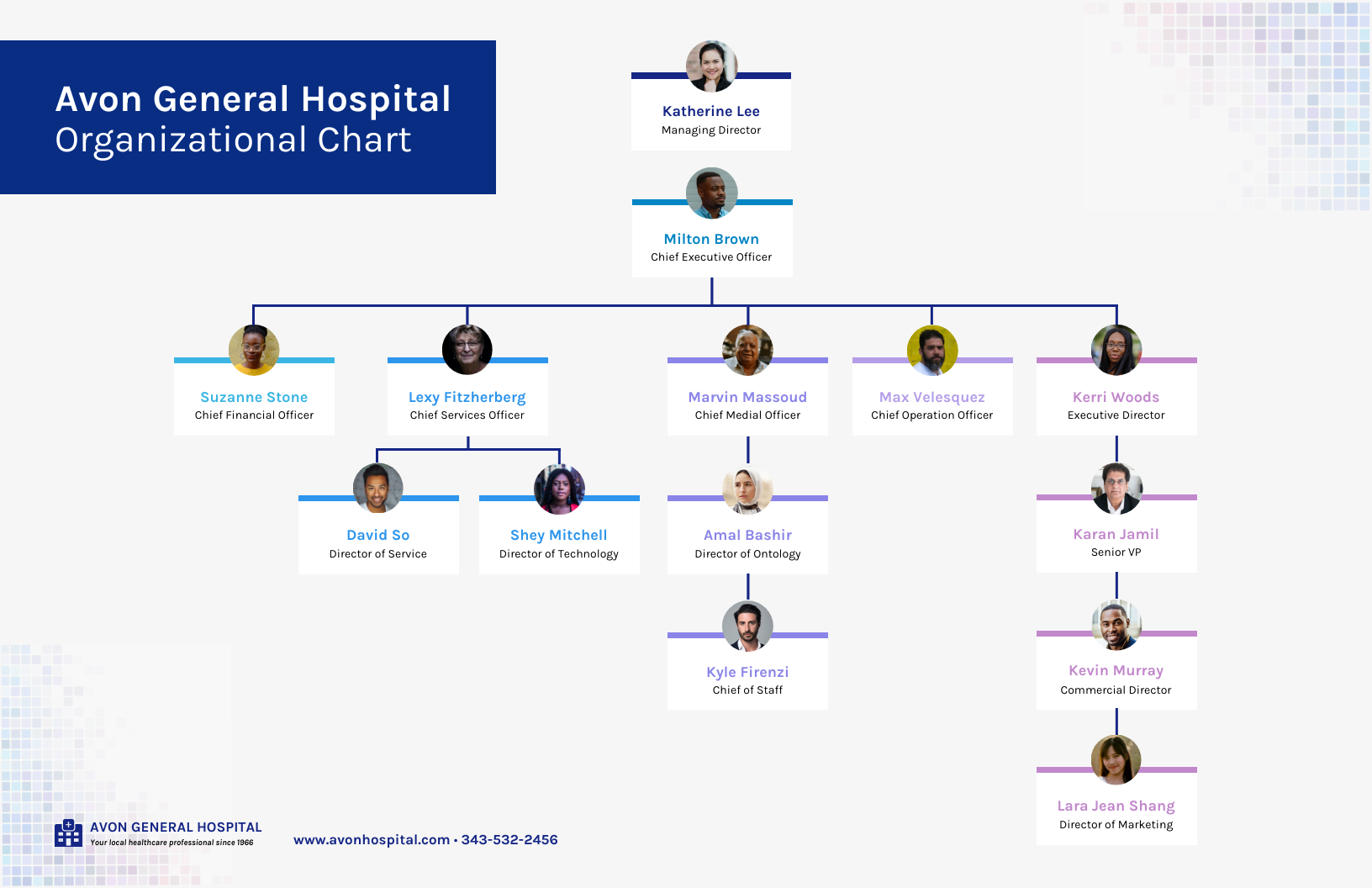
If the content needs frequent updates, such as an organizational chart, keep it digital so it’s easy to revise and share. If it supports a specific task employees perform in one location, like a manual procedure, formatting it for print near that workstation often works better. This format works best for content employees need to reference repeatedly on the job, like process steps or escalation paths.
Related: How to Easily Create Job Aids That Improve Employee Performance
4. Reports on performance outcomes for managers
Combined, team-level performance data can help make the case to managers that they should invest in or encourage participation in a program. Use visual ranking or color emphasis to highlight the biggest opportunities. This works best when you’re trying to get managers on board with a program that’s already running.

5. Infographics that explain return on investment for leadership
When presenting to leadership, less is usually more. Try to make your point with one or two charts, using a simple color palette, clear data labels, and a title that states the insight directly. Best used for budget conversations, where leaders need to retain one clear takeaway.

Related: 7 Ways to Use eLearning Infographics (Tips + Templates)
6. Training materials like presentation decks, handouts, and manuals
This is where the program reaches learners directly, so it’s worth investing in clear visuals here. Outline the content with a clear beginning, middle, and end. Aim for around 10 slides over roughly 20 minutes, which forces clarity about what matters most. Keep slide text light, no more than about five lines per slide, and let visuals like diagrams, timelines, and photos carry the message. This format is best used for the core delivery materials in steps 5 and 6 of the framework above.

Related: Storyline: A Starter Guide to Creating Engaging Visual Training Courses
7. Graphics for microlearning
For microlearning to work, content needs to be easy to access and focused on one or two objectives at most. Decide on the handful of takeaways you want to land in a 3 to 10-minute session and skip background information that isn’t essential. Use photos, diagrams, and illustrations that convey the subject matter clearly, and design with mobile in mind. Best used as refreshers for skills employees have already learned once.
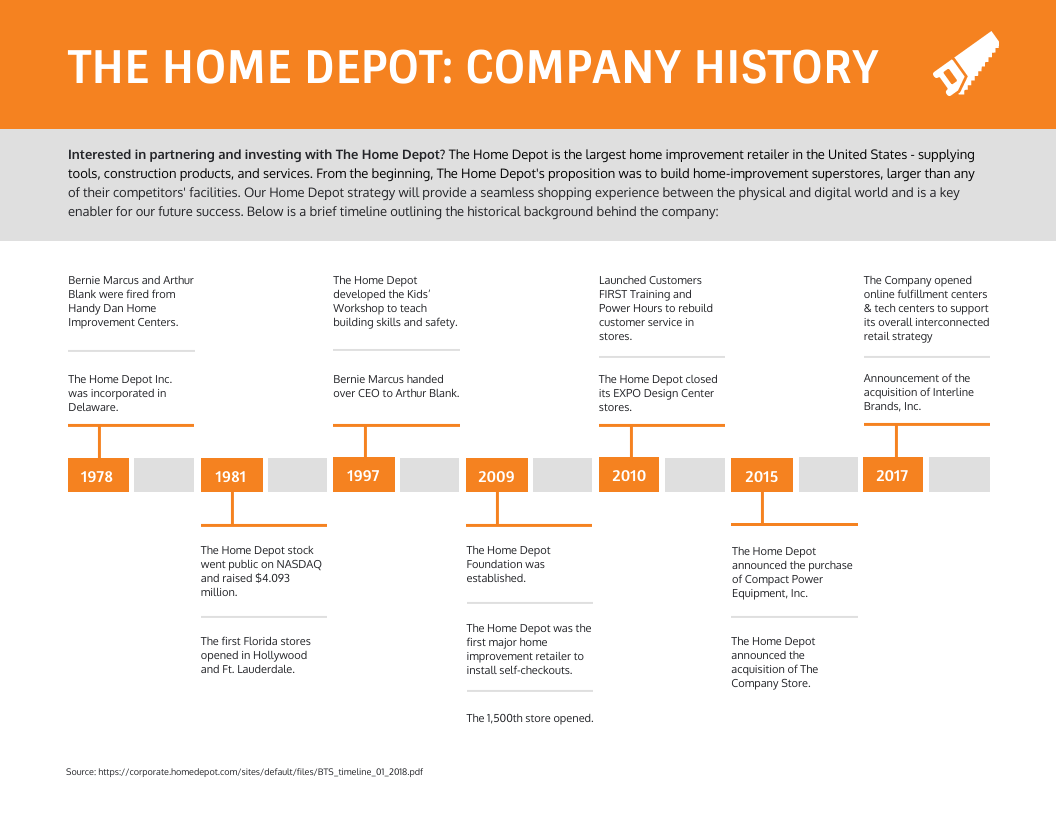
Here are a couple one pager examples:

What is the ADDIE model in training?
ADDIE is one of the most widely used instructional design models, and it maps closely onto the 7-step process covered above. It stands for Analysis, Design, Development, Implementation, and Evaluation.
- Analysis: Identify the training need and understand the audience.
- Design: Set learning objectives and decide on the overall approach.
- Development: Build the actual training content and materials.
- Implementation: Deliver the training to learners.
- Evaluation: Measure whether the training worked and use those findings to improve it.
You don’t need to choose between ADDIE and the 7-step process in this guide. They describe the same underlying work from slightly different angles, and many L&D teams use the language interchangeably depending on their organization’s background.
FAQ about training program design
What is the first step in designing a training program?
The first step is identifying the training need through a gap analysis. This means comparing current performance against the performance you actually need and confirming that the gap is caused by missing skills or knowledge rather than a process, resourcing, or motivation issue that training alone won’t fix.
How do you structure a training program?
A well-structured training program moves through seven stages: identifying the training need, defining the audience and goals, setting learning objectives, choosing the right delivery methods, building the training structure and materials, delivering the program, and evaluating the results. Each stage feeds into the next, so skipping ahead to content or delivery before the earlier stages are clear tends to produce a weaker program.
What are the three common phases of training program design?
Most training program design work falls into three broader phases: planning, where you identify the need, audience, and objectives; building, where you choose methods and create the structure and materials; and execution, where you deliver the program and evaluate the results. The seven-step framework above breaks these three phases into more specific, actionable stages.
What are the 4 types of training programs?
Most organizations rely on four broad types of training: onboarding or orientation training for new hires, skills-based training for job-specific abilities, compliance training for legal or policy requirements, and leadership or development training for broader career growth. A single training strategy often includes more than one of these types running at the same time.
What is training design in L&D?
In learning and development, training design refers to the process of planning, structuring, delivering, and evaluating a training program so it produces a measurable improvement in job performance. It covers everything from the initial needs analysis through the final evaluation, not just the content creation step in the middle.
What is the difference between L&D and T&D?
Learning and development, or L&D, is the broader organizational function responsible for employee growth, including training, career development, and skills strategy. Training and development, or T&D, often refers to the specific programs themselves. In practice, many organizations use the two terms interchangeably, so it’s worth confirming how a particular company defines each term.
Final thoughts
Most training programs fail for the same reason: the team started building materials before confirming the actual performance problem the program needed to solve. The content might be refined, but it was never aimed at a clear target.
A stronger approach starts with the need, defines what success looks like for the specific audience, picks a delivery method that fits the constraints, and builds in a way to measure whether anything actually changed. Getting this right comes down to making better decisions earlier in the process, not piling on more content.
Visuals help communicate and reinforce a training program once it’s designed well, but they work best in support of a program that already has a clear need, clear objectives, and a plan for evaluation behind it. If you’re ready to put this into practice, Venngage’s training plan and training material templates can help you map your plan, build job aids, and present training outcomes to stakeholders.