Free Online Infographic Maker
Create stunning infographics to visualize business processes, present data, and build marketing reports—all without any design experience.
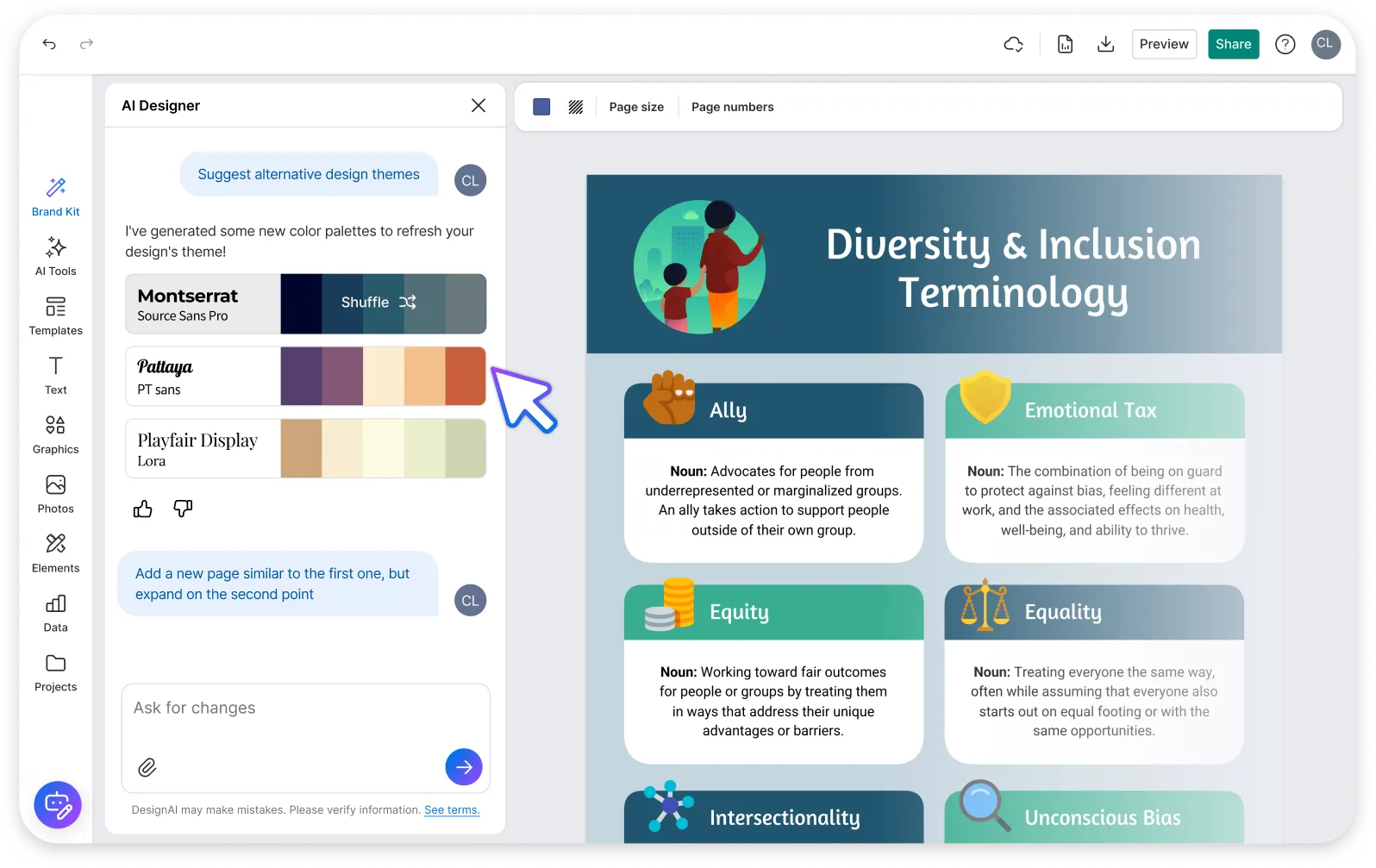




Not a designer? No problem. Our easy-to-edit infographic templates and Infographic Maker are built for people with no design experience, so a polished infographic is only a few clicks away. Join over 40,000 businesses already using the Venngage Infographic Maker.
Trusted by


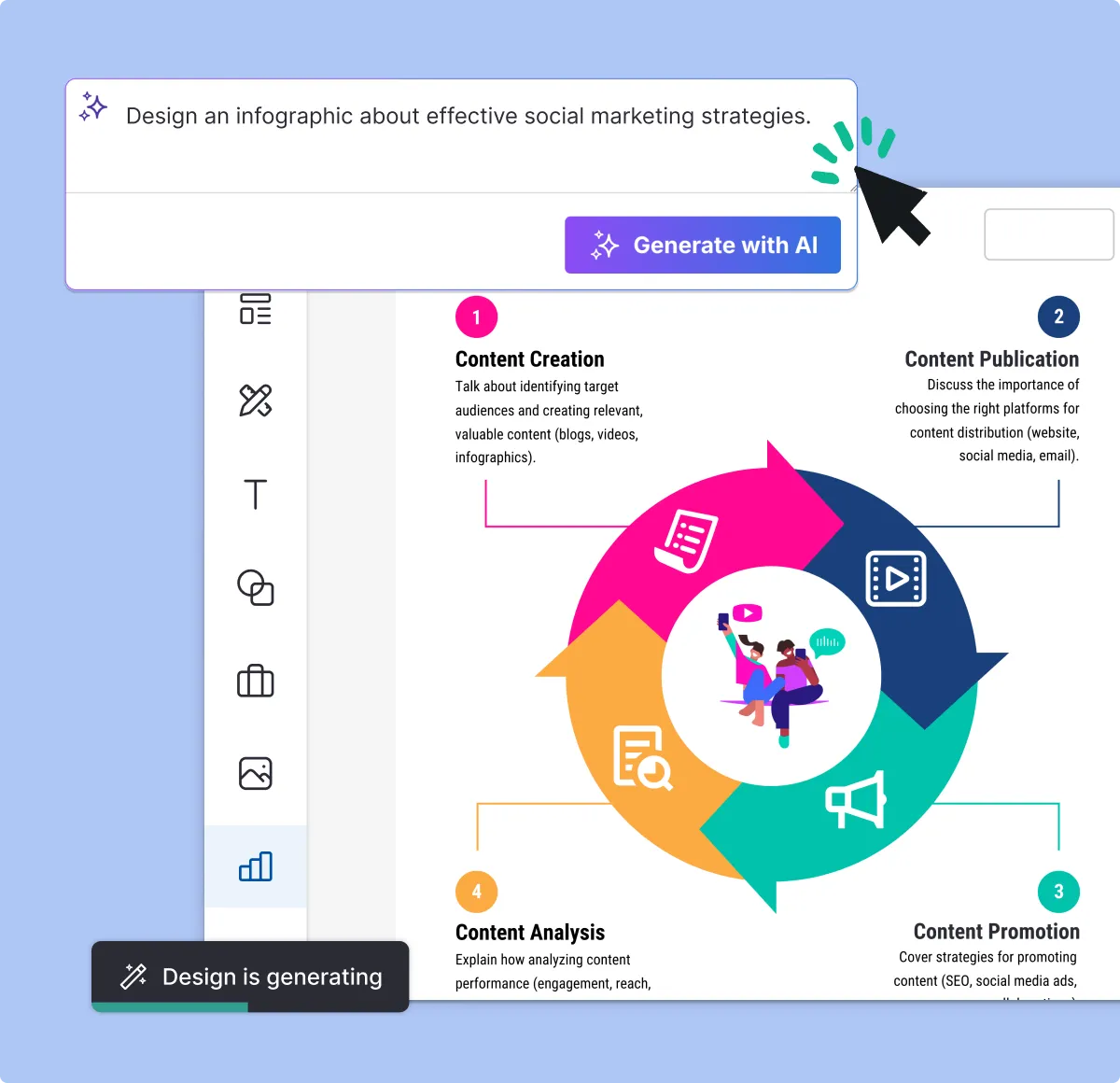
Create an infographic with AI
Try an example
Create an infographic about effective social media marketing strategies

Create an infographic showing the benefits of remote work
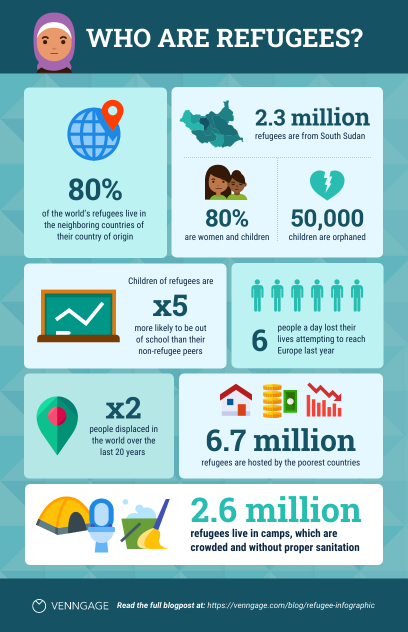
Create a statistical infographic about global climate change
Create an infographic comparing healthy vs unhealthy diet habits

Designing infographics blends data with creative design


Create professional infographics with Venngage's free infographic maker and extensive selection of creative templates.

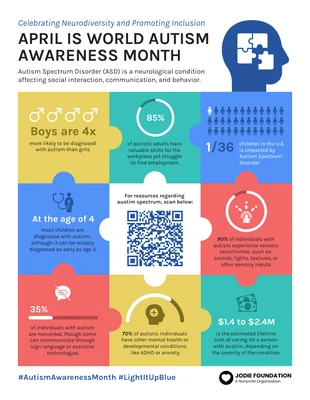
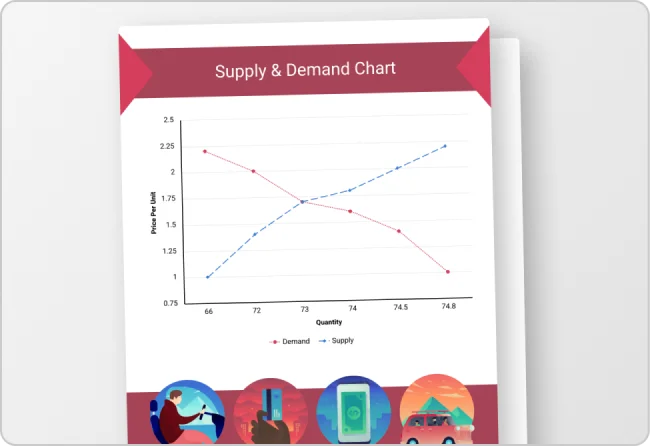
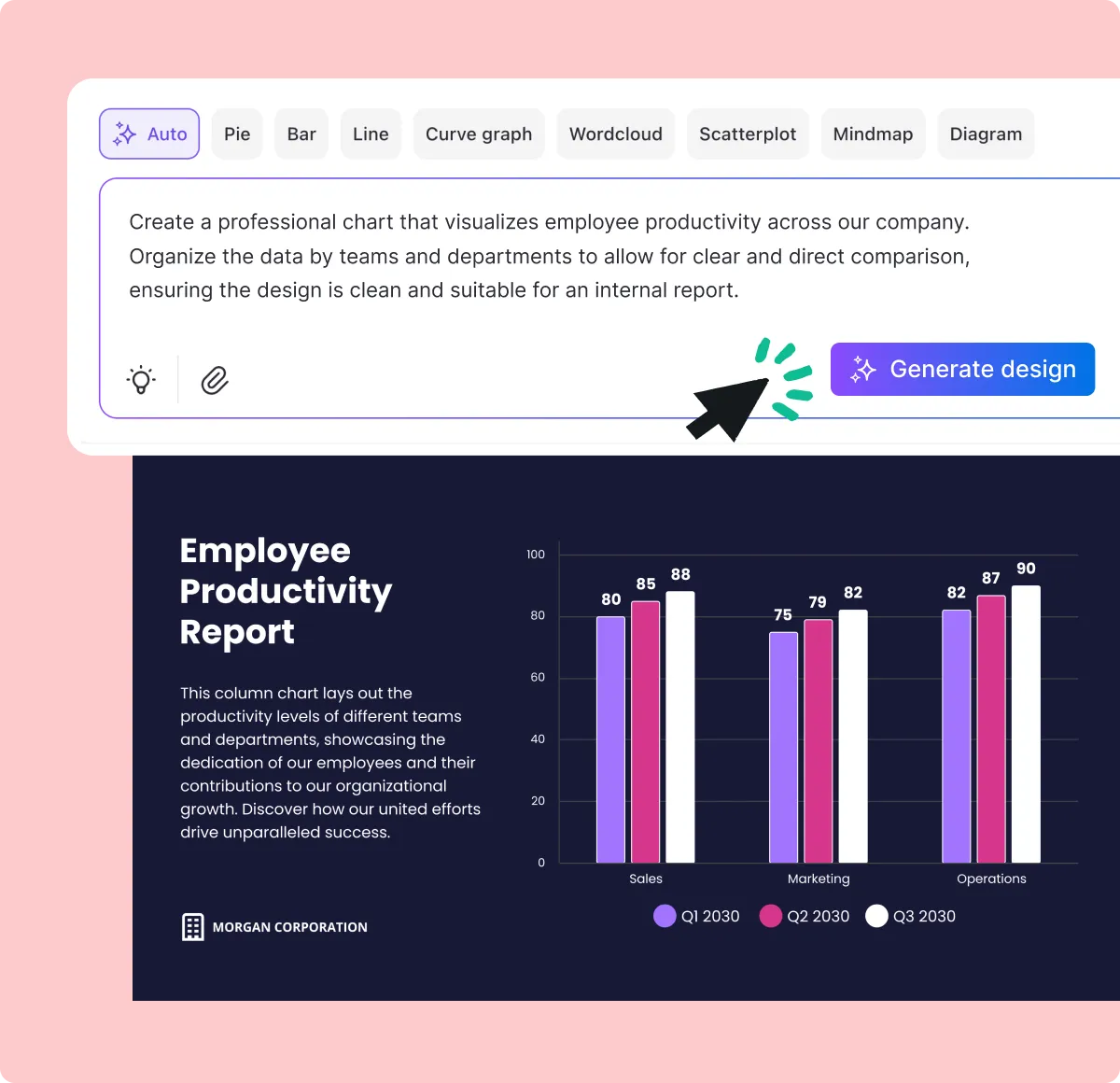
Turn survey data into an informative infographic or break down reports into a statistical infographic for anyone to understand.

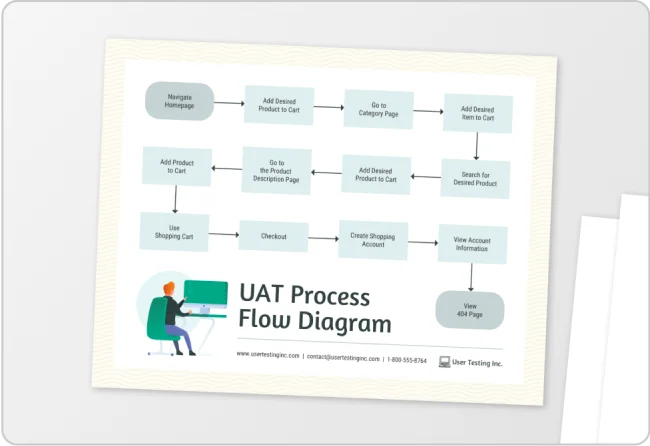
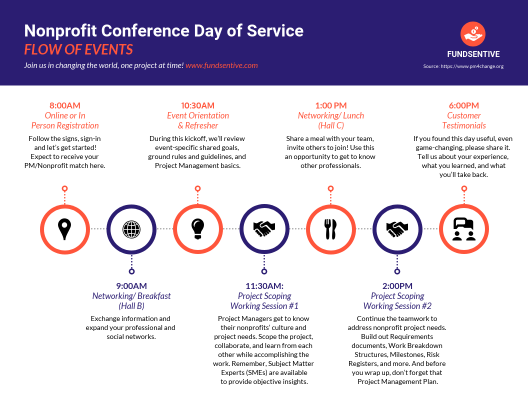
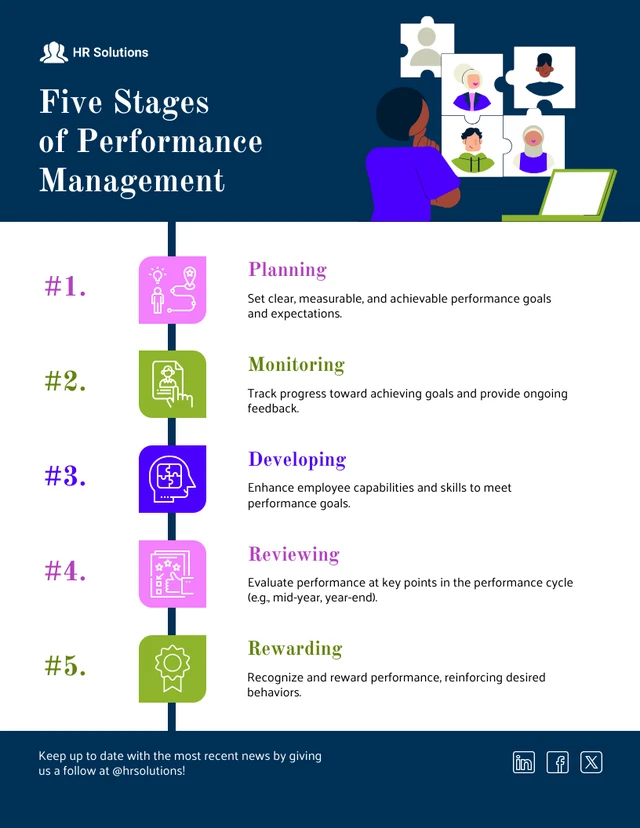
Outline your innovative customer onboarding process with a process infographic. Or simply rank your favorite content marketing tactics with a list infographic.

Whatever your industry or subject, Venngage's free AI Infographic Generator makes it simple to create an engaging custom infographic.
How to make an infographic in 5 steps:
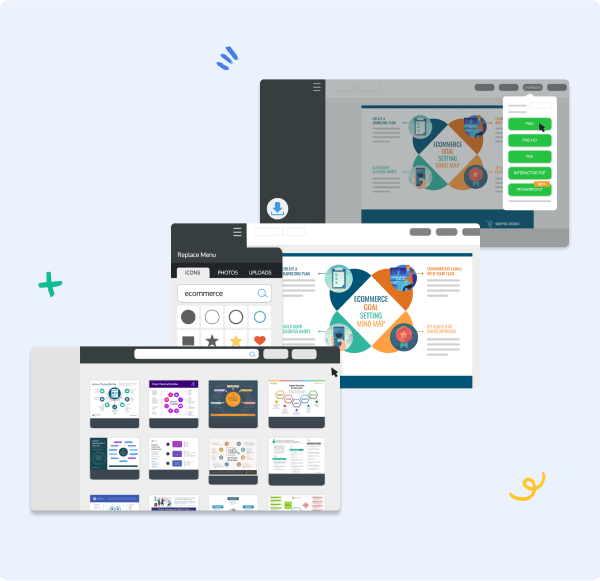

Skip the groundwork and opt for our ready-made templates


Customizable infographics
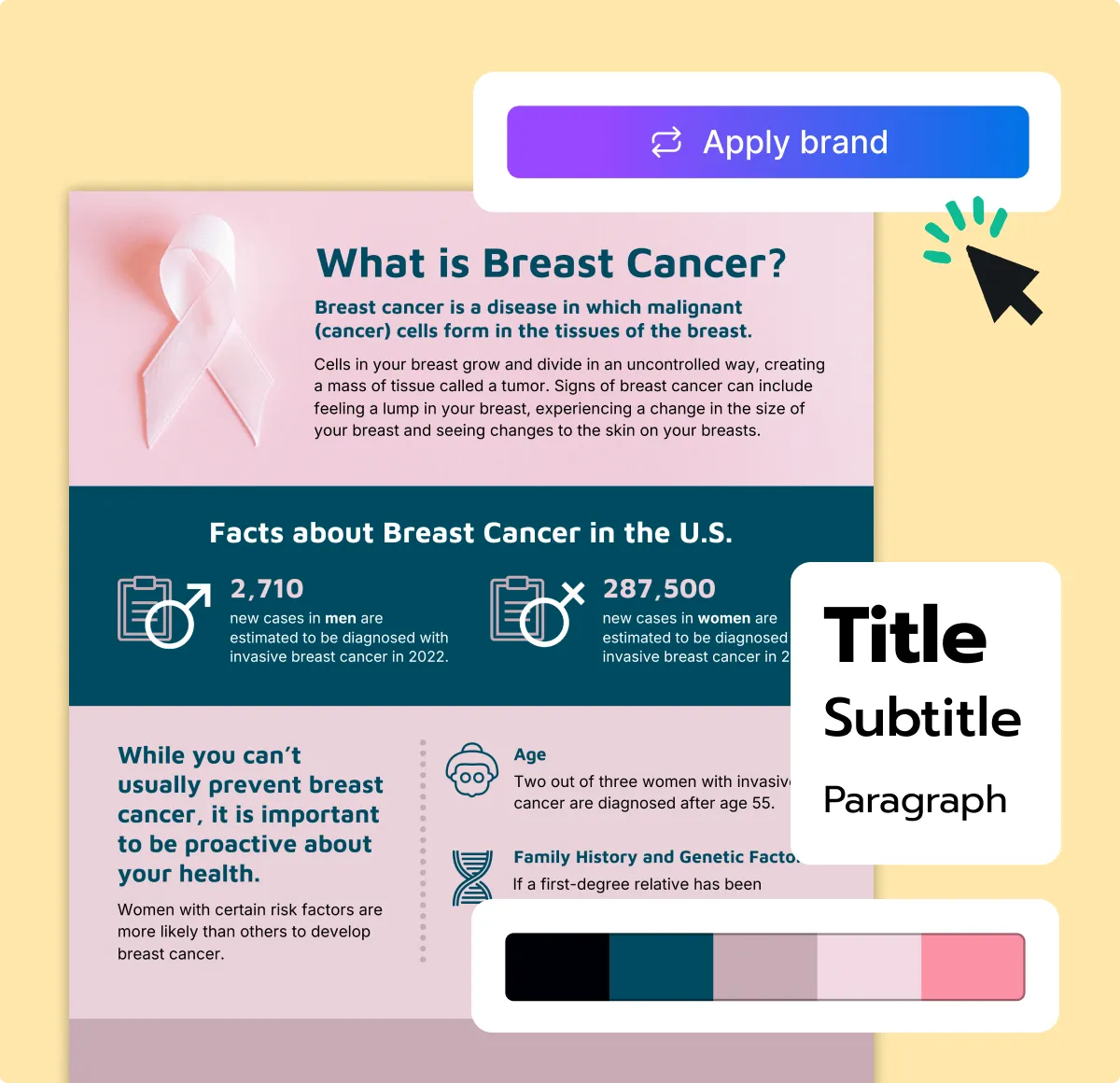
Our infographic templates are designed so that anyone can quickly and easily customize them for eye-catching designs.

User-friendly editor
The simple drag-and-drop Venngage editor is easy to use. You can replace text, images, and icons, and add data to your infographic with a single click.

Export to PNG, PDF, or PowerPoint
Easily share your infographics as images by downloading them as PNG or PDF. Add your infographics to documents or use them in PowerPoint slides.

DesignAI
Add infographics into presentations with ease. DesignAI, the built-in layout tool from Venngage, handles infographic design for you—saving you hours.

24-hour priority support
Got a question? We're here to help. Our support team is available 24 hours a day, so your team is never left waiting for an answer.

Royalty-free stock photography
Integrations with Pixabay and Pexels improve your infographics. Access stunning, professional photography with just one click.

What Our Customers Say
After discovering Venngage, I realized sharing the wealth of information ChadSan had would be best through infographics. And from that point on I've stuck to only using Venngage.
FAQ
How do I download a Venngage infographic template?
You can download your infographic template from the Infographic Maker as a PNG, PDF, or Interactive PDF in just a few clicks.
How much does Venngage cost?
Anyone can start creating an infographic for free and share it with the world. Our paid plans add professional features on top of the free plan: Premium costs US$19 per month, and Business costs US$49 per month.
What is the best free infographic maker?
Venngage is a free infographic maker built for you, especially if you don't have a design background. It offers a drag-and-drop editor, smart templates, and built-in branding tools to make infographic creation simple and fast. Tools like Canva, Adobe Express, and Piktochart cover similar ground. Venngage focuses specifically on business and data storytelling, with a large template library, AI-powered features and built-in branding tools.
What makes a good infographic?
A good infographic combines clear structure with eye-catching design. Use strong contrast to guide attention, pick legible fonts, and incorporate icons to support your message. Make sure your layout follows a logical flow—left to right or top to bottom—and avoids clutter.
Can I create an infographic with AI?
Yes. With Venngage's AI Infographic Generator, you enter a topic or some text, and the tool automatically generates a layout and content structure for your infographic. It's a great time-saver, especially if you have little design experience or want to get your visual content started quickly.
What is the best size for an infographic?
The best size for an infographic depends on where you plan to share it. For web use, a common standard is 800x2000 pixels. For social media, recommended dimensions are 1080x1350 pixels for Instagram, 1200x628 pixels for Facebook, and 1200x1200 pixels for LinkedIn. Venngage offers templates optimized for each platform and lets you export your infographic in PNG, PDF, or PowerPoint formats based on your needs.
What are the different types of infographics?
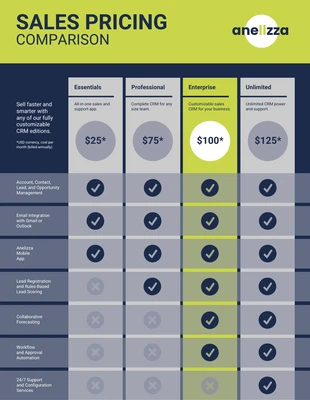
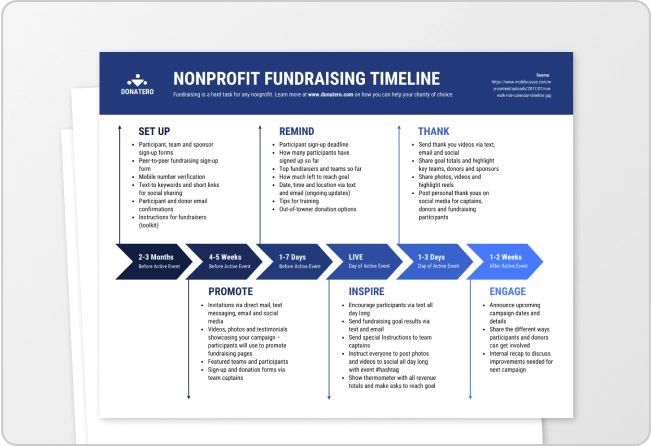
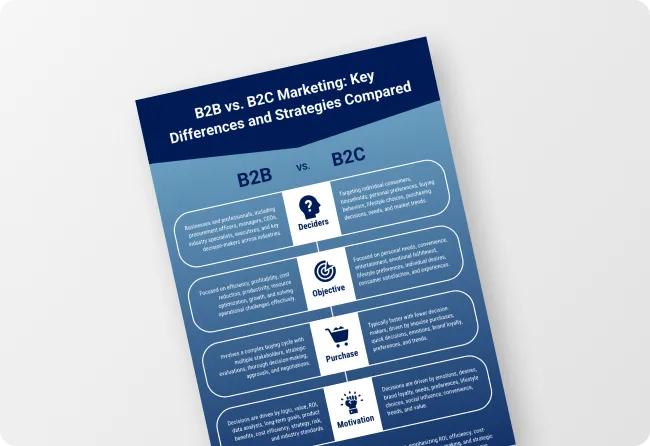
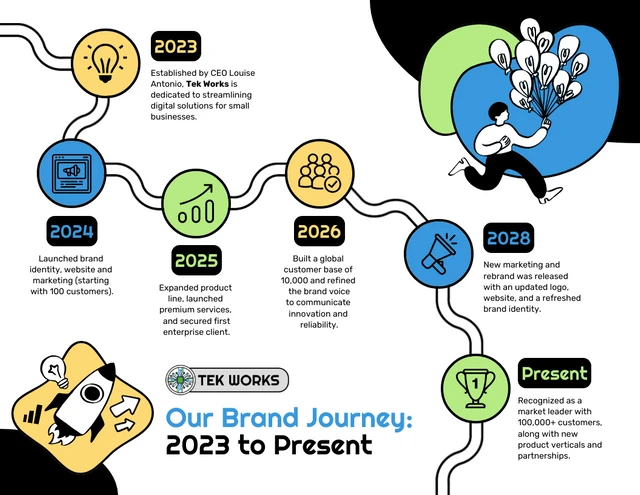
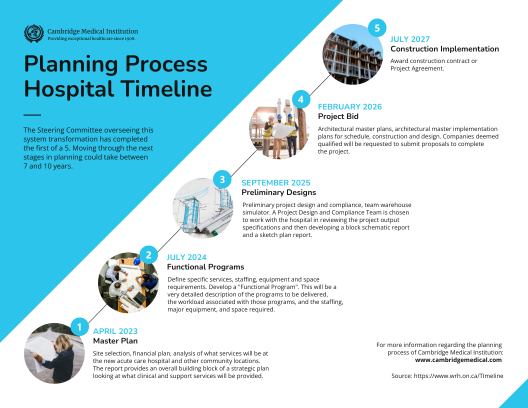
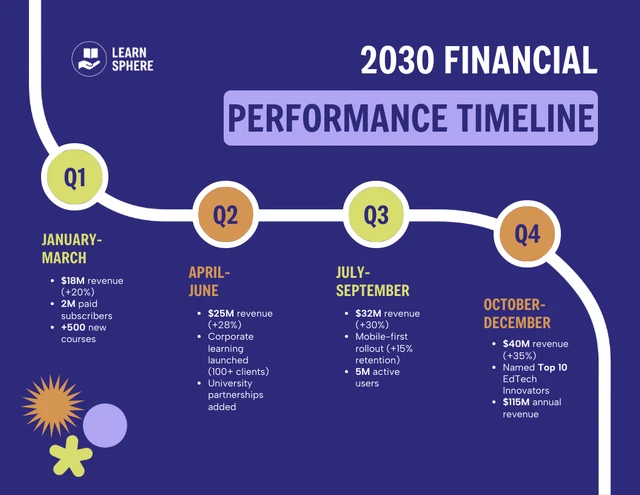
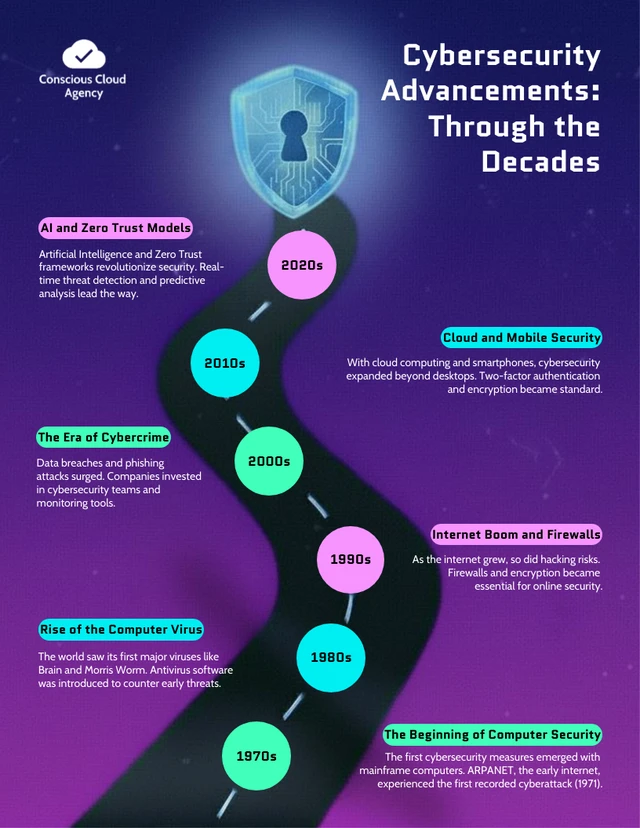
Infographics come in various formats depending on the message that you want to convey. Common types include statistical, comparison, timeline, list, process, and informational infographics. Statistical infographics visualize data, and comparison infographics set two options side by side. Timeline infographics show events over time, and list infographics highlight key points. Process infographics explain step-by-step workflows, and informational infographics summarize knowledge. Venngage offers templates for each of these styles, making it easy to choose the right format for your content.
Can an infographic be multiple pages?
While infographics are traditionally single-page visuals, multi-page formats are often used for reports, slide decks, and presentations. Venngage allows you to create and export multi-page designs or link together multiple infographic slides, making it easy to expand your content without losing clarity.
What are some tips for using an infographic maker effectively?
Start with a template that matches your data type, whether that's a comparison, timeline, or process, instead of picking one that just looks good. Limit yourself to two or three colors and two fonts so the layout does the work. Cut text until only the key numbers remain, and replace what's left with icons where you can. Leave white space between sections so each point lands on its own.

Start your design with a standout infographic template from our collection. Pick a category to find one built for your topic, then customize it in the editor.
Make An Infographic