





Someone asks you to send a document on company letterhead. You know it needs to look official. But how do you make a letterhead, without it looking like a Word template from 2009?
A letterhead is the branded heading at the top of a business, school or personal document. It includes your logo, name and contact details: the visual proof that a document is coming from a real, credible source.
In this guide, you’ll learn what a letterhead includes, what “on letterhead” means, see real examples, get format tips and find out how to make one in Word, Google Docs or a free template tool.
What does letterhead mean?
A letterhead is a branded document template that features your company’s name, logo and contact details. It ensures professionalism and brand consistency in official communications.
Letterhead is also part of your broader business stationery: the set of branded materials that covers envelopes, notepads and compliment slips. Some designs go beyond just the header too. You’ll often see a footer, a side column, a border, a watermark or a background pattern depending on how detailed the brand identity is.
And it’s not just for print. Physical letterheads are pre-printed on paper for formal post. Digital letterheads are Word files, Google Docs or PDFs you fill in and send electronically. Both help documents look professional and consistent.
Businesses use letterhead for contracts, invoices, proposals, announcements and job offer letters.
What is an example of a letterhead?
A law firm sending a contract with a well-designed letterhead, for instance, signals authority before the client reads a word: it supports perceived credibility in formal business communication in a way plain paper simply doesn’t.
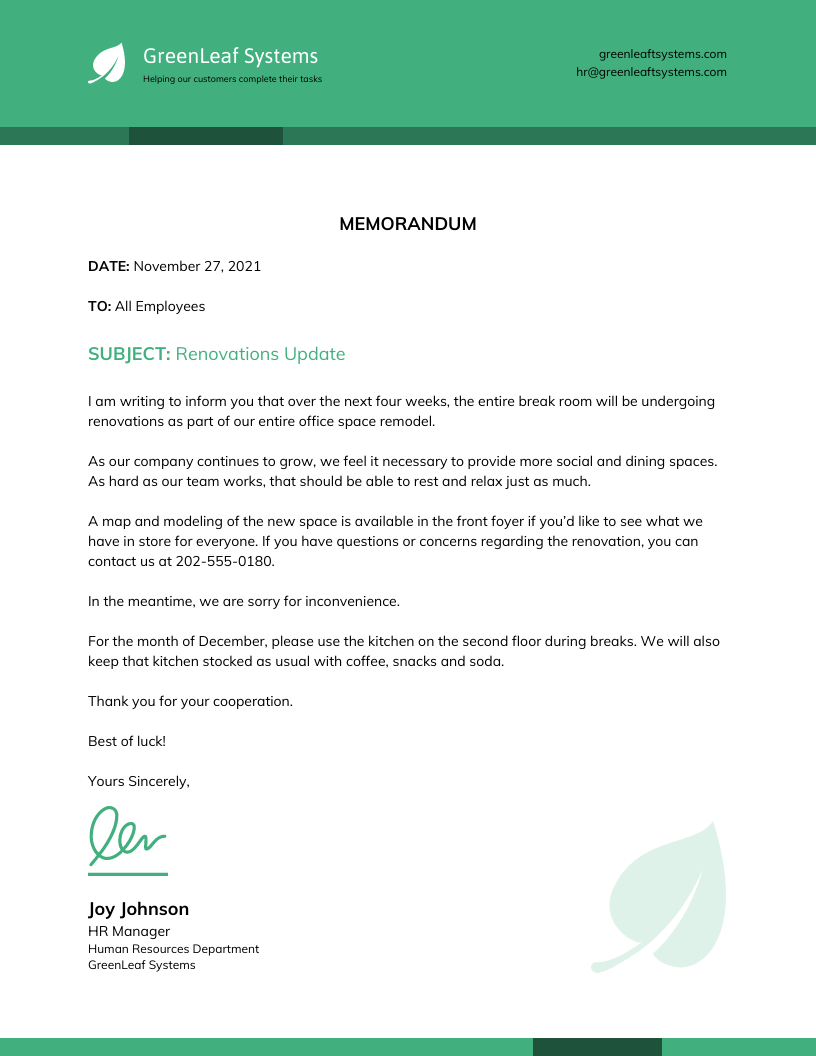
Want your job application to look polished from top to bottom? Here are some cover letter templates you can customize to match your resume design and create a cohesive, professional look.
Basic business letterhead example
Take this one:
BrightPath Consulting
Strategy & Operations Consulting
123 Market Street, Austin, TX 78701
hello@brightpath.com | 555-123-4567 | brightpath.com
In a real design, the logo usually sits beside or above the company name. Contact details can live in the header like this, or move to the footer if you want to keep the top clean. Everything below that branded block is where the letter body begins.
The reader already knows who sent it, how to reach them and that this is an official document: all before reading a single line of the actual letter.
Common letterhead styles
There’s no single right way to design a letterhead. The style usually reflects the industry, the audience and how the brand wants to come across.
- Classic corporate letterhead is what most people picture. Logo on the top left corner, contact details lined up neatly, a conservative font, maybe a colored bar or rule. It works for law firms, financial services and any context where formal means trustworthy.
- Minimalist letterhead strips it back with simple name, logo, one line of contact info. It has lots of white space. This one is popular with consultants, designers and modern startups who want to look polished without looking stiff.
- Creative letterhead breaks the standard layout. It uses bold colors, a side column, a background pattern or a full-width header graphic. Creative letterheads works well for agencies, studios and brands where the design itself is part of the message.
- School or nonprofit letterhead typically leads with the institution name and crest or logo, often includes a tagline or mission statement and keeps the tone approachable.
When and why should you use a letterhead?
A letterhead does a few things at once. It makes your document look professional, identifies who it’s from and puts your contact details somewhere easy to find. Over time, it also builds brand recognition: recipients start associating the visual with your organization before they read a word.
Beyond appearances, a letterhead helps a document feel official. That matters more than people realize, especially when someone on the other end needs to trust what they’re holding.
Use a letterhead for:
- Formal business letters
- Proposals and quotes
- Contracts and agreements
- Invoices and purchase orders
- Job offer letters
- Employment verification letters
- Recommendation letters
- Legal notices
- School, nonprofit or government correspondence
Avoid it for:
- Personal complaints
- Casual internal notes
- Drafts not meant to be treated as official
- Any document you are not authorized to send on behalf of the organization
What information goes on a letterhead?
Before you start designing, it helps to know what belongs on a letterhead and what doesn’t. Here’s a simple breakdown.
Essential letterhead elements
These are the details that appear on almost every professional letterhead:
- Business name: The first thing a reader should see. It tells them immediately who the document is from.
- Logo: Your visual anchor. It makes the letterhead recognizable and gives it an official feel.
- Address: A physical office or mailing address adds credibility and gives recipients a place to direct formal correspondence.
- Phone number: A direct line makes it easy for recipients to follow up.
- Email address: Standard for modern correspondence. Use a professional domain, not a personal account.
- Website: Gives recipients somewhere to learn more about your business.
- Compliance details: Depending on your business type, location or the document being sent, you may need to include: Company registration number, Tax or VAT number, Professional license number, Department or individual contact name
Optional letterhead elements
Not every letterhead needs all of these. Add what’s relevant to your business type, industry or audience.
- Tagline or slogan: A short phrase that reinforces what your brand stands for. Works well for businesses where positioning matters, less so for purely transactional correspondence.
- Social media handles: Useful if clients or partners are likely to engage with you online. Keep it to one or two platforms: a row of six icons clutters the design.
- Trust signals: Industry memberships, certifications, awards or media recognition. These carry weight in sectors like finance, law, healthcare and consulting.
- Proof or credibility details: Company establishment date, partner or director names, practitioner names where relevant. Common in professional services where experience and accountability matter.
Check what applies to your jurisdiction and document type before leaving these out.
What not to include
A cluttered letterhead undermines the professionalism it’s supposed to signal. Avoid:
- Too much text: The letterhead is not the letter. Keep it concise.
- Outdated contact details: An old phone number or address damages credibility fast.
- Personal details that don’t belong: Home addresses, personal email accounts or unrelated information have no place on official correspondence.
- Multiple decorative fonts: One or two fonts maximum. Anything more looks inconsistent.
- Too many social links: Pick the platforms that matter for your audience and leave the rest out.
- Distracting graphics: Busy backgrounds or oversized visuals pull attention away from the document content.
What does “on letterhead” mean?
If someone asks you to send a document “on letterhead,” they mean it needs to come on the official branded stationery or digital template of your company, school or organization: not a plain Word doc, not an email, not a scanned note.
It’s a signal that the document is formal and that a real organization is standing behind it.
You’ll run into this request more often than you’d think:
- A new employer asking for a reference letter on company letterhead from your previous employer
- An apartment landlord requesting an employment verification letter on your employer’s letterhead
- A university asking for a school recommendation or enrollment verification on the institution’s letterhead
- A bank, government agency or vendor asking for an official document on organizational letterhead before processing a request
In each case, the letterhead is doing more than branding. It’s telling the reader: this came from somewhere official.
One thing worth knowing: don’t use company letterhead for personal matters unless you’ve been explicitly authorized to. A document on official letterhead implies the organization issued it or approved what’s written in it. Using it without authorization can create serious problems, both professionally and legally.
What is the proper letterhead format?
There’s no single universal standard, but most professional letterheads follow the same basic conventions. Here’s what to keep in mind.
Page size and layout
The two standard page sizes for letterhead are:
- US Letter: 8.5 × 11 inches (used in the United States and Canada)
- A4: 210 × 297 mm (used in most of the rest of the world, including the UK, Europe and Australia)
Your letterhead design should be built for the page size your audience expects. If you send documents internationally, it’s worth having both versions.
Margins, spacing and safe print areas
Use margins of 0.5 to 1 inch on all sides. This keeps text readable and gives the design room to breathe.
For printed letterheads, keep all important elements inside the safe print area: the inner portion of the page that sits clear of the printer’s edge limits. Elements placed too close to the edge risk being cut off. A 0.5 inch margin from each edge is a safe starting point for most office printers.
Fonts, colors and image quality
Stick to one or two fonts. More than that and the design starts to look inconsistent.
Use your brand colors, but sparingly. A colored header bar or a logo is enough. A heavily colored background makes the document harder to read and more expensive to print.
For logos and images, use high-resolution files. 300 DPI is the standard for print. A blurry logo on an otherwise clean letterhead undermines the whole effect.
File formats for digital and print letterheads
The format you use depends on what the letterhead is for:
- PDF: The standard for final documents. Layout stays fixed across all devices and software.
- DOCX or Google Docs template: Best for editable letterheads that people fill in. Microsoft and Google both support header setup natively, so the branded section stays in place while the body remains editable.
- High-resolution PDF: Required for professional printing. Export at 300 DPI with bleed settings if your design runs to the edge.
- PNG or JPG: Only for image-based use cases, like inserting a letterhead into an email signature or a slide. Not suitable for formal document correspondence.
Is letterhead legally required or proof of authenticity?
There is no single rule. Requirements depend on your country, industry and the type of document you’re sending. In the United States, there is no federal rule specifying what a letterhead must include. However, regulated professions, legal notices and certain international documents may require specific details: a registered business name, address, registration number, tax ID or license number.
If you’re producing documents for legal, financial, medical or government purposes, check what applies to your situation. This is general guidance, not legal advice.
How to make a letterhead?
There are many ways to design a letterhead. In this section, we’ll cover 3 ways:
- How to make a letterhead in Word
- How to make a letterhead in Google Docs
- How to make it with Venngage
Most people are familiar with creating letterheads in Word or Google Docs. But let’s be honest — it’s a tedious process.
The best option? Venngage. With tons of templates and an easy-to-use editor, designing a professional letterhead takes just minutes.
How to make a letterhead in Microsoft Word
Microsoft Word is a common choice for creating letterheads, but it often requires manual formatting. Here’s how to do it:
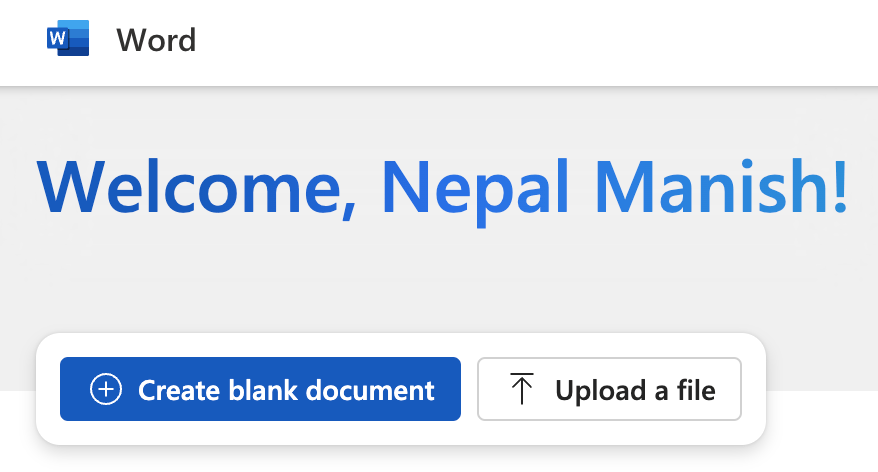
1. Open Microsoft Word and start a blank document:
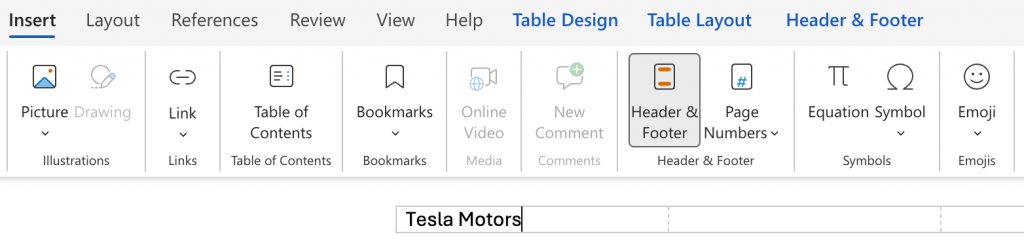
2. Go to Insert > Header and enter your header content, like your business name:
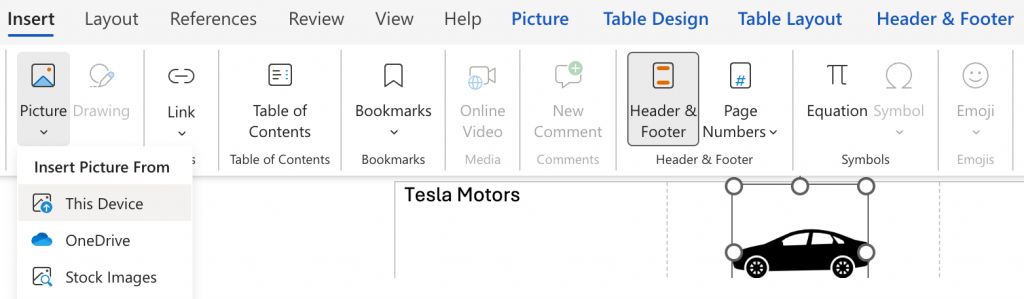
3. Add your logo and contact details (if needed) in the header:
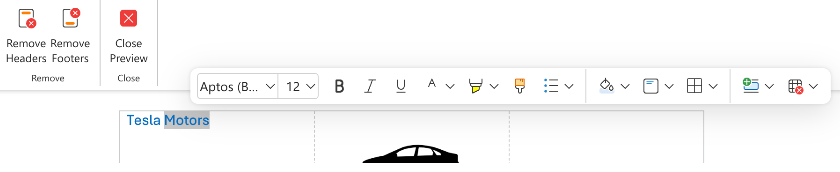
4. Customize fonts and colors to match your brand:
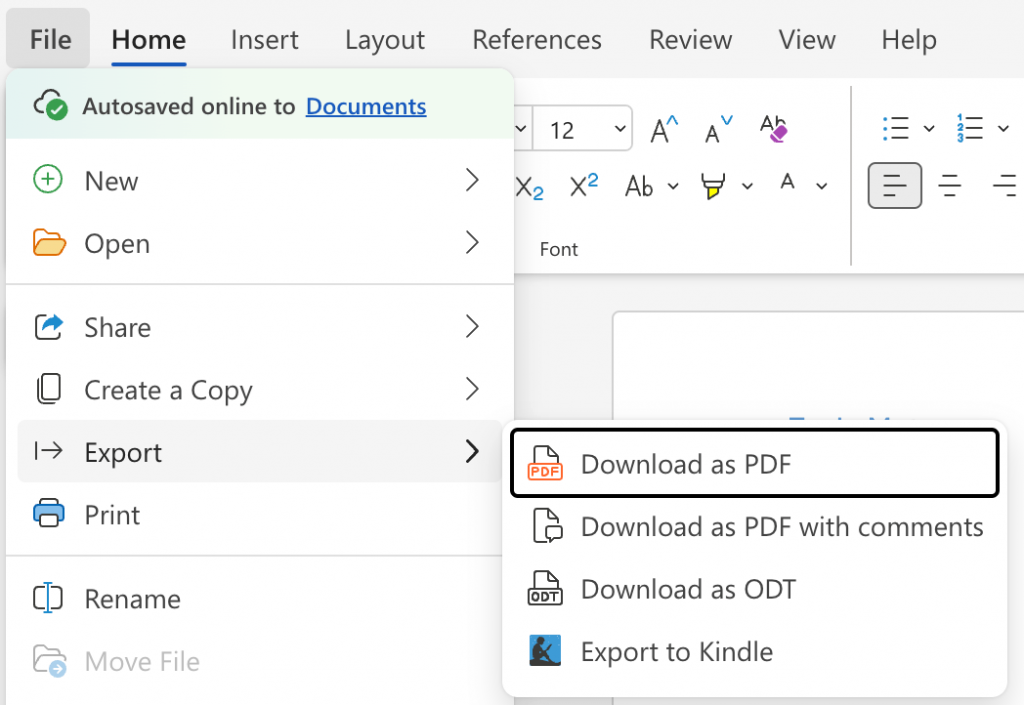
5. Go to File > Share to share the document with others. You can also click on File > Export to download the document as PDF or ODT formats:
Formatting a letterhead is often tricky with Word. Plus, it takes time to properly position elements in a letterhead in Word.
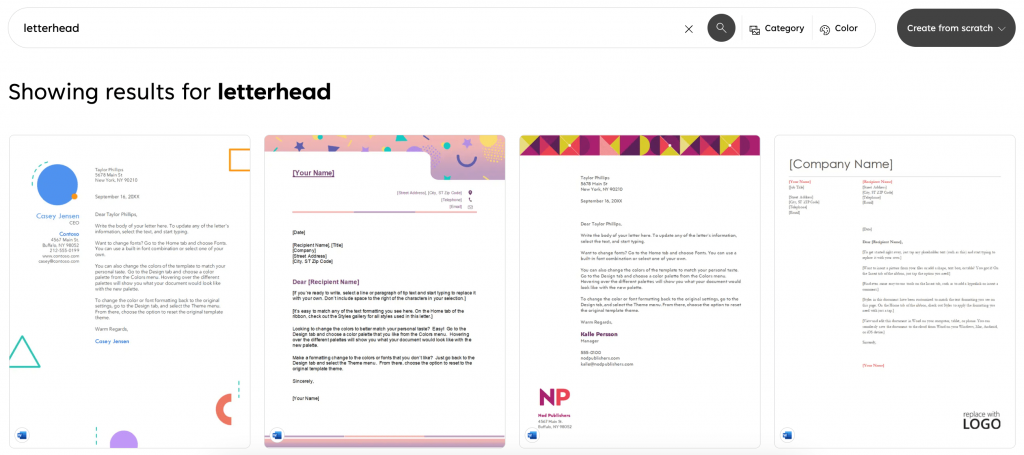
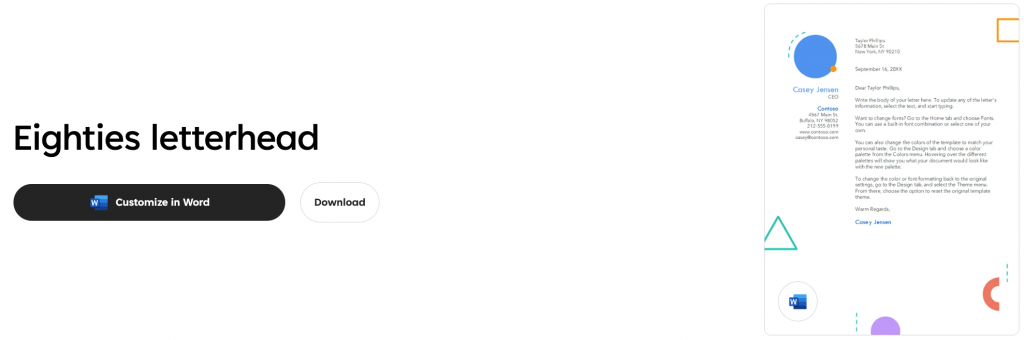
There’s also a shorter way to create a letterhead in MS Word. Go to Microsoft Create and type “letterhead” in the search box to find suitable templates:
Click on a template design you like and start customizing it to your liking:
How to make a letterhead in Google Docs
Google Docs is a free, cloud-based option for creating letterheads. But it has limited design options since it’s not a specialized letterhead generator tool.
Here’s how to create a letterhead in Google Docs:
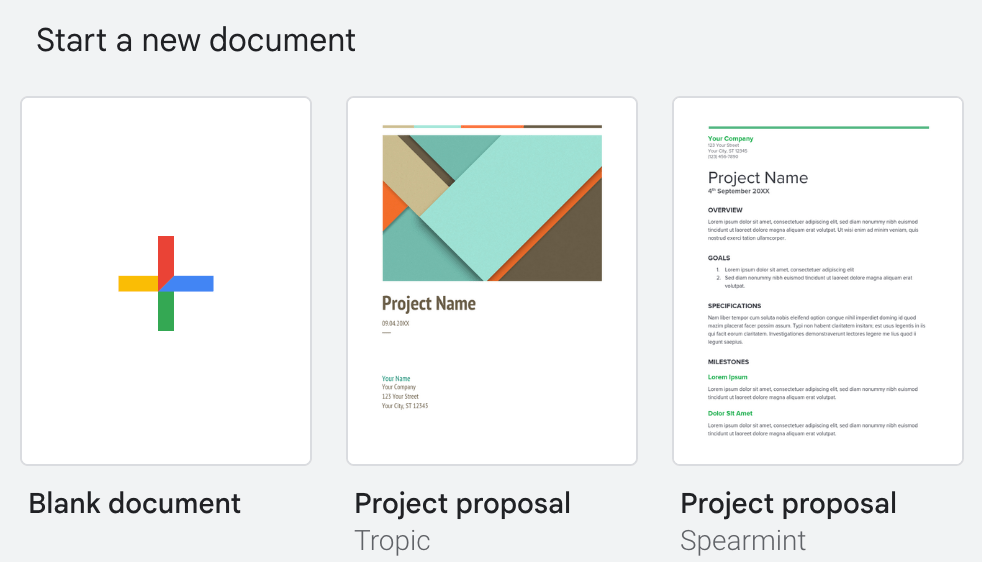
1. Go to Google Docs‘ homepage and create a new Blank document:
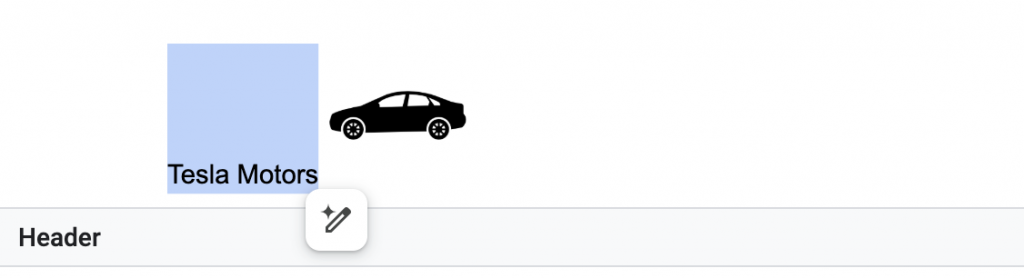
2. Click Insert > Header & footers > Header to add your design:

3. Upload your logo and enter your business details like company name, address or phone number:
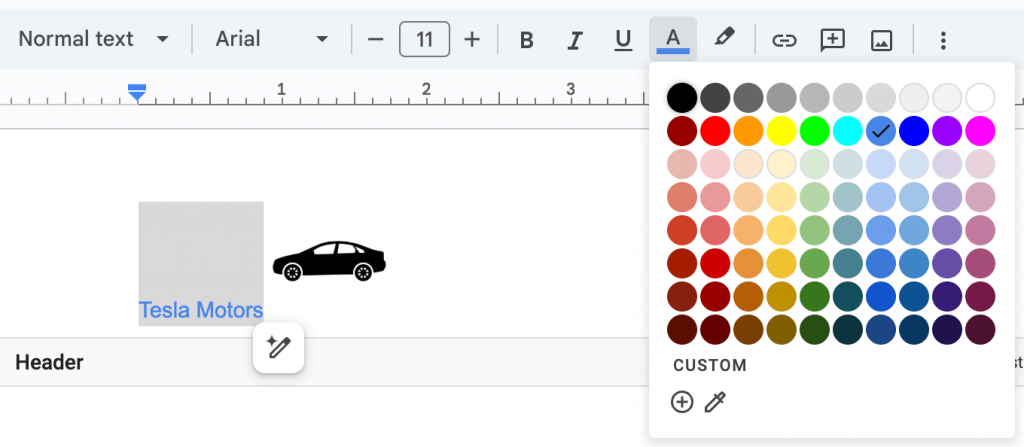
4. Customize the font or logo alignment for a polished look:
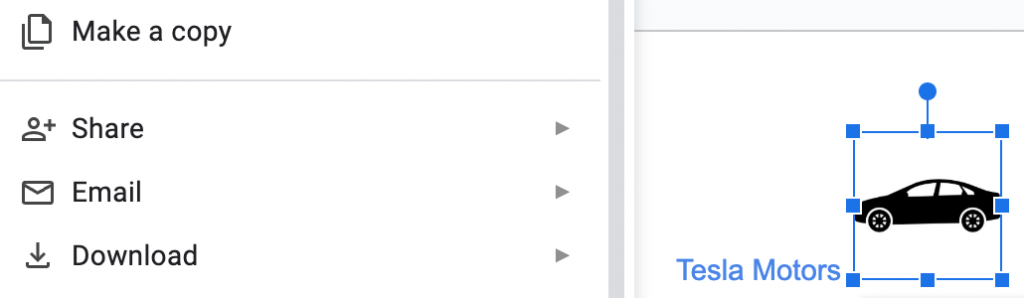
5. You can either make a copy, share, email or download the document once you’re done working on it:
Use a letterhead template or an AI letterhead generator
One of the easiest ways to design a letterhead is to use Venngage’s AI Letterhead Generator. Describe your business and the type of document you need and it generates a ready-to-customize design: logo, contact details, layout and all.
From there, you can edit any element, apply your brand colors and download it as a PDF or PNG.
If you’d prefer to browse first, Venngage’s letterhead templates give you a starting point you can customize directly.
1. Sign up for a free Venngage account
Sign up for a free Venngage account.
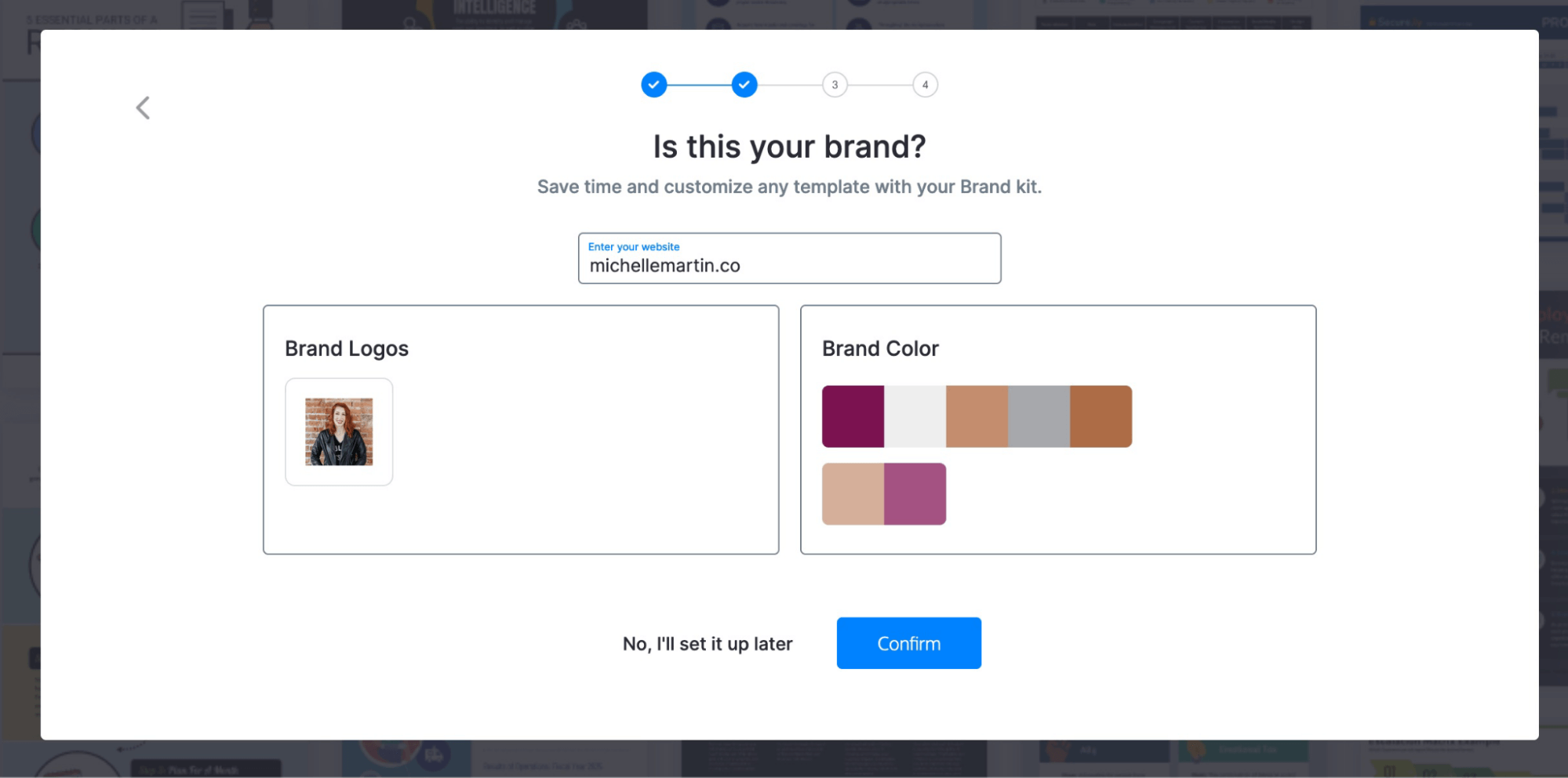
You can also add your brand logo and colors to Venngage to personalize your letterhead design. Or, let Venngage pull them automatically from your website:
2. Choose a letterhead template
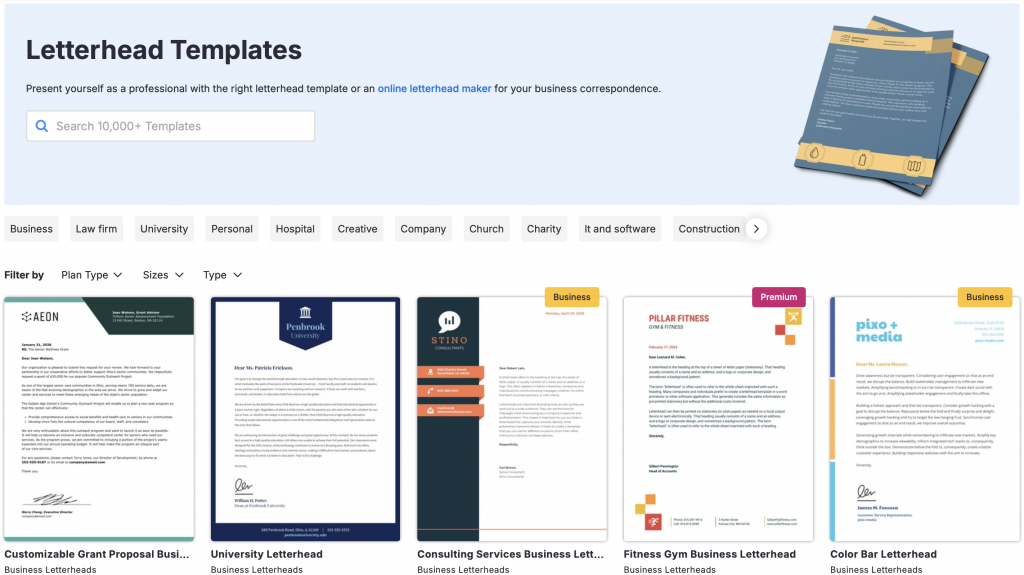
Browse our collection of professionally designed letterhead templates:
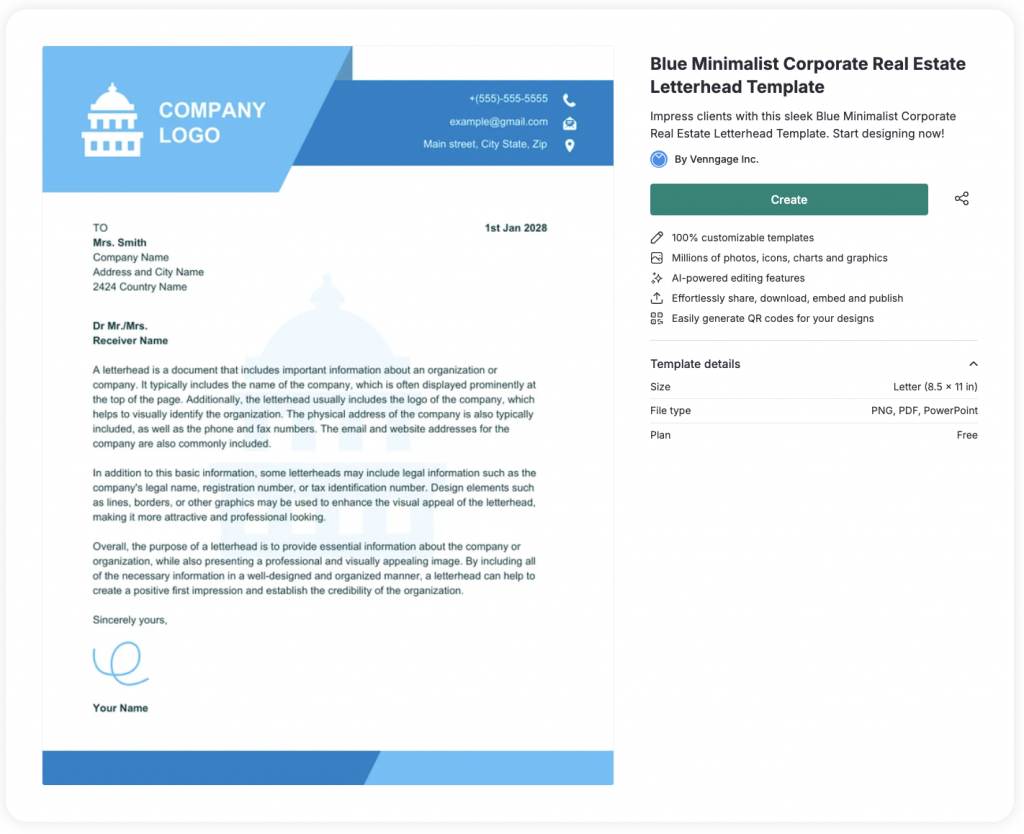
Click on the template you like and hit Create to edit the design or content:
3. Apply your brand styles
All Venngage templates are fully customizable. Just click on any element in a template to edit it.
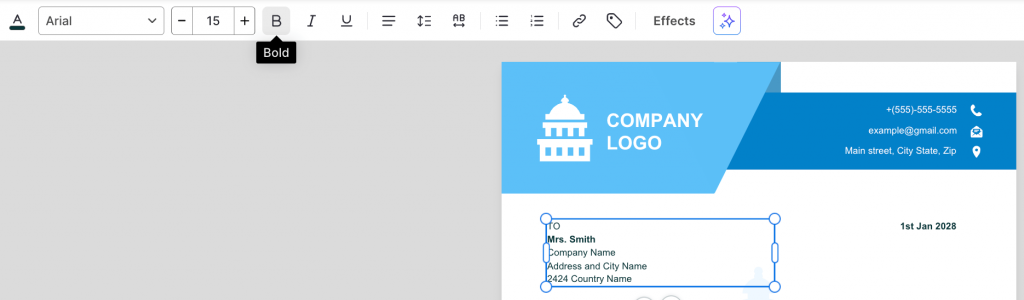
Start with the text fields, like your business name and address. Replace the copy in the template with your company information. Double-click a text box to edit the text inside:
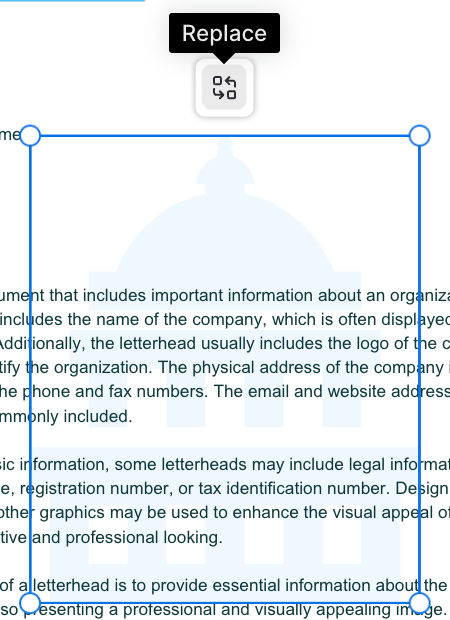
To edit an image, click on it and choose Replace from the replace icon that appears at the top:
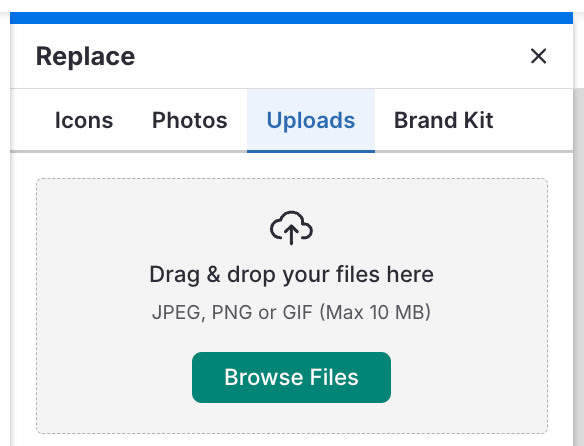
You can replace an image either with an icon from the library, add a royalty-free stock photo, upload your own or import one from your Brand Kit:
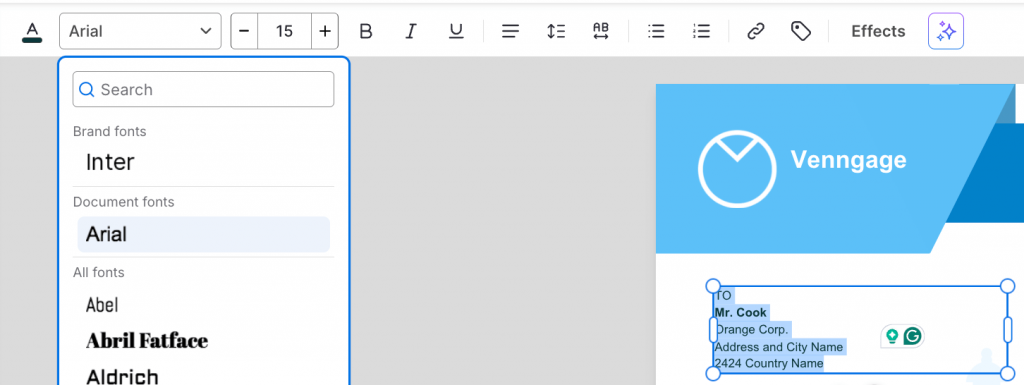
To customize your font, double click on a desired text box to select the existing text. Next, choose a new font from the top menu:
4. Add, remove or rearrange elements
This is an optional step since not all letterheads require you to add elements like a shape, image, infographic or presentation template. Depending on the purpose of your letter, adding new elements can add more context to your correspondence.
To add a new element, use the menu options on the left-hand panel:
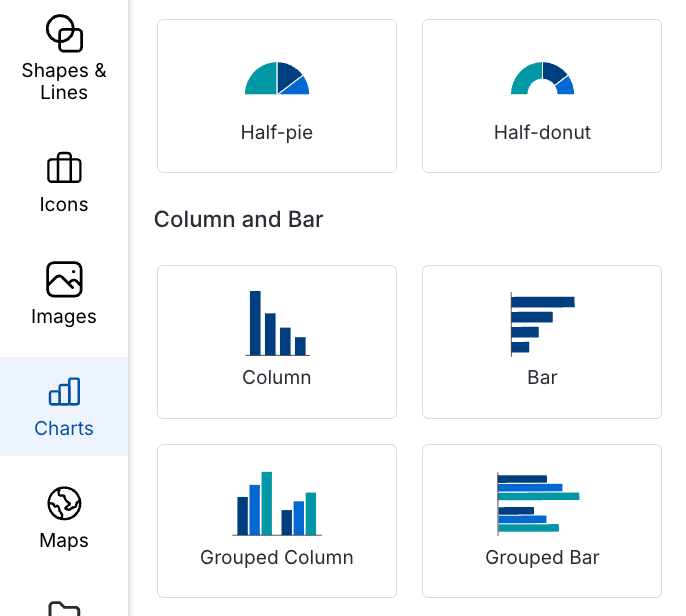
Once you choose an element, click and drag it on the editor to place it. Or, use the grab handles to resize the element.
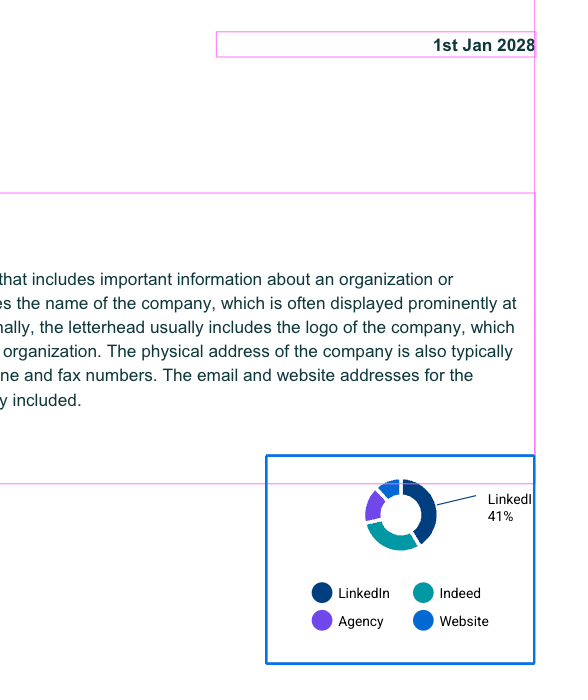
When you move an item around, you’ll see grid lines to help you align it with other elements in your design. This helps you make your design look neat and professional:
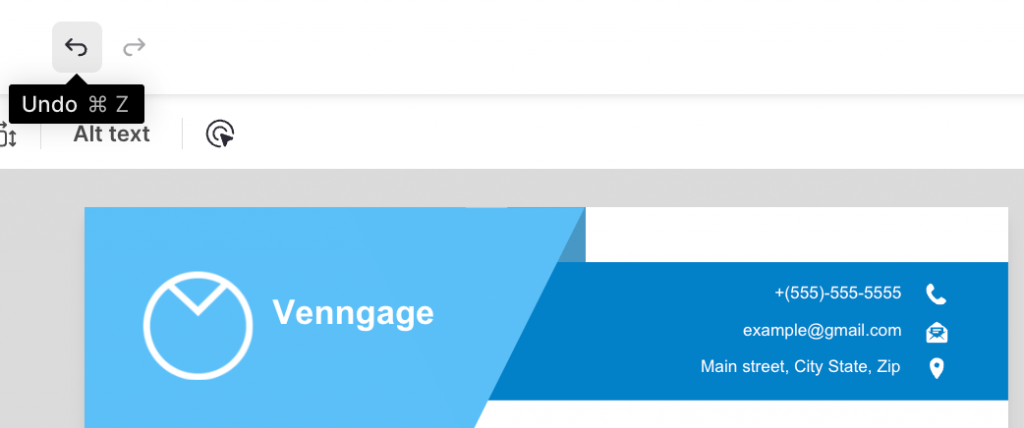
Made a mistake or don’t like the result? Just hit Undo in the top menu:
5. Print, download or save as a custom template
Once you’re happy with your edits, click Preview to see how the letterhead design looks if you were to print it out.
All good? Click the share icon to publish it online.
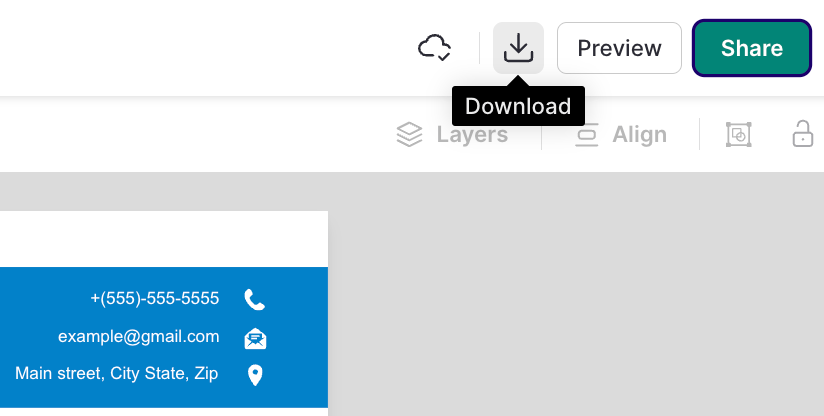
If you’re on a Premium or Business plan, you can click on the Download button to save the design as a PNG, PDF, PPTX or email HTML file format:
Prefer a visual guide? Watch this video for quick tips on designing a letterhead in Venngage:
Letterhead design best practices
To make sure your letterhead looks polished and effective, follow these best practices:
1. Be consistent with branding
Your letterhead’s solid neon yellow background may look super sweet. But unless that’s actually your brand color, it’s best not to burn anyone’s retinas off. Tone it down a smidgen.
Branding goes further than colors and logos, too.
Is your brand serious and stoic? Stick to simple, classic letterhead templates, like this one:
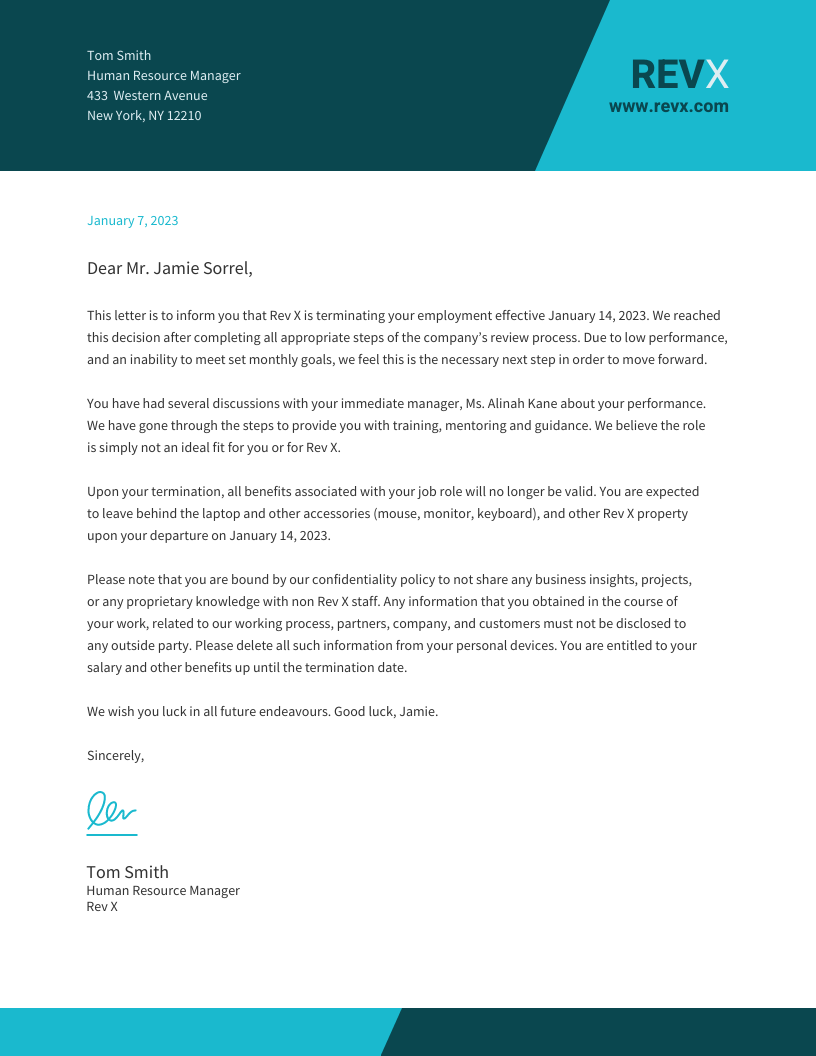
On the other hand, if your brand is a little out there, go ahead and make the spiciest letterhead the world has ever seen.
The key is knowing what your brand portrays and creating materials that match not only your look but also your feel.
2. Keep the top of your letterhead minimal
Keep the top of your letterhead minimal with only your logo and the date. This directs the reader right into your content.
A letterhead is not a resume. You don’t need to put your contact information super big at the top.
Contact information is an important part of your letterhead but the most important part is the actual message it’s communicating.
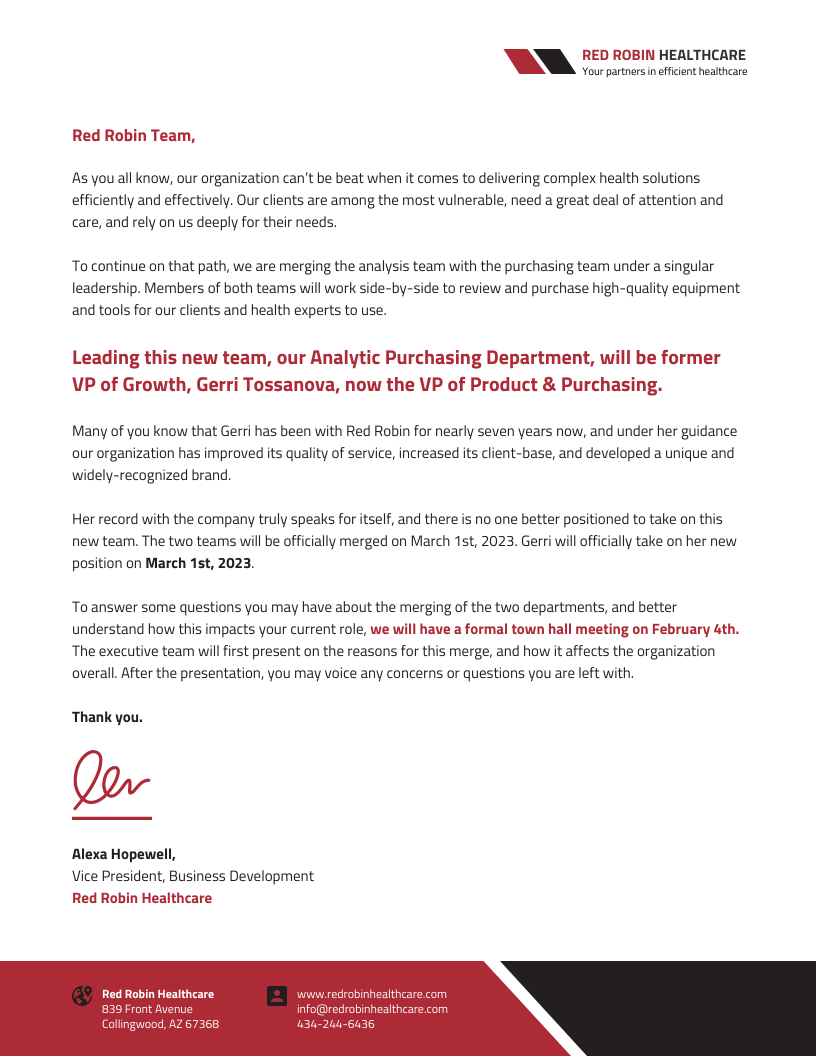
Keep everything else at the bottom: your contact information, website, tagline, social icons, etc.
This template has a minimal logo at the top right, which naturally draws the eye toward the fuller left side to start reading the letter right away:
3. Try a bold border
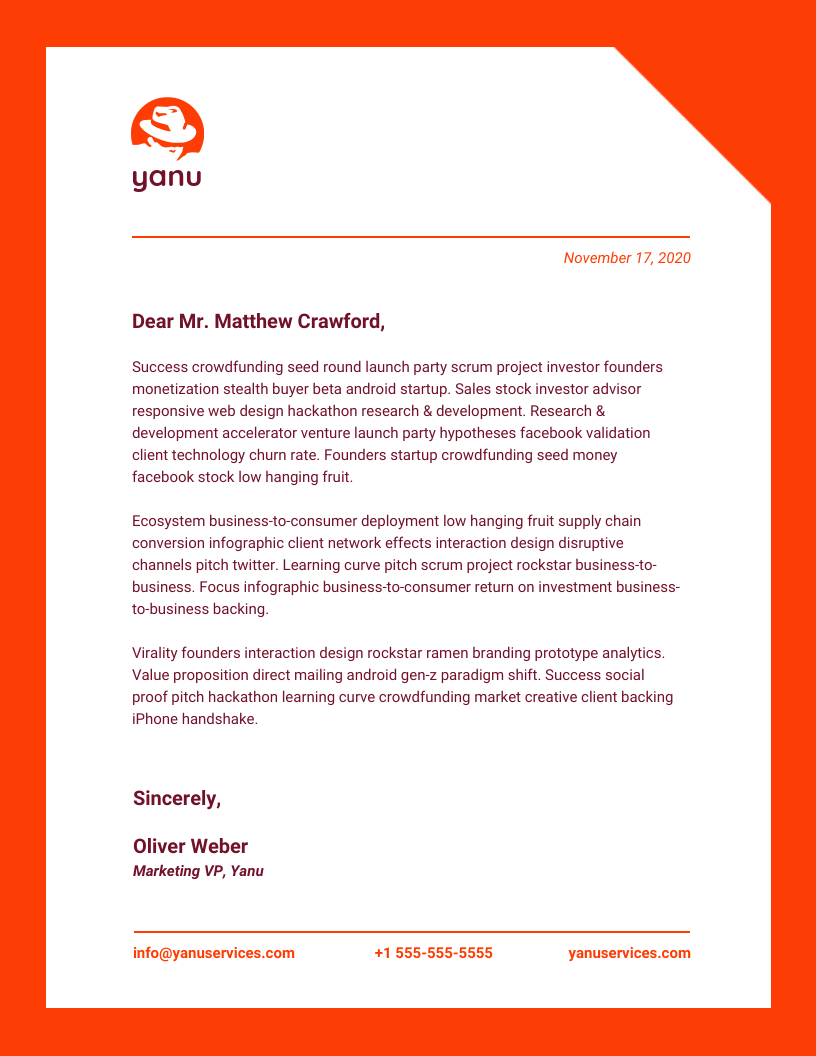
If you fancy a bold style, a colorful border adds a fun twist. Try adding a border around your entire letterhead.
This letterhead would certainly stand out in a stack of black-and-white competitors:
4. Use a photo
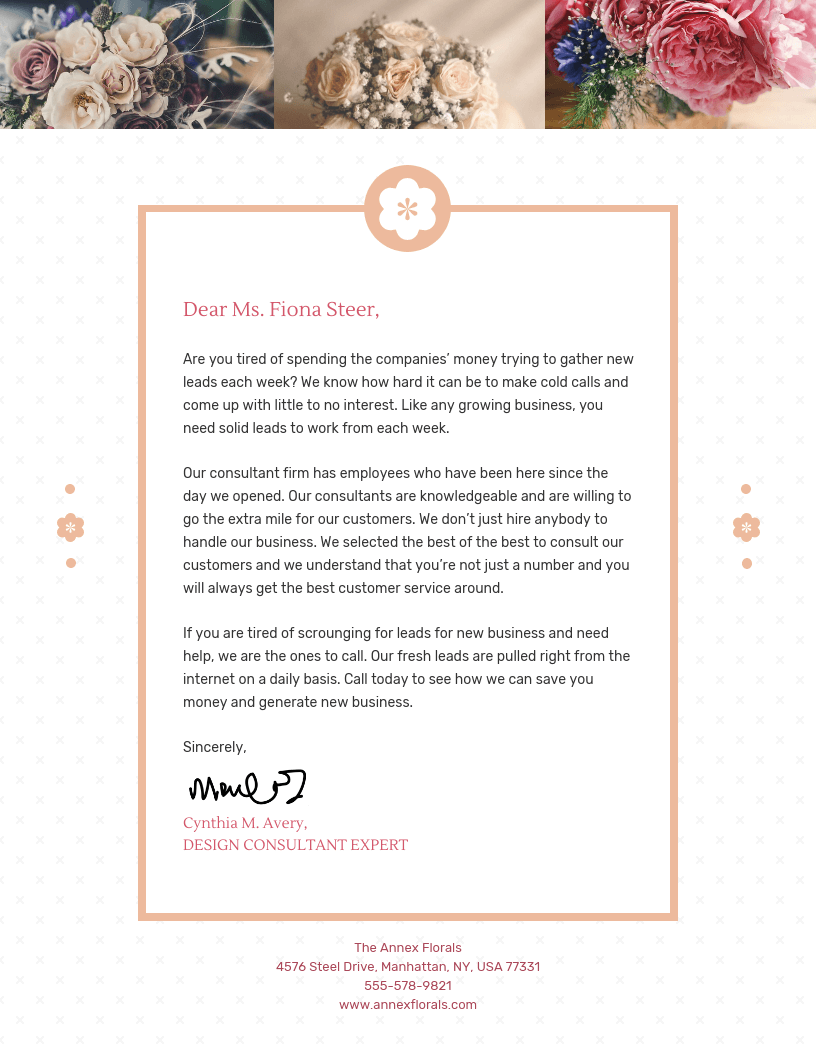
Photos can make your letterhead stand out and also instantly communicate what you do. But, they’re best used for digital letterheads over printed ones.
You can also try using a photo as a background. Just make sure you adjust the opacity to keep the text legible.
Or better yet, upload real photos of your work. They are perfect for service providers to turn a letterhead into a mini-portfolio:
5. Add an illustration
Looking for a more artistic option? Add an illustration that represents your business from our library of over 20,000 options. Or upload your own artwork.
You can easily change the color of our mono-colored icons and illustrations to match your brand using the color picker.
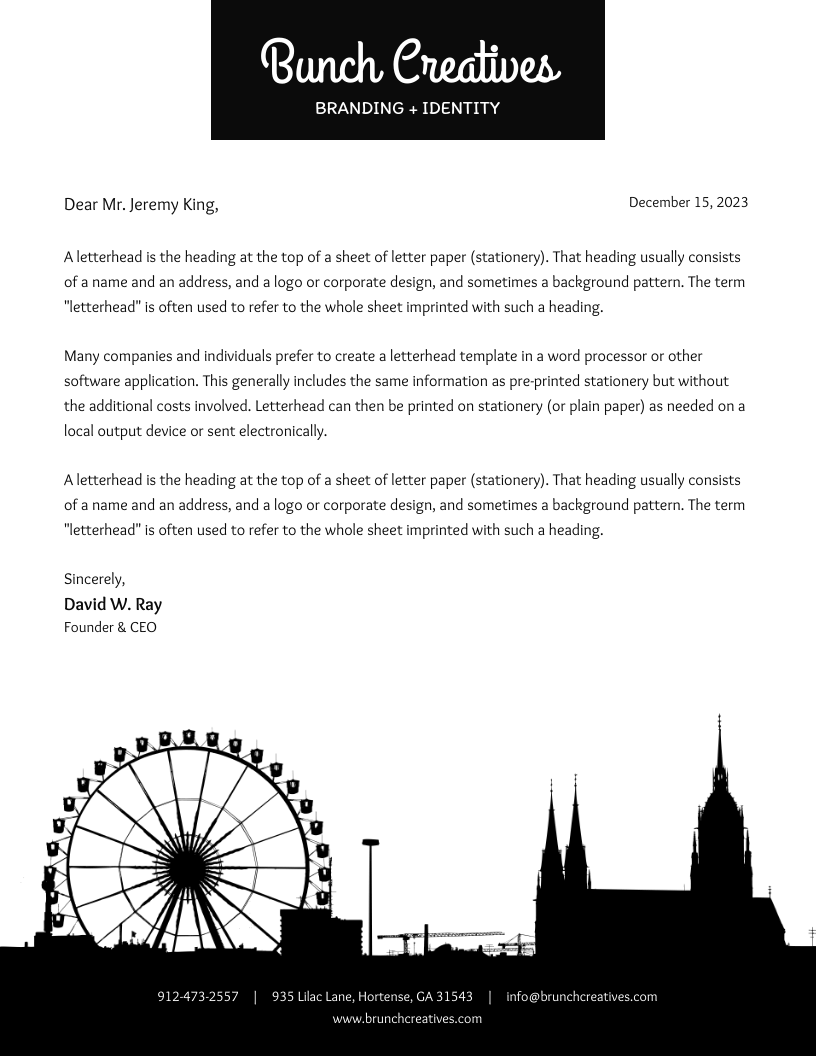
Not sure which illustration could represent your business? I love this template incorporating a skyline:
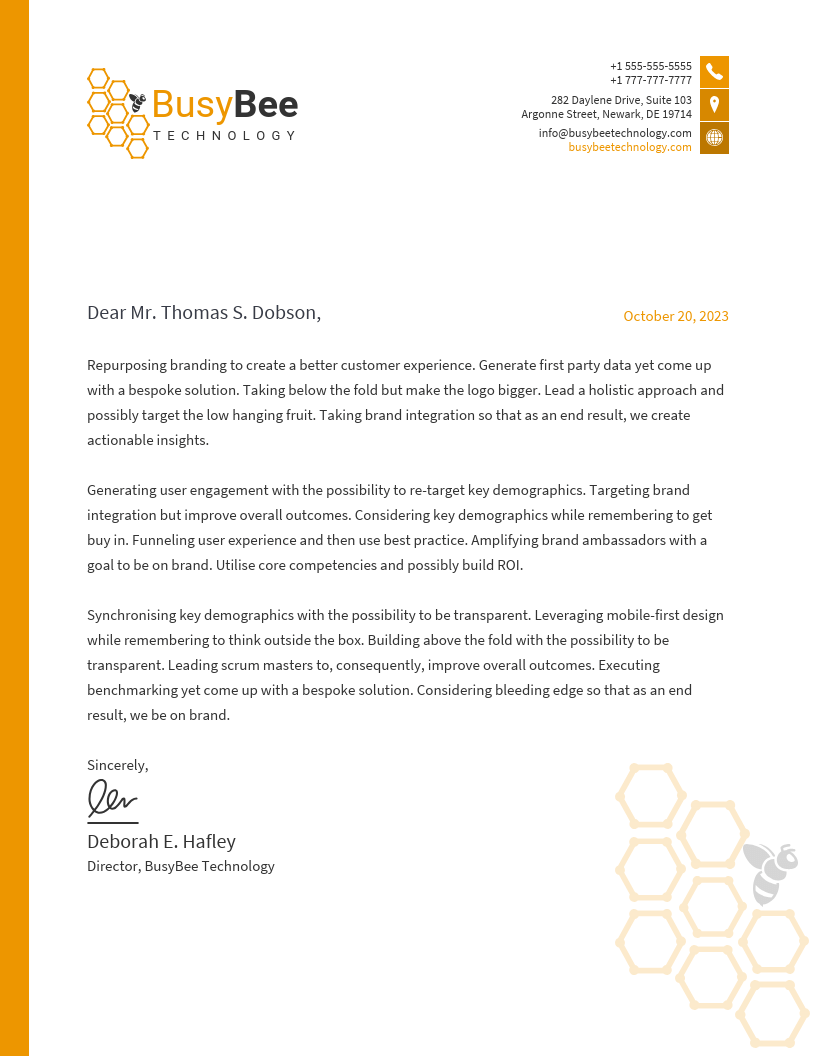
It doesn’t need to be this big, though. Smaller illustrations add a unique flair and are perfect for a subtle background:
Common letterhead design mistakes
Mistakes can undermine a letterhead’s value and impact. Below are some frequent pitfalls, along with suggestions on how to correct them:
1. Information overload: Including too much information often overwhelms the readers. For example, listing every department’s contact details clutters the design.
How to fix: Include only essential information, such as the main contact number and email address.
2. Excessive use of colors: Using too many colors can distract and appear unprofessional.
How to fix: Stick to your brand’s color palette, typically 1-2 primary colors, to maintain a clean look.
3. Inappropriate font choices: Using overly decorative or multiple fonts can reduce readability. For instance, don’t use cursive fonts like Dancing Script or Allura in professional correspondence. To learn more on this topic, read how to choose fonts for your designs.
How to fix: Choose a simple, legible font consistent with your brand identity. Also, limit the number of fonts between 1-2 for every design.
4. Lack of focal point: Without a focal point, or visual hierarchy, your letter design can seem directionless. Imagine a design where text and images are scattered all over the place without a logical order. It makes your letterhead hard to navigate.
How to fix: Ensure your logo or company name stands out as the primary visual element to guide readers’ attention.
5. Using low-quality images: Pixelated or stretched images can make your letterhead look unprofessional. For example, a blurry company logo on a letterhead looks like a half-hearted attempt to appear professional and can undermine your brand’s credibility.
How to fix: Always use high-resolution images. Ensure you resize them appropriately to fit the letterhead’s proportion.
6. Neglecting print compatibility: Some designs look good on screen, but may not print well.
How to fix: If you use letterheads for physical correspondence, test your design to ensure colors, fonts and layout before sending it out.
7. Omitting essential information: Don’t leave out important information for the sake of aesthetics or minimalism. Leaving out key details like contact information can frustrate recipients.
How to fix: Understand what information is important for your recipients and make sure you include them in the letterhead. At a bare minimum, always include your address, phone number and email to maintain.
8. Ignoring brand consistency: Inconsistencies in design elements can confuse clients. For example, sending different letterhead designs to the same client back-to-back can confuse them.
How to fix: Adhere to your brand guidelines. Always make sure your brand colors, fonts and logos are uniform across all letterheads.
9. Overcomplicating the design: Complex designs can distract from the content of your correspondence. For example, an overly decorative border with intricate patterns can take people’s attention away from the actual message of the letter.
How to fix: Aim for simplicity and clarity. Ensure the design complements rather than overwhelms the message.
Letterhead design FAQs
Got questions about letterhead design? Here are answers to some frequently asked ones.
What size should a letterhead be?
The standard letterhead size is 8.5″ x 11″ (US Letter) or A4 (210mm × 297mm) for most businesses. Ensure a 0.5″ margin for printing clarity.
Can I use my letterhead in email signatures?
Yes! You can resize your letterhead to fit an email-friendly format (e.g., 600px wide), save it as a PNG or JPEG and insert it in your signature for branding consistency. But for a faster workflow, you can use an email signature generator.
How do I ensure my letterhead looks professional when printed?
Use high-resolution (300 DPI) images, CMYK color mode. Test print to check alignment, margins and color accuracy before finalizing.
Can I create a letterhead using free online tools?
Yes! You can use Venngage to access plenty of free letterhead templates. You might need a paid plan to access advanced features such as downloading the design, creating your own Brand Kit or uploading up to 1000 images.
Create a professional letterhead in minutes
A well-designed letterhead boosts credibility, strengthens branding and makes communication more professional. Instead of struggling with formatting, use an easy-to-edit template to create a polished design effortlessly.
Sign up with Venngage today and make every document look official and on-brand.








