


Free AI Seating Chart Generator
Create a custom seating chart for any event, any venue, and any guest list.
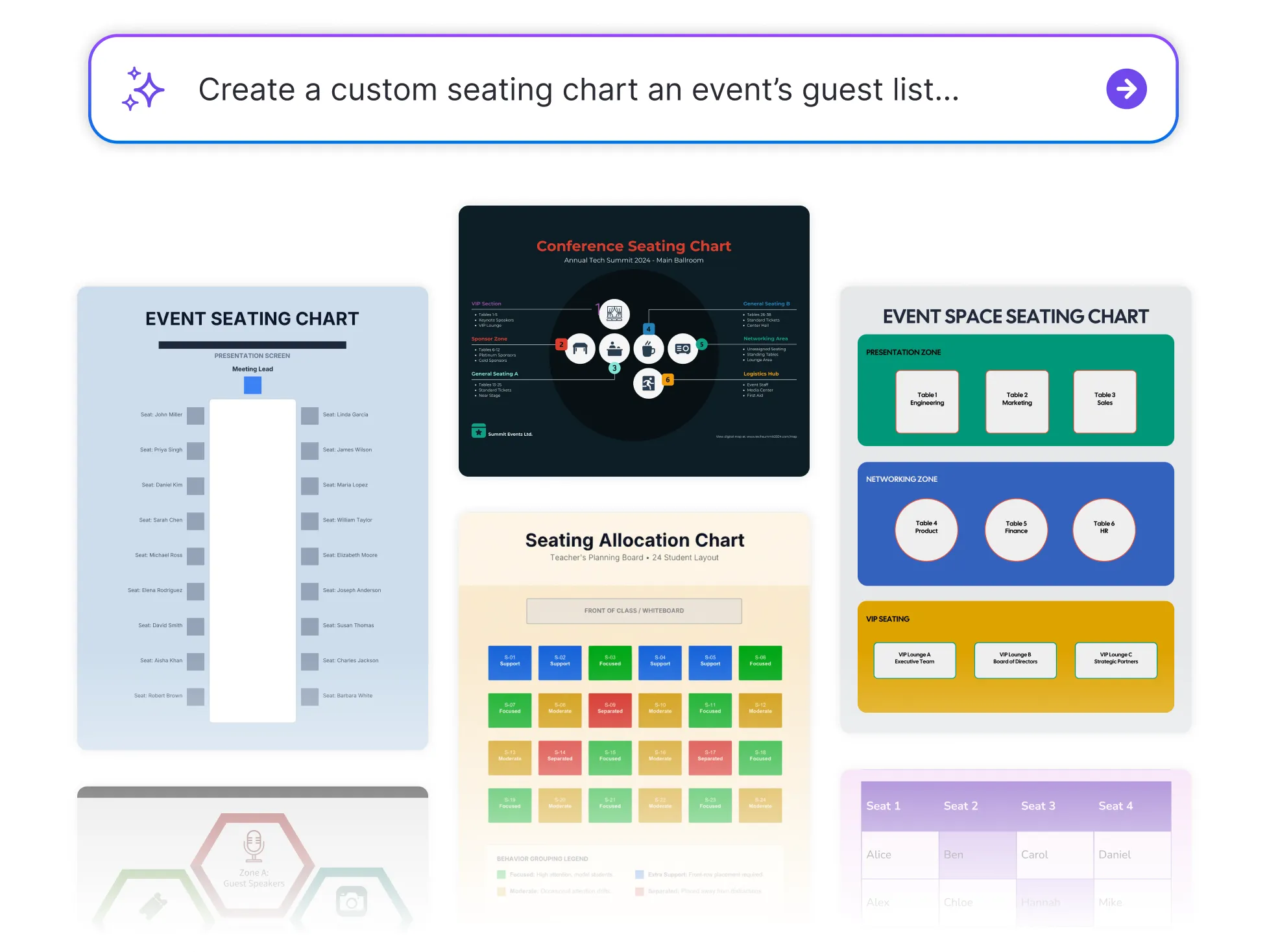




Browse Through More Chart Templates
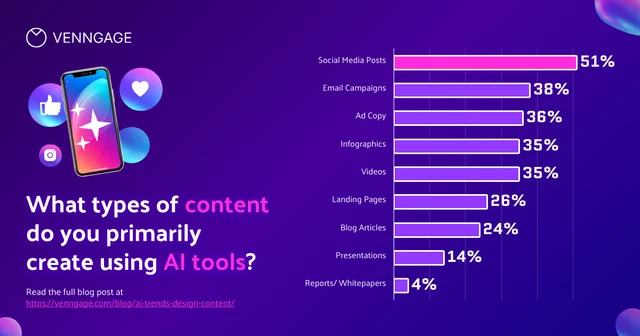
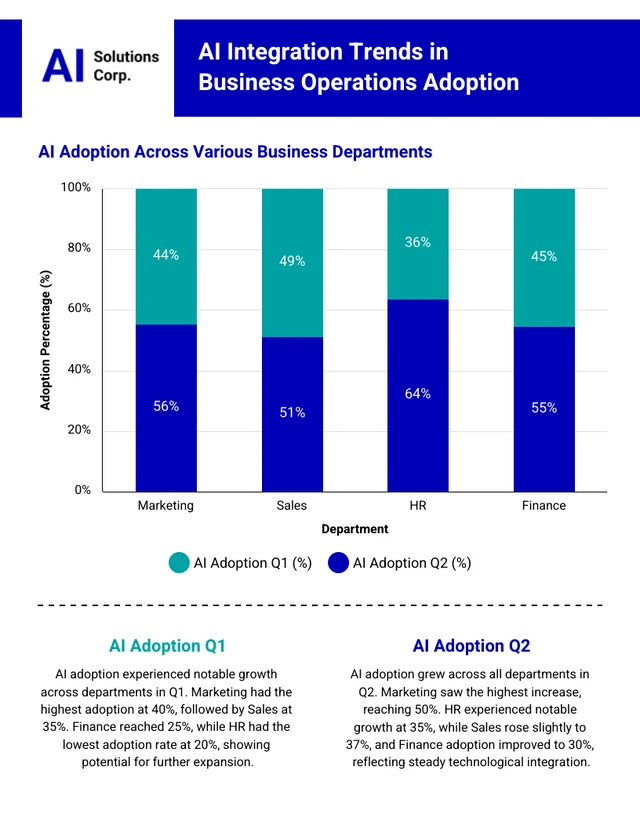
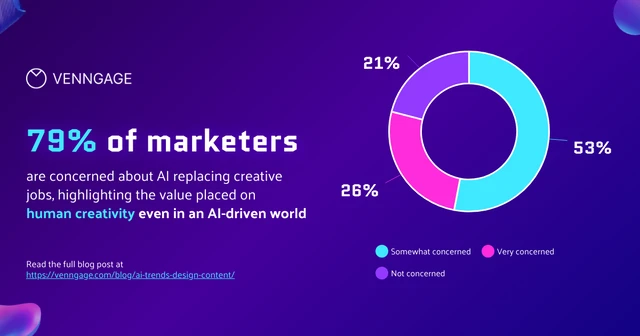
Popular AI Design Generators

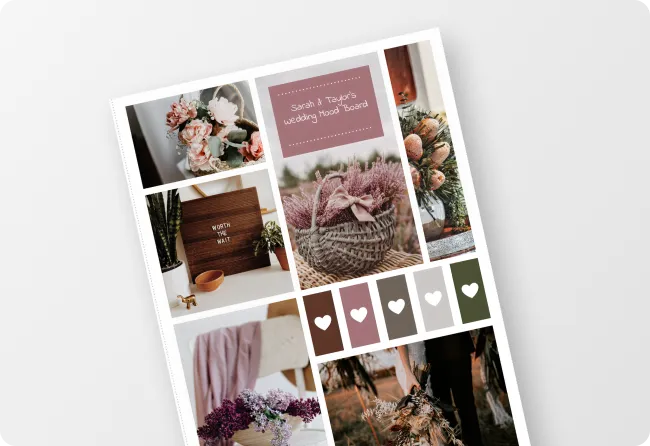
Sample Prompts You Can Modify and Use
“Act as a teacher preparing for a new school term. Create a seating chart for a classroom of 24 students. Separate students who tend to distract each other, place students who need extra support near the front, and balance participation across groups. Present the seating arrangement in a grid format.”
“I'm hosting a dinner party for 12 guests. As an event host, create a seating chart that encourages conversation by mixing guests from different friend groups and professional backgrounds. Present the seating arrangement around a single dining table.”
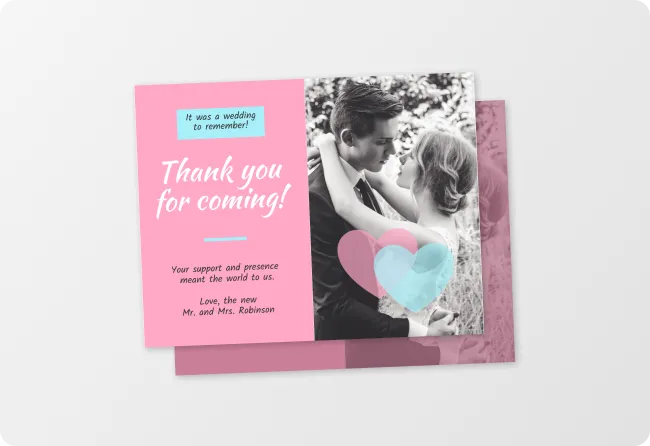
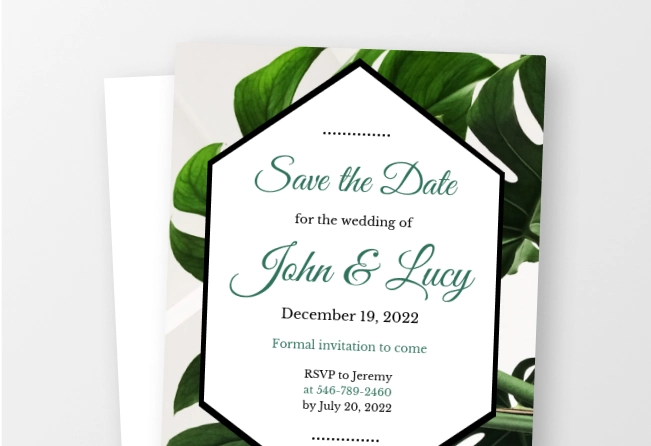
“You are a professional wedding planner. Create a seating chart for 150 guests across 15 tables. Keep immediate families together, seat elderly guests close to exits, place the wedding party near the head table, separate guests with known conflicts, and ensure each table has a good mix of ages and interests. ”
“Act as a conference organizer. Create a seating chart for a workshop with 40 participants from different industries and experience levels. Distribute expertise evenly across tables to encourage discussion and peer learning. Format the output as a seating chart with attendee assignments by table.”
How to Create a Seating Chart Using AI
Step 1
Describe Your Event and Seating Requirements
Type the event type, venue layout, number of guests or students, table or row configuration, and any specific seating preferences into the prompt field. A wedding reception for 120 guests with round tables of 10 needs a completely different layout from a classroom of 30 students organized into pairs.
Step 2
Generate Your Seating Chart
Click generate and Venngage's AI produces a complete, fully formatted seating chart — guests assigned, tables labeled, and the full layout organized instantly. A wedding seating chart groups guests by family, a classroom seating plan organizes students by learning needs, and a conference seating chart arranges delegates by organization, all matched to the event type described.
Step 3
Refine Your Layout Using Venngage's AI Designer
Use the AI Designer to resize tables, reposition rows, and color code groups like family tables, class groups, or department teams until every guest or student knows exactly where they belong. Add table numbers, row labels, and seat numbers directly in the editor.
Step 4
Apply Your Branding Using Venngage's Brand Kit
Use the Brand Kit to apply consistent fonts, colors, and logo across every seating chart and event layout. Essential for wedding planners, event companies, and corporate organizers producing branded seating plans across multiple events.
Step 5
Export and Share From Venngage
Download as a printable PDF for display at the venue entrance or share via a private Venngage link for digital access on any device that’s ready to use the moment it downloads.
Create a Wedding Seating Chart Fast
The wedding seating chart is the part of wedding planning nobody warns you about — 120 guests, three family dynamics, and a spreadsheet that breaks every time someone RSVPs late. Describe the guest list, table sizes, and groupings and Venngage’s AI generates a complete wedding seating chart without a single sticky note on the dining room floor.
Venngage’s Brand Kit helps apply the wedding's color palette and monogram, and download as a printable PDF for the venue entrance or share via a private Venngage link so guests find their table before they arrive.
Generate Seating Chart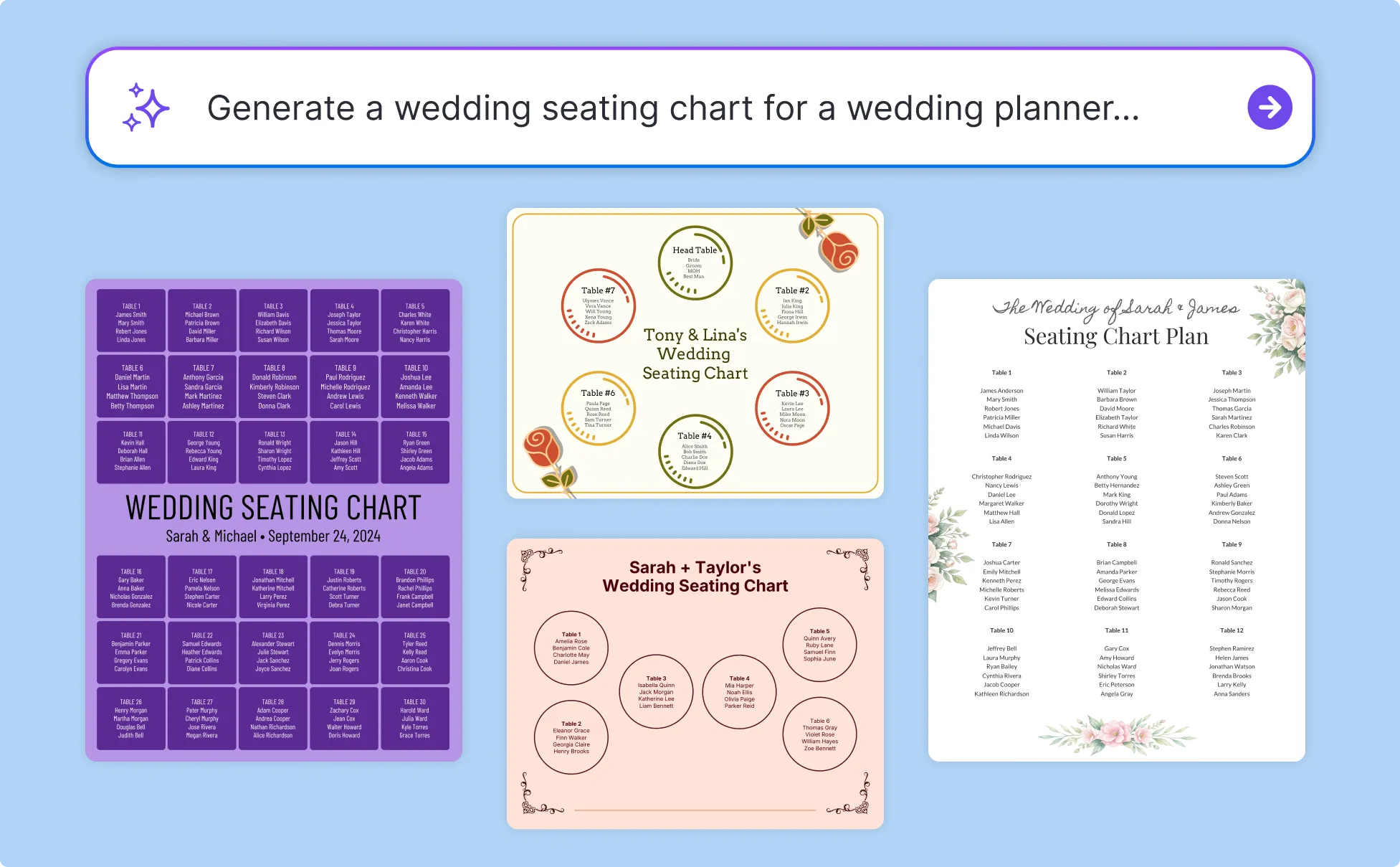
Build a Classroom Seating Plan for Students
A seating plan that separates the students who distract each other and supports the students who need the front row takes more thought than alphabetical order. Describe the students, the classroom layout, and any specific requirements and Venngage’s AI Seating Chart Builder generates a seating plan organized around the learning environment.
Use the AI Designer to color code student groups, add desk labels, and adjust the layout for different activities — whole class teaching, group work, or paired reading — without rebuilding the plan from scratch.
Generate Seating Chart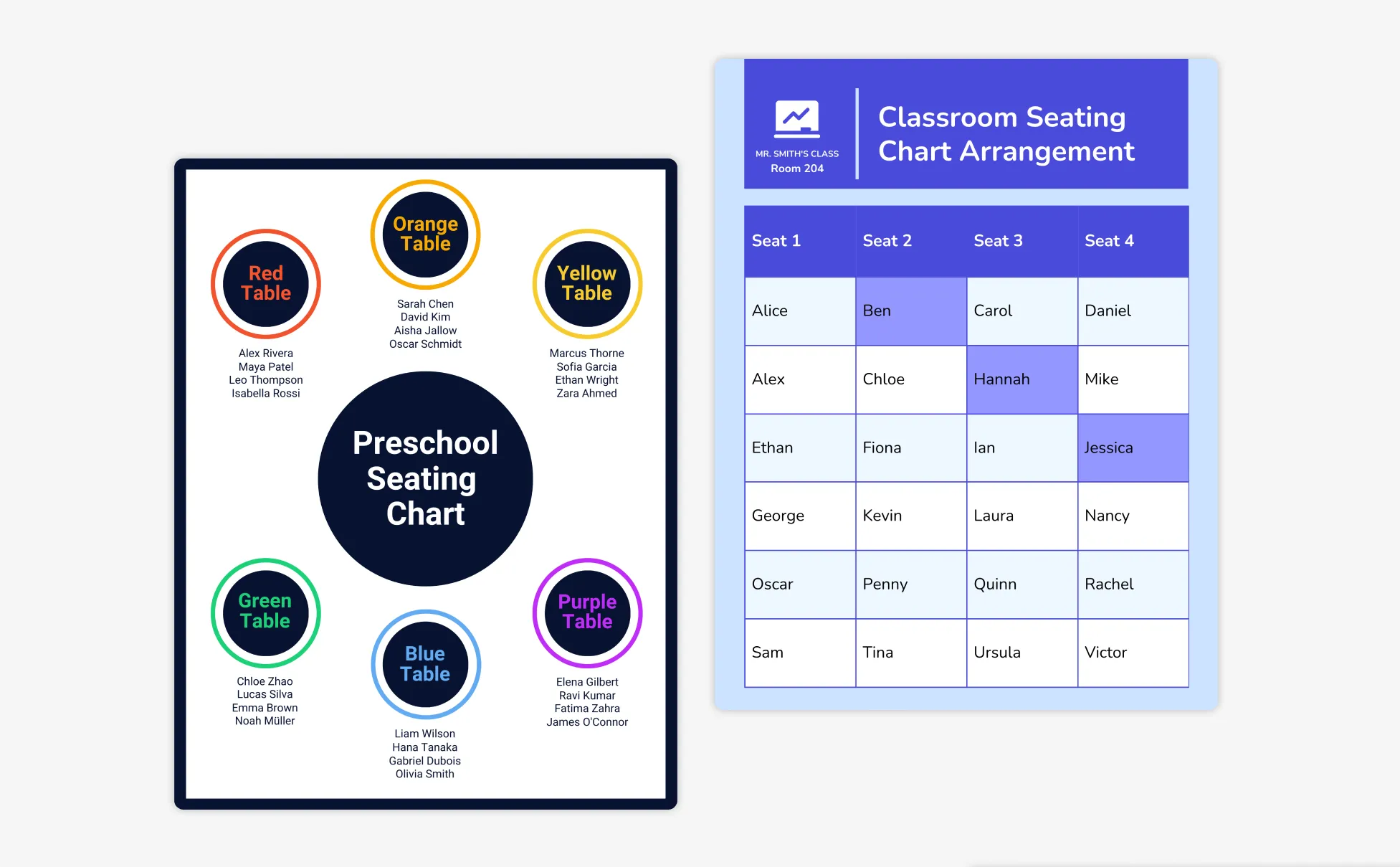
Produce Professional Event Seating Plans Quickly
A corporate dinner for 200 delegates, a gala with assigned tables by organization, a conference with breakout seating for six session groups — every event needs a seating plan and every client needs it before the week of the event.
Describe the venue layout, delegate numbers, and groupings and Venngage’s AI Seating Chart Maker generates a complete event seating chart in minutes. Share via a private Venngage link for client approval before the final plan goes to the venue.
Generate Seating Chart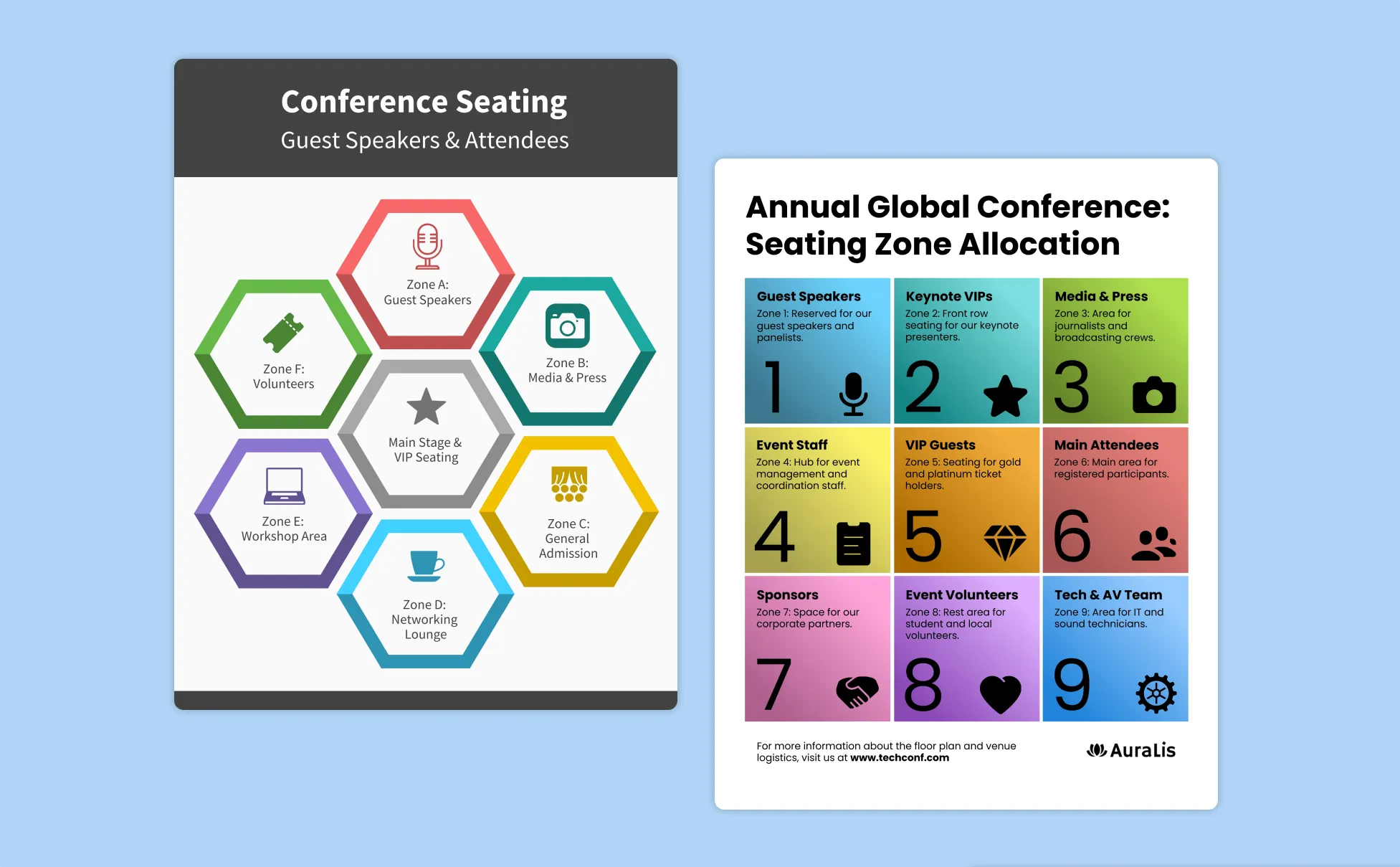
Generate Seating Charts In Seconds With Our AI Seating Chart Generator

Seat Everyone Without a Single Sticky Note
Type in the guest list, table configuration, and any groupings and Venngage’s AI Seating Chart Generator organizes every seat automatically. No sticky notes, no spreadsheet, no diplomatic incident the week before the wedding.

Build a Classroom Plan That Reflects How the Class Actually Works
Describe the students, the layout, and specific requirements: who needs the front row, who shouldn't sit together and Venngage generates a seating plan organized around the learning environment, not just alphabetical order.

Rearrange Instantly When Everything Changes Last Minute
Three guests cancel. A delegate changes their booking. Use Venngage's AI Designer to move seats, add new attendees, and update the layout without rebuilding the entire chart from scratch and every change applies instantly.

Color Code Every Group So Everyone Finds Their Seat at a Glance
Use Venngage's AI Designer to color-code tables and rows by family group, department, or class so guests identify their section instantly without reading every name on the plan. A seating chart that's easy to navigate doesn't create a queue at the door.

Keep Every Seating Chart Consistently On-Brand
Use Venngage's Brand Kit to apply consistent fonts, colors, and logo across every seating chart and event layout with wedding color palette, company branding, or school identity applied in one click across every plan that goes out.

Print It, Display It, or Share It Before the Event Begins
Download as a printable PDF for the venue entrance or share via a private Venngage link so guests find their seat before they arrive and staff can reference the plan on any device throughout the event.
Fuel Your Creativity with AI-Powered Design Tools
Venngage is your one-stop shop for creating impactful presentations, infographics, reports, and more. It's a favorite among professionals, educators, and marketers for a reason:
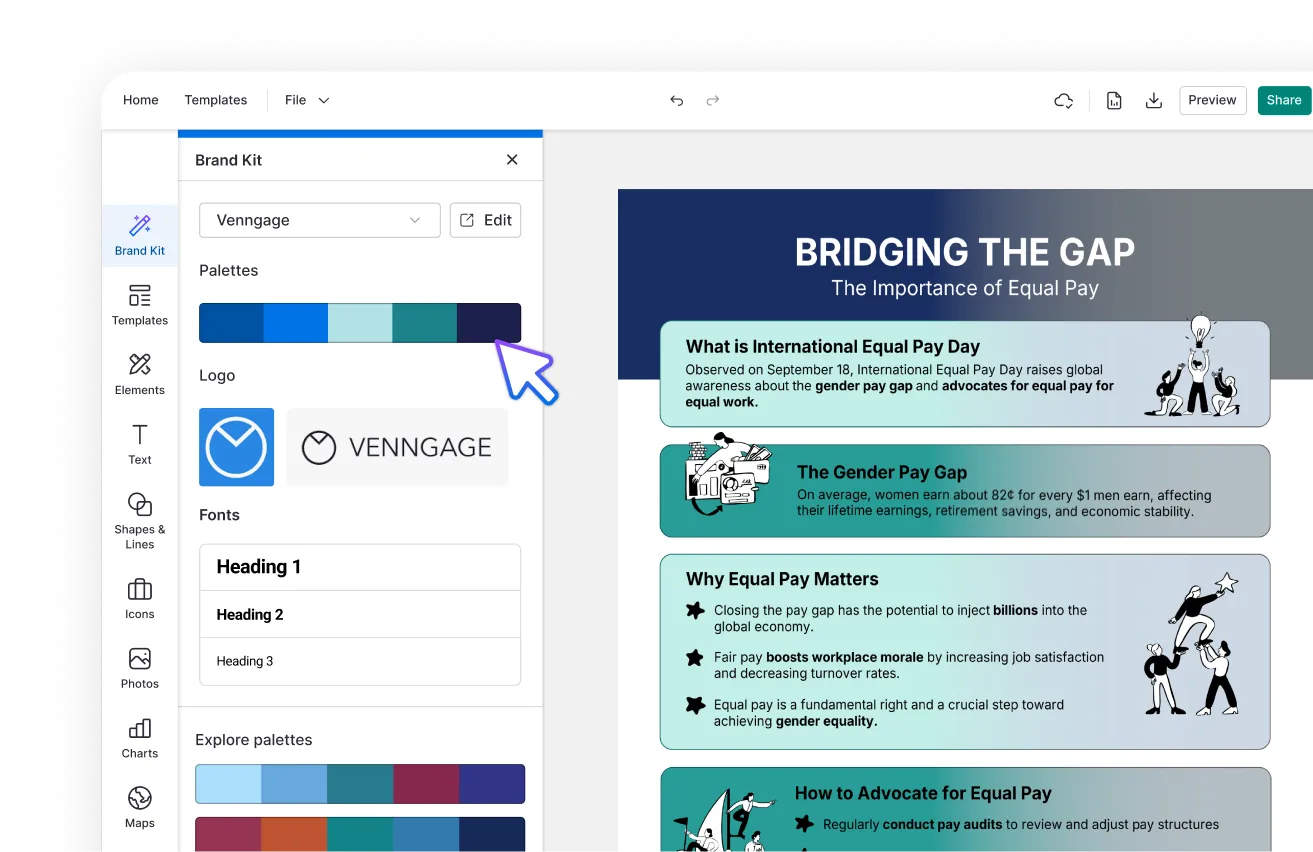
AI Branding Automation
Instantly extract brand colors, fonts, and styles. Auto-apply your logo and visual identity to every design for seamless brand consistency.
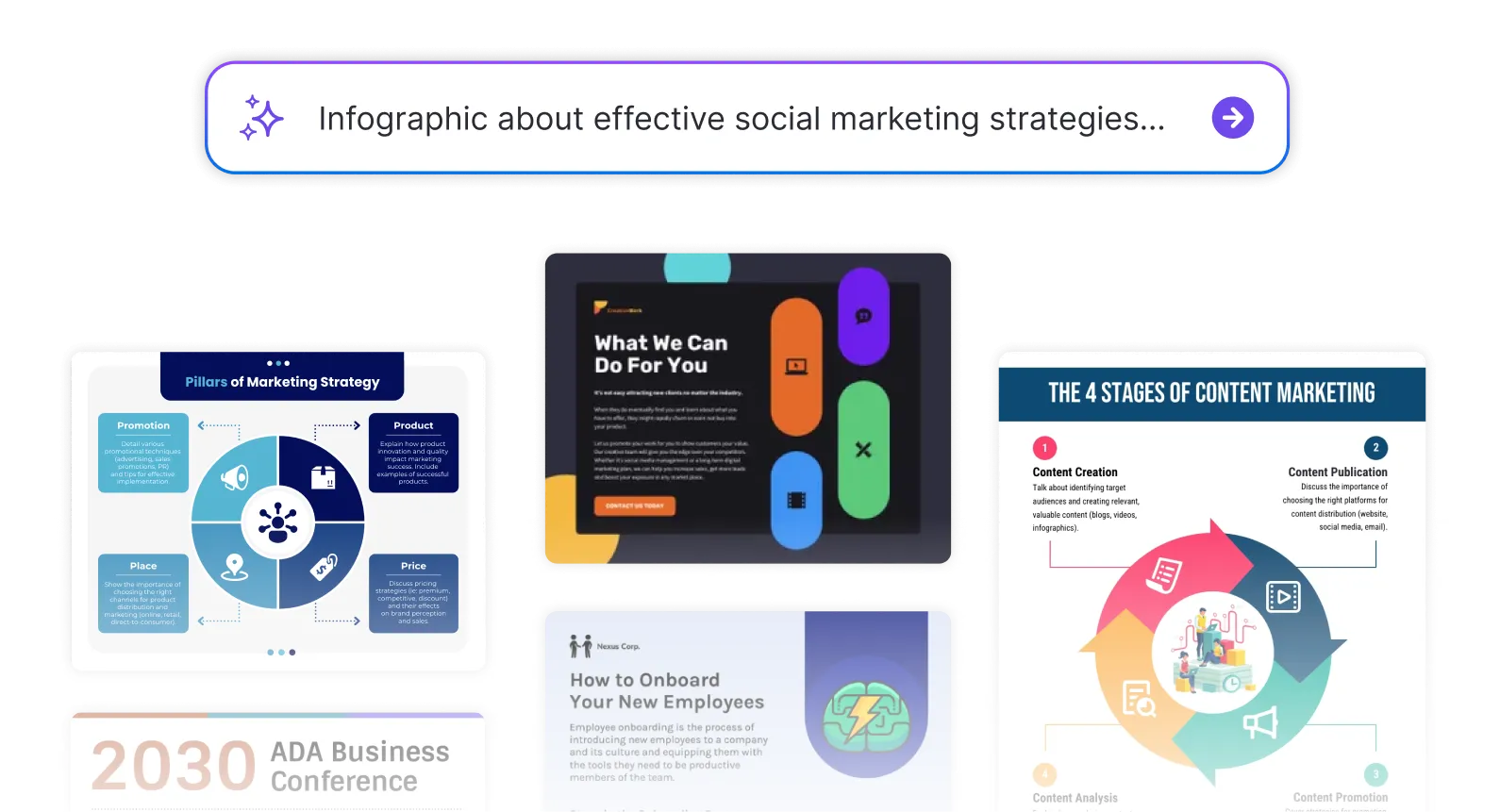
DesignAI Generator
Turn simple prompts into stunning professional visuals in seconds. Describe what you need in plain language and watch our AI generate layouts optimized for maximum visual impact.
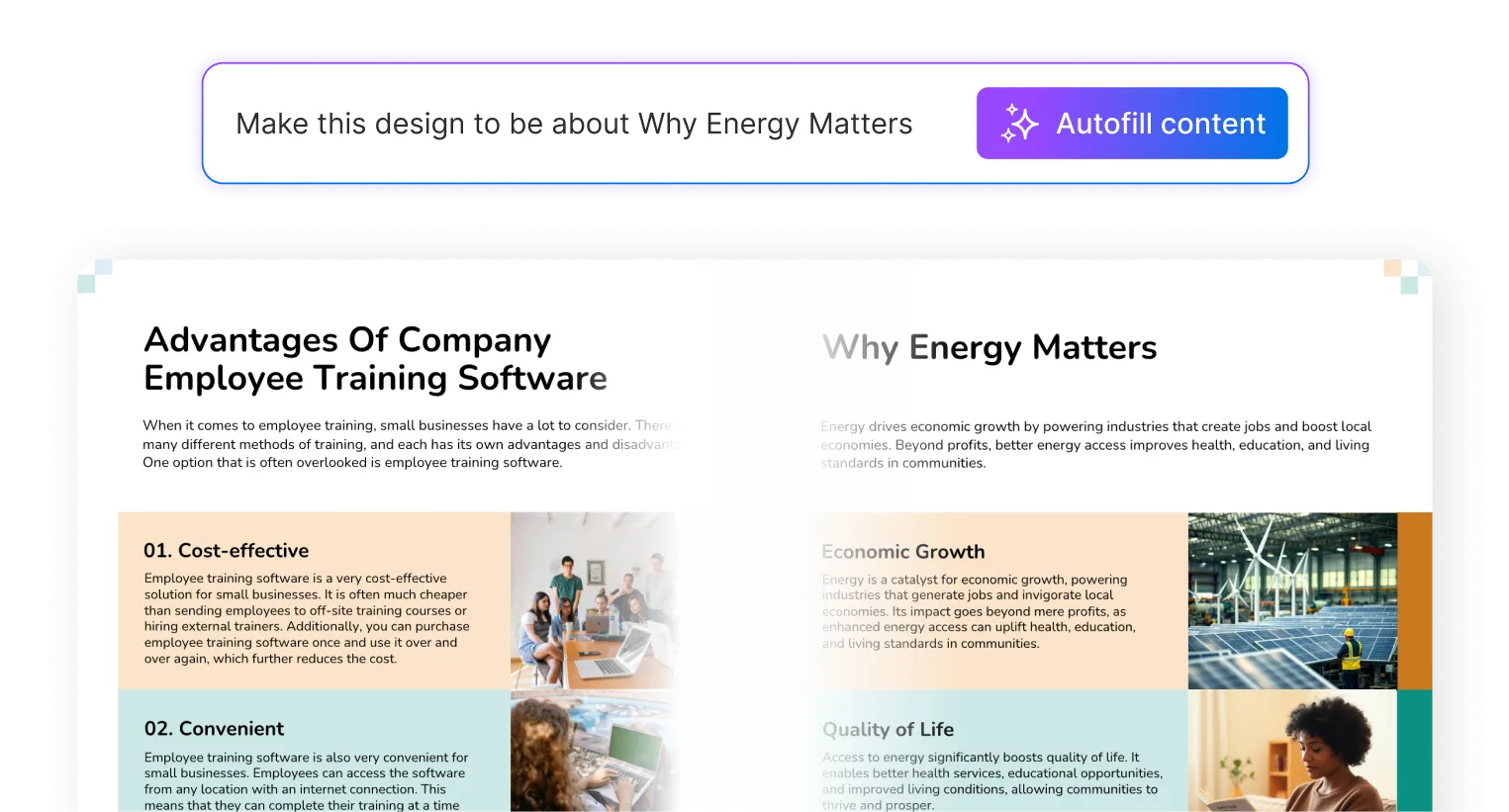
AI Content Auto-Fill
Kickstart your design process in seconds. Choose a template and let our AI auto-fill it with relevant, on-brand content, ideal for streamlining workflow and boosting productivity.
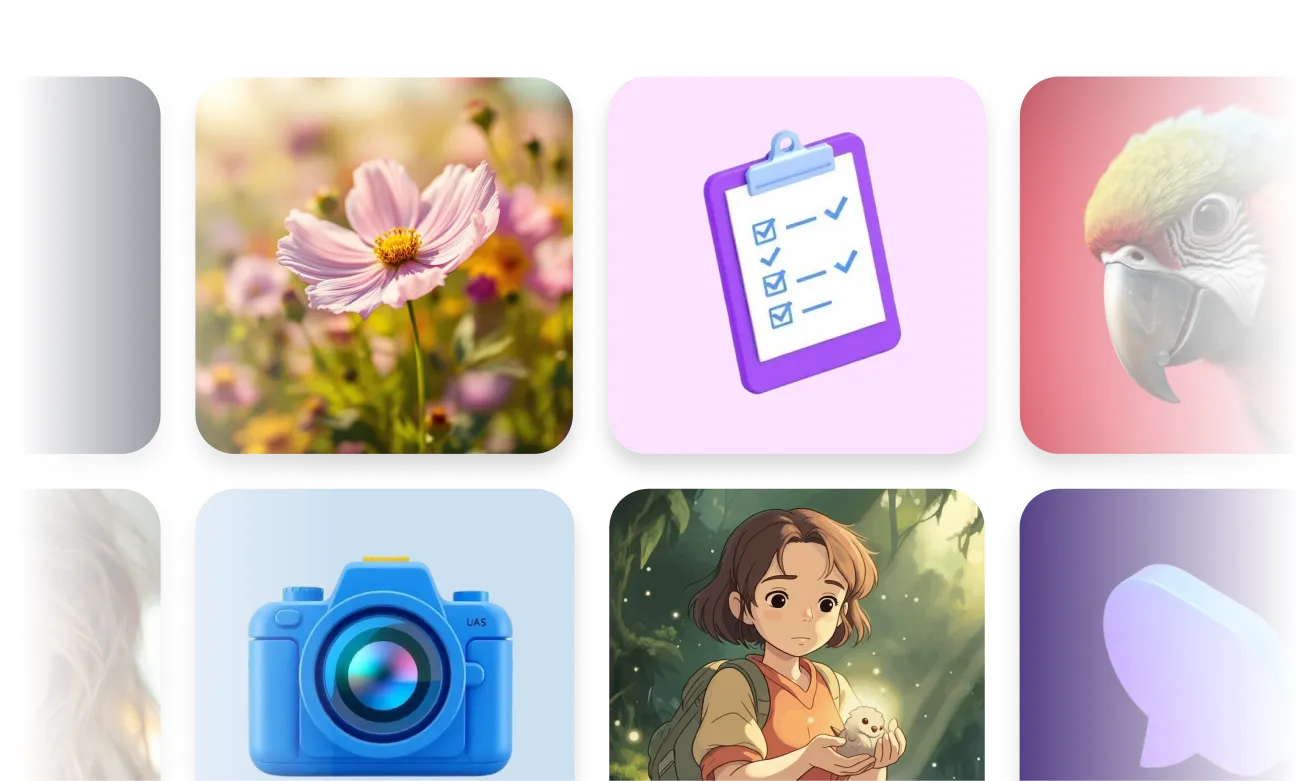
AI Generated Icons and Images
Create unique visuals that perfectly match your content and style. Generate custom illustrations, icons and images that align perfectly with your brand.
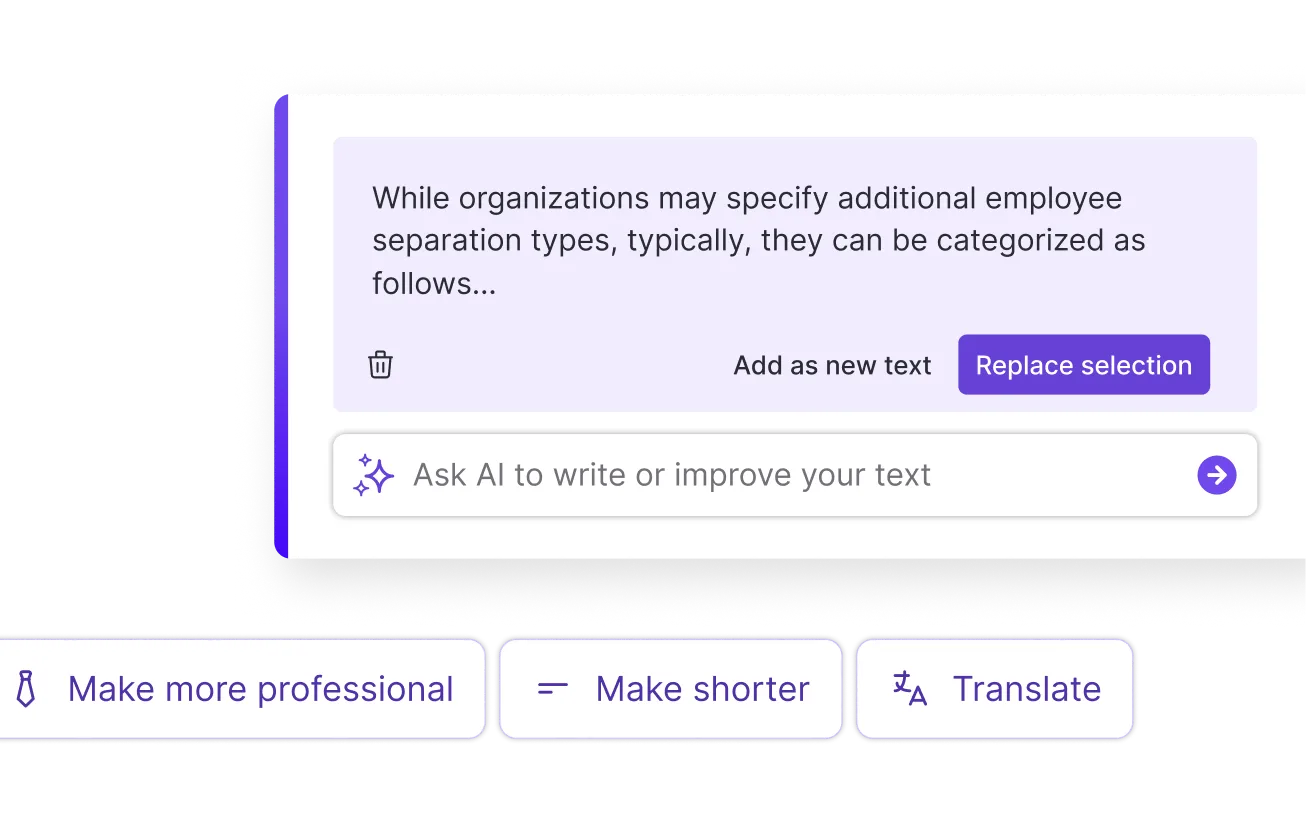
AI Writer and Translation
Enhance clarity, rewrite content, and instantly translate text to create accessible, global-ready visuals.
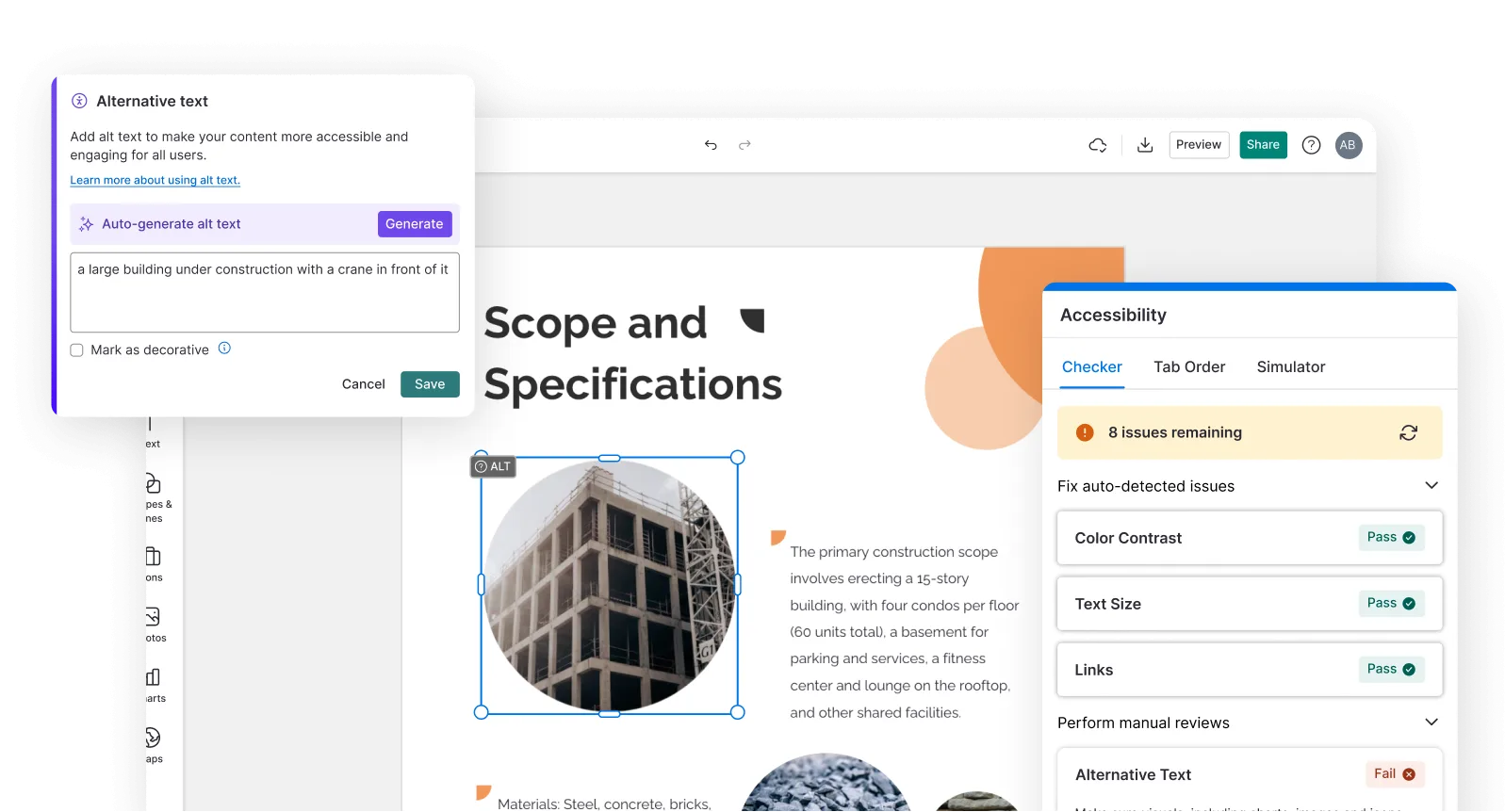
Smart Accessibility AI
Ensure every project looks great and works for everyone. Use AI to write alt text check contrast, layout, and font readability, and export fully WCAG-compliant visuals and PDFs.
FAQs
Absolutely. All AI-generated seating charts on Venngage are fully customizable. You can adjust colors, layouts, fonts, guest names, table labels, and design elements to match your wedding, event, classroom, or venue theme.
Yes, there are a variety of design generators available on Venngage. Along with the AI Seating Chart Generator, Venngage offers tools to create infographics, social media posts, reports, and more. These AI design tools are easy to use and customizable, helping you generate professional visuals quickly to match your style and needs.
Group guests by relationship first — immediate family, extended family, friends of the bride, friends of the groom, work colleagues — then assign each group to a table based on size and compatibility. Describe these groupings in Venngage's prompt field and the AI organizes every guest into the right table automatically, flagging any conflicts or imbalances in the final layout.
Yes. Use Venngage's AI Designer to move guests between tables, add new guests, remove cancelled attendees, and update the layout without rebuilding the entire seating chart from scratch. Every change applies instantly and the updated plan can be downloaded or reshared via the same private Venngage link immediately.
Download the finished seating chart as a printable PDF to display at the venue entrance, print as a table plan, or distribute to event staff. Share via a private Venngage link for digital access on any phone or tablet so guests can find their seat before they arrive and staff can reference the plan throughout the event without carrying a printed copy.
We offer a free plan so you can try out all our AI features without spending anything. If you want more advanced features like private sharing and auto branding, we've got Premium and Business plans available too.