


Free AI Custom Sign Generator
Generate professional signage for businesses, events, workplaces, and promotions in seconds!
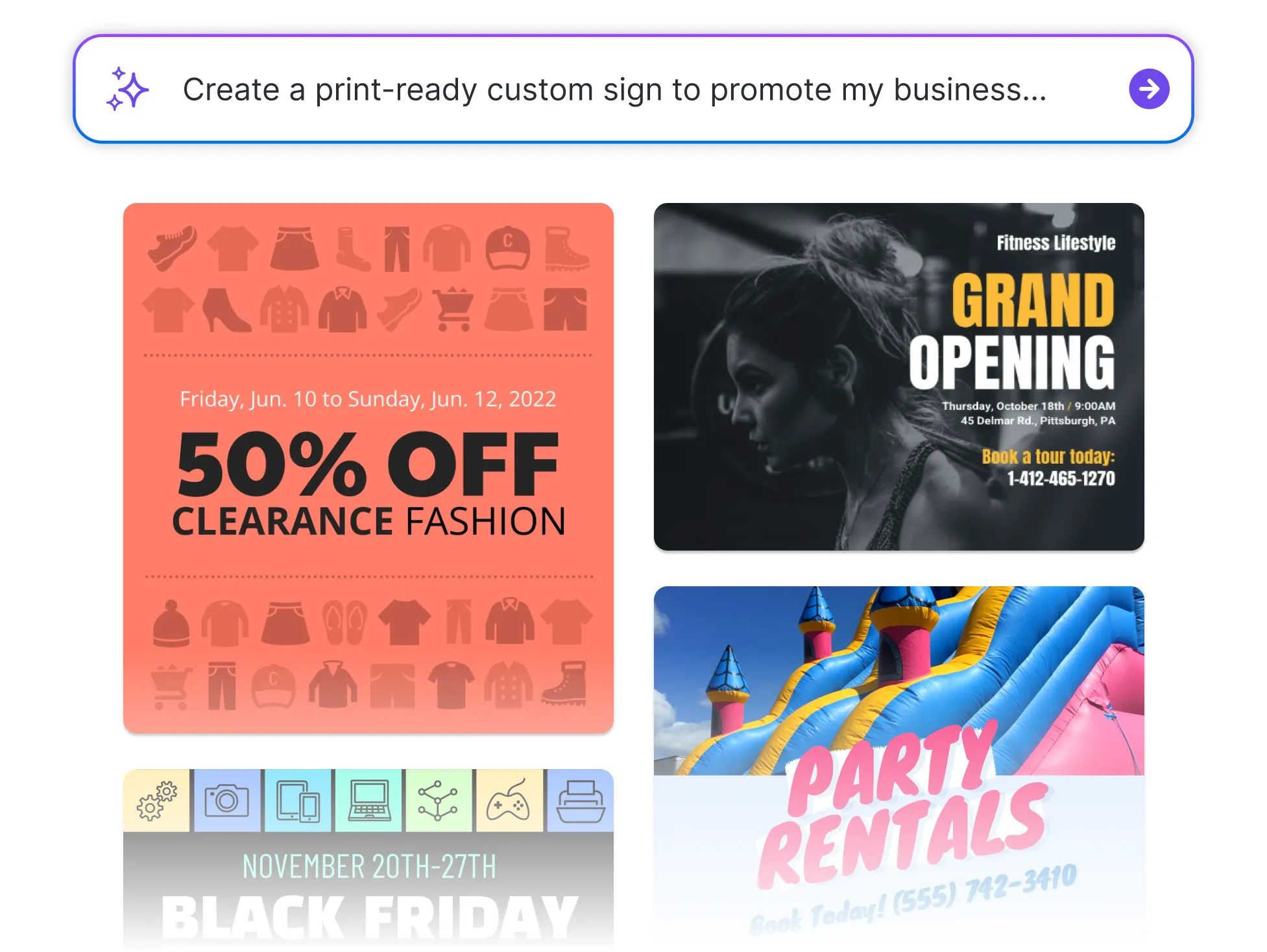




Browse Through More Custom Signs
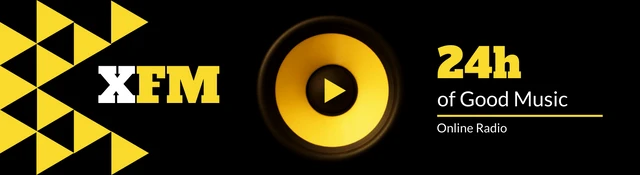
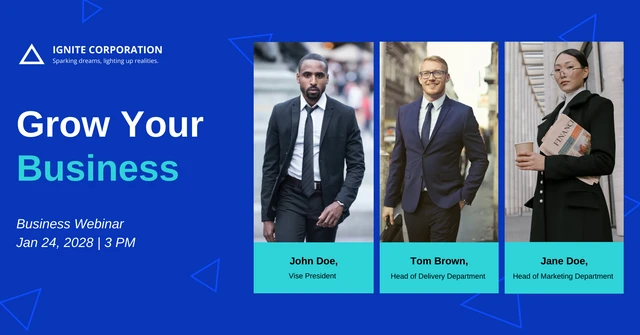
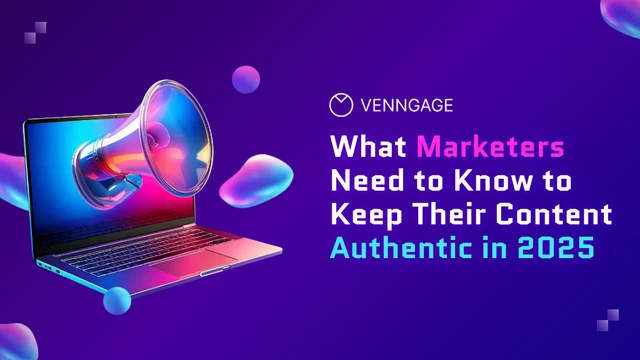


Popular AI Design Generators
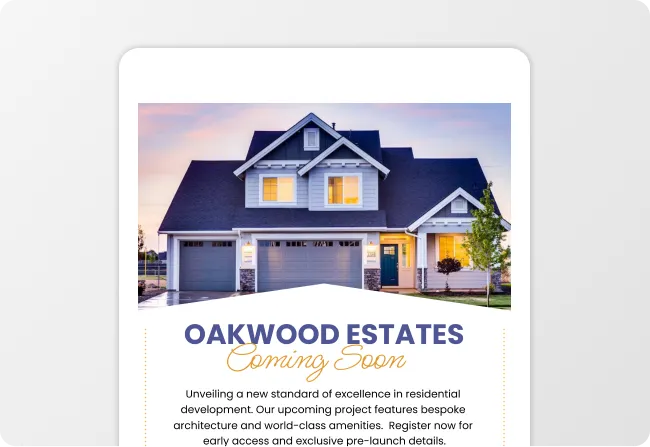
Sample Prompts You Can Modify and Use
“Create a modern storefront grand opening sign for Bloom & Co. Boutique. Include the main headline Grand Opening Weekend, subtext 20% Off Storewide, date June 15, with a soft floral aesthetic, clean typography, and print-ready margins.”
“Generate a high-impact retail window sign for Urban Threads. Highlight headline Summer Sale, callout badge Up to 50% Off, tag Limited-Time Offers, with bold high-contrast colors and dynamic promotional layout.”
“Design a cozy coffee shop sign for Morning Brew Cafe. Feature a section header Today's Specials, item list Caramel Latte, Cold Brew, Blueberry Muffins, using warm rustic chalkboard styling and inviting handwritten typography.”
“Create an elegant event welcome sign for Green Valley Charity Gala. Include headline Welcome to the Annual Gala, event date October 24, featuring a sophisticated minimalist border, gold accents, and a clean professional layout.”
How to Create Custom Signs Using AI (In 5 Simple Steps)
Step 1
Enter Your Text Prompt & Sign Requirements
Start by typing a prompt describing your sign concept. It could be about a retail sale, grand opening, restaurant menu board, or event welcome sign. Include essential details such as your headline, location, style preferences, and dimensions.
Step 2
Generate Editable AI Sign Layouts
Venngage’s AI Custom Sign Generator instantly converts your prompt into structured, professionally balanced sign layouts. Rather than forcing your message into a rigid static template, the AI builds a custom layout tailored to your specific text and visual hierarchy.
Step 3
Customize Layouts, Fonts & AI Graphics
Refine your design using our intuitive drag-and-drop editor. Easily adjust typography, line spacing, color palettes, and borders. Use the integrated AI Writing Assistant to refine messaging or the AI Image Generator to generate custom visual elements.
Step 4
Apply Brand Kit & Official Logos
Ensure business signage stays 100% on-brand. Apply your saved company logos, brand colors, and custom fonts in one click using Venngage’s Brand Kit. For events or seasonal projects, easily swap graphic elements and accent colors to fit the occasion.
Step 5
Export Print-Ready or High-Res Digital Files
Download your custom sign in high-resolution formats, including Print-Ready PDF (with bleed and crop marks), PNG, JPG, or vector SVG. Send directly to commercial printers, display on digital signage screens, or print locally.
Create Custom Business Signs in Seconds
From storefront promotional displays and retail sale banners to restaurant menu boards, local businesses need high-impact signage that drives foot traffic. Instead of struggling with generic templates or expensive design software, Venngage’s AI Custom Sign Generator converts simple text prompts into polished, brand-aligned business signs instantly.
Effortlessly customize layouts, swap colors, and apply your logo using Brand Kit to ensure every promotional sign is professional and print-ready.
Generate Custom Signs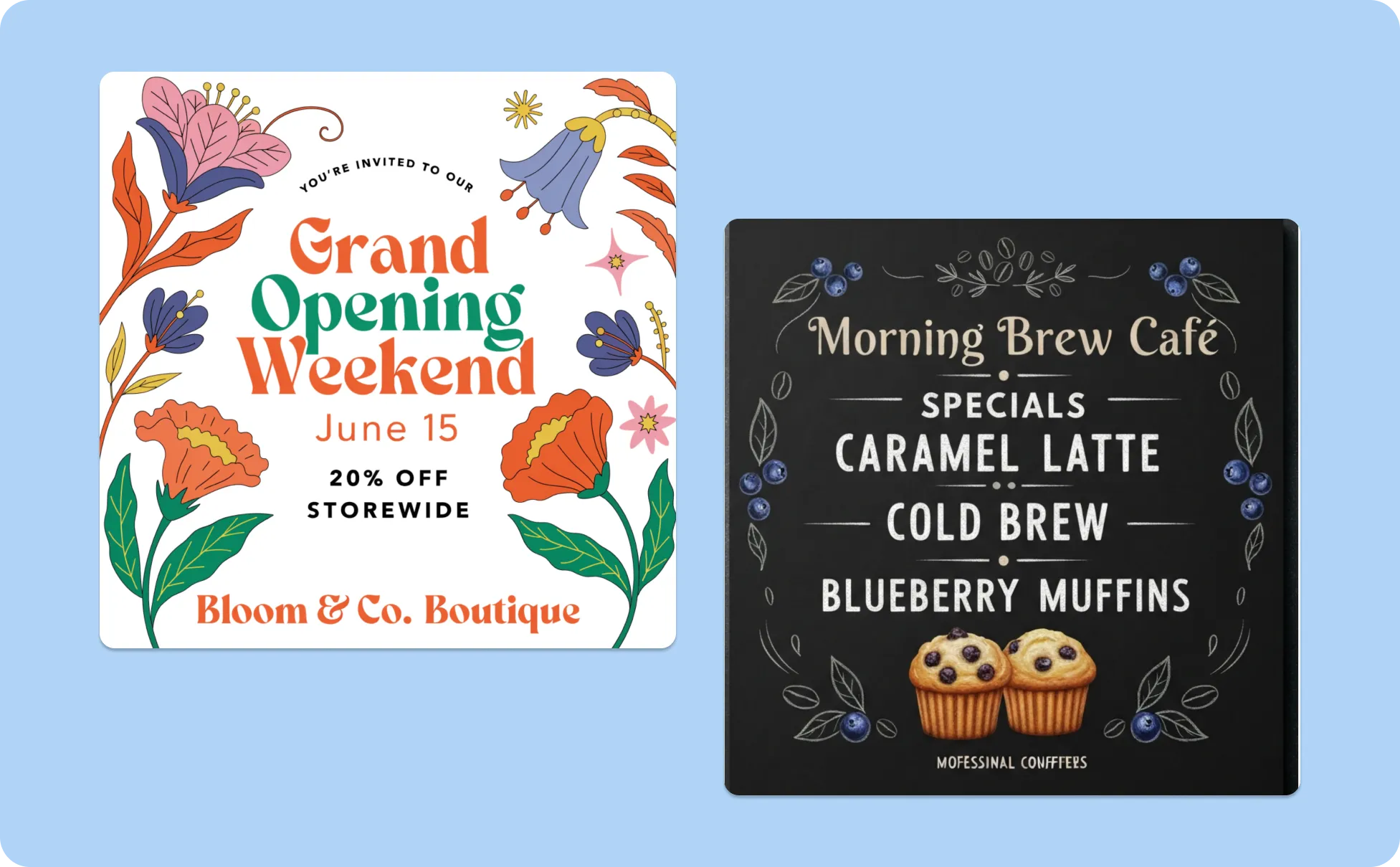
Design Custom Event Signage for Any Theme
Whether you need wedding welcome signs, gala directional boards, or matching event schedules, getting signage to fit a unique event theme is tough with static templates. Venngage lets event planners describe their aesthetic and generate cohesive custom event signs from scratch.
Easily create AI-generated visuals, refine typography, and coordinate your entire event signage package, from entry displays to table cards, in just a few clicks. Describe your idea, generate a custom design, add AI-generated visuals, and adjust every element to fit your theme.
Generate Custom Signs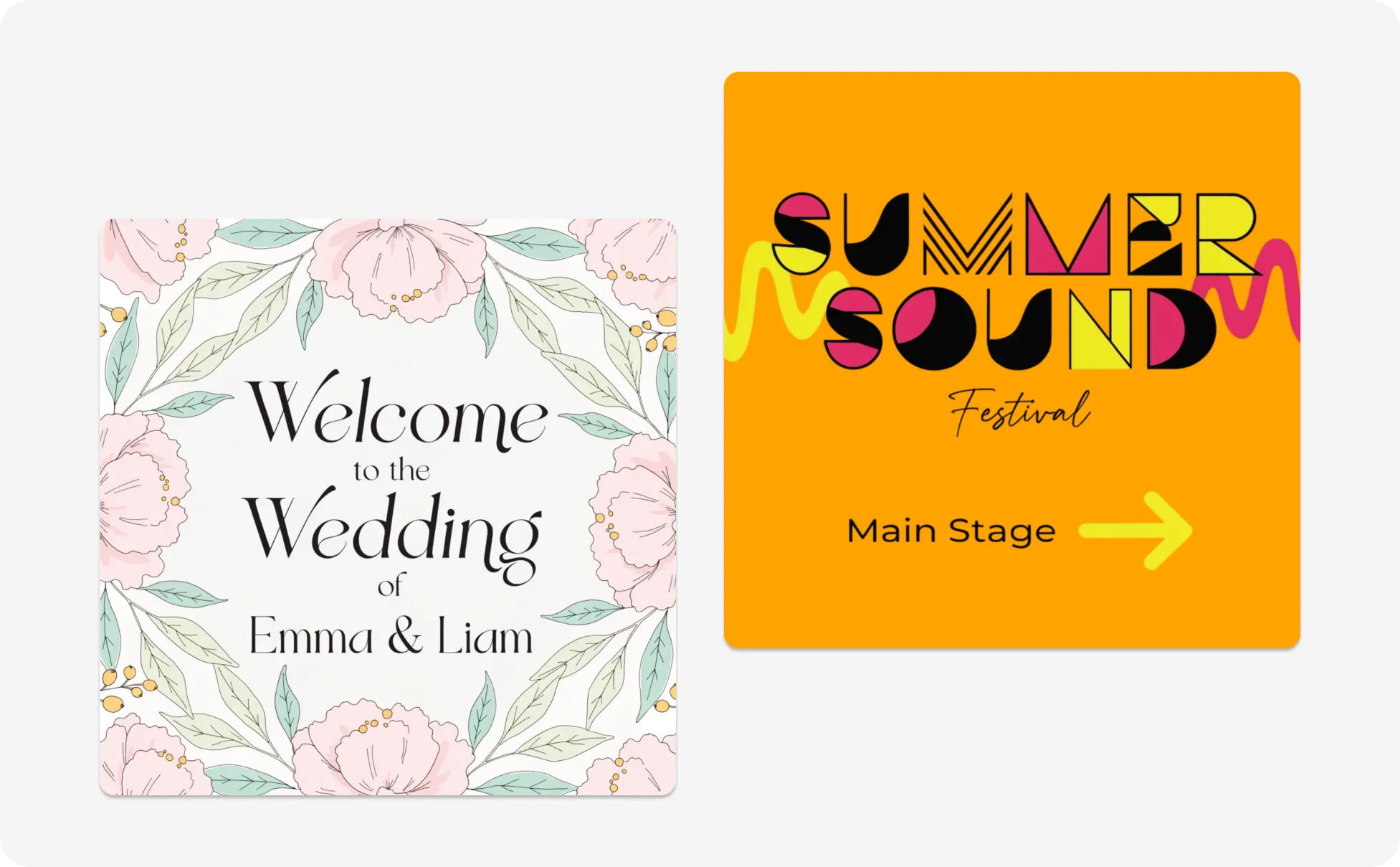
Create Custom Signs as a Community Organizer
Rallying support for fundraisers, charity drives, or neighborhood project announcements requires clear, eye-catching signage on tight timelines and budgets. Generic templates rarely fit specific causes or complex details.
With Venngage’s text-to-sign AI tool, community leaders can transform raw project details into high-contrast community signs and outdoor banners tailored directly to their message and local audience.
Generate Custom Signs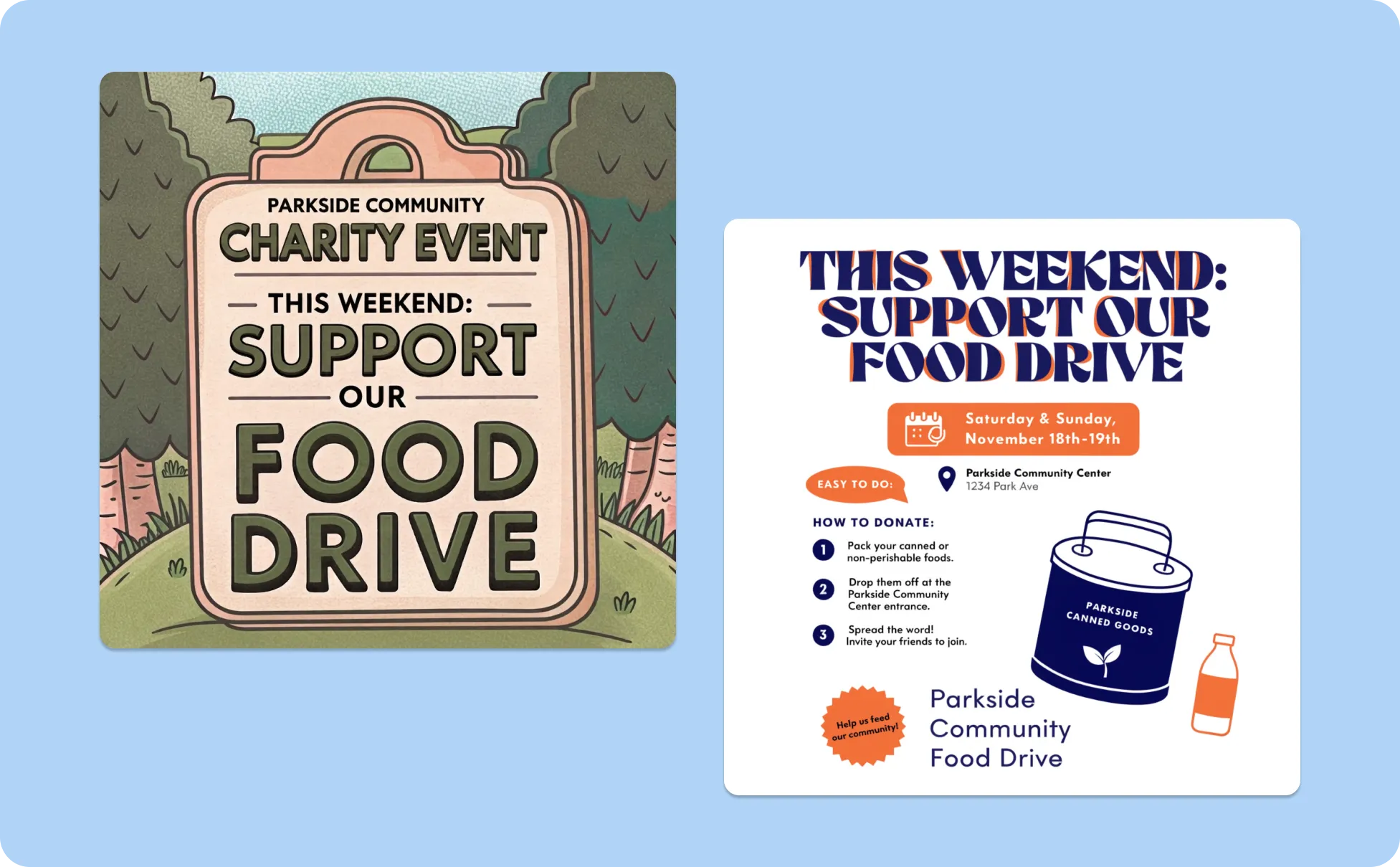
Generate Custom Signs in Seconds With Our AI Sign Generator

Create Signs That Match Your Exact Message
Stop forcing content into rigid static templates. Describe your sign concept in a simple text prompt and Venngage's AI Custom Sign Generator builds a layout tailored specifically to your message, purpose, and visual style.

Make Important Information Easy to Notice
Effective signage directs attention instantly. Automatically balance visual hierarchy, color contrast, and spacing to highlight crucial details so your message remains clear and easy to read from a distance.
Customize Every Detail of Your Sign Design
Control every visual element with our drag and drop editor. Adjust typography and spacing, swap color palettes, or generate custom background artwork using the integrated AI Image Generator.

Improve Your Sign Copy With AI
Concise sign text makes the biggest impact. Use our integrated AI Writing Assistant to sharpen headlines, polish promotional offers, and refine announcements for maximum clarity and quick readability.

Keep Every Business Sign On Brand
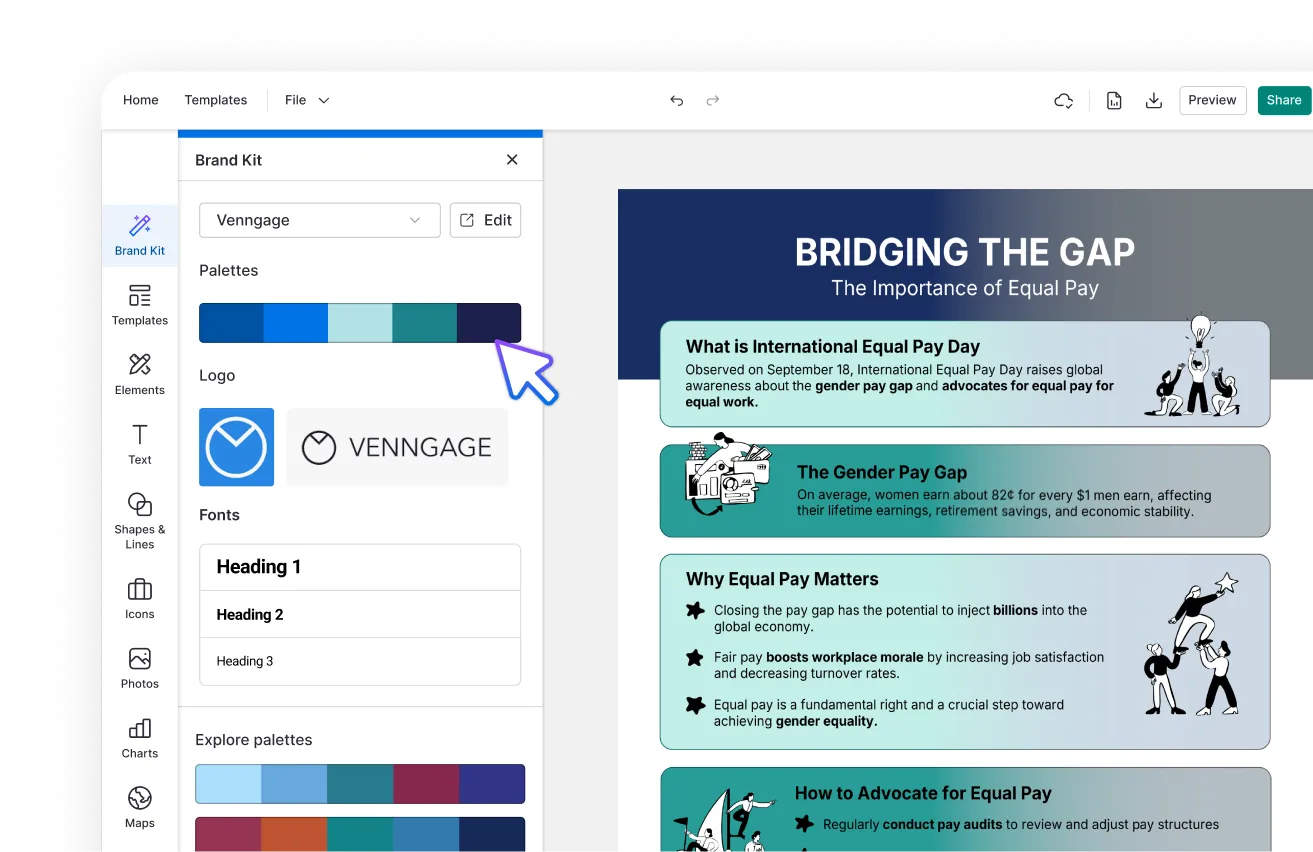
Maintain complete visual consistency across storefront displays, event banners, and promotional signs. Apply your saved company logo, custom fonts, and brand color palettes in one click using Brand Kit.

Create Once and Update Anytime
Save your custom sign designs to your dashboard and edit details whenever business or event details change. Quickly refresh dates, menu items, or special offers without starting over from scratch.
Fuel Your Creativity with AI-Powered Design Tools
Venngage is your one-stop shop for creating impactful presentations, infographics, reports, and more. It's a favorite among professionals, educators, and marketers for a reason:
AI Branding Automation
Instantly extract brand colors, fonts, and styles. Auto-apply your logo and visual identity to every design for seamless brand consistency.
DesignAI Generator
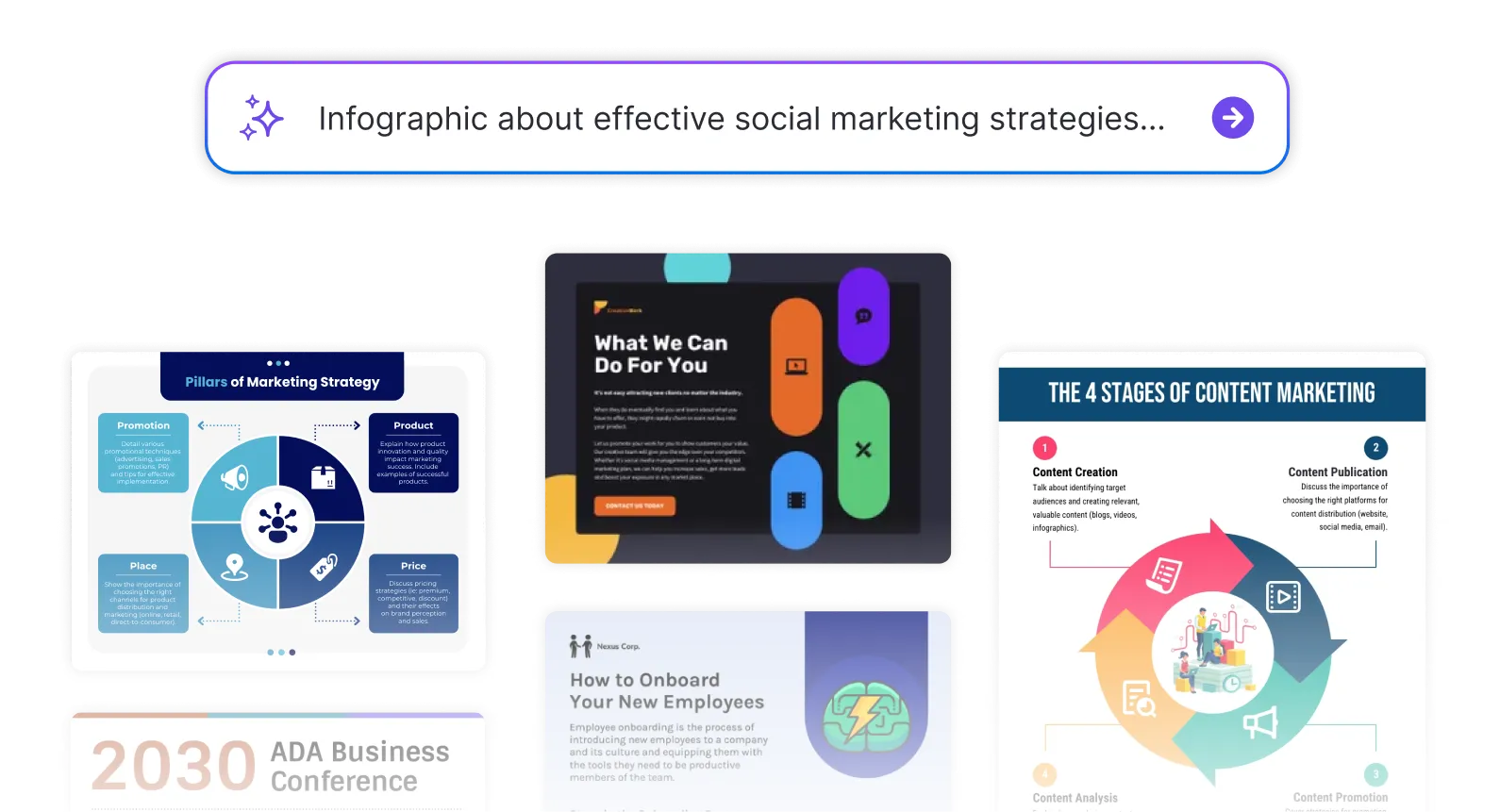
Turn simple prompts into stunning professional visuals in seconds. Describe what you need in plain language and watch our AI generate layouts optimized for maximum visual impact.
AI Content Auto-Fill
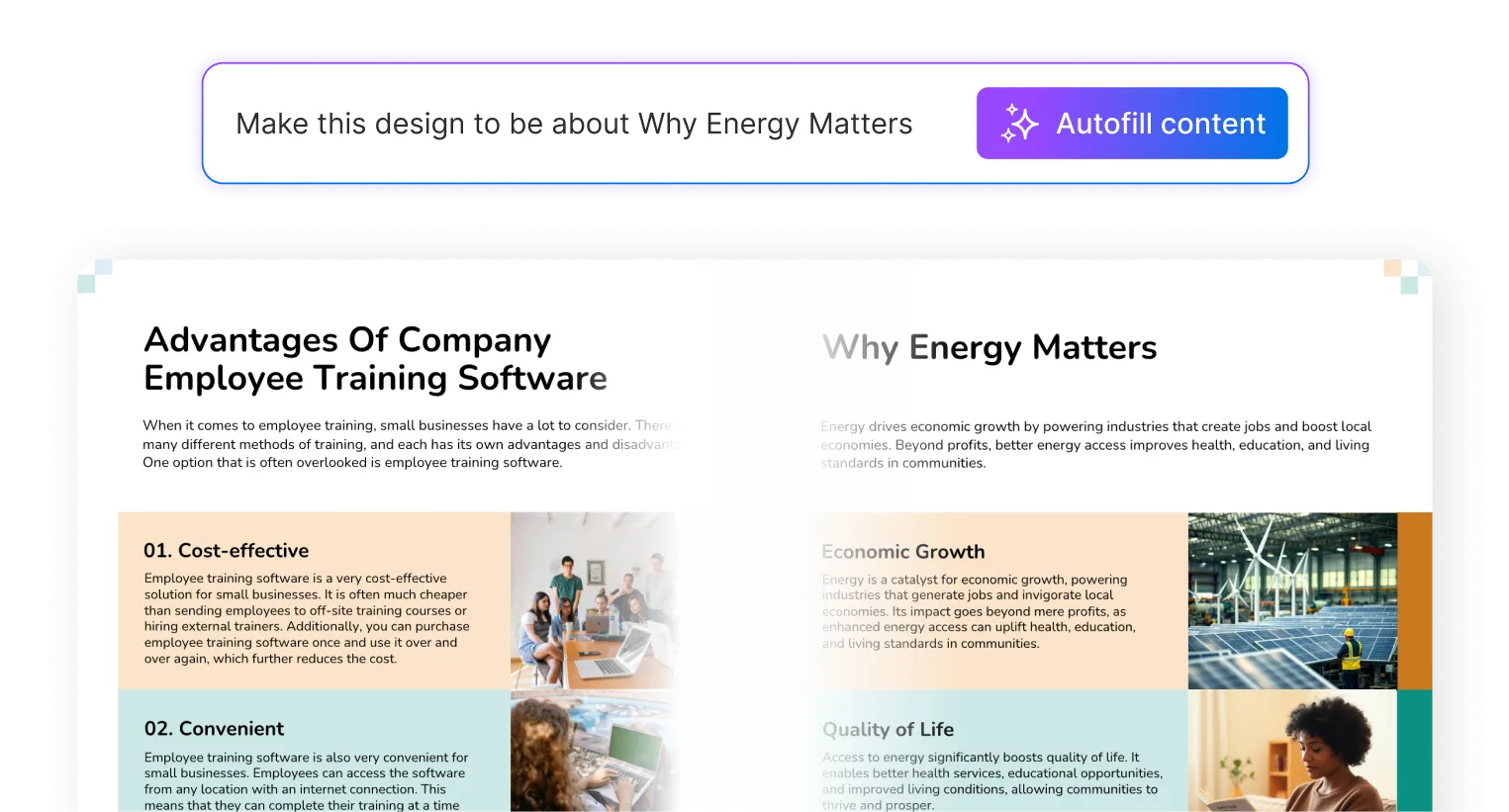
Kickstart your design process in seconds. Choose a template and let our AI auto-fill it with relevant, on-brand content, ideal for streamlining workflow and boosting productivity.
AI Generated Icons and Images
Create unique visuals that perfectly match your content and style. Generate custom illustrations, icons and images that align perfectly with your brand.
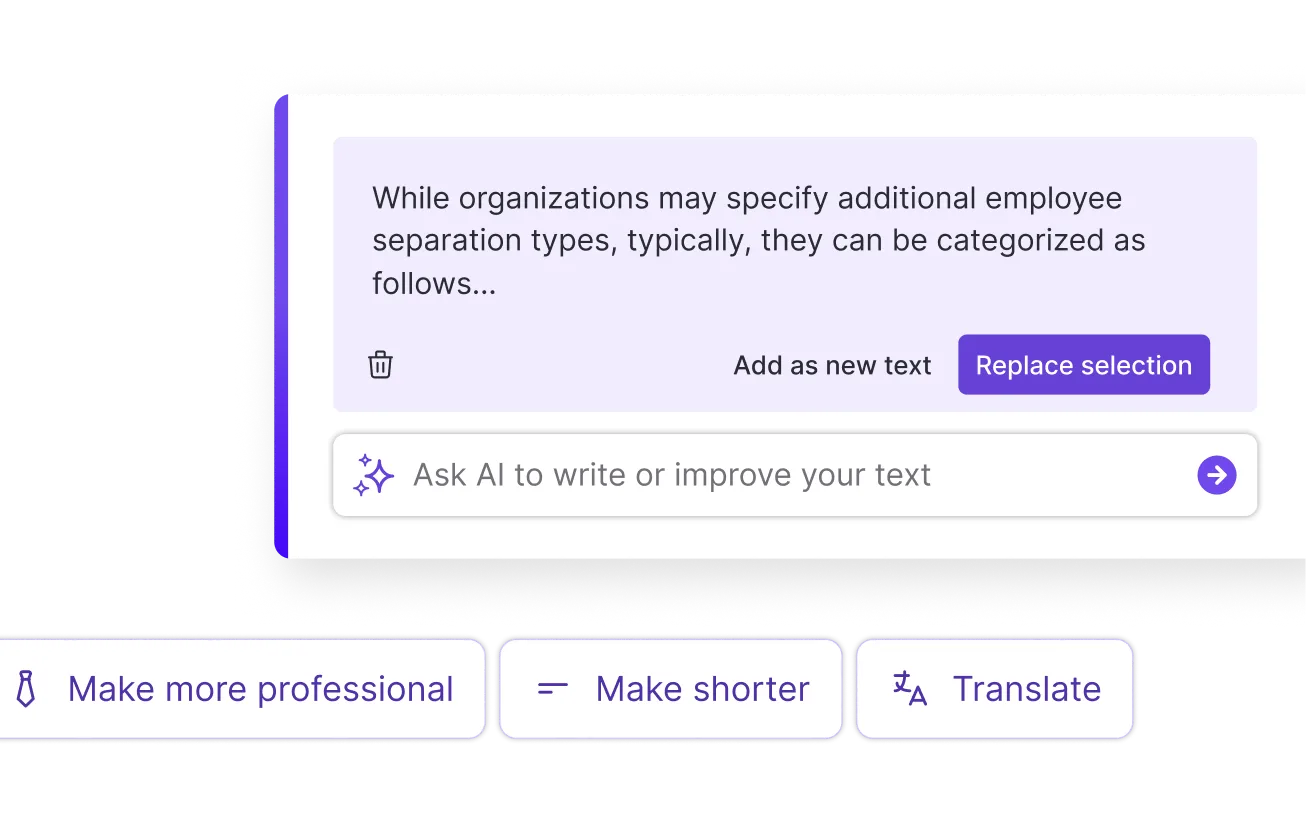
AI Writer and Translation
Enhance clarity, rewrite content, and instantly translate text to create accessible, global-ready visuals.
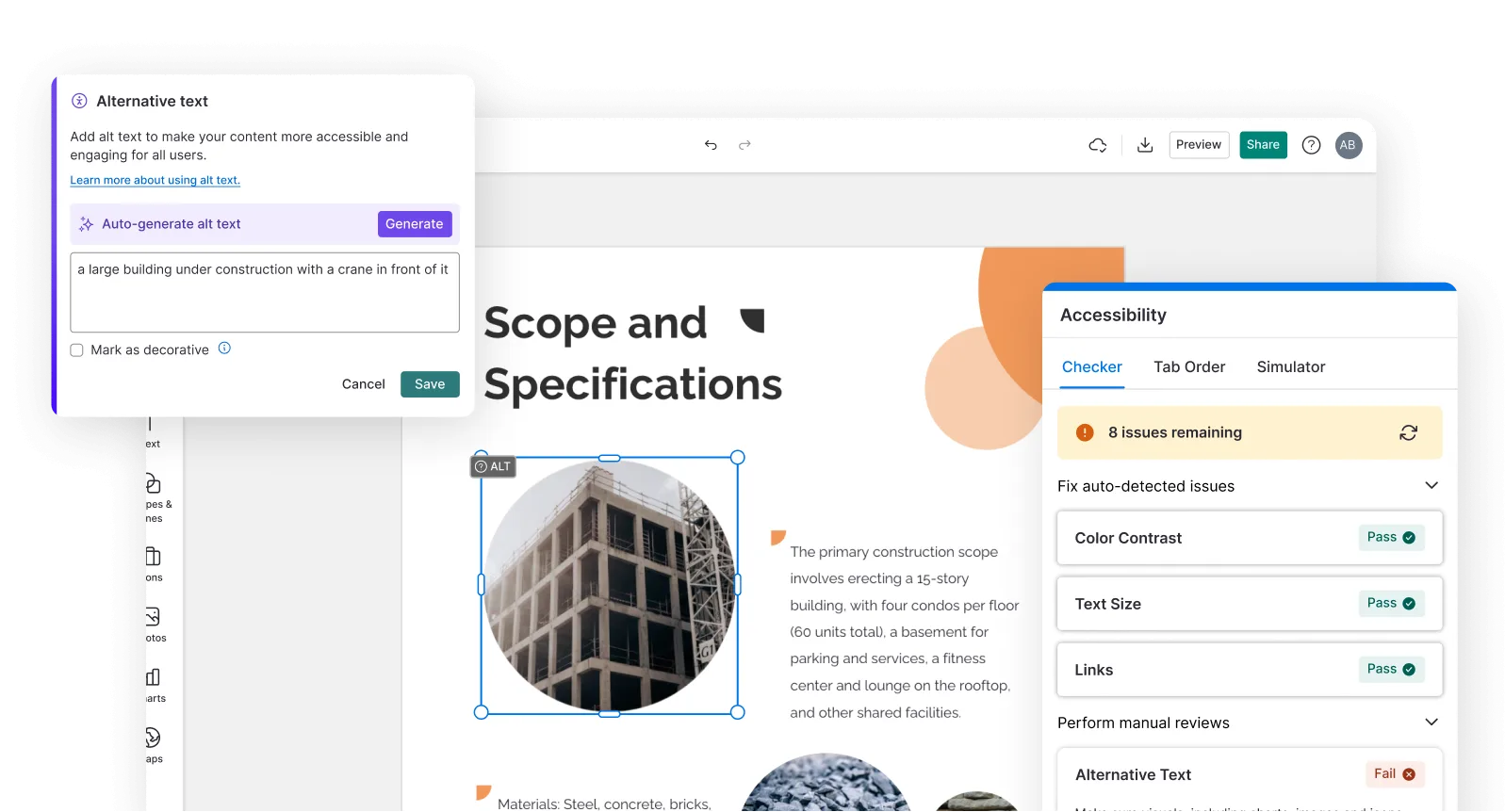
Smart Accessibility AI
Ensure every project looks great and works for everyone. Use AI to write alt text check contrast, layout, and font readability, and export fully WCAG-compliant visuals and PDFs.
FAQs
You can create business signs, retail storefront displays, restaurant menu boards, event welcome signs, outdoor yard signs, promotional banners, and directional signage. Venngage allows you to generate custom sign designs tailored for both high-resolution commercial printing and digital displays.
Enter a brief text prompt describing your sign concept, location, key messaging, and aesthetic style. Venngage’s AI processes your request and instantly converts your text into a fully editable, visually balanced sign layout that you can modify in the editor.
Yes, you can generate custom sign designs for free without entering a credit card. Free accounts include complimentary AI credits to create and edit sign layouts. You can upgrade to a paid plan at any time to unlock unlimited AI generations, Brand Kit access, and high-resolution print downloads.
Start by typing your design prompt into Venngage’s AI sign generator. Choose your favorite AI-generated layout, edit the headline text, adjust colors, add custom graphics or logos, and download your finished sign design for web or print.
An effective sign design features high color contrast, a clear visual hierarchy, legible typography readable from a distance, and generous negative space. Keep your copy concise so passersby can read and comprehend your main message within three seconds.
You can customize every element of your sign using Venngage’s drag and drop editor. Change fonts, swap color palettes, add custom icons, refine your messaging with the integrated AI Writing Assistant, or generate unique graphics using the AI Image Generator.
Yes. You can store your company logo, custom fonts, and brand color palettes in Venngage’s Brand Kit. With one click, you can apply your brand identity across any AI-generated business sign to maintain complete brand consistency.
You can download your completed sign design in high-resolution PNG, JPG, or scalable SVG vector formats. For commercial printing, export as a print-ready PDF with crop marks and bleed settings to guarantee crisp, professional print quality.