


Free AI YouTube Thumbnail Generator
No designer needed. Generate a click-worthy YouTube thumbnail from one description, free.




Browse Through More Banner Templates


Popular AI Design Generators
Sample Prompts You Can Modify and Use
“You're consulting for a company deciding how to manage its projects. Compare Agile, Scrum, Kanban, Waterfall, Lean, and PRINCE2 by placing them into a tier list. Consider flexibility, ease of adoption, team collaboration, and scalability. Include recommendations for which types of organizations would benefit most from each framework.”
“You are a food reviewer. Create a tier list that ranks popular fast food chains based on taste, value for money, menu variety, and consistency. Use S, A, B, C, and D tiers. ”
“Rank the top 10 battle royale games from S tier to D tier based on gameplay mechanics, player base size, content updates, and overall fun factor. Include Fortnite, Warzone, Apex Legends, PUBG, and Ring of Fire in the ranking.”
“I'm looking for skincare products that won't irritate my sensitive skin. As a dermatologist, create a tier list of common skincare ingredients and explain which ones are most suitable for sensitive skin. Present the results using S, A, B, C, and D tiers.”
How to Create a YouTube Thumbnail Using AI
Step 1
Describe Your YouTube Thumbnail in Venngage
Type the video topic, channel style, key text, color palette, and any specific design details into the prompt field. The more specific the description, the more click-worthy the finished thumbnail.
Step 2
Generate Your YouTube Thumbnail
Click generate and Venngage's AI produces a complete, fully designed YouTube thumbnail — headline text, layout, color palette, and visual hierarchy — built around the video topic and channel style instantly.
Step 3
Refine Your Thumbnail Using Venngage's AI Writing Assistant
Use the AI Writing Assistant to sharpen the thumbnail text, test different headline treatments, and write copy that creates enough curiosity to earn the click without giving away the entire video in three words.
Step 4
Enhance Your Design Using Venngage's AI Designer and AI Icon Generator
Use the AI Designer to adjust the visual hierarchy, rebalance the composition, and optimize the thumbnail layout for maximum click-through rate — bold text in the right position, key visual in the right area, and enough contrast to stand out in a crowded feed. Use the AI Icon Generator to add icons, graphic elements, and visual details that reinforce the video topic.
Step 5
Apply Your Brand and Export Your Thumbnail From Venngage
Use the Brand Kit to apply consistent fonts, colors, and channel identity across every YouTube thumbnail, essential for creators publishing multiple videos per week who need every thumbnail to look like it came from the same channel. Download as a high-resolution PNG at the standard YouTube thumbnail size of 1280x720 pixels, ready to upload the moment the video goes live.
Design Gaming Thumbnails That Stop the Scroll
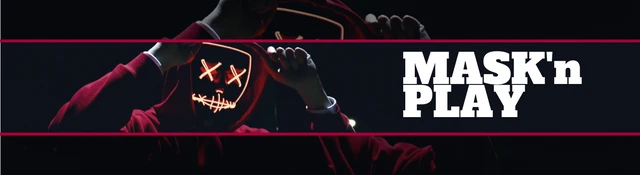
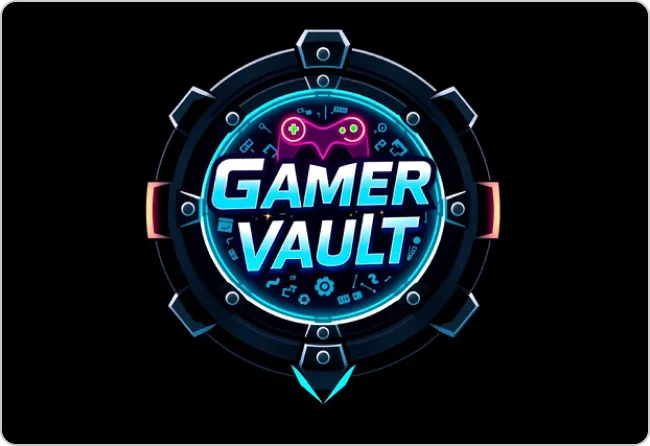
Gaming is the most competitive content category on YouTube with thousands of thumbnails competing for the same viewer at the same moment. Describe the game, the video topic, and the energy and Venngage generates a high-contrast gaming thumbnail that stands out in the feed.
The AI Writing Assistant writes the thumbnail text to create a headline that makes someone stop scrolling and click. Download as a 1280x720 PNG ready to upload before the video finishes processing.
Generate YouTube Thumbnails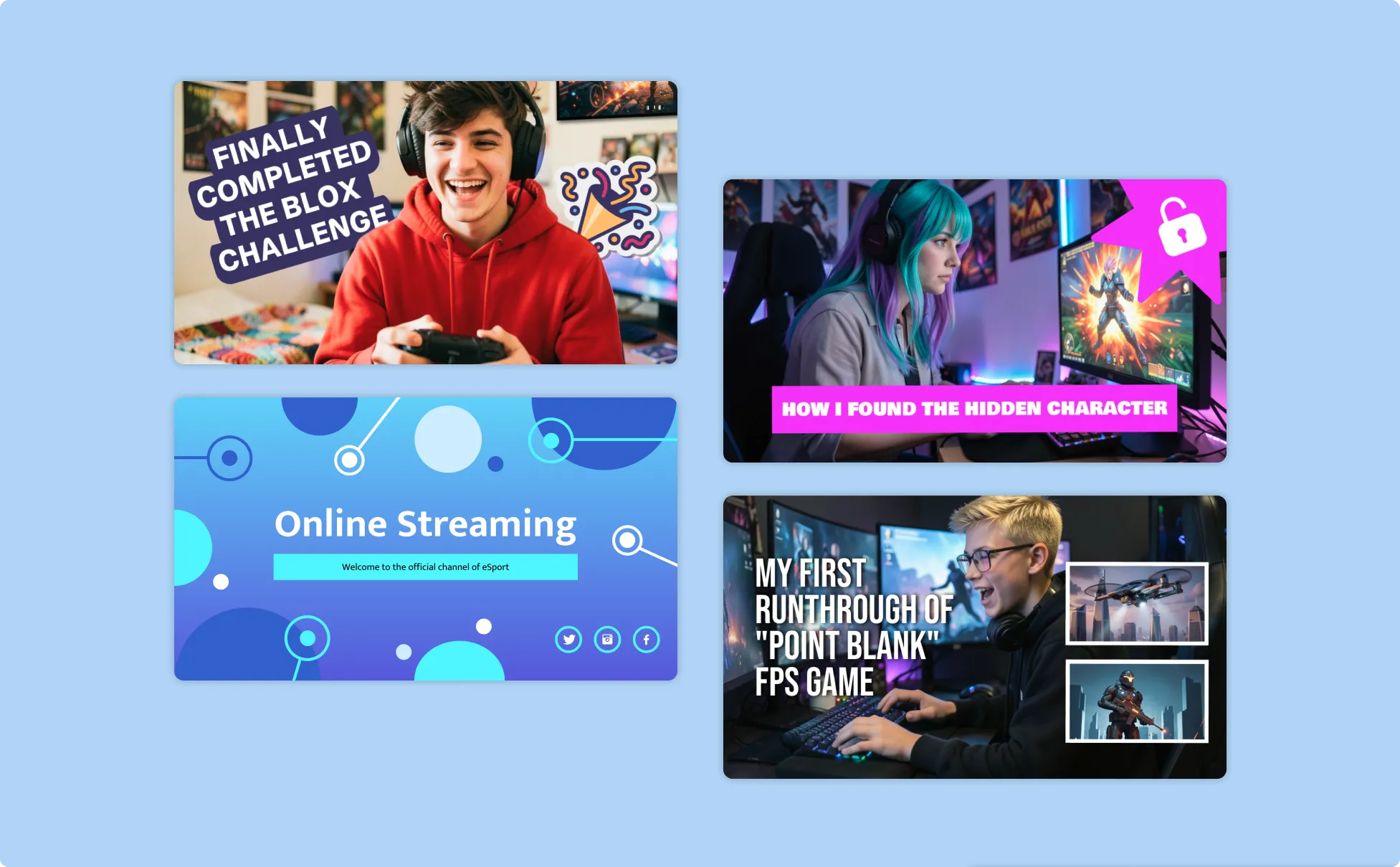
Create Vlog Thumbnails That Make Viewers Watch
A vlog thumbnail has one job — make the viewer feel like something worth watching happened and they'll miss out if they don't click. Describe the vlog topic, the energy, and the visual approach and Venngage’s YouTube Thumbnail Maker generates a warm, personal thumbnail that communicates personality before anyone reads the title.
Venngage's AI Designer optimizes text placement, color contrast, and focal point until the thumbnail earns the click in half a second. Download as a high-resolution PNG ready to upload the moment the vlog is edited.
Generate YouTube Thumbnails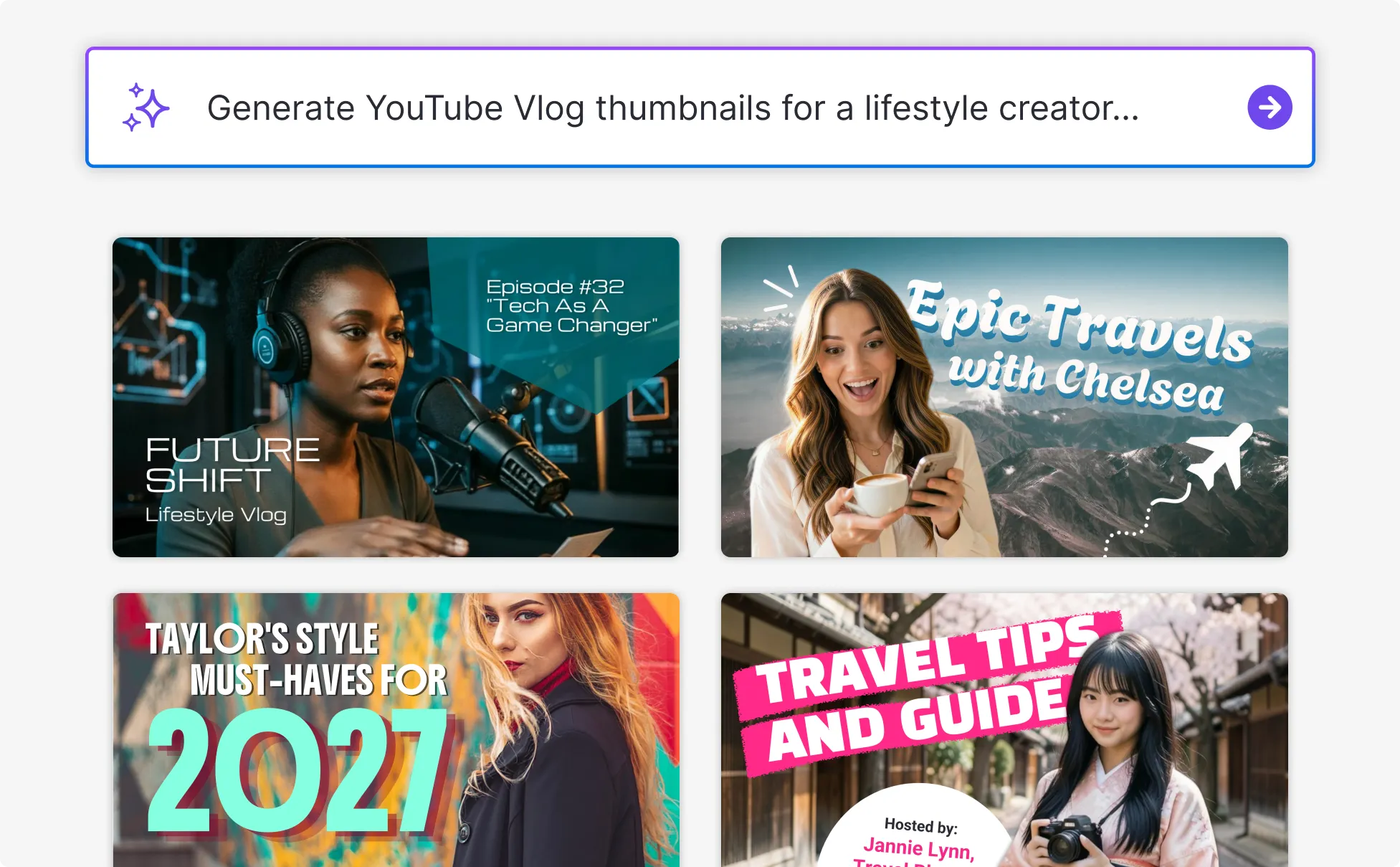
Design Tutorial Thumbnails That Signal Value
A good tutorial thumbnail communicates one thing instantly — by the end of this video, you will know how to do something you couldn't do before. Describe the topic, the outcome, and the channel style and Venngage’s AI YouTube Thumbnail Creator generates a clear, informative thumbnail that makes the right viewer click.
The Brand Kit keeps every tutorial thumbnail visually consistent across the whole channel so every video looks like it came from the same trusted source. Download as a 1280x720 PNG ready to upload instantly.
Generate YouTube Thumbnails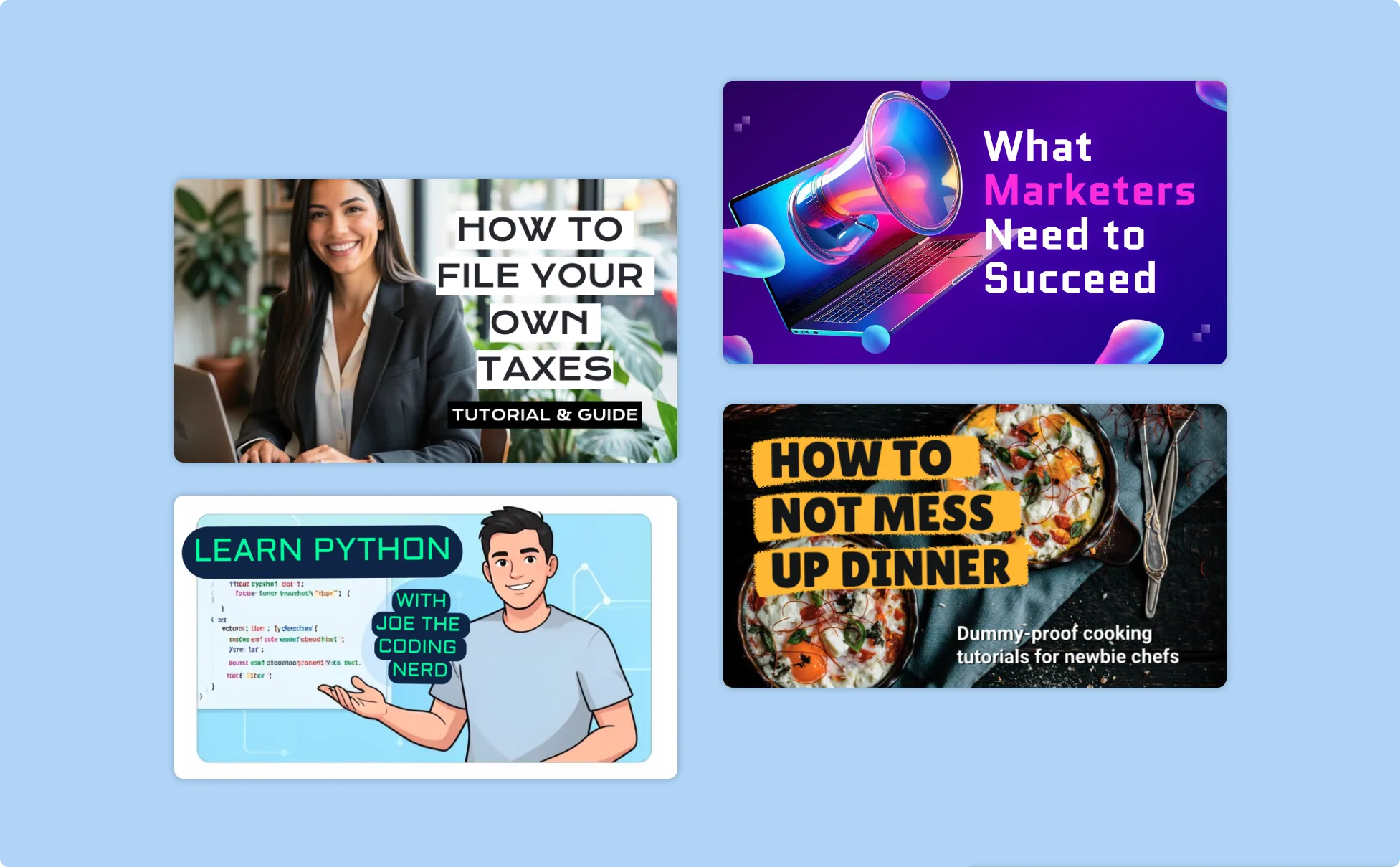
Generate YouTube Thumbnails In Seconds With Our AI YouTube Thumbnail Generator

Stop Losing Views to a Thumbnail That Doesn't Earn the Click
The video might be the best thing on the channel but if the thumbnail doesn't stop the scroll, nobody finds out. Describe the video topic and visual approach and Venngage generates a click-worthy thumbnail that competes in the feed, not one that blends into the background.

Write Thumbnail Text That Creates Curiosity Without Giving Everything Away
Use Venngage's AI Writing Assistant to test headline treatments and find the version that earns the click without summarizing the entire video in three words. The difference between a thumbnail that performs and one that doesn't is almost always the text.

Design for Click-Through Rate, Not Just Maximum Effort
Use Venngage's AI Designer to position the key visual, balance the text, and optimize contrast until the thumbnail is bold enough to stand out, clear enough to communicate the topic, and compelling enough to earn the click in half a second.

Add Visuals That Make the Topic Immediately Clear
Use Venngage's AI Icon Generator to add topic-specific icons and graphic elements that communicate the video subject before anyone reads the title — a gaming thumbnail that screams battle royale, a tutorial thumbnail that signals step-by-step.

Keep Every Thumbnail Consistent Across the Entire Channel
Use Venngage's Brand Kit to apply consistent fonts, colors, and channel identity across every thumbnail. A channel where every thumbnail looks consistent builds the visual brand recognition that turns casual viewers into subscribers.

Upload the Thumbnail the Moment the Video Is Ready
Download as a high-resolution PNG at 1280x720 pixels — the standard YouTube thumbnail size — ready to upload to YouTube Studio the moment the video finishes processing. No resizing, no last-minute thumbnail panic.
Fuel Your Creativity with AI-Powered Design Tools
Venngage is your one-stop shop for creating impactful presentations, infographics, reports, and more. It's a favorite among professionals, educators, and marketers for a reason:
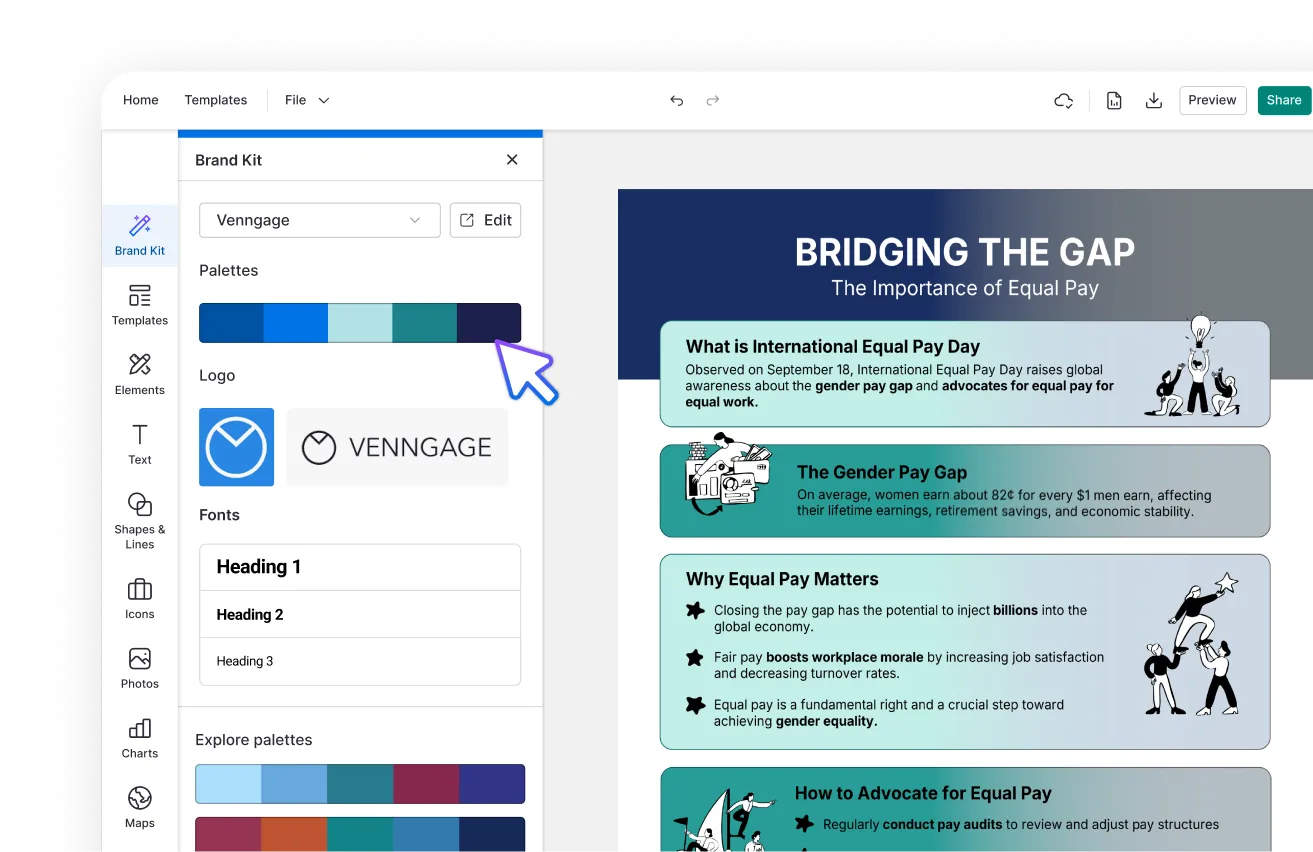
AI Branding Automation
Instantly extract brand colors, fonts, and styles. Auto-apply your logo and visual identity to every design for seamless brand consistency.
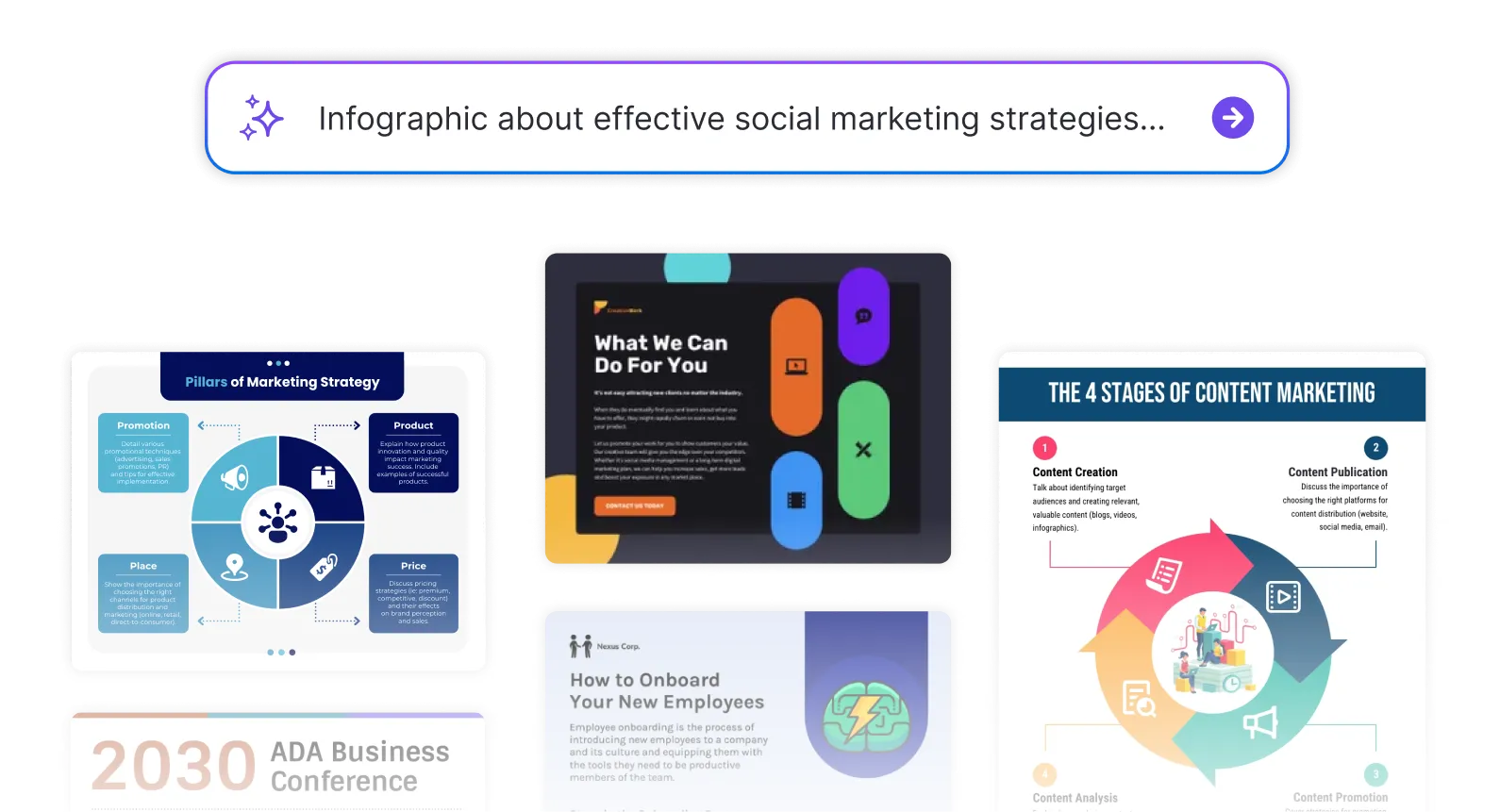
DesignAI Generator
Turn simple prompts into stunning professional visuals in seconds. Describe what you need in plain language and watch our AI generate layouts optimized for maximum visual impact.
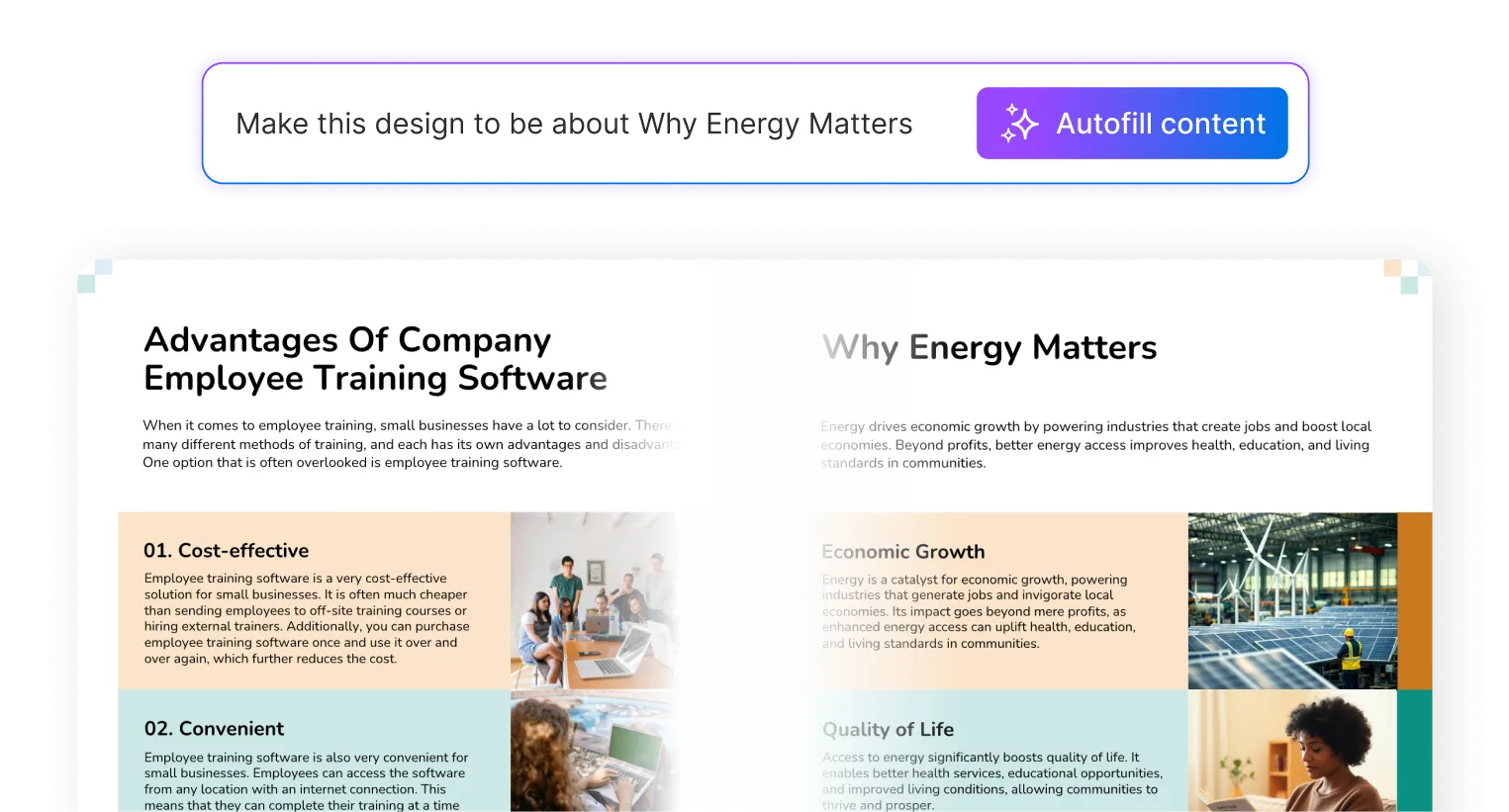
AI Content Auto-Fill
Kickstart your design process in seconds. Choose a template and let our AI auto-fill it with relevant, on-brand content, ideal for streamlining workflow and boosting productivity.
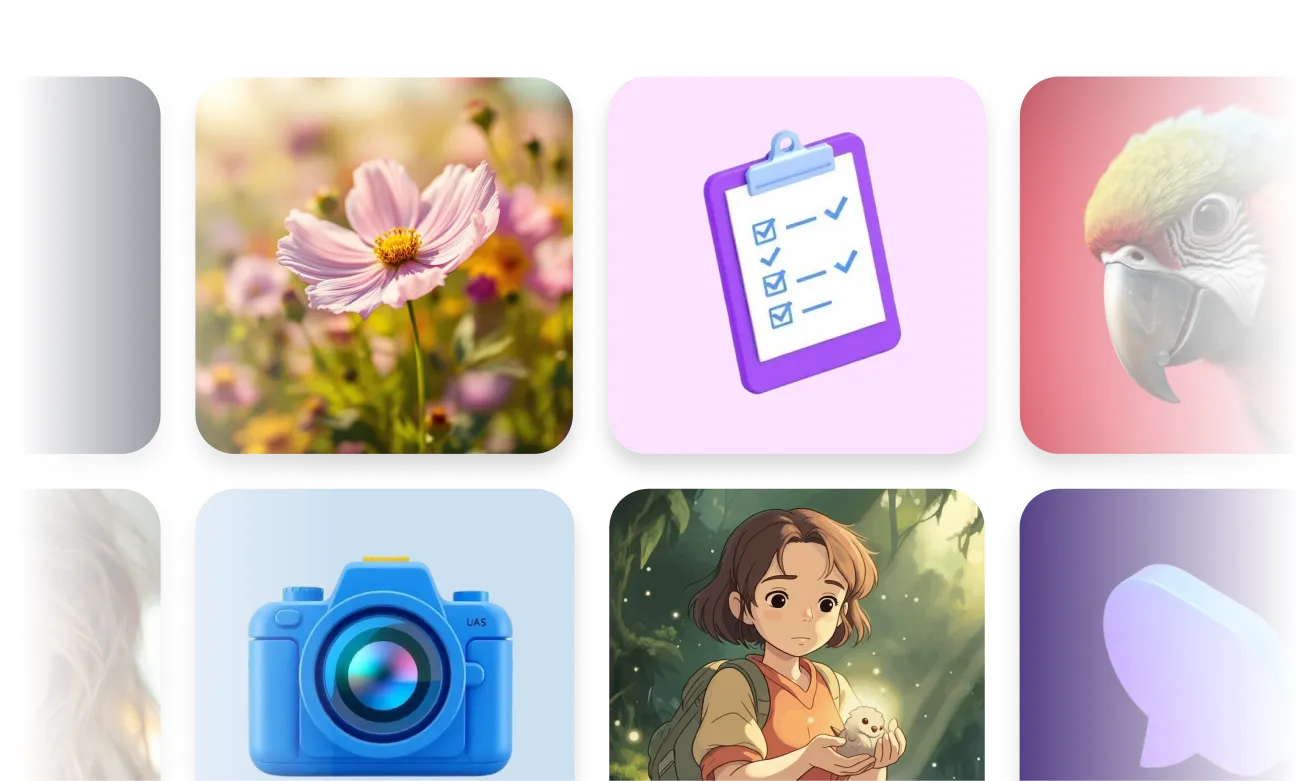
AI Generated Icons and Images
Create unique visuals that perfectly match your content and style. Generate custom illustrations, icons and images that align perfectly with your brand.
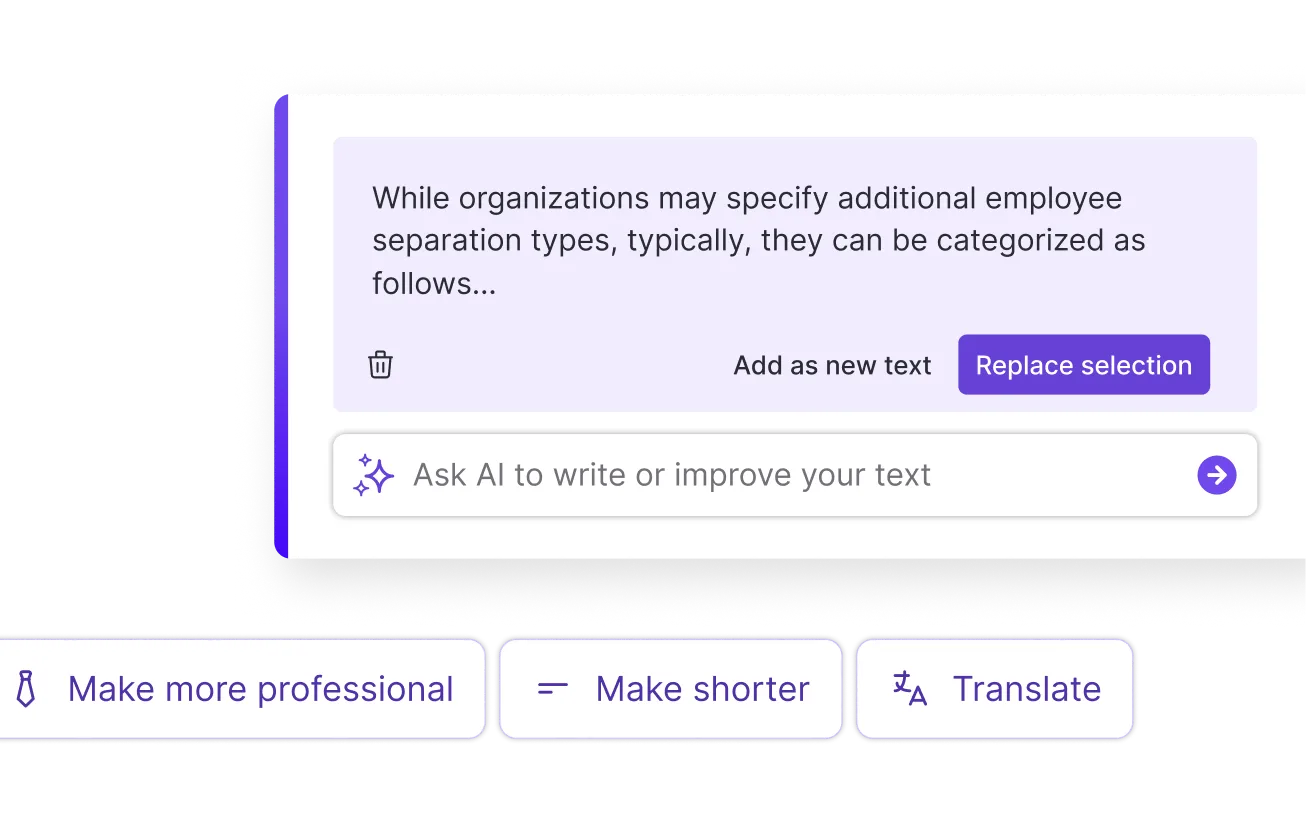
AI Writer and Translation
Enhance clarity, rewrite content, and instantly translate text to create accessible, global-ready visuals.
Smart Accessibility AI
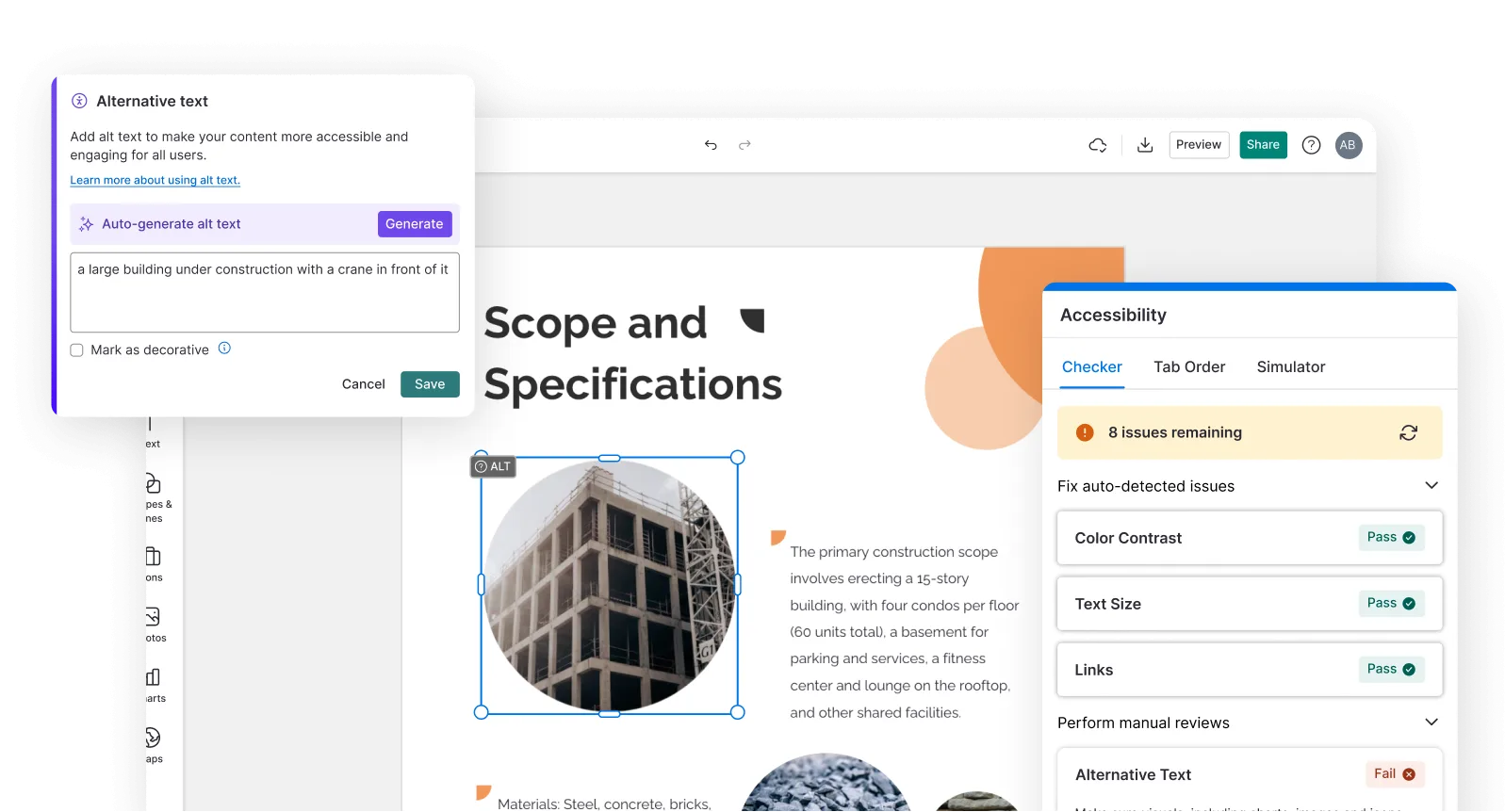
Ensure every project looks great and works for everyone. Use AI to write alt text check contrast, layout, and font readability, and export fully WCAG-compliant visuals and PDFs.
FAQs
Absolutely. All AI-generated YouTube thumbnails on Venngage are fully customizable. Personalize colors, fonts, images, text, layouts, and branding elements to create thumbnails that match your channel's style and attract more viewers.
Yes, there are a variety of design generators available on Venngage. Along with the AI YouTube Thumbnail Generator, Venngage offers tools to create infographics, social media posts, reports, and more. These AI design tools are easy to use and customizable, helping you generate professional visuals quickly to match your style and needs.
The standard YouTube thumbnail size is 1280x720 pixels at a 16:9 aspect ratio — the same ratio as most YouTube videos. The maximum file size YouTube accepts for thumbnails is 2MB, and the recommended file format is PNG or JPG. Venngage generates every YouTube thumbnail at the standard 1280x720 pixel size automatically, no manual resizing or format conversion required before uploading to YouTube Studio.
A good YouTube thumbnail stops the scroll, communicates the video topic clearly, and creates enough curiosity to earn the click in the half-second a viewer spends deciding whether to watch. The most effective thumbnails combine bold text, high contrast, a clear focal point, and a visual or headline that promises something worth clicking on.
Yes. Describe the game, the video topic — highlights, tips, review, reaction — the channel style, and any specific visual details and Venngage generates a high-energy, high-contrast gaming thumbnail that stands out in a crowded gaming feed. Popular gaming thumbnail styles include battle royale highlights, speedrun records, game review covers, and first impression reaction thumbnails.
Yes. Specify that you want a faceless thumbnail in the description and Venngage generates a visually compelling YouTube thumbnail that doesn't require a face in the frame, using bold text, graphic elements, topic-specific icons, and a strong color palette to earn the click without a human subject. Faceless thumbnails are popular for educational channels, tutorial content, gaming channels, and finance and business content.
Yes. Use Venngage's Brand Kit to apply consistent fonts, colors, and channel visual identity across every YouTube thumbnail so every video on the channel looks like it came from the same creator. A visually consistent channel builds the brand recognition that turns casual viewers into subscribers and makes the channel immediately identifiable in search results and recommended feeds.
The most effective YouTube thumbnail fonts are bold, high-contrast, and legible at small sizes since thumbnails appear small in search results and recommended feeds. Sans-serif fonts with thick strokes, high x-heights, and strong letter spacing typically perform best. Use Venngage's AI Designer to test different font treatments and Venngage's Brand Kit to lock in the font that performs best across the entire channel.
We offer a free plan so you can try out all our AI features without spending anything. If you want more advanced features like private sharing and auto branding, we've got Premium and Business plans available too.