


Free AI Worksheet Generator
Generate worksheets that fit the lesson — not lessons that fit the worksheet.




Browse Through More Worksheet Templates
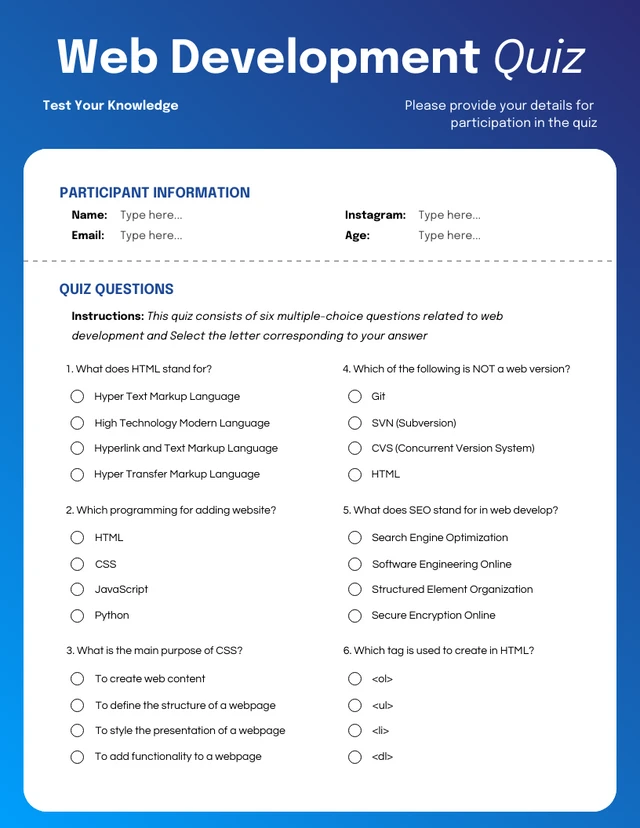
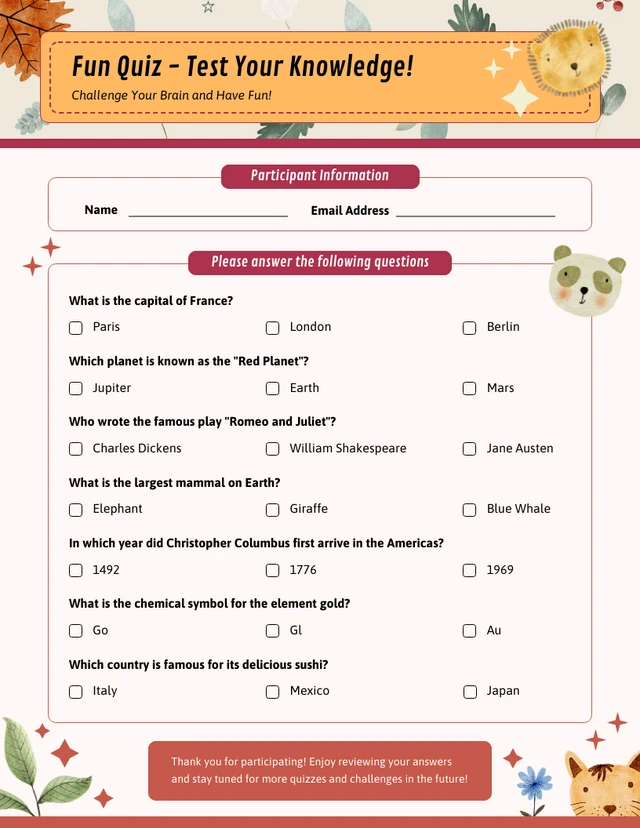
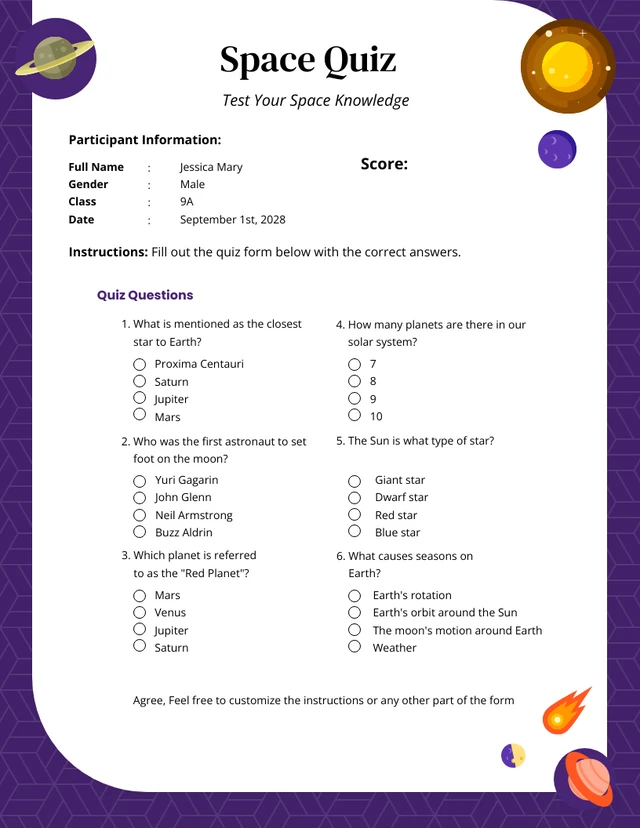
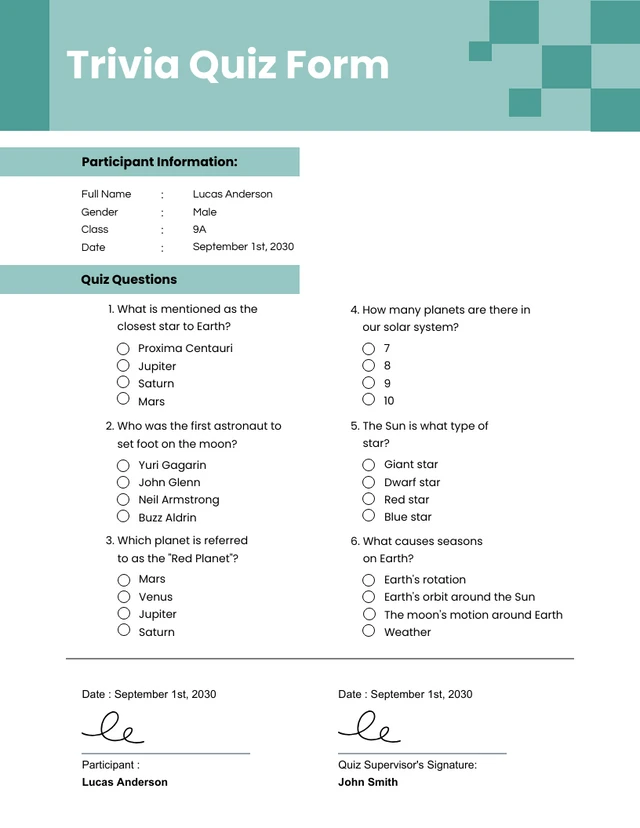
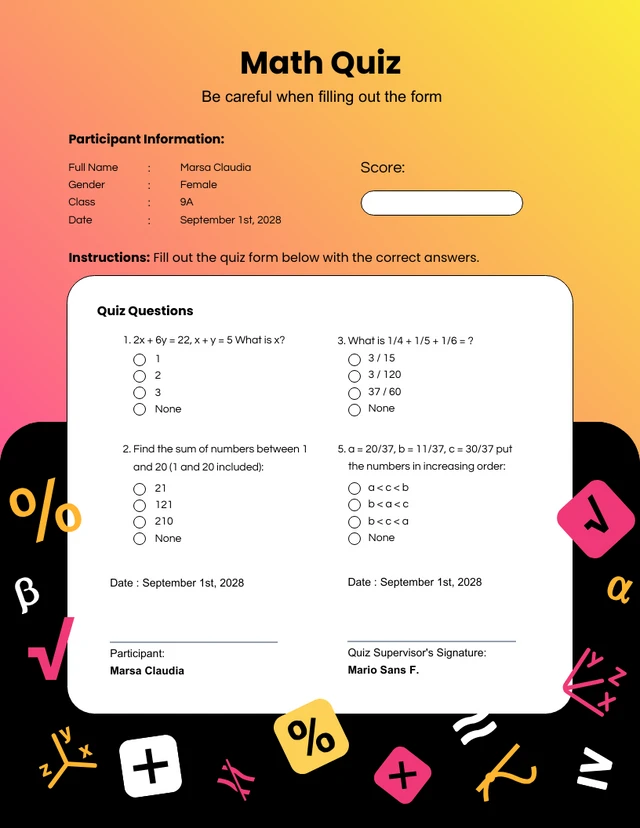
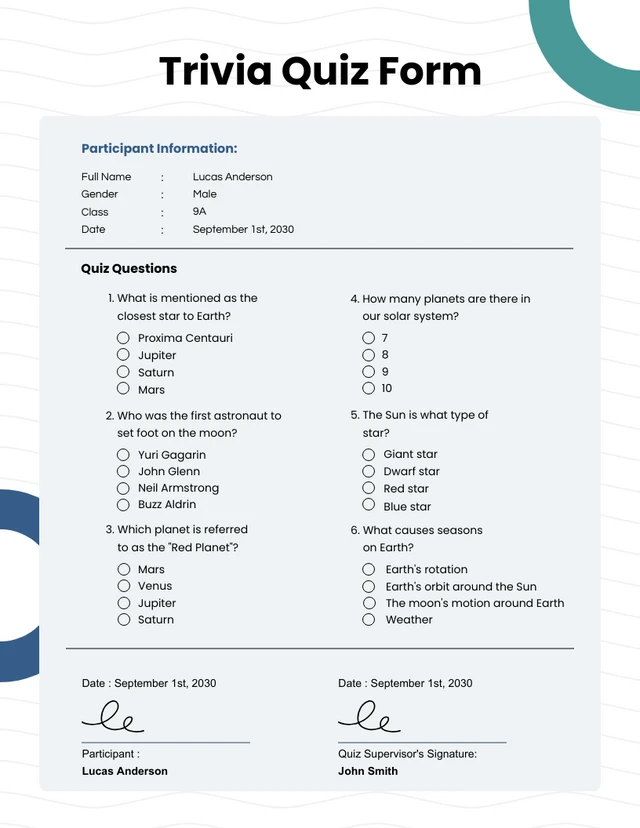
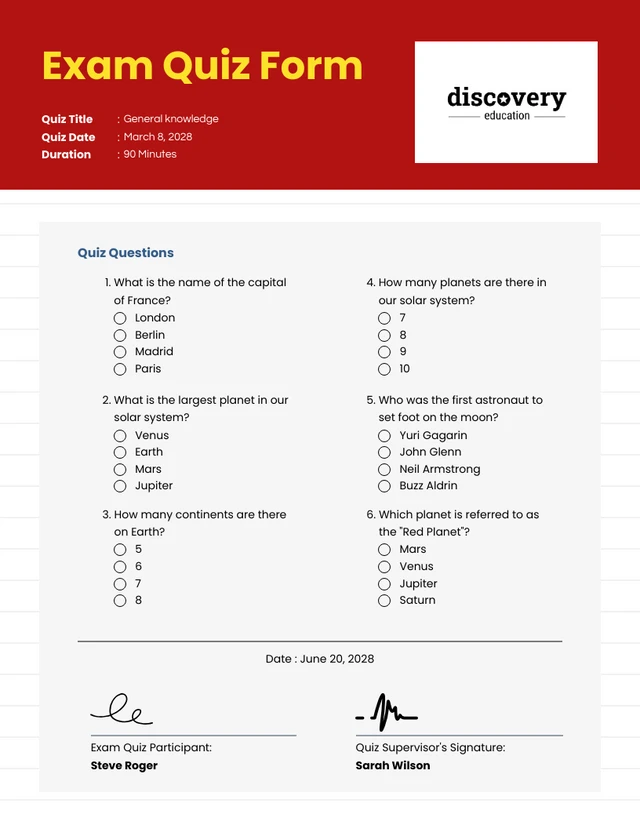
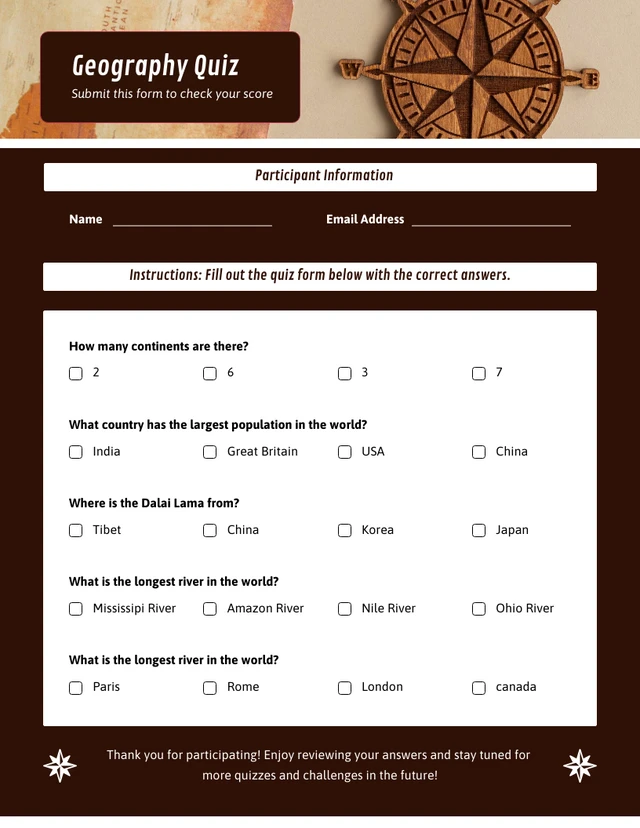
Popular AI Design Generators
Sample Prompts You Can Modify and Use
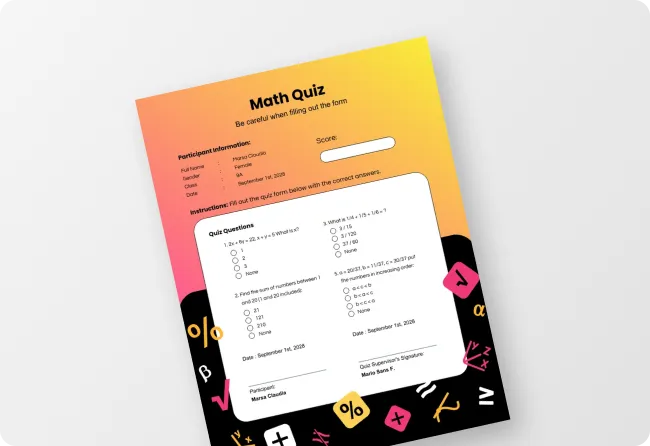
“My Year 1 class just learned two-digit addition and half of them are still counting on their fingers. Create a printable math worksheet with 10 addition and subtraction problems that start simple and get harder — include a number line at the bottom as a visual aid.”
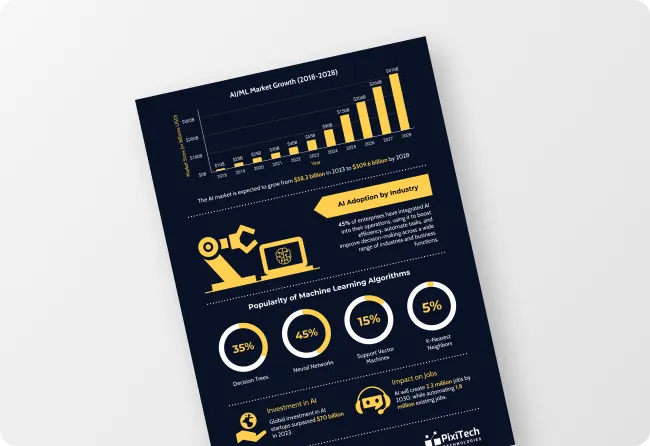
“A CSV file with real weather data collected over 30 days is uploaded. Turn this into a printable data handling worksheet for a Year 6 class. Include five questions asking students to read and interpret the data, a dot plot or bar chart to complete using the values, and two problem-solving questions using the data set.”
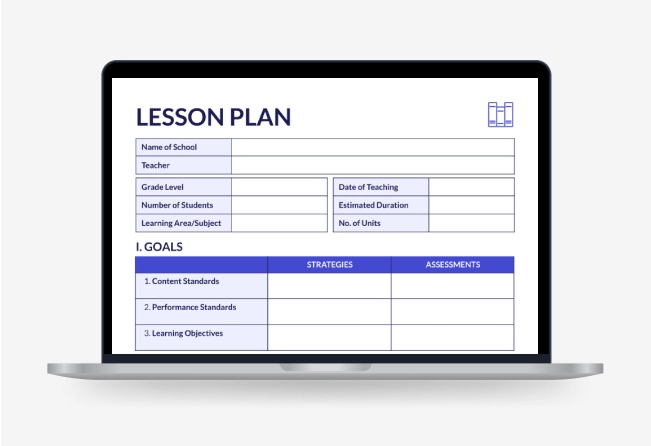
“As an ESL teacher preparing intermediate adult learners for IELTS, create a printable vocabulary worksheet covering ten academic words. Include a gap-fill exercise, a matching definition task, and a short writing task using three words in context.”
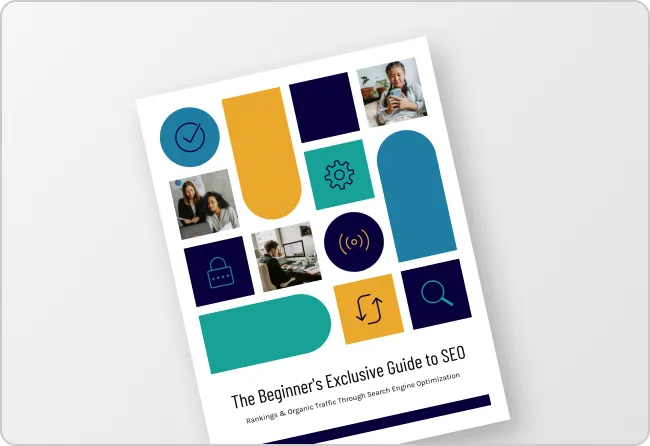
“The short story for next week's Year 5 English lesson is uploaded. Turn it into a printable reading comprehension worksheet with five literal questions, three inference questions, one vocabulary task picking out unfamiliar words, and a creative response question at the end.”
How to Create Worksheets Using AI
Step 1
Describe Your Worksheet or Upload Your File in Venngage
Type the subject, grade level, learning objective, and any specific skills you want the worksheet to cover or upload an existing lesson plan, textbook chapter, PDF, or student assessment.
Step 2
Generate Your Worksheet
Click generate and Venngage's AI Worksheet generator produces a complete, fully formatted printable worksheet — questions, exercises, diagrams, and instructions — organized by difficulty and matched to the grade level and subject instantly.
Step 3
Differentiate With the AI Writing Assistant
Use the AI Writing Assistant to create multiple versions of the same worksheet at different difficulty levels — foundation, core, and extension — without rebuilding the layout. Add a worked example, simplify instructions for struggling learners, or add a challenge question for early finishers in seconds.
Step 4
Design Your Worksheet With the AI Designer
The AI Designer helps adjust the layout, increase font size for younger learners, add color coding by section, and include diagrams, number lines, or visual aids. Use the drag-and-drop editor to resize answer spaces and update typography until the worksheet is classroom-ready.
Step 5
Export and Distribute Your Worksheet
Download as a printable PDF for physical classroom distribution, or share via a private Venngage link for digital access on any device. Use the Brand Kit to apply consistent fonts and visual identity across every worksheet for every subject and year group.
Make Worksheets That Actually Match the Lesson as a Teacher
Thirty minutes searching for a worksheet that's almost right, then twenty more adapting it. With Venngage’s AI Worksheet Generator, just describe the topic, year group, and learning objective and get a fully formatted, printable worksheet built for this lesson.
Use the AI Writing Assistant to create foundation, core, and extension versions without rebuilding the layout, then share via a private link or download as a printable PDF.
Generate Worksheets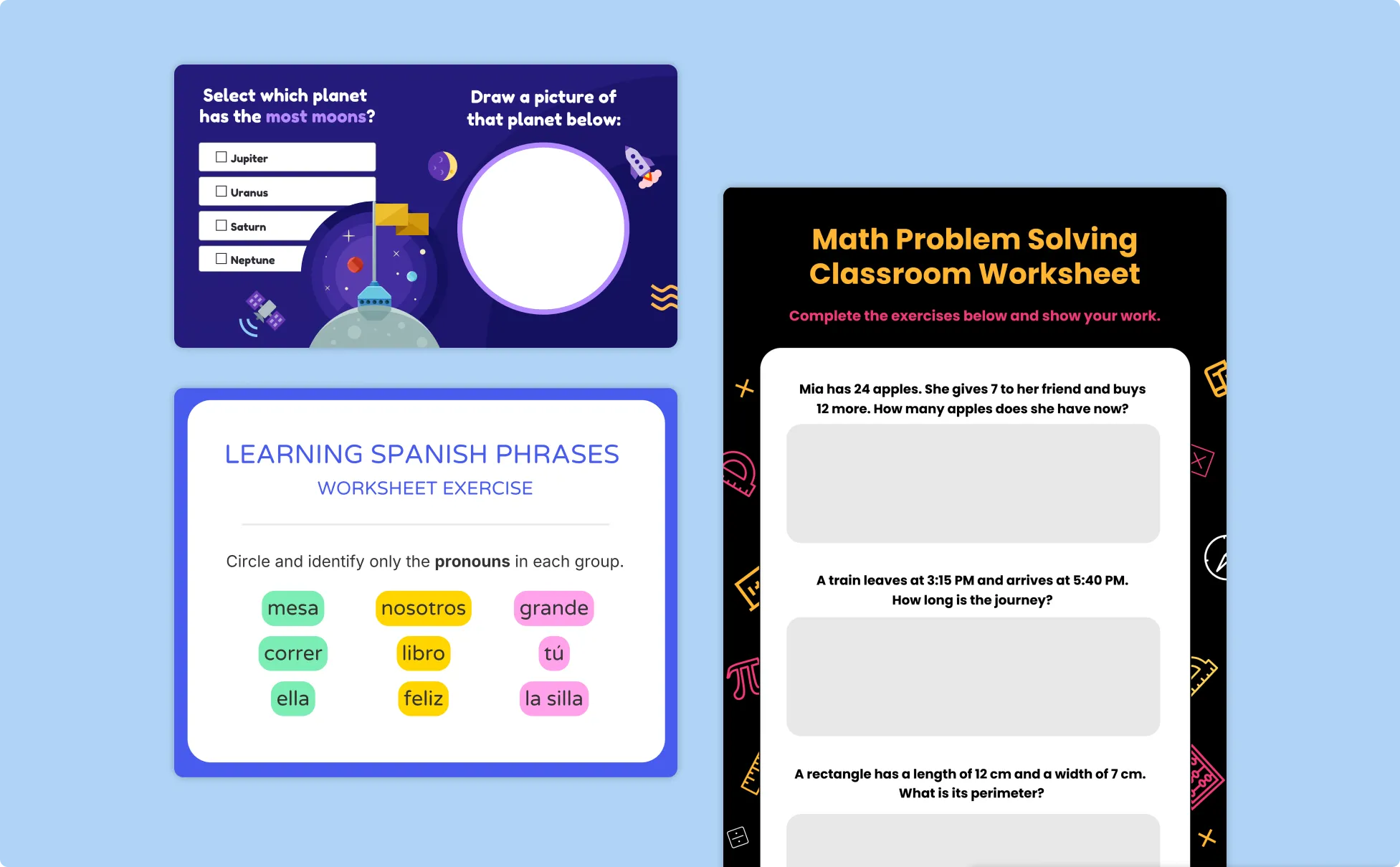
Create Custom Worksheets for Your Child as a Homeschool Parent
Off-the-shelf worksheets are designed for the average student. Describe the skill, level, and format that works for your child and Venngage’s AI Worksheet Builder generates a custom printable worksheet built around them.
Use the AI Designer to adjust font size and add visual aids for younger learners, then download as a printable PDF or share digitally on a tablet.
Generate Worksheets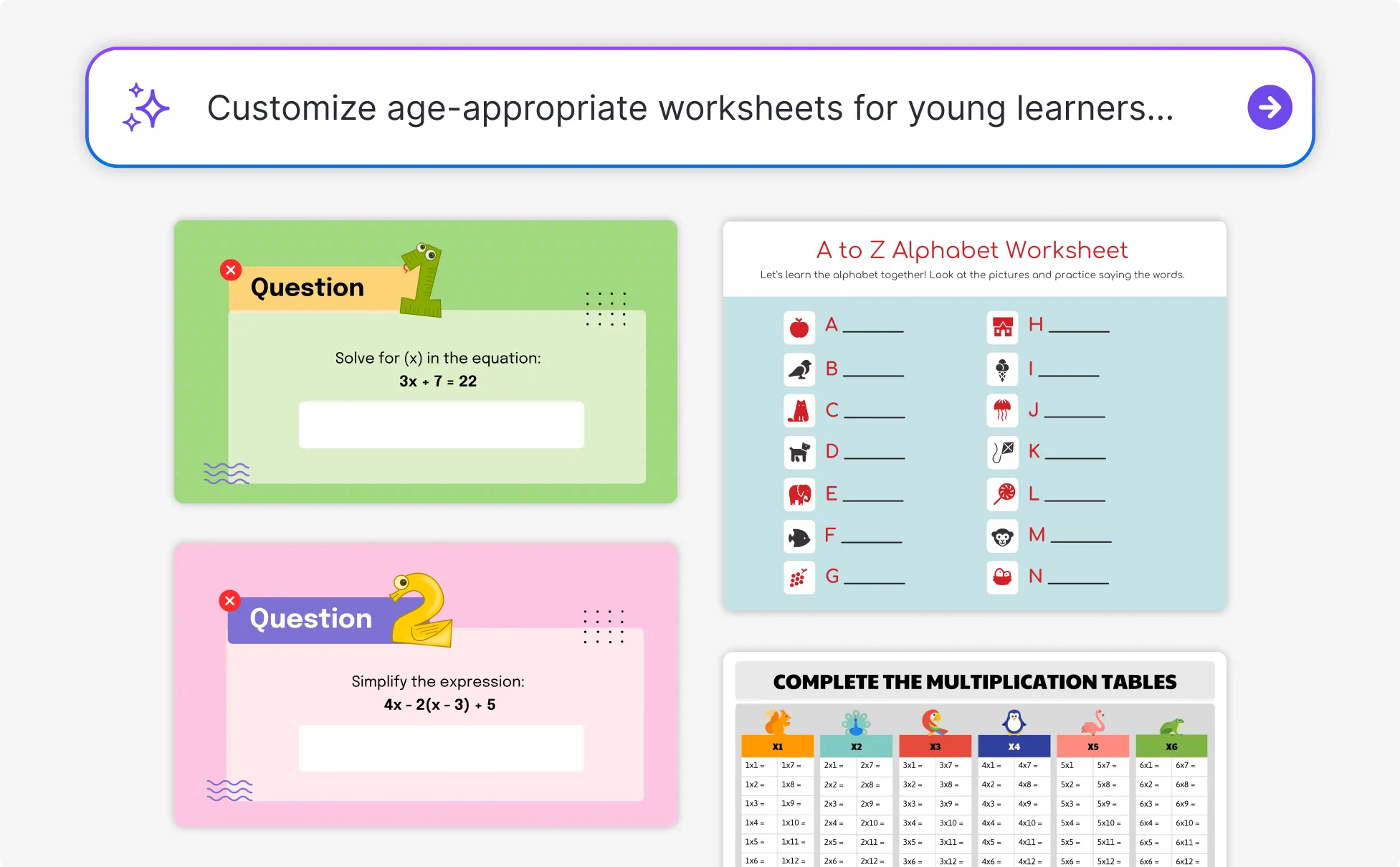
Build Targeted Practice Worksheets for Every Student as a Private Tutor
Every student has a different gap. Upload a marked assessment, describe the specific misconception, and Venngage generates a targeted intervention worksheet built around that exact gap, not a generic revision worksheet that covers the same topic.
Use the AI Writing Assistant to add scaffolding for students who need it or strip it back for those who don't. Download as a printable PDF or share via link before the lesson.
Generate Worksheets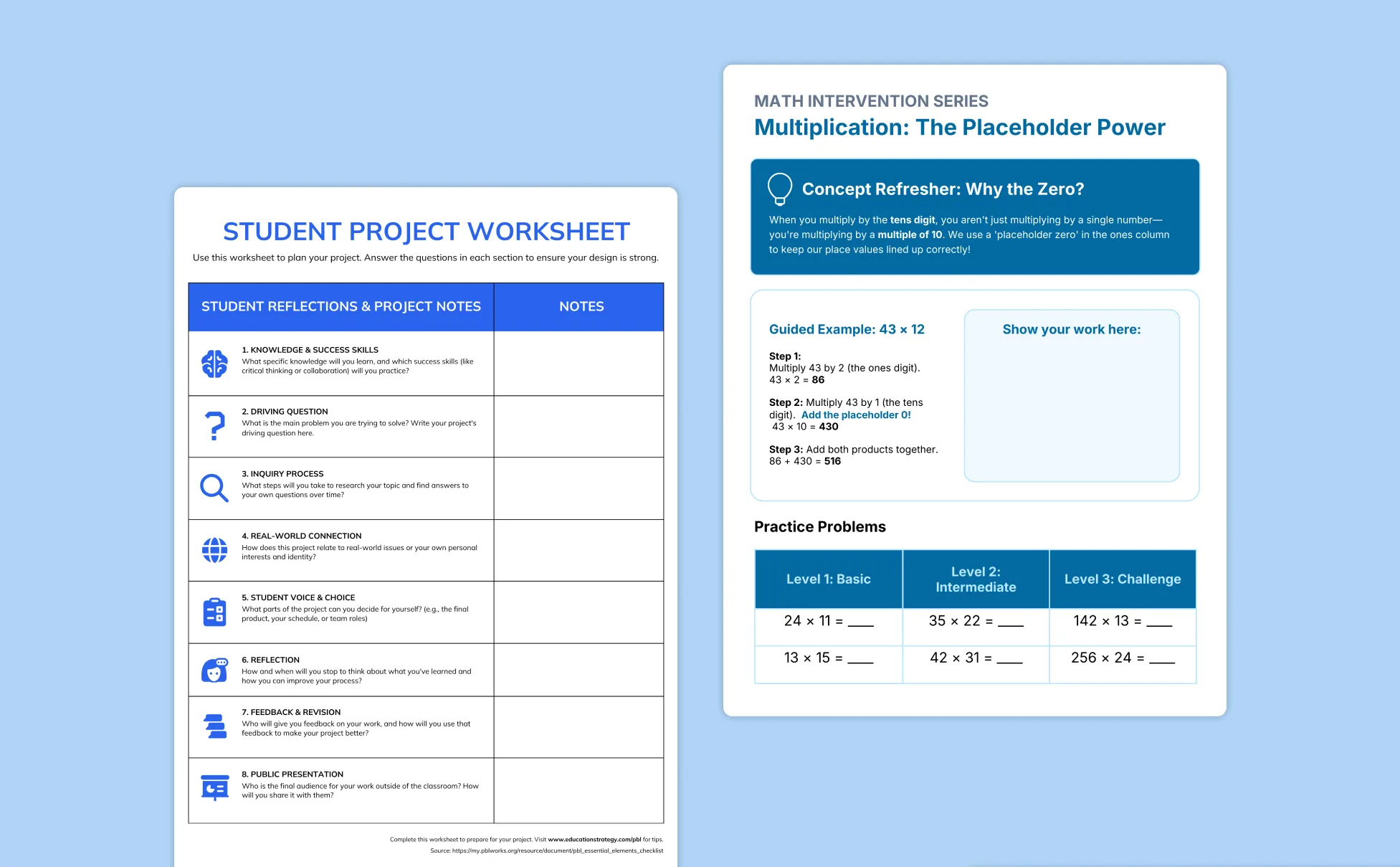
Generate Worksheets In Seconds With Our AI Worksheet Generator

Make the Worksheet That Fits the Lesson
Every teacher has adapted a lesson plan to fit a downloaded worksheet that was almost right. Venngage's AI Worksheet Generator builds the worksheet around the specific topic, grade level, and learning objective so the resource serves the lesson.

Turn Any Existing Resource Into a Worksheet Instantly
Upload a lesson plan, textbook chapter, PDF, or student assessment and Venngage extracts the key concepts and builds a targeted printable worksheet automatically. No retyping, no reformatting, no starting from scratch.

Differentiate for Every Ability Group Without Starting Over
Use the AI Writing Assistant to generate foundation, core, and extension versions of the same worksheet — same topic, same layout, different difficulty level — so every student gets a worksheet matched to where they actually are.

Design Worksheets Students Actually Want to Work Through
Use the AI Designer to adjust font size for younger learners, add color coding by section, include number lines and diagrams, and resize answer spaces. The difference between a worksheet students engage with and one they stare at is almost always a layout decision.

Keep Every Worksheet Consistent Across Every Subject
Use Venngage's Brand Kit to apply consistent fonts, colors, and visual identity across every math worksheet, reading comprehension worksheet, and science worksheet.

Print or Share Digitally Without Two Different Versions
Download as a printable PDF for physical classroom distribution or share via a private Venngage link for digital access on any device — no reformatting, no resizing, no second version for the student who needs it on a tablet.
Fuel Your Creativity with AI-Powered Design Tools
Venngage is your one-stop shop for creating impactful presentations, infographics, reports, and more. It's a favorite among professionals, educators, and marketers for a reason:
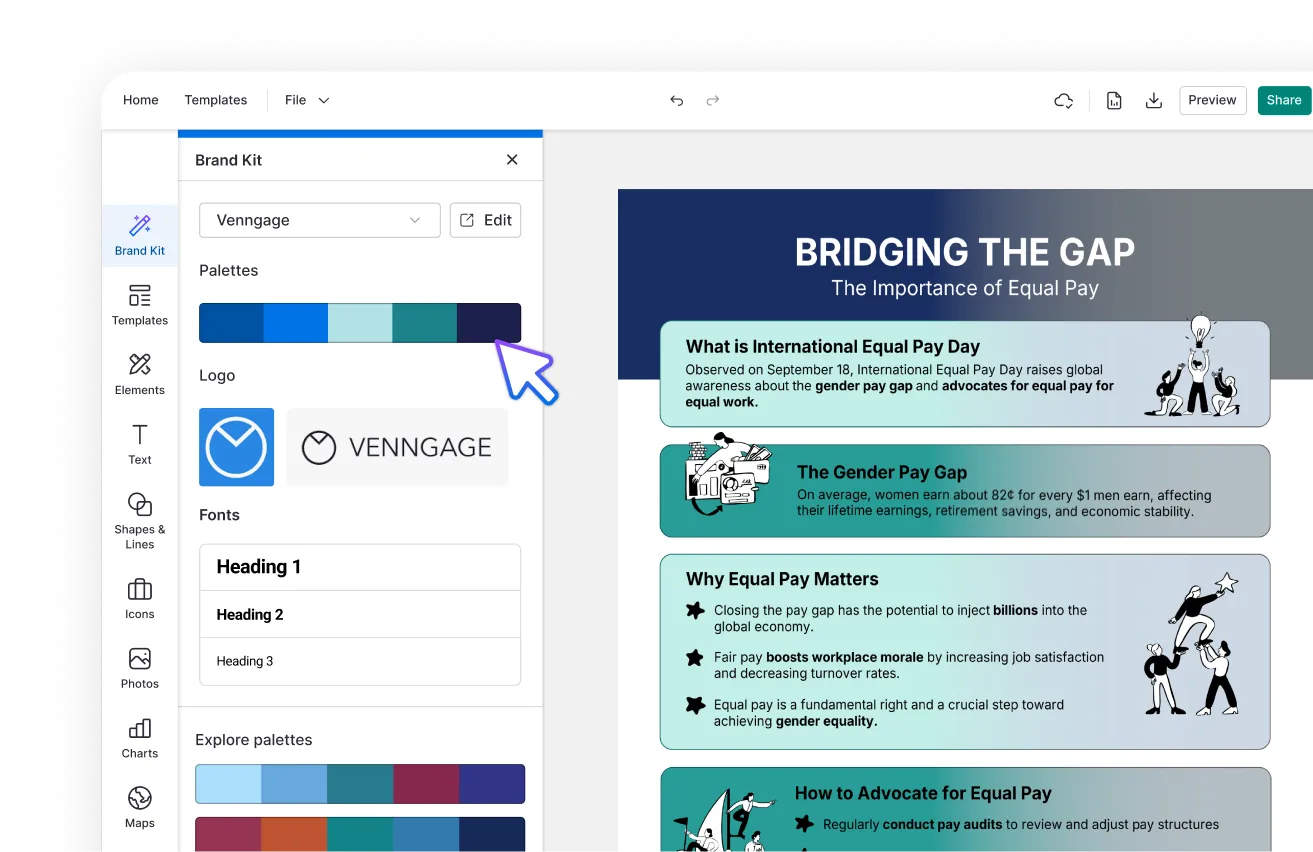
AI Branding Automation
Instantly extract brand colors, fonts, and styles. Auto-apply your logo and visual identity to every design for seamless brand consistency.
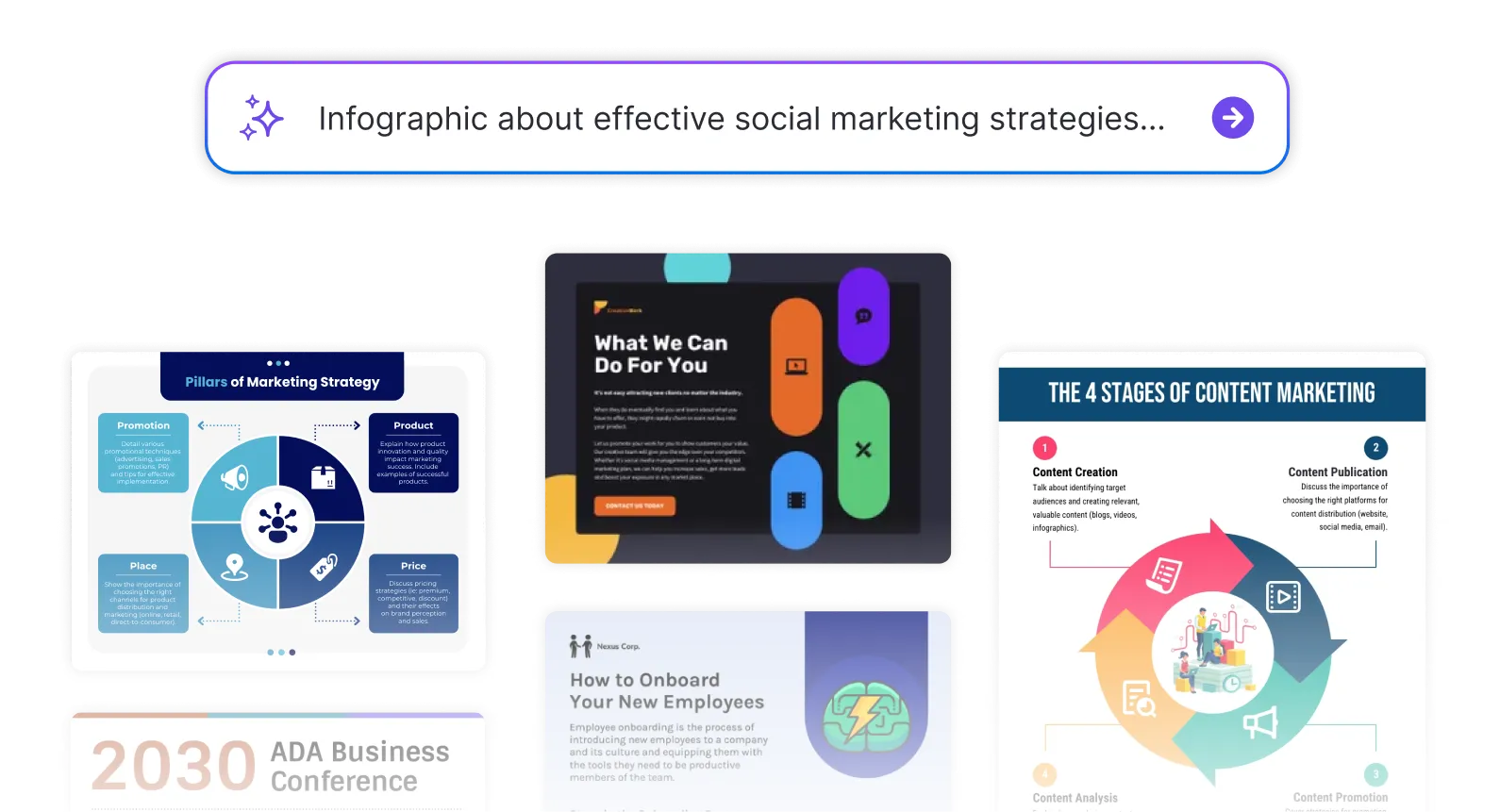
DesignAI Generator
Turn simple prompts into stunning professional visuals in seconds. Describe what you need in plain language and watch our AI generate layouts optimized for maximum visual impact.
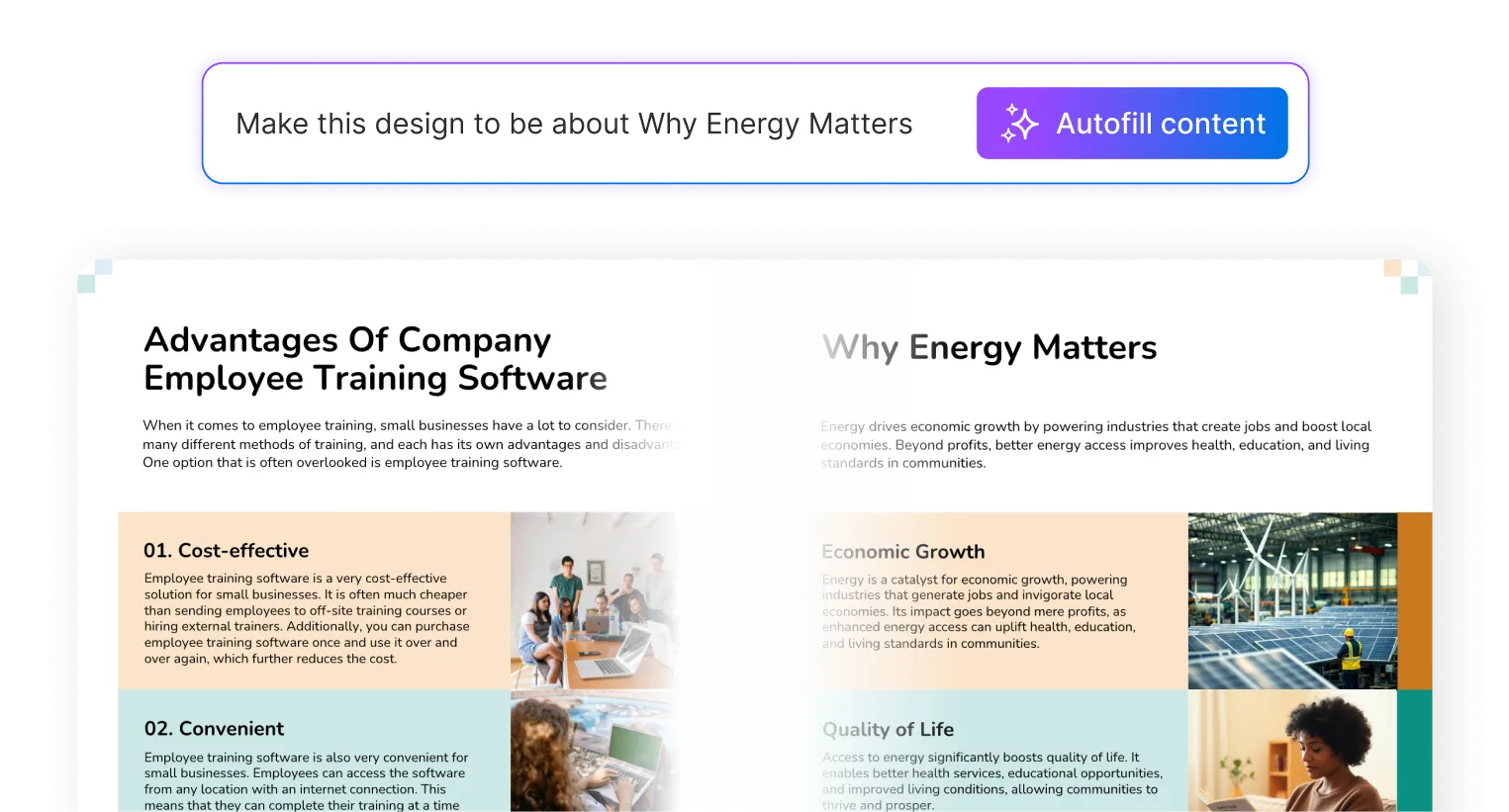
AI Content Auto-Fill
Kickstart your design process in seconds. Choose a template and let our AI auto-fill it with relevant, on-brand content, ideal for streamlining workflow and boosting productivity.
AI Generated Icons and Images
Create unique visuals that perfectly match your content and style. Generate custom illustrations, icons and images that align perfectly with your brand.
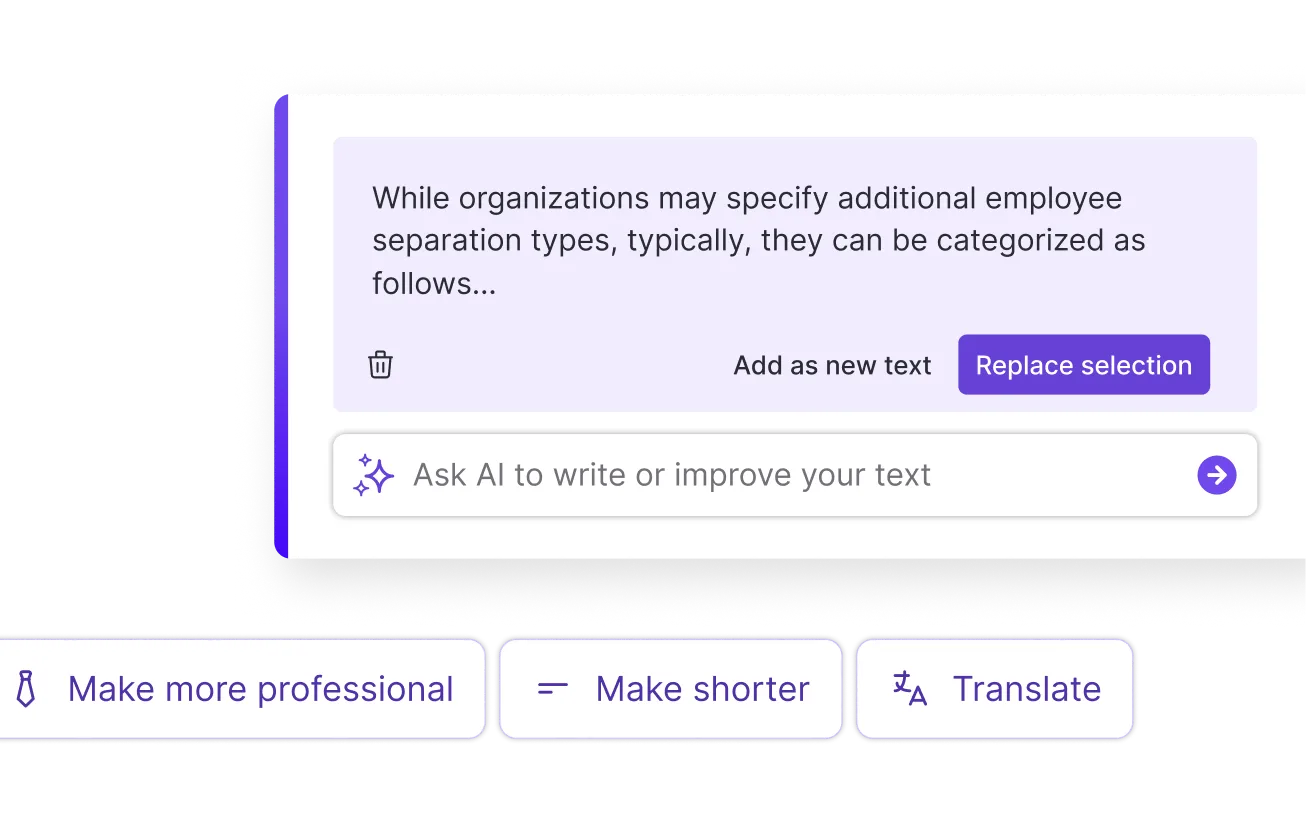
AI Writer and Translation
Enhance clarity, rewrite content, and instantly translate text to create accessible, global-ready visuals.
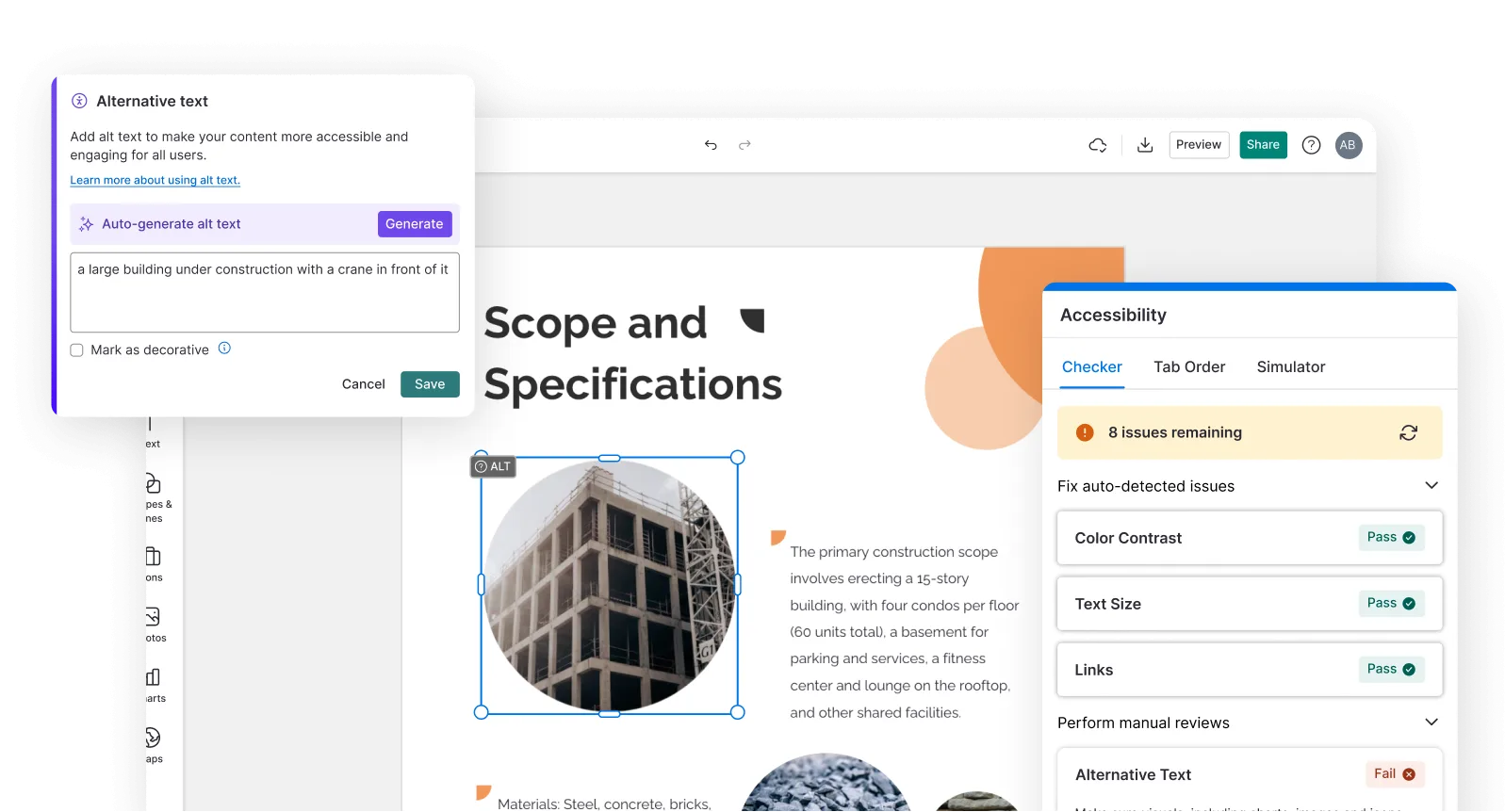
Smart Accessibility AI
Ensure every project looks great and works for everyone. Use AI to write alt text check contrast, layout, and font readability, and export fully WCAG-compliant visuals and PDFs.
FAQs
Absolutely. All AI-generated worksheets on Venngage's platform are fully customizable, allowing you to personalize colors, designs, images, copy, and contact details to match your clinic, hospital, or health system.
Yes, there are a variety of design generators available on Venngage. Along with the AI Worksheet Generator, Venngage offers tools to create infographics, social media posts, reports, and more. These AI design tools are easy to use and customizable, helping you generate professional visuals quickly to match your style and needs.
Yes, the AI-generated worksheets created using Venngage's tools are copyright-free. You can use them for both personal and commercial purposes without any restrictions on copyright. However, it's always good practice to ensure that any externally sourced content you include is also cleared for use.
We offer a free plan so you can try out all our AI features without spending anything. If you want more advanced features like private sharing and auto branding, we've got Premium and Business plans available too.