


Free AI UML Diagram Generator
Map your architecture faster with AI-built UML diagrams.
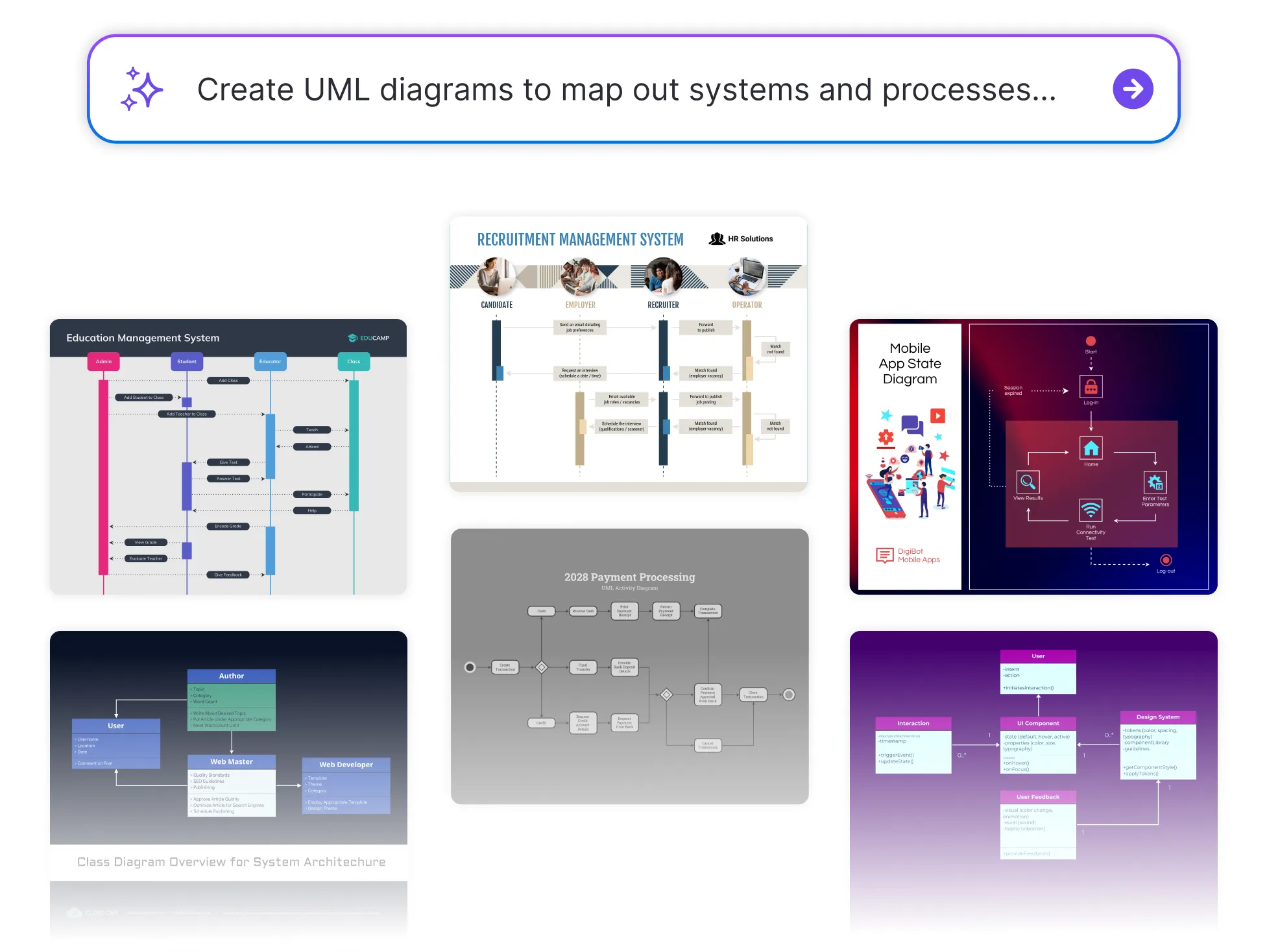




Browse Through More UML Diagram Templates


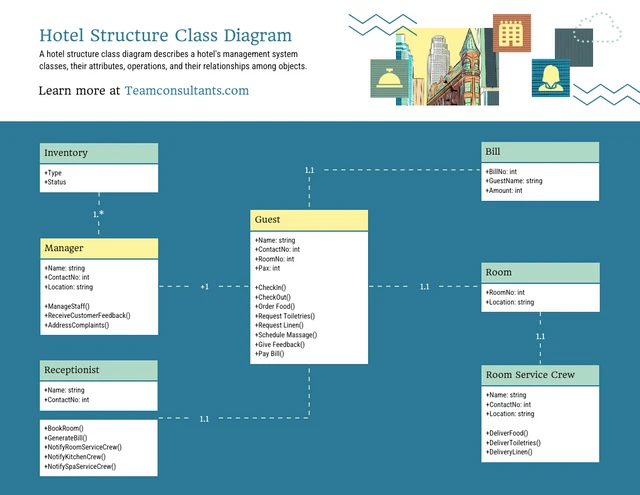


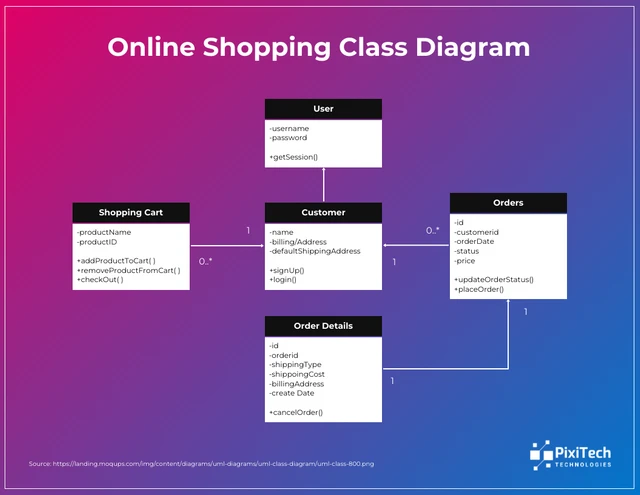
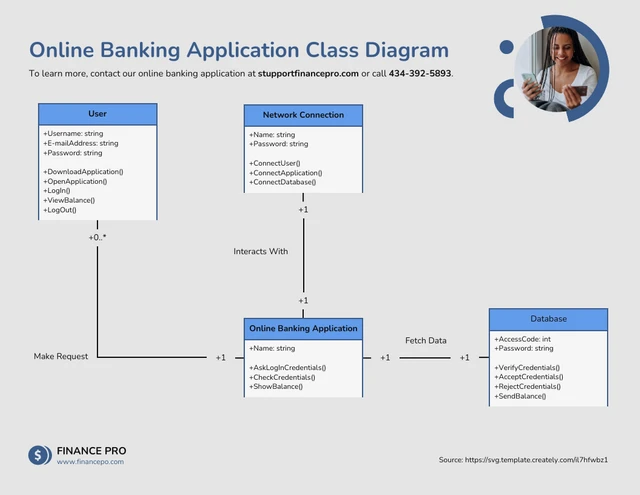

Popular AI Design Generators
How to Create a UML Diagram Using AI in Under 5 Minutes
Step 1
Describe Your System or Process
Start by entering a brief overview of the system you want to visualize—components, relationships, user actions, data flow, or process steps. The AI tool uses this information to understand your architecture.
Step 2
Add Key Entities and Interactions
Include classes, actors, modules, or workflows. The more context you provide, the more accurate the AI-generated UML structure will be.
Step 3
Generate Your UML Diagram With AI
Venngage’s AI UML Diagram Generator instantly transforms your inputs into a clear, structured UML diagram such as class diagrams, sequence diagrams, activity diagrams, or flow diagrams based on your needs.
Step 4
Customize the Diagram Layout
Use the drag-and-drop editor to adjust shapes, connectors, colors, and labels. Apply your Brand Kit to maintain consistency across documentation, presentations, or engineering reports.
Step 5
Download or Share Instantly
Export your UML diagram as a PDF, PNG, or share via a link so your team, developers, or stakeholders can review and collaborate instantly.
Software Engineers Building System Architecture Faster
When deadlines tighten and features stack up, engineers don’t have time to manually draw diagrams. Venngage’s AI UML Diagram Generator instantly converts architecture notes, logic flows, and class structures into clean, accurate UML diagrams.
Communicate complexity with confidence and generate engineering-ready diagrams that keep your build on track.
Start Diagramming With AI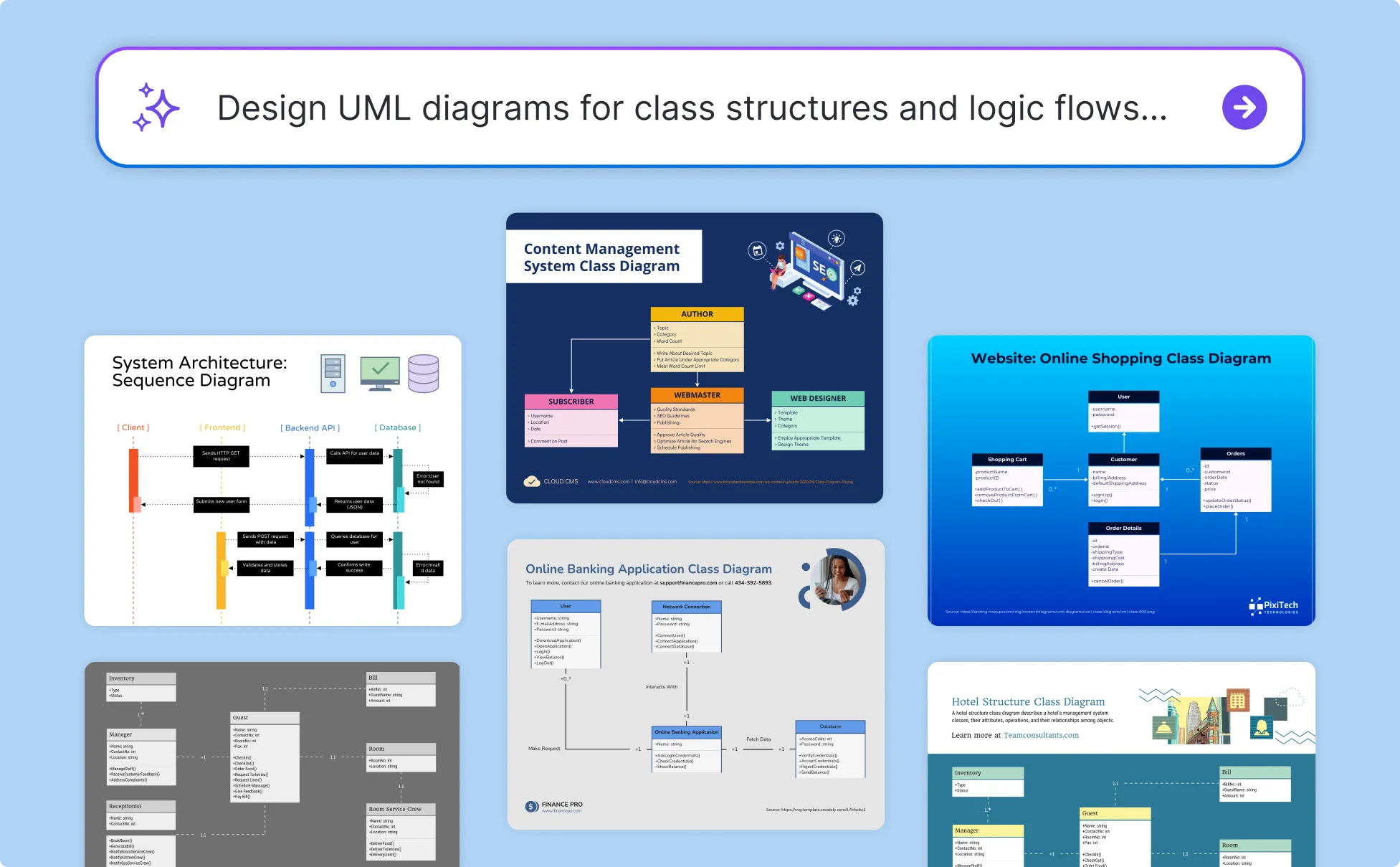
UX and Systems Designers Mapping User Interactions With Precision
User journeys and system states get complicated fast. Venngage’s AI helps designers visualize interactions, transitions, and structural dependencies in a format that’s clean, readable, and presentation-ready.
Tell more compelling design stories and generate diagrams that elevate your research, prototypes, and workflows.
Build Your UML Diagram Now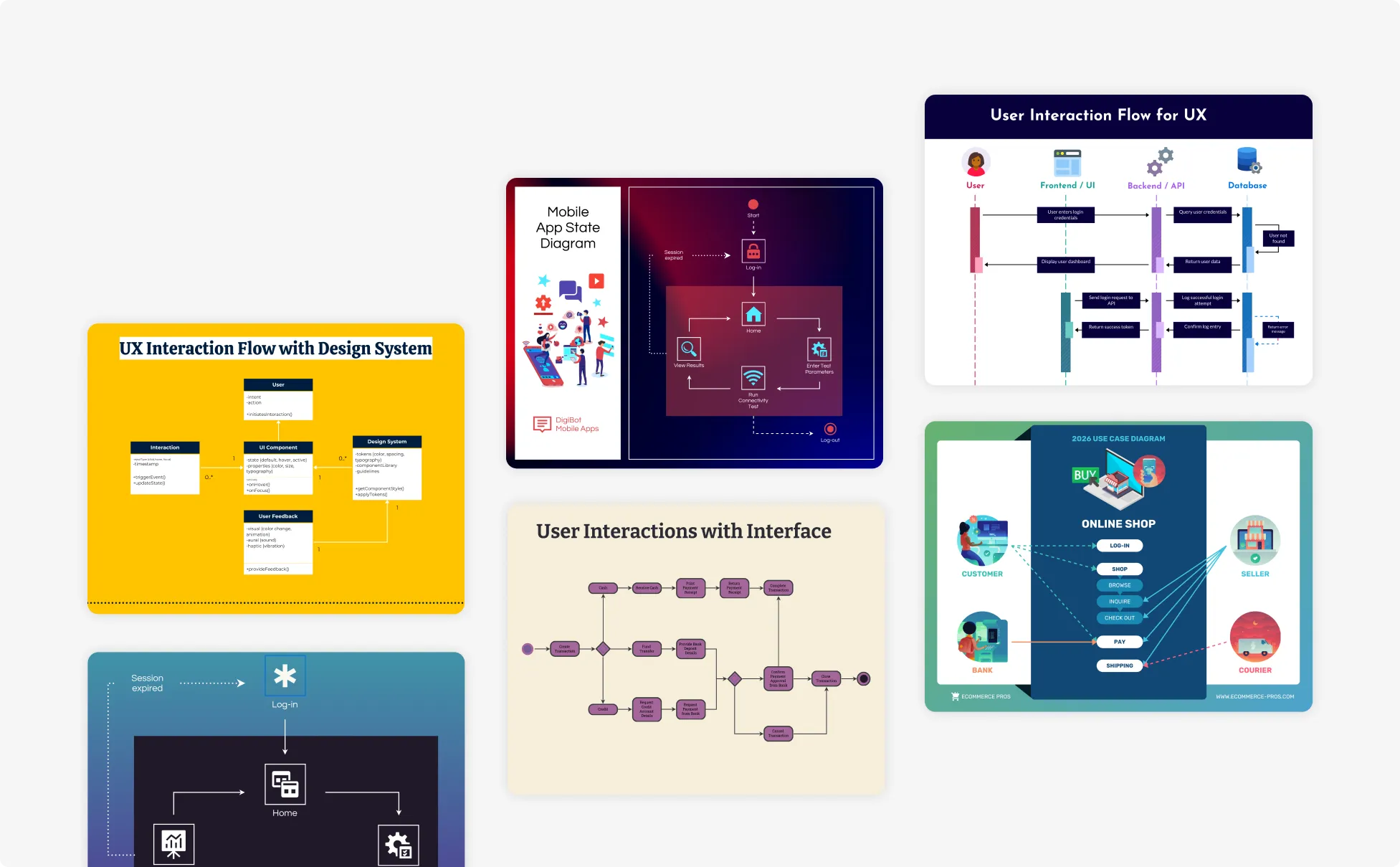
CTOs and Technical Leads Standardizing Documentation Across Teams
Inconsistent diagrams lead to inconsistent development. Venngage’s AI ensures every UML diagram follows your organization’s visual standards and technical structure, making documentation scalable and trustworthy across teams.
Set the standard by producing unified, professional diagrams that reinforce clarity and technical excellence.
Design My UML Structure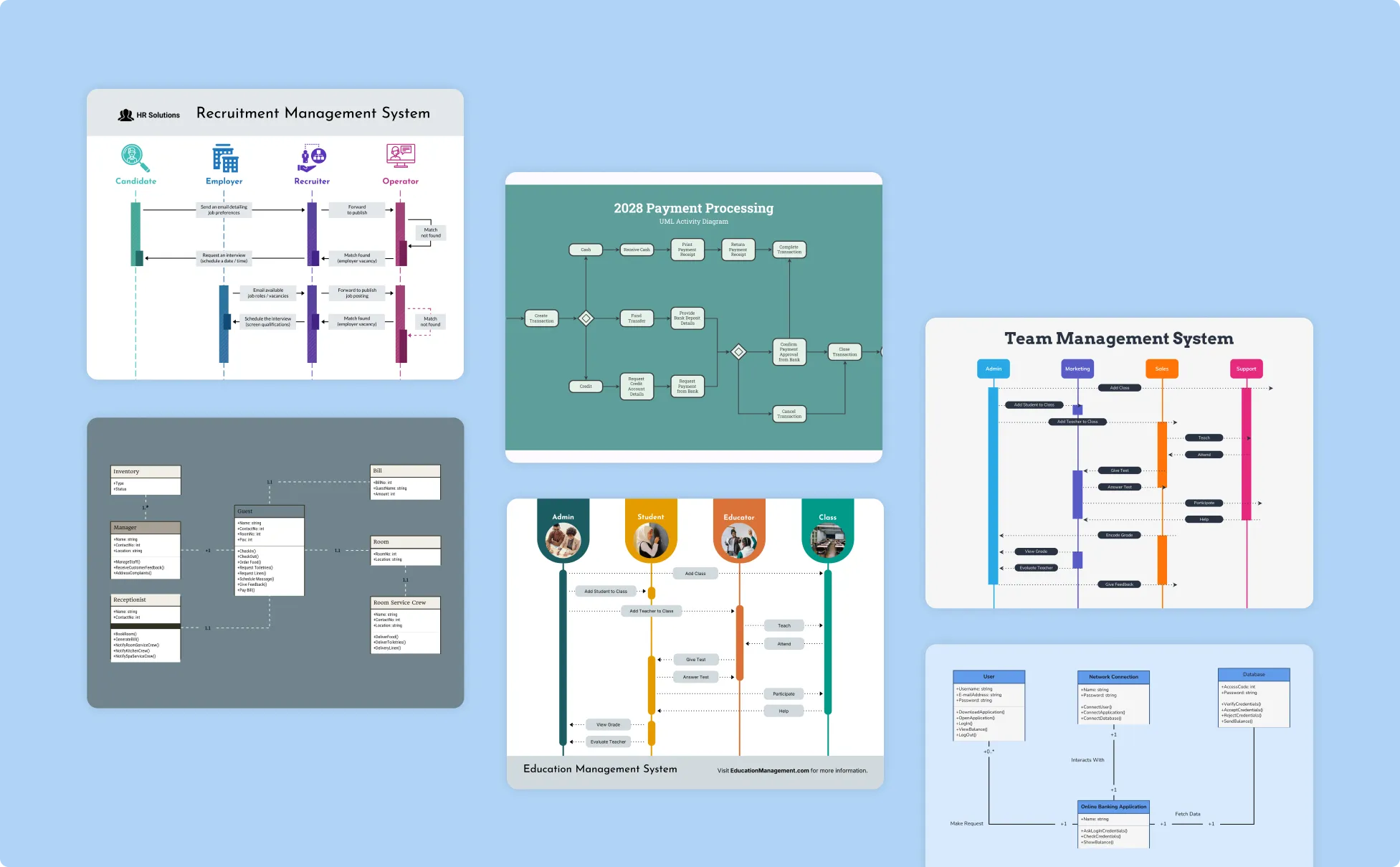
Generate UML Diagrams In Seconds With Our AI UML Diagram Generator

Transform Technical Ideas Into Clear UML Diagrams Instantly
Venngage’s AI converts your system notes, architecture concepts, and workflow descriptions into structured UML diagrams, helping you move from brainstorming to visualization without losing momentum.

Reduce Ambiguity in System Design and Documentation
AI identifies relationships, dependencies, and process logic and turns them into diagrams that improve accuracy and prevent misunderstandings across engineering, product, and design teams.

Explain Complex Architecture With Easy-to-Follow Visuals
Whether you’re outlining backend logic or mapping user flows, Venngage generates diagrams that make technical conversations easier and ideal for onboarding, feature planning, and stakeholder reviews.

Customize Diagrams to Match Your Technical Standards
Adjust layouts, symbols, hierarchy, and terminology to match your existing documentation style. Your UML visuals stay consistent, predictable, and aligned with engineering best practices.

Accelerate Team Alignment and Decision-Making
With diagrams generated in seconds, teams can validate assumptions, refine requirements, and finalize architecture faster, reducing back-and-forth and boosting clarity during planning cycles.

Support Learning, Teaching, and Continuous Improvement
Educators, students, and junior developers can use AI-generated UML diagrams to understand system structures, reinforce coursework, and build stronger technical communication skills.
Fuel Your Creativity with AI-Powered Design Tools
Venngage is your one-stop shop for creating impactful presentations, infographics, reports, and more. It's a favorite among professionals, educators, and marketers for a reason:
AI Branding Automation
Instantly extract brand colors, fonts, and styles. Auto-apply your logo and visual identity to every design for seamless brand consistency.

DesignAI Generator
Turn simple prompts into stunning professional visuals in seconds. Describe what you need in plain language and watch our AI generate layouts optimized for maximum visual impact.

AI Content Auto-Fill
Kickstart your design process in seconds. Choose a template and let our AI auto-fill it with relevant, on-brand content, ideal for streamlining workflow and boosting productivity.

AI Generated Icons and Images
Create unique visuals that perfectly match your content and style. Generate custom illustrations, icons and images that align perfectly with your brand.

AI Writer and Translation
Enhance clarity, rewrite content, and instantly translate text to create accessible, global-ready visuals.

Smart Accessibility AI
Ensure every project looks great and works for everyone. Use AI to write alt text check contrast, layout, and font readability, and export fully WCAG-compliant visuals and PDFs.

FAQs
Absolutely. All AI-generated UML diagrams on Venngage's platform are fully customizable, allowing you to personalize colors, designs, images and more to match your unique vision.
Yes, there are a variety of design generators available on Venngage. Along with the AI UML Diagram Generator, Venngage offers tools to create infographics, social media posts, reports, and more. These AI design tools are easy to use and customizable, helping you generate professional visuals quickly to match your style and needs.
Yes, the AI-generated UML diagrams created using Venngage's tools are copyright-free. You can use them for both personal and commercial purposes without any restrictions on copyright. However, it's always good practice to ensure that any externally sourced content you include is also cleared for use.
We offer a free plan so you can try out all our AI features without spending anything. If you want more advanced features like private sharing and auto branding, we've got Premium and Business plans available too.