


Free AI Thumbnail Generator
Get the thumbnail that get the clicks for any platform in seconds.
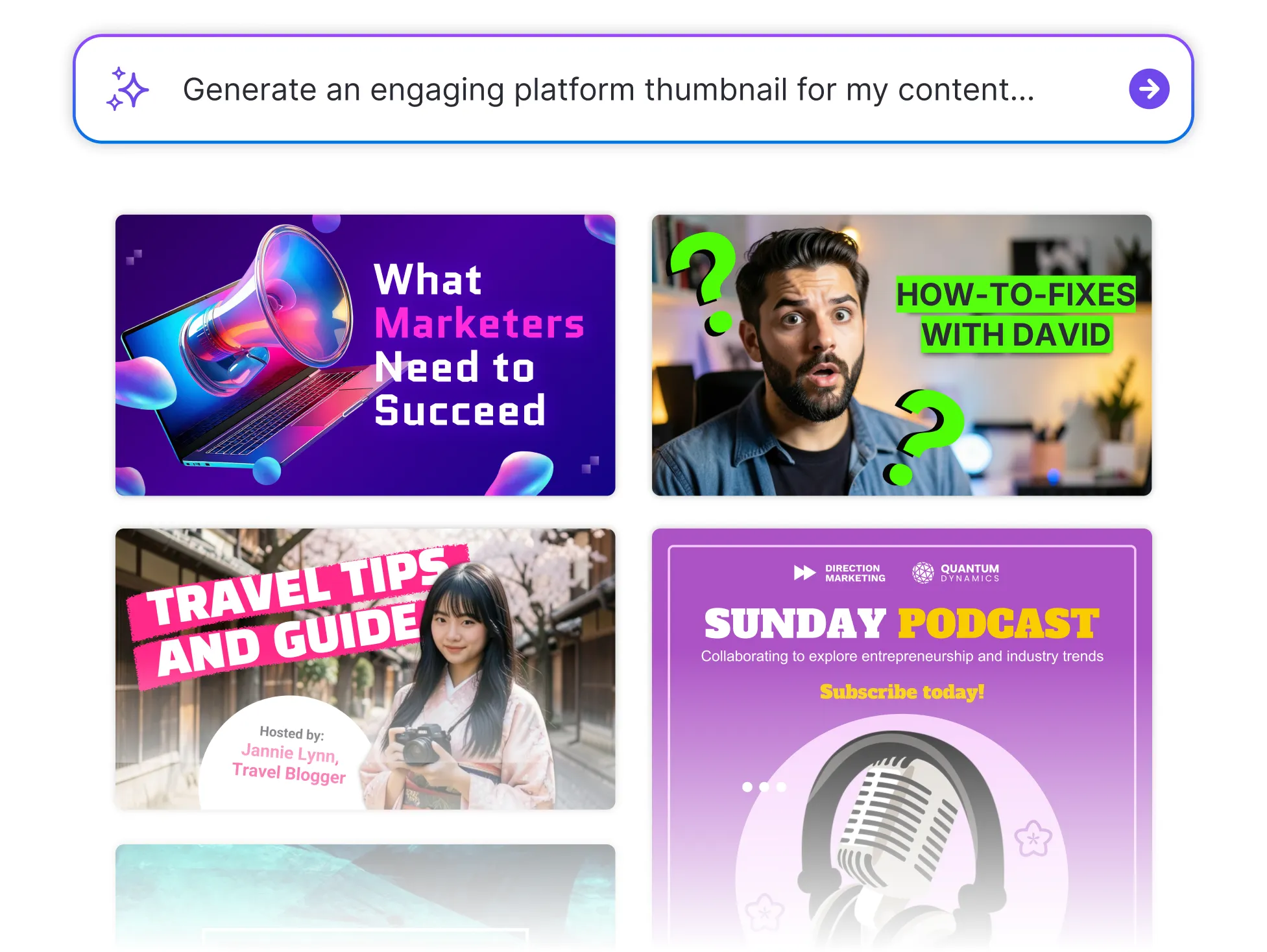




Browse Through More Thumbnail Templates

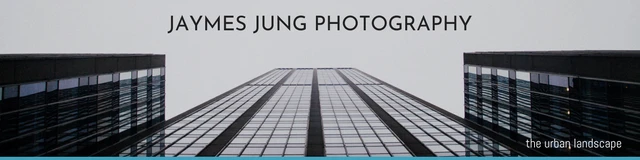
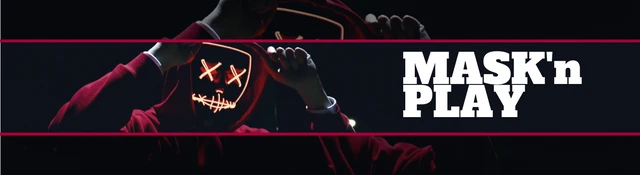
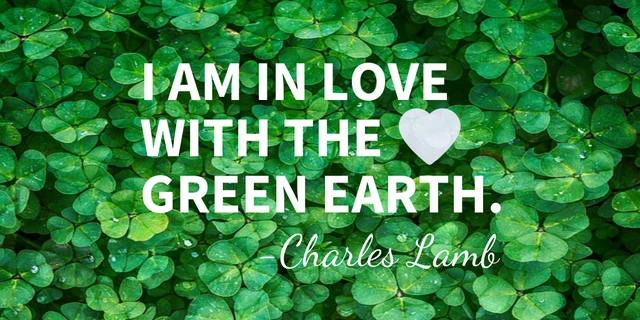
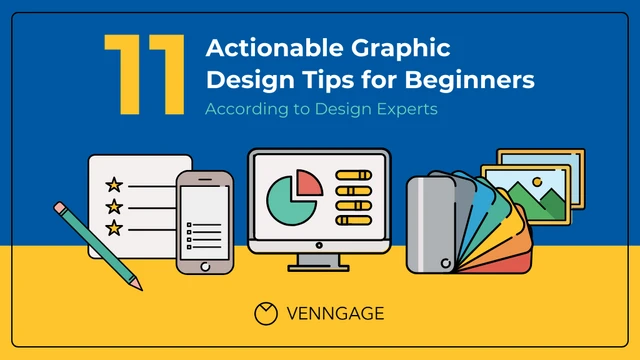
Popular AI Design Generators
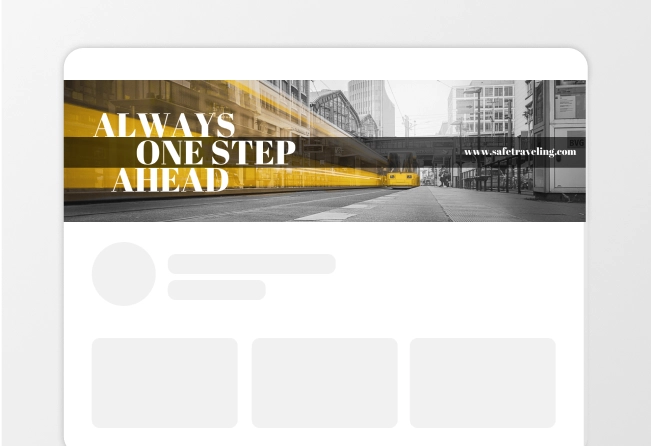
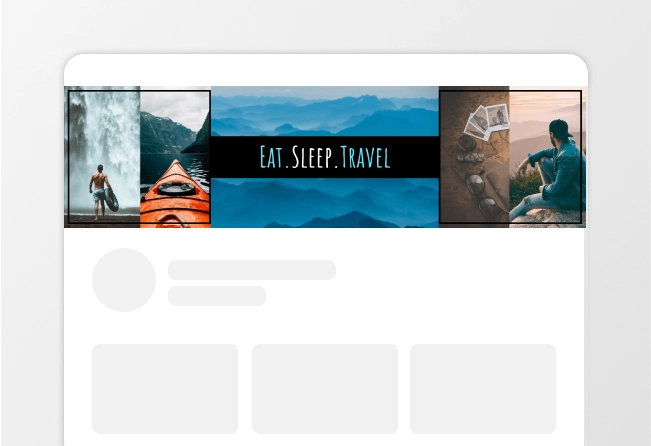
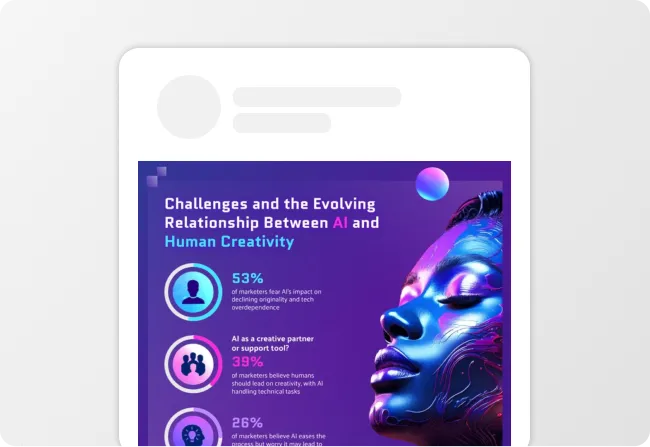
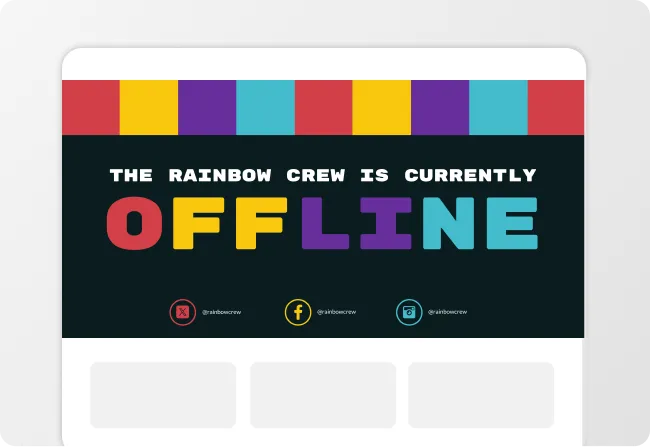
Sample Prompts You Can Modify and Use
“Design a thumbnail for a TikTok explaining three budgeting hacks. Use bold typography, simple icons, and a layout optimized for mobile viewing.”
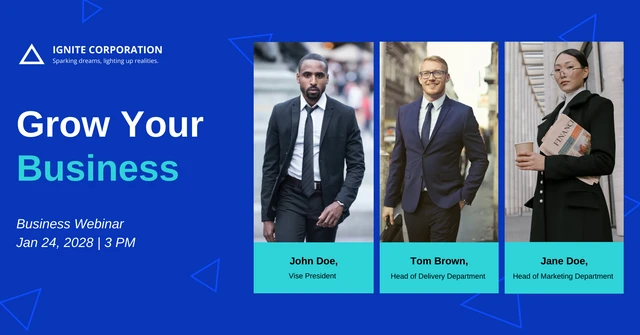
“Act as a marketing designer. Create a thumbnail for a webinar titled [How to Generate More Leads in 2026]. Include professional branding, engaging visuals, and a layout that encourages registrations.”
“Create a thumbnail for a travel vlog about exploring hidden gems in Japan. Highlight scenic locations, vibrant colors, and a sense of adventure.”
“Design a thumbnail for a live gaming stream featuring a difficult boss battle. Use dramatic visuals, strong contrast, and text that builds excitement.”
How to Create a YouTube Thumbnail Using AI
Step 1
Describe Your Thumbnail in Venngage
Type the platform, content type, key message, and color palette into the prompt field. A YouTube gaming thumbnail needs a completely different layout and energy from a professional course thumbnail or podcast cover.
Step 2
Generate Your Thumbnail
Click generate and Venngage's AI Thumbnail Generator produces a complete thumbnail — headline text, layout, color palette, and visual hierarchy — built around the content type and platform instantly. A YouTube thumbnail will be bold and high-contrast, a podcast cover clean and brand-forward, and an online course thumbnail professional and value-signaling.
Step 3
Refine Your Copy Using Venngage's AI Writing Assistant
The AI Writing Assistant sharpens the headline, tests different text treatments, and writes copy that earns the click. Use the accessibility checker to ensure the thumbnail text is readable at small sizes and the color contrast meets visibility standards across every device it appears on.
Step 4
Perfect the Layout Using the Drag-and-Drop Editor
Venngage's AI Designer helps adjust the visual hierarchy, optimizes text placement, and balances the composition for maximum click-through rate. Use the drag-and-drop editor to move elements, resize text, and reposition visuals until every element is exactly where it needs to be. No design experience needed, every adjustment as simple as clicking and dragging.
Step 5
Apply Your Brand and Export From Venngage
The Brand Kit applies consistent fonts, colors, and visual identity across every thumbnail in one click, essential for course creators, podcasters, and content teams producing thumbnails across multiple platforms. Download as a high-resolution PNG sized for the specific platform — 1280x720 pixels for YouTube, 3000x3000 pixels for podcast covers.
Design Gaming Thumbnails That Stop the Scroll
Gaming is the most competitive content category on YouTube with thousands of thumbnails competing for the same viewer at the same moment. Describe the game, the video topic, and the energy and Venngage generates a high-contrast gaming thumbnail that stands out in the feed.
The AI Writing Assistant writes the thumbnail text to create a headline that makes someone stop scrolling and click. Download as a 1280x720 PNG ready to upload before the video finishes processing.
Generate Thumbnails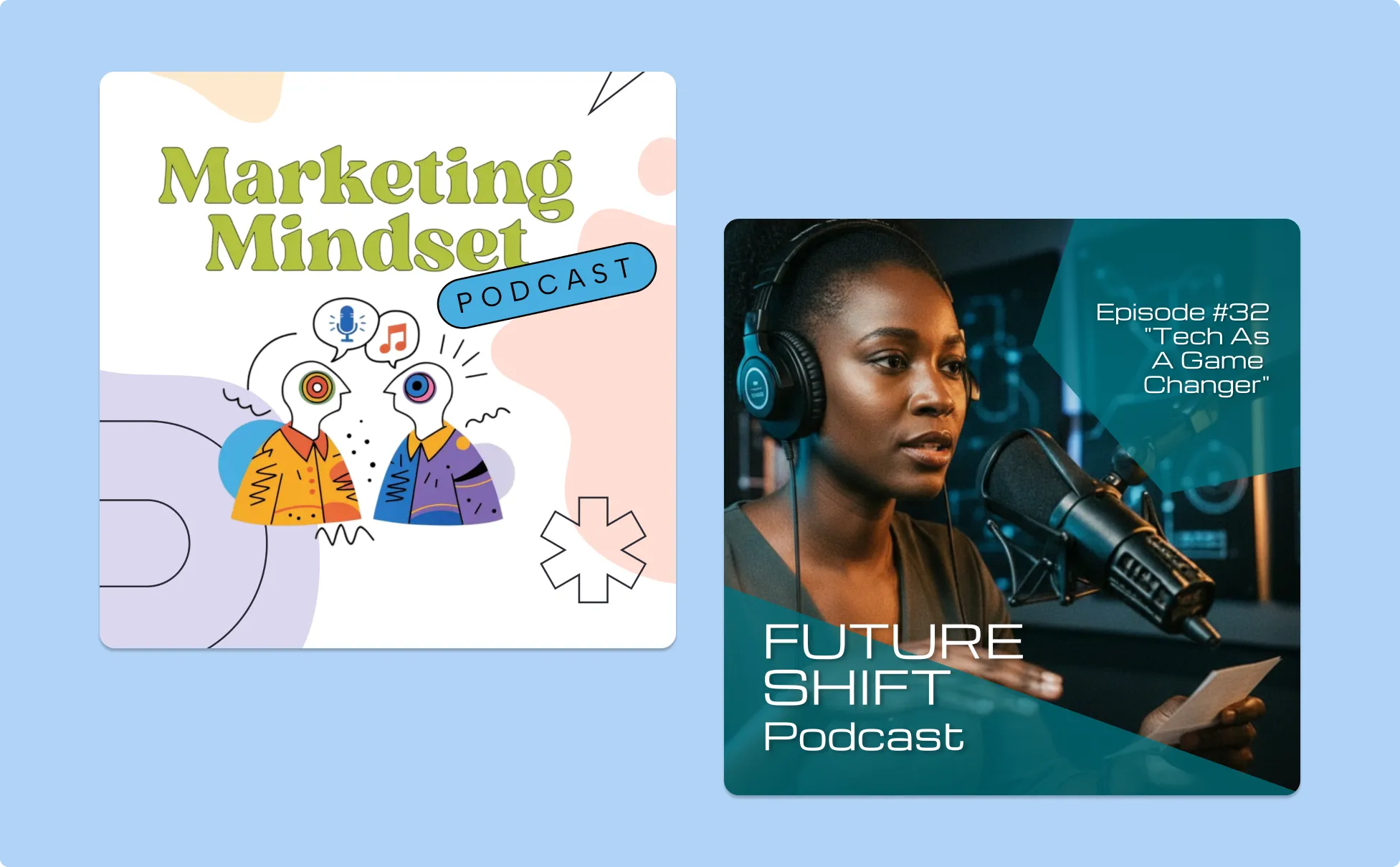
Create Vlog Thumbnails That Make Viewers Watch
A vlog thumbnail has one job — make the viewer feel like something worth watching happened and they'll miss out if they don't click. Describe the vlog topic, the energy, and the visual approach and Venngage’s YouTube Thumbnail Maker generates a warm, personal thumbnail that communicates personality before anyone reads the title.
Venngage's AI Designer optimizes text placement, color contrast, and focal point until the thumbnail earns the click in half a second. Download as a high-resolution PNG ready to upload the moment the vlog is edited.
Generate Thumbnails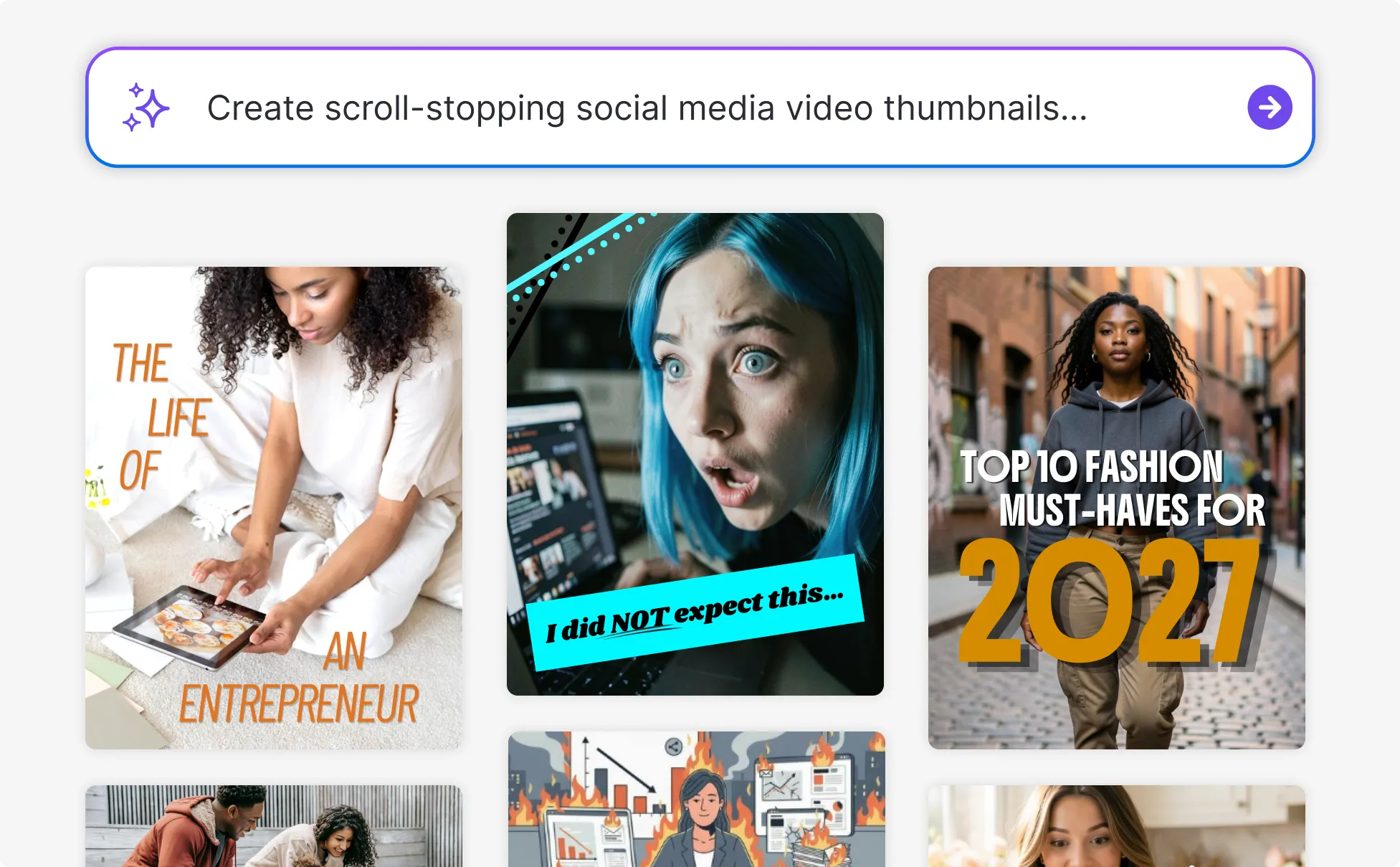
Design Tutorial Thumbnails That Signal Value
A good tutorial thumbnail communicates one thing instantly — by the end of this video, you will know how to do something you couldn't do before. Describe the topic, the outcome, and the channel style and Venngage’s AI YouTube Thumbnail Creator generates a clear, informative thumbnail that makes the right viewer click.
The Brand Kit keeps every tutorial thumbnail visually consistent across the whole channel so every video looks like it came from the same trusted source. Download as a 1280x720 PNG ready to upload instantly.
Generate Thumbnails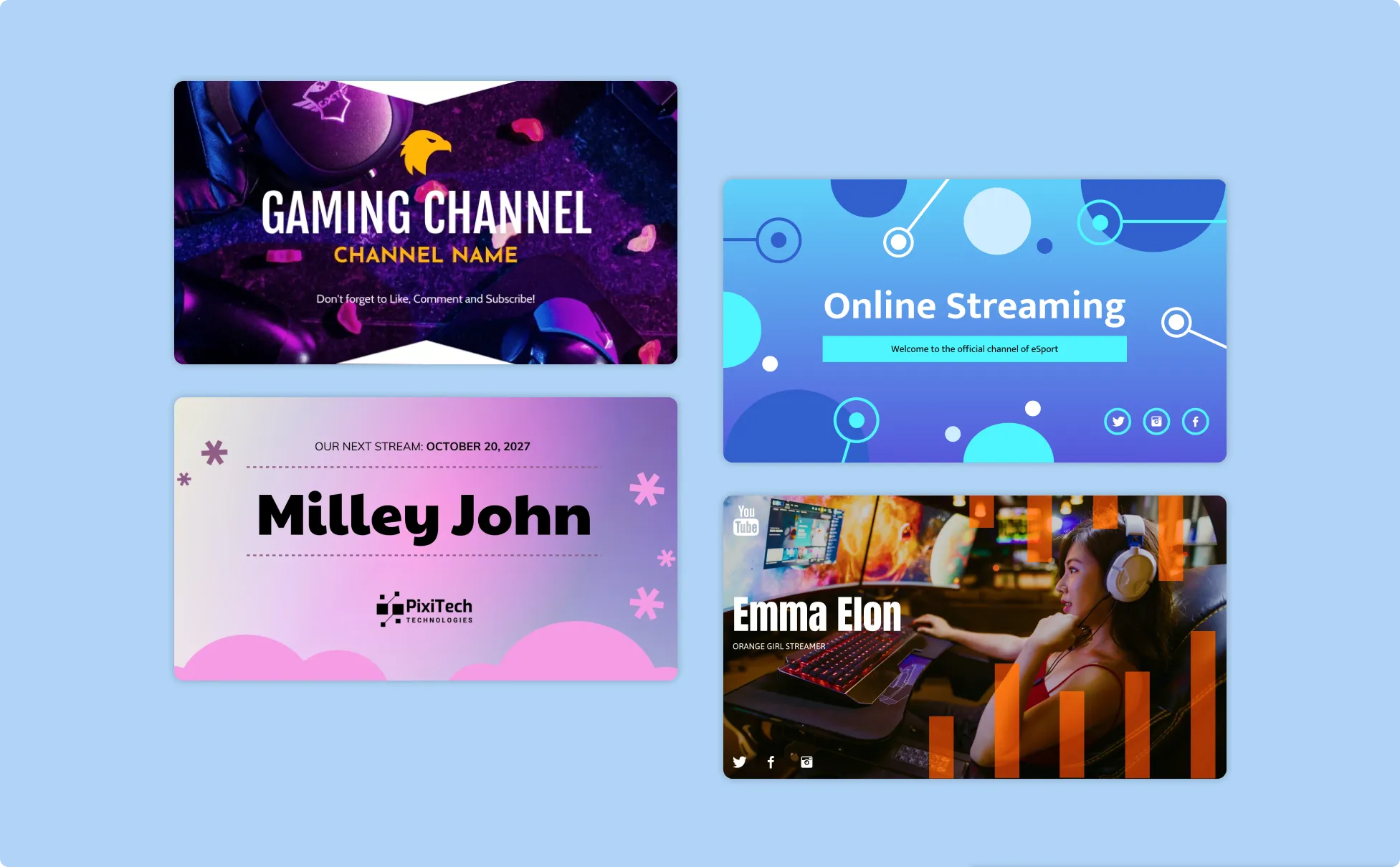
Generate Thumbnails In Seconds With Our AI Thumbnail Generator

Get a Click-Worthy Thumbnail Without a Click-Worthy Design Budget
Describe the content, platform, and visual approach and Venngage generates a professional thumbnail instantly — YouTube, podcast cover, course image, or video thumbnail for any platform. The kind that looks like it cost something, without the invoice.

Write Thumbnail Text That Actually Earns the Click
Venngage's AI Writing Assistant sharpens headlines and tests different text treatments until the copy stops the scroll. Use our AI tools to shorten the text length or redesign the layout and the change applies instantly without moving a single layout element.
Make Sure Every Thumbnail Is Readable on Every Device
Venngage's accessibility checker verifies that thumbnail text is readable at small sizes and color contrast meets visibility standards across phone, tablet, and desktop. A thumbnail that's hard to read on mobile loses clicks before anyone reads the headline.

Fine-Tune Every Element Without Touching a Design Tool
The drag-and-drop editor makes every adjustment as simple as clicking and dragging — move the headline, resize the visual, reposition the logo. No design experience, no learning curve, no element that's slightly off and impossible to fix.

Optimize the Layout for Maximum Click-Through Rate
Venngage's AI Designer automatically adjusts visual hierarchy and composition for the specific platform — a YouTube thumbnail built for the feed, a podcast cover for the directory, a course image for the marketplace. Each one optimized differently because each platform works differently.

Keep Every Thumbnail On-Brand Across Every Platform
Venngage's Brand Kit applies consistent fonts, colors, and visual identity across every thumbnail in one click. Download as a high-resolution PNG sized for the specific platform, no additional formatting before it uploads.
Fuel Your Creativity with AI-Powered Design Tools
Venngage is your one-stop shop for creating impactful presentations, infographics, reports, and more. It's a favorite among professionals, educators, and marketers for a reason:
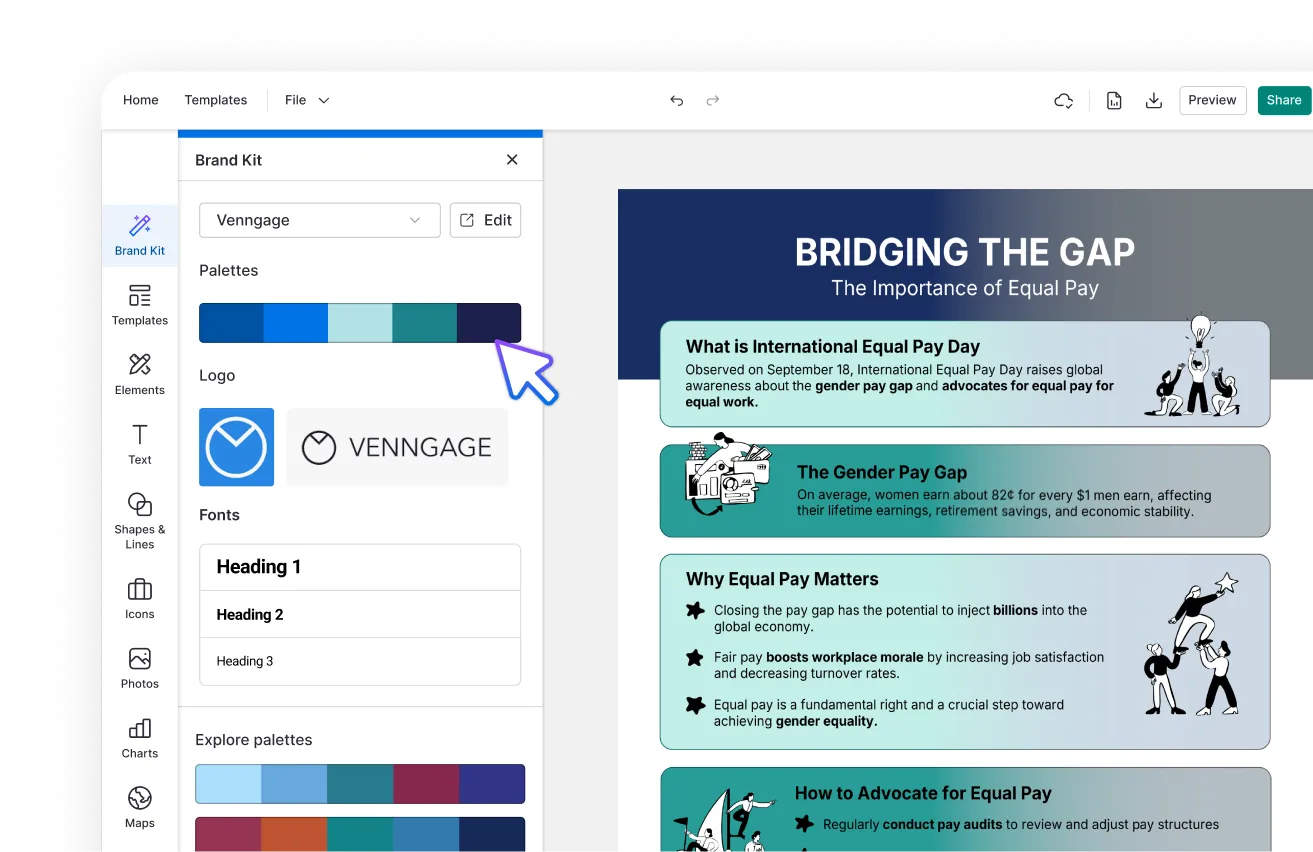
AI Branding Automation
Instantly extract brand colors, fonts, and styles. Auto-apply your logo and visual identity to every design for seamless brand consistency.
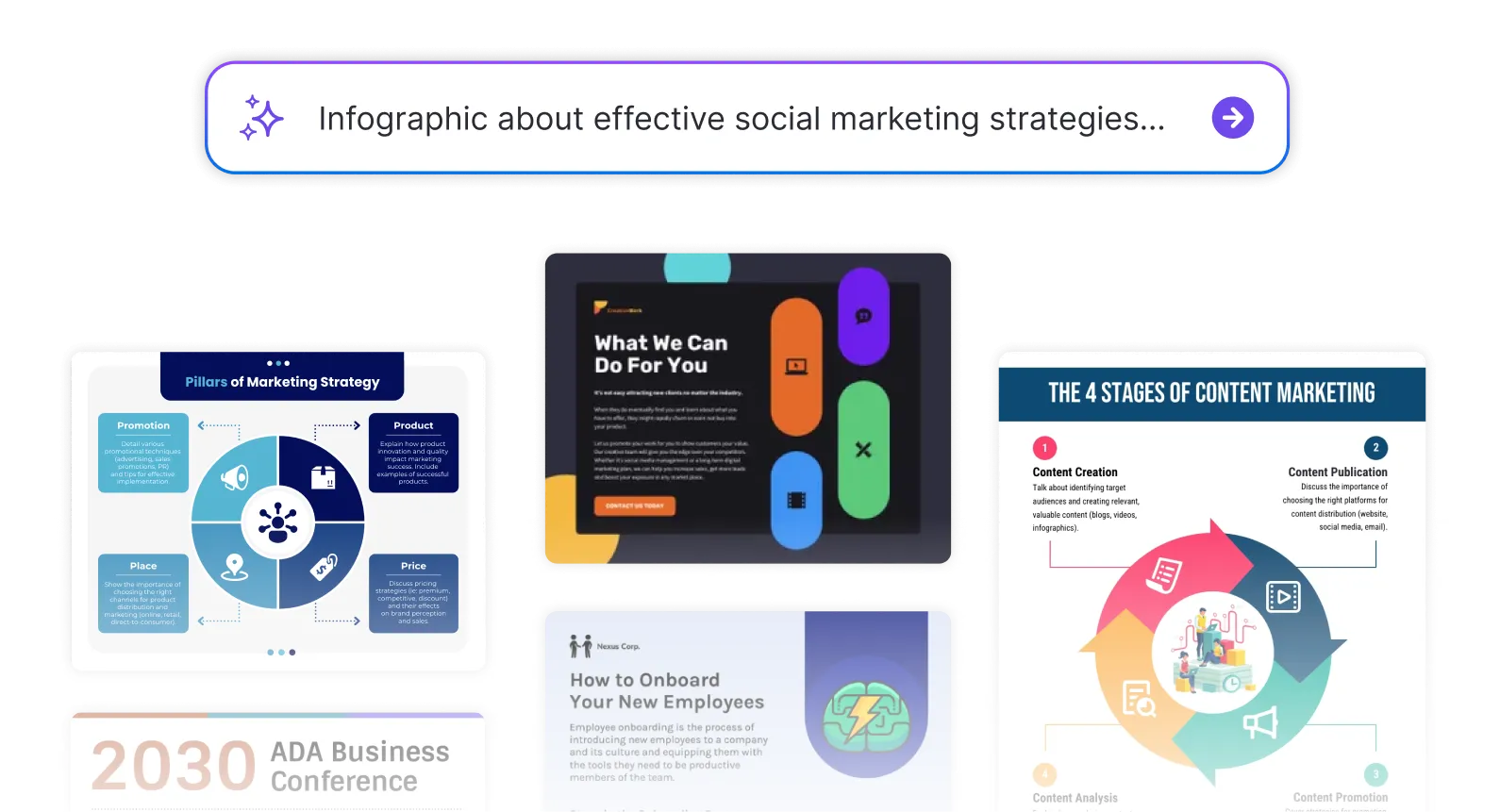
DesignAI Generator
Turn simple prompts into stunning professional visuals in seconds. Describe what you need in plain language and watch our AI generate layouts optimized for maximum visual impact.
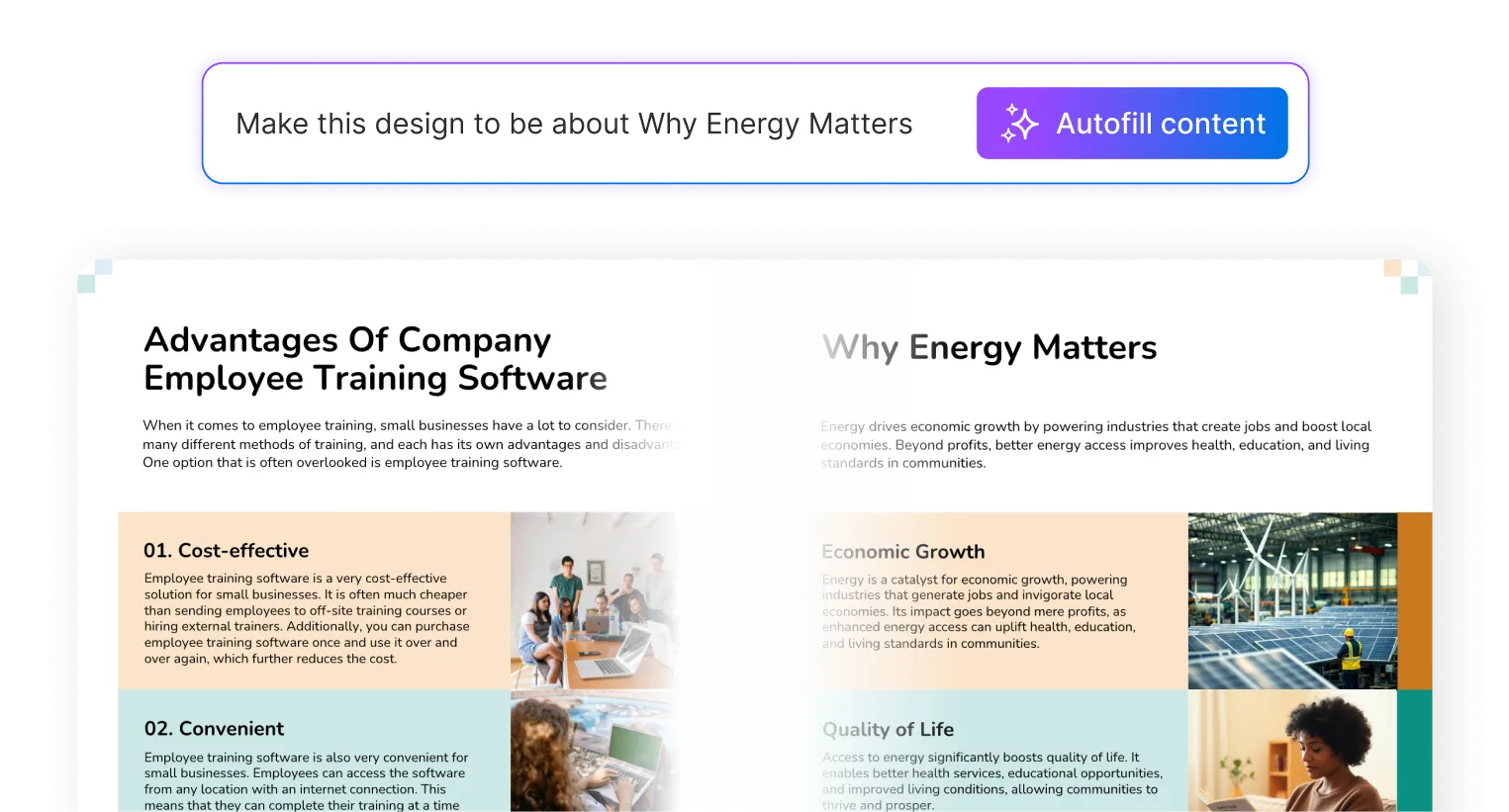
AI Content Auto-Fill
Kickstart your design process in seconds. Choose a template and let our AI auto-fill it with relevant, on-brand content, ideal for streamlining workflow and boosting productivity.
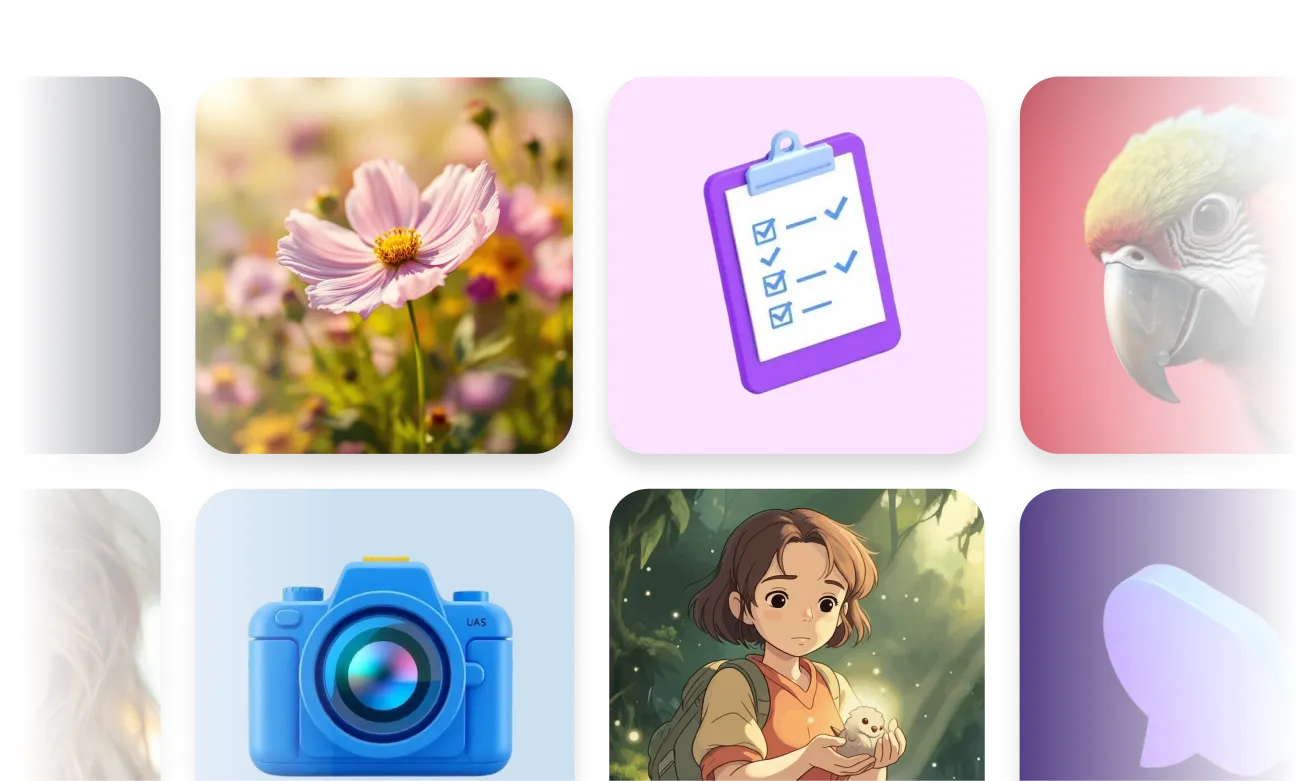
AI Generated Icons and Images
Create unique visuals that perfectly match your content and style. Generate custom illustrations, icons and images that align perfectly with your brand.
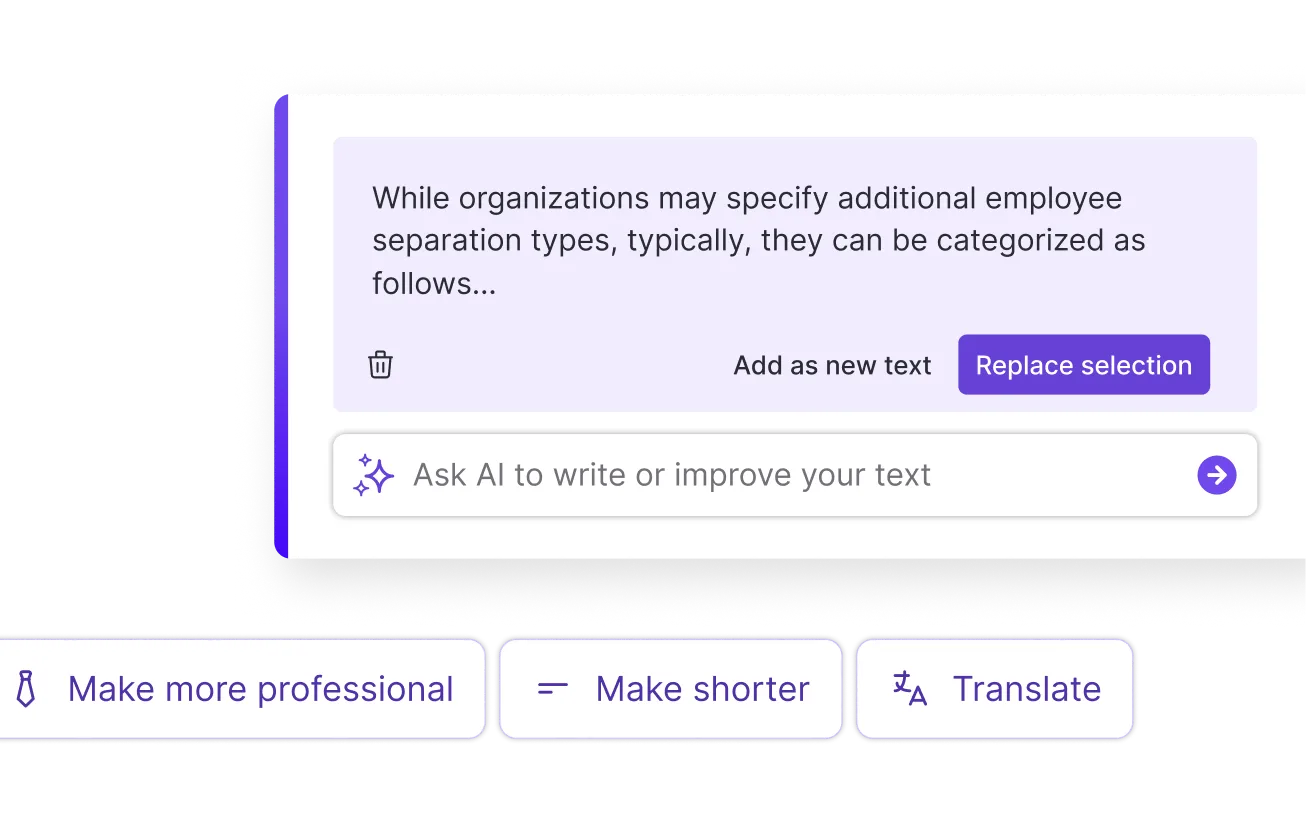
AI Writer and Translation
Enhance clarity, rewrite content, and instantly translate text to create accessible, global-ready visuals.
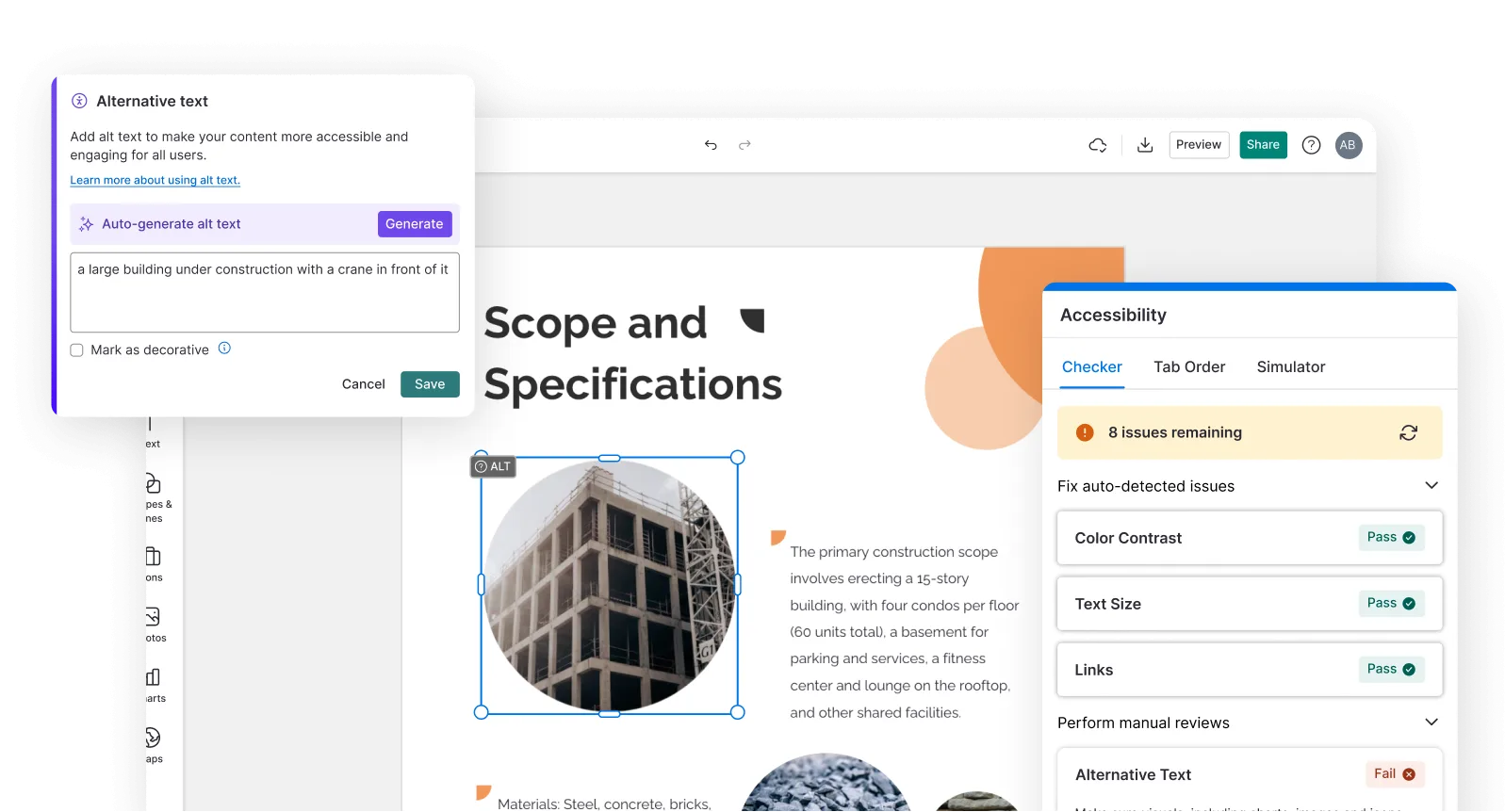
Smart Accessibility AI
Ensure every project looks great and works for everyone. Use AI to write alt text check contrast, layout, and font readability, and export fully WCAG-compliant visuals and PDFs.
FAQs
Absolutely. All AI-generated thumbnails on Venngage are fully customizable. Personalize colors, fonts, images, text, layouts, and branding elements to create thumbnails that match your channel's style and attract more viewers.
Yes, there are a variety of design generators available on Venngage. Along with the AI Thumbnail Generator, Venngage offers tools to create infographics, social media posts, reports, and more. These AI design tools are easy to use and customizable, helping you generate professional visuals quickly to match your style and needs.
Thumbnail sizes vary by platform — the standard YouTube thumbnail size is 1280x720 pixels at a 16:9 aspect ratio, podcast cover art is typically 3000x3000 pixels at a 1:1 ratio, and online course thumbnails vary by marketplace. Specify the platform in the prompt and Venngage generates a thumbnail-sized and formatted for that specific platform automatically, no manual resizing required.
A high-performing thumbnail combines bold, readable text, a clear visual focal point, high color contrast, and a headline that creates curiosity without summarizing the entire content. Venngage's AI Writing Assistant tests different headline treatments and the AI Designer optimizes the composition for maximum click-through rate, automatically adjusting visual hierarchy and text placement for the specific platform.
Yes. Describe the podcast name, episode topic, host name, and visual style and Venngage generates a complete podcast cover image at the standard 3000x3000 pixel size, ready to upload to Spotify, Apple Podcasts, and any other podcast directory.
Yes. Describe the course topic, the key outcome, and the platform — Udemy, Skillshare, Teachable, or a custom course website — and Venngage generates a professional course thumbnail that signals expertise and communicates the value of enrolling. Use the Brand Kit to apply consistent visual identity across every course in the catalog.
Yes. Describe the course topic, the target student, and the key outcome and Venngage generates a Udemy-optimized course thumbnail that stands out in the marketplace feed. Udemy recommends a 16:9 aspect ratio at a minimum of 750x422 pixels. Specify these dimensions in the prompt and Venngage generates a thumbnail sized correctly for the Udemy marketplace automatically.
Yes. Venngage's Brand Kit applies consistent fonts, colors, and logo across every thumbnail in one click — YouTube thumbnails, podcast covers, course images, and video thumbnails all looking like they came from the same brand. Every thumbnail that goes out looks professionally branded and visually consistent with the wider content identity.
Venngage's accessibility checker verifies that thumbnail text is readable at small sizes and that color contrast meets visibility standards across phone, tablet, and desktop screens. A thumbnail that passes the accessibility check is one that communicates clearly on every device and in every feed where it appears,.
Yes. Generate a thumbnail for each platform from its individual description — YouTube, podcast, online course, or video platform — and use Venngage’s Brand Kit to keep every thumbnail visually consistent across all of them. The drag-and-drop editor makes it easy to adjust the layout and dimensions for each platform without rebuilding the design from scratch.
We offer a free plan so you can try out all our AI features without spending anything. If you want more advanced features like private sharing and auto branding, we've got Premium and Business plans available too.