


Free AI PDF Generator
Generate reports, proposals, invoices, and business documents from a single prompt.




Browse Through More PDF Templates
Popular AI Design Generators
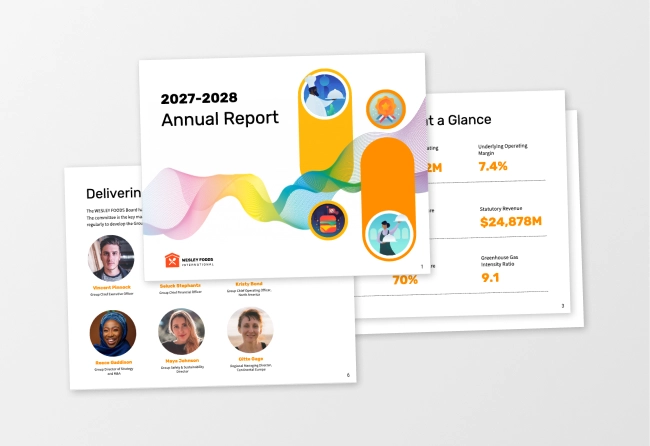
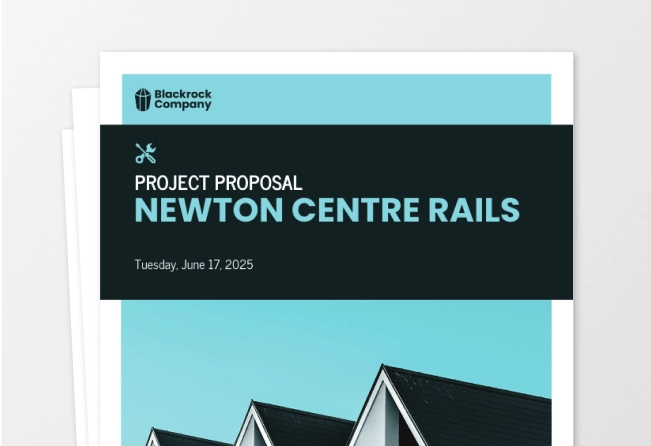
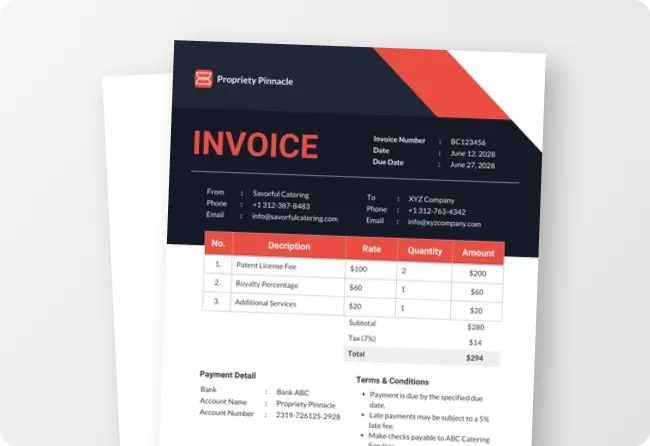
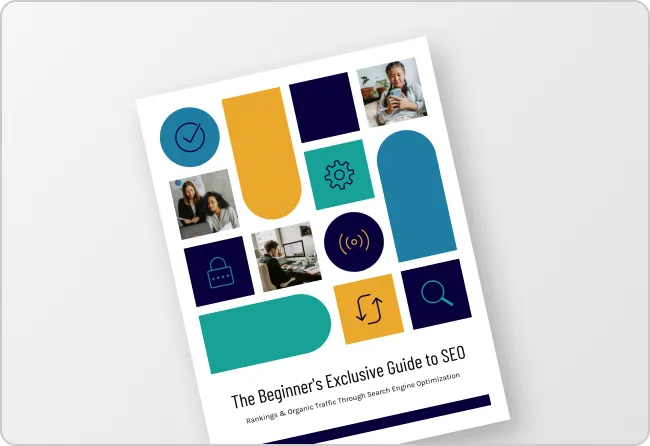
Sample Prompts You Can Modify and Use
“As a content strategist at a B2B fintech company, write and design an industry research report on the top five payment trends affecting mid-sized retailers in 2025. Make it authoritative and data-led, organized into an executive summary, five trend sections, and a conclusion with actionable recommendations, formatted as a gated PDF download for lead generation.”
“As a marketing manager presenting July results to the leadership team, write and design a monthly marketing performance report covering social media reach, email open rates, paid ad spend, and lead generation. Include sections like executive summary, channel breakdown, and three recommendations for August, formatted as a print-ready PDF.”
“I've uploaded five separate policy documents — remote work policy, code of conduct, leave policy, expense policy, and onboarding checklist — each written at different times in different formats. Combine all five into a single, cohesive employee handbook and format as a downloadable PDF ready to send to every new hire from next month.”
“I've uploaded a 40-page industry research report as a PDF. Distill the three most important findings into a clean, professionally designed one-pager targeting C-suite decision makers — data-led and formatted as a single-page PDF ready to attach to an executive outreach email.”
How to Create PDFs Using AI
Step 1
Enter Your Brief or Upload an Existing File
Type the document type, purpose, audience, and key content into the prompt field or upload an existing Word file, spreadsheet, or presentation to redesign or repurpose into a new PDF format.
Step 2
Generate Your PDF Document
Click generate and Venngage's AI produces a complete, fully formatted PDF built around your document purpose instantly. A business report feels structured and data-led, a professional invoice clean and clearly itemized, a policy document authoritative and easy to navigate.
Step 3
Refine Your Content Using Venngage's AI Writing Assistant
Rewrite a section, sharpen the executive summary, or adjust the tone without rebuilding the layout. Prompt the AI to make the opening more compelling or make this policy clearer and the change applies instantly.
Step 4
Refine Your Layout With the AI Designer
Use the AI Designer to adjust visual hierarchy, typography, and spacing for the document format. Move sections, resize elements, and update colors and fonts using the drag-and-drop editor.
Step 5
Apply Your Brand and Export Your PDF
Use the Brand Kit to apply exact fonts, colors, and logo across every PDF in one click. Download as a print-ready PDF or share via a private Venngage link for team review, client approval, or stakeholder distribution.
Generate Professional Business Documents as a Business Professional
There'll always be a report due, a proposal to send, or a policy document that needs updating. Brief Venngage's AI PDF Generator with the document type, purpose, and key content and get a fully written, professionally formatted business report, project proposal, or presentation PDF in minutes.
Use the AI Writing Assistant to refine content and the AI Designer to perfect the layout, apply the Brand Kit to keep every document on-brand, and share via a private link for stakeholder review.
Generate PDFs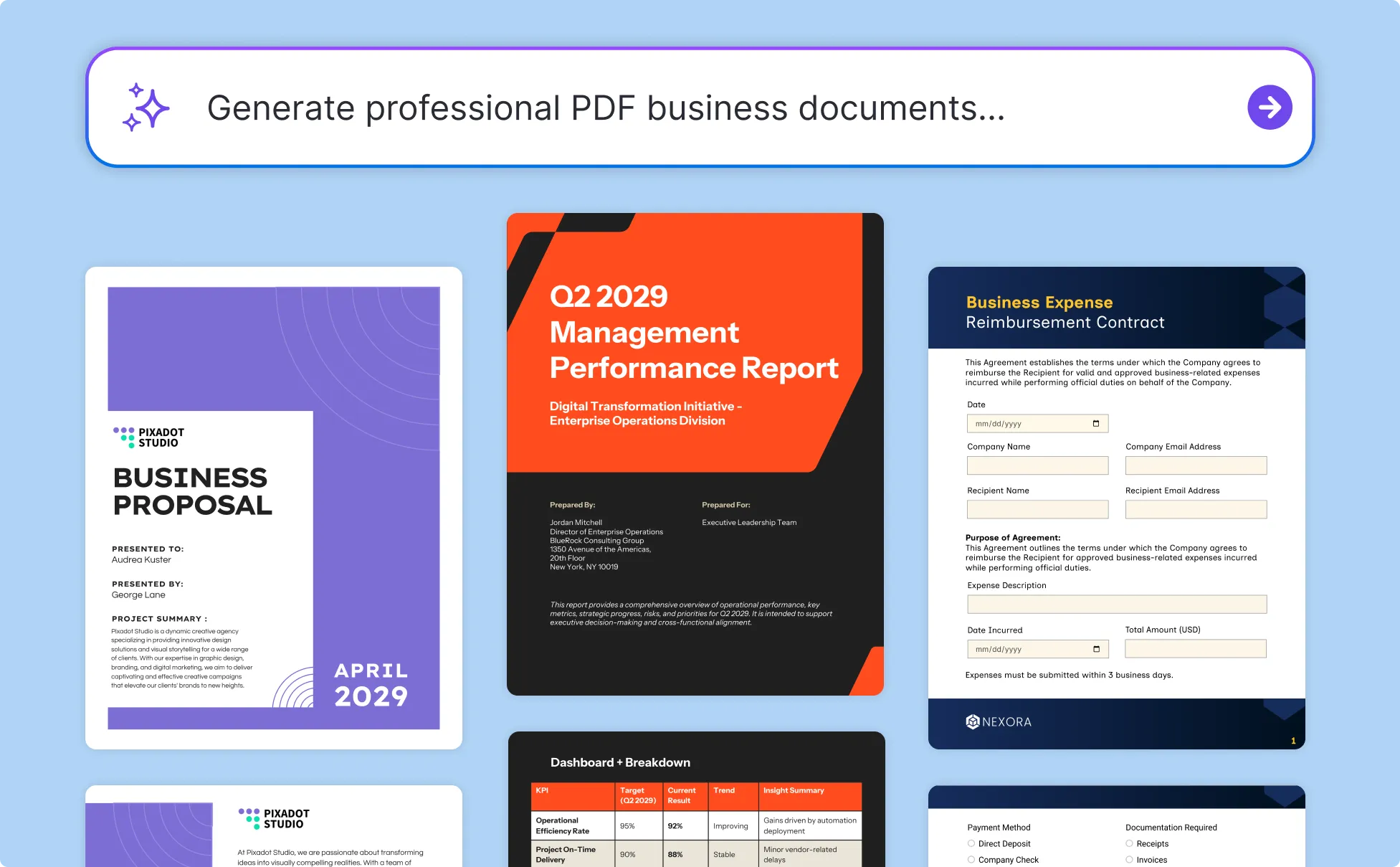
Create Professional Invoices and Business Proposals as a Freelancer
Freelancers and small business owners spend more time on document admin than they should. Type the project details, services, and rates and get a professional invoice PDF, project proposal, or service contract in minutes. No more starting from scratch for every client.
Apply the Brand Kit to keep every client-facing PDF on-brand, then download or share via a private link the moment the document is done.
Generate PDFs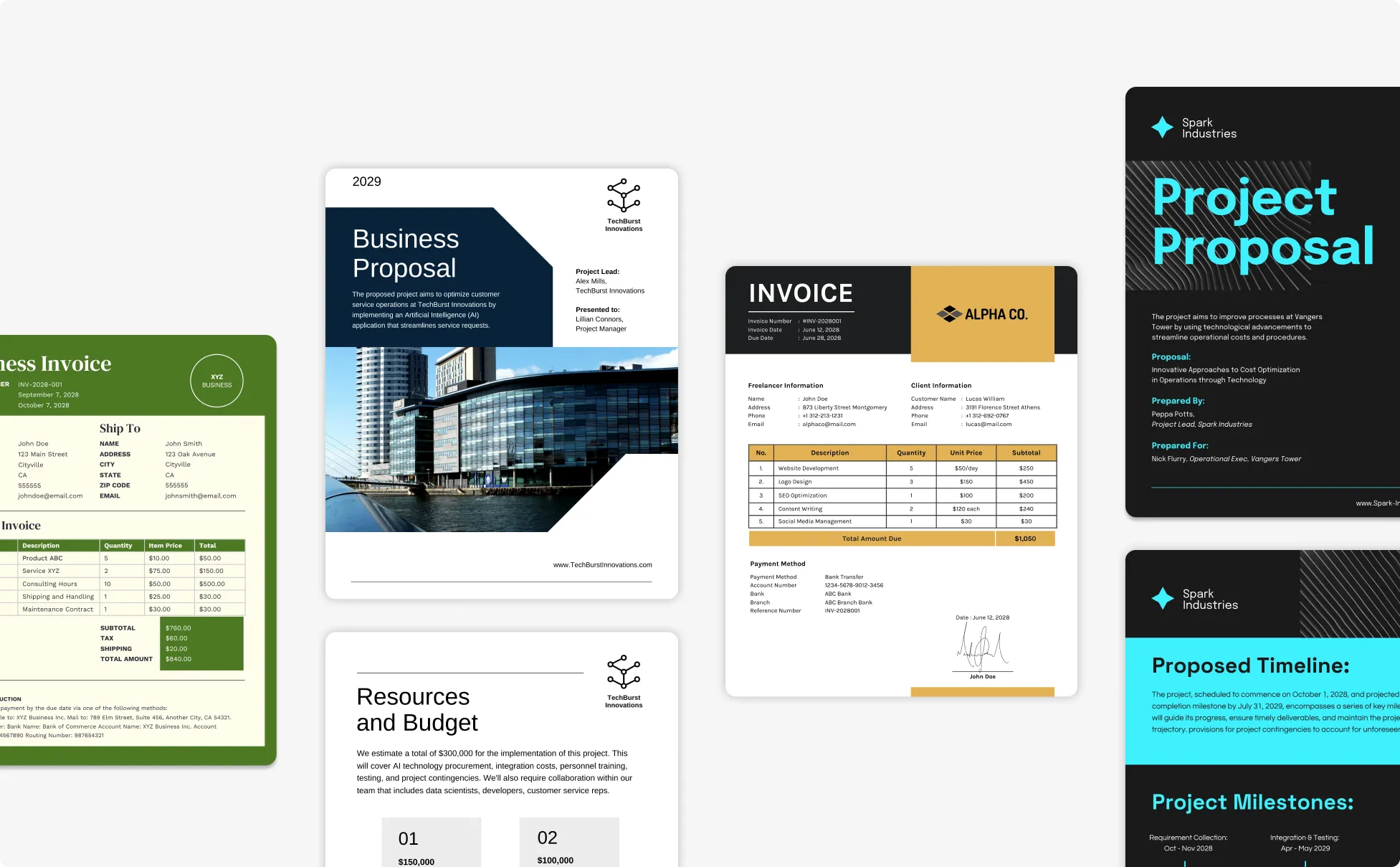
Produce HR Documents Faster as an HR Manager
HR managers produce more documents than almost any other function, from employee handbooks, onboarding packs to policy documents, and training manuals. Venngage generates complete HR documents from a brief fast enough to keep up with a business that never stops hiring.
Upload existing policy files, merge them into a cohesive employee handbook, apply the Brand Kit for consistency, and share via a private link or download as a print-ready PDF.
Generate PDFs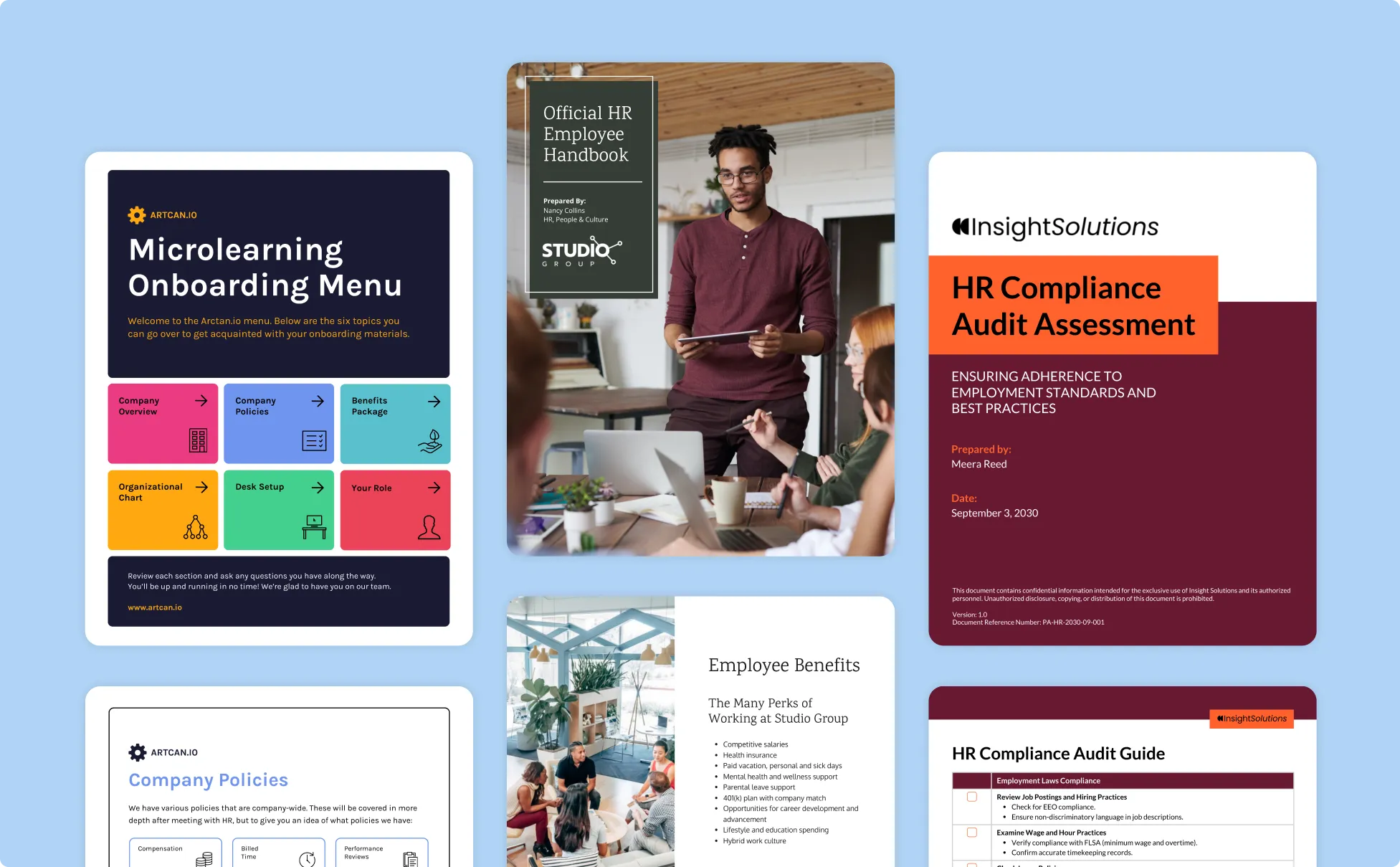
Generate PDFs In Seconds With Our AI PDF Generator
Stop Losing Hours to Formatting Before the Real Work Can Begin
Brief Venngage's AI with the document type, purpose, and key content and get a fully written, professionally formatted PDF back in minutes. The part that used to take all day now takes seconds.
Turn Any Existing File Into a Professional PDF Instantly
Upload a Word document, spreadsheet, slide deck, or meeting notes and Venngage transforms it into a professionally designed PDF. A 40-page report becomes a one-pager, raw notes become a client-ready strategy document, five separate policy files become a single employee handbook.

Write and Design in the Same Place Without Switching Tools
Use Venngage's AI Writing Assistant to refine the content and the AI Designer to perfect the layout, both inside the same editor, without passing files between applications. Every revision touches the copy and the design at the same time.

Keep Every Client-Facing Document Consistently On-Brand
Use Venngage's Brand Kit to apply exact fonts, colors, and logo across every business report, client proposal, and professional invoice in one click. Every PDF that goes to a client or stakeholder looks like it came from the same organization.

Produce Documents Fast Enough to Meet the Deadline
The board meeting is tomorrow. The client needs the proposal by end of day. The new employee starts Monday and the handbook doesn't exist yet. Venngage generates complete, professional PDF documents fast enough to be useful when there genuinely isn't time to do it any other way.

Share and Distribute Without Leaving Venngage
Download finished PDFs as print-ready files for physical distribution, or share instantly via a private Venngage link for digital review and stakeholder approval. No email attachments, no version confusion, no chasing people to confirm they received the right file.
Fuel Your Creativity with AI-Powered Design Tools
Venngage is your one-stop shop for creating impactful presentations, infographics, reports, and more. It's a favorite among professionals, educators, and marketers for a reason:
AI Branding Automation
Instantly extract brand colors, fonts, and styles. Auto-apply your logo and visual identity to every design for seamless brand consistency.

DesignAI Generator
Turn simple prompts into stunning professional visuals in seconds. Describe what you need in plain language and watch our AI generate layouts optimized for maximum visual impact.

AI Content Auto-Fill
Kickstart your design process in seconds. Choose a template and let our AI auto-fill it with relevant, on-brand content, ideal for streamlining workflow and boosting productivity.

AI Generated Icons and Images
Create unique visuals that perfectly match your content and style. Generate custom illustrations, icons and images that align perfectly with your brand.

AI Writer and Translation
Enhance clarity, rewrite content, and instantly translate text to create accessible, global-ready visuals.

Smart Accessibility AI
Ensure every project looks great and works for everyone. Use AI to write alt text check contrast, layout, and font readability, and export fully WCAG-compliant visuals and PDFs.

FAQs
Absolutely. All AI-generated PDFs on Venngage's platform are fully customizable, allowing you to personalize colors, designs, images and more to match your unique vision.
Yes, there are a variety of design generators available on Venngage. Along with the AI PDF Generator, Venngage offers tools to create infographics, social media posts, reports, and more. These AI design tools are easy to use and customizable, helping you generate professional visuals quickly to match your style and needs.
Yes, the AI-generated PDFs created using Venngage's tools are copyright-free. You can use them for both personal and commercial purposes without any restrictions on copyright. However, it's always good practice to ensure that any externally sourced content you include is also cleared for use.
We offer a free plan so you can try out all our AI features without spending anything. If you want more advanced features like private sharing and auto branding, we've got Premium and Business plans available too.