


Free AI Study Guide Generator
Stop rewriting your notes. Generate a study guide that's already done it for you.
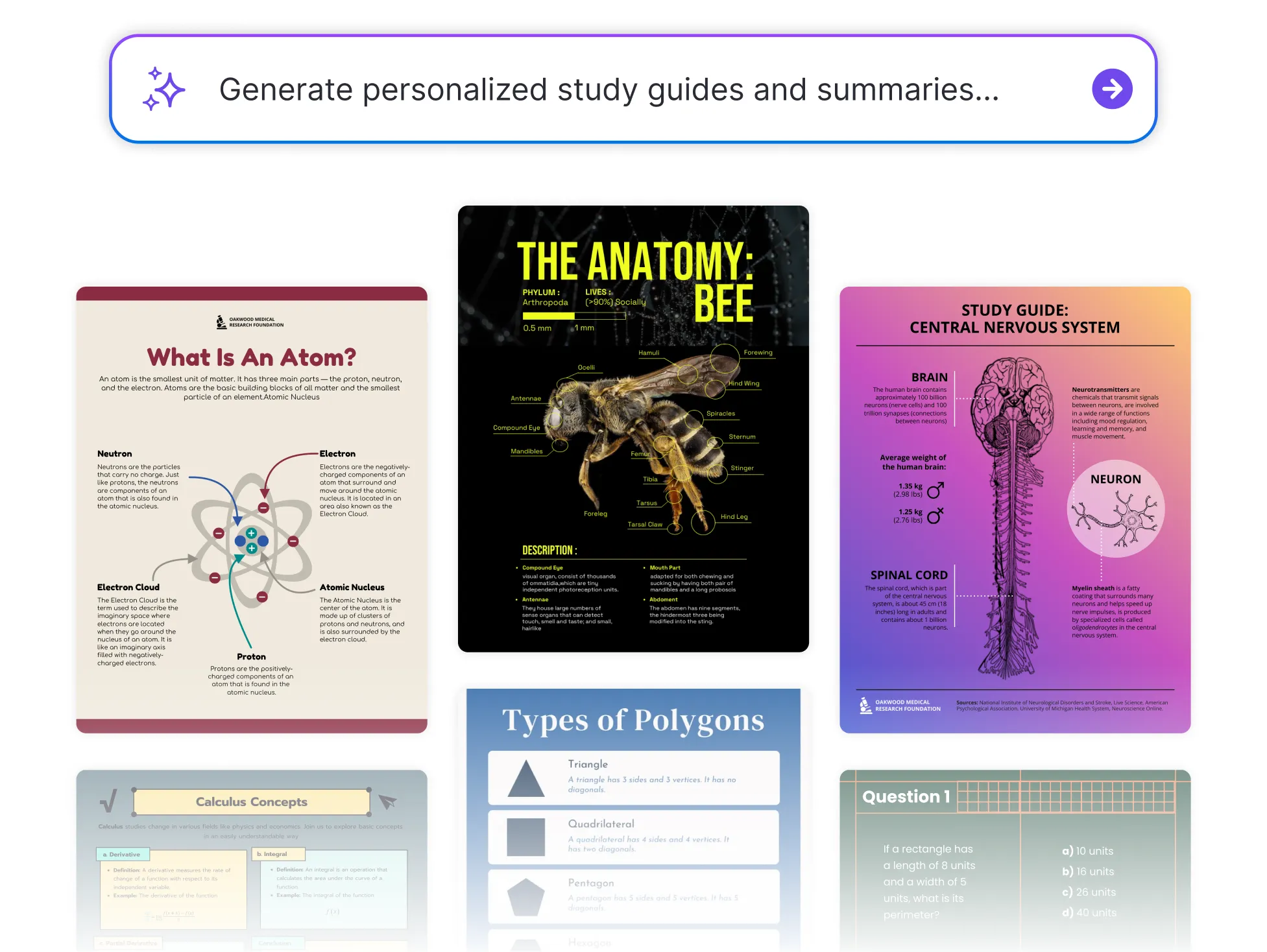




Popular AI Design Generators
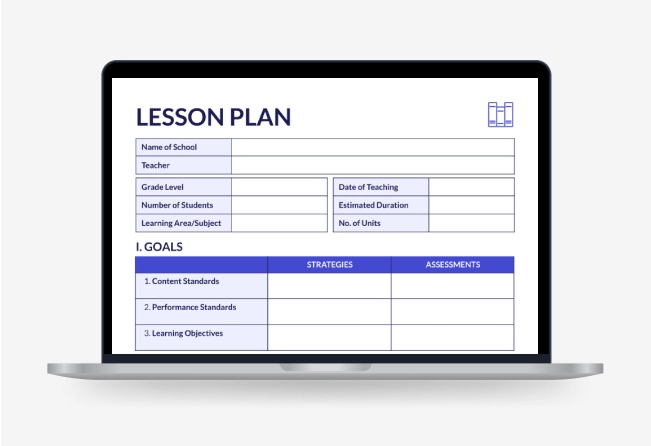
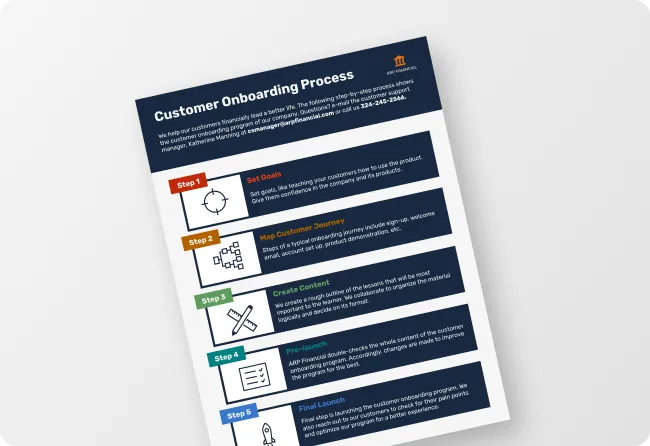
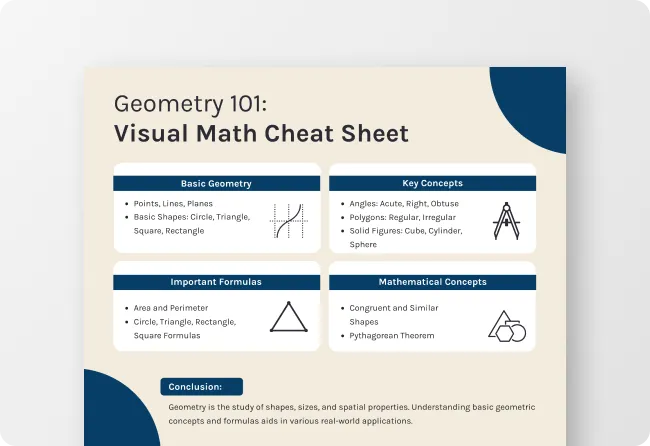
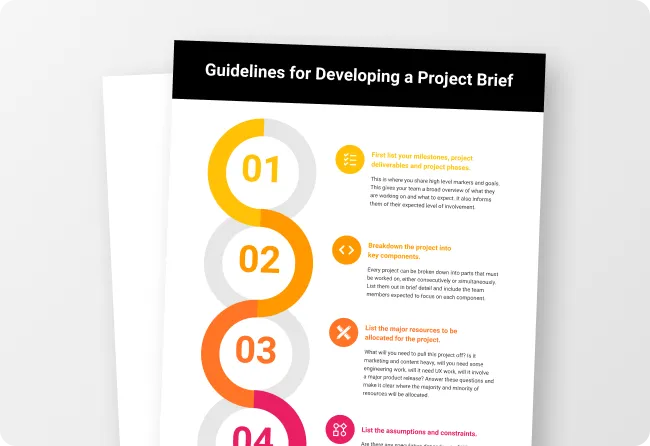
Sample Prompts You Can Modify and Use
“I have a biology exam in two weeks covering cell division, photosynthesis, and the human digestive system. Create a structured study guide that summarizes each topic clearly, highlights the key terms I need to know, and ends each section with three practice questions formatted as a printable PDF I can work through section by section.”
“As a second-year law student preparing for a contract law exam, create a study guide summarizing the 15 most important contract law cases, organized by legal principle, with each case covering the facts, decision, and the rule it established, formatted as a reference PDF I can use during open-book revision.”
“Create a study guide for a French language student preparing for the DELF B1 exam, covering the 100 most frequently tested vocabulary themes organized by topic, with each word shown in a sample sentence and a self-test column to cover and test recall, formatted as a printable PDF.”
“I'm studying Macbeth for my GCSE English exam and struggle with the themes and quotes. Create a study guide organized by theme — ambition, guilt, power, and gender — with three key quotes per theme, an explanation of what each quote means in context, and how to use it in an essay, formatted as a printable PDF revision guide.”
How to Create Study Guides Using AI
Step 1
Enter Your Topic or Upload Your Study Material
Type the subject, exam, course, or key concepts you need to cover or upload existing lecture notes, a textbook chapter, or course outline and let Venngage's AI Study Guide Maker structure it into a revision-ready study guide automatically.
Step 2
Generate Your Study Guide
Click generate and Venngage's AI Study Guide Generator produces a complete, structured study guide formatted for effective revision instantly. An exam revision guide feels focused and exam-specific, a subject summary comprehensive and clearly structured, a language learning guide organized for rapid vocabulary recall.
Step 3
Customize Your Study Guide With the AI Designer
Use the AI Designer to adjust the layout, add color coding by topic, increase font size for easier reading, and organize sections in the order that works best for your revision approach.
Step 4
Apply Consistent Visual Identity With the Brand Kit
Use Venngage's Brand Kit to apply consistent fonts, colors, and visual identity across every study guide, revision guide, and exam prep material so every resource looks like it came from the same source.
Step 5
Export and Share Your Study Guide
Download as a printable PDF for physical revision sessions, or share via a private Venngage link for digital studying on any device. Teachers can distribute a complete class revision guide in one link for students to access on any device.
Study Smarter and Pass Faster as a Student
The exam is in two weeks, the notes are everywhere, and none of it is helping with revision. Upload your lecture notes or type the topic and Venngage's AI Study Guide Generator structures everything into a clean, revision-ready study guide instantly.
For professional exam candidates — bar exam, MCAT, CPA, and GRE — the same tool generates dense, targeted revision guides with practice questions built in. Download as a printable PDF or study via a private link on any device.
Generate Study Guides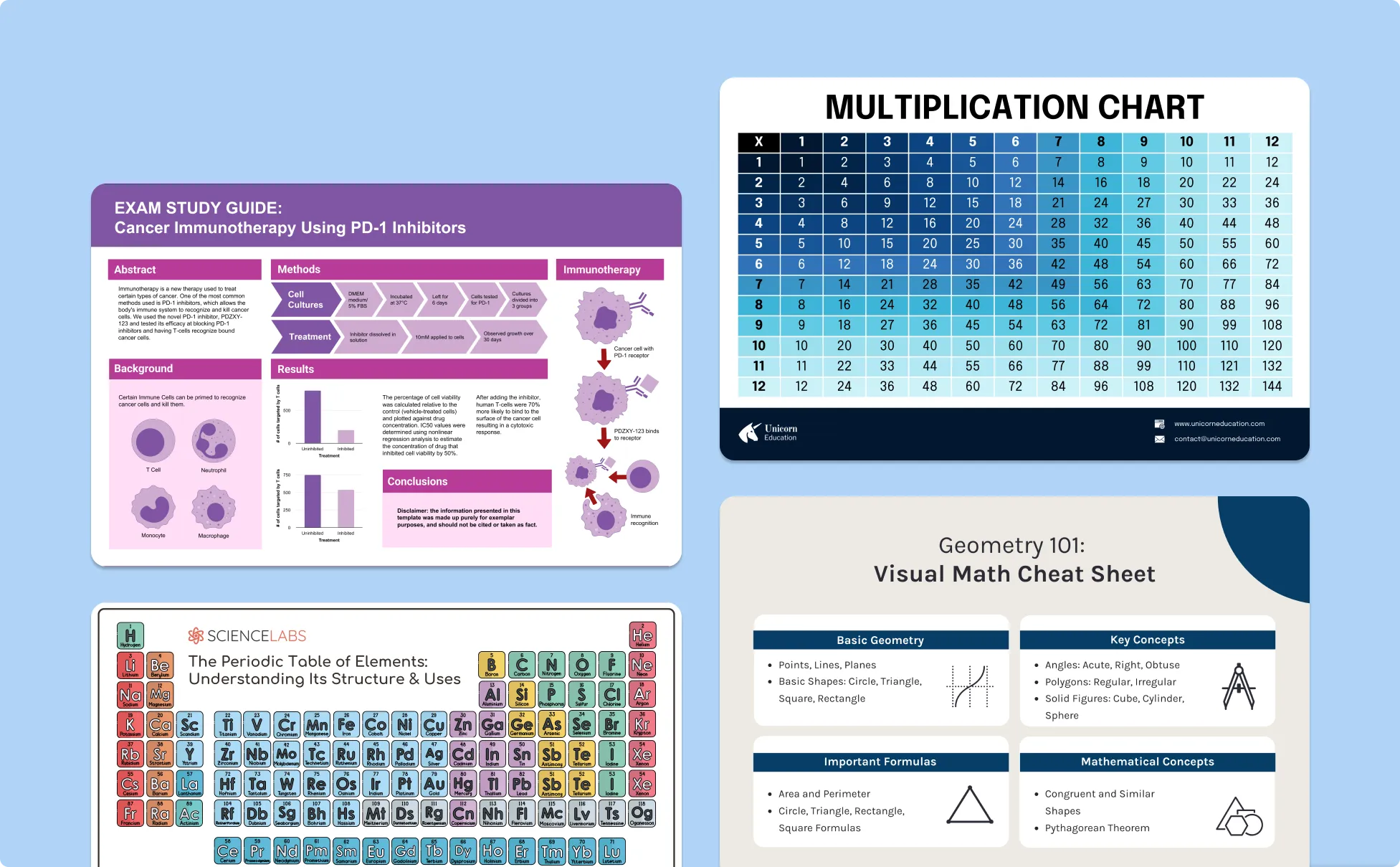
Create Revision Materials Faster as a Teacher
Type the subject, year group, and exam topic and Venngage’s Study Guide Generator generates a complete revision guide — topic summaries, key terms, and practice questions — formatted and ready to distribute instantly.
Use the Brand Kit for visual consistency across every subject, then share via a private link or download as a printable PDF.
Generate Study Guides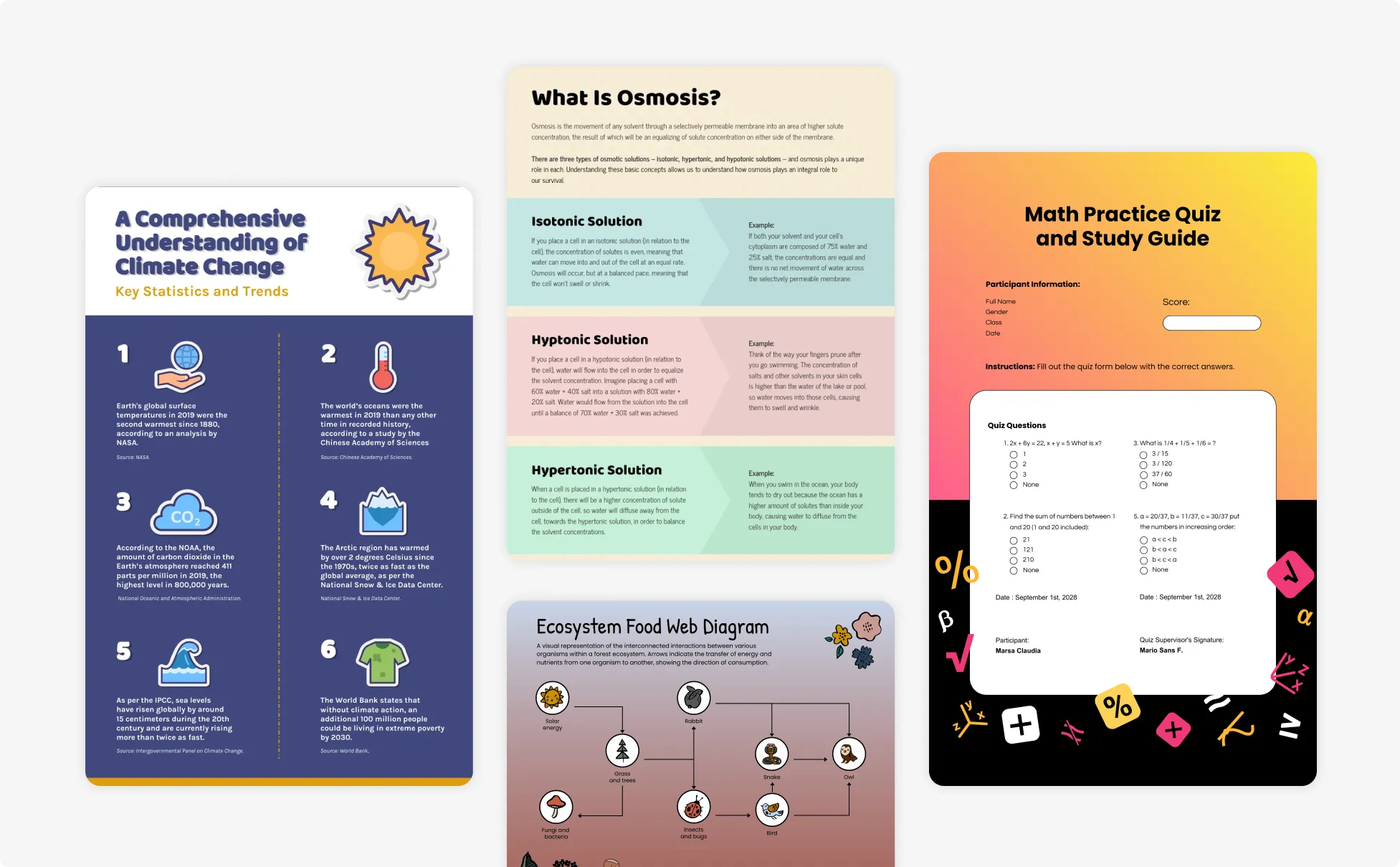
Build Exam Study Guides as a Language Learner
Language study guides need to work differently — vocabulary organized for recall, grammar rules with examples, and exam content separated from general learning.
Venngage structures language revision the way it actually works, from Spanish B2 grammar guides to IELTS academic vocabulary summaries and JLPT kanji revision sets. Download as a printable PDF or share via link for on-the-go revision.
Generate Study Guides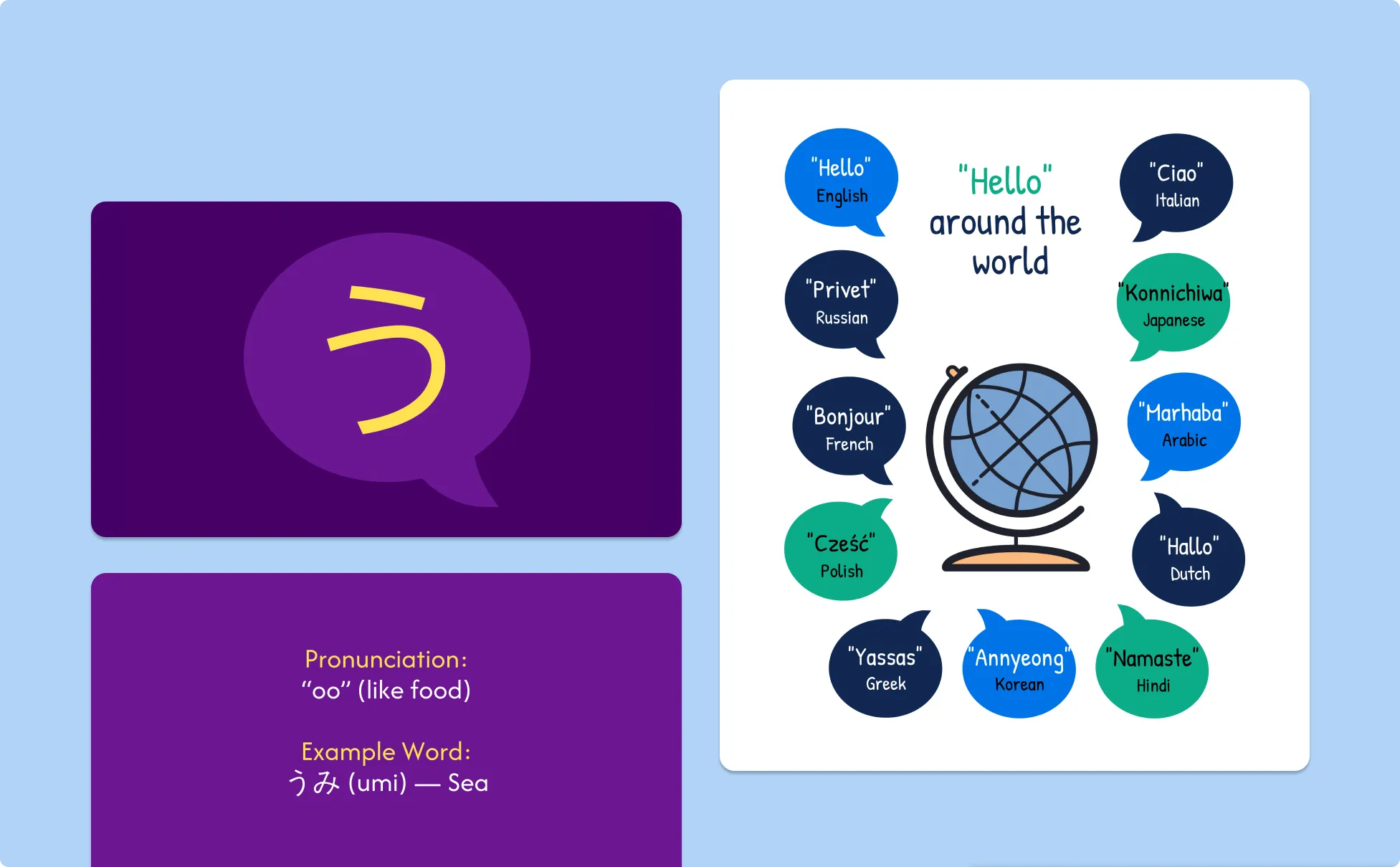
Generate Study Guides In Seconds With Our AI Study Guide Generator

Turn a Week of Note-Taking Into a Study Guide in Minutes
Every student has a folder full of lecture notes and highlighted textbook pages that never quite became a usable study guide. Upload the notes, type the topic, and Venngage’s Study Guide Generator structures everything into a clean, revision-ready study guide instantly.

Stop Studying From Notes That Were Never Designed to Be Studied From
Lecture slides are built for presenting. Textbook chapters are built for reading. Neither is built for revision. Venngage's AI restructures any source material into a study guide designed for the way revision actually works — summaries first, key terms highlighted, practice questions at the end.

Generate Practice Questions for Every Topic
The most effective revision isn't reading, it's testing. Venngage's AI Study Guide Generator generates topic-specific practice questions, model answers, and self-test sections for every subject and exam level automatically, built into the guide before the first revision session begins.

Keep Every Study Guide Consistent Across Every Subject
Use Venngage's Brand Kit to apply consistent fonts, colors, and visual identity across every study guide for every subject and exam. Teachers distributing revision materials across a full term and students building a complete study set get materials that look coherent from the first guide to the last.

Share With a Study Group Without Emailing Files
Share finished study guides via a private Venngage link for study group access, teacher review, or peer feedback. Every member studies from the same version, sees the same updates, and accesses the guide on any device.

Print or Study Digitally Without Reformatting
Download as a printable PDF for physical revision sessions or share via a private Venngage link for digital studying on any device. The same guide works for both without any reformatting, resizing, or layout adjustment.
Fuel Your Creativity with AI-Powered Design Tools
Venngage is your one-stop shop for creating impactful presentations, infographics, reports, and more. It's a favorite among professionals, educators, and marketers for a reason:
AI Branding Automation
Instantly extract brand colors, fonts, and styles. Auto-apply your logo and visual identity to every design for seamless brand consistency.

DesignAI Generator
Turn simple prompts into stunning professional visuals in seconds. Describe what you need in plain language and watch our AI generate layouts optimized for maximum visual impact.

AI Content Auto-Fill
Kickstart your design process in seconds. Choose a template and let our AI auto-fill it with relevant, on-brand content, ideal for streamlining workflow and boosting productivity.

AI Generated Icons and Images
Create unique visuals that perfectly match your content and style. Generate custom illustrations, icons and images that align perfectly with your brand.

AI Writer and Translation
Enhance clarity, rewrite content, and instantly translate text to create accessible, global-ready visuals.

Smart Accessibility AI
Ensure every project looks great and works for everyone. Use AI to write alt text check contrast, layout, and font readability, and export fully WCAG-compliant visuals and PDFs.

FAQs
Absolutely. All AI-generated study guides on Venngage's platform are fully customizable, allowing you to personalize colors, designs, images, copy, and contact details to match your clinic, hospital, or health system.
Yes, there are a variety of design generators available on Venngage. Along with the AI Study Guide Generator, Venngage offers tools to create infographics, social media posts, reports, and more. These AI design tools are easy to use and customizable, helping you generate professional visuals quickly to match your style and needs.
Yes, the AI-generated study guides created using Venngage's tools are copyright-free. You can use them for both personal and commercial purposes without any restrictions on copyright. However, it's always good practice to ensure that any externally sourced content you include is also cleared for use.
We offer a free plan so you can try out all our AI features without spending anything. If you want more advanced features like private sharing and auto branding, we've got Premium and Business plans available too.