


Free AI Small Business Flyer Generator
The professional flyer your small business deserves — designed by AI, downloaded in seconds.




Browse Through More Small Business Templates




Popular AI Design Generators
Sample Prompts You Can Modify and Use
“Create a promotional flyer for a local coffee shop announcing a buy-one-get-one-free offer.”
“Design a modern flyer for a boutique fitness studio targeting young professionals, featuring membership plans, class schedules and a QR code for sign-ups.”
“Generate a flyer for a local bakery's grand opening targeting families and young professionals, featuring a 20% opening-week discount, store hours, location, social media handles and a warm, modern design.”
“Create a retail flyer for a boutique clothing store announcing a weekend sale with up to 40% off.”
How to Create A Small Business Flyer Using AI
Step 1
Describe Your Flyer
Type the promotion type, key message, offer details, and contact information. A grand opening flyer needs a completely different layout from a seasonal sale flyer so the more specific the description, the more targeted the finished flyer.
Step 2
Generate Your Small Business Flyer
Venngage's AI produces a complete, fully designed flyer — headline, copy, layout, and color palette — built around the promotion instantly. A promotional flyer leads with the offer, a grand opening flyer builds excitement, an event flyer makes attendance feel unmissable.
Step 3
Sharpen Your Copy With the AI Writing Assistant
Tighten the headline, strengthen the call to action, and cut the body copy to the words that actually make someone stop and read. Type your changes and the change applies instantly.
Step 4
Refine Your Design With the AI Designer
Rebalance the layout for the specific flyer format — A5 promotional leaflet, A4 event poster, or square social media flyer. Use the AI Icon Generator to add branded icons and illustrated details that make the flyer visually distinctive.
Step 5
Apply Your Brand and Export
Use the Brand Kit to apply exact fonts, colors, and logo across every promotional flyer, sale leaflet, and event poster in one click. Download as a print-ready PDF or export as PNG for social media and email campaigns.
Design Promotional Flyers for Every Season as a Restaurant Owner
Weekly specials, seasonal menus, Valentine's Day promotions, describe the offer and key details and Venngage AI generates a professional restaurant flyer in minutes.
Use the Brand Kit to keep every flyer consistent with the menu and social media, then download as a print-ready PDF or export as PNG for Instagram.
Generate Small Business Flyers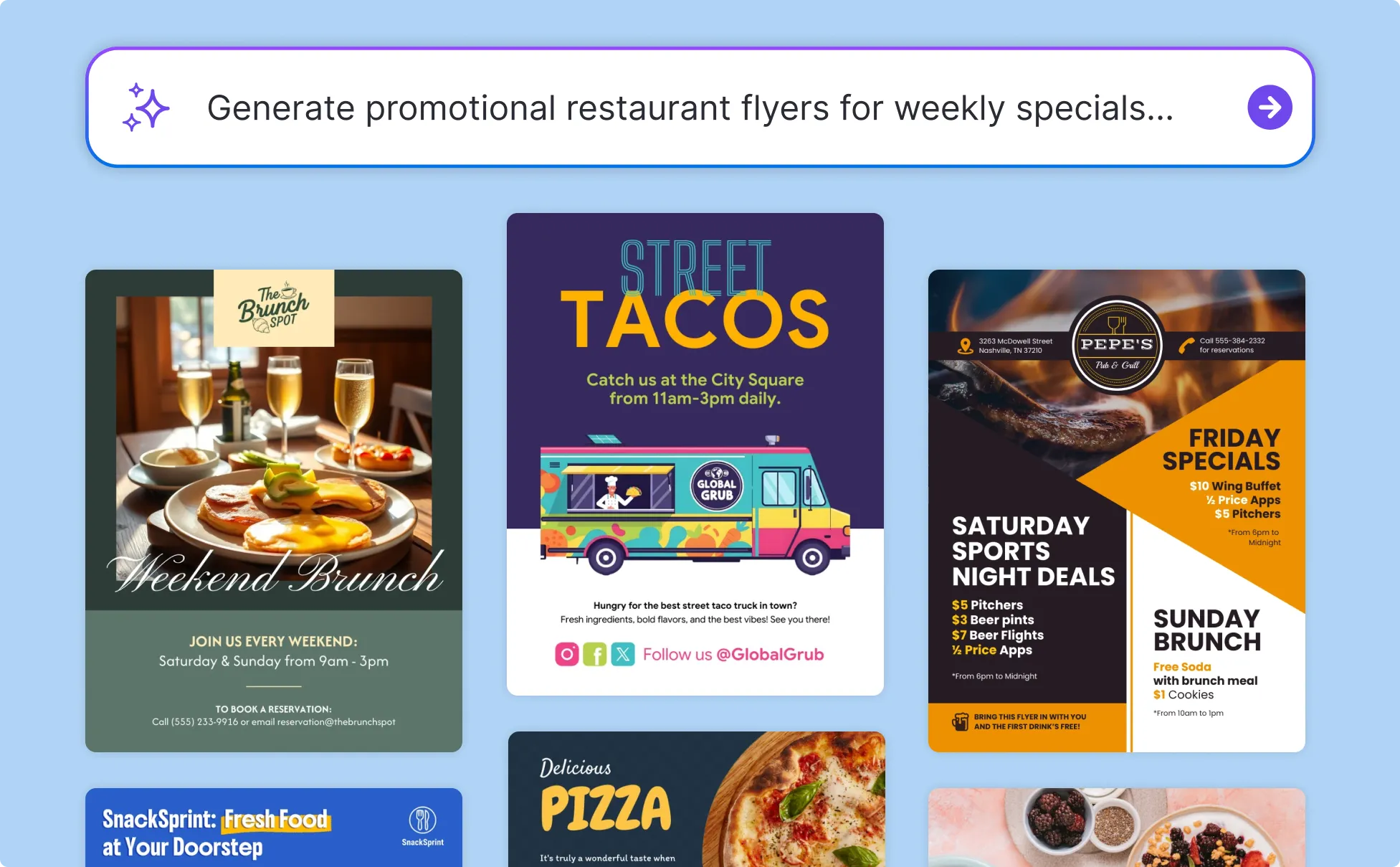
Create Professional Flyers Without a Marketing Budget
Independent retailers, hair salons, beauty therapists, and personal trainers don't have a design budget for every promotion. Describe the offer, business name, and key message and the AI Flyer Maker produces a professionally designed promotional flyer, sale leaflet, or service business flyer in minutes.
Use the AI Writing Assistant to sharpen the headline and call to action, then download as a print-ready PDF for window displays and door drops or export as PNG for social media.
Generate Small Business Flyers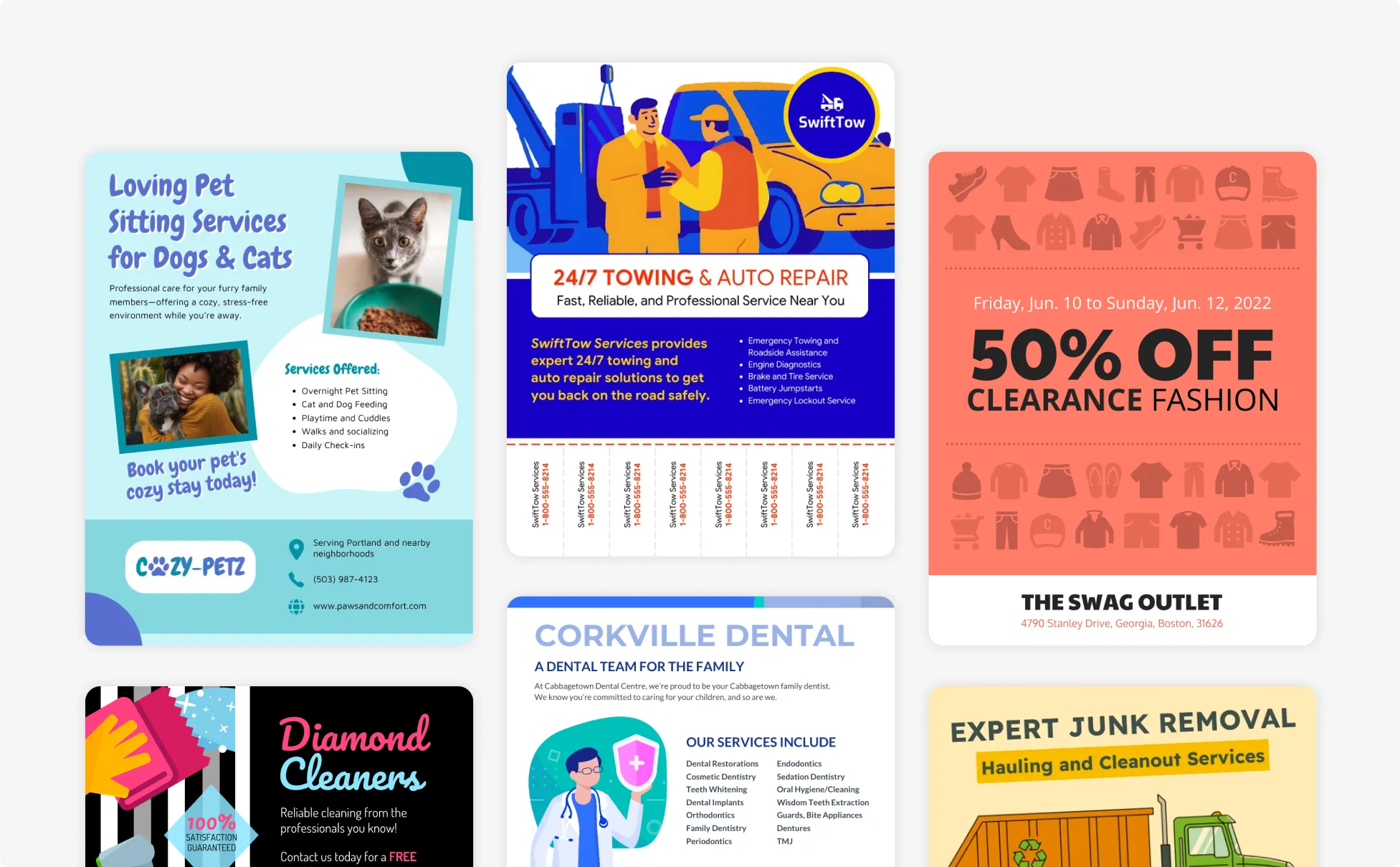
Produce Event Flyers Fast as a Market Stall Operator
Market traders need a professional flyer the day before the market, not the week after a designer gets back to them. Describe the stall name, products, location, date, and any special offer and Venngage generates a complete event flyer in minutes, ready to print before the van is loaded.
Use the AI Designer to optimize for A5 leaflets or A4 posters, then download as a print-ready PDF and send to the printer the same day.
Generate Small Business Flyers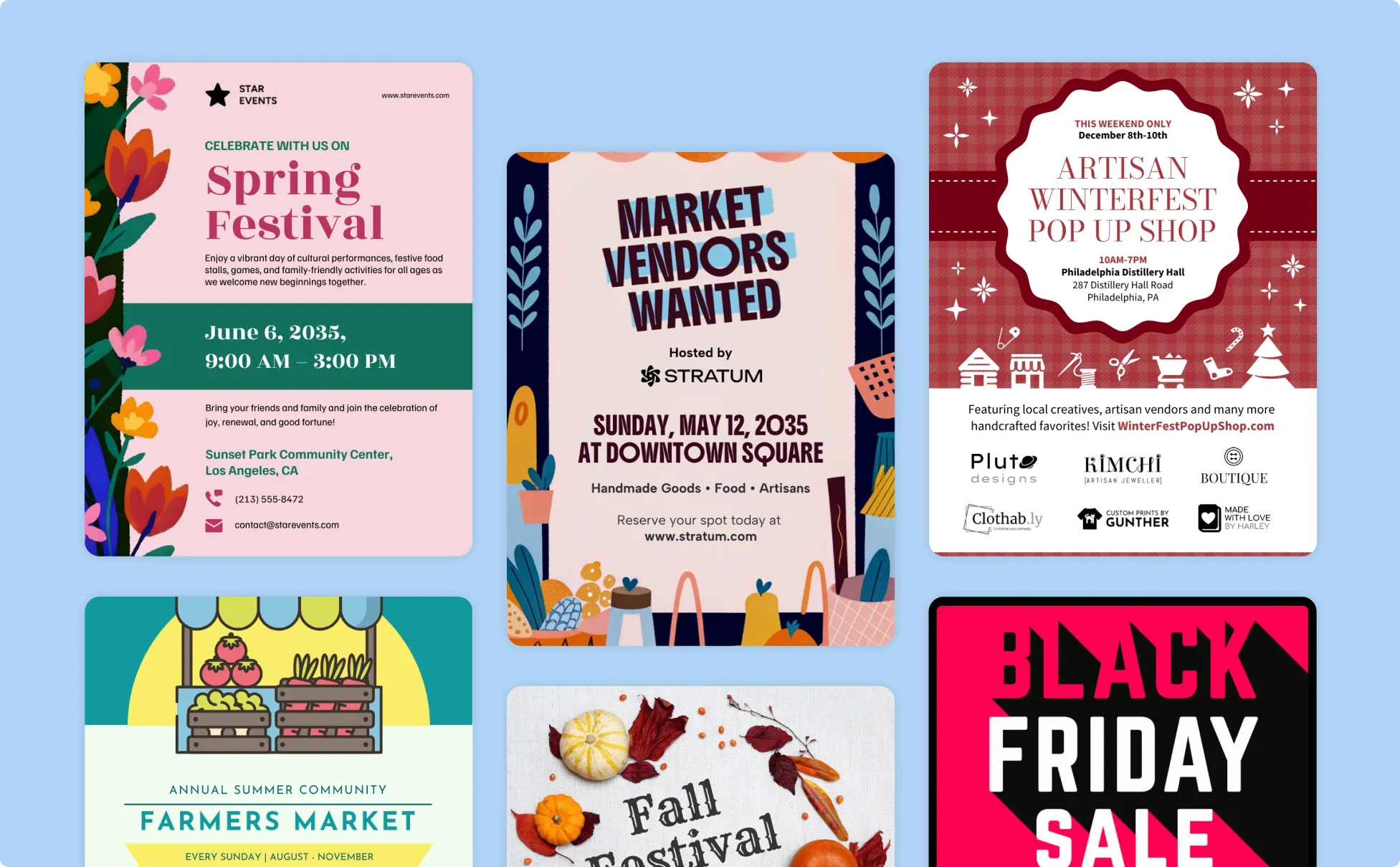
Generate Small Business Flyers In Seconds With Our AI Business Flyer Generator

Get a Professional Flyer Without a Design Budget
Most small businesses can't justify paying a designer every time a promotion needs a flyer. Describe the offer, business, and key message and Venngage generates a professionally designed promotional flyer, sale flyer, or grand opening flyer in minutes.

Write Flyer Copy That Makes Someone Read
Use the AI Writing Assistant to sharpen the headline, tighten the offer, and cut the body copy to the words that matter. A headline that makes someone stop walking is worth more than a beautifully designed flyer nobody reads.

Design for Every Format Without Rebuilding the Flyer
A5 leaflet for the counter, A4 poster for the window, square graphic for Instagram — use the AI Designer to optimize the layout for each format automatically without starting the design over for every channel.

Add Visual Details That Make the Business Recognizable
Use the AI Icon Generator to add branded icons and illustrated details that make the flyer look like it came from a business with a consistent visual identity — not a template someone half-filled in.

Keep Every Flyer On-Brand Without a Brand Manager
Use the Brand Kit to apply exact fonts, colors, and logo to every promotional flyer, sale leaflet, and event poster in one click, so every piece of marketing looks like it came from the same business.

Print It, Post It, or Share It Instantly
Download as a print-ready PDF for counter leaflets, window posters, and door drops, or export as PNG for social media and email campaigns. Every flyer is formatted for print and digital the moment it downloads — no resizing, no reformatting.
Fuel Your Creativity with AI-Powered Design Tools
Venngage is your one-stop shop for creating impactful presentations, infographics, reports, and more. It's a favorite among professionals, educators, and marketers for a reason:
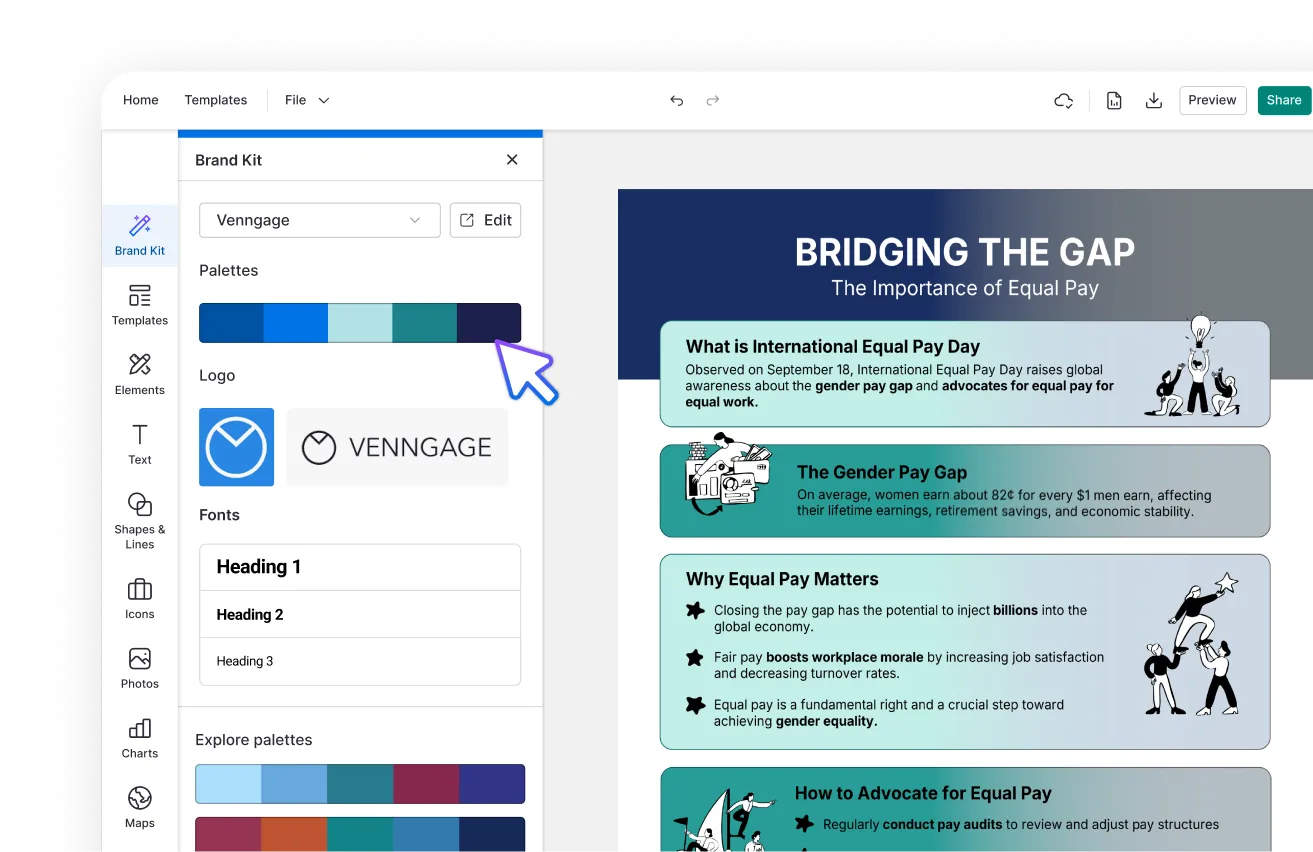
AI Branding Automation
Instantly extract brand colors, fonts, and styles. Auto-apply your logo and visual identity to every design for seamless brand consistency.
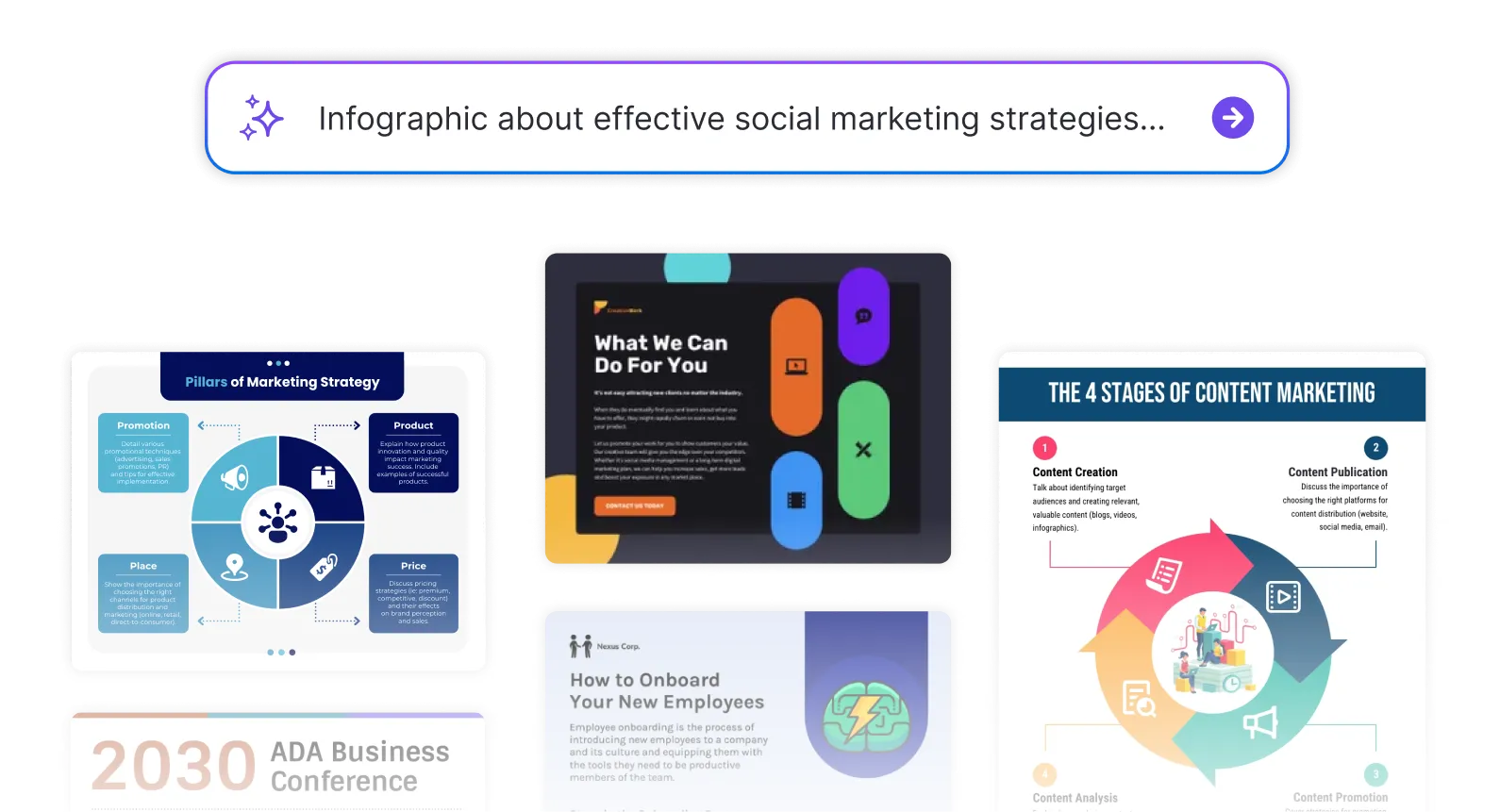
DesignAI Generator
Turn simple prompts into stunning professional visuals in seconds. Describe what you need in plain language and watch our AI generate layouts optimized for maximum visual impact.
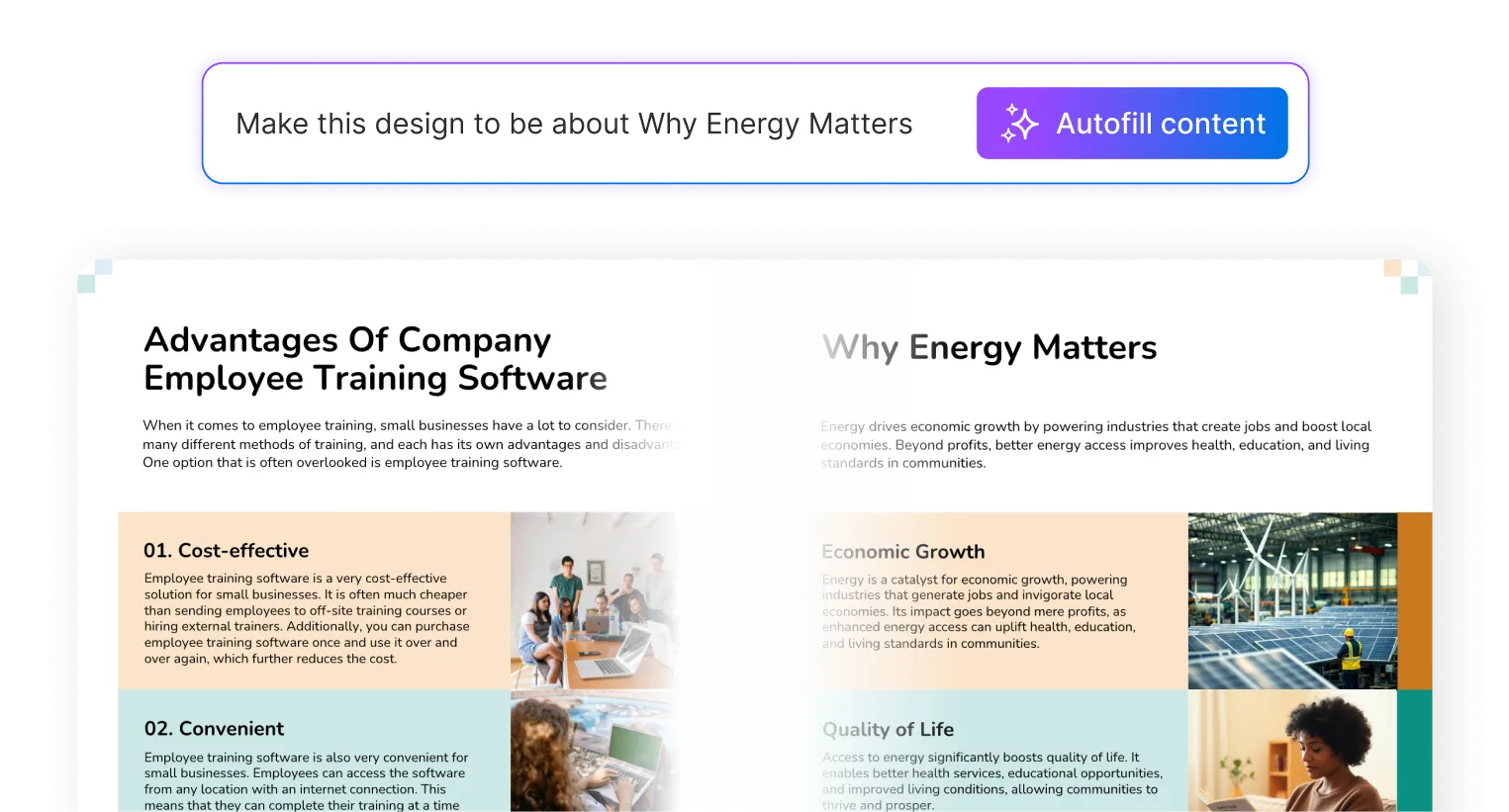
AI Content Auto-Fill
Kickstart your design process in seconds. Choose a template and let our AI auto-fill it with relevant, on-brand content, ideal for streamlining workflow and boosting productivity.
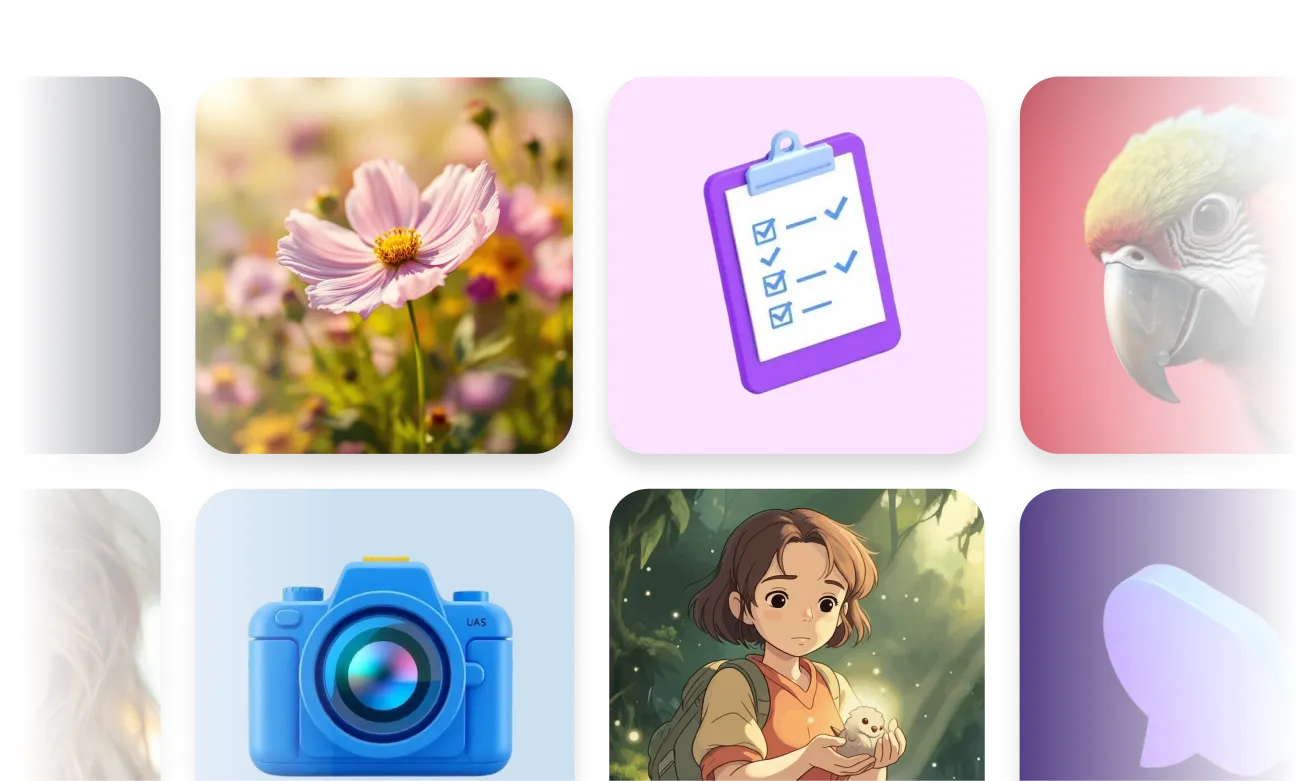
AI Generated Icons and Images
Create unique visuals that perfectly match your content and style. Generate custom illustrations, icons and images that align perfectly with your brand.
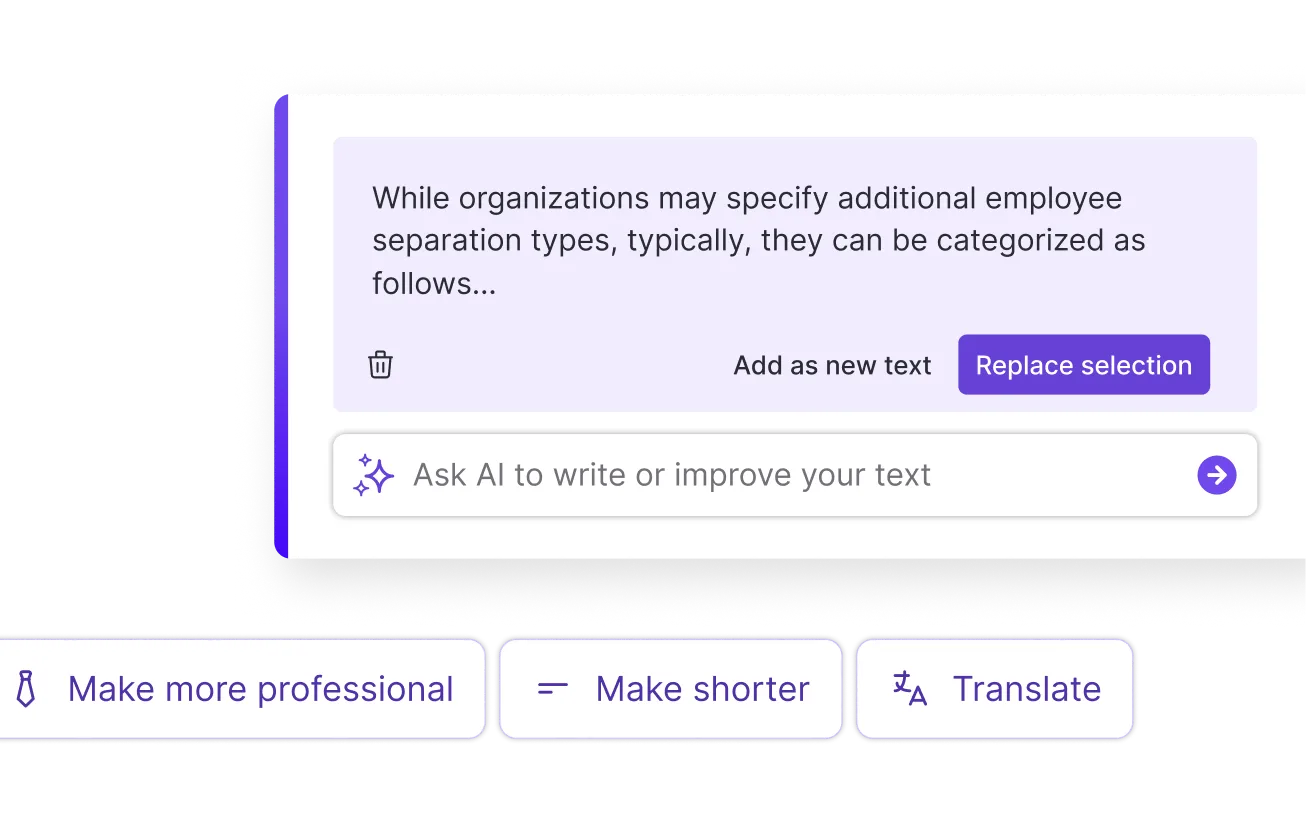
AI Writer and Translation
Enhance clarity, rewrite content, and instantly translate text to create accessible, global-ready visuals.
Smart Accessibility AI
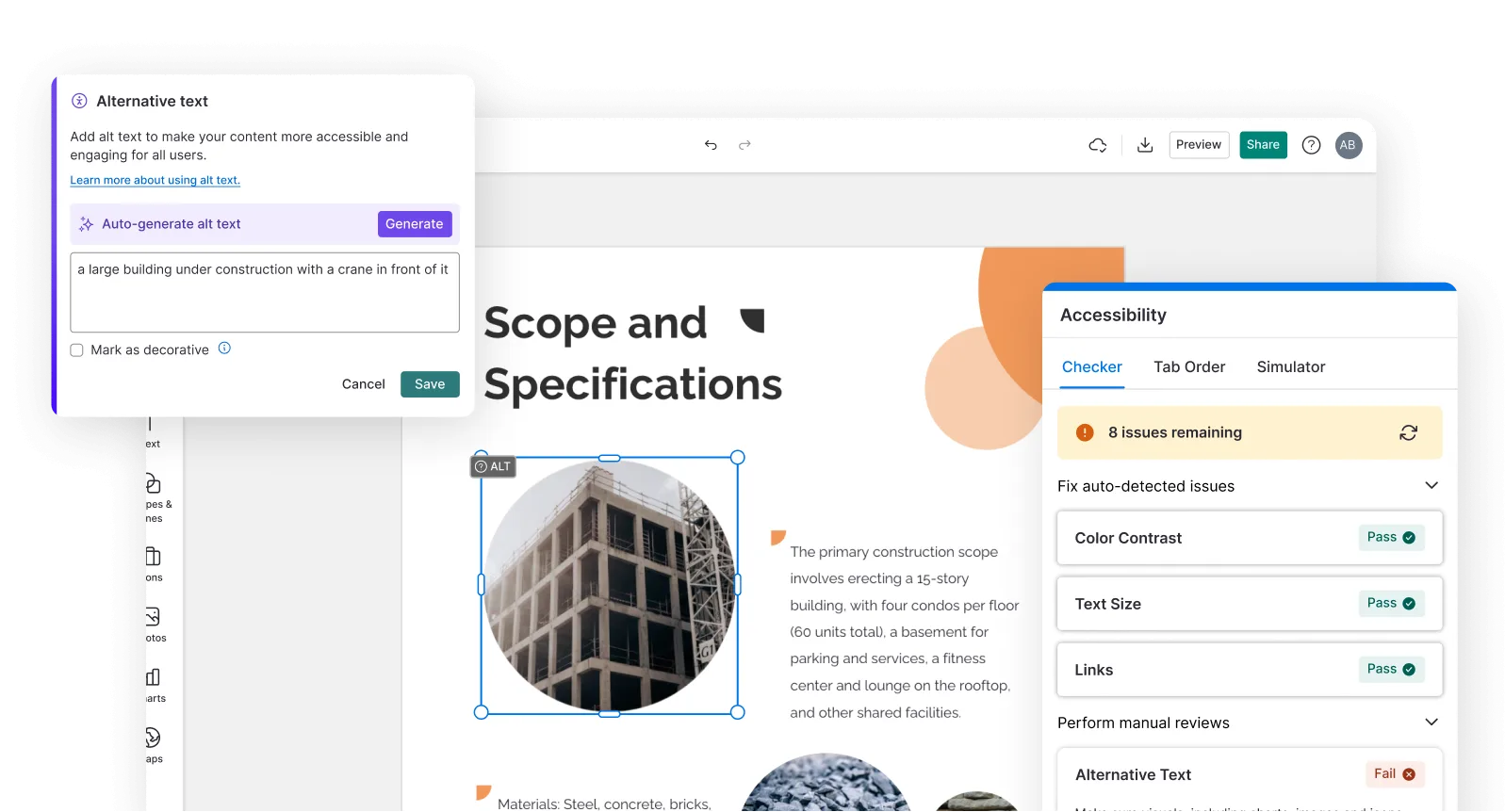
Ensure every project looks great and works for everyone. Use AI to write alt text check contrast, layout, and font readability, and export fully WCAG-compliant visuals and PDFs.
FAQs
Absolutely. All AI-generated small business flyers on Venngage's platform are fully customizable, allowing you to tailor headlines, offers, images, layouts, colors and branding to support sales, events and marketing campaigns.
Yes, there are a variety of design generators available on Venngage. Along with the AI Small Business Flyer Generator, Venngage offers tools to create infographics, social media posts, reports, and more. These AI design tools are easy to use and customizable, helping you generate professional visuals quickly to match your style and needs.
The most common small business flyer sizes are A5 for promotional leaflets and counter cards, A4 for window posters and event flyers, and square format for social media graphics. Specify the format in the prompt and Venngage generates a flyer designed and sized for that specific format automatically.
Yes. Describe the sale type, the discount or offer, the dates, and the products or services on promotion and Venngage generates a sale flyer that leads with the offer, communicates the key details clearly, and closes with a strong call to action, ready to print or share digitally the same day.
Yes. Describe the restaurant name, the promotion or menu items featured, any special offers, and the contact or ordering details and Venngage generates a restaurant flyer or promotional menu leaflet ready to distribute in the local area or share on social media.
Yes. Use Venngage's Brand Kit to apply exact fonts, colors, and logo to every promotional flyer, sale leaflet, and event poster in one click. Every flyer that goes out looks like it came from the same professionally branded business, regardless of which promotion it's for or which format it's in.
Download as a print-ready PDF for physical distribution — counter leaflets, window posters, and door drops — or export as PNG for social media posts, email campaigns, and digital advertising. Venngage generates both formats from the same design without any additional reformatting or resizing.
Yes. Use Venngage's Brand Kit to save consistent fonts, colors, and logo across every flyer, and use the finished design as a template for future promotions. Update the headline, offer details, and dates without rebuilding the layout from scratch every time a new promotion needs a new flyer.
Use Venngage's AI Writing Assistant to craft a headline that grabs attention, the AI Designer to create a layout that stands out in-store or in a display window, and the AI Icon Generator to add visual elements that instantly connect the flyer to your brand or promotion.
We offer a free plan so you can try out all our AI features without spending anything. If you want more advanced features like private sharing and auto branding, we've got Premium and Business plans available too.