


Free AI Ad Generator & Ad Maker
Create high-impact ads in minutes! Design eye-catching visuals, highlight key messages, and drive engagement effortlessly.




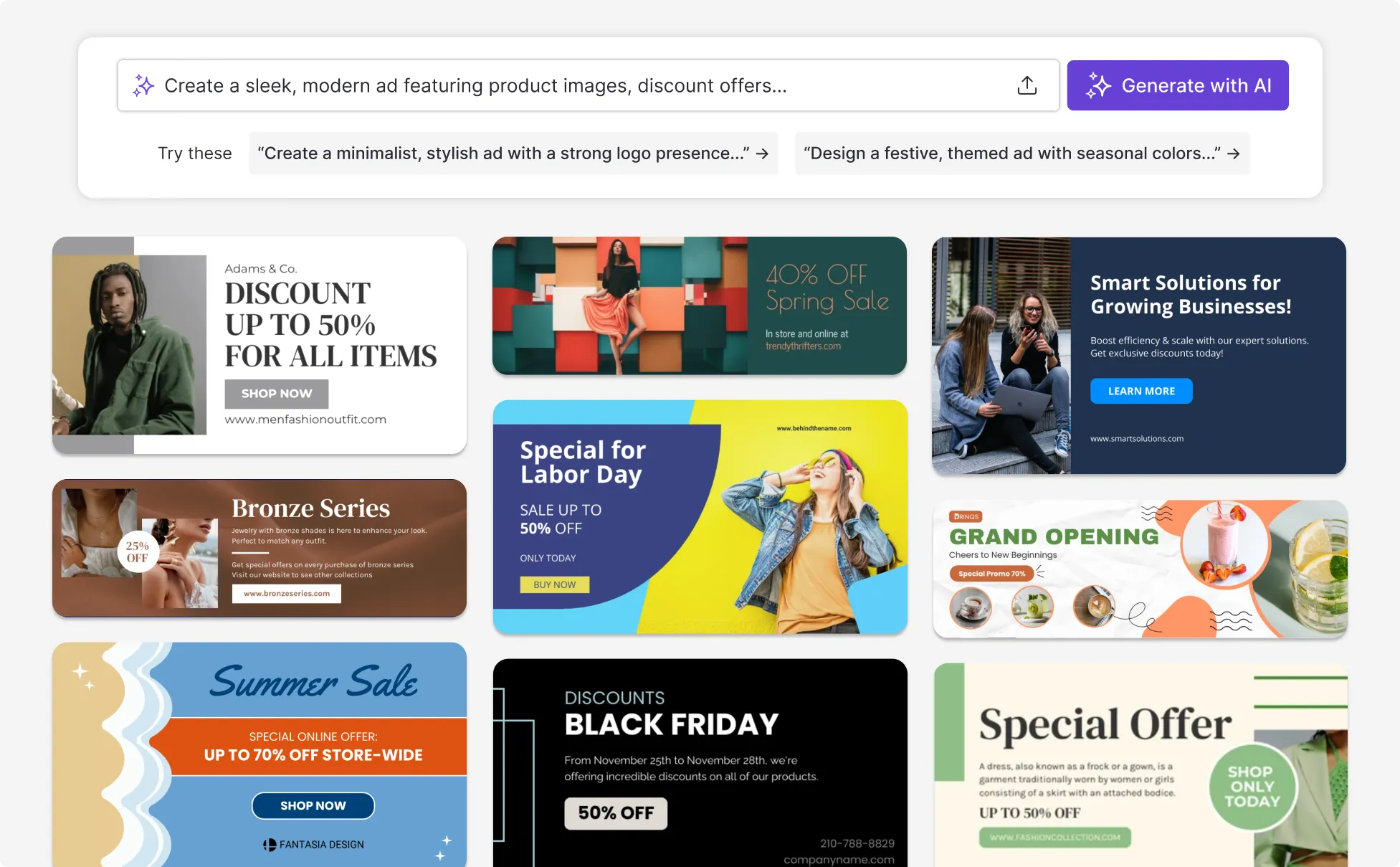
Discover an extensive range of ad designs
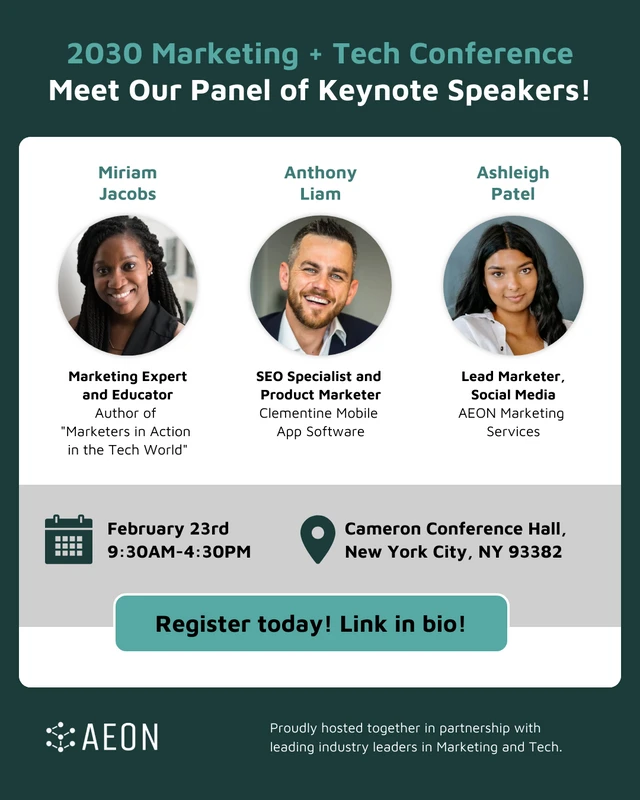
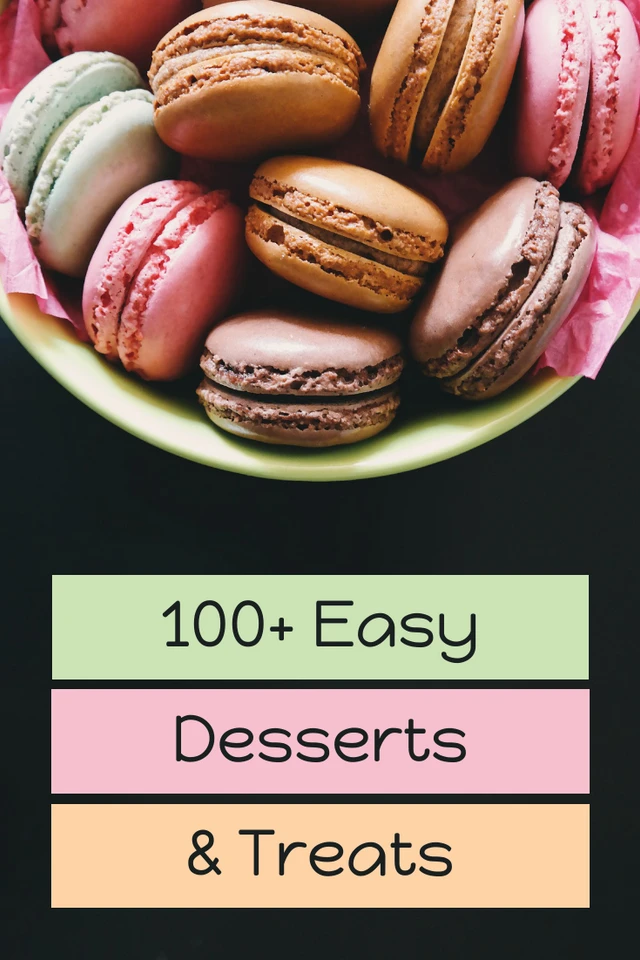
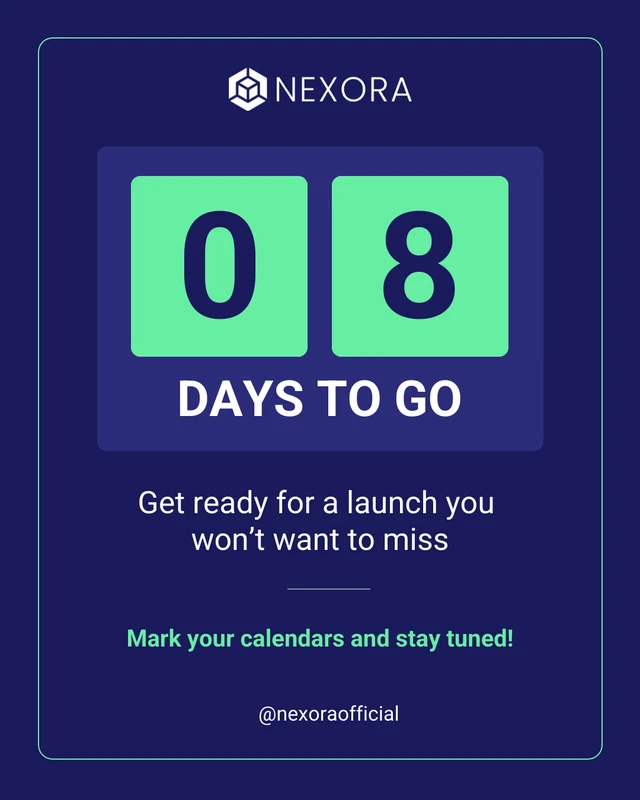
AI-Powered Tools
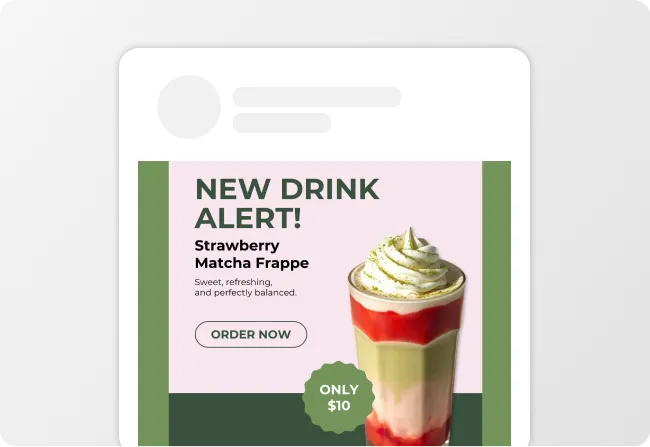
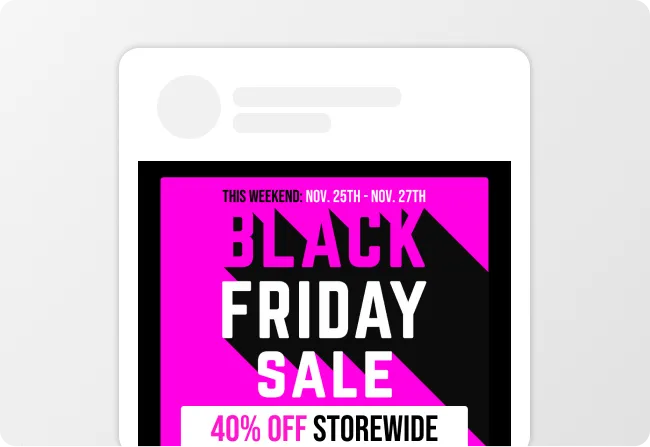
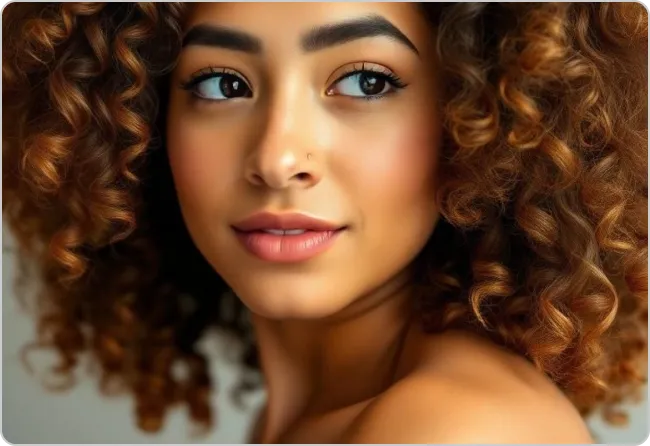
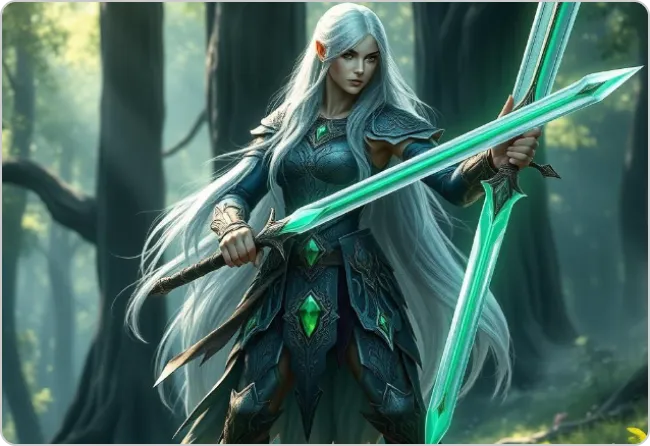
How To Write a Prompt For Ads That Convert?
Know Your Audience: Specify who you're targeting so your ad resonates with the right people.
Focus on Visual Appeal: Mention colors, imagery or styles that align with your brand and catch attention.
Drive Action: Include a clear goal, like boosting clicks, increasing sign-ups or promoting a product launch.
Sample Prompts You Can Modify and Use
“Create a bold Facebook ad for a product launch targeting young professionals. Use bright colors, a hero product image, and a 'Shop Now' call to action.”
“I’m a growth marketer launching a new product feature. Create an ad design that works for both existing users and new prospects, focusing on the main problem the feature solves.”
“Design an Instagram Story ad promoting a weekend sale — 30% off all items. Use vibrant gradients, large discount text, and a 'Swipe Up' CTA. Square format for social media ads.”
“I’m a performance marketer optimizing for conversions. Create an ad design that highlights one key benefit, removes distractions, and encourages immediate action.”
How To Create Ads Using AI in 5 Steps
Step 1
Define Your Target Audience
Enter a short description of your audience in Venngage’s AI Ad Generator so the ad content matches who you want to reach.
Step 2
Generate An Ad From A Prompt
Type a clear prompt describing your goal, product, and message, then let Venngage’s AI Ad Generator create an initial ad design.
Step 3
Edit Visuals Using Venngage’s Editor And AI Tools
Use Venngage’s drag-and-drop editor to adjust shapes, text, layout direction, colors, and labels, or use AI tools like the AI Designer, AI Image Generator, AI Icon Generator, AI Writing Assistant, and Text Translation to improve the ad layout.
Step 4
Add A Clear Call To Action
Insert a specific call to action like “Shop now” or “Sign up” into the ad text using the text editing tools.
Step 5
Export The Finished Ad Design
Download the finished ad design as a PDF, PNG, PPT or HTML and publish it on social media or use it in a live marketing campaign to start driving engagement.
Need To Design Ads That Actually Get Noticed In Minutes?
If you’re a content or growth marketer, Venngage’s AI ad generator helps you create professional ad designs from a simple prompt. In seconds, you can generate a social graphic or one-pager ready to publish or refine.
It’s ideal for fast-moving campaigns like launches or promotions. Just enter a prompt, generate an ad, export a PDF or image, and use it across social channels, landing pages, or ad platforms.
Generate Ad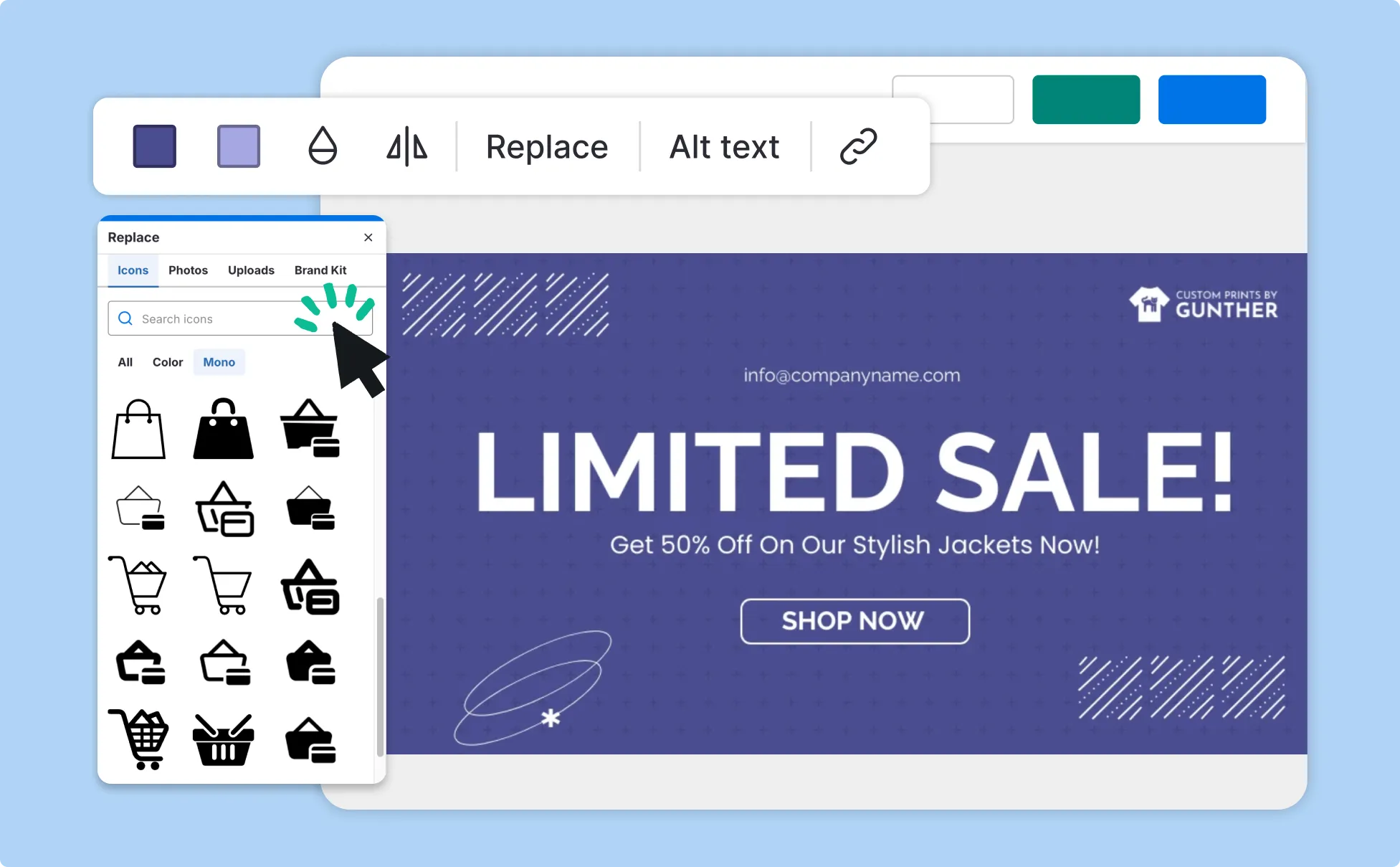
Tired Of Manually Keeping Every Ad On-Brand?
For marketing teams and agencies, Venngage’s AI ad generator creates consistent, on-brand ad designs using built-in auto branding. Brand colors, fonts, and logos are applied automatically, keeping every ad and promotional graphic aligned.
This helps when multiple people create ads for the same brand or client. Teams can generate ads from a prompt, use My Brand Kit for consistency, export graphics or PDFs, and share them with stakeholders or clients.
Generate Ad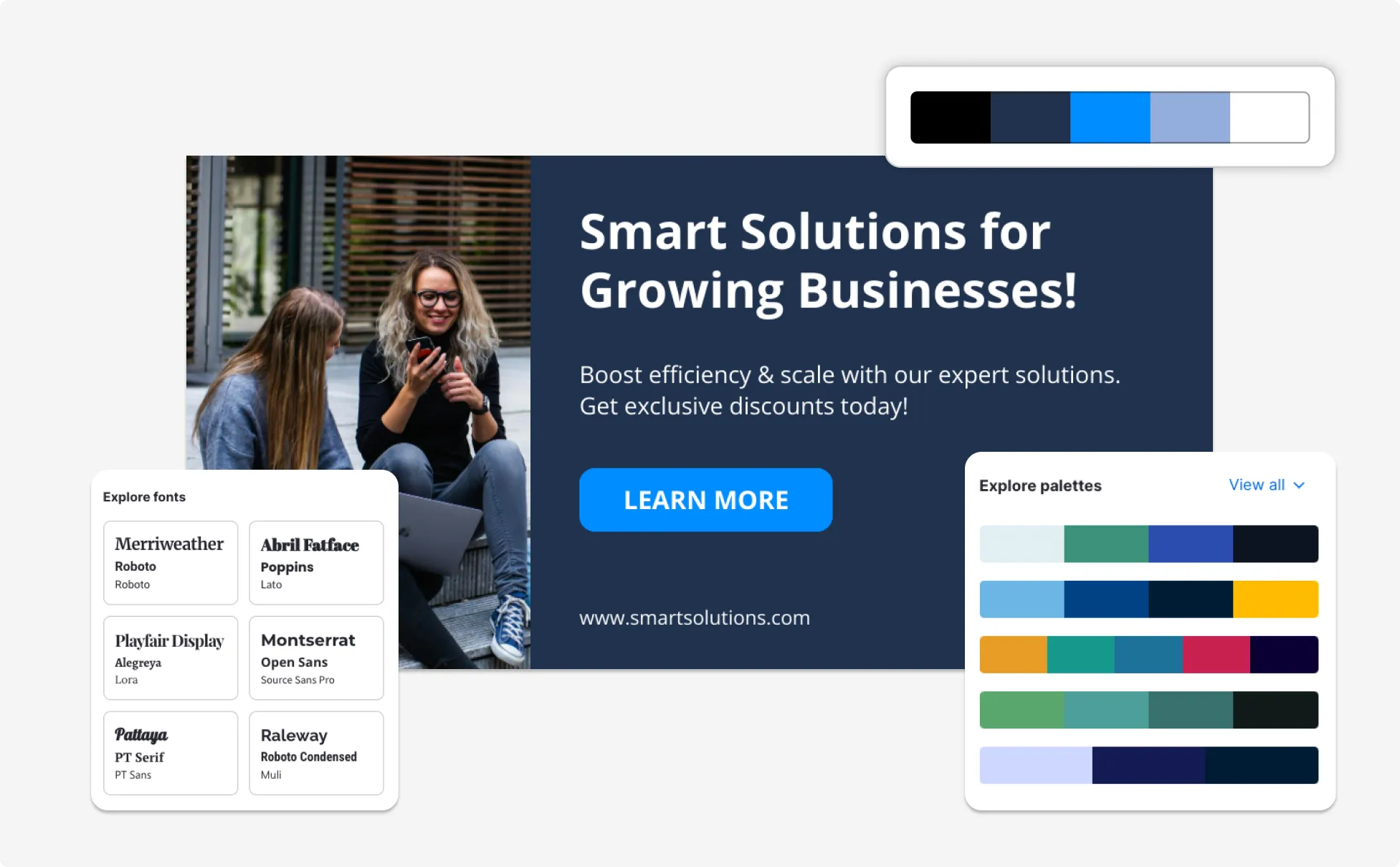
Want To Create Ads That Everyone Can Easily Read And Understand?
If you’re creating public-facing ads, Venngage’s accessible ad design tool helps you design visuals that are easier to read and understand. It guides you toward readable fonts, clear layouts, and accessible color contrast without adding extra steps.
This works well for campaigns, events, and announcements for broad audiences. Create an ad, review accessibility checks, export a graphic or PDF, and publish it across channels with confidence.
Generate Ad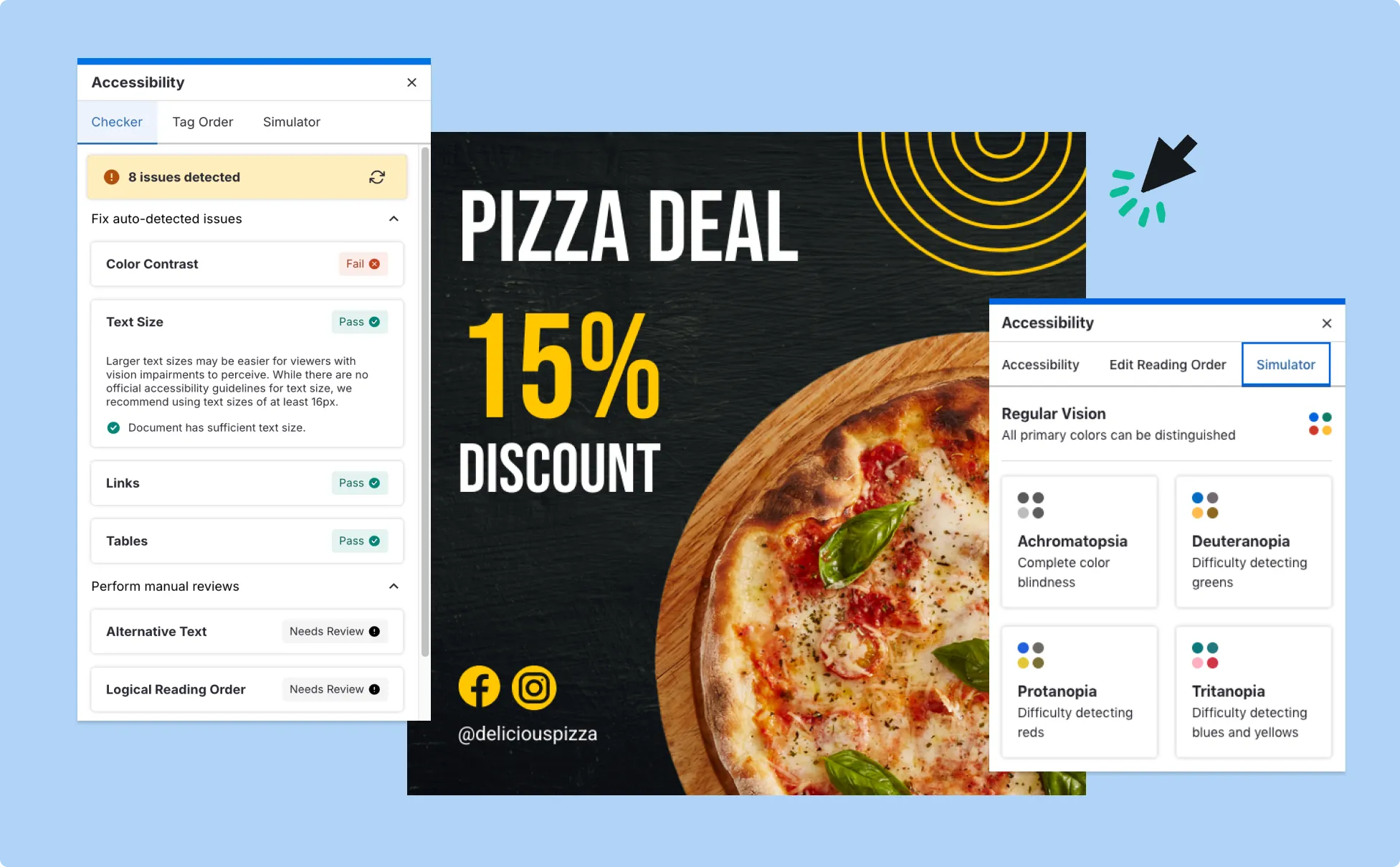
Fuel Your Creativity with AI-Powered Design Tools
Venngage is your one-stop shop for creating impactful presentations, infographics, reports, and more. It's a favorite among professionals, educators, and marketers for a reason:
AI Branding Automation
Instantly extract brand colors, fonts, and styles. Auto-apply your logo and visual identity to every design for seamless brand consistency.

DesignAI Generator
Turn simple prompts into stunning professional visuals in seconds. Describe what you need in plain language and watch our AI generate layouts optimized for maximum visual impact.

AI Content Auto-Fill
Kickstart your design process in seconds. Choose a template and let our AI auto-fill it with relevant, on-brand content, ideal for streamlining workflow and boosting productivity.

AI Generated Icons and Images
Create unique visuals that perfectly match your content and style. Generate custom illustrations, icons and images that align perfectly with your brand.

AI Writer and Translation
Enhance clarity, rewrite content, and instantly translate text to create accessible, global-ready visuals.

Smart Accessibility AI
Ensure every project looks great and works for everyone. Use AI to write alt text check contrast, layout, and font readability, and export fully WCAG-compliant visuals and PDFs.

FAQs
An AI ad generator is a tool that uses artificial intelligence to turn your product details, offer, or campaign brief into ready-to-use ad designs. Instead of building visuals from scratch, you enter a short prompt and the AI creates layouts, headlines, visuals, and structured ad copy that you can edit and export for digital advertising.
Yes, you can fully customize all AI-generated templates on Venngage's platform.
Yes, Venngage offers a wide variety of social media ad designs to suit different needs and preferences. Whether you're looking for something sleek and modern, or more detailed and data-focused, you'll find numerous options to choose from in our extensive template library.
Yes. Content and visuals created using Venngage can be used commercially, including paid advertising campaigns. That covers ads you might run on platforms like Meta, Google, and LinkedIn, so you can confidently use your designs in real marketing campaigns. However, it's always good practice to ensure that any externally sourced content you include is also cleared for use.
The free plan lets you generate up to 5 AI ad designs, which is usually enough to test different creative directions or try out the workflow. If you need more variations or access to premium templates and exports, those are available in paid plans.
Venngage’s AI Ad Generator helps you create ad visuals optimized for major platforms including Facebook, Instagram, LinkedIn, and other social channels. You can choose platform-specific sizes and layouts so your ads fit feed posts, stories, or promotional graphics without resizing manually.
Yes. Venngage’s AI Ad Generator can create both ad visuals and supporting text based on your prompt. You can generate headlines, short descriptions, and visual layouts together, then edit the design and messaging using the drag-and-drop editor.
You can maintain brand consistency by using Venngage’s My Brand Kit and auto-branding features. These tools apply your brand colors, fonts, and logos automatically, while you can adjust messaging and tone to match your brand voice before exporting or publishing.
Yes. Venngage provides pre-sized templates and layouts for common ad formats such as social feed ads, story ads, and promotional graphics. This helps ensure your ads meet platform size requirements and display properly across devices.
Yes. Venngage allows you to generate and duplicate ad designs so you can create multiple variations with different visuals, messaging, or layouts. These variations can be exported in PDF, PNG, PPT or HTML and tested across campaigns to compare engagement or conversion performance.
To generate effective ads, it helps to provide details such as your campaign goal, target audience, product or service description, key message, and desired call to action. Clear inputs help the AI generate ad designs that match your campaign strategy and marketing goals.
Venngage focuses on ad design and creation rather than direct ad publishing. You can export your finished ad designs in PDF, PNG, PPT or HTML and upload them to ad platforms such as Meta Ads Manager, LinkedIn Campaign Manager, or TikTok Ads Manager.
They can be surprisingly helpful, especially if you’re brainstorming ideas or testing campaign directions. Free versions usually give you enough room to experiment and create starter designs. If you’re running large campaigns or need deeper branding control, that’s when upgraded features tend to make things easier and more scalable.
From what most marketers experience, AI works best as a creative starting point rather than a full replacement. It helps generate variations quickly and speeds up production. Performance still depends on how well your message connects with your audience and how you refine the design before launching campaigns.
Yes, businesses can legally use AI tools to create ad creatives. The main thing to keep in mind is following advertising platform guidelines, copyright rules, and brand compliance standards — the same checks you would apply to any marketing content.
With Venngage, you can create static, image-based ads like social media promos, banner ads, carousel graphics, product announcements, lead generation creatives, and branded campaign visuals. It’s especially helpful if you want polished designs that still feel consistent with your brand identity.
Venngage focuses on designing static and image-based ads — the kind you see in social feeds, display ads, and marketing graphics. Tools like Creatify and InVideo lean more toward video ad creation. If your campaign relies on motion or storytelling through video, those tools might fit better. If you want clean, branded visual ads, Venngage tends to be the easier choice.
Yes, and honestly, this is where AI really shines. You can quickly duplicate designs or tweak prompts to test different headlines, layouts, or calls to action. It makes A/B testing less time-consuming and helps you explore creative ideas without redesigning everything from scratch.
Definitely. You can design ads tailored for platforms like Facebook and Instagram by choosing the right dimensions and adjusting messaging for each audience. This helps your ads feel native to each platform instead of looking resized or stretched.
Venngage supports popular ad formats like square posts, vertical story ads, horizontal banners, and fully custom sizes. This flexibility makes it easier to design creatives for social media campaigns, display networks, landing pages, or internal marketing materials.