


Free AI Rubric Generator
The rubric that took an hour now takes seconds.
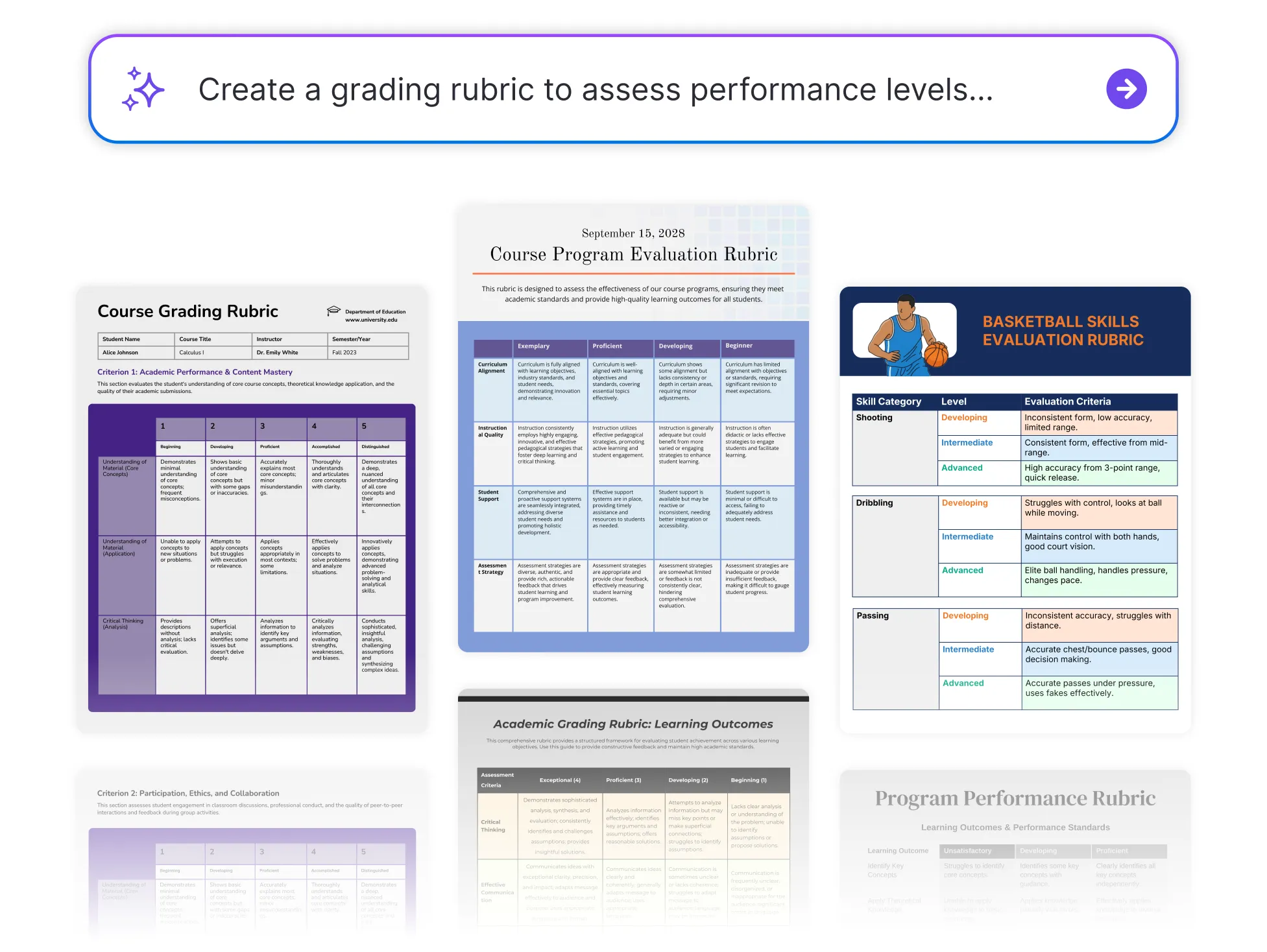




Popular AI Design Generators
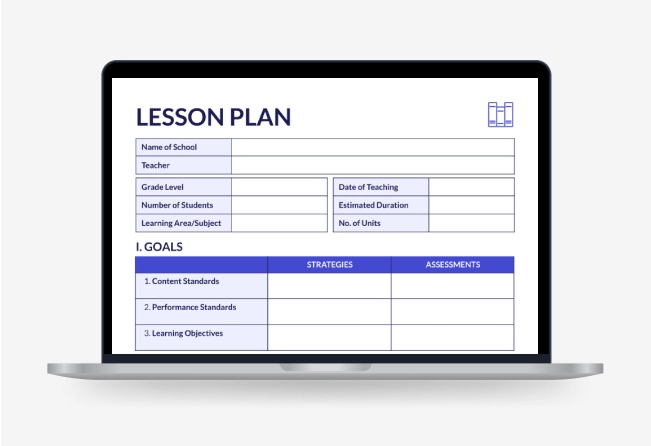
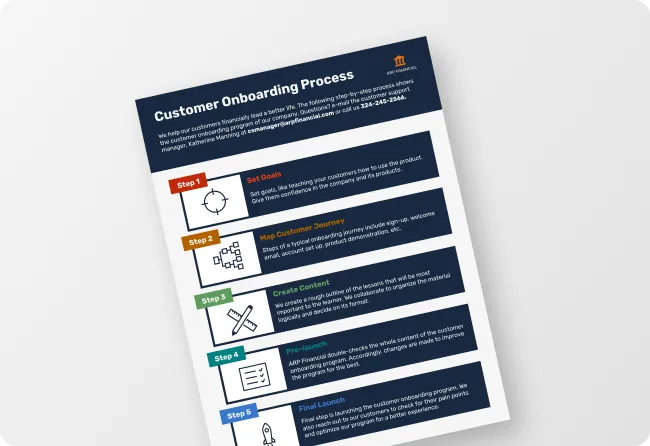
Sample Prompts You Can Modify and Use
“Create a Year 9 basketball skills rubric covering passing, defensive positioning, offensive movement, teamwork, and rules knowledge. ”
“My Year 10 students submit their persuasive essays next Friday. Build a grading rubric with four performance levels covering argument structure, evidence, tone, and accuracy. Students need to read it before starting, not after getting their grade back.”
“Build a 5-level rubric for a Year 8 science investigation. Criteria: hypothesis, methodology, data collection, analysis, conclusion. Make the analysis descriptors specific enough that students know what depth is expected at each level.”
“Generate a 4-level rubric for a university group project that assesses individual contribution and group output separately. Criteria: research quality, analysis, presentation, teamwork, individual contribution. Include a peer assessment section at the bottom.”
How to Create Rubrics Using AI
Step 1
Describe Your Assignment in Venngage's AI Rubric Generator
Type the assignment type, subject, grade level, grading criteria, and number of performance levels. The more specific the description, the more targeted the finished rubric.
Step 2
Generate Your Grading Rubric
Click generate and Venngage's AI Rubric Generator produces a complete grading rubric — criteria, performance levels, and descriptors — ready to use instantly. An essay rubric covers argument, evidence, and accuracy while a presentation rubric covers delivery and content.
Step 3
Refine Using Venngage's AI Writing Assistant
Use the AI Writing Assistant to rewrite a descriptor, adjust language for a younger audience, or add a criterion weighting without rebuilding the rubric. Use prompts like [Make the analysis descriptor more specific or rewrite for Year 5 students] and the change applies instantly.
Step 4
Design Using Venngage's AI Designer
Use the AI Designer to add color coding by performance level, resize columns, and update typography until the rubric is clear and easy for students to navigate. Use the drag-and-drop editor to move criteria and format the rubric for print or digital distribution.
Step 5
Export and Share From Venngage
Download as a printable PDF to attach to the assignment brief or share via a private Venngage link for digital access. Use the Brand Kit to apply consistent fonts and colors across every rubric for every subject and year group.
Create Grading Rubrics for Any Assignment as a Teacher
Stop marking essays against criteria that were never written down. Describe the assignment, subject, and year group and Venngage's AI Rubric Generator produces a complete grading rubric with specific descriptors before a single student starts writing.
Use the AI Writing Assistant to adjust language for different age groups, then download as a printable PDF or share via link before the assignment goes out.
Generate Rubrics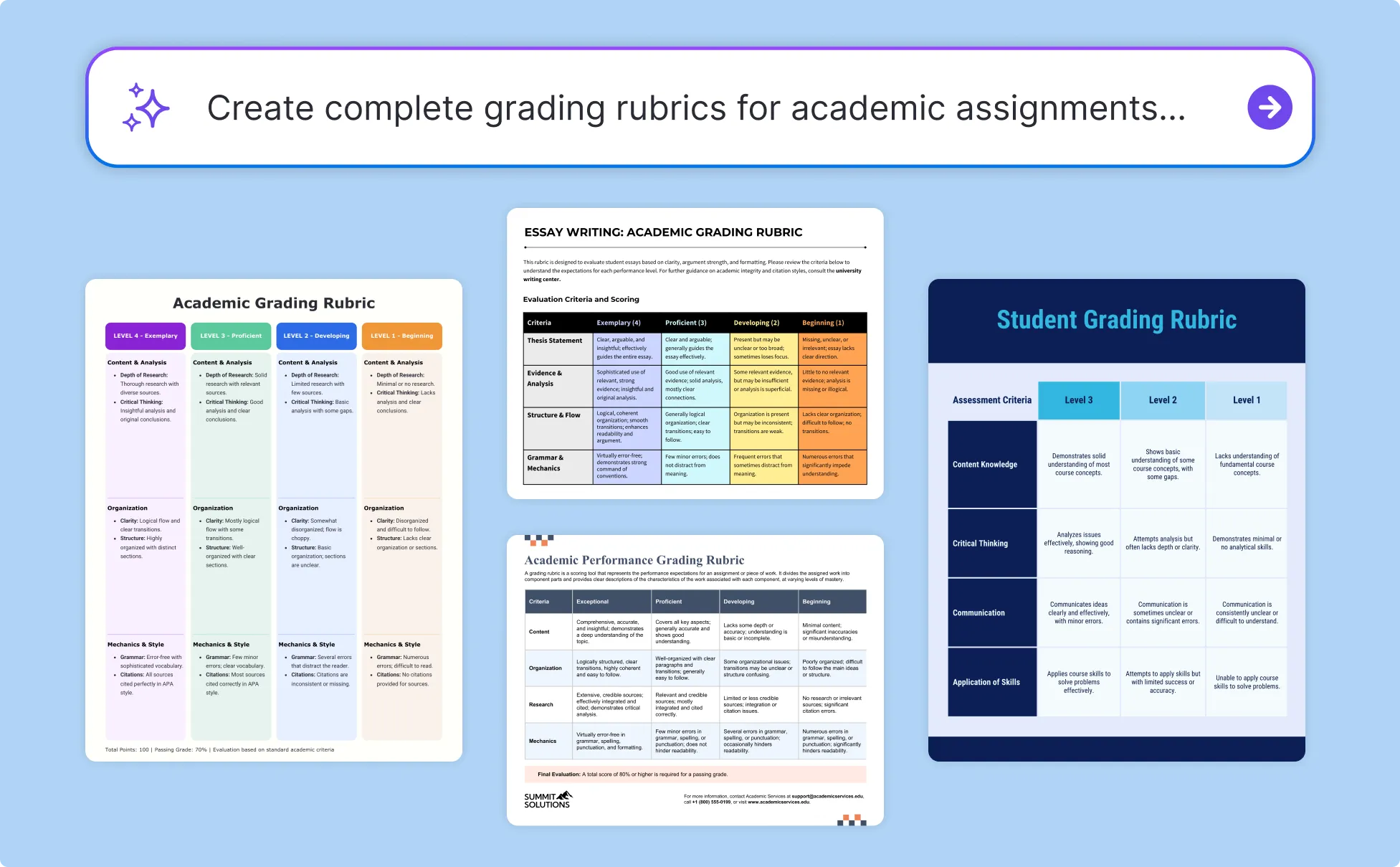
Build Group Work and Dissertation Rubrics as a University Lecturer
One student does everything and four share the grade? That's a rubric problem. Describe the module, assignment type, and grading scale and Venngage generates a complete group work rubric or dissertation rubric that assesses individual contribution separately.
Use the AI Designer to add color coding by performance level and format grading criteria clearly for screen and print, then share via link before the deadline or download as a PDF for the module handbook.
Generate Rubrics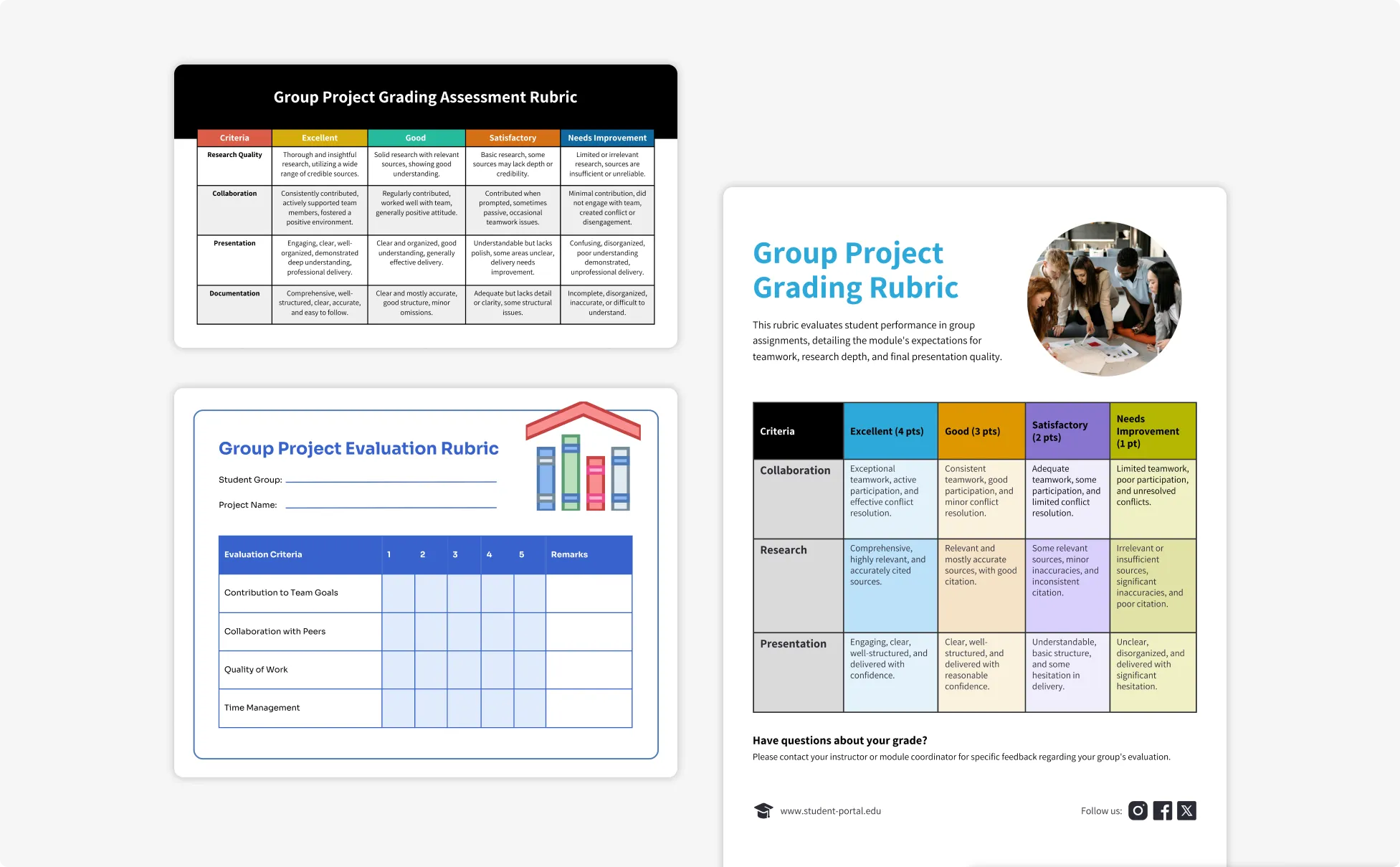
Standardize Performance Rubrics Across a Curriculum as a Curriculum Designer
Every course needs a rubric that assesses the right learning outcomes and grades consistently across instructors. Describe the learning outcome, assessment type, and performance levels and Venngage generates a ready-to-use rubric that fits the program's framework instantly.
Use the Brand Kit for visual consistency across every rubric, then share via private links or export as printable PDFs.
Generate Rubrics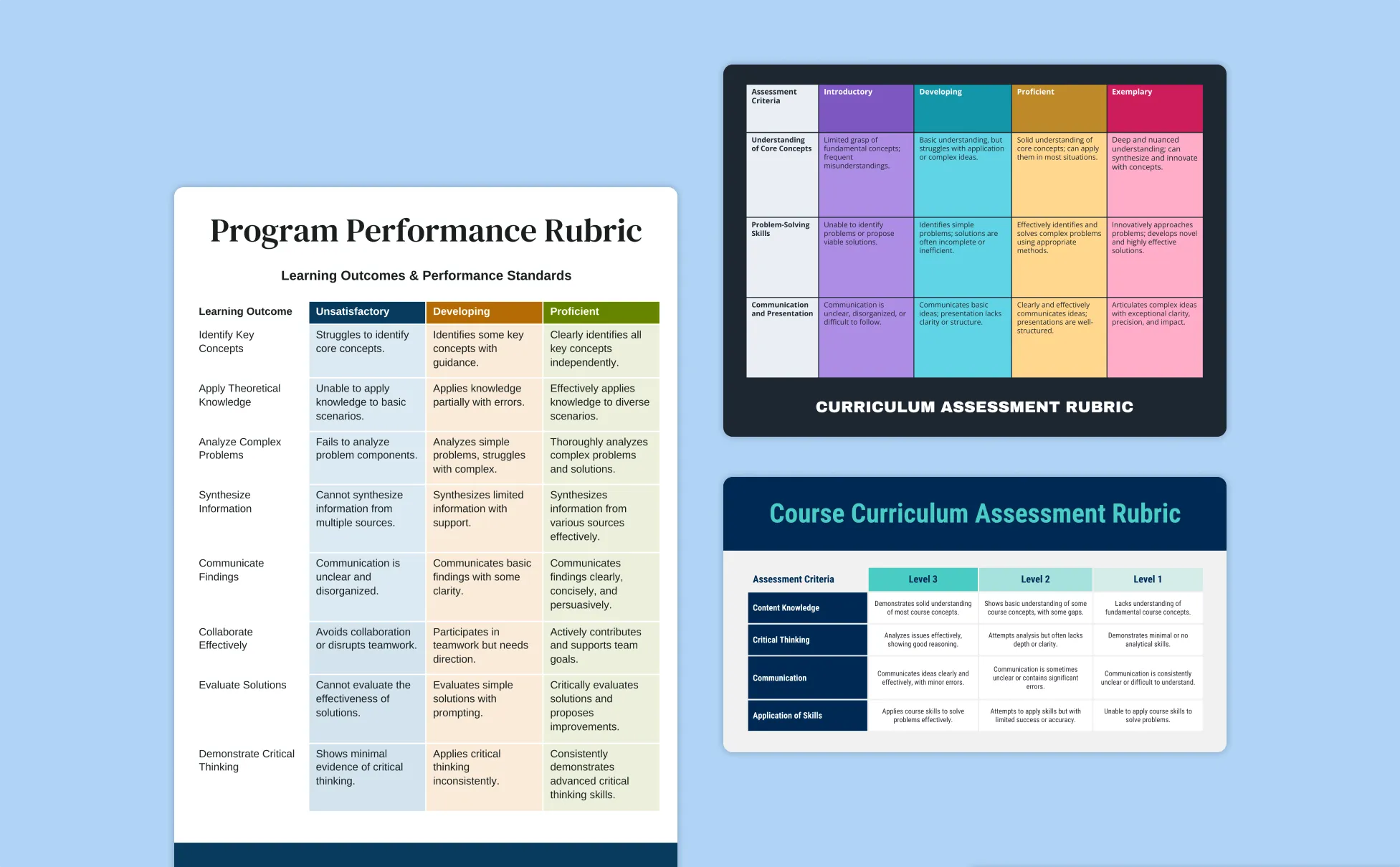
Generate Rubrics In Seconds With Our AI Rubric Generator

Build the Rubric Before the First Piece of Work Comes In
Describe the assignment, criteria, and performance levels and Venngage generates a complete grading rubric before a single student starts writing. Standards set before the work arrives produce more consistent grades than standards decided during marking.

Give Students Descriptors They Can Actually Use
Venngage's AI Writing Assistant generates performance level descriptors in language matched to the age group, specific enough that a student reads it, understands what an A looks like, and makes different decisions before submitting.

Standardize Marking Across a Department Without a Meeting
Share the rubric via a private Venngage link before marking begins and every teacher works from the same criteria, descriptors, and performance level language. No calibration session, no moderation surprises.

Weight Criteria Without Rebuilding the Rubric
Specify the weighting in the prompt and Venngage applies it automatically. Use the AI Designer to add color coding by performance level and make the weighting visually clear so students see where the marks are before they lose them.

Generate Foundation, Core, and Extension Versions in One Session
Use Venngage's AI Writing Assistant to create multiple versions of the same rubric at different ability levels. Same criteria, same layout, descriptors adjusted for each group, no building three rubrics from scratch.

Export a Rubric That Works in the Classroom and the Inbox
Download as a printable PDF to attach to the assignment brief or share via a private Venngage link for digital access. Use the Brand Kit to keep every rubric visually consistent across every subject and year group.
Fuel Your Creativity with AI-Powered Design Tools
Venngage is your one-stop shop for creating impactful presentations, infographics, reports, and more. It's a favorite among professionals, educators, and marketers for a reason:
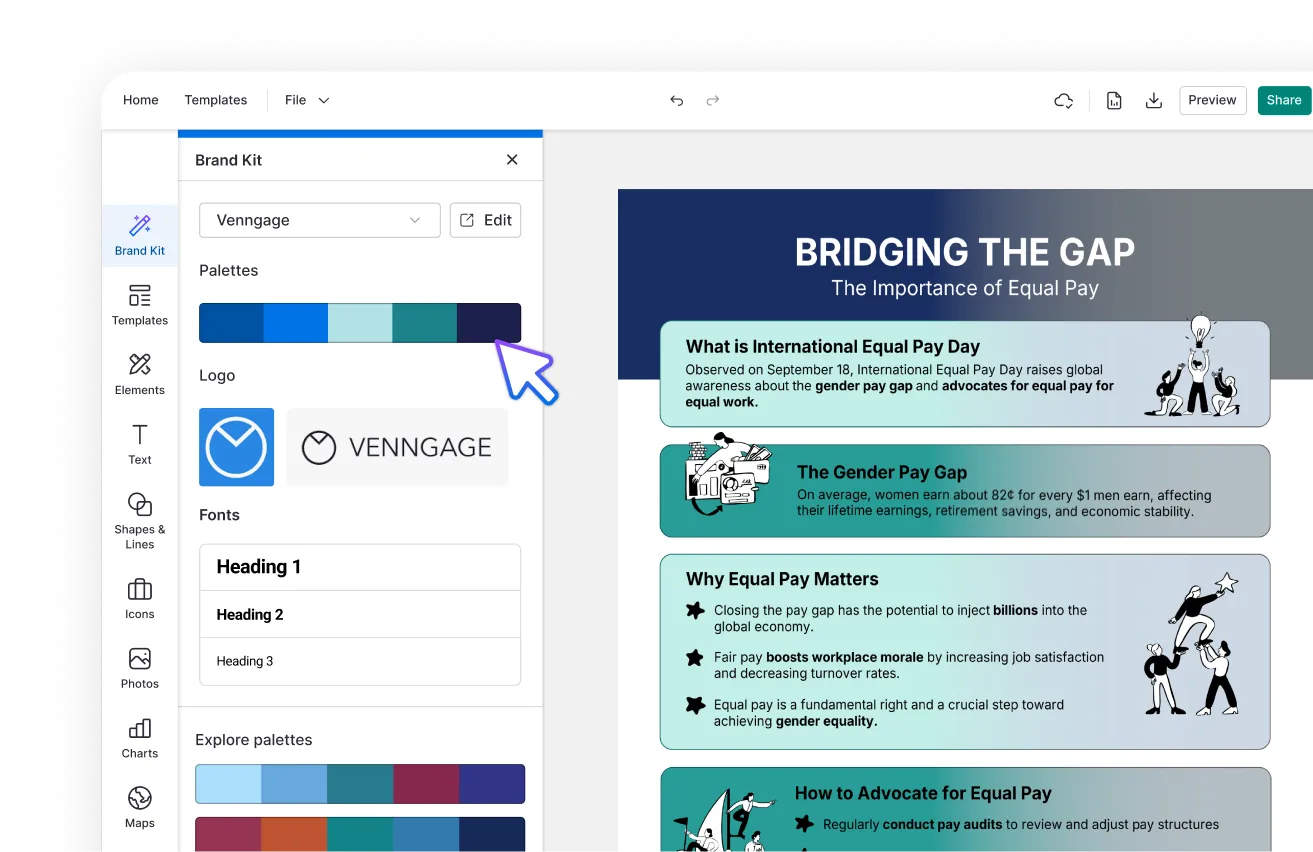
AI Branding Automation
Instantly extract brand colors, fonts, and styles. Auto-apply your logo and visual identity to every design for seamless brand consistency.
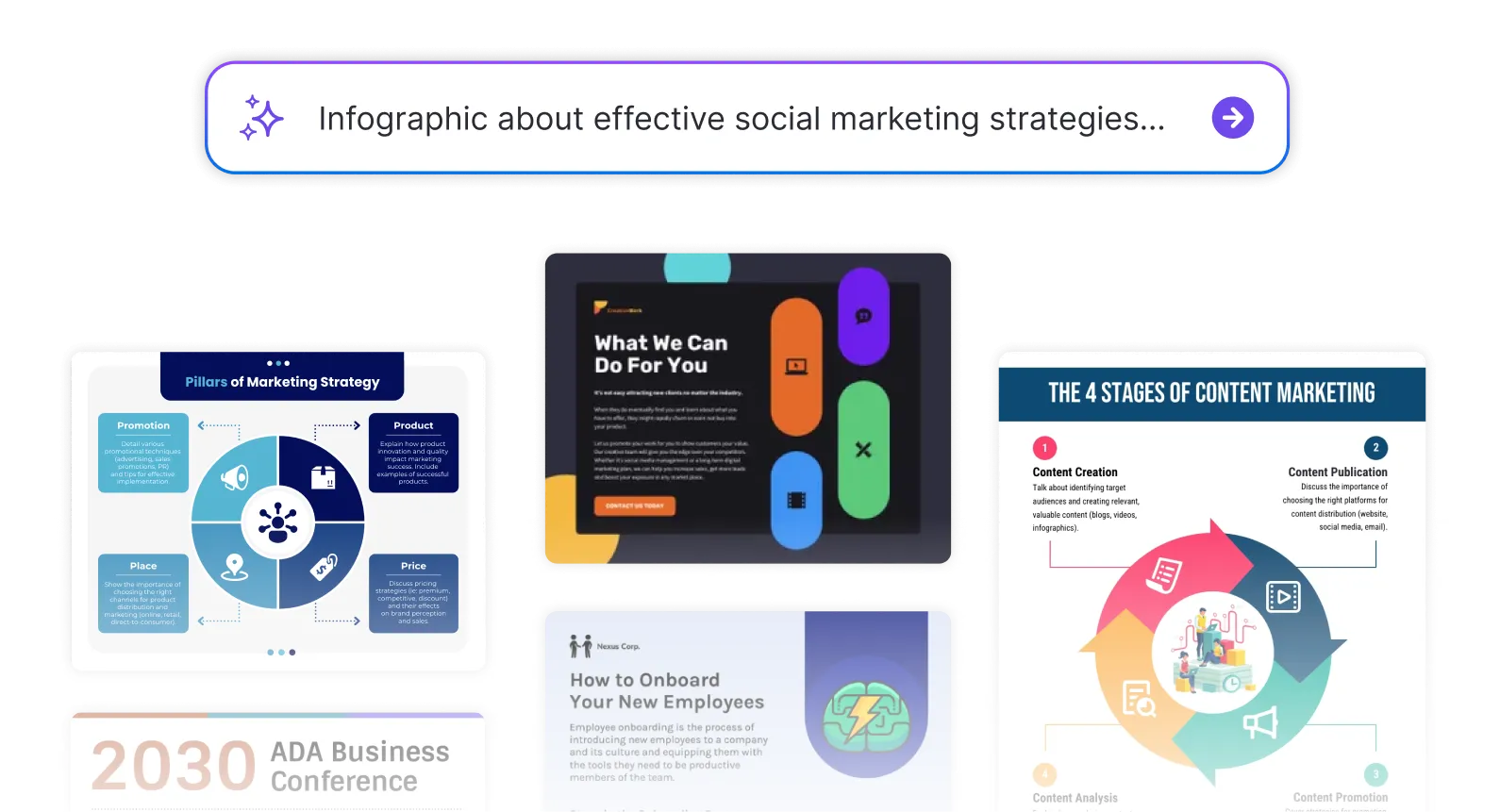
DesignAI Generator
Turn simple prompts into stunning professional visuals in seconds. Describe what you need in plain language and watch our AI generate layouts optimized for maximum visual impact.
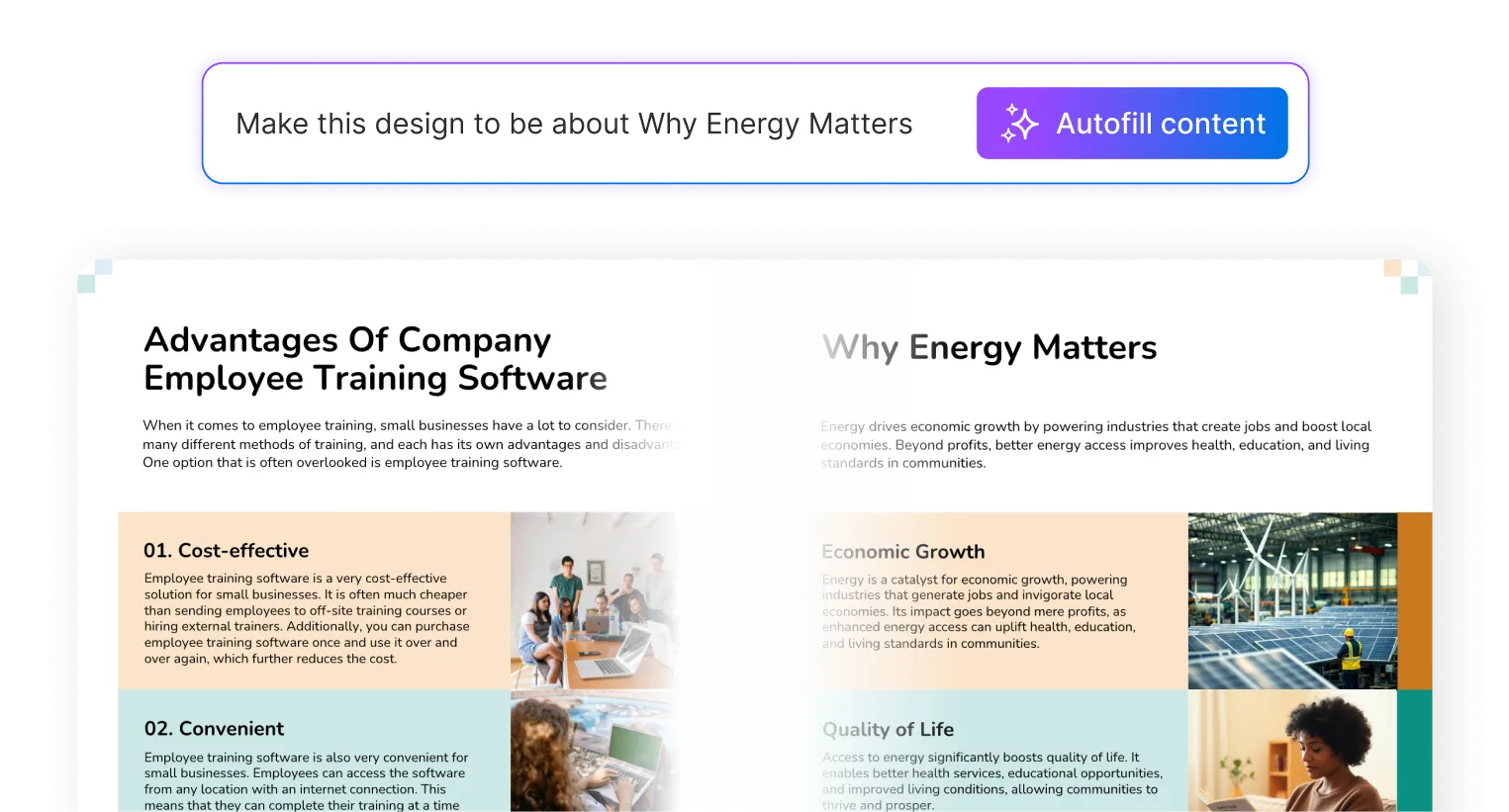
AI Content Auto-Fill
Kickstart your design process in seconds. Choose a template and let our AI auto-fill it with relevant, on-brand content, ideal for streamlining workflow and boosting productivity.
AI Generated Icons and Images
Create unique visuals that perfectly match your content and style. Generate custom illustrations, icons and images that align perfectly with your brand.
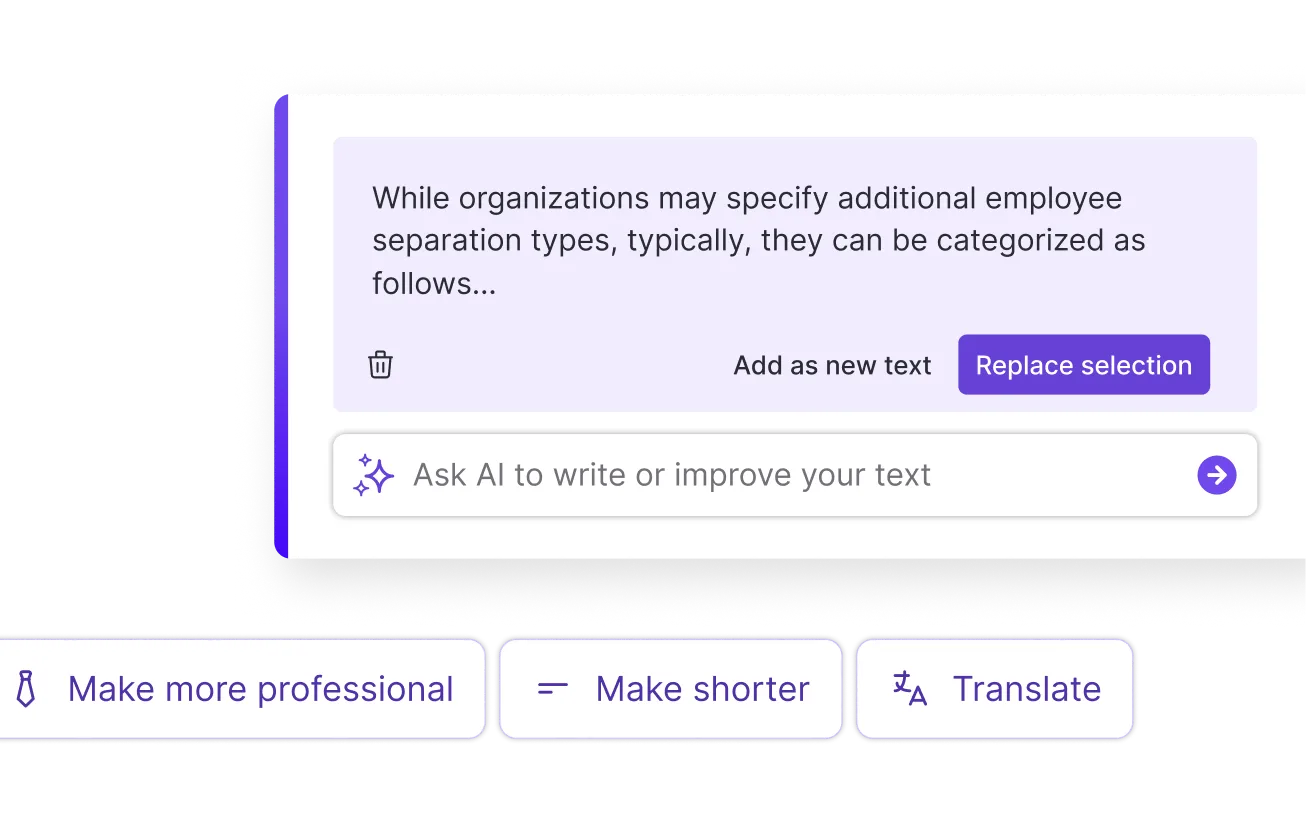
AI Writer and Translation
Enhance clarity, rewrite content, and instantly translate text to create accessible, global-ready visuals.
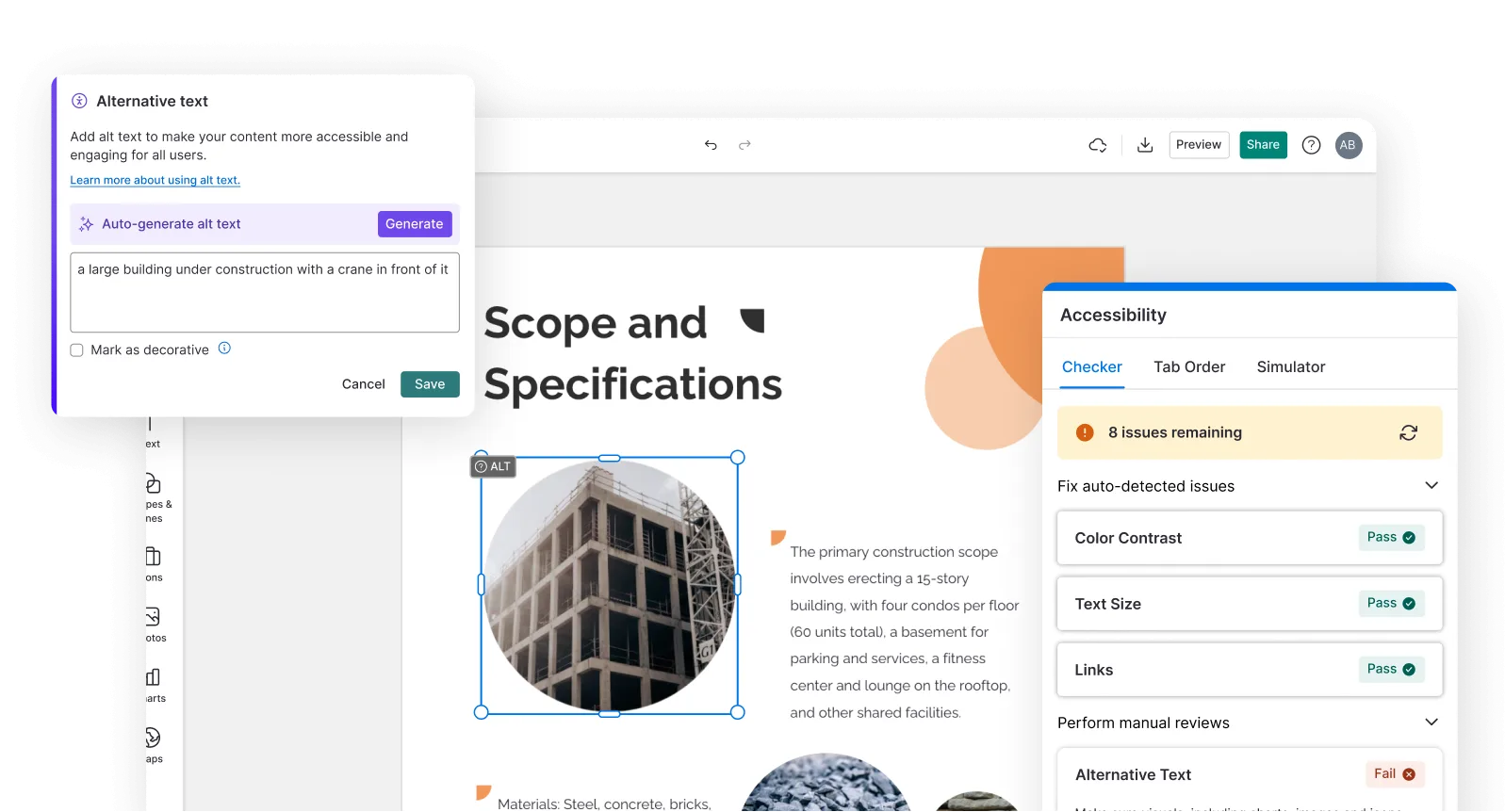
Smart Accessibility AI
Ensure every project looks great and works for everyone. Use AI to write alt text check contrast, layout, and font readability, and export fully WCAG-compliant visuals and PDFs.
FAQs
Yes. Use Venngage's AI Writing Assistant to rewrite descriptors, adjust language for different age groups, add criterion weightings, and refine performance level language. Use the AI Designer to adjust the layout, color coding, and typography.
Yes, there are a variety of design generators available on Venngage. Along with the AI Rubric Generator, Venngage offers tools to create infographics, social media posts, reports, and more. These AI design tools are easy to use and customizable, helping you generate professional visuals quickly to match your style and needs.
An AI rubric generator is a tool that creates custom grading rubrics from a text description, producing criteria, performance levels, and descriptors automatically without building the rubric manually in a spreadsheet or document.
Venngage's AI Rubric Generator creates essay rubrics, project rubrics, presentation rubrics, performance rubrics, lab report rubrics, group work rubrics, reading response rubrics, coding project rubrics, and any other assignment type across any subject or grade level.
Yes. Download the finished rubric as a printable PDF to attach to the assignment brief, or share via a private Venngage link so students can access the grading criteria on any device before starting the assignment.
We offer a free plan so you can try out all our AI features without spending anything. If you want more advanced features like private sharing and auto branding, we've got Premium and Business plans available too.