


Free AI Retail Schedule Generator
Shift schedules, weekly rotas, and holiday cover plans, built by AI in minutes.




Browse Through More Retail Schedule Templates
Popular AI Design Generators
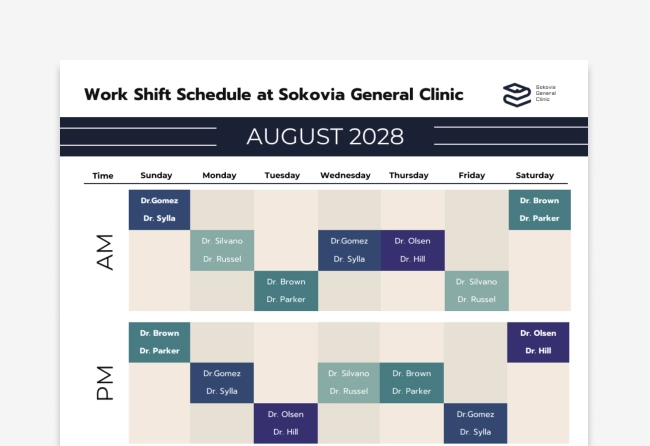
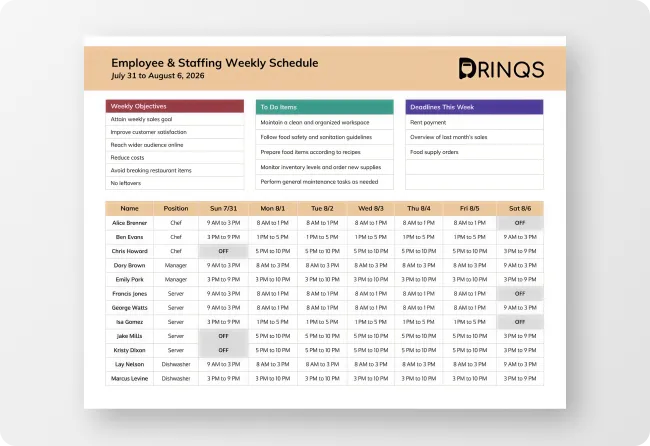
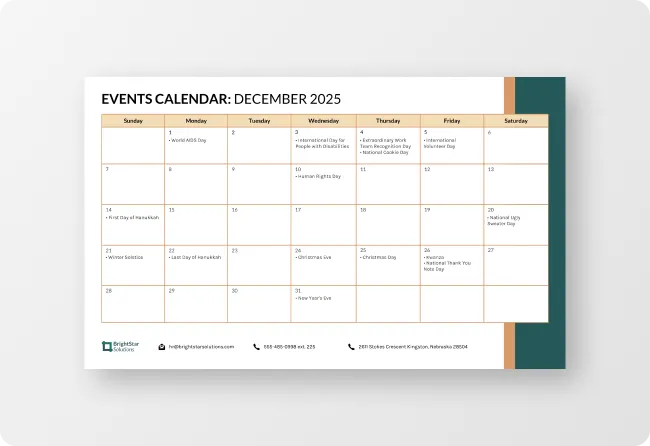
Sample Prompts You Can Modify and Use
“Create a weekly retail staff schedule for a clothing store with 12 employees, covering morning, afternoon and evening shifts.”
“Build a workforce schedule for 50 retail employees across five locations, balancing labor costs, availability and compliance requirements.”
“Generate a schedule for 15 retail employees with staggered shifts that ensure at least 5 employees are on the sales floor during peak hours from 12 PM to 6 PM.”
“Create a December holiday retail staffing schedule for 10 employees, covering extended store hours from 8 AM to 11 PM and increasing staffing levels during weekends and promotional events.”
How to Create A Retail Schedule Using AI
Step 1
Describe Your Team and Shift Requirements
Type the number of staff, their availability, shift patterns, store opening hours, and scheduling constraints into the prompt field. The more specific the description, the more ready-to-use the finished retail schedule.
Step 2
Generate Your Retail Staff Schedule
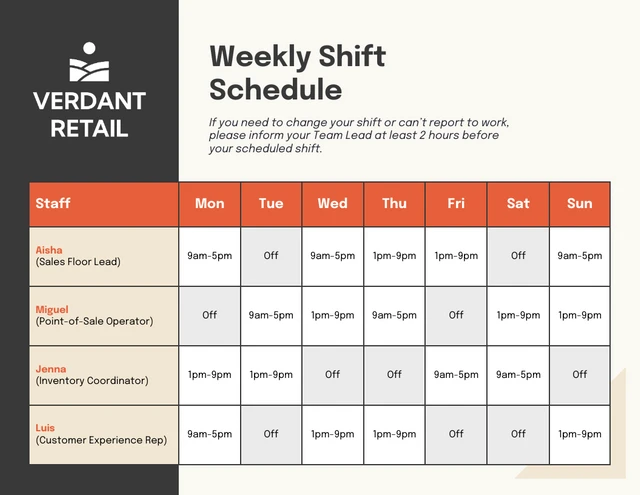
Click generate and Venngage's AI produces a complete, fully formatted retail staff schedule — shifts assigned, hours totaled, and the week organized into a clean, readable layout instantly. A seasonal retail schedule automatically accounts for increased staffing during peak trading periods.
Step 3
Refine Your Schedule With the AI Designer
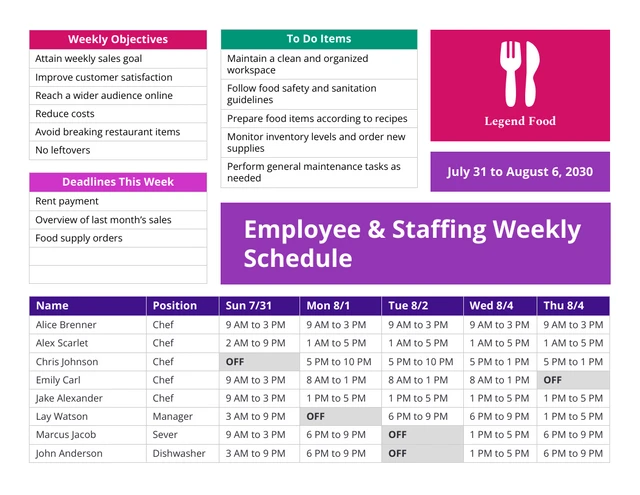
Organize the weekly rota into a color-coded layout and each staff member in a different color, shift times clearly formatted, and the full week visible at a glance. Adjust columns and reorder shifts until the schedule is as easy to read on a phone as on the staffroom noticeboard.
Step 4
Apply Your Store Branding With the Brand Kit
Use the Brand Kit to pply consistent fonts, colors, and store logo across every weekly rota and staff schedule produced for every department and trading period.
Step 5
Export and Share Your Retail Schedule
Download as a printable PDF for the staffroom noticeboard, or share via a private Venngage link for digital access on any device.
Build Rotas in Minutes as a Retail Store Manager
The weekly rota never gets easier — different availability, last-minute changes, someone calling in sick on the busiest shift. Describe the team, shift patterns, and trading hours and Venngage does the rest.
Venngage's AI Retail Schedule Generator produces a complete, color-coded weekly staff schedule in minutes. Save the finished rota as a template to reuse and update every week without rebuilding from scratch.
Generate Retail Schedules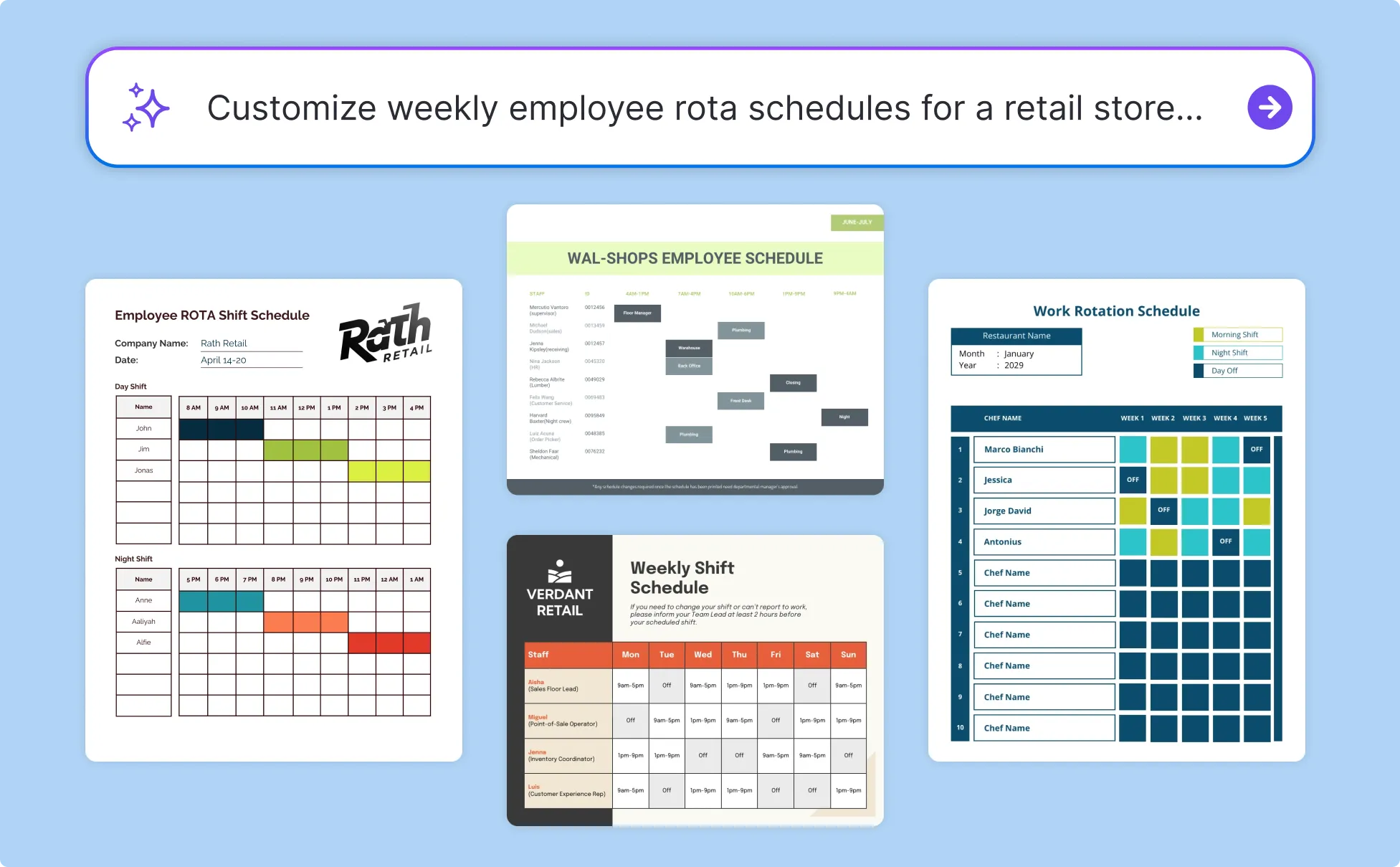
Manage Scheduling Without HR Software as a Small Retail Owner
Independent retailers don't have an HR team or the time to build a new rota every week. Describe the team size, contracted hours, and shift requirements and Venngage AI generates a complete staff schedule.
No software subscription, no spreadsheet that breaks when hours change. Save as a template, update weekly, and download as a printable PDF or share via link.
Generate Retail Schedules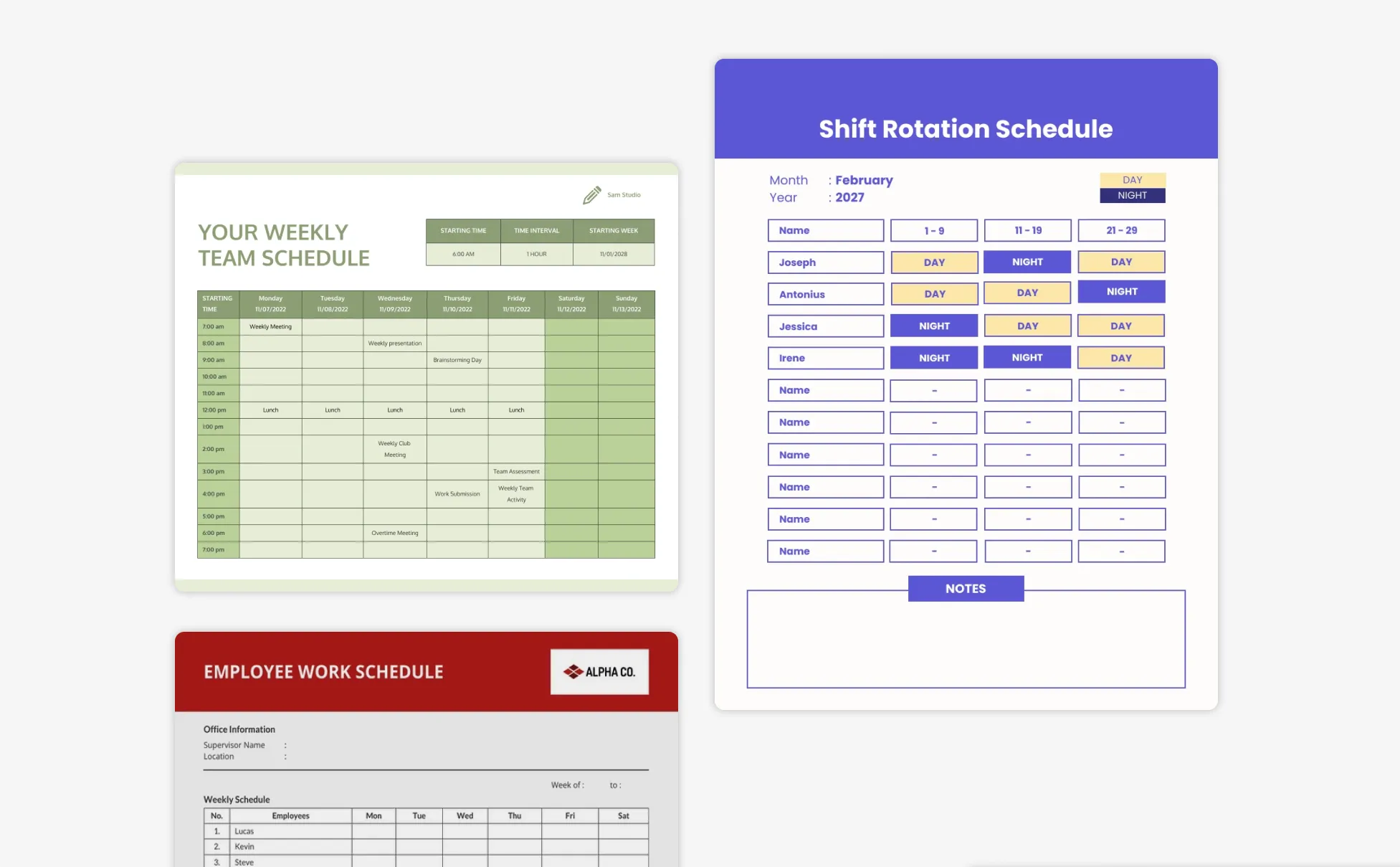
Produce Consistent Schedules as a Franchise HR Manager
Scheduling across multiple locations isn't building one rota, it's building twenty that all look like they came from the same operation. Describe the staffing requirements and trading hours for each location and Venngage generates a consistent staff schedule for every site.
Use the Brand Kit to apply the same fonts, colors, and logo across every schedule, then share via private links so every manager works from the same scheduling standard.
Generate Retail Schedules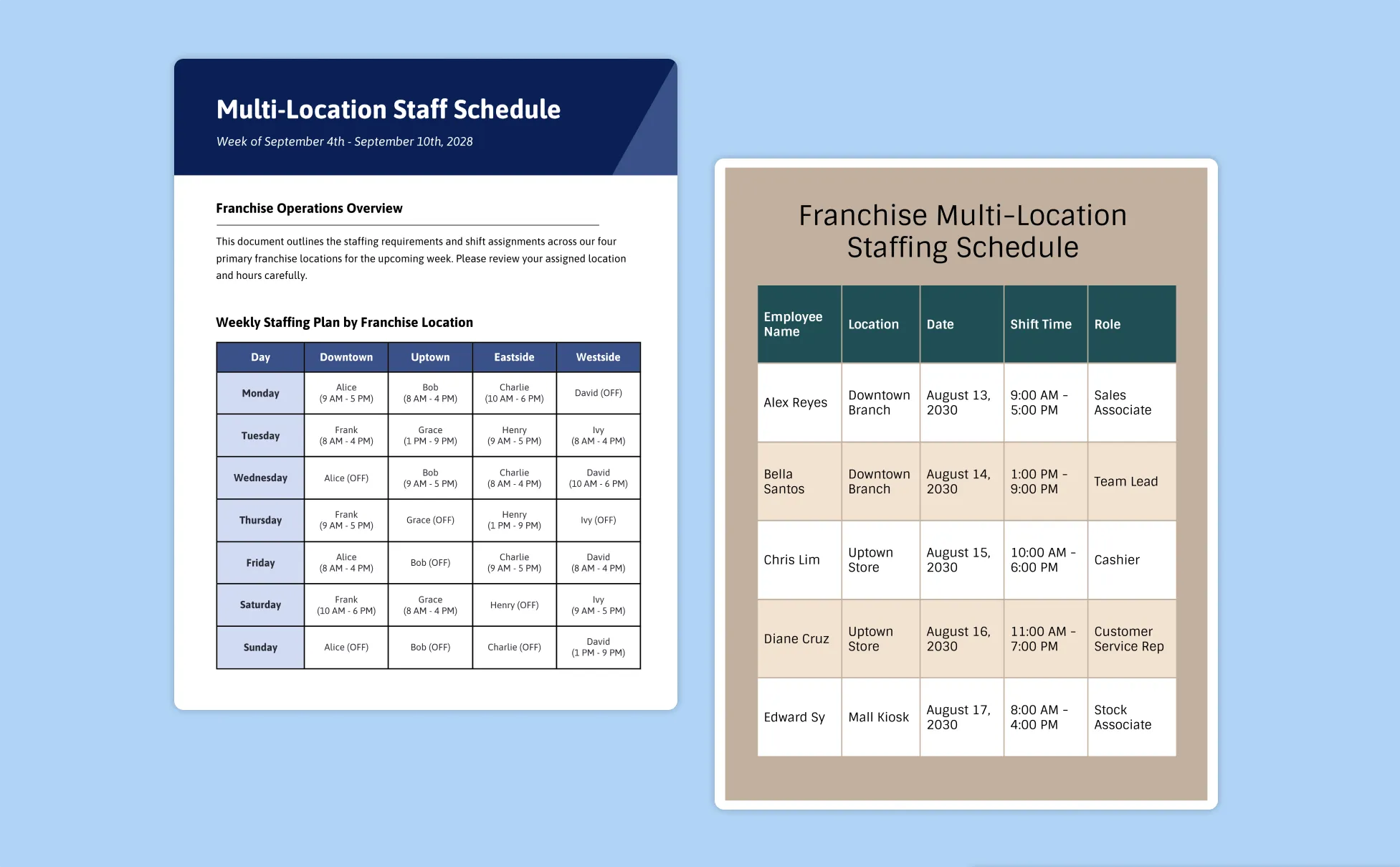
Generate Retail Schedules In Seconds With Our AI Retail Schedule Generator

Stop Losing Sunday Evenings to Next Week's Rota
Describe the team, shift patterns, and trading hours and Venngage generates a complete weekly rota in minutes. The time that used to disappear into a spreadsheet every Sunday evening is now available for something else.

Build Schedules That Reflect How the Store Actually Trades
A generic template doesn't know that Saturdays need three people on the floor or that December requires double the weekend cover. Describe the specific trading pattern and staffing requirements and Venngage generates a retail schedule built around how this store actually operates.

Make Every Schedule Easy to Read Without a Phone Call to Explain It
Use Venngage's AI Designer to organize every weekly rota into a clean, color-coded layout — each staff member a different color, shift times clearly formatted, the full trading week visible at a glance. A schedule that's easy to read on Monday morning doesn't generate six texts asking what time someone starts.

Keep Every Rota Consistently On-Brand Across Every Department
Use Venngage's Brand Kit to apply consistent fonts, colors, and store logo across every weekly rota, holiday cover schedule, and seasonal staff planner. Every schedule looks like it came from the same professional operation, regardless of who produced it.

Produce Holiday and Seasonal Schedules Without Starting From Scratch
Christmas trading, summer sales, bank holiday weekends — every peak period requires a different schedule structure. Describe the period and the available staff and Venngage generates a seasonal retail schedule without rebuilding the standard rota from the ground up.

Share the Schedule the Moment It's Done
Download as a printable PDF for the staffroom noticeboard or share via a private Venngage link so every staff member can access the schedule on their phone. No printing delay, no [I didn't see the rota].
Fuel Your Creativity with AI-Powered Design Tools
Venngage is your one-stop shop for creating impactful presentations, infographics, reports, and more. It's a favorite among professionals, educators, and marketers for a reason:
AI Branding Automation
Instantly extract brand colors, fonts, and styles. Auto-apply your logo and visual identity to every design for seamless brand consistency.

DesignAI Generator
Turn simple prompts into stunning professional visuals in seconds. Describe what you need in plain language and watch our AI generate layouts optimized for maximum visual impact.

AI Content Auto-Fill
Kickstart your design process in seconds. Choose a template and let our AI auto-fill it with relevant, on-brand content, ideal for streamlining workflow and boosting productivity.

AI Generated Icons and Images
Create unique visuals that perfectly match your content and style. Generate custom illustrations, icons and images that align perfectly with your brand.

AI Writer and Translation
Enhance clarity, rewrite content, and instantly translate text to create accessible, global-ready visuals.

Smart Accessibility AI
Ensure every project looks great and works for everyone. Use AI to write alt text check contrast, layout, and font readability, and export fully WCAG-compliant visuals and PDFs.

FAQs
Absolutely. All AI-generated retail schedules on Venngage's platform are fully customizable, allowing you to personalize colors, layouts, employee assignments, shift details, schedules and branding to match your store's staffing needs and operational requirements.
Yes, there are a variety of design generators available on Venngage. Along with the AI Retail Schedule Generator, Venngage offers tools to create infographics, social media posts, reports, and more. These AI design tools are easy to use and customizable, helping you generate professional visuals quickly to match your style and needs.
Venngage's AI Retail Schedule Generator creates weekly shift rotas, part-time staff schedules, holiday cover rotas, seasonal retail schedules, multi-department store schedules, weekend shift planners, and casual worker shift schedules for any retail team size or store format.
Yes. Once the schedule is generated, save it as a template in Venngage and update the availability, shift times, and staff names for the following week without rebuilding the entire rota from scratch. This is especially useful for stores with consistent shift patterns that change only slightly week to week.
Yes. Describe the staffing requirements, shift patterns, and trading hours for each location and Venngage generates a complete staff schedule for every site. Use the Brand Kit to apply consistent fonts, colors, and store logo across every location's schedule so every rota in the network looks like it came from the same operation.
We offer a free plan so you can try out all our AI features without spending anything. If you want more advanced features like private sharing and auto branding, we've got Premium and Business plans available too.