


Free AI Org Chart Generator
Generate, edit, and customize org charts effortlessly with AI




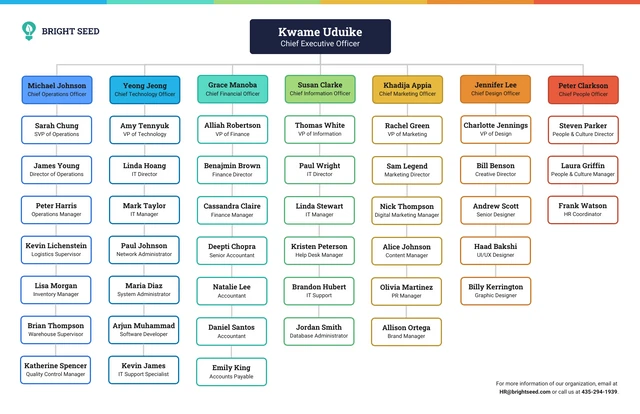
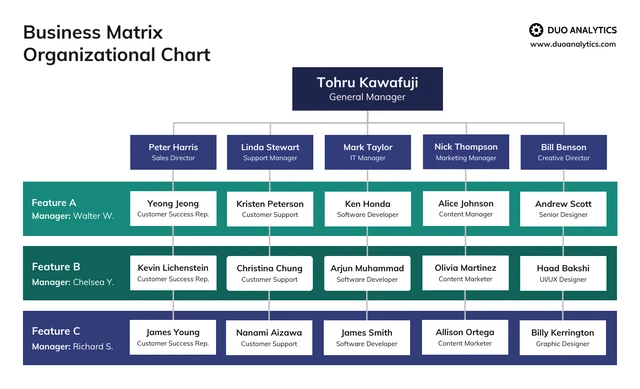
Browse Through More Org Chart Templates
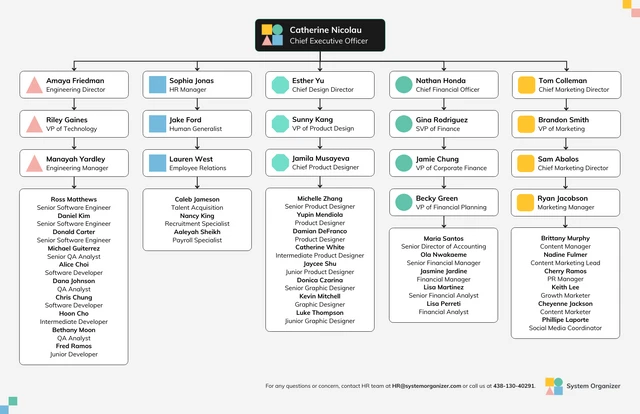
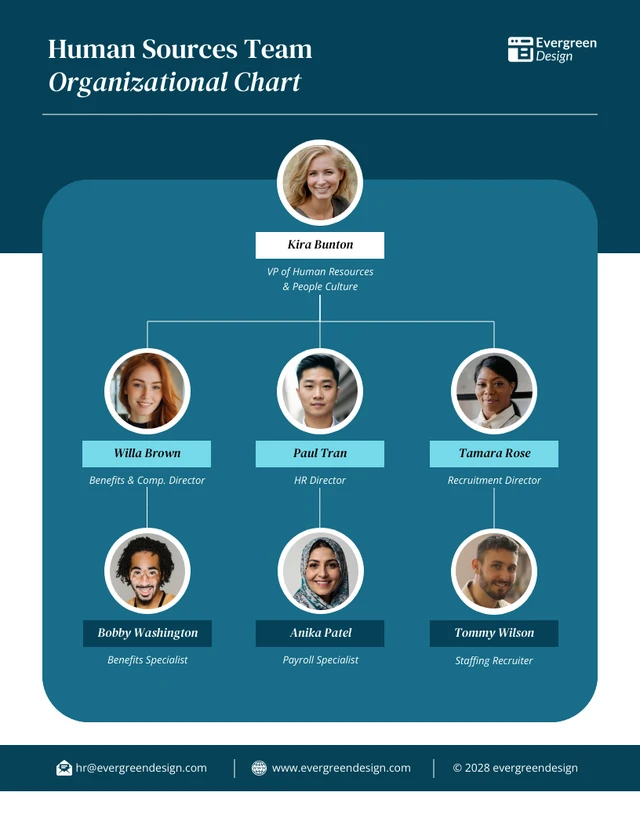
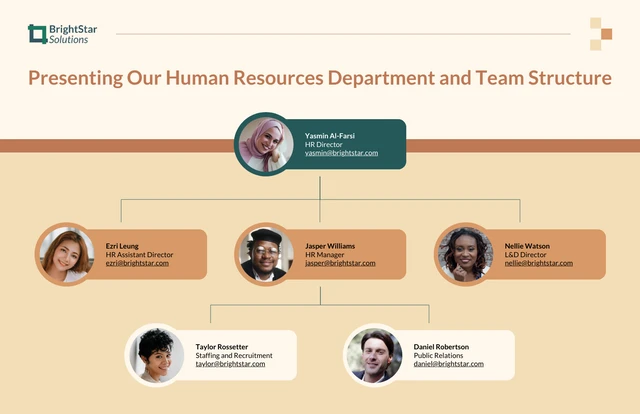
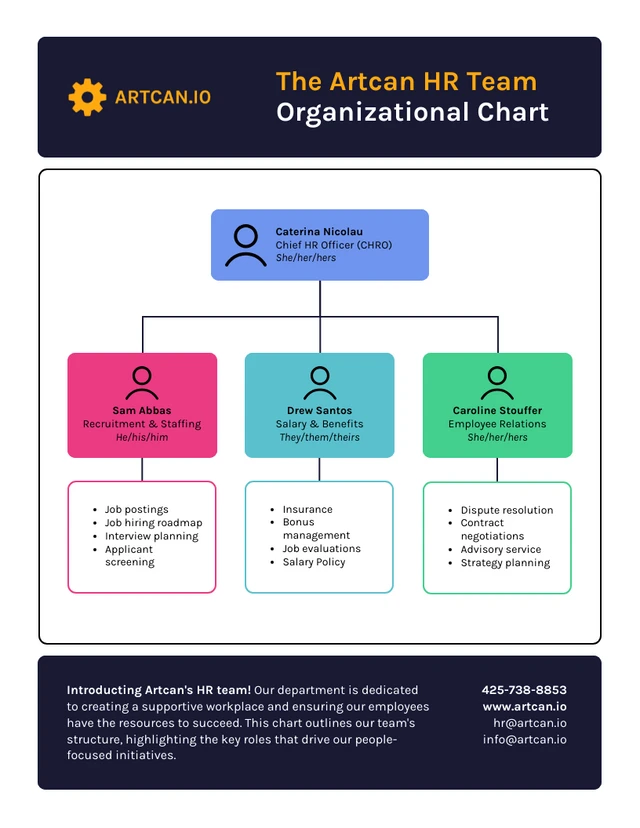


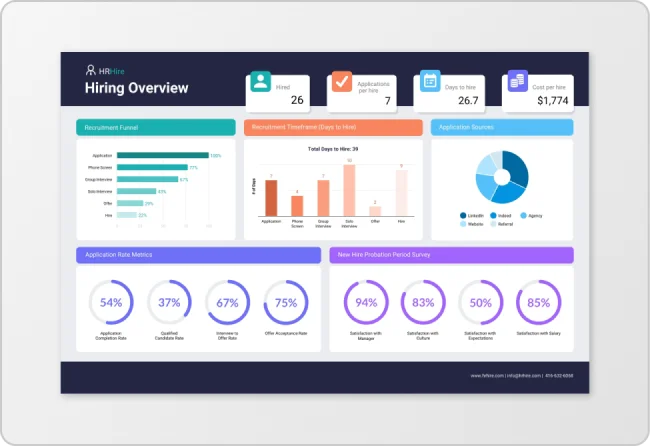
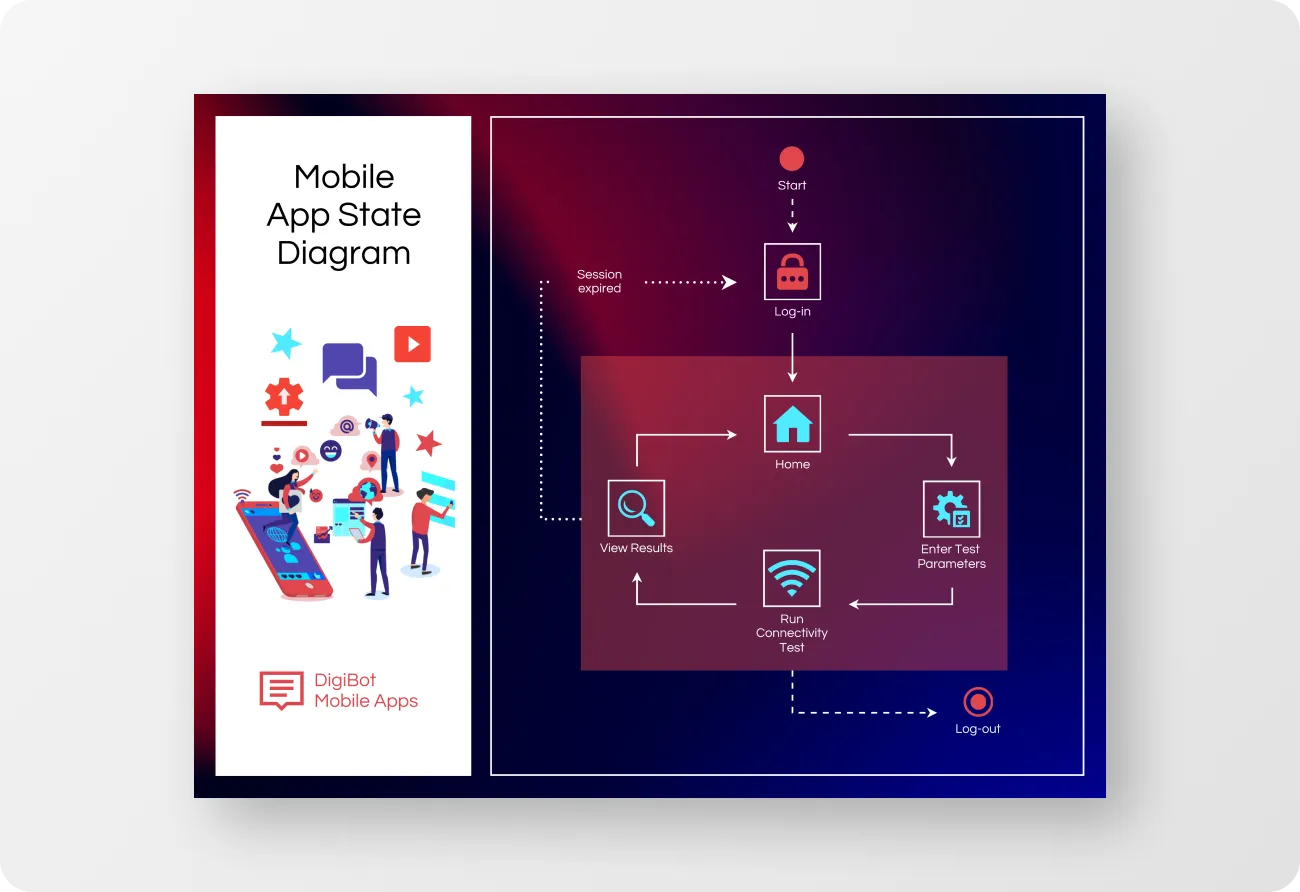
Popular AI Design Generators
Sample Prompts You Can Modify and Use
“Generate an org chart for a retail store with a store manager, assistant manager, four sales associates, and two inventory staff. Format it as a simple hierarchical chart.”
“Create an organizational chart using the uploaded HR spreadsheet, grouping employees by department and showing reporting lines between managers and team members.”
“Build an organizational chart for a fully remote company with distributed teams across marketing, engineering, and customer success. Organize roles by function and reporting hierarchy.”
“Build an organizational chart for a mid-sized company with separate departments for HR, Finance, Marketing, and Engineering, each with a manager and 3–5 team members. Highlight reporting lines clearly.”
How to Create an Organizational Chart Using AI
Step 1
Enter A Prompt or Upload A File in Venngage’s AI Org Chart Generator
Type employee names, roles, and reporting lines into your prompt, or upload a file with your team structure to map your hierarchy.
Step 2
Generate Your Organizational Chart Layout
Click generate to create a structured org chart with clear hierarchy levels, aligned roles, and logical reporting flow.
Step 3
Edit Your Chart Using Venngage’s Drag-and-Drop Editor
Adjust text, move positions, and update colors, fonts, and icons to refine each role and section of your org chart.
Step 4
Enhance Your Design Using Venngage AI Tools
Use AI Designer to refine layouts, AI Icon Generator to add visuals, and Brand Kit to apply consistent fonts and colors.
Step 5
Export Your Organizational Chart From Venngage
Download your org chart as a PNG or PDF, or share it via link for presentations, onboarding, or internal documentation.
Create Clear Org Charts Faster As An HR Manager
Building and updating team structures becomes easier when org charts are generated in minutes with Venngage’s AI Org Chart Generator. HR managers can create organizational chart diagrams for onboarding visuals and PDF org charts for internal documentation and team planning.
Just enter employee data or upload a team file to generate a structured org chart with clear reporting lines. Export a PDF or slide-ready design to use in onboarding sessions, restructuring plans, or internal reports.
Generate Organizational Charts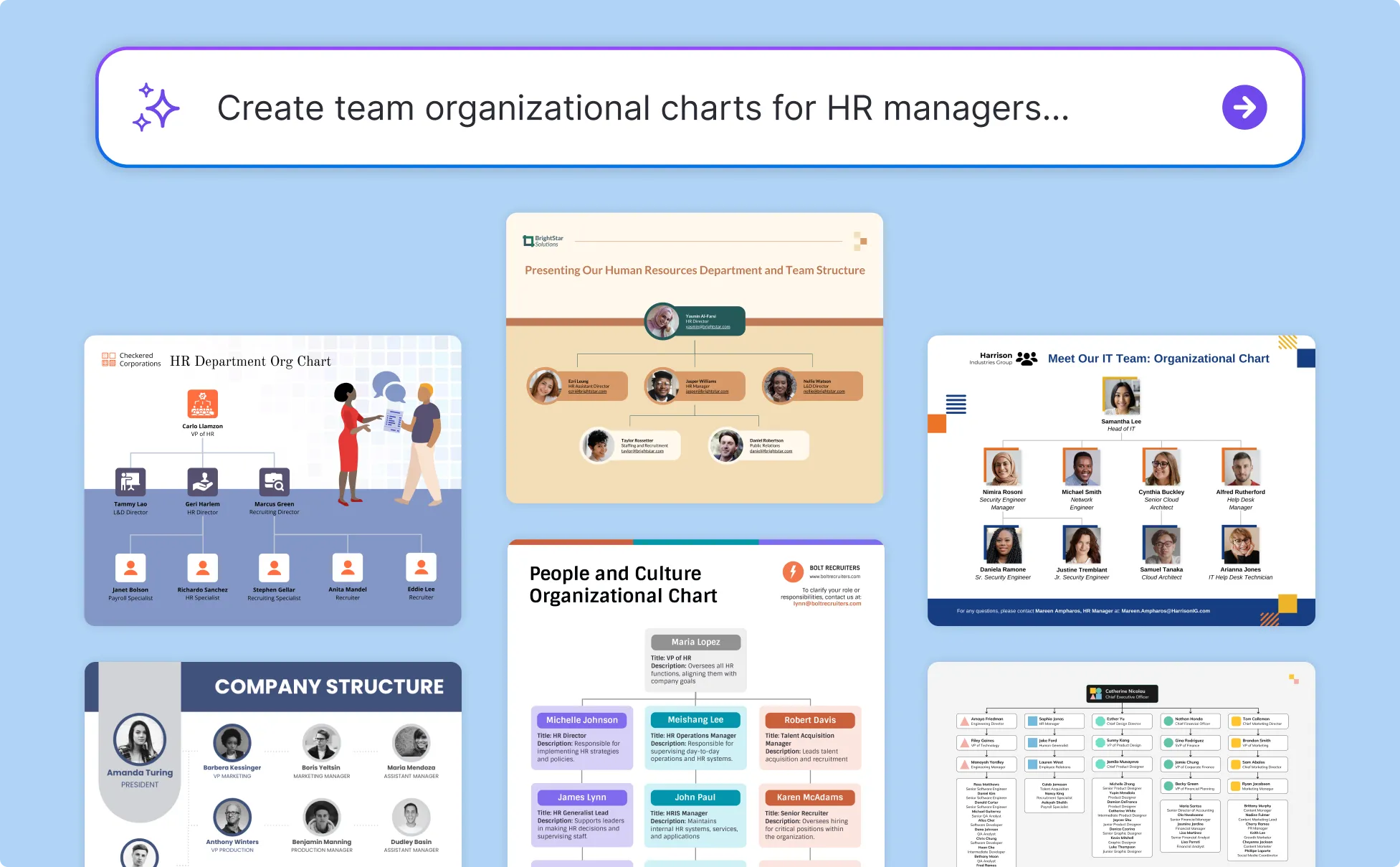
Visualize Team Growth Clearly As A Startup Founder
As your team grows, it becomes harder to keep track of roles and reporting lines. Founders can create org chart diagrams, one-page team overviews, and clear visuals to share structure with investors and teams.
Unlike general tools, Venngage’s AI Org Chart Maker lets you apply your Brand Kit to keep fonts, colors, and logos consistent across your chart. Enter current and planned roles to generate a structured hierarchy, then export it in PDF, PPT, PNG or share with a private link for hiring discussions or investor meetings.
Generate Organizational Charts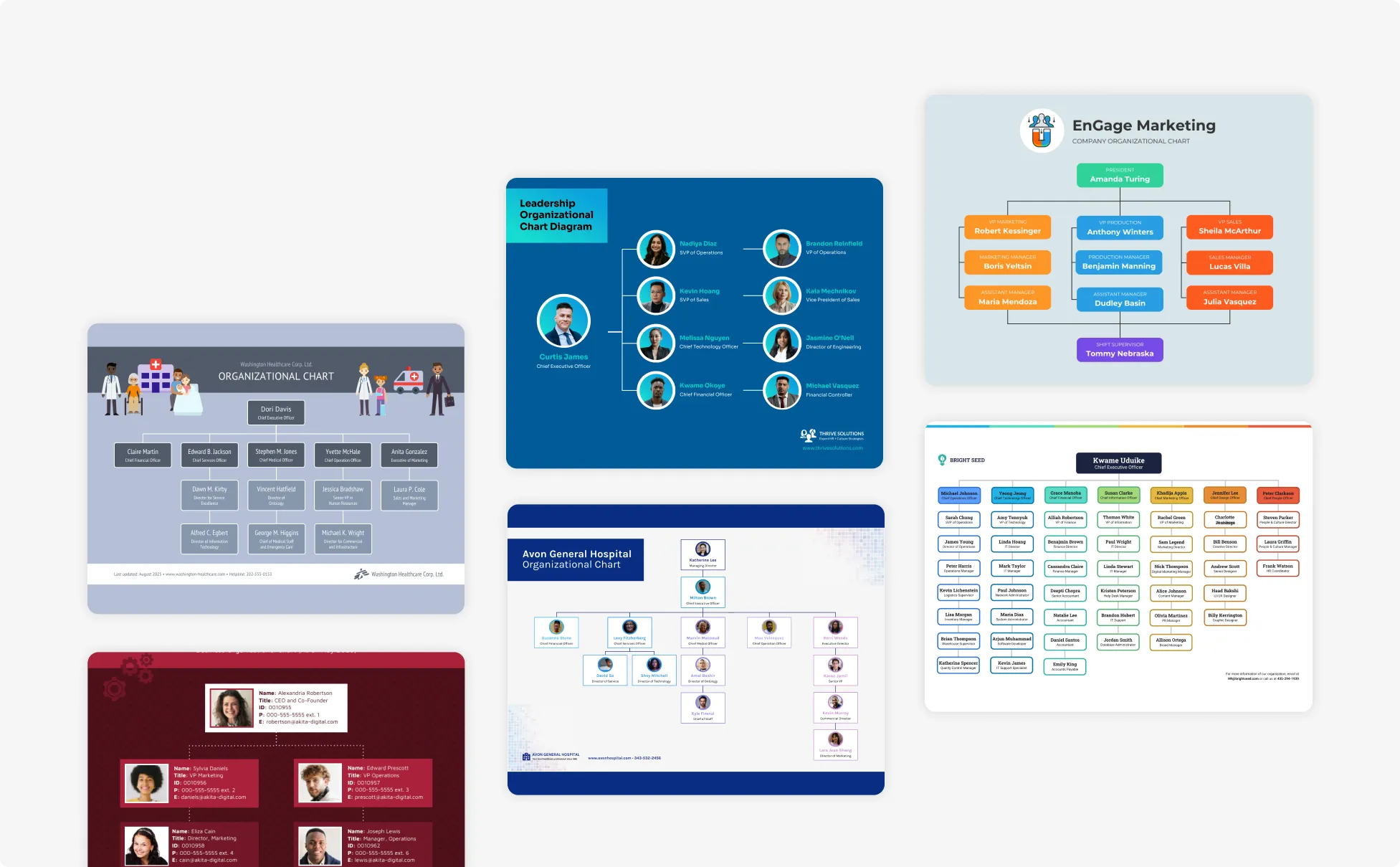
Organize Project Teams Clearly As A Project Manager
Managing cross-functional teams gets easier when roles and responsibilities are clearly defined especially since poor communication is a factor in 30% of project failures. Project managers can create org chart diagrams, project team layouts, and presentation visuals for planning and execution.
Simply enter your project roles and reporting lines to generate a structured team org chart. Then, export it in PNG, PPT, PDF or HTML to include in project plans, kickoff decks, or status updates.
Generate Organizational Charts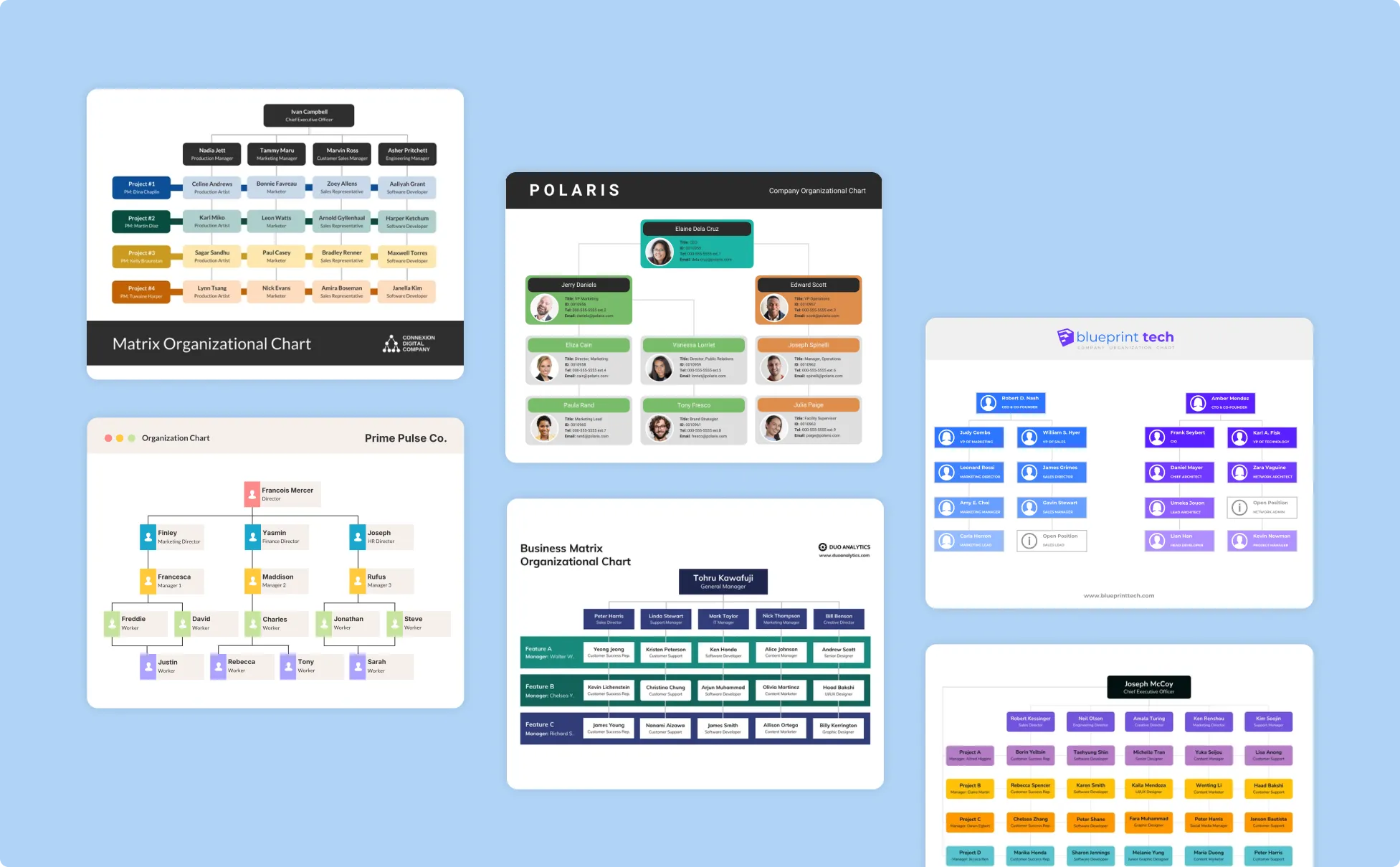
Generate Organizational Charts In Seconds With Our AI Org Chart Generator

Create Org Charts In Minutes With AI
Generate organizational charts automatically from your team data instead of building them manually. Save time while producing clear, structured org chart diagrams ready for presentations or internal use.

Turn Employee Data Into Structured Org Charts
Convert spreadsheets, HR lists, or team data into organized org chart diagrams with defined roles and reporting lines with just a prompt. Reduce errors and ensure your organizational structure is easy to understand.

Maintain Consistent Branding Across Org Charts
Apply your Brand Kit to use approved fonts, colors, and logos in every org chart. Keep your organizational charts aligned with company branding for reports, presentations, and documentation.

Edit And Update Org Charts Without Design Skills
Use Venngage’s drag-and-drop editor to update roles, adjust hierarchy levels, and modify layout elements. Make changes quickly as your team structure evolves without recreating charts from scratch.

Enhance Org Charts With Venngage AI Tools
Use Venngage’s AI Designer to refine layouts, AI Icon Generator to add visuals, and AI Writing Assistant to adjust labels and descriptions. Create clearer, more complete org chart designs without extra tools.

Export Org Charts For Presentations And Reports
Download org charts as PPT, PNG or PDF files, or share them with a private link. Use them in onboarding materials, leadership presentations, and internal documentation without additional formatting.
Fuel Your Creativity with AI-Powered Design Tools
Venngage is your one-stop shop for creating impactful presentations, infographics, reports, and more. It's a favorite among professionals, educators, and marketers for a reason:
AI Branding Automation
Instantly extract brand colors, fonts, and styles. Auto-apply your logo and visual identity to every design for seamless brand consistency.

DesignAI Generator
Turn simple prompts into stunning professional visuals in seconds. Describe what you need in plain language and watch our AI generate layouts optimized for maximum visual impact.

AI Content Auto-Fill
Kickstart your design process in seconds. Choose a template and let our AI auto-fill it with relevant, on-brand content, ideal for streamlining workflow and boosting productivity.

AI Generated Icons and Images
Create unique visuals that perfectly match your content and style. Generate custom illustrations, icons and images that align perfectly with your brand.

AI Writer and Translation
Enhance clarity, rewrite content, and instantly translate text to create accessible, global-ready visuals.

Smart Accessibility AI
Ensure every project looks great and works for everyone. Use AI to write alt text check contrast, layout, and font readability, and export fully WCAG-compliant visuals and PDFs.

FAQs
Absolutely. All AI-generated organizational charts on Venngage's platform are fully customizable, allowing you to personalize colors, designs, images and more to match your unique vision.
Yes, there are a variety of design generators available on Venngage. Along with the AI Org Chart Generator, Venngage offers tools to create infographics, social media posts, reports, and more. These AI design tools are easy to use and customizable, helping you generate professional visuals quickly to match your style and needs.
Yes, the AI-generated organizational charts created using Venngage's tools are copyright-free. You can use them for both personal and commercial purposes without any restrictions on copyright. However, it's always good practice to ensure that any externally sourced content you include is also cleared for use.
We offer a free plan so you can try out all our AI features without spending anything. If you want more advanced features like private sharing and auto branding, we've got Premium and Business plans available too.