


Free AI Online Portfolio Generator
Create professional online portfolios for design, writing, photography, and personal branding using AI.




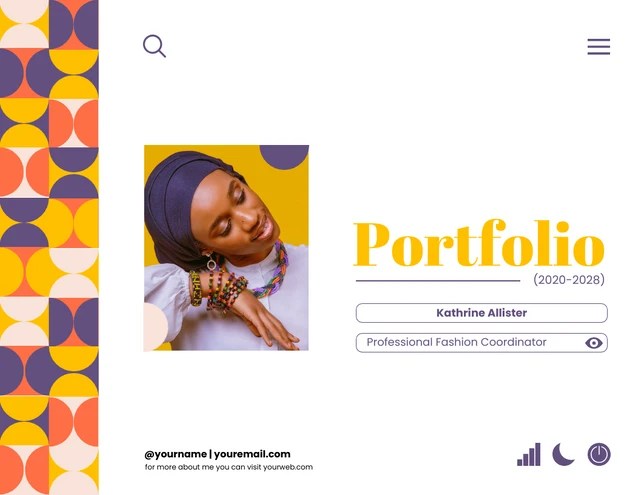
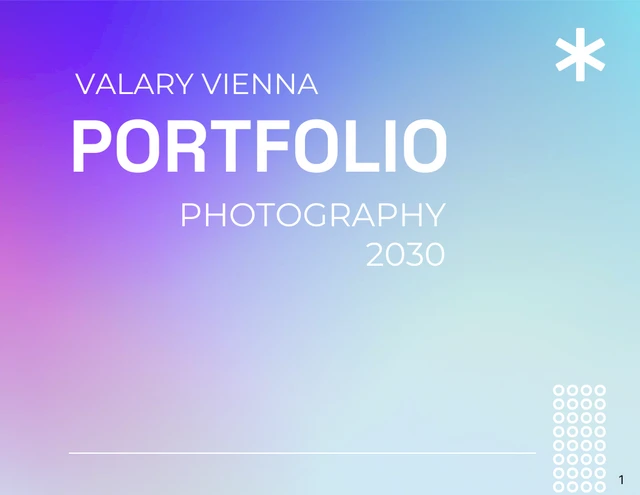
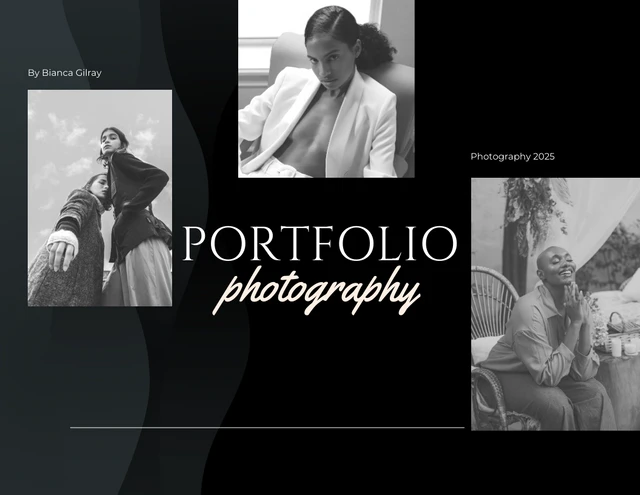
Browse Through More Online Portfolio Templates
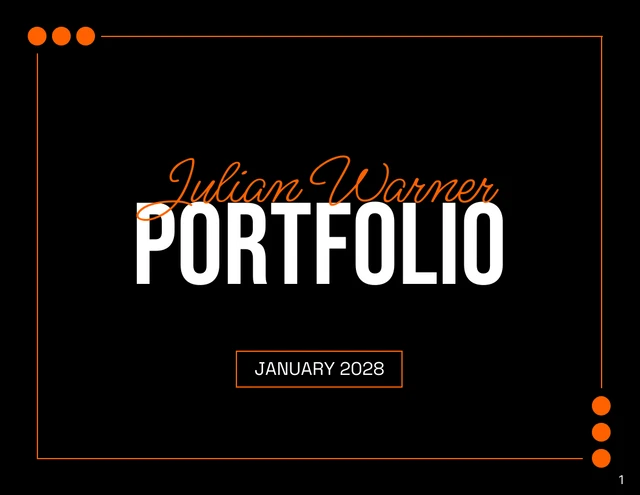
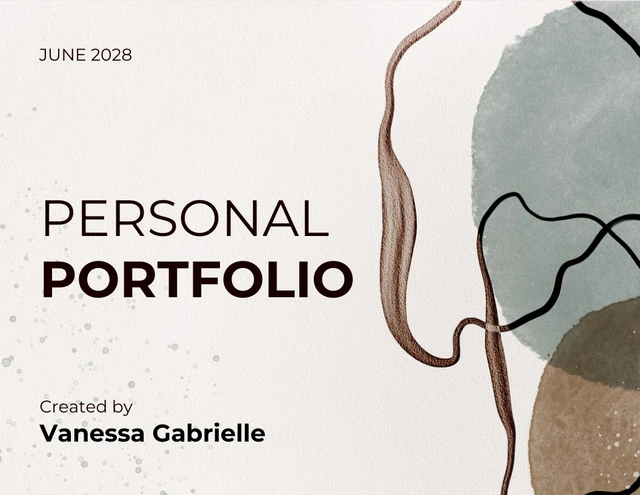

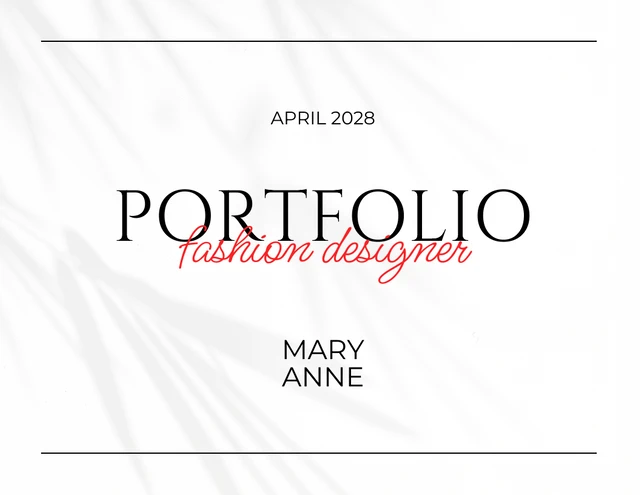
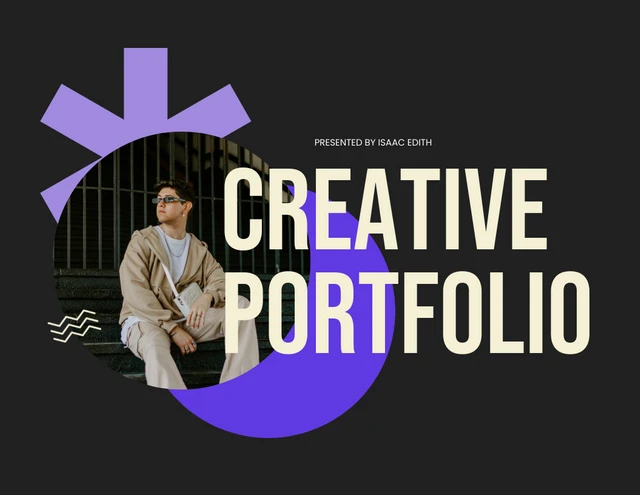
Popular AI Design Generators
Sample Prompts You Can Modify and Use
“Generate a portfolio for a graphic designer. Include a cover page, short bio, three case studies with problem, process, and outcome, a skills page, and contact details. Use a minimalist black and white layout.”
“Create a freelance writing portfolio of published articles, grouped by industry (tech, finance, healthcare). Include client logos, key metrics, and one short testimonial per industry.”
“Build a UX design portfolio for a senior product role at a SaaS company. Feature five case studies covering user research, wireframes, prototypes, and outcomes, plus a personal bio and tools page.”
“Generate a portfolio for a recent marketing graduate applying to entry-level positions. Include a cover page, marketing philosophy, four academic campaign projects with briefs, creative samples, and result metrics, and a contact section.”
How to Create an Online Portfolio Using AI
Step 1
Enter a Prompt or Upload a File in Venngage's Online Portfolio Generator
Enter details like your role, industry, target audience, and projects, or upload existing work to generate a personalized portfolio.
Step 2
Generate Your Portfolio Layout
Click Generate to create a professional online portfolio with a cover page, project sections, bio, skills, and contact details.
Step 3
Edit Your Portfolio Using Venngage's Drag-and-Drop Editor
Adjust text, replace images, rearrange pages, and update colors, fonts, and section headers to match your personal brand.
Step 4
Enhance Your Portfolio Using Venngage AI Tools
Use AI Designer to refine layouts, AI Icon Generator to add visuals, and AI Writing Assistant to draft project summaries, bios, and case study copy.
Step 5
Export Your Portfolio From Venngage
Download your portfolio as a PDF for email applications, a PPT for client presentations, or share it with a private link for review.
Send Polished Portfolios to Clients as a Creative Freelancer
As a freelance designer, writer, or photographer, building a portfolio often gets pushed aside because client work comes first. Venngage’s AI Portfolio Generator turns a simple text prompt into a polished, professional portfolio, helping you save time while showcasing your work professionally.
Type your services, target client, and best projects to generate a structured portfolio with a cover page, case studies, services, testimonials, and a contact section. Apply your Brand Kit and export as a PDF or PPT to share with clients.
Generate Online Portfolios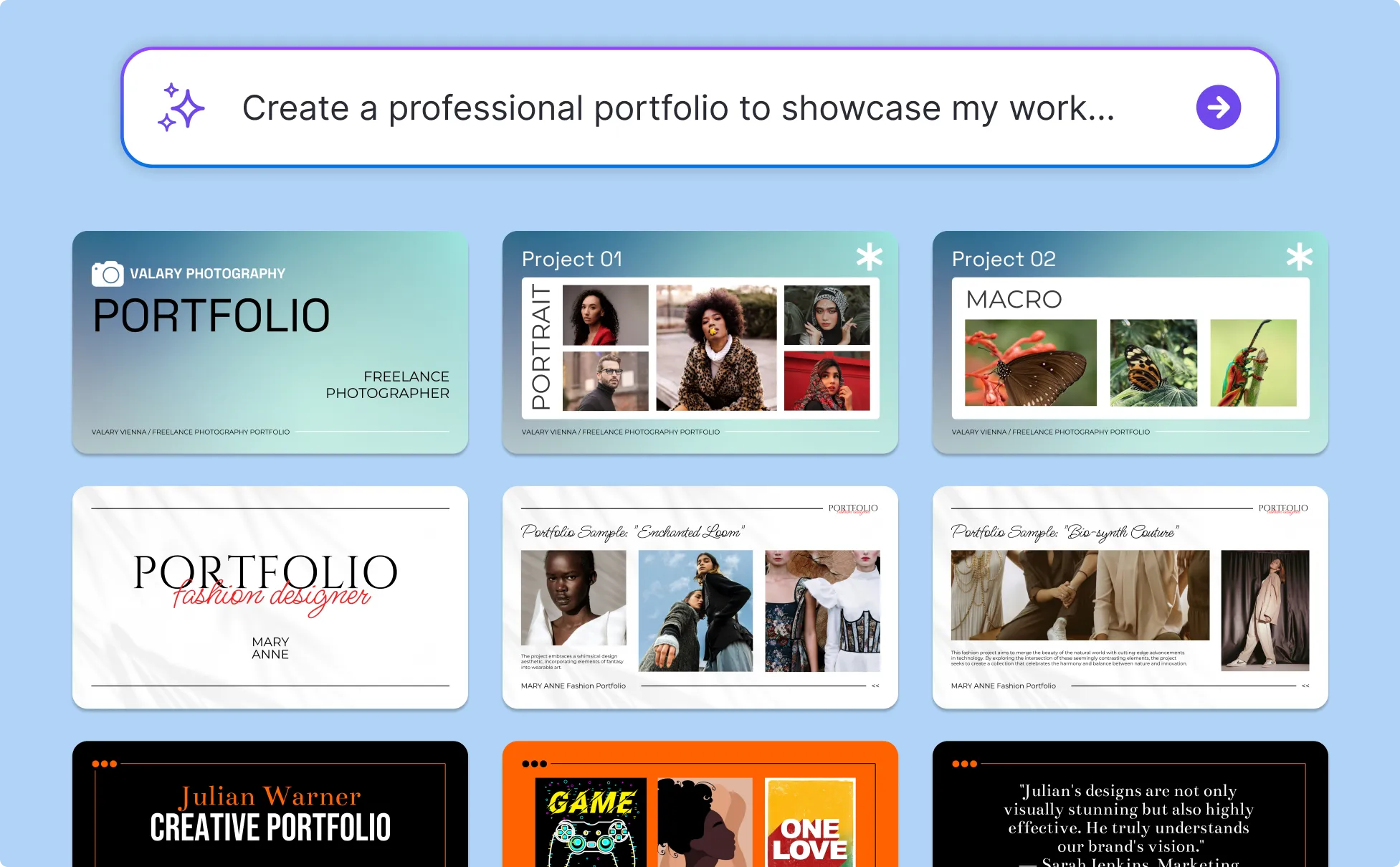
Create Tailored Portfolios for Every Application as a Job Seeker
Sharing a portfolio along with your resume increases your chances of getting hired. But tailoring one for each role takes time, especially when you're applying to dozens of jobs. Venngage's AI Portfolio Generator designs online portfolios from a simple text prompt, and you can edit them quickly for each application.
Enter your degree, target role, and projects to generate a portfolio with about-me, featured projects, skills, and contact pages. Edit the copy in the editor and download a PDF to attach to LinkedIn applications and recruiter emails.
Generate Online Portfolios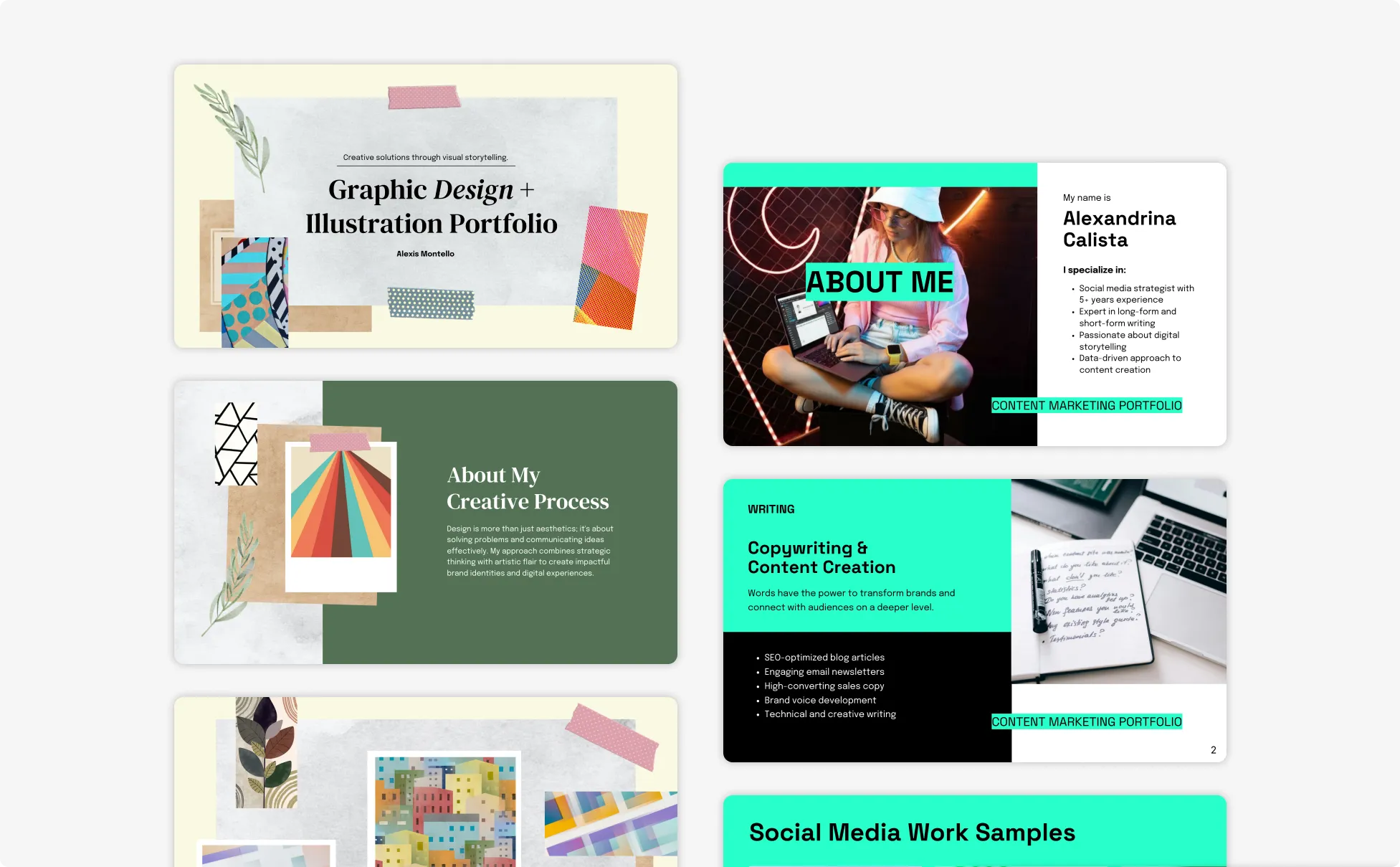
Win More Clients With a Strong Case Study Portfolio
As an agency or consultant, your work needs to look as polished as the services you sell. Venngage’s AI Portfolio Generator helps you create branded case study decks in minutes, while Brand Kit keeps every presentation consistent with your visual identity.
Add your services, industry, and three to five case studies with measurable results, and the AI will generate a branded portfolio deck with an agency overview, case study slides, team introduction, and contact page. Export it as a PPT for client presentations or a PDF to share with prospects.
Generate Online Portfolios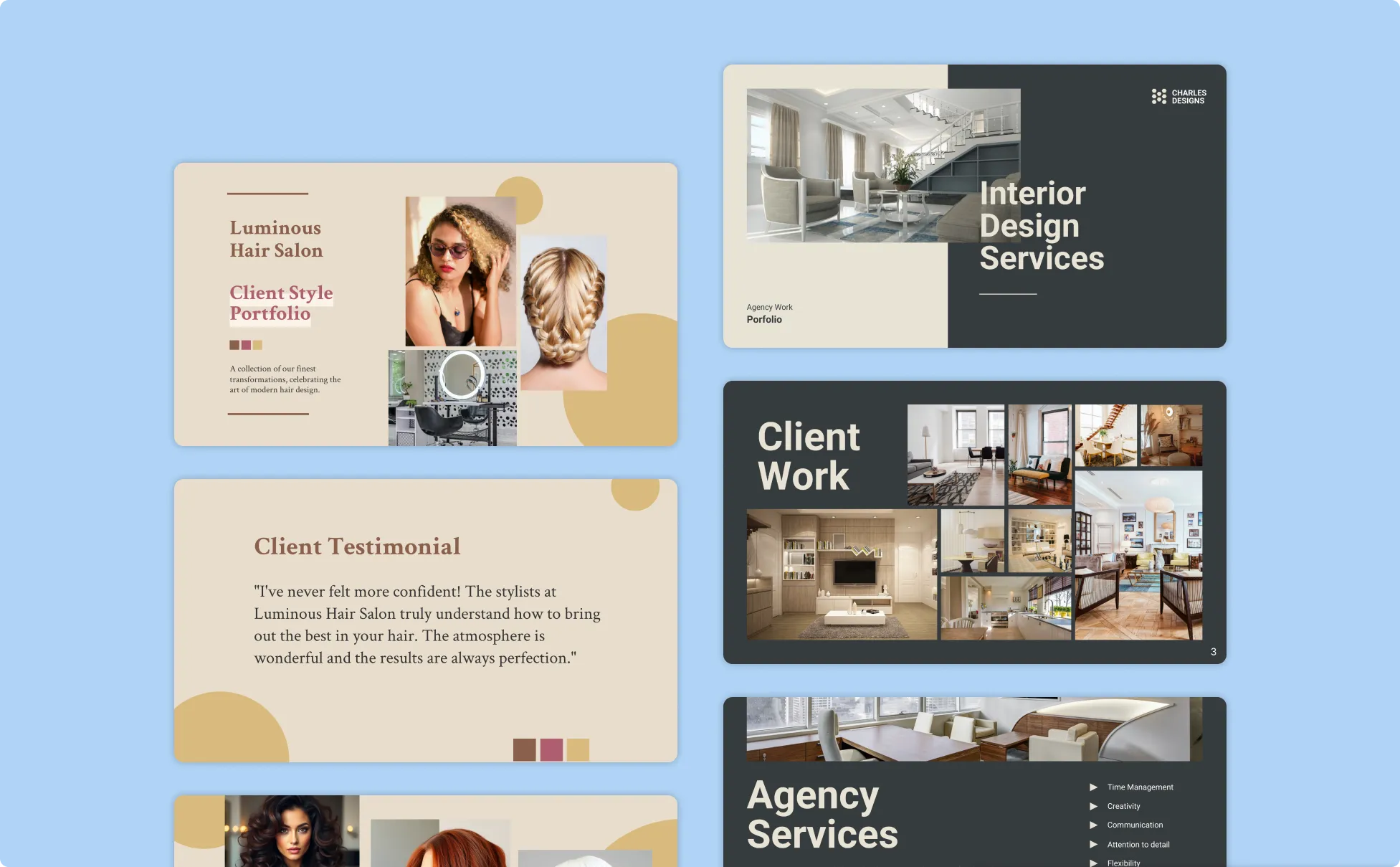
Generate Online Portfolios In Seconds With Our AI Online Portfolio Generator

Generate Portfolios From A Single Text Prompt
Type your role, industry, and projects into Venngage's Online Portfolio Maker to generate a complete portfolio in minutes. Skip blank-canvas paralysis and start from a fully structured layout with cover, case studies, bio, and contact pages.
Start From Hundreds of Portfolio Templates
Choose from designer, photographer, marketer, and consultant portfolio templates to match your industry. Replace the sample content with your own work and projects directly in the editor.

Apply Your Brand Kit Across Every Page
Save your fonts, colors, and logo once, and apply them to every portfolio page you generate. Keep visual consistency across your portfolio, resume, business cards, and proposal documents.

Edit Portfolios Without Design Skills
Use Venngage's drag-and-drop editor to add or remove pages, swap images, rearrange sections, and update text. Skip the learning curve of InDesign, Figma, or Illustrator to finish the layout.

Enhance Portfolios With Venngage AI Tools
Pair the Online Portfolio Maker with AI Designer to refine layouts, AI Icon Generator to add visuals, and AI Writing Assistant to draft project summaries, bios, and case study copy in one workflow.

Export Portfolios As PDF And PPT
Download your portfolio as a PDF for email attachments, job applications, and printed copies, or as a PPT for client pitches and live presentations. Share a private link for feedback before sending.
Fuel Your Creativity with AI-Powered Design Tools
Venngage is your one-stop shop for creating impactful presentations, infographics, reports, and more. It's a favorite among professionals, educators, and marketers for a reason:
AI Branding Automation
Instantly extract brand colors, fonts, and styles. Auto-apply your logo and visual identity to every design for seamless brand consistency.

DesignAI Generator
Turn simple prompts into stunning professional visuals in seconds. Describe what you need in plain language and watch our AI generate layouts optimized for maximum visual impact.

AI Content Auto-Fill
Kickstart your design process in seconds. Choose a template and let our AI auto-fill it with relevant, on-brand content, ideal for streamlining workflow and boosting productivity.

AI Generated Icons and Images
Create unique visuals that perfectly match your content and style. Generate custom illustrations, icons and images that align perfectly with your brand.

AI Writer and Translation
Enhance clarity, rewrite content, and instantly translate text to create accessible, global-ready visuals.

Smart Accessibility AI
Ensure every project looks great and works for everyone. Use AI to write alt text check contrast, layout, and font readability, and export fully WCAG-compliant visuals and PDFs.

FAQs
An online portfolio created with Venngage is a downloadable PDF or PPT document that you can email, attach to job applications, or present in client meetings. A portfolio website is a hosted page on the web with its own domain.
A strong portfolio includes a cover page, short bio, featured projects with results, skills or services, testimonials or client logos, and contact details. Tailor your project selection to the role or client you’re pitching.
Absolutely. All AI-generated online portfolios in Venngage are fully customizable, so you can edit layouts, colors, fonts, images, and content to match your personal brand or the role you’re applying for.
Job application portfolios usually stay on the shorter side (4 to 8 pages) so hiring managers can scan them quickly, while freelance and agency pitch portfolios run longer (10 to 20 pages) to include detailed case studies and outcome metrics.
We offer a free plan so you can try out all our AI features without spending anything. If you want more advanced features like private sharing and auto branding, we've got Premium and Business plans available, too.