


Free AI Marketing Deck Generator
Generate a marketing deck to pitch campaigns, present strategy, and share performance insights with clients and stakeholders. No design experience needed.




Browse Through More Deck Templates


Popular AI Design Generators
Sample Prompts You Can Modify and Use
“Create a marketing deck for a social media agency pitching its services to a new client. Include the services offered, three case studies, client results, and pricing.”
“Generate a campaign proposal deck for an in-house marketing team presenting a paid social campaign to leadership. Include the campaign goal, target audience, budget, timeline, channel strategy, and key metrics.”
“Create a marketing strategy deck for a B2B SaaS company presenting its quarterly plan to stakeholders. Include the current performance, the strategy for the next quarter, channel priorities, budget allocation, and expected results.”
“Generate a marketing deck for a branding agency pitching a rebrand project to a retail client. Include the agency introduction, relevant past work, the proposed approach, project scope, timeline, and cost.”
How to Create Marketing Decks Using AI
Step 1
Enter Your Marketing Deck Prompt
Describe the type of marketing deck you want to create, who you’re presenting to, and the sections you need. For example, a campaign proposal for leadership or an agency pitch deck.
Step 2
Generate Your First Draft
Venngage’s AI Marketing Deck Generator creates a structured presentation with relevant slides for strategy, goals, case studies, campaign plans, results, and next steps.
Step 3
Customize the Content
Replace the placeholder text with your campaign details, metrics, pricing, or strategy. Use the AI Writing Assistant to rewrite slides and refine the messaging.
Step 4
Add Visuals and Charts
Upload your images, choose from Venngage’s stock photos, or generate AI images. Create charts for budgets, campaign performance, and projected results by entering your numbers directly into the editor.
Step 5
Download and Share Your Marketing Deck
Apply your Brand Kit, review the final presentation, then export as PowerPoint, Google Slides, or PDF. Share a private link with teammates or stakeholders for feedback.
Create Pitch Decks for New Clients as an Agency Owner
Every agency pitch needs a different mix of services, case studies, strategy, and branding. Instead of creating presentations from scratch, generate a customized marketing deck in minutes with Venngage’s AI Marketing Deck Generator.
Add your services, case studies, and campaign goals to create a pitch deck tailored to each client. Customize the slides, update your recommendations, and apply your Brand Kit to keep every proposal aligned with your agency.
Generate Marketing Decks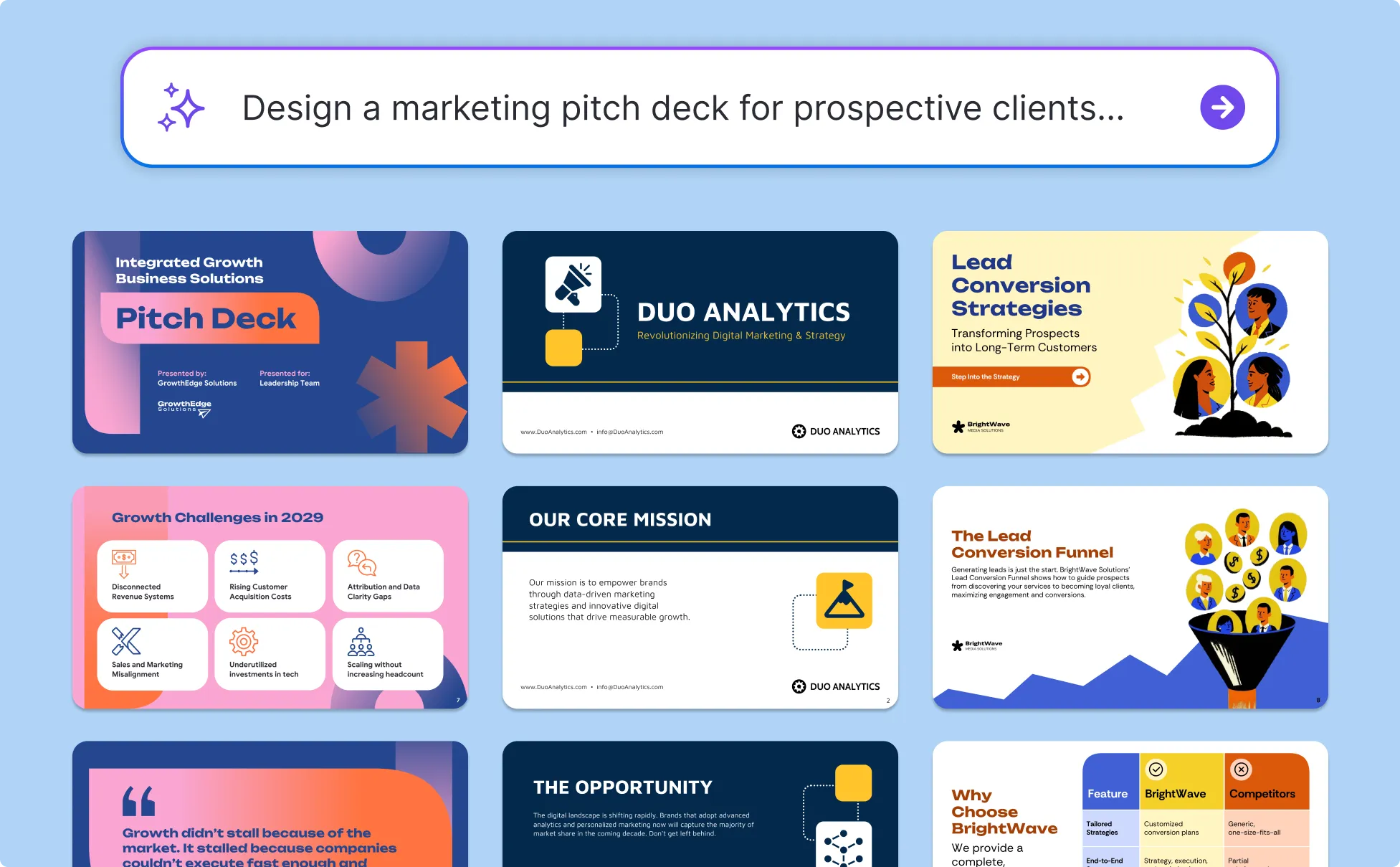
Propose Campaigns to Leadership as a Marketing Manager
Campaign planning is already time-consuming. Building the presentation to explain the strategy, justify the budget, and align stakeholders often becomes another last-minute project before the meeting.
Venngage’s AI Marketing Deck Generator helps turn campaign goals, budgets, timelines, and metrics into a clear proposal deck. Use the AI Writing Assistant to sharpen your message and prepare your slides for leadership review.
Generate Marketing Decks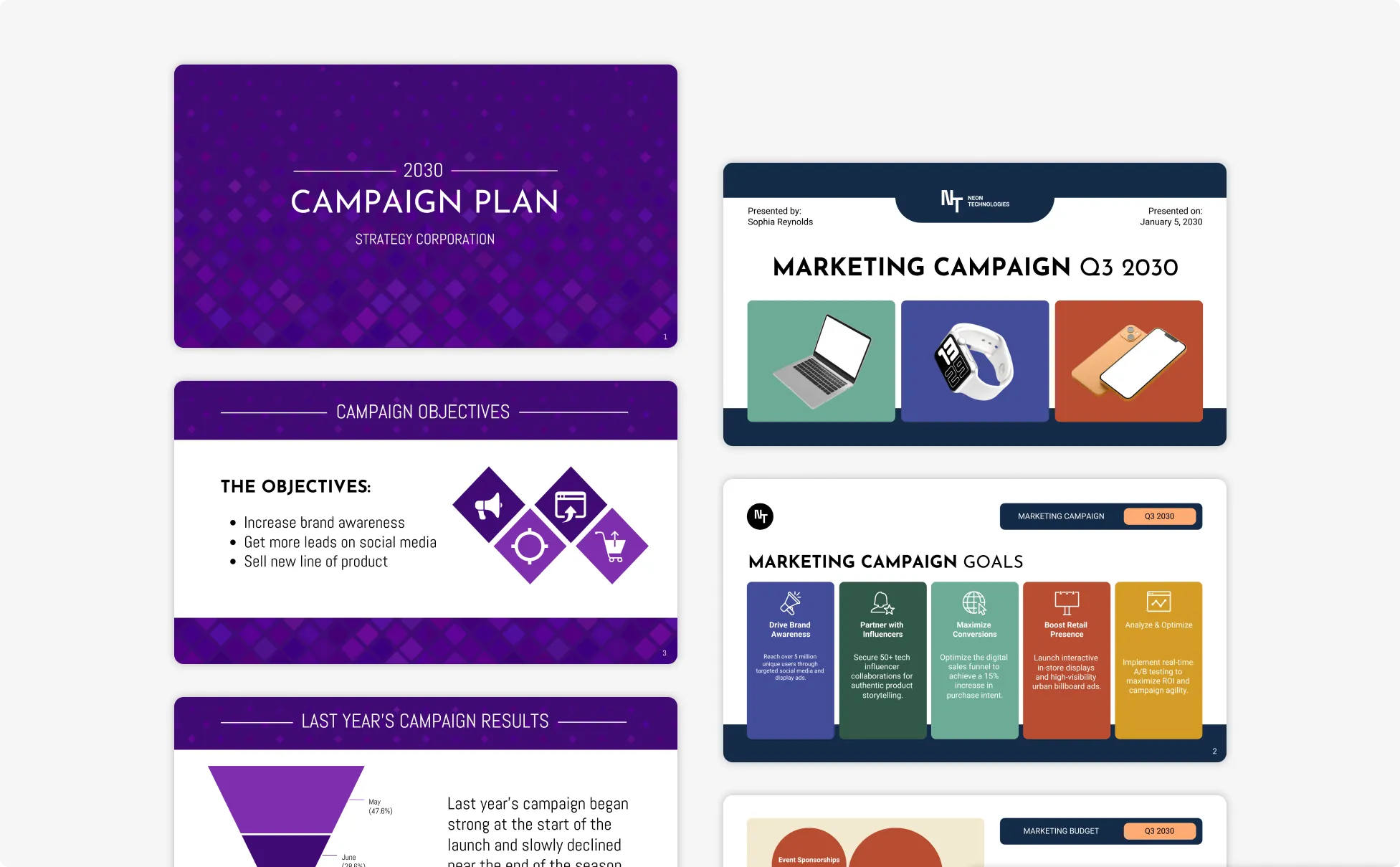
Build Your Marketing Plan Deck as a Small Business Owner
Marketing plans for small businesses are usually scattered across notes, spreadsheets, and calendars. Turning that information into a presentation you can confidently share with partners, investors, or stakeholders takes time.
Bring your ideas, goals, and marketing plans together in one presentation. Venngage creates editable slides with timelines, charts, and sections you can customize as your strategy grows.
Generate Marketing Decks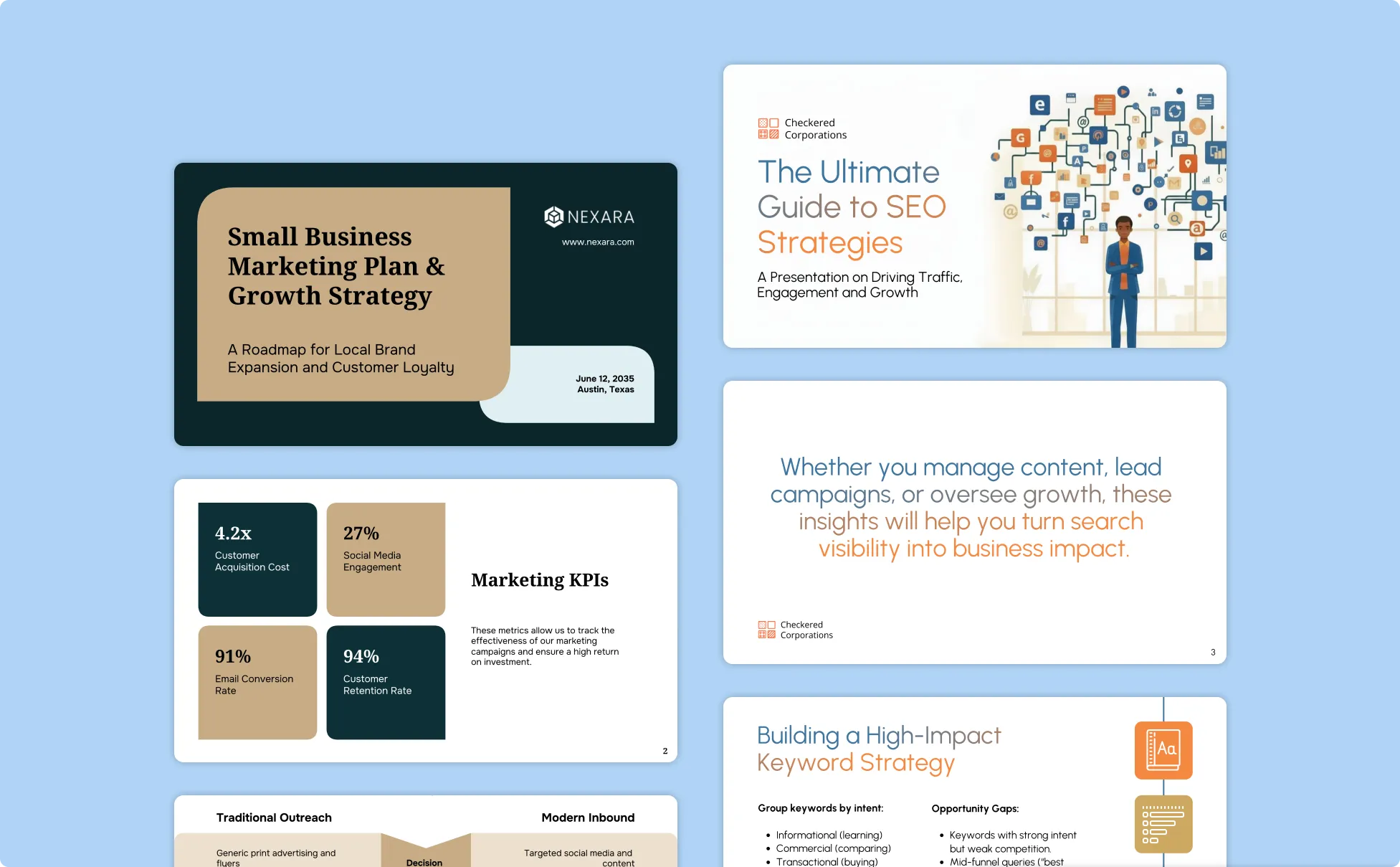
Generate Marketing Decks In Seconds With Our AI Marketing Deck Generator

Generate a Full Marketing Deck From Text Prompt
Venngage helps you create structured marketing decks with slides for campaign goals, strategy, channel plans, case studies, budgets, results, and next steps. Start with a polished draft instead of building every slide from scratch.
Reuse Marketing Decks for Different Clients and Campaigns
Instead of rebuilding your deck for every prospect, save your marketing deck as a template. Simply swap in the case studies and results that fit the pitch. Apply your Brand Kit in one click and the deck is ready in a fraction of the time.

Add Charts and Campaign Metrics Easily
Use Venngage’s built-in chart generator to add bar charts, line graphs, budget breakdowns, and campaign performance visuals directly inside your deck. Update metrics and visuals without switching between tools.

Refine Presentation Copy With AI
Use Venngage’s AI Writing Assistant to rewrite strategy slides, shorten sections, clarify messaging, or adjust the tone for clients, executives, or internal teams. Update your presentation copy while keeping the slide layout, formatting, and design intact.

Apply Your Brand Kit Across Every Slide
Automatically apply your logo, brand colors, and fonts across the entire marketing deck in one click with the Brand Kit feature. Keep every presentation consistent without manual formatting.

Export and Share Marketing Decks Easily
Export your Venngage marketing deck as a PowerPoint, PDF, or shareable link for presentations, client reviews, stakeholder approvals, and remote collaboration.
Fuel Your Creativity with AI-Powered Design Tools
Venngage is your one-stop shop for creating impactful presentations, infographics, reports, and more. It's a favorite among professionals, educators, and marketers for a reason:
AI Branding Automation
Instantly extract brand colors, fonts, and styles. Auto-apply your logo and visual identity to every design for seamless brand consistency.

DesignAI Generator
Turn simple prompts into stunning professional visuals in seconds. Describe what you need in plain language and watch our AI generate layouts optimized for maximum visual impact.

AI Content Auto-Fill
Kickstart your design process in seconds. Choose a template and let our AI auto-fill it with relevant, on-brand content, ideal for streamlining workflow and boosting productivity.

AI Generated Icons and Images
Create unique visuals that perfectly match your content and style. Generate custom illustrations, icons and images that align perfectly with your brand.

AI Writer and Translation
Enhance clarity, rewrite content, and instantly translate text to create accessible, global-ready visuals.

Smart Accessibility AI
Ensure every project looks great and works for everyone. Use AI to write alt text check contrast, layout, and font readability, and export fully WCAG-compliant visuals and PDFs.

FAQs
A pitch deck is used to raise funding from investors and focuses on the business, market opportunity, traction, and financial ask. A marketing deck is used to pitch campaigns, present strategy, or win client approval. It focuses on channels, campaign plans, results, and budgets.
Start with a title slide and a one-line summary of what you are pitching. Then state the objective or the problem you are addressing, followed by your target audience and your strategy. Add a channel plan or campaign breakdown showing how the strategy runs in practice. Include proof: case studies, past results, or client logos. Show the numbers with a budget and projected metrics. Close with clear next steps and your contact details.
Most marketing decks have 5-10 slides. That’s usually enough space to cover the strategy, audience, campaign plan, budget, results, and next steps without overwhelming the audience. Agency pitch decks are often longer because they include company information and case studies, while internal strategy decks are typically shorter.
Yes. You can customize every slide with your own logo, brand colors, fonts, images, charts, and layouts. Venngage’s Brand Kit helps you apply consistent branding across the entire marketing deck in one click.
Yes. You can export your Venngage marketing deck as a PowerPoint file and continue editing it in PowerPoint or upload it to Google Slides for collaboration and presenting. You can also download the deck as a PDF for sharing or presenting.
We offer a free plan so you can try out all our AI features without spending anything. If you want more advanced features like private sharing and auto branding, we've got Premium and Business plans available too.