


Free AI Discord Logo Generator
Build a stronger identity for your Discord community with a logo that matches your server’s style. Turn your theme, aesthetic, or idea into a design that represents your community.




Popular AI Image Generators
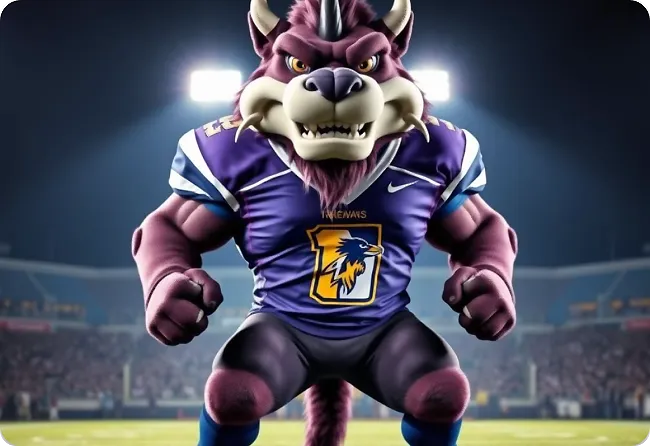
Popular AI Design Generators
Sample Prompts You Can Modify and Use
“Create a Discord logo for a gaming server called Midnight Guild. Use a dark fantasy style with a wolf emblem, silver accents, and bold lettering.”
“Create a Discord logo for a community server called Cozy Corner. Use warm colors, soft illustrations, coffee elements, and a friendly design style.”
“Create a Discord logo for a streamer community called Pixel Crew. Use a playful gaming style with pixel graphics, bright colors, and creator-inspired elements.”
“Create a Discord logo for an esports clan called Venom Strike. Use a bold snake mascot, sharp shapes, and a competitive gaming style.”
How To Generate Discord Logo Using AI
Step 1
Describe Your Discord Server
Enter your server name, theme, and style into Venngage’s AI Discord Logo Generator. Add details about your community type, preferred colors, symbols, and aesthetic to generate anything from a dark gaming logo to a cozy community design or futuristic look.
Step 2
Generate Your Discord Logo
Venngage’s AI Discord Logo Generator creates a logo inspired by your server’s theme. Edit colors, fonts, icons, and design elements to make it visually appealing. You can also use the AI Image Generator or Icon Generator to create custom graphics, mascots, backgrounds, or visual elements.
Step 3
Download the Logo
Save your finished logo as a high-quality file and add it to your Discord server icon, community pages, gaming profiles, and other online spaces where people can recognize your brand.
Build a Unique Server Identity as a Discord Server Owner
Your Discord server has its own theme, conversations, and community, but finding a logo that captures that personality is not always easy. Random images or generic designs often fail to represent what makes your server different.
Venngage’s AI Discord Logo Generator helps you create a unique logo for your server. Describe your theme, generate logo options with AI, create unique graphics with the AI Image Generator, and customize colors, fonts, and visuals to match your community.
Generate Discord Logo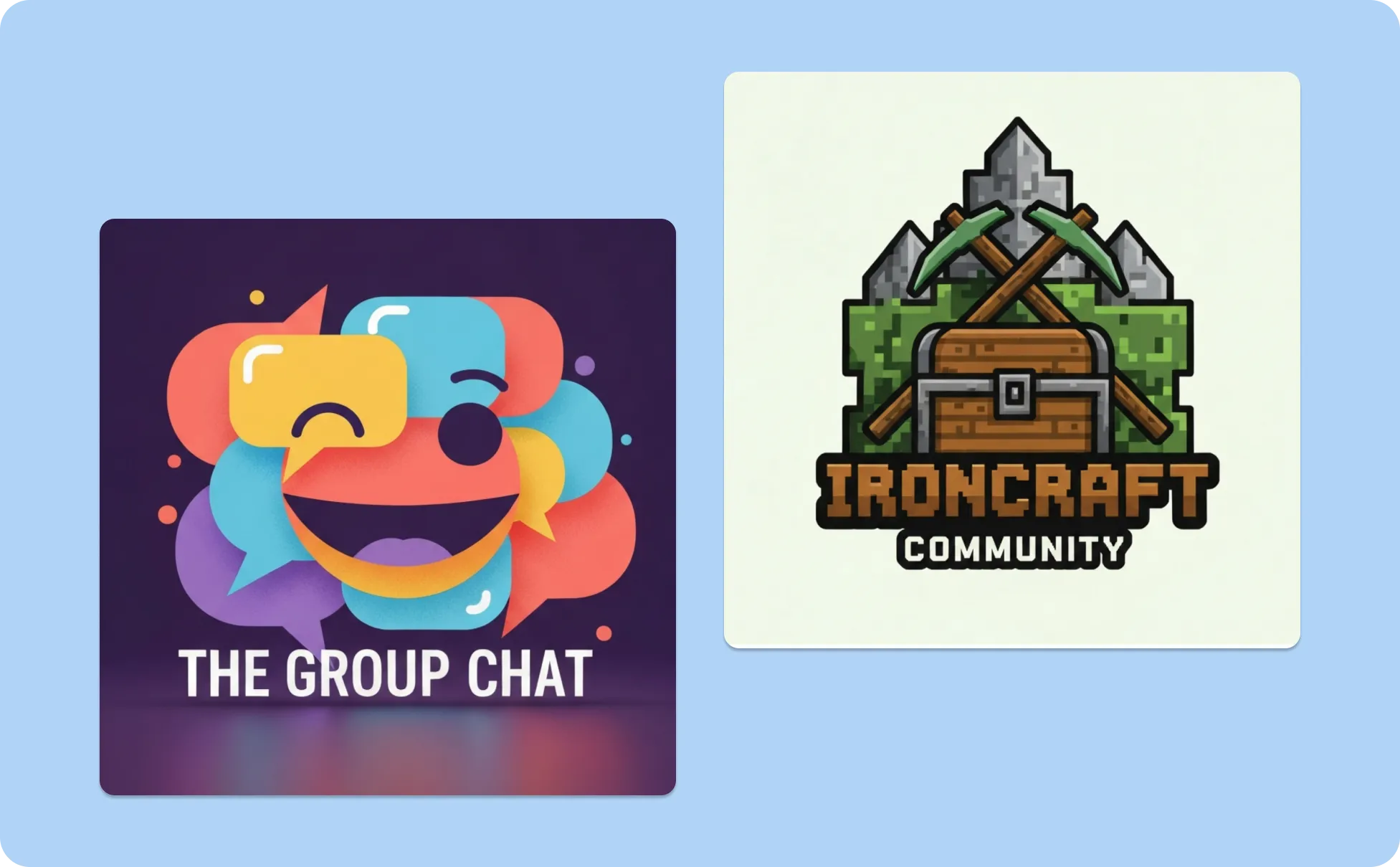
Create Gaming Logos as a Gamer or Streamer
Gaming communities are built around strong identities, from competitive clans to casual groups. A logo should match that energy, but creating custom mascots, symbols, or themed designs usually requires design experience.
Venngage helps you create gaming-inspired Discord logos from simple text prompts. Generate designs for clans, streams, and gaming communities, then customize the style, graphics, and details to make it your own.
Generate Discord Logo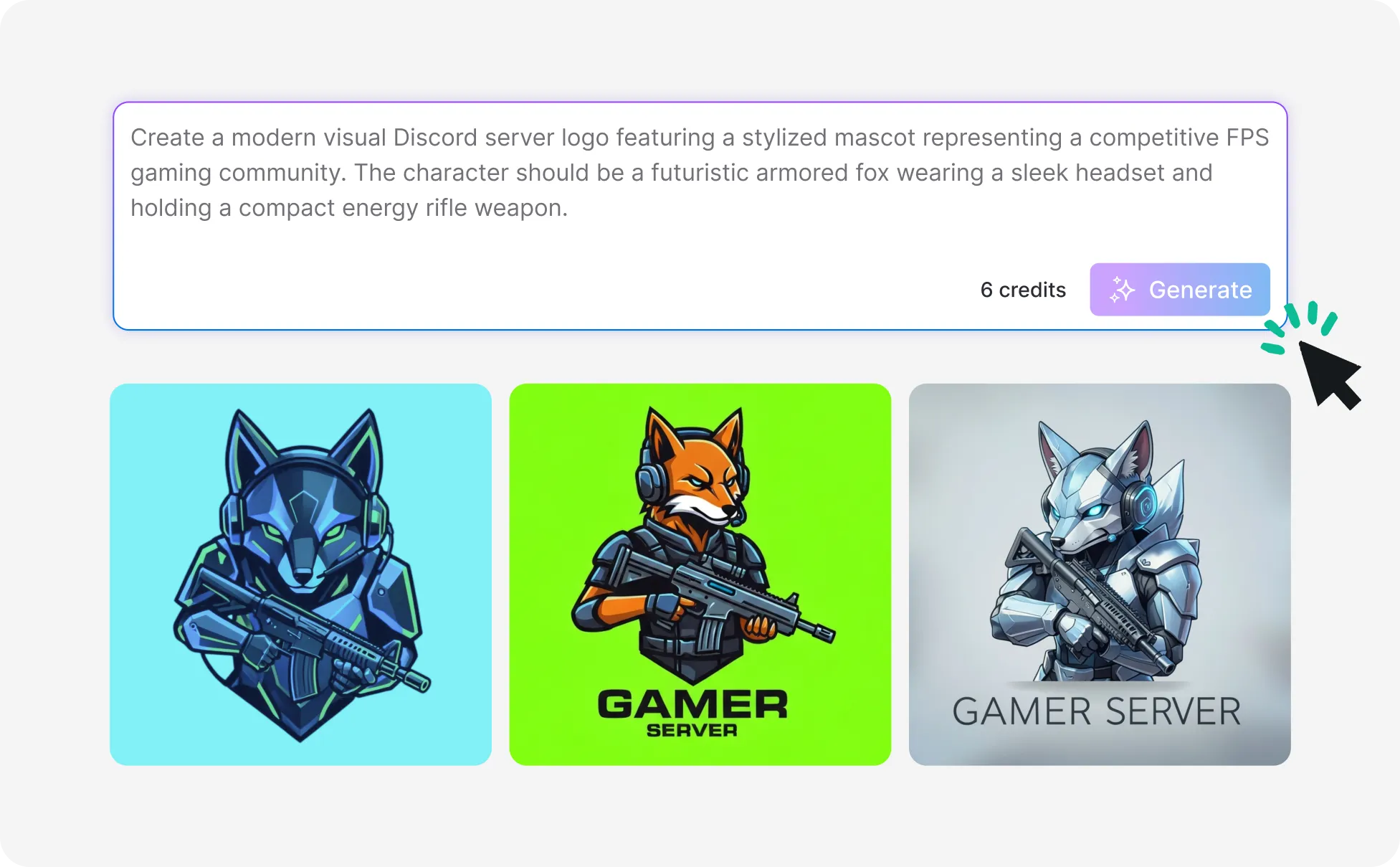
Create a Logo for Your Online Community as a Creator
Every community has its own style, whether it’s built around anime, music, hobbies, learning, or shared interests. Starting with generic templates can make it harder to create a logo that reflects what your group is about.
Venngage’s AI-powered tools help you create Discord logos around your community’s style. Generate designs based on your ideas, add custom visuals, and personalize every element to create a logo your members recognize.
Generate Discord Logo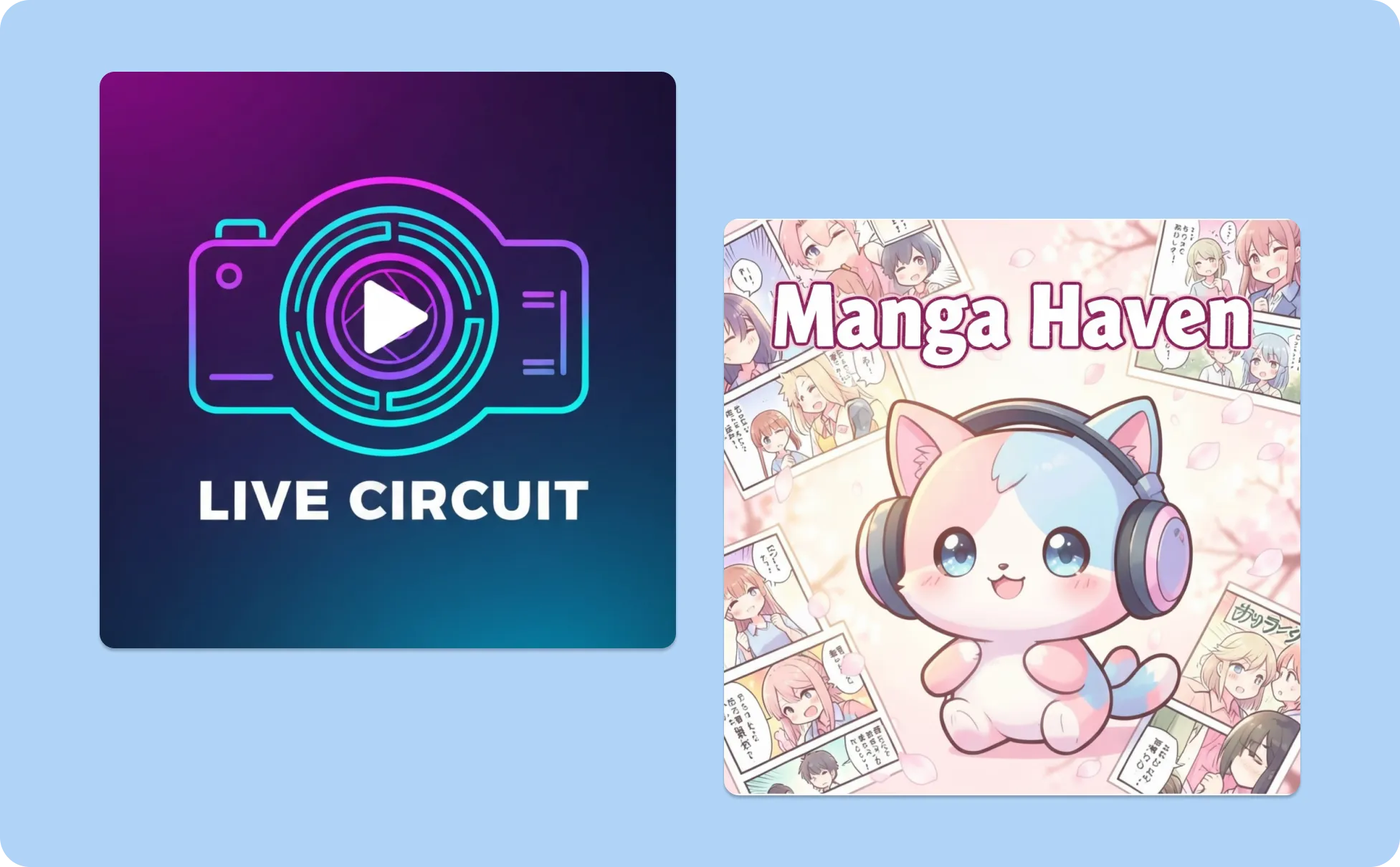
Generate Discord Logo In Seconds With Our AI Discord Logo Generator

Generate Discord Logos With AI
Design logos that match your community’s personality, whether it’s a gaming server, creator group, fandom, or private community, using simple text prompts.

Create Custom Graphics With AI
Bring your Discord logo ideas to life with custom visuals. Create mascots, characters, symbols, and design elements that match your server.
Explore Different Logo Styles
Try different styles before choosing your final design. Generate gaming logos, futuristic designs, fantasy themes, minimalist logos, and more.
Personalize Your Discord Logo Design
Use Venngage’s editor to adjust colors, fonts, icons, text, and design elements. Fine-tune your AI-generated logo so it matches your server personality and community identity.
Design Matching Graphics for Your Community
Use Venngage’s AI tools to create banners, icons, announcements, and other visuals for your Discord server. Build a consistent look across your community spaces.

Download Your Logo for Discord and Other Platforms
Export your finished logo and use it as your Discord server icon, profile image, community page logo, or other social media visuals.
Fuel Your Creativity with AI-Powered Design Tools
Venngage is your one-stop shop for creating impactful presentations, infographics, reports, and more. It's a favorite among professionals, educators, and marketers for a reason:
AI Branding Automation
Instantly extract brand colors, fonts, and styles. Auto-apply your logo and visual identity to every design for seamless brand consistency.

DesignAI Generator
Turn simple prompts into stunning professional visuals in seconds. Describe what you need in plain language and watch our AI generate layouts optimized for maximum visual impact.

AI Content Auto-Fill
Kickstart your design process in seconds. Choose a template and let our AI auto-fill it with relevant, on-brand content, ideal for streamlining workflow and boosting productivity.

AI Generated Icons and Images
Create unique visuals that perfectly match your content and style. Generate custom illustrations, icons and images that align perfectly with your brand.

AI Writer and Translation
Enhance clarity, rewrite content, and instantly translate text to create accessible, global-ready visuals.

Smart Accessibility AI
Ensure every project looks great and works for everyone. Use AI to write alt text check contrast, layout, and font readability, and export fully WCAG-compliant visuals and PDFs.

FAQs
Enter details about your Discord server, including the name, community type, colors, and design style you want, such as minimalist, futuristic, retro, pixel art, mascot-based, or bold gaming-inspired designs. Venngage’s AI Discord Logo Generator creates a logo based on your ideas that you can customize with your own fonts, graphics, and visuals.
A Discord logo should be clear, recognizable, and easy to identify. Use simple visuals, readable text or initials, colors that match your server’s personality, and design elements that reflect your community’s theme.
Use Venngage’s editor to change colors, fonts, graphics, backgrounds, and other design elements. You can also use the AI Image Generator to create custom mascots, characters, or visuals.
You can create different Discord logo styles, including gaming, anime-inspired, futuristic, fantasy, minimalist, aesthetic, and community-based designs.
No. Simply describe your server idea and Venngage’s AI Discord Logo Generator will create a logo you can personalize. Edit the text, colors, icons, and design elements easily without needing any design skills.
You can use your Discord logo for your server, community profiles, streaming channels, social media pages, and other places where you share your community.
We offer a free plan so you can try Venngage’s AI design tools before upgrading. Premium and Business plans unlock advanced features like Brand Kits, collaboration, and private sharing.