


Free AI Brochure Maker
Generate tri-fold, bi-fold, and multi-page brochures from a single prompt, auto-branded with your logo, fonts, and colors, and WCAG-checked before you export. Download as a print-ready PDF or share a live digital link.




Start with a template
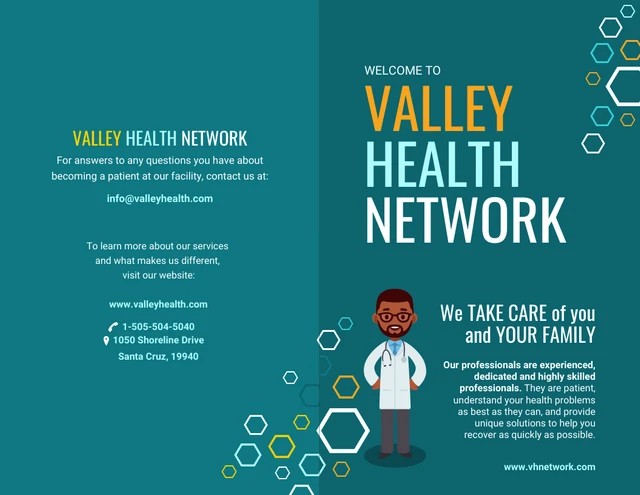
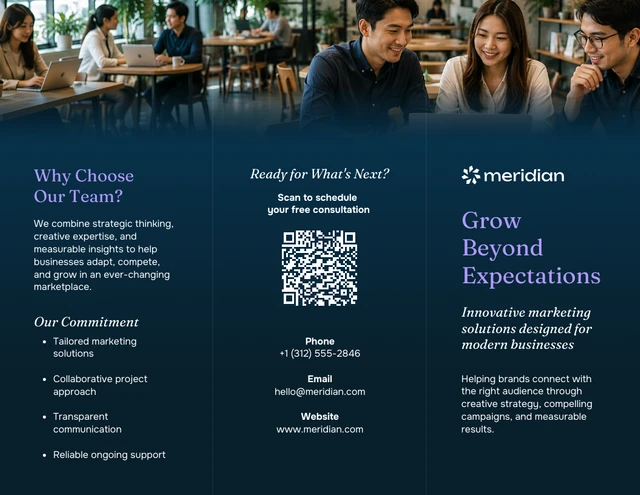
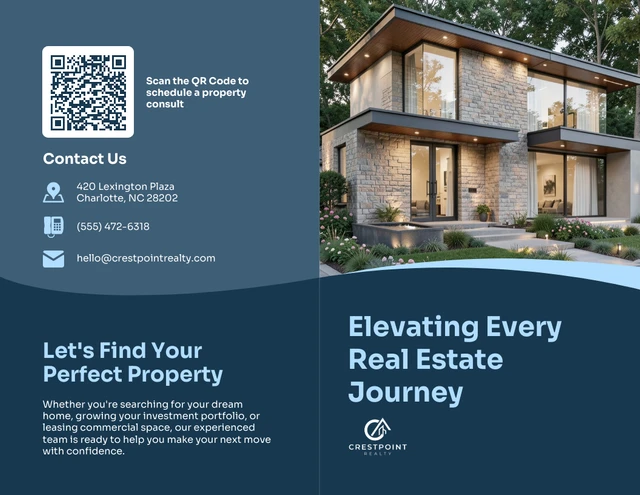
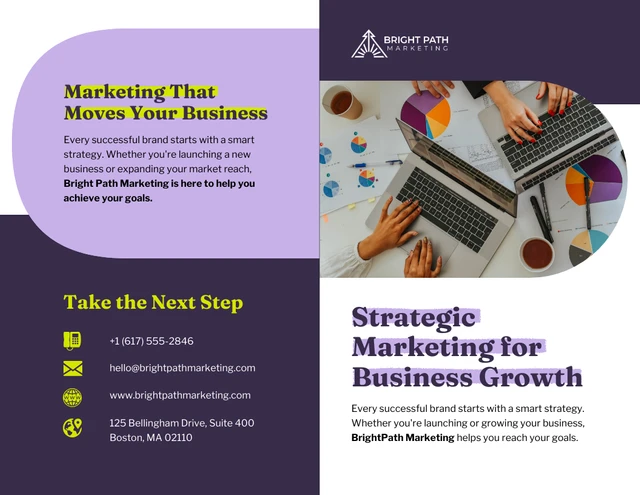
Get started with a professionally designed template. You can either edit the template with AI or make manual changes.
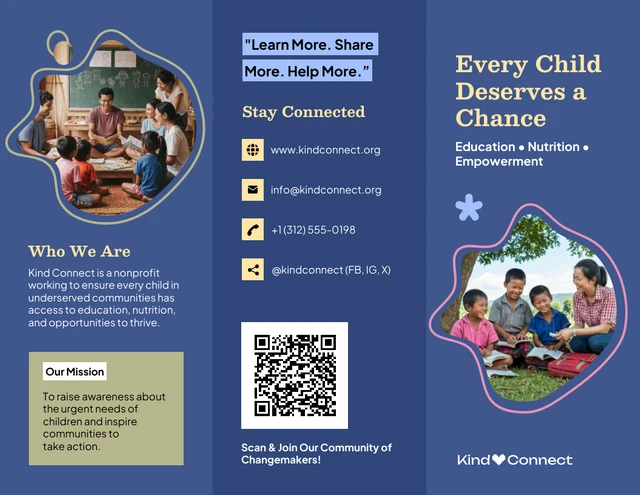
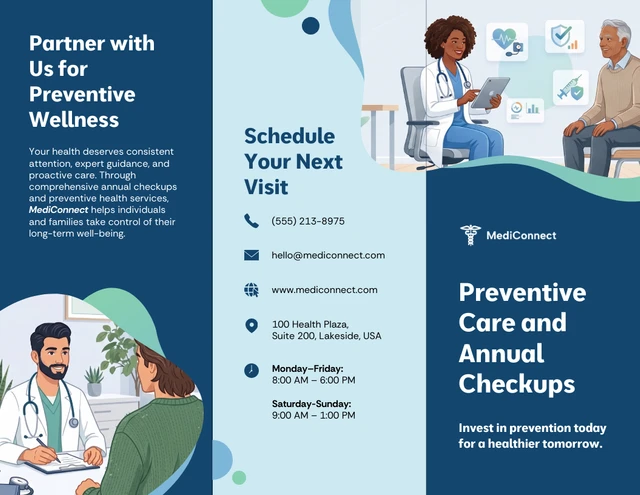
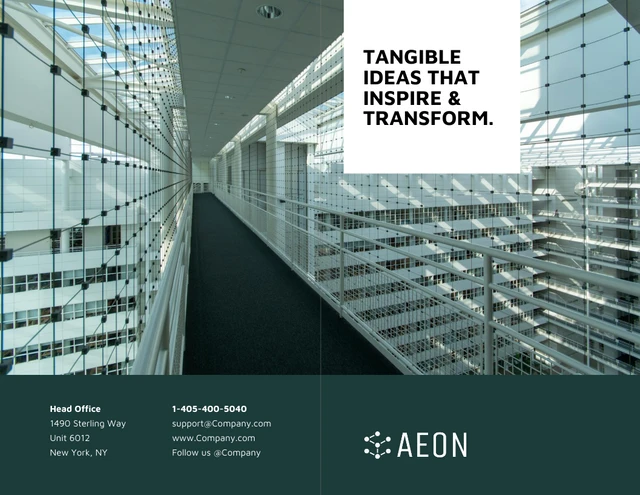
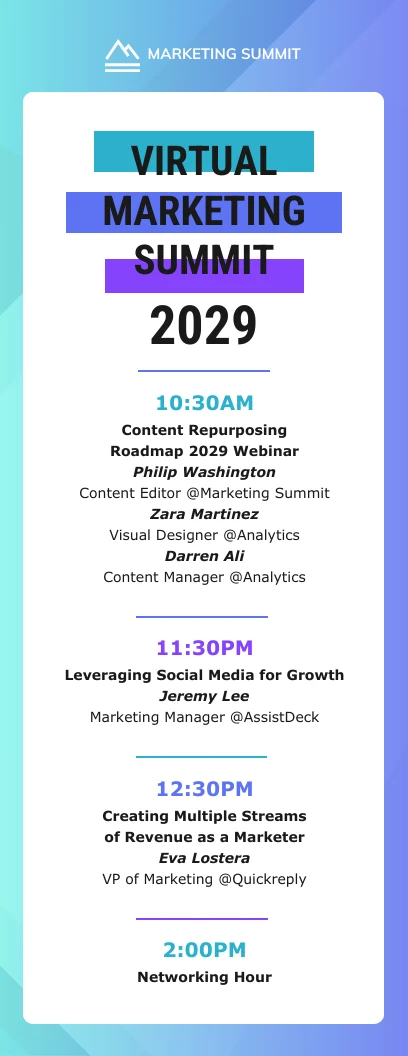
AI-Powered Tools
How to make a brochure with AI: 3 things to include in your prompt
Specify Your Brochure Type and Industry: Tell the AI whether you need a tri-fold brochure, bi-fold brochure, or multi-page format. Include your industry—real estate, healthcare, education, retail—so the AI picks the right layout structure and visual tone for your audience.
Describe Your Layout, Color Scheme, and Style: Mention whether you want a modern, minimal, or bold brochure design and any specific brand colors. The more detail you give (for example, dark blue and white, full-cover hero photo), the more accurately the AI generates a brochure that matches your vision.
Include Your Brand Name, Key Message, and CTA: Add your business name, a headline or tagline, and the core call to action. For example, book a free consultation, visit our website, or call us today. If you have a Brand Kit set up in Venngage, then your logo, colors, and fonts are applied automatically.
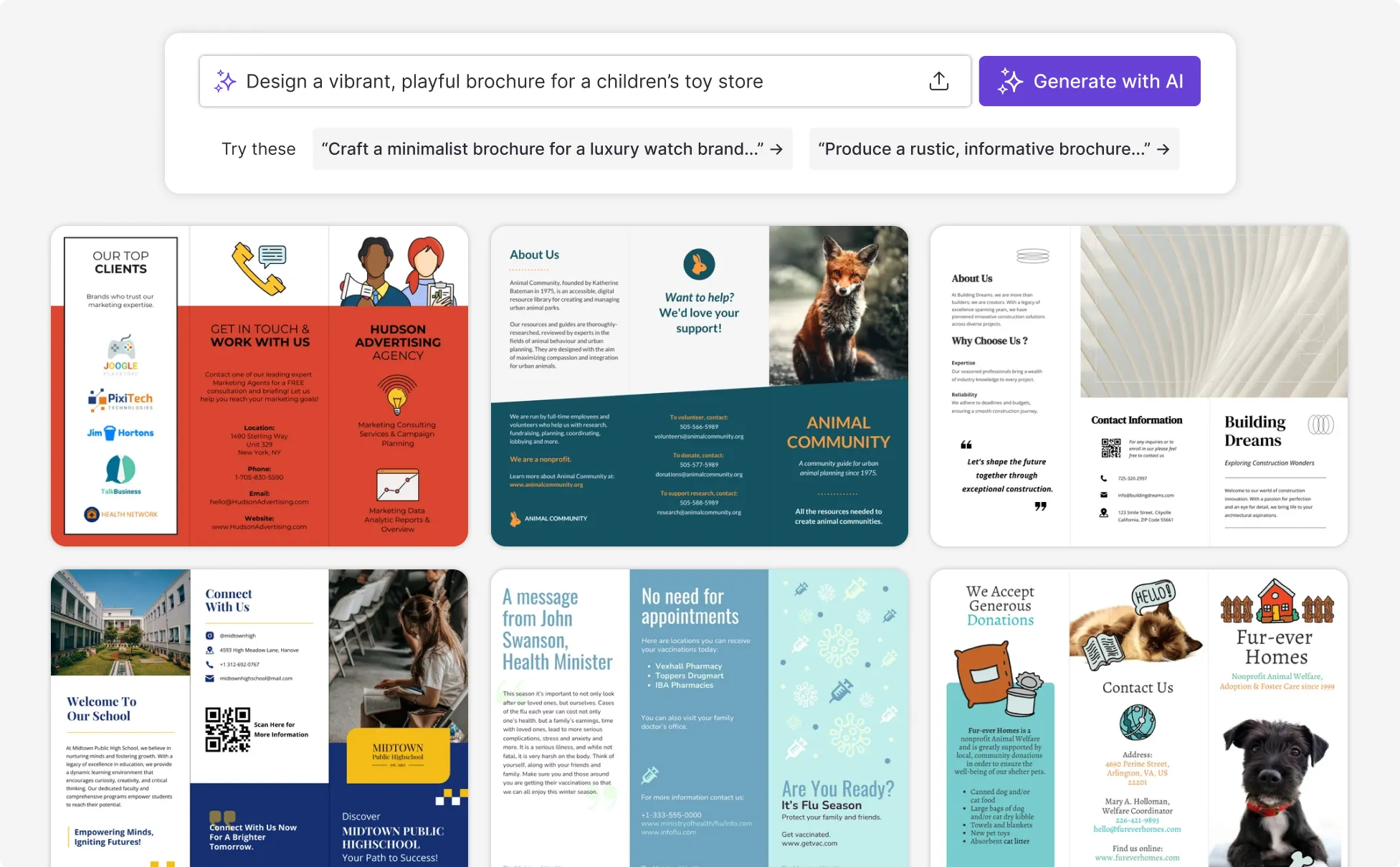
Sample Brochure Prompts For Every Industry and Use Case
“Create a real estate brochure for a 4-bedroom property listing in [City]. Include a hero photo placeholder on the cover, three property highlights, a floor plan section, agent contact details, and a QR code linking to the virtual tour. Use a clean navy and white color scheme.”
“Design a medical brochure for a GP clinic introducing a new diabetes management program. Include eligibility criteria, program benefits, a doctor photo placeholder, and a 'Book Your Free Consultation' call-to-action. Use a professional blue and white palette with a WCAG-accessible layout.”
“Make a product brochure for a skincare brand launching three new serums. Feature each product with a photo, key ingredients, and a benefit statement. Include a [Shop Now] CTA and brand logo area. Use a clean, minimal aesthetic with soft pink and white tones.”
“As a product marketing manager launching a new SaaS feature, create a brochure design that explains the problem, how the feature works, and why customers should adopt it.”
How to create a brochure using AI
Step 1
Define your brochure goal
To set direction for the content and layout, define your brochure's purpose, target audience, and key messages.
Step 2
Use your goal to write a prompt
Based on your objective, describe your offer and details so Venngage’s AI Brochure Maker tool can generate a brochure aligned with your goals.
Step 3
Generate your brochure in seconds
Click Generate, and Venngage's AI creates a complete brochure layout—structured sections, placeholder visuals, headline copy, and formatting—tailored to your prompt. Most brochures are ready in under 60 seconds.
Step 4
Edit, brand, and refine with built-in AI tools
Adjust any element with Venngage’s drag-and-drop editor. Your Brand Kit auto-fills your logo, colors, and fonts across every panel. Rewrite copy with the AI Writing Assistant, create custom visuals with the AI Image Generator, and run the Accessibility Checker to confirm WCAG 2.1 contrast and readability before you export—something no competitor offers by default.
Step 5
Export for print or share as a digital brochure
Export your brochure as a high-res PDF for print, a PNG for social media, or a PowerPoint for presentations—with A4 and US Letter print sizes supported. To share digitally, generate a link recipients open right in their browser, no download required. For events and trade shows, add a QR code that points to your live digital brochure.
Build campaign brochures in minutes, not hours as a content marketer
When a launch is days away and you need polished marketing materials for prospects, partners, or events, Venngage's AI brochure maker generates a complete marketing brochure from your campaign brief—no designer, no template tweaking.
Unlike other tools that require you to manually fit content into a pre-built template, Venngage generates the layout, structure, and copy from a single prompt. Drop in your campaign details, generate the brochure, and download a print-ready PDF or share a digital brochure link in under five minutes.
Generate AI Brochures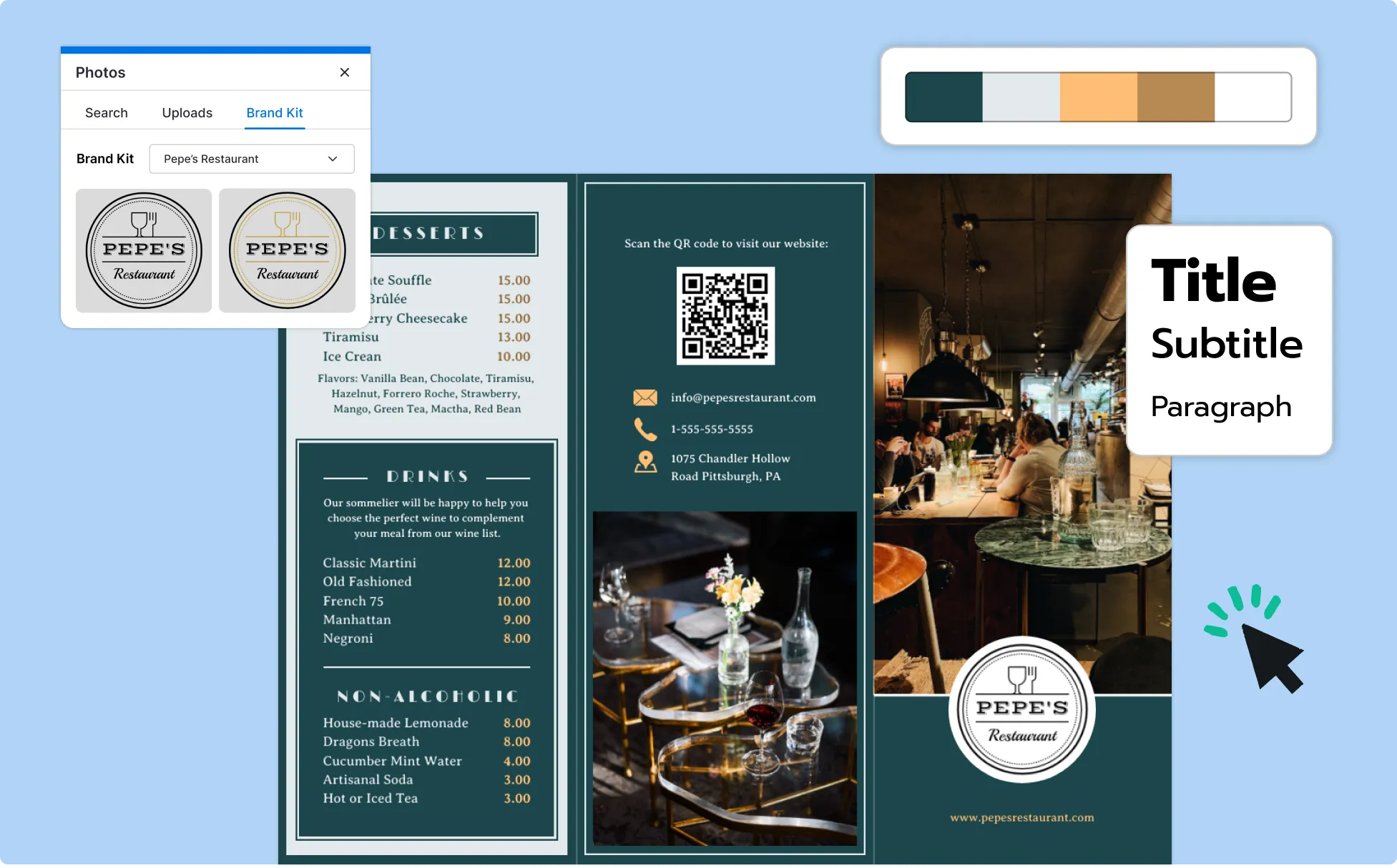
Create a free professional brochure for your small business, no design skills needed
When a prospect asks for more detail about your services, a polished brochure closes the gap between interest and decision. Venngage's AI brochure maker turns your service description into a professional layout in seconds.
Unlike hiring a freelance designer with a typical cost of US$200 to US$500 per brochure, Venngage is free to start. Paste your service details, generate a structured draft, and refine it in the drag-and-drop editor. Built-in accessibility tools including a WCAG contrast checker and color-blind simulator ensure your brochure works for every customer.
Generate AI Brochures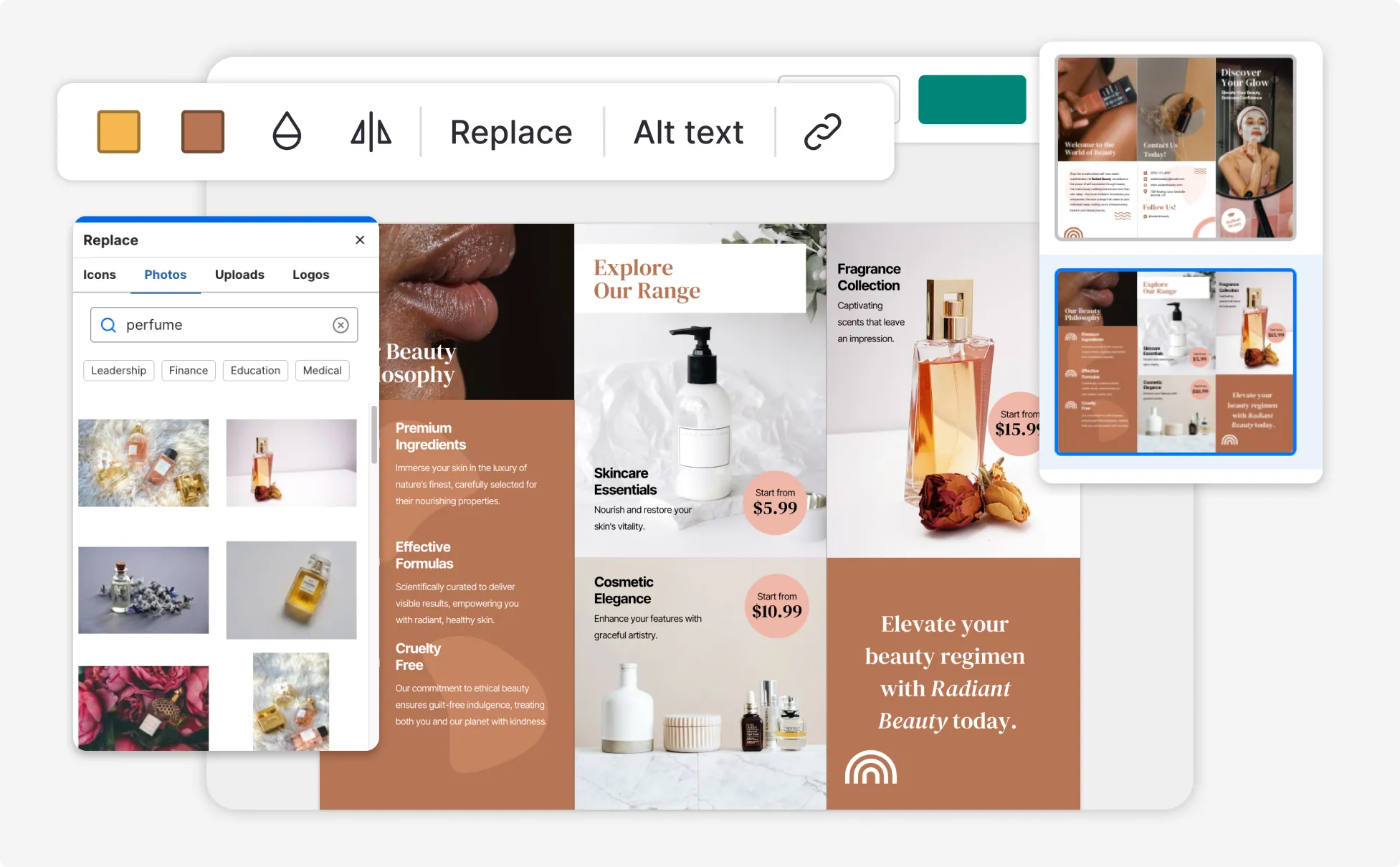
Keep every corporate brochure on-brand at scale as a marketing manager
As your product line, messaging, or team grows, brochures drift out of sync. Venngage’s Brand Kit solves this by letting you upload your logo, set your brand colors and fonts once, and automatically apply them to every AI-generated brochure without manual reformatting.
Unlike tools that require a separate subscription for full brand kit features, Venngage's Brand Kit is available with your Business Plan. Generate a refreshed company brochure, product brochure, or investor brochure in minutes; then share a live digital link or download a print-ready PDF for distribution.
Generate AI Brochures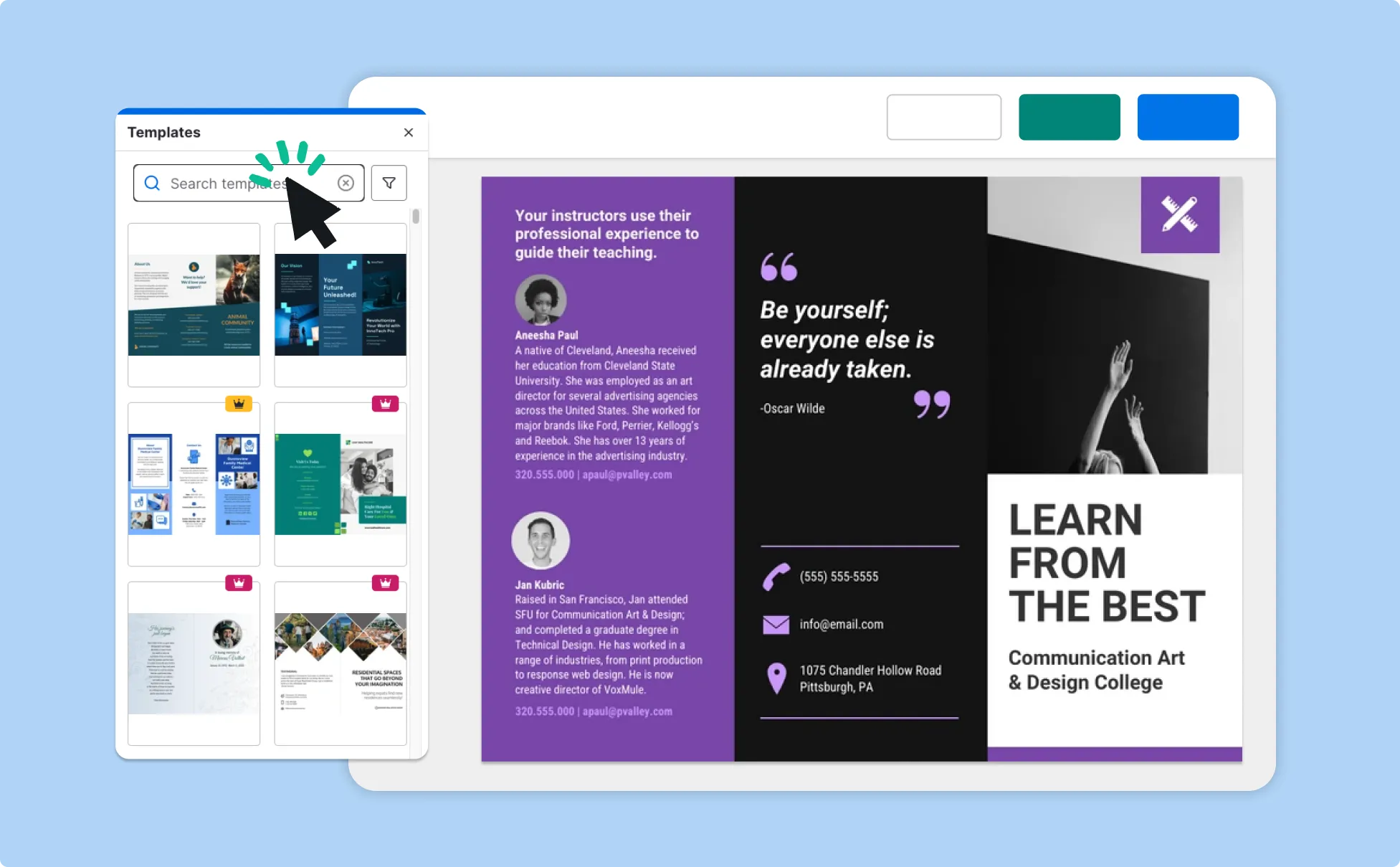
Fuel Your Creativity with AI-Powered Design Tools
Venngage lets you create infographics, flyer, brochure, reports, and more in a single tool. It's a favorite among professionals, educators, and marketers for a reason:
AI Branding Automation
Instantly extract brand colors, fonts, and styles. Auto-apply your logo and visual identity to every design for seamless brand consistency.

DesignAI Generator
Turn simple prompts into stunning professional visuals in seconds. Describe what you need in plain language and watch our AI generate layouts optimized for maximum visual impact.

AI Content Auto-Fill
Kickstart your design process in seconds. Choose a template and let our AI auto-fill it with relevant, on-brand content, ideal for streamlining workflow and boosting productivity.

AI Generated Icons and Images
Create unique visuals that perfectly match your content and style. Generate custom illustrations, icons, and images that align perfectly with your brand.

AI Writer and Translation
Enhance clarity, rewrite content, and instantly translate text to create accessible, global-ready visuals.

Smart Accessibility AI
Ensure every project looks great and works for everyone. Use AI to write alt text check contrast, layout, and font readability, and export visuals and PDFs that fully comply with the Web Content Accessibility Guidelines (WCAG).

FAQs
Yes, you can fully customize all AI-generated templates on Venngage's platform.
Yes, Venngage offers a wide variety of brochure designs to suit different needs and preferences. Whether you're looking for something sleek and modern, or more detailed and data-focused, you'll find many options in our large template library.
Yes, the AI-generated brochures created using Venngage's tools are copyright-free. You can use them for both personal and commercial purposes without any restrictions on copyright. However, it's always good practice to ensure that any externally sourced content you include is also cleared for use.
We offer a free plan so you can try out all our AI features without spending anything. If you want more advanced features like private sharing and auto-branding, we've got Premium and Business plans available too.
ChatGPT can write brochure copy — headlines, product descriptions, and calls to action — but it cannot create an editable visual brochure design. To turn ChatGPT-written text into a formatted, print-ready brochure, paste it into Venngage's AI Brochure Generator. Venngage structures your content into the correct tri-fold, bi-fold, or multi-page layout and exports it as a downloadable PDF or shareable digital link. The workflow takes under five minutes.
Venngage is a strong choice if you need brochures that are both professionally designed and accessibility-compliant. The Brand Kit auto-applies logos, fonts, and colors to every generated brochure — a feature other tools lack. Its WCAG 2.1 Accessibility Checker, with contrast checking and color-blind simulation, sets it apart from Canva and Adobe Express, which include no built-in accessibility tools. For print-ready output, Venngage exports high-resolution PDFs sized to A4 and US Letter standards. For digital distribution, it generates shareable links and QR codes with no additional tools needed.
AI uses natural language processing (NLP) to understand your prompt and suggest layouts, copy, and visual elements that match your goals. It quickly analyzes what you need and turns it into a brochure draft—making it easier to design even if you don’t have experience.
Yes. AI can write brochure content like product descriptions, taglines, service overviews, and more. Whether you’re starting from scratch or improving existing copy, AI tools like ChatGPT can save time and spark ideas.
Definitely. Brochures made with Venngage’s AI tool can be downloaded in high-resolution formats that are ready for print.
Yes. You can use AI-generated brochures commercially, but make sure to check the license terms for any icons, photos, or other visuals you include—especially if you didn’t upload them yourself.
Use AI to create brochures in formats optimized for mobile and social platforms (like square or vertical layouts). Venngage lets you resize your designs and focus on bold visuals and short copy—perfect for Instagram, LinkedIn, or Facebook posts.
If you’re looking for fresh ways to present information, try infographics or slide presentations. Both are great for storytelling and engagement—and both are easy to create with Venngage’s templates.
Yes—Venngage offers similar AI-powered brochure creation, with unique strengths like guided content suggestions, smart branding tools, and a flexible editor built for business users.
With the right prompt, you can generate a brochure draft in under 60 seconds. Just enter a few key details, and the AI quickly fills in titles, sections, and layout options—ideal if you’re short on time.
Be specific with your prompt. Include your audience, purpose, tone, and any branding preferences. Mention what content sections you need—like services, pricing, or testimonials. The more context you give, the better and more accurate your design is.
Yes. You can generate brochure designs in common formats like bi-fold and tri-fold by specifying the layout in your prompt. Venngage’s AI Brochure Maker structures the content to fit the selected format so panels are organized clearly for print or digital use.
You can do either. Provide your own copy if you have it ready, or describe your business, audience, and goal in a prompt and let Venngage’s AI Brochure Creator generate headlines and body content for your brochure.
Yes. You can apply your company’s colors, fonts, and logo using Venngage’s My Brand Kit, then adjust layout and text in the drag-and-drop editor to keep the brochure aligned with your brand.
Yes. You can add QR codes, contact details, social links, and other elements directly into your brochure layout so readers can easily connect with your business.
For professional printing, we recommend exporting a high-resolution PDF. Venngage also supports other formats like PNG, PPT, and HTML depending on whether you need print or digital distribution.
Yes. You can describe your content, structure, and preferred layout in one prompt, and the AI can generate a multi-page brochure, including formats like bi-fold and tri-fold, with organized sections and visuals.
Venngage and Canva both create professional brochures but suit different needs. Canva has a larger template library and works well for social-media-first teams. Venngage is the better choice when you need WCAG-accessible brochures, when you need AI to generate the full layout from a prompt rather than editing a pre-built template, or when your team needs Brand Kit to maintain consistency across many brochure types. For healthcare, education, and government use cases where accessibility compliance matters, Venngage is the clear choice.
Yes. Venngage lets you create both print brochures and digital brochures, also known as e-brochures or electronic brochures. For digital distribution, share your brochure via a live link with no download required for recipients. For events or printed materials, generate a QR code that links to the digital version. For professional printing, export as a high-resolution PDF in A4 or US Letter format.
Yes. Venngage's AI Writer and Translation tool lets you rewrite or translate brochure copy into multiple languages directly inside the editor. This is useful for businesses serving international markets or multilingual communities, including real estate agents, healthcare providers, and event organizers who need the same brochure in more than one language.
Venngage supports standard brochure sizes including A4 (210x297 mm) and US Letter (8.5x11 inches), along with the most common fold formats: tri-fold, bi-fold, z-fold, and single-panel. For print, export as a high-resolution PDF with correct dimensions. For digital use, export as PNG or share via link. Custom dimensions are available on Business and Enterprise plans.
Yes. Venngage includes an Accessibility Checker with WCAG 2.1 Level AA compliance, Color Contrast Checker, Accessible Color Palette Generator, and Color Blind Simulator to help improve readability and visual clarity. These tools support the creation of brochures that are easier to understand and more usable for a wider audience, including people who use assistive technologies