


Free AI Art Generator
Generate photorealistic, illustration, anime, or 3D art using text prompts.
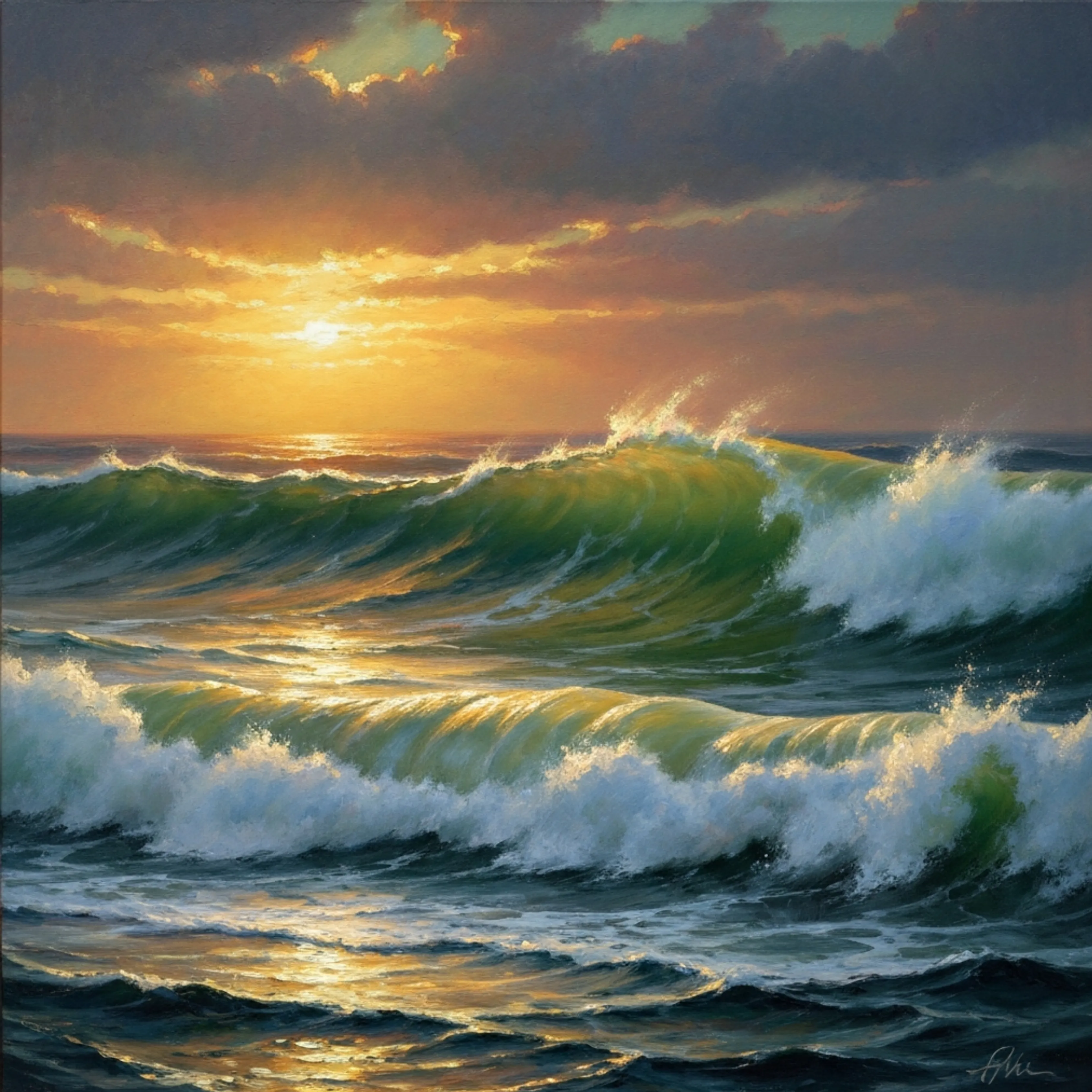
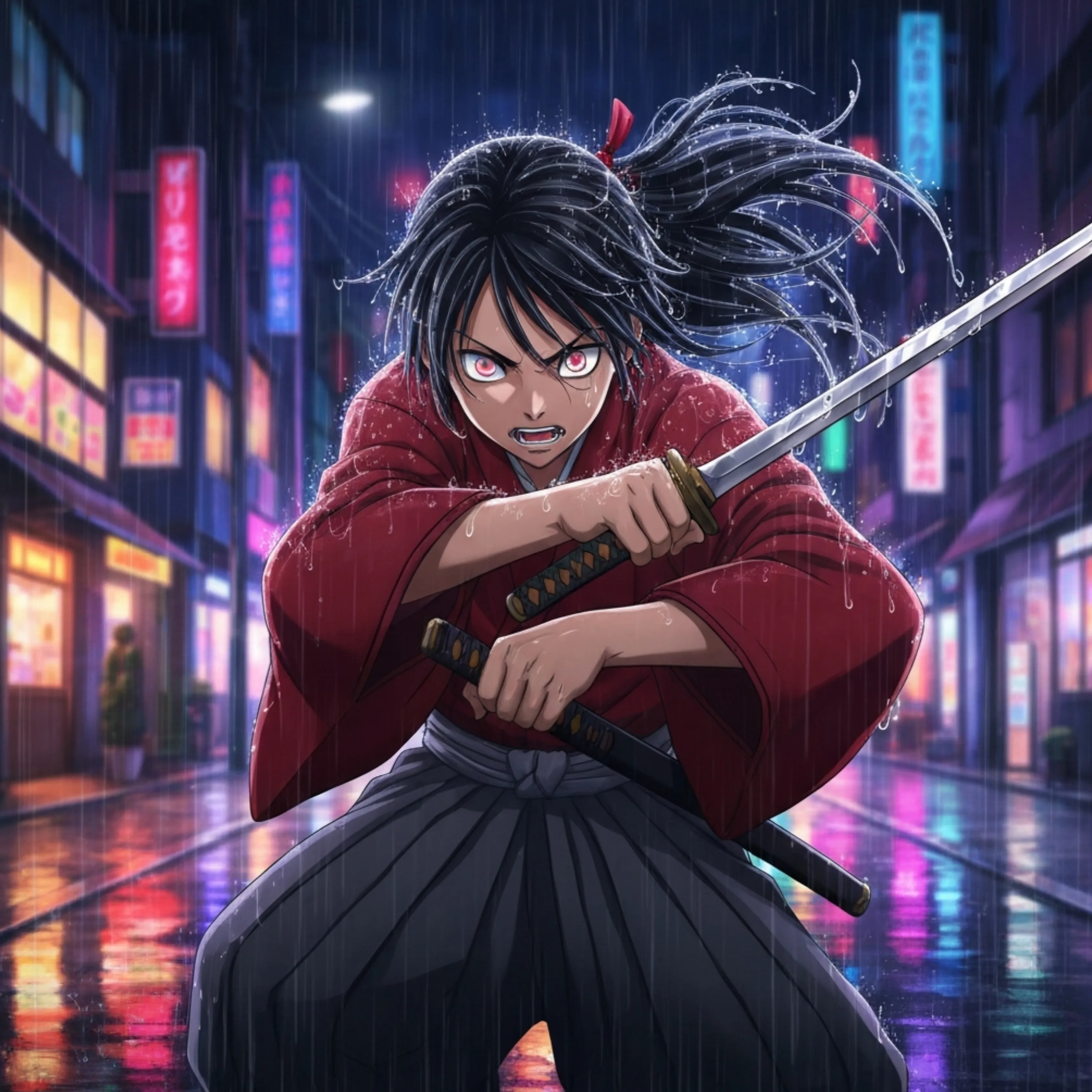
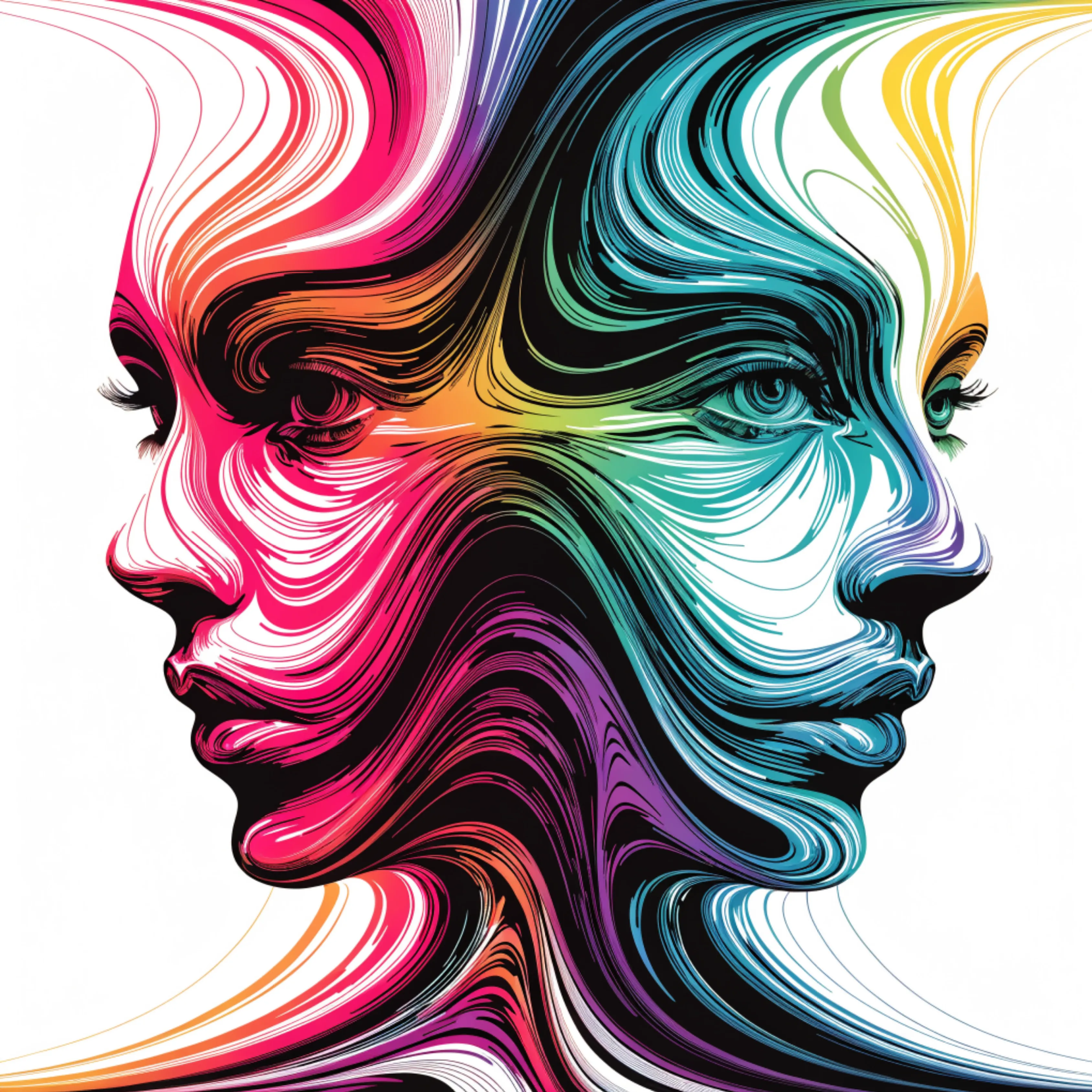




Popular AI Image Generators
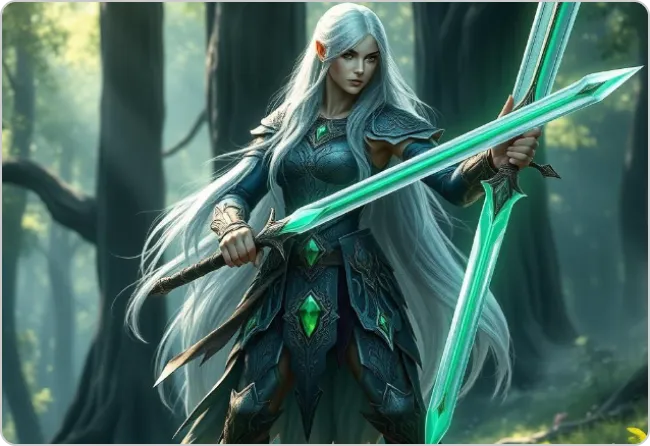
Popular AI Design Generators
Sample Prompts You Can Modify and Use
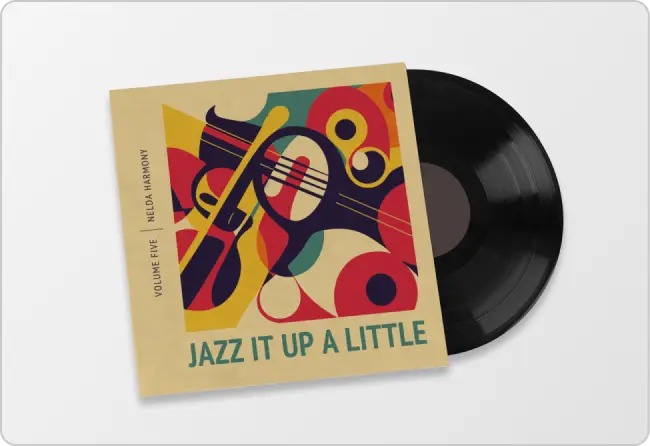
“Create a photorealistic album cover for an indie lo-fi artist standing under neon city lights at night. Use cinematic lighting, moody shadows, and a dreamy urban atmosphere.”
“Generate an anime-style fantasy book cover featuring a female warrior walking through a glowing forest with floating lanterns. Use vibrant colors, dramatic lighting, and vertical book cover dimensions.”
“Design a minimalist podcast cover illustration for a true crime show with a vintage microphone, dark red accents, and grainy textures. Keep the composition bold and centered.”
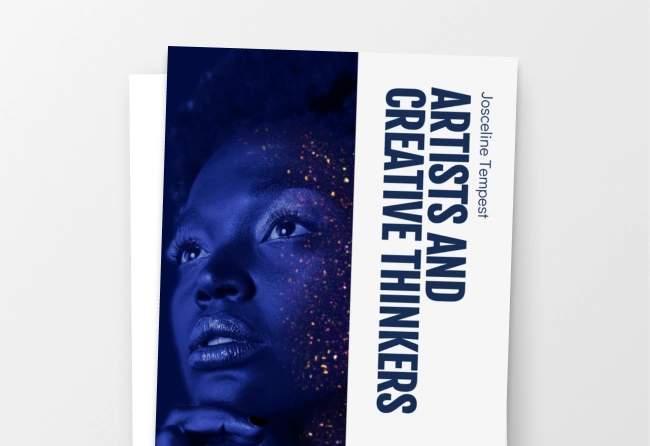
“Create a 3D-rendered sci-fi poster of an astronaut floating above a futuristic planet with holographic cities and glowing rings. Use wide cinematic framing and high-detail lighting effects.”
How To Generate Art Using AI
Step 1
Write a Prompt in Venngage’s AI Art Generator
Describe your subject, art style, mood, and visual details. Choose styles like photorealistic, anime, watercolor, or 3D render for more accurate results.
Step 2
Generate and edit your AI artwork
Generate custom AI artwork in seconds. Regenerate variations, switch styles, resize designs, and customize them in Venngage’s drag-and-drop editor.
Step 3
Export and Download the Artwork
Download your artwork as a PNG, PDF, or presentation-ready visual for social media, book covers, posters, ads, and more.
Create Podcast Cover Art and Episode Visuals as a Podcaster
Designing new artwork from scratch for every episode, guest feature, or YouTube upload takes time. Use Venngage’s AI Art Generator to create podcast covers, episode visuals, social graphics, and YouTube podcast thumbnails without starting from scratch every time.
Describe your show topic or episode theme to generate artwork in different styles. Then customize titles, colors, and layouts directly in Venngage’s editor.
Generate AI Art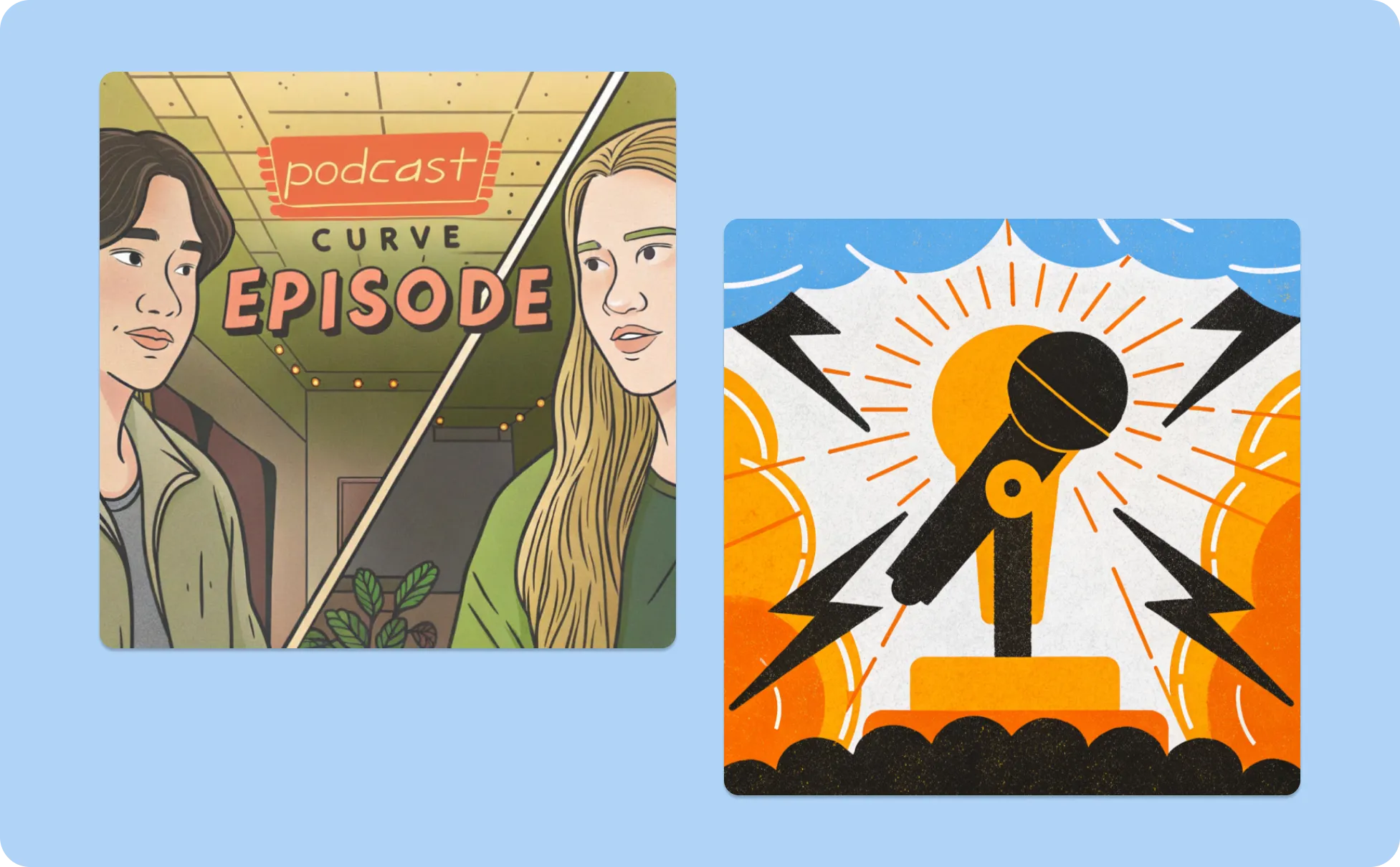
Design Book Covers and Character Art as a Self-Published Author
Hiring a book cover designer for every launch can be expensive, especially for indie authors. Use Venngage’s AI Art Generator to create book covers, character art, and promotional visuals.
Describe your setting, genre, and characters to generate fantasy, romance, sci-fi, anime, or photorealistic artwork tailored to your story. Edit the design to add your title, author name, and series branding.
Generate AI Art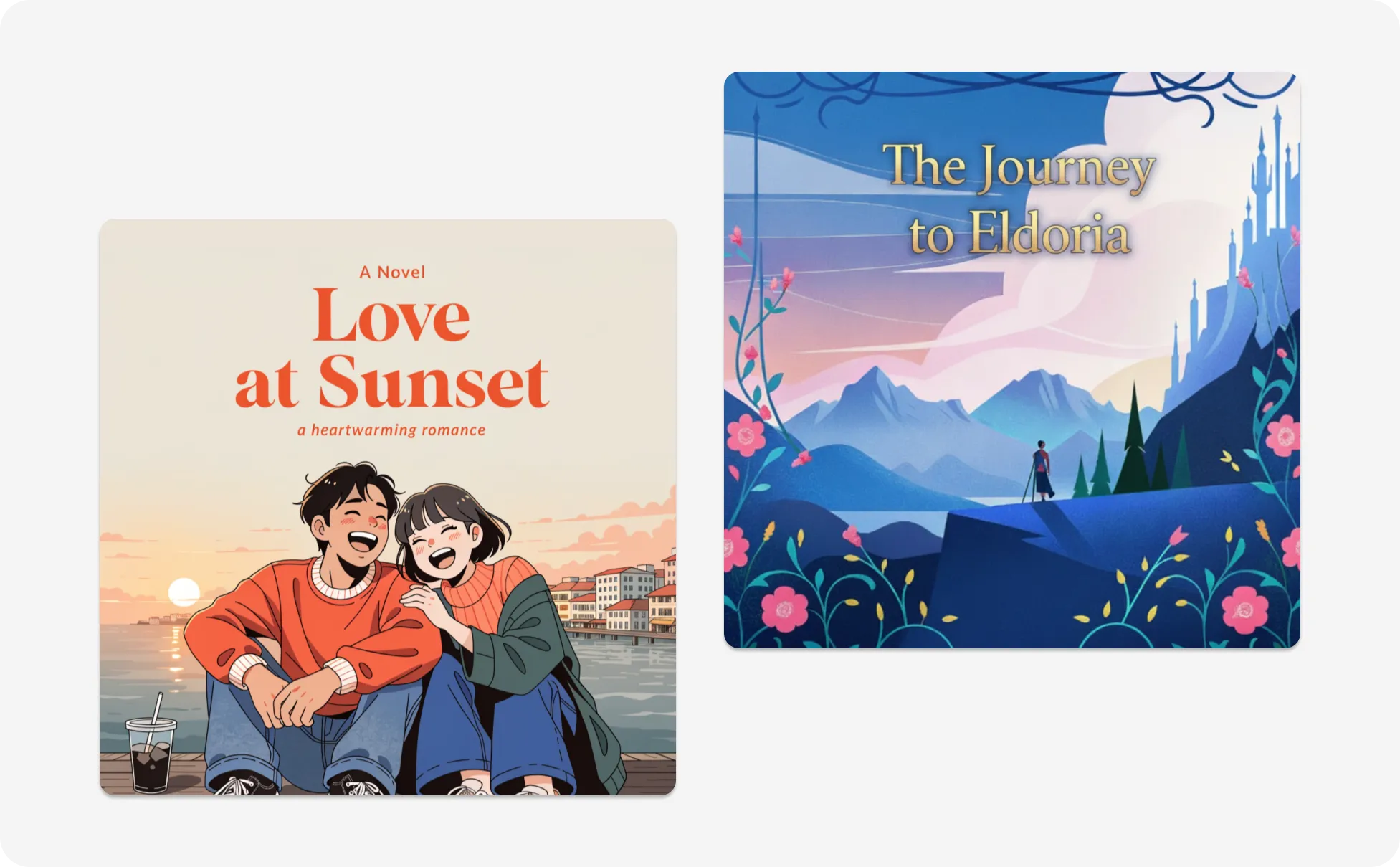
Generate Album Cover Art as an Independent Musician
Independent musicians often need artwork for singles, playlists, promo drops, and streaming platforms. Use Venngage’s AI Art Generator to create album covers, lyric visuals, and Spotify Canvas graphics from a simple text prompt.
Type your genre, mood, and visual references to generate cover art in photorealistic, cinematic, or hand-painted illustration styles. Add artist name, track title, and release details directly in Venngage’s editor.
Generate AI Art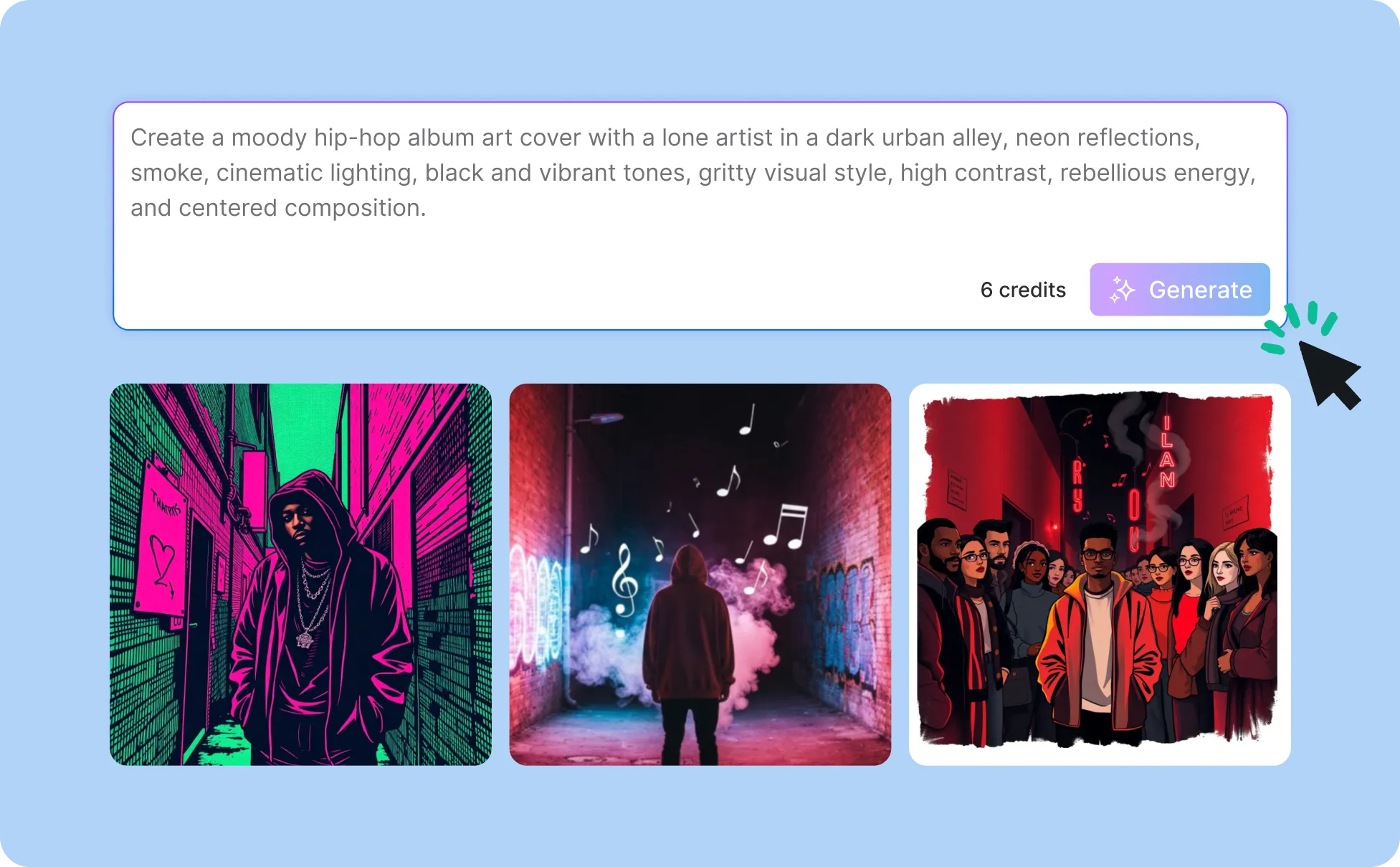
Generate Artwork In Seconds With Our AI Art Generator

Generate Custom AI Artwork in Seconds
Produce album covers, book covers, podcast art, character illustrations, and poster designs from a single prompt.

Create Artwork in Different Styles
Pick from photorealistic, line art, 3D render, and minimalist illustration to match your project. Mention the style clearly in your prompt.
Apply Your Brand Kit To Every AI Image
Use Venngage's Brand Kit to apply your fonts, colors, and logo to AI art directly in the editor. Keep visual consistency across diffent designs.

Edit AI Art Without Design Skills
Use Venngage's drag-and-drop editor to add titles, captions, and design elements around your AI art. Crop, resize, and adjust the image easily.
Enhance AI Art With Venngage AI Tools
Use AI Designer to refine layouts, AI Icon Generator to add visuals, and AI Writing Assistant to draft titles, captions, or product descriptions.
Generate AI Art In Any Aspect Ratio
Switch between square 1:1, vertical 9:16, and wide 16:9 to match Spotify covers, TikTok posts, and YouTube thumbnail dimensions.
Fuel Your Creativity with AI-Powered Design Tools
Venngage is your one-stop shop for creating impactful presentations, infographics, reports, and more. It's a favorite among professionals, educators, and marketers for a reason:
AI Branding Automation
Instantly extract brand colors, fonts, and styles. Auto-apply your logo and visual identity to every design for seamless brand consistency.

DesignAI Generator
Turn simple prompts into stunning professional visuals in seconds. Describe what you need in plain language and watch our AI generate layouts optimized for maximum visual impact.

AI Content Auto-Fill
Kickstart your design process in seconds. Choose a template and let our AI auto-fill it with relevant, on-brand content, ideal for streamlining workflow and boosting productivity.

AI Generated Icons and Images
Create unique visuals that perfectly match your content and style. Generate custom illustrations, icons and images that align perfectly with your brand.

AI Writer and Translation
Enhance clarity, rewrite content, and instantly translate text to create accessible, global-ready visuals.

Smart Accessibility AI
Ensure every project looks great and works for everyone. Use AI to write alt text check contrast, layout, and font readability, and export fully WCAG-compliant visuals and PDFs.

FAQs
Yes. You can edit AI-generated artwork directly in Venngage’s drag-and-drop editor. Add titles, captions, icons, shapes, brand colors, and layouts without switching to another design tool.
Venngage’s AI Art Generator supports styles like photorealistic, anime, watercolor, cinematic illustration, line art, minimalist illustration, and 3D render styles. Add the style directly in your prompt to guide the output.
AI-generated artwork from Venngage can be used for commercial projects like book covers, album artwork, social media campaigns, print-on-demand products, ads, presentations, and marketing materials.
After generating artwork, you can apply your Brand Kit fonts, colors, and logos directly in Venngage’s editor to keep visuals consistent across campaigns, book series, podcasts, or music releases.
Yes, you can generate and resize artwork for square, vertical, and widescreen formats, including dimensions for Spotify covers, YouTube thumbnails, TikTok posts, posters, and book covers.
AI art generators create images based on patterns and prompt interpretation, so results can vary between generations. Adding more details about style, lighting, colors, composition, and mood usually helps create more accurate outputs.
You can specify artistic styles such as photorealism, 3D renders, or flat illustrations directly within the Venngage AI generator. The platform supports diverse visual directions to match professional reporting needs. By defining the style, users create specialized assets that align perfectly with Venngage’s 40,000+ template library and maintain a sophisticated technical aesthetic.
You can download AI-generated artwork as PNG, PDF, HTML, or PPT files, depending on your plan and project needs. These formats work for social media, print materials, presentations, streaming platforms, and websites.
Midjourney, DALL-E, and Stable Diffusion focus on raw image generation through Discord, web interfaces, or local installs. Venngage's AI Art Generator generates the image and lets you edit it in the same workspace, with templates, Brand Kit, drag-and-drop layout tools, and direct export to PNG, PDF, and PPT.
We offer a free plan so you can try all our AI features for free. If you want more advanced features like private sharing and auto branding, we've got Premium and Business plans available too.