


Free AI Twitch Logo Generator
Make your Twitch channel stand out with a logo built around your streaming style. Generate a design inspired by your stream name, content style, and aesthetic, then customize it to fit your brand.




Popular AI Image Generators
Popular AI Design Generators
Sample Prompts You Can Modify and Use
“Design a retro arcade-inspired Twitch logo for a channel called Pixel Break. Feature a vintage arcade machine icon, pixel details, chunky 8-bit lettering, bright colors, and a playful old-school gaming badge style.”
“Create a cozy fantasy logo for a Twitch channel called Mana Mode. Use a glowing potion bottle as the main icon with magical effects, soft colors, hand-drawn lettering, and an illustrated adventure-inspired style.”
“Design a bold variety streamer logo for a channel called Chaos Club. Feature a melting smiley face icon, sticker-style graphics, graffiti lettering, layered details, and a colorful internet-culture aesthetic.”
“Create a modern music streamer logo for a Twitch channel called Loop Live. Combine a vinyl record, microphone elements, bold typography, vibrant gradients, and a clean creator-brand style.”
How To Generate Twitch Logo Using AI
Step 1
Enter Your Streamer Name and Logo Idea
Start with your Twitch name and describe the logo style you want for your channel. Add details like your content type, gaming niche, character ideas, colors, and the overall look you want for your stream.
Step 2
Generate and Customize Your Twitch Logo
Venngage’s AI Twitch Logo Generator creates a logo based on your prompt. Customize the design by editing fonts, colors, icons, graphics, and other elements to match your channel personality and creator style.
Step 3
Download Your Twitch Logo
Export your finished logo and use it across your Twitch profile, stream graphics, social channels, and creator platforms. Keep your branding consistent.
Build a Memorable Channel Look as a New Streamer
Growing a Twitch channel requires more than just creating content. Your profile image, logo, and visuals help viewers understand your style before they click into your stream.
Venngage’s AI Twitch Logo Generator helps you create a logo around your channel name, niche, and streaming personality. Generate a design with AI, customize the colors, fonts, and graphics, and create a look that feels consistent across your Twitch profile.
Generate Twitch Logo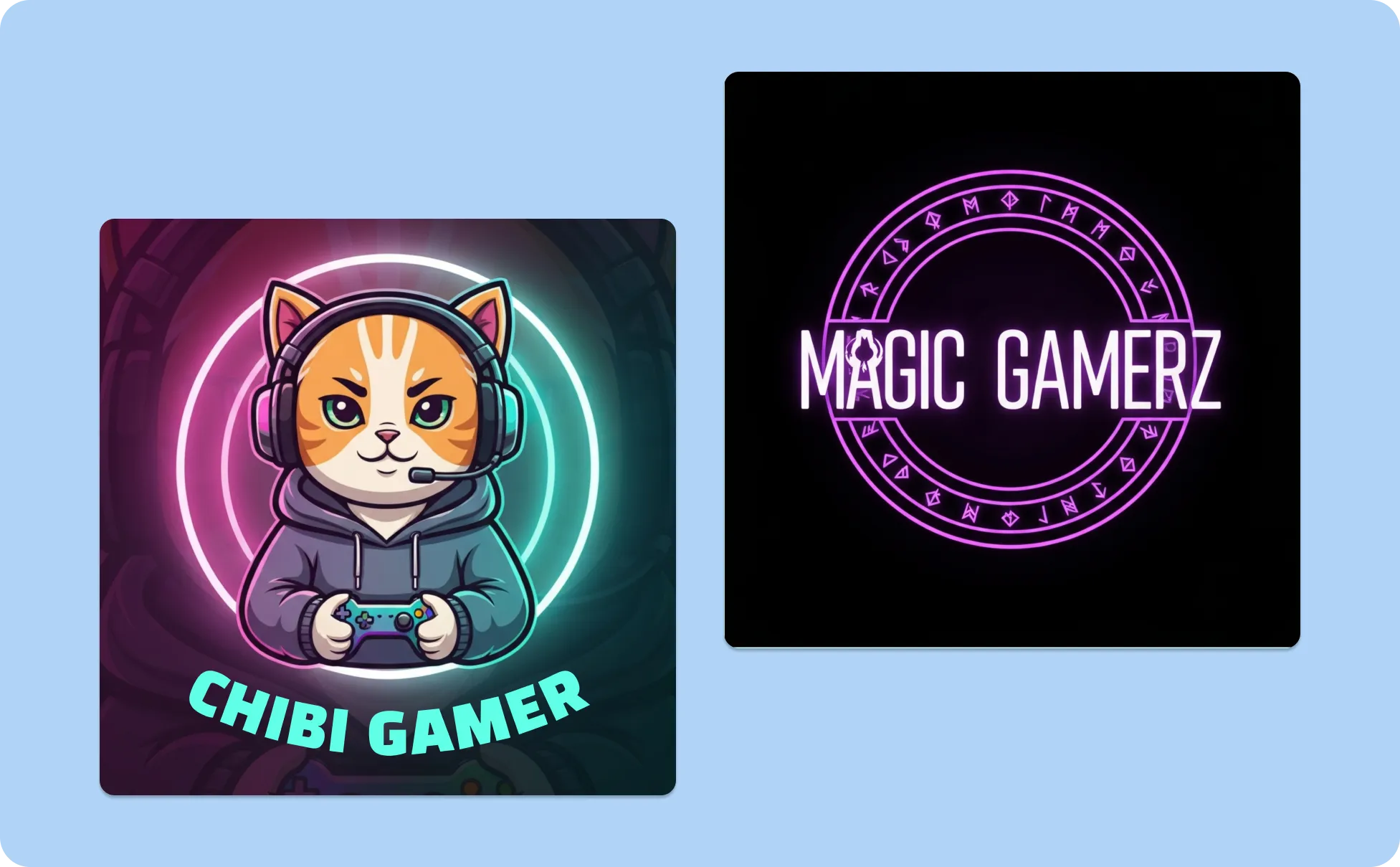
Create Stream Graphics as a Gaming Creator
Your Twitch logo appears everywhere your viewers interact with you, from your profile picture to stream overlays and channel graphics. A generic gaming icon can make your channel feel disconnected from the personality you bring to the stream.
Venngage helps you create a Twitch logo that fits your gaming persona. Start with your streamer name, avatar idea, or visual style, then customize your AI-generated logo with colors, fonts, and graphics that match the experience you want to create.
Generate Twitch Logo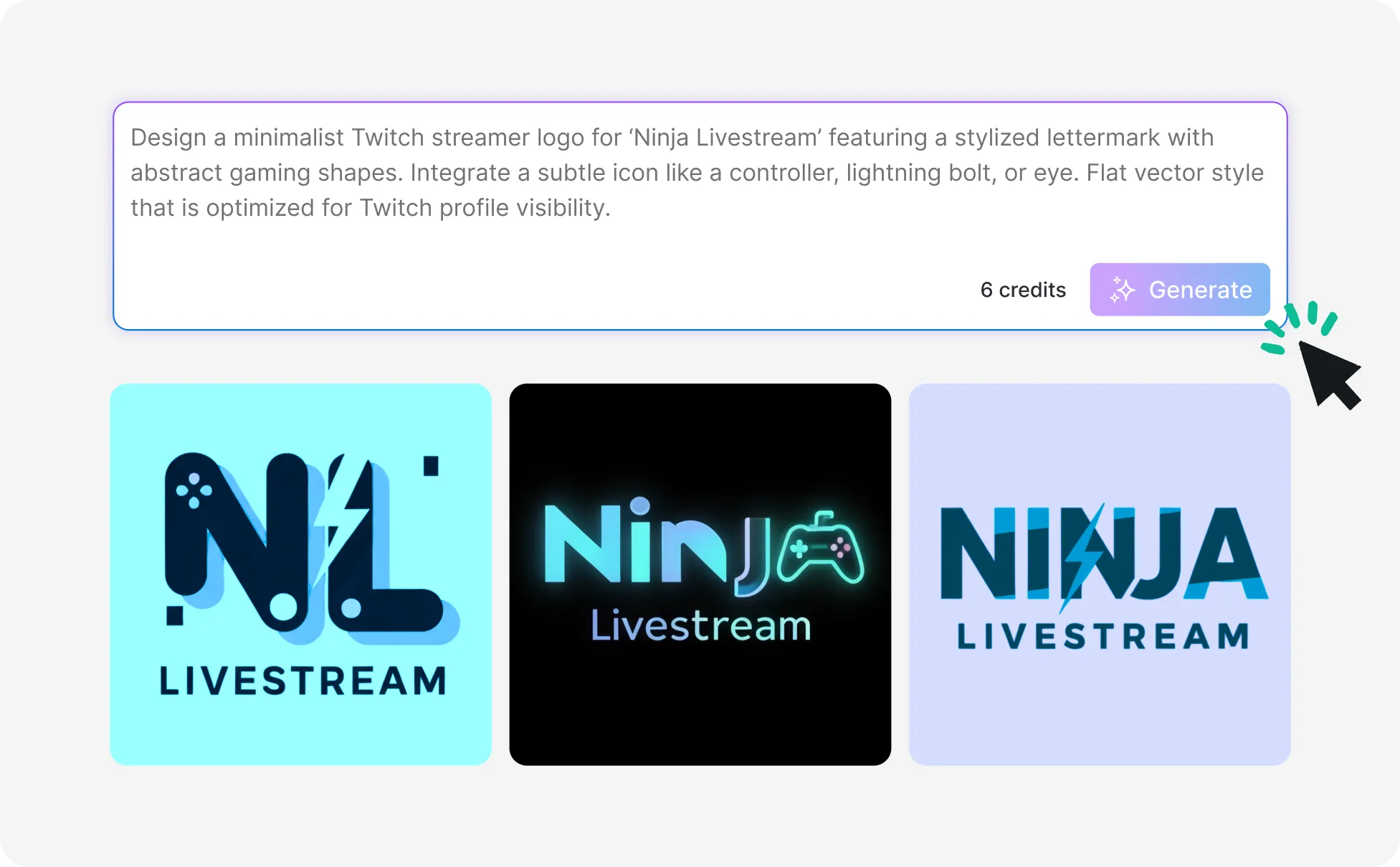
Grow Your Brand as a Content Creator
Your Twitch logo often appears beyond your channel, from social profiles and community pages to promotional graphics. Keeping the same visual style everywhere helps you connect with your audience.
With Venngage, you can use your Twitch logo as the foundation for your creator brand. Apply your colors and fonts with Brand Kit, customize templates, and create matching visuals for your content, announcements, and online presence.
Generate Twitch Logo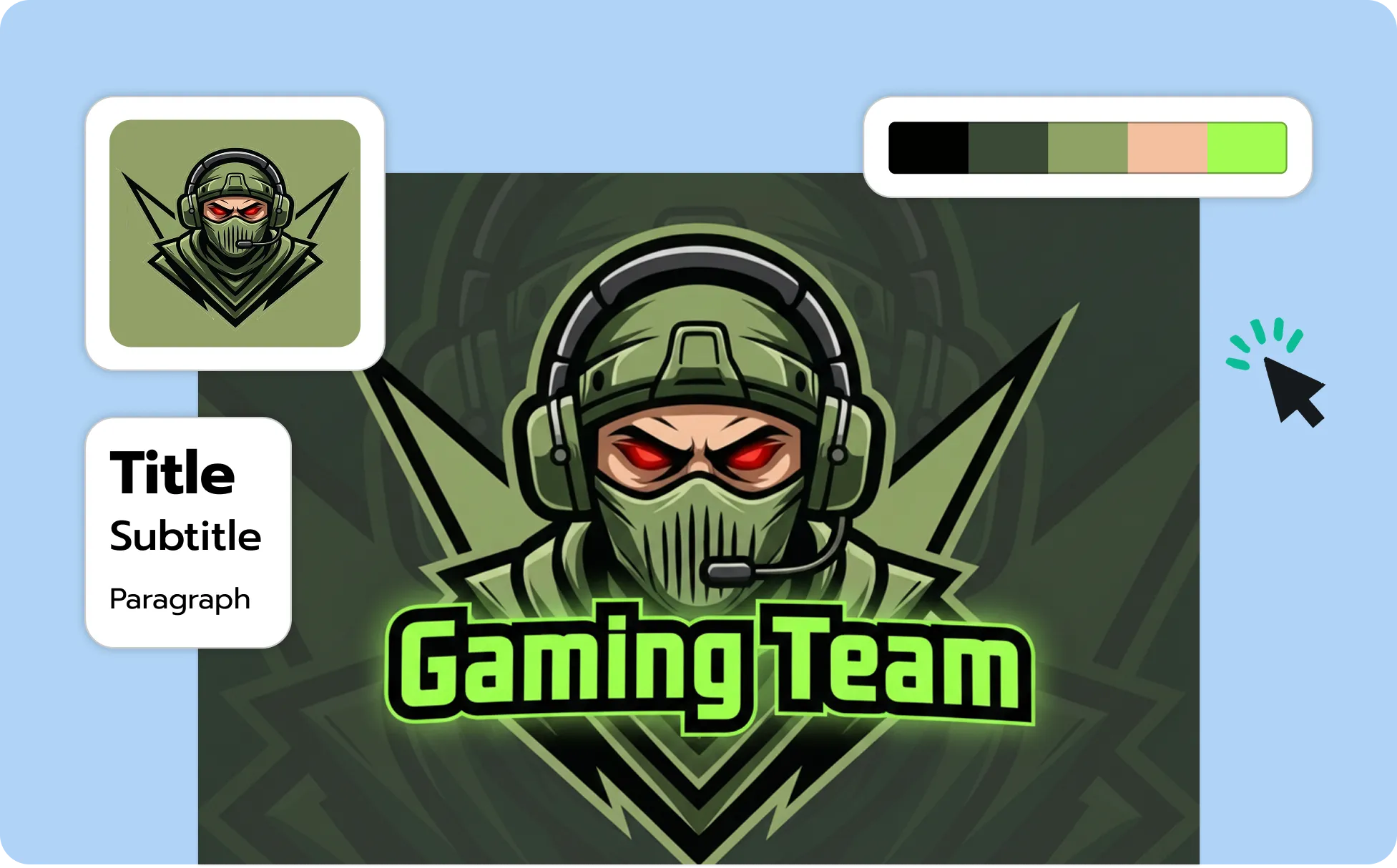
Generate A Twitch Logo In Seconds With Our AI Twitch Logo Generator

Create Twitch Logos From Text Prompts
Skip searching through logo templates that do not match your channel. Describe your streamer name, gaming style, or creative direction, and Venngage’s AI Twitch Logo Generator creates an editable design based on your ideas.

Generate Custom Mascots and Characters
Use the AI Image Generator to design custom avatars, gaming mascots, character graphics, and other elements you can add to your Twitch logo.

Edit Your Logo With Drag-Drop-Editor
Your AI-generated logo is fully customizable. Change the typography, colors, graphics, backgrounds, and layout to create a design that matches your streaming style.
Explore Different Logo Styles
Experiment with mascot logos, retro designs, minimal icons, anime-inspired styles, and bold gaming looks without recreating every design manually.

Keep Your Twitch Branding Consistent
Apply your logo, colors, and fonts across your channel visuals. Create matching stream graphics, social content, and promotional designs that feel connected to your brand.

Download and Export Your Twitch Logo
Save your finished logo and use it across Twitch, streaming layouts, profile graphics, and social platforms. Update your design anytime in Venngage as your channel style evolves.
Fuel Your Creativity with AI-Powered Design Tools
Venngage is your one-stop shop for creating impactful presentations, infographics, reports, and more. It's a favorite among professionals, educators, and marketers for a reason:
AI Branding Automation
Instantly extract brand colors, fonts, and styles. Auto-apply your logo and visual identity to every design for seamless brand consistency.

DesignAI Generator
Turn simple prompts into stunning professional visuals in seconds. Describe what you need in plain language and watch our AI generate layouts optimized for maximum visual impact.

AI Content Auto-Fill
Kickstart your design process in seconds. Choose a template and let our AI auto-fill it with relevant, on-brand content, ideal for streamlining workflow and boosting productivity.

AI Generated Icons and Images
Create unique visuals that perfectly match your content and style. Generate custom illustrations, icons and images that align perfectly with your brand.

AI Writer and Translation
Enhance clarity, rewrite content, and instantly translate text to create accessible, global-ready visuals.

Smart Accessibility AI
Ensure every project looks great and works for everyone. Use AI to write alt text check contrast, layout, and font readability, and export fully WCAG-compliant visuals and PDFs.

FAQs
A good Twitch logo reflects the type of content you create and helps viewers understand your channel style. Streamers often use avatars, mascots, symbols, initials, or unique typography that matches their gaming style, personality, or creator brand.
Your Twitch logo can include your streamer name, channel initials, character, icon, or visual elements connected to your content. For example, a horror streamer might use darker visuals, while a variety creator may choose something more playful or personality-driven.
Start with the impression you want your stream to create. Competitive gaming channels often use bold, energetic designs, while casual streams, art channels, and creator communities may use illustrated, minimal, retro, or character-based styles.
It depends on your channel identity. Mascot logos work well for streamers who want a character or avatar connected to their brand, while text-based logos focus more on your streamer name and visual style.
Yes. Every AI-generated Twitch logo in Venngage is editable. You can update colors, fonts, graphics, layouts, and design elements using Venngage’s design editor.
Yes. Many streamers use their logo across YouTube channels, Discord communities, social profiles, merchandise, stream overlays, and other creator spaces to keep their visuals consistent.
We offer a free plan so you can try Venngage’s AI design tools before upgrading. Premium and Business plans unlock advanced features like Brand Kits, collaboration, and private sharing.