


Free AI Twitch Emote Generator
Bring your Twitch chat to life with AI-generated emotes for reactions, expressions, and custom characters.
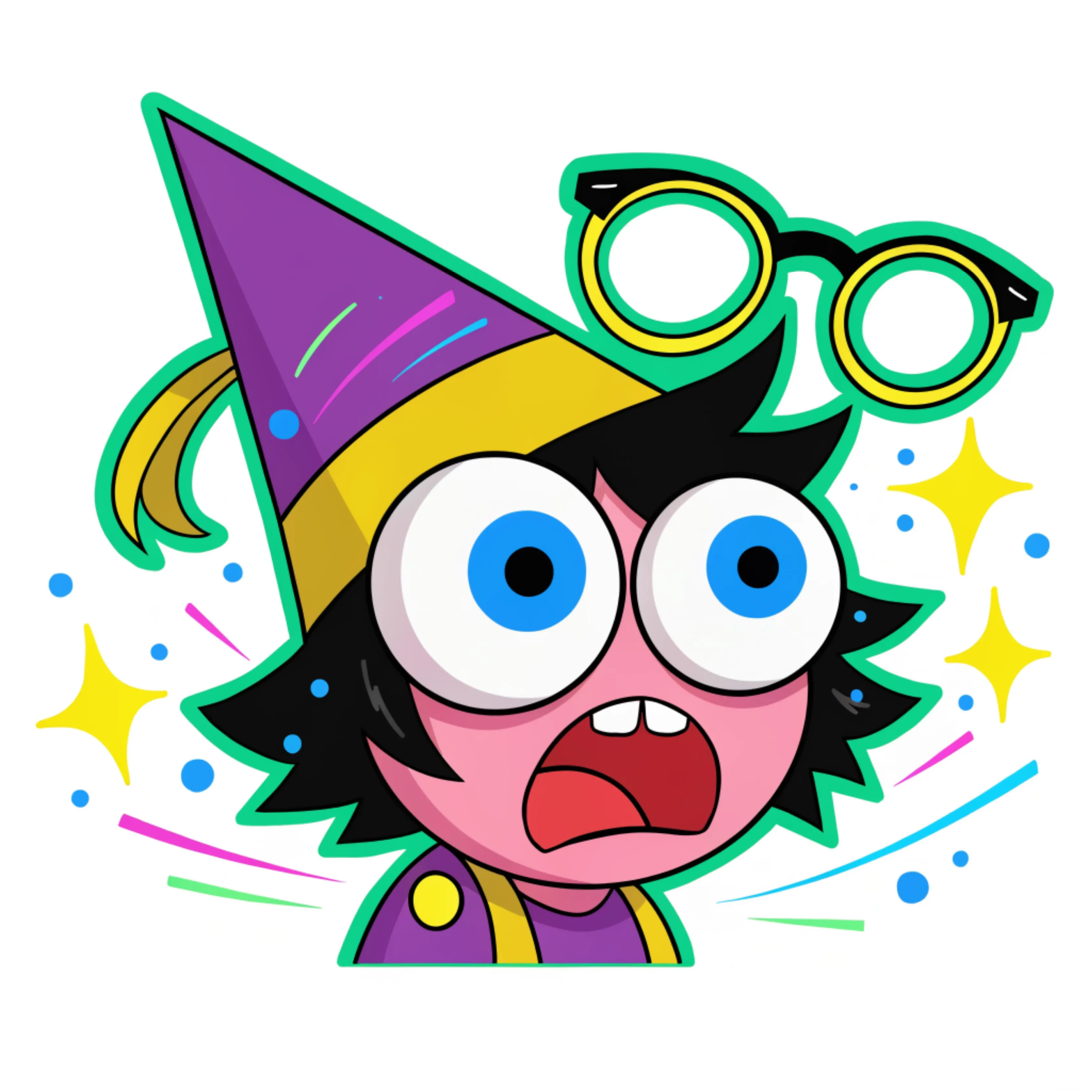
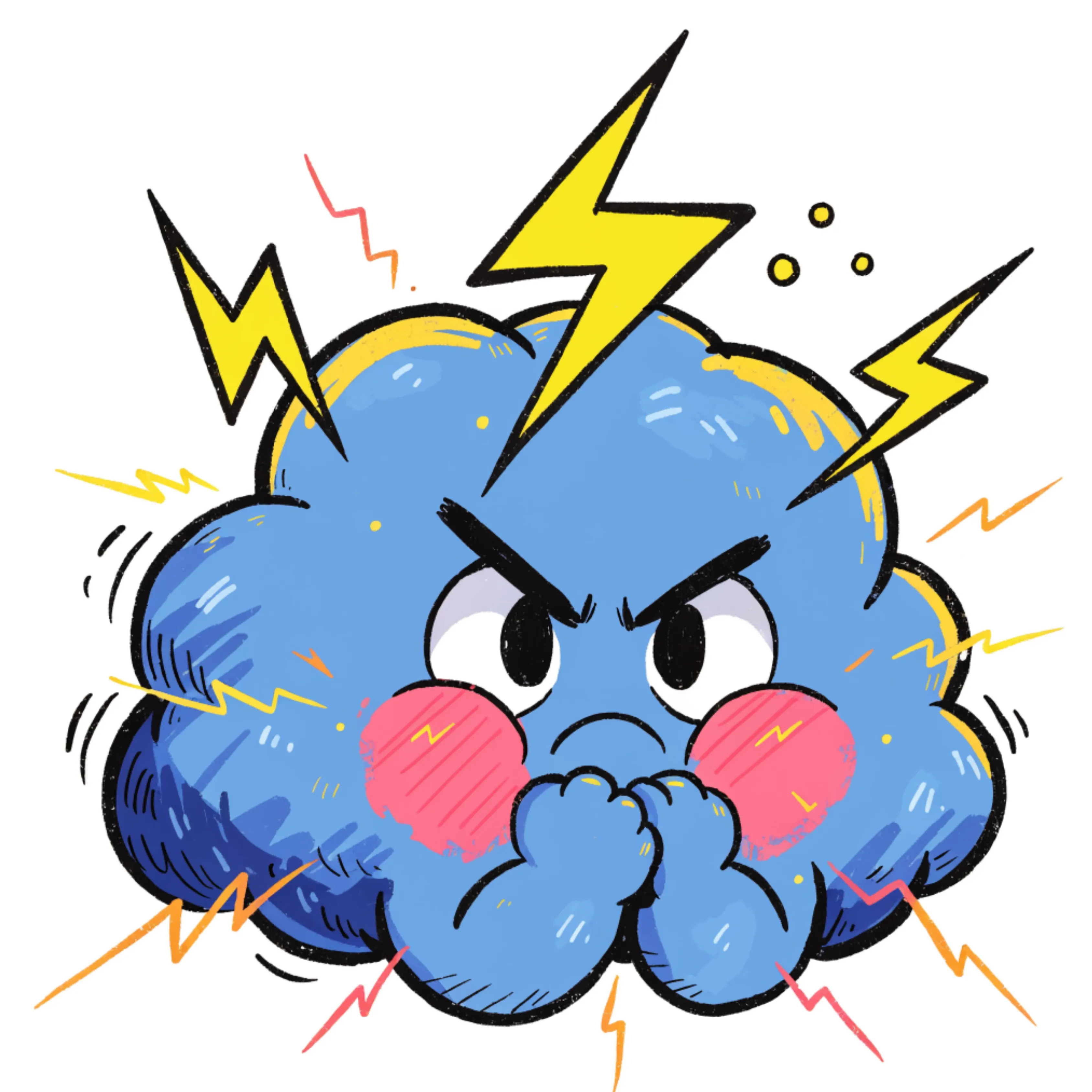
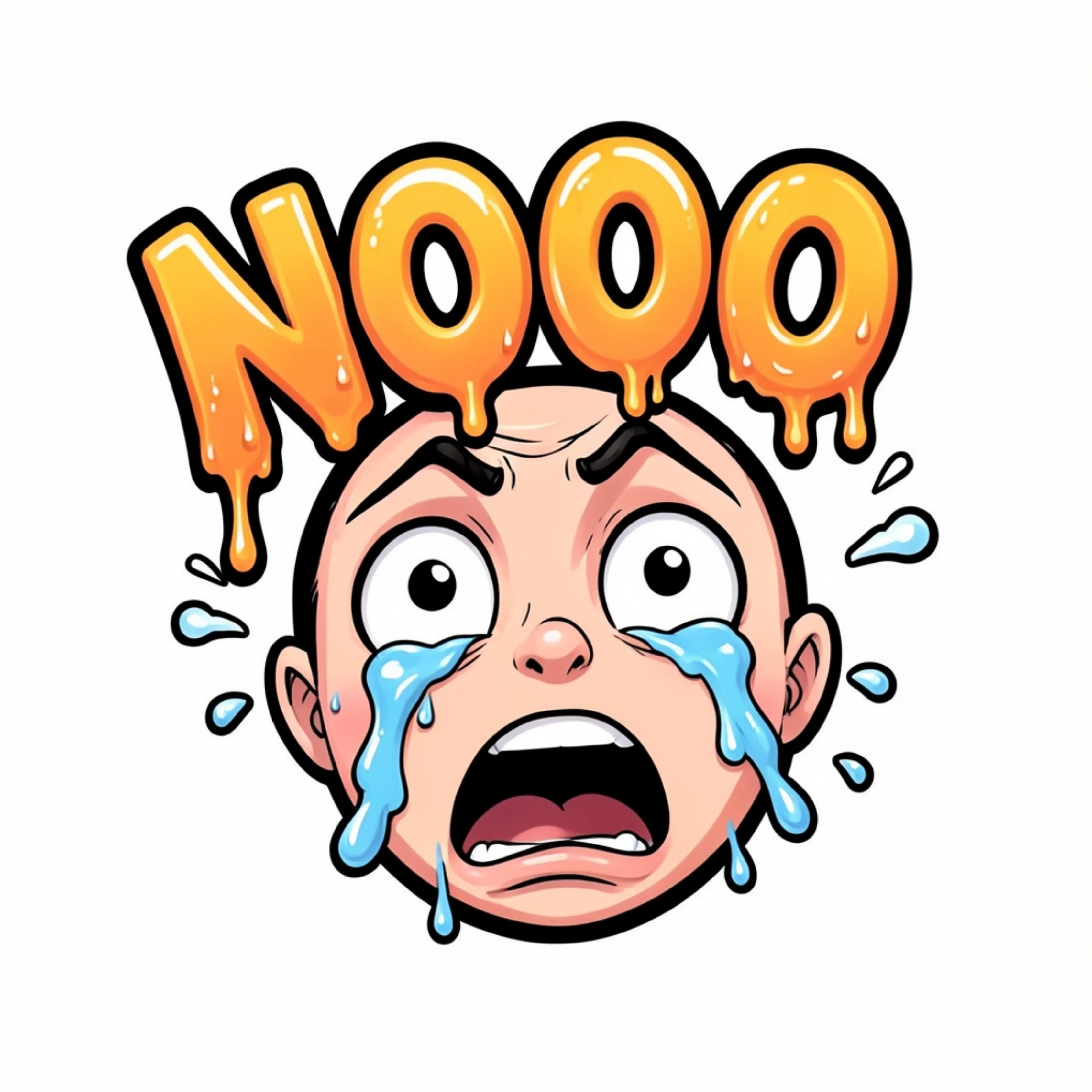




Popular AI Image Generators
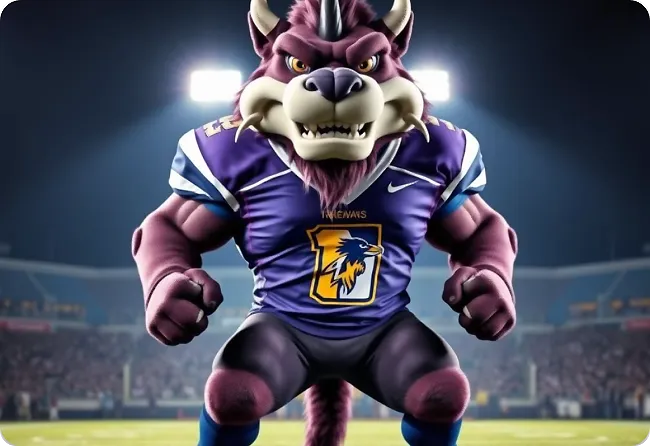
Popular AI Design Generators
Sample Prompts You Can Modify and Use
“Design a Twitch emote featuring an excited streamer reaction with huge sparkling eyes, an open-mouth expression, bold outlines, and colorful sticker-style shading. Add the text HYPE clearly in the emote.”
“Create a GG Twitch emote with a golden trophy character, victory pose, spark effects, chunky cartoon style, and bright celebratory colors.”
“Design a Twitch emote featuring a cute sleepy cat wrapped in a blanket, tired eyes, soft colors, and cozy sticker-style details. Add the text BRB in the emote.”
“Create a Twitch emote featuring a pixel heart with a happy expression, retro game details, bright colors, and a fun 8-bit style. Add the text GG in the emote.”
How To Generate Twitch Logo Using AI
Step 1
Describe Your Twitch Emote Idea
Enter the emote you want to create, whether it’s a hype reaction, funny expression, inside joke, character emote, or subscriber reward. Add details like the emotion, pose, style, text, and personality you want your emote to capture.
Step 2
Generate and Personalize Your Emote Design
Venngage’s AI Twitch Emote Generator creates expressive emotes based on your prompt. Fine-tune reactions, update text, change colors, and personalize your emote style so every design matches your stream and community.
Step 3
Download Your Emotes for Your Twitch Channel
Export your finished emotes and use them for subscriber perks, chat reactions, community moments, and stream interactions. Create new designs whenever your channel adds new jokes, milestones, or reactions.
Create Memorable Chat Reactions as a Twitch Streamer
Every Twitch community has its own inside jokes, catchphrases, and reactions. Using the same generic emotes as everyone else makes your chat feel less personal.
Venngage's AI Twitch Emote Generator makes it easy to turn community moments into custom emotes. Describe the reaction, character, or expression you have in mind, then personalize the design to match your stream's personality.
Generate Twitch Emote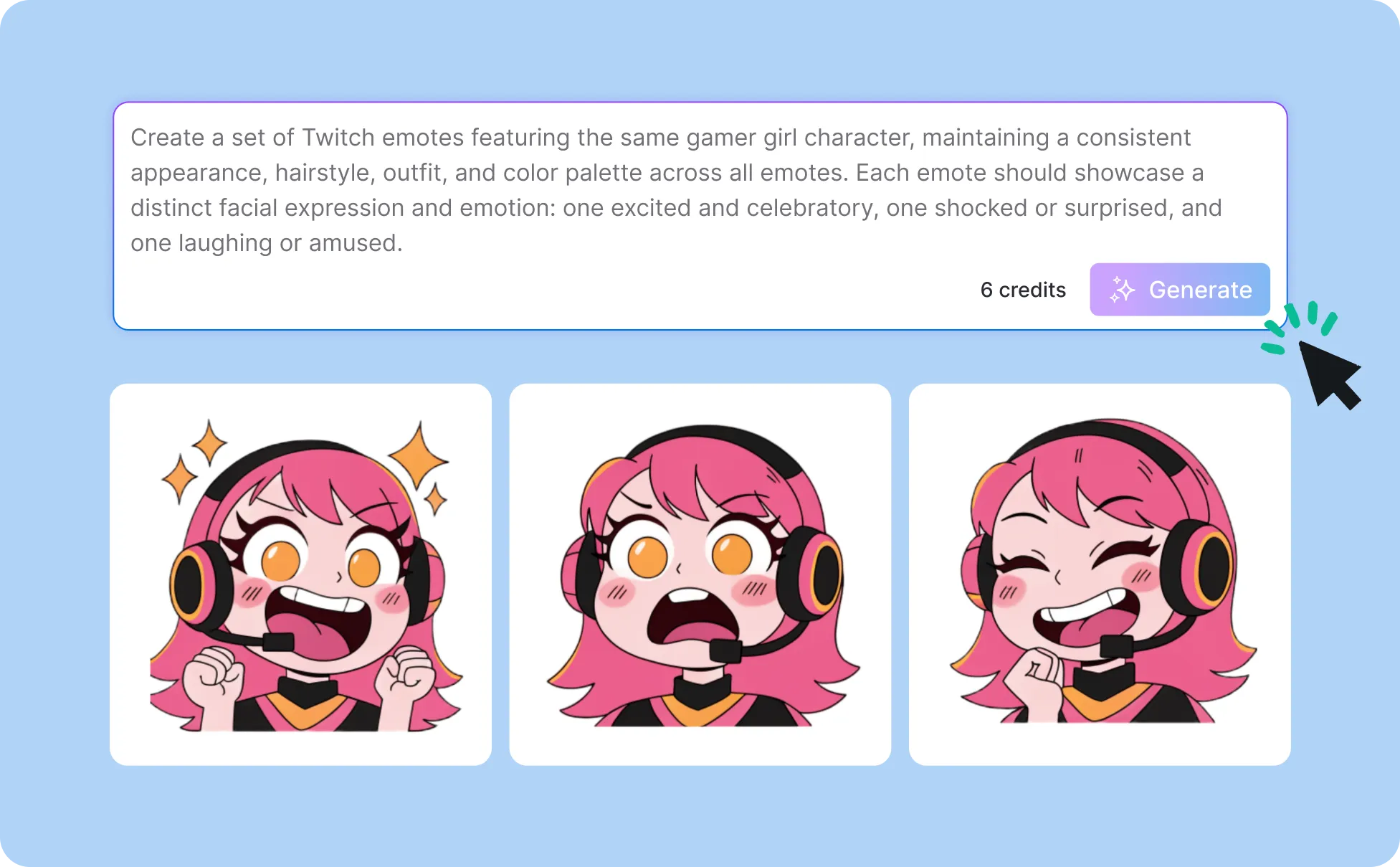
Create Subscriber Emotes as a Twitch Affiliate
Subscriber emotes are part of what makes your community feel exclusive. The best ones reflect your stream's personality, inside jokes, and memorable moments.
Use Venngage to create subscriber emotes from simple text prompts. You can design unique emotes for chat reactions, milestone celebrations, community jokes, and signature phrases.
Generate Twitch Emote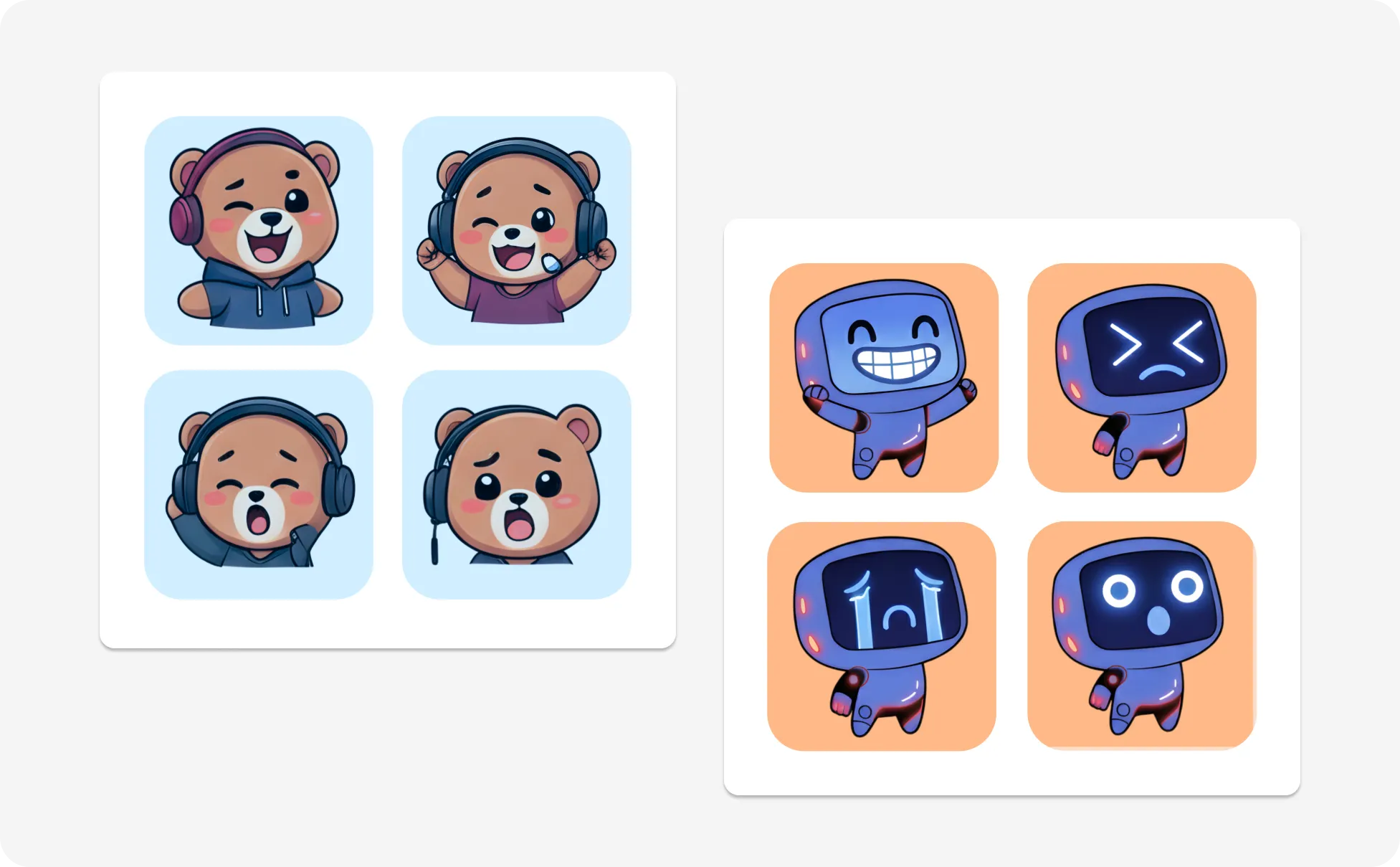
Create Character Emotes as a VTuber or Streamer
The best VTuber emotes feel like a natural extension of your character. Every smile, shocked face, or running joke should be recognizable the moment it appears in chat.
With Venngage, you can turn your character into expressive emotes from a simple prompt. Generate a custom design, then fine-tune the details until it matches your streaming persona.
Generate Twitch Emote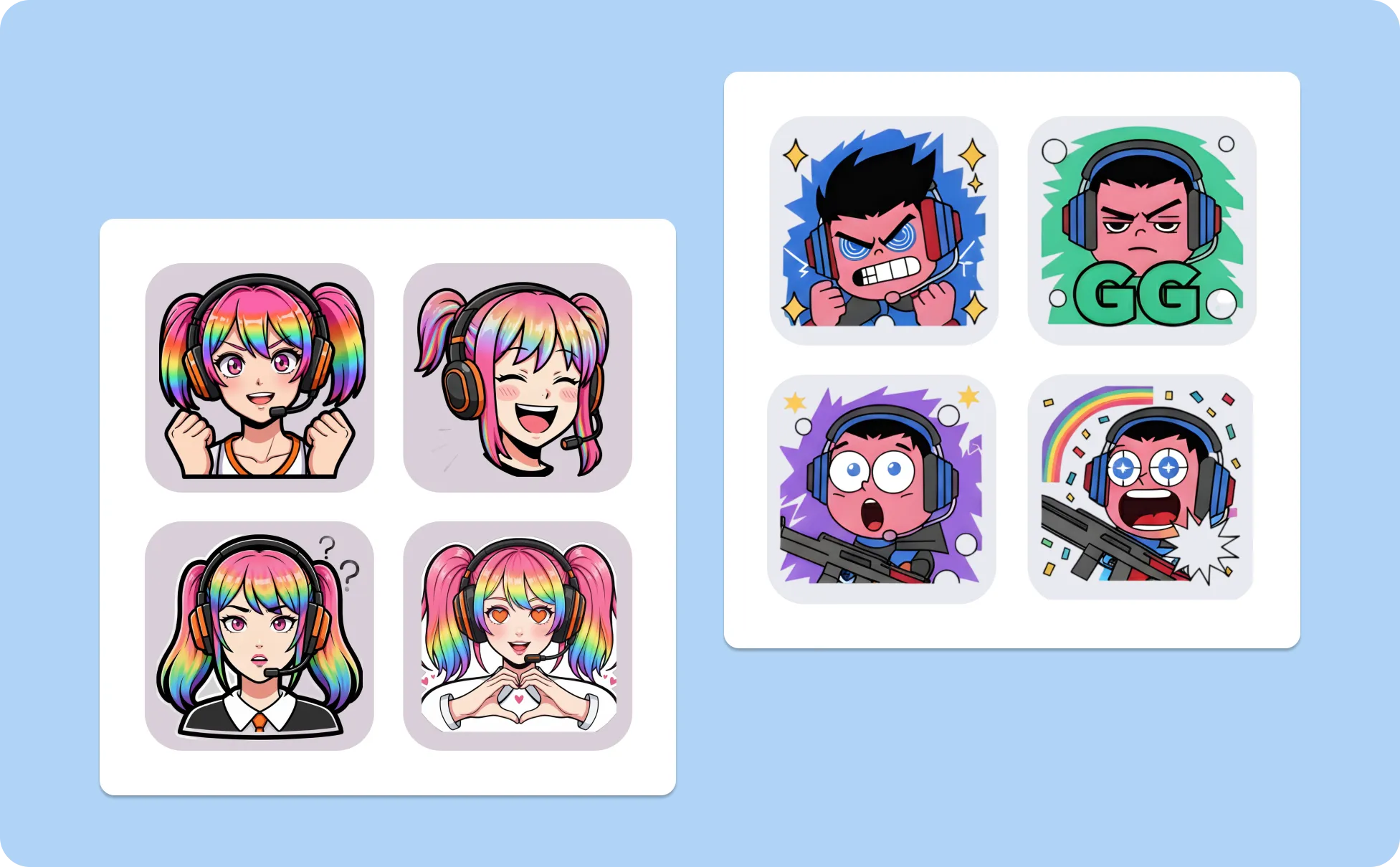
Generate A Twitch Emote In Seconds With Our AI Twitch Emote Generator

Build Your Own Emote Collection With AI
Use simple text prompts to generate a full set of Twitch emotes for different moods and reactions. Create emotes inspired by your best reactions, catchphrases, gameplay moments, and community jokes.
Create Emotes in Different Visual Styles
Experiment with cartoon characters, pixel art, cartoon reactions, meme-style expressions, and sticker designs. Mention the style in your prompt to generate emotes that match your stream’s personality.

Personalize Every Twitch Emote Design
Use Venngage’s editor to customize your emote’s text, colors, characters, and visual details. Adjust each design so your reactions, phrases, and inside jokes feel unique to your channel.
Keep Your Twitch Channel Style Consistent
Use Brand Kit to apply your colors, fonts, and logo across your designs. Create matching emotes, stream panels, banners, and social graphics that feel connected to your channel.

Enhance Your Emotes With Venngage AI Tools
Use the AI Image Generator to create new characters and visuals or the AI Writing Assistant to brainstorm emote names, phrases, and captions for your community.

Download Emotes for Your Twitch Channel
Export your finished emotes and use them for subscriber rewards, chat reactions, and community moments. Create new versions whenever your stream adds new jokes, events, or milestones.
Fuel Your Creativity with AI-Powered Design Tools
Venngage is your one-stop shop for creating impactful presentations, infographics, reports, and more. It's a favorite among professionals, educators, and marketers for a reason:
AI Branding Automation
Instantly extract brand colors, fonts, and styles. Auto-apply your logo and visual identity to every design for seamless brand consistency.

DesignAI Generator
Turn simple prompts into stunning professional visuals in seconds. Describe what you need in plain language and watch our AI generate layouts optimized for maximum visual impact.

AI Content Auto-Fill
Kickstart your design process in seconds. Choose a template and let our AI auto-fill it with relevant, on-brand content, ideal for streamlining workflow and boosting productivity.

AI Generated Icons and Images
Create unique visuals that perfectly match your content and style. Generate custom illustrations, icons and images that align perfectly with your brand.

AI Writer and Translation
Enhance clarity, rewrite content, and instantly translate text to create accessible, global-ready visuals.

Smart Accessibility AI
Ensure every project looks great and works for everyone. Use AI to write alt text check contrast, layout, and font readability, and export fully WCAG-compliant visuals and PDFs.

FAQs
Twitch emotes are small images viewers use in chat to react during streams. Streamers often create their own emotes based on catchphrases, reactions, characters, memes, or moments from their community.
A good Twitch emote captures a reaction or moment your viewers want to share in chat. Use expressive characters, clear emotions, unique references, or phrases from your stream so the emote feels connected to your community.
Popular Twitch emotes include hype reactions, greetings, laughs, rage moments, celebrations, inside jokes, and character expressions. Choose emotes based on the moments your viewers react to most often.
Yes. Anyone can design Twitch emotes, but uploading channel emotes on Twitch depends on your account status and Twitch’s current emote requirements. Many creators prepare emote sets as their channel grows.
Describe the emote you want to create, including the reaction, expression, character, style, or text. Venngage generates an emote design that you can customize with your own colors, graphics, and details.
Yes. You can edit your emote design in Venngage by updating text, changing colors, adding graphics, and personalizing details to match your stream style and community.
We offer a free plan so you can try Venngage’s AI design tools before upgrading. Premium and Business plans unlock advanced features like Brand Kits, collaboration, and private sharing.