


Free AI Pixel Art Generator
Describe any character or sprite and Venngage's AI creates pixel art like game sprites, icons, or retro designs instantly.
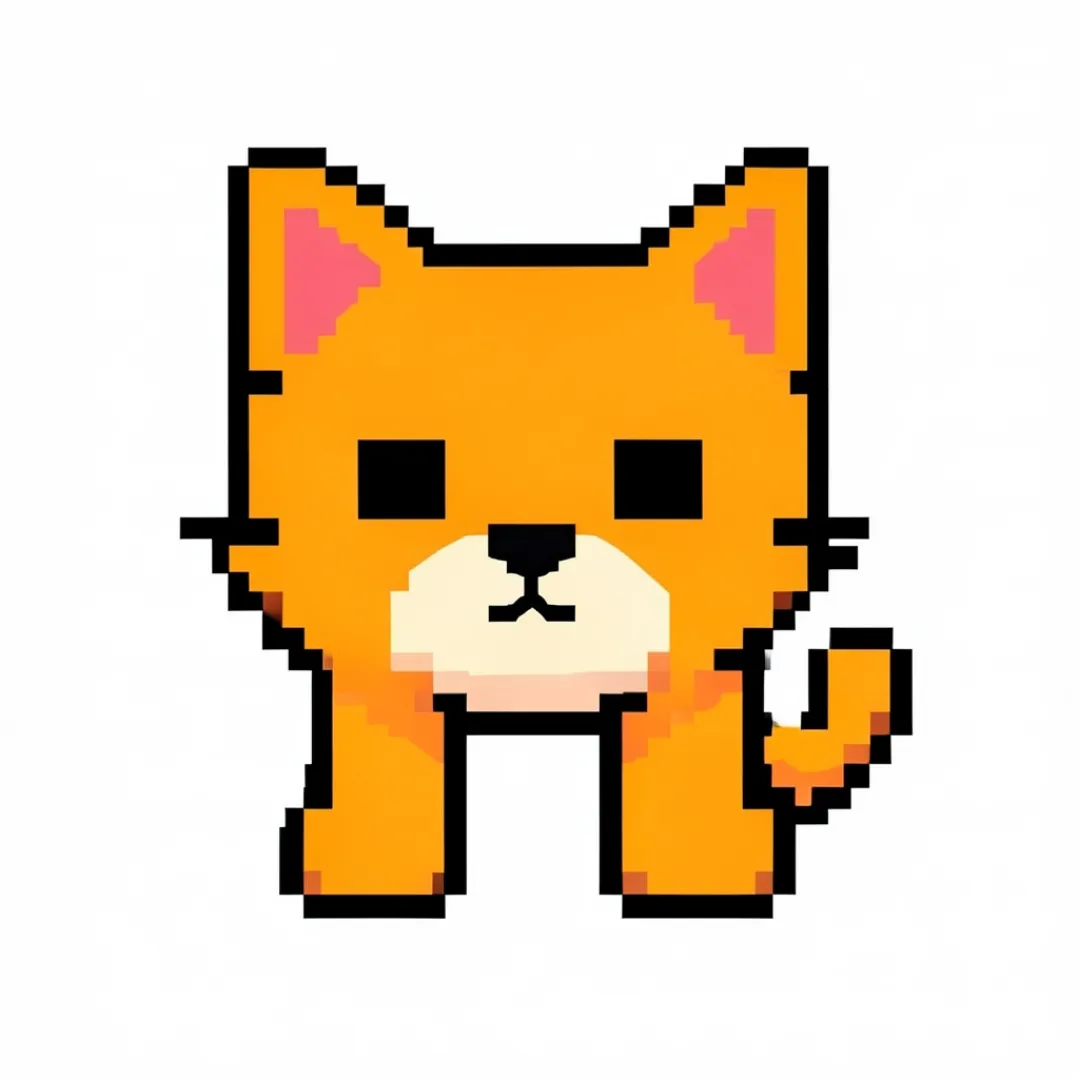
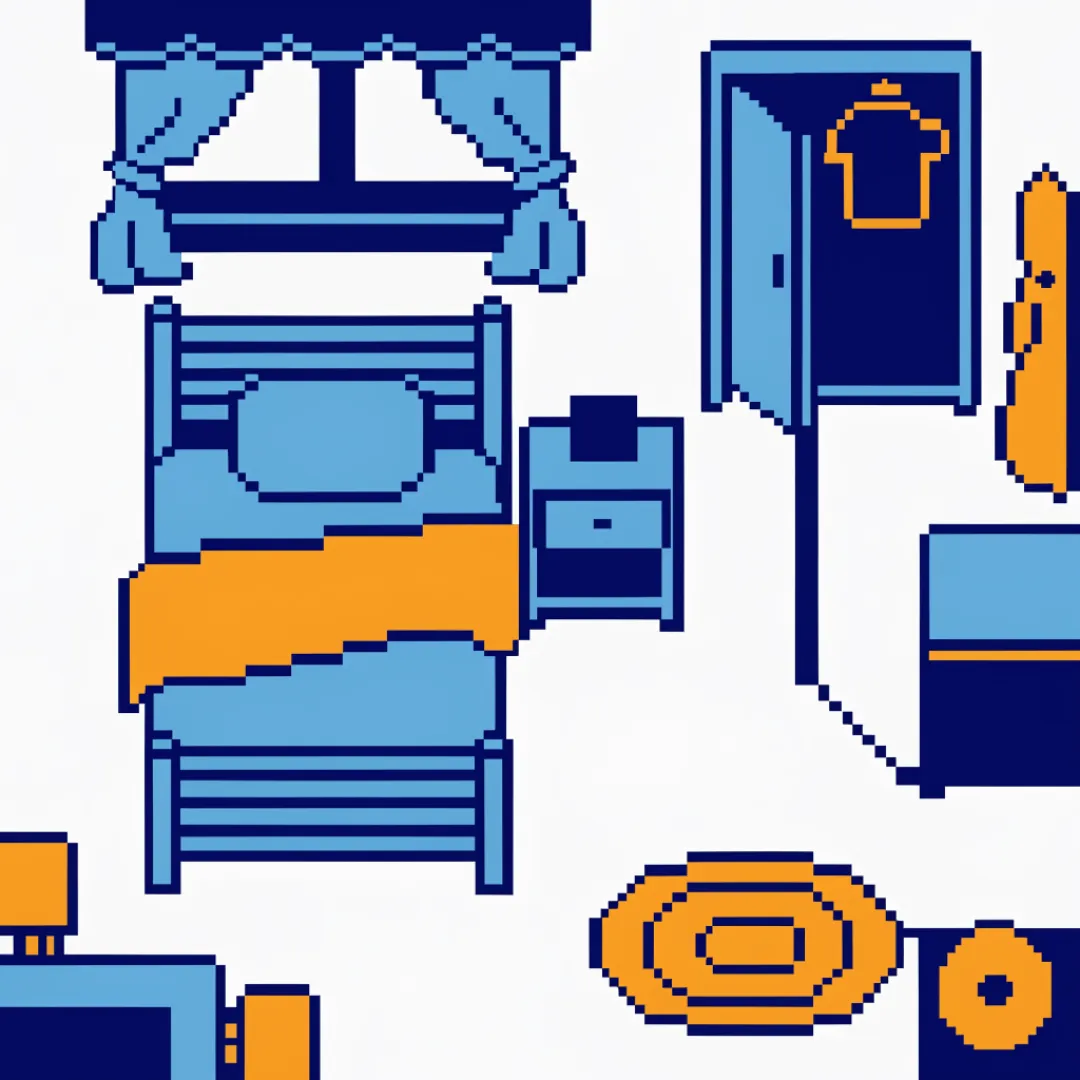
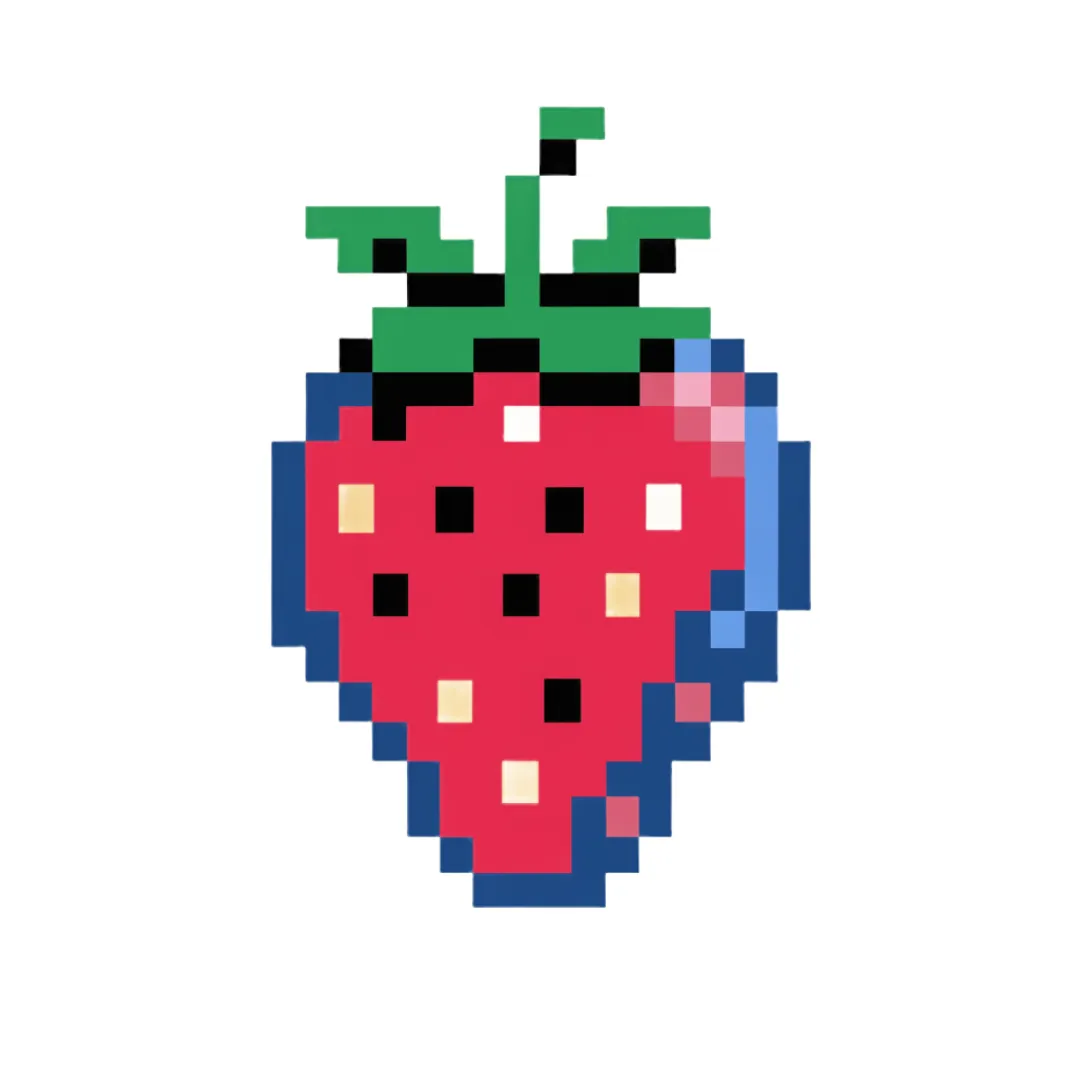




Popular AI Image Generators

Popular AI Design Generators
Sample Prompts You Can Modify and Use
“Pixel art astronaut, 24x24 pixels, chunky square pixels, crisp edges, no gradients, no vector art, retro Game Boy game asset.”
“Create a pixel art treasure chest, 32x32 pixel sprite, square pixel grid, no smoothing, RPG inventory icon, retro SNES style.”
“Pixel art café interior, 64x64 pixel scene, chunky square pixels, retro 16-bit game graphics, no realism, no gradients.”
“Create a pixel art portrait of a friendly content creator wearing headphones and glasses. Modern pixel art style, expressive face, vibrant colors, clean shading, suitable as a profile picture or avatar.”
How To Generate Pixel Art Using AI
Step 1
Describe What You Want
Type the character, sprite, scene, or icon in plain language — the style, the color palette, the size, and any specific details that matter. A 16x16 retro sword icon needs a different description than a 64x64 RPG character walking cycle. The more specific the prompt, the closer the output is to what was in your head before you started typing.
Step 2
Generate, Adjust, Iterate
Venngage’s Pixel Art Generator creates a complete pixel art design from the description instantly. Not happy with the color palette? Change it. Want more detail in the character's armor? Add it. Need the background transparent for the game engine? Done. Use the AI Designer to adjust, refine, and push the pixel art further without placing a single pixel manually.
Step 3
Download and Drop It In
Every pixel art design downloads as a high-resolution PNG with a transparent background — sized for the project, ready for the game engine, the profile icon, the retro poster, or wherever it's going. No exporting, no converting, no resizing before it works where it needs to work.
Make Pixel Art That Belongs in a Game as a Gaming Enthusiast
Loving retro games isn't the same as knowing how to make pixel art. Describe your character, scene, or sprite, and Venngage's AI pixel art generator turns it into authentic 16-bit-style art — color palette, proportions, and all.
Fine-tune it with the AI Designer to dial in sprite details and push the retro aesthetic further. Download as a high-res PNG for wallpapers, profile pics, or posters.
Generate Pixel Art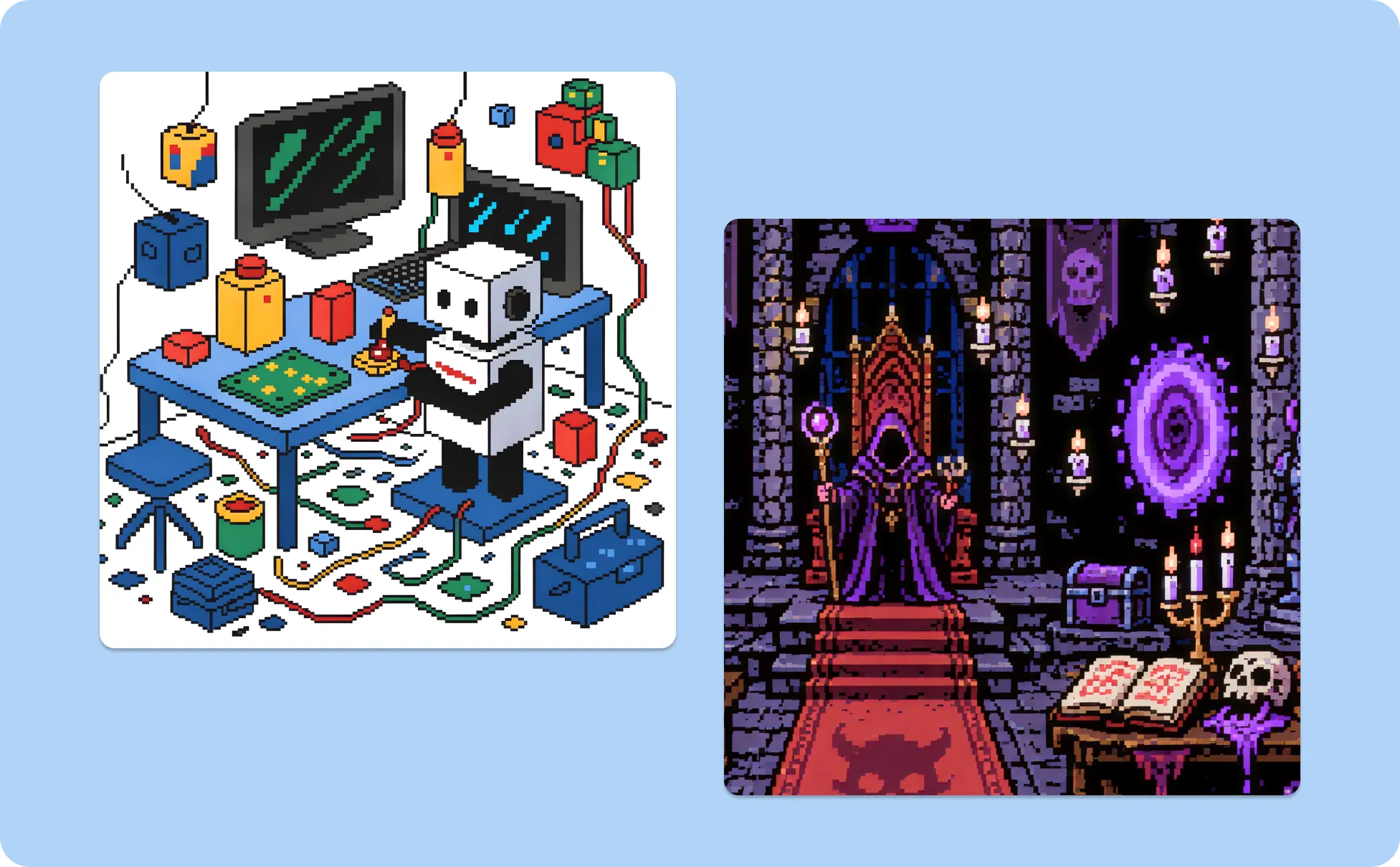
Build a Pixel Art NFT Collection as an NFT Creator
Successful pixel art NFT collections share one thing: a consistent visual identity across every piece. Describe the character style, color palette, and trait variations, and Venngage's AI Pixel Art Designer generates pieces that look like they came from the same artist.
Use the Brand Kit to lock in palette, pixel density, and style across the whole collection — from piece one to piece ten thousand. Download as high-res PNGs ready to mint, no inconsistencies.
Generate Pixel Art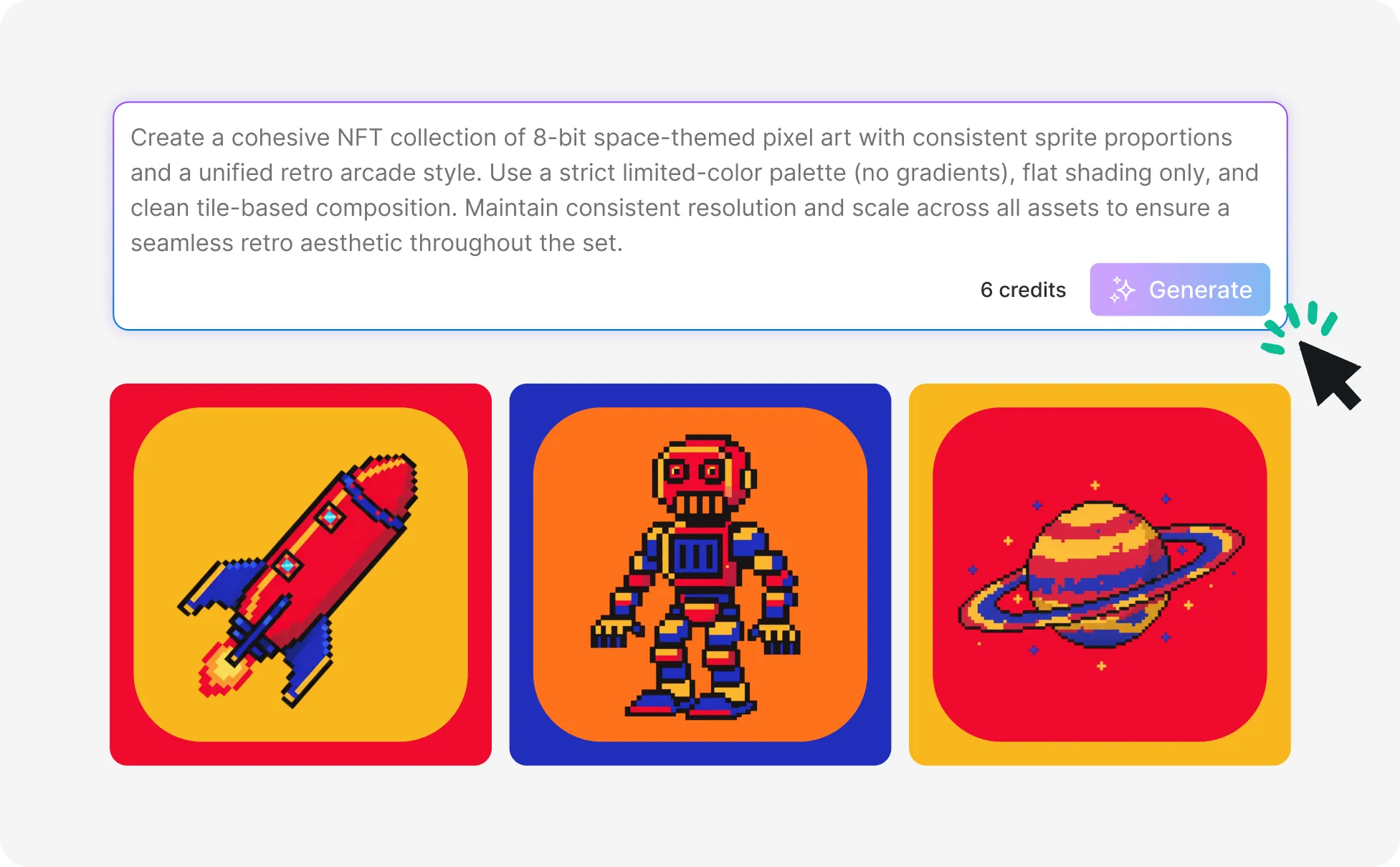
Create Recognizable Pixel Art Content as a Content Creator
A pixel art avatar on Twitch, an emote in Discord, a banner on YouTube — the aesthetic signals creative identity in a way a stock image never does. Describe the character and the details that make it recognizably yours, and Venngage generates pixel art that looks custom-made, not template-picked.
Use the AI Icon Generator to create a matching set of emotes, channel icons, and profile assets, all from the same visual world. Consistent enough to build a brand, distinct enough to stand out.
Generate Pixel Art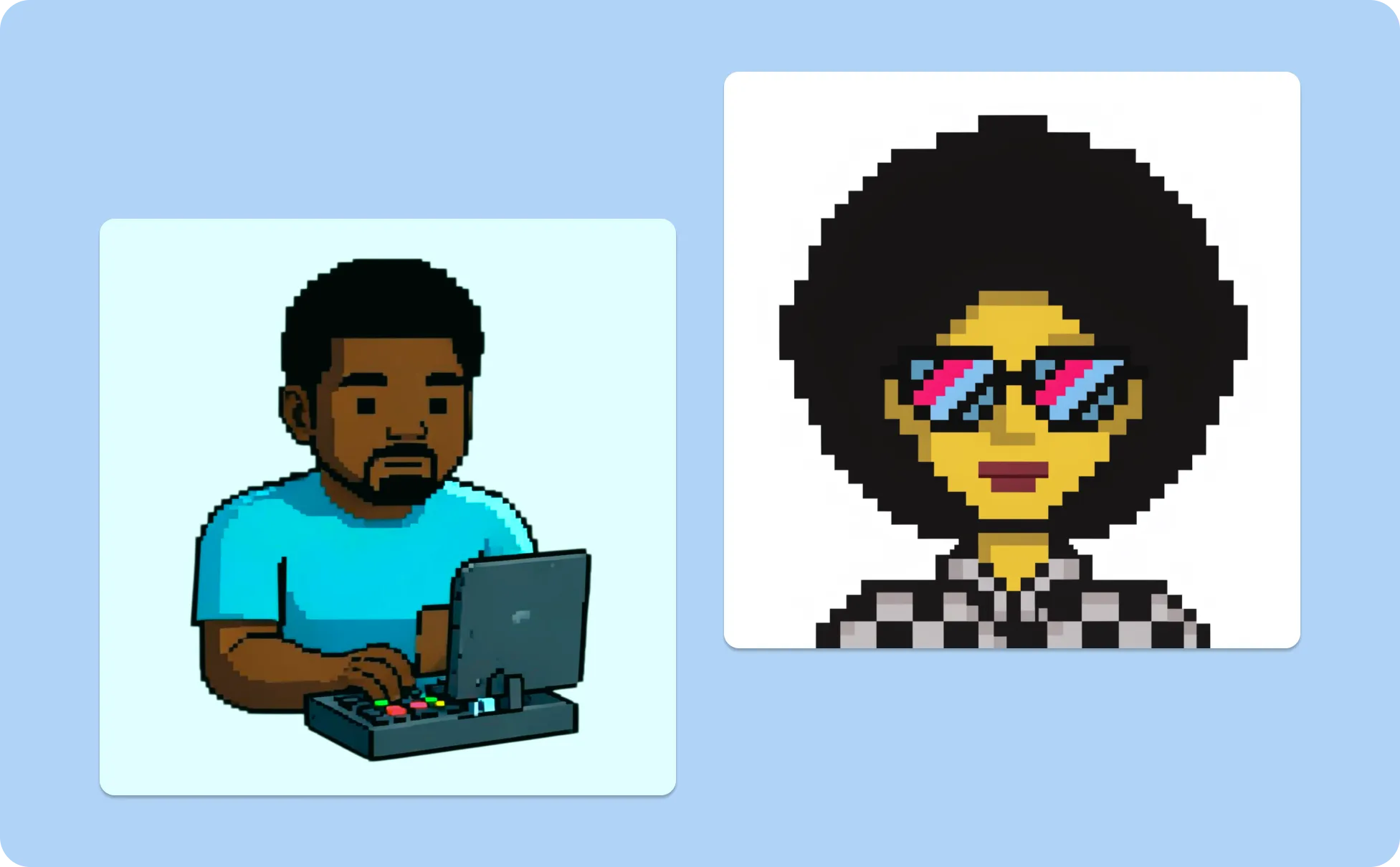
Generate Pixel Art In Seconds With Our AI Pixel Art Generator

Get the Sprite That Was in Your Head Before You Opened the Grid
Describe the character, style, and color palette and Venngage generates the pixel art that was imagined, not the compromised version that resulted from running out of patience on row 18.
Generate Game-Ready Assets Without a Game Art Budget
A full set of sprites, character animations, and background tiles from a professional pixel artist costs thousands. Venngage’s Pixel Art Generator generates game-ready pixel art assets from a description, sized for the engine, formatted for the UI, no invoice required.

Iterate on Art Directions Without Starting From Scratch
Use Venngage's AI Designer to change the color palette, adjust the sprite size, or shift the style from 8-bit to 16-bit without rebuilding from the ground up. Three versions of the same character in three color schemes takes minutes, not three separate grid sessions.
Keep Every Asset Visually Consistent Across the Whole Project
Use Venngage's Brand Kit to apply a consistent color palette and visual style across every sprite, icon, background tile, and UI element. Every asset looks like it came from the same artist, because the same style parameters produced all of them.
Download Assets Sized and Formatted for Any Platform
Every pixel art design downloads as a high-resolution PNG with a transparent background, sized for the game engine, ready for the retro poster, or prepared for NFT minting. No exporting, no converting, no resizing.

Make Pixel Art for Any Project Without Learning Pixel Art
Game development, retro posters, NFT collections, social media avatars, and merchandise graphics all benefit from pixel art. Describe the asset and Venngage generates it. The skill is in knowing what to ask for, not in placing the pixels.
Fuel Your Creativity with AI-Powered Design Tools
Venngage is your one-stop shop for creating impactful presentations, infographics, reports, and more. It's a favorite among professionals, educators, and marketers for a reason:
AI Branding Automation
Instantly extract brand colors, fonts, and styles. Auto-apply your logo and visual identity to every design for seamless brand consistency.

DesignAI Generator
Turn simple prompts into stunning professional visuals in seconds. Describe what you need in plain language and watch our AI generate layouts optimized for maximum visual impact.

AI Content Auto-Fill
Kickstart your design process in seconds. Choose a template and let our AI auto-fill it with relevant, on-brand content, ideal for streamlining workflow and boosting productivity.

AI Generated Icons and Images
Create unique visuals that perfectly match your content and style. Generate custom illustrations, icons and images that align perfectly with your brand.

AI Writer and Translation
Enhance clarity, rewrite content, and instantly translate text to create accessible, global-ready visuals.

Smart Accessibility AI
Ensure every project looks great and works for everyone. Use AI to write alt text check contrast, layout, and font readability, and export fully WCAG-compliant visuals and PDFs.

FAQs
Once your pixel art is generated, use Venngage's AI Designer to refine colors, details, characters, backgrounds, and other visual elements until the artwork matches your vision. Experiment with different variations and iterate as many times as you'd like.
Yes, there are a variety of image generators available on Venngage. Along with the AI Pixel Art Generator, Venngage offers tools to generate, images, icons, illustrations and more. These AI design tools are easy to use and customizable, helping you generate professional visuals quickly to match your style and needs.
Yes, the AI-generated pixel art created using Venngage's tools are copyright-free. You can use them for both personal and commercial purposes without any restrictions on copyright. However, it's always good practice to ensure that any externally sourced content you include is also cleared for use.
We offer a free plan so you can try out all our AI features without spending anything. If you want more advanced features like private sharing and auto branding, we've got Premium and Business plans available too.