


Free AI Image Generator
Bring your ideas to life with custom images, created in a snap to match your style!


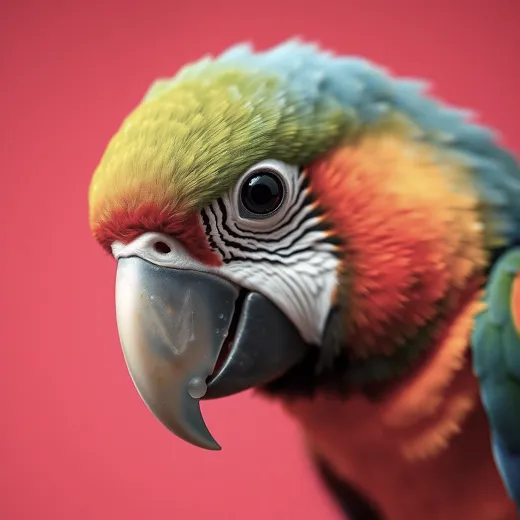




Popular AI Image Generators
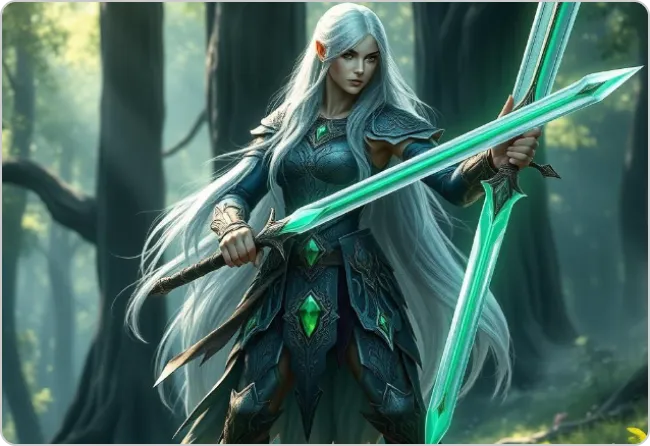
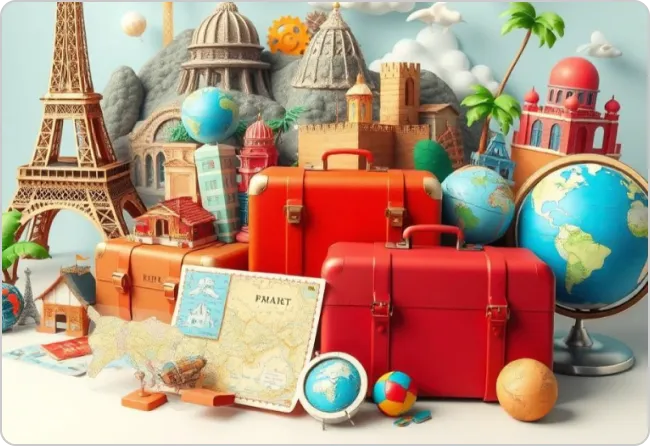
Popular AI Design Generators

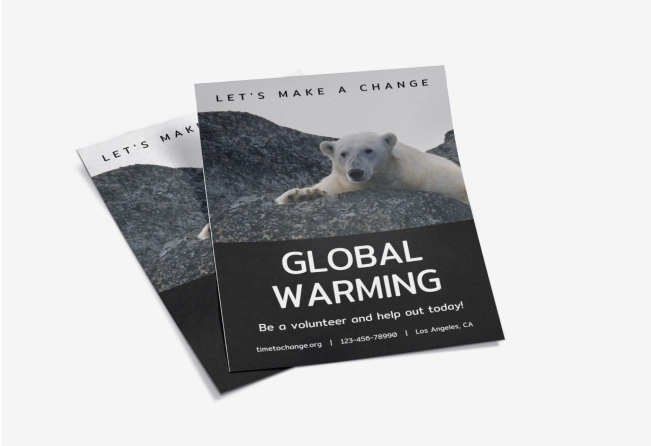
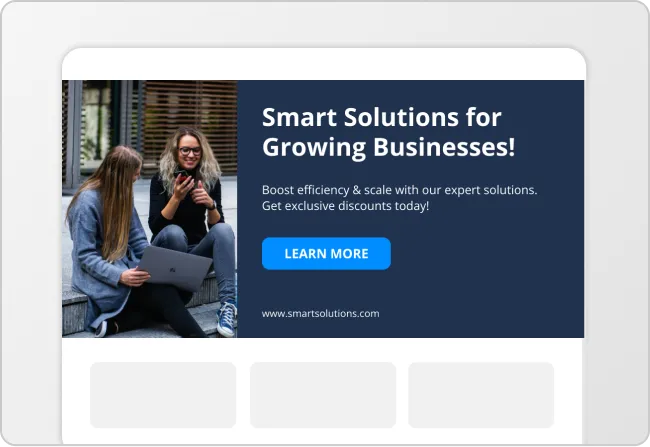
Sample Prompts You Can Modify and Use
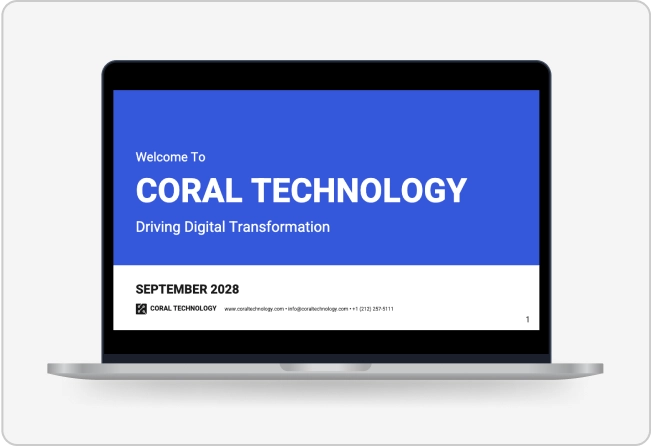
“Create a presentation visual as a university student explaining climate change impacts. Generate an image design suitable for a slide deck that helps communicate key points clearly.”
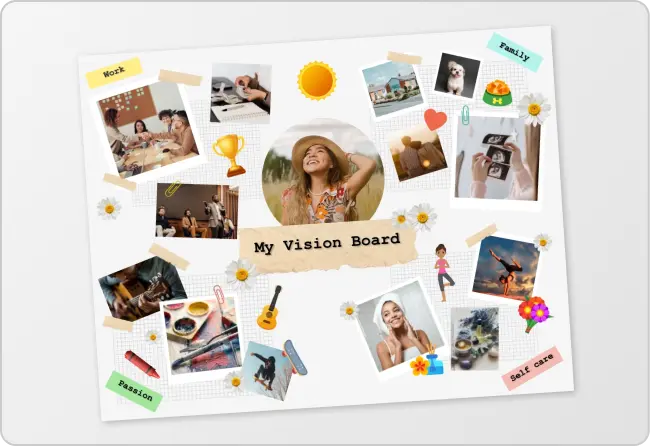
“I’m writing a blog post about managing burnout while working remotely. Generate a blog header image design that supports the article’s message and improves reader engagement.”
“As an eLearning designer building an online course on cybersecurity basics, generate lesson visuals that help learners understand concepts like password security and phishing awareness.”
“Generate a visual that helps customers quickly understand the benefits of a subscription service. As a marketing manager, I want an image design that supports a product announcement post.”
How To Generate An Image Using AI
Step 1
Write a Prompt in Venngage’s AI Image Generator
Describe the scene, subject, or concept you want the image to show so Venngage’s AI Image Generator can generate the visual.
Step 2
Generate and Edit the Image
Click generate to create the image, then use the editor and Venngage’s AI Designer to adjust visuals, layout, and details.
Step 3
Export and Download the Image
Download the image as PNG, PDF, HTML, or PPT to use in social posts, presentations, websites, or documents.
Turn Campaign Ideas Into Ready-to-Use Visuals as a Content Marketer
Campaigns move fast, and hunting for visuals can slow you down. Content marketers can use Venngage’s AI Image Generator to create visuals for social posts, blog headers, slide decks, and marketing one-pagers when rolling out campaigns.
Generate visuals from a campaign brief and export them directly into your content workflow, whether during campaign planning, content production, or asset refresh cycles.
Generate Images
Stand Out Online With Custom Brand Images as a Small Business Owner
Building a recognizable brand gets tricky when every visual starts to look the same. Small business owners rely on Venngage’s Image Creator to produce promotional image designs for website banners, product launches, flyers, and sales one-pagers for startups.
Try it out while preparing a new offer, refreshing your website, or planning a promotion. The visuals help create a more polished presence without bringing in outside design help.
Generate Images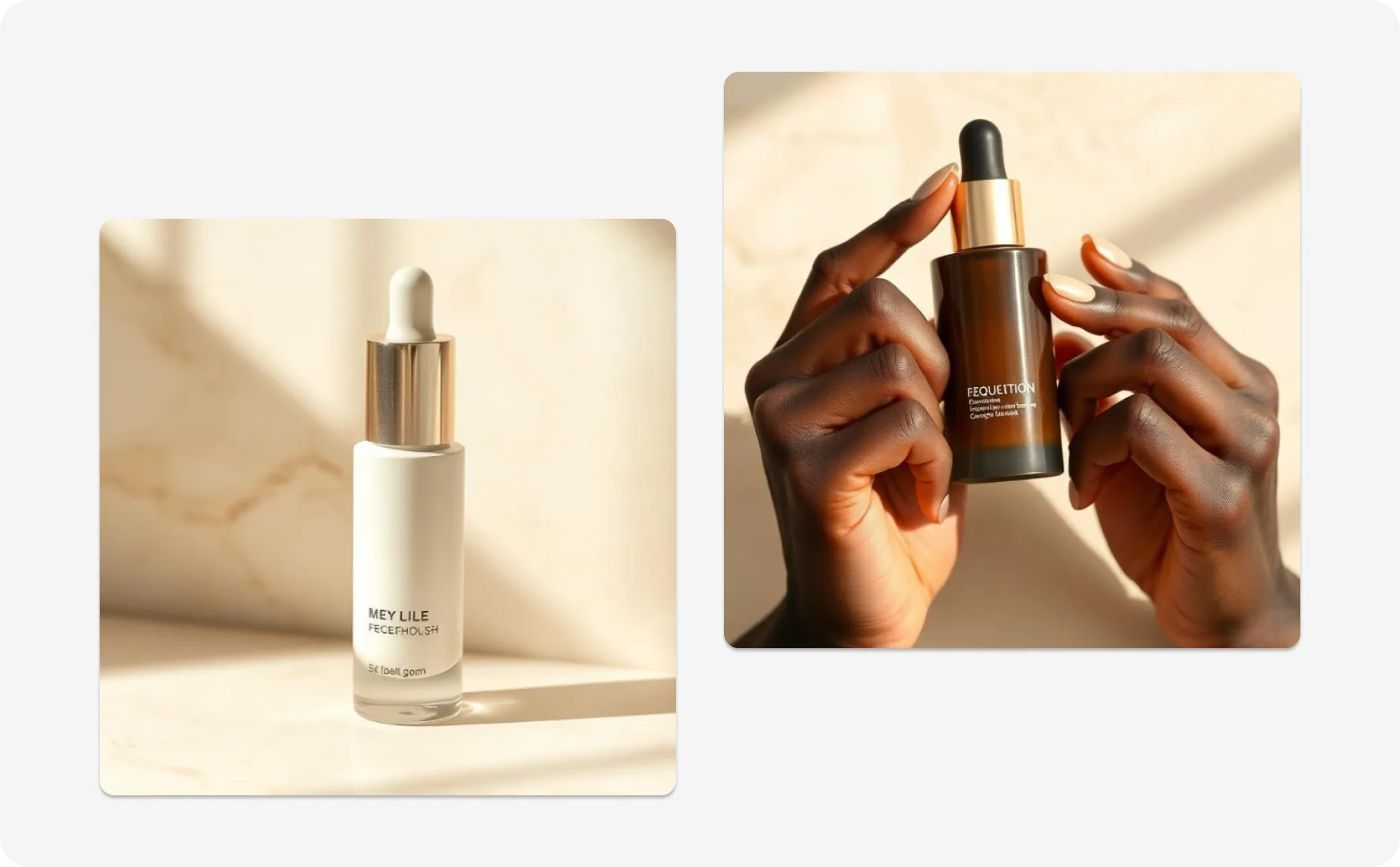
Bring Personal Projects to Life With Custom Images as a Creator
Sometimes the idea is clear, but turning it into visuals takes extra time and content with images can get up to 94% more views. Creators and hobbyists can use this AI image tool to generate artwork for posters, social posts, digital projects, and presentations when experimenting or sharing ideas.
It’s useful for sketching concepts, testing directions, or creating something to share online without getting stuck in design tools.
Generate Images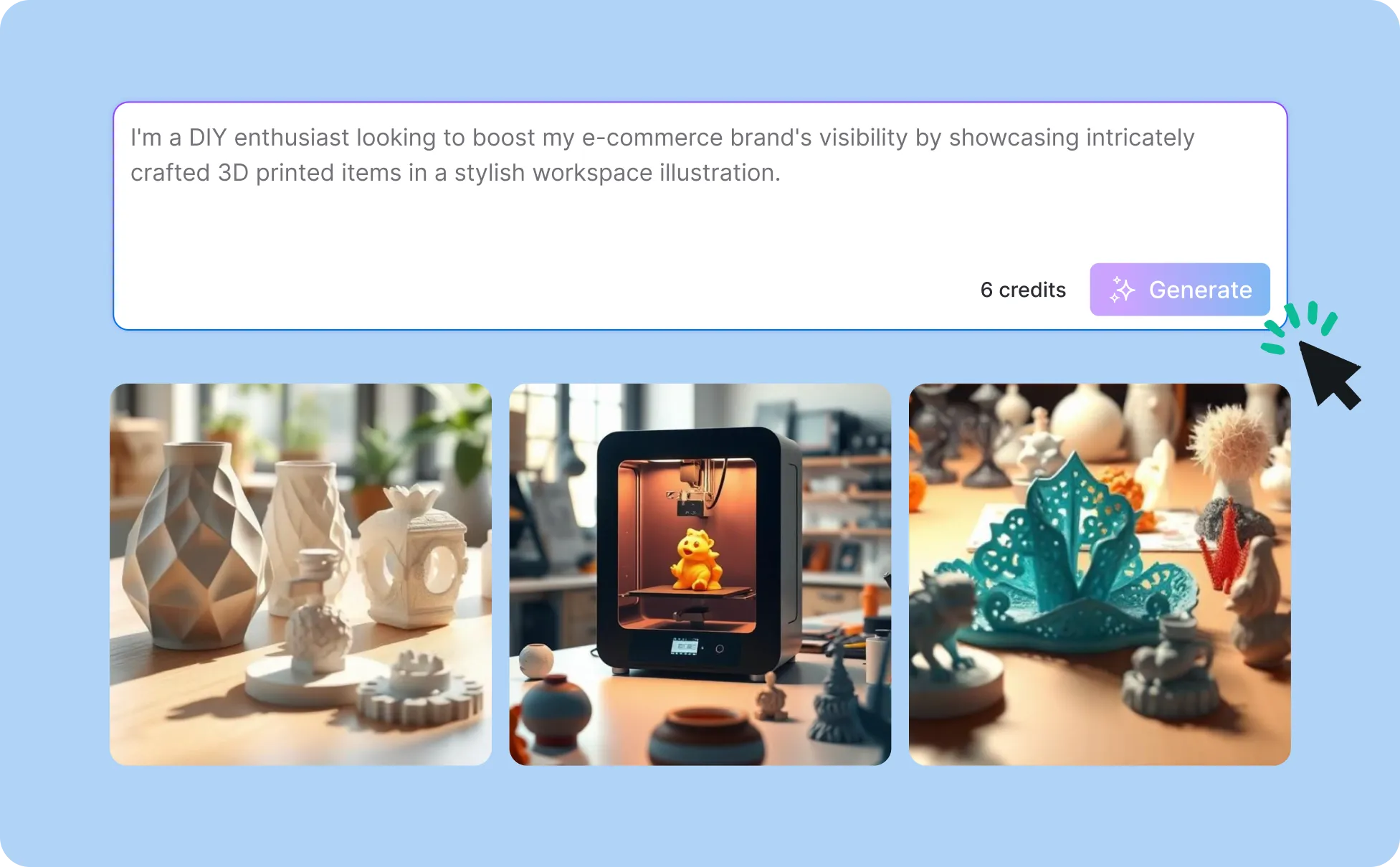
Generate Images In Seconds With Our AI Image Generator

Instant Customization
With Venngage’s AI Image Generator, you can whip up custom visuals in no time that match your style—no design skills needed!

Super Easy To Use
You don’t need to be a design pro! Just describe your idea, and let the AI work its magic to create something awesome.

Top Notch Quality
Get high-resolution, sharp images ready for anything—whether it’s digital content or print materials, your visuals will look amazing.

Unlimited Creative Possibilities
Need images for social media, ads, or personal projects? Our AI Image Generator lets you create whatever you need, with endless options to customize.

Save Time & Energy
Skip the complicated design work and get images that match your vision in a fraction of the time. More time for fun stuff!
Stay On Brand Effortlessly
No more worrying about consistency! The AI helps you create visuals that perfectly match your brand’s vibe and keep everything looking polished.
Fuel Your Creativity with AI-Powered Design Tools
Venngage is your one-stop shop for creating impactful presentations, infographics, reports, and more. It's a favorite among professionals, educators, and marketers for a reason:
AI Branding Automation
Instantly extract brand colors, fonts, and styles. Auto-apply your logo and visual identity to every design for seamless brand consistency.

DesignAI Generator
Turn simple prompts into stunning professional visuals in seconds. Describe what you need in plain language and watch our AI generate layouts optimized for maximum visual impact.

AI Content Auto-Fill
Kickstart your design process in seconds. Choose a template and let our AI auto-fill it with relevant, on-brand content, ideal for streamlining workflow and boosting productivity.

AI Generated Icons and Images
Create unique visuals that perfectly match your content and style. Generate custom illustrations, icons and images that align perfectly with your brand.

AI Writer and Translation
Enhance clarity, rewrite content, and instantly translate text to create accessible, global-ready visuals.

Smart Accessibility AI
Ensure every project looks great and works for everyone. Use AI to write alt text check contrast, layout, and font readability, and export fully WCAG-compliant visuals and PDFs.

FAQs
Absolutely. All AI-generated images on Venngage's platform are fully customizable, allowing you to personalize colors, layouts, images and more to match your unique vision.
Yes, there are a variety of image generators available on Venngage. Along with the AI Image Generator, Venngage offers tools to create infographics, social media posts, reports, and more. These AI design tools are easy to use and customizable, helping you generate professional visuals quickly to match your style and needs.
Yes. Images generated with Venngage’s AI tools can generally be used in commercial projects, such as marketing materials, presentations, and client work. As with any AI content, it’s good practice to review outputs and ensure they don’t unintentionally resemble existing copyrighted material.
We offer a free plan so you can try out all our AI features without spending anything. If you want more advanced features like private sharing and auto branding, we've got Premium and Business plans available too.
Yes, you can apply company Brand Kit colors to AI-generated images using Venngage’s centralized brand governance tools. After generating a visual, users apply saved HEX codes and logos with a single click. This ensures all 4 million+ professional icons and AI assets maintain a consistent visual identity aligned with corporate standards and WCAG 2.1 compliance.
The Venngage Prompt Enhancer improves image quality by automatically injecting technical context and visual direction into raw text inputs. This tool acts as a creative brief, ensuring the AI produces high-resolution assets with professional composition. Enhanced prompts help maintain WCAG 2.1 Level AA color contrast ratios for high-stakes business graphics and accessible reporting.
Yes, you can specify artistic styles such as photorealism, 3D renders, or flat illustrations directly within the Venngage AI generator. The platform supports diverse visual directions to match professional reporting needs. By defining the style, users create specialized assets that align perfectly with Venngage’s 40,000+ template library and maintain a sophisticated technical aesthetic.
AI image generation uses credits that are allocated based on your subscription plan. Free and lower-tier plans typically include limited credits, while higher-tier or team plans offer more. Credits reset or renew according to your billing cycle and we suggest checking your plan details for exact limits.
Yes, you can edit or add text to any AI-generated image using Venngage’s AI Designer and drag-and-drop editor. The platform allows users to overlay accessible typography and ensure 100% WCAG 2.1 compliance through real-time auditing. This technical workflow ensures that complex business graphics remain screen-reader friendly and optimized for high-resolution 300 DPI export.
Yes, you can save AI-generated images to your personal Venngage library for seamless reuse across multiple infographics, reports, and presentations. Stored images maintain high-resolution quality, enabling professional teams to build a consistent asset library. This feature streamlines the design process for high-stakes outputs, ensuring all visuals are ready for 300 DPI or PDF/UA export.