


Free AI Marketing Brochure Generator
Generate a professional marketing brochure to promote your products, services, or campaigns. No design experience needed.




Browse Through More Brochure Templates
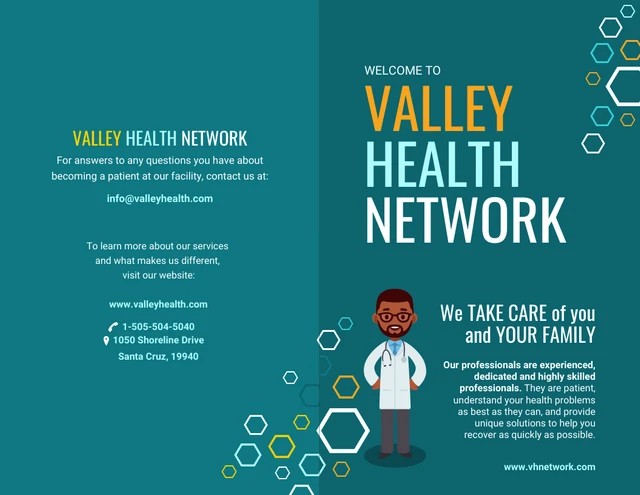
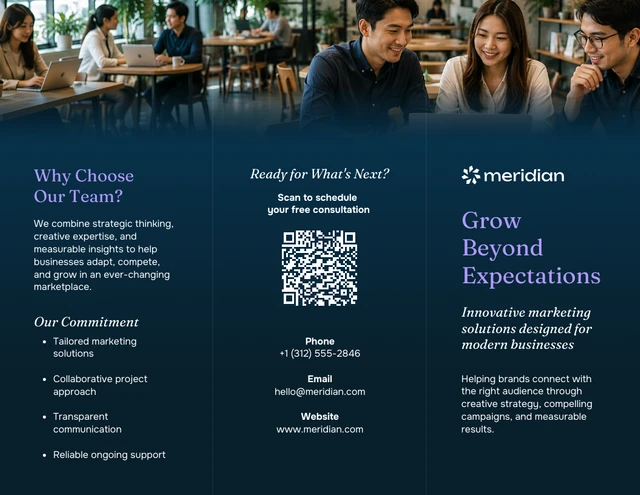
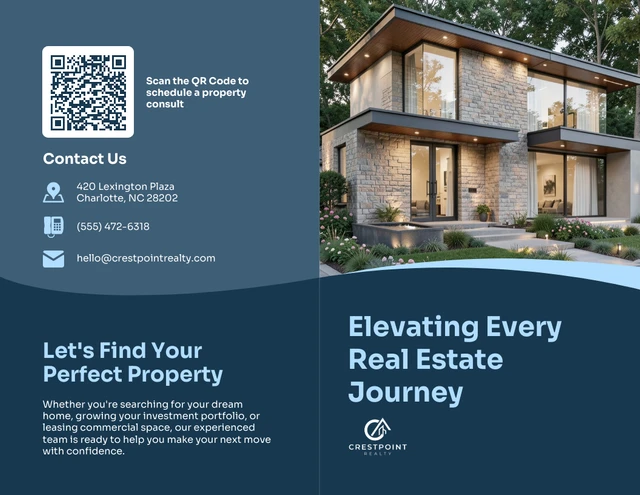
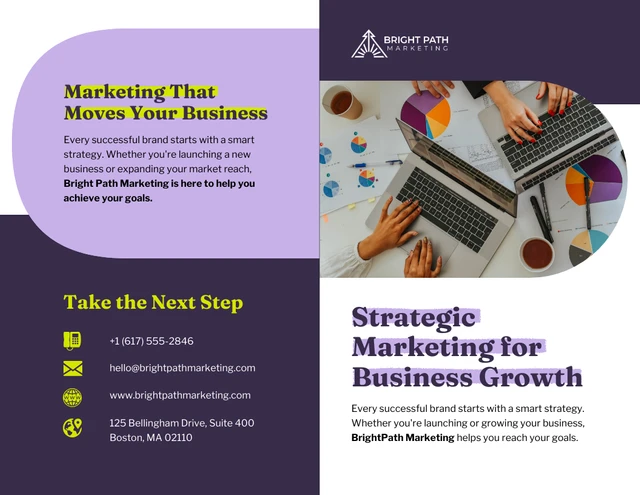
Popular AI Design Generators
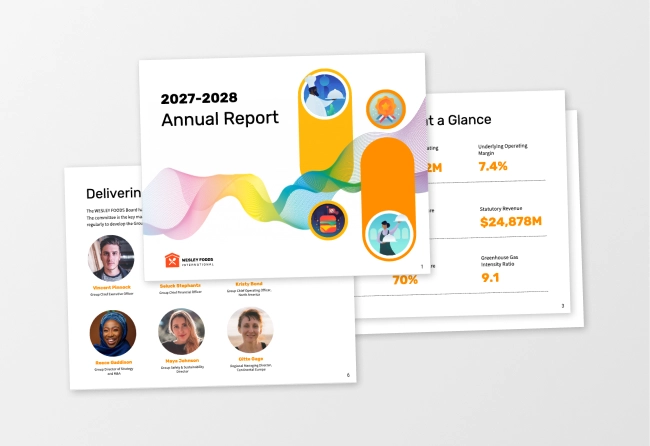
Sample Prompts You Can Modify and Use
“Design a marketing brochure for a real estate business to attract new customers. Include the services offered, pricing, service area, past work, and customer reviews. Add a clear call to action to request a quote. Make it a print-ready trifold for direct mail.”
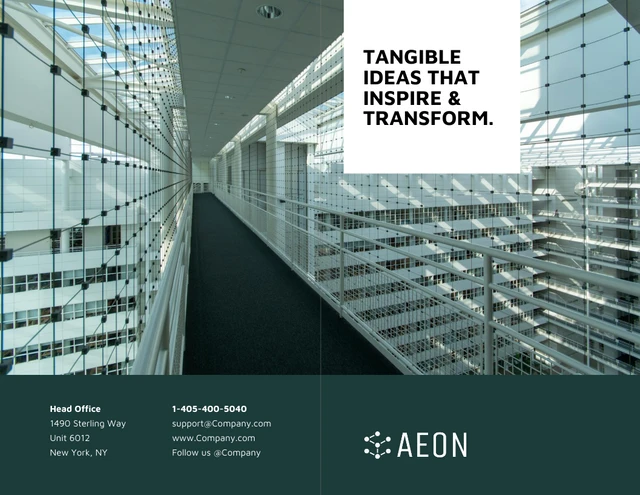
“Generate a company profile brochure for a catering company to pitch to corporate clients. Include the services, sample menus, event types covered, client list, and contact details. Make it a print-ready bifold for sales meetings and proposals.”
“Create a trade show brochure for a skincare brand exhibiting at a beauty expo. Include the product line, top three selling points, a customer result, and the booth number. Add a QR code placeholder for orders. Make it a single-page handout to give out at the booth.”
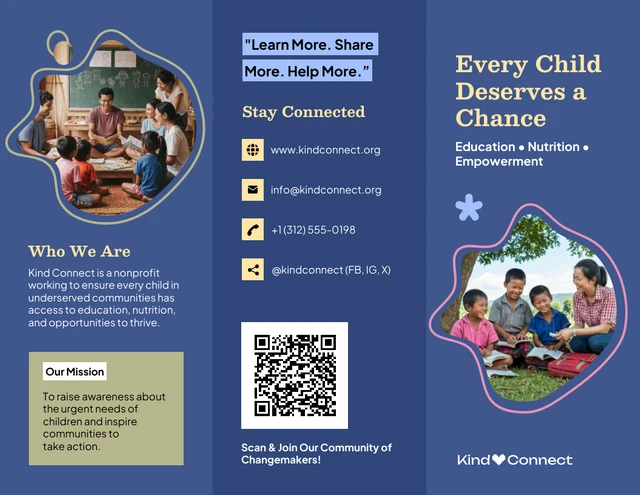
“Design a promotional brochure for a fitness studio running a New Year membership offer. Include the discounted plans, the offer deadline, class schedule, location, and a section on how to sign up. Make it a print-ready trifold for local distribution.”
How to Create Marketing Brochures Using AI
Step 1
Describe Your Brochure Type, Theme, and Style
Describe the brochure you want to create, including the format, industry, audience, and what you want to promote.
Step 2
Generate the Marketing Brochure Design
Venngage’s AI Marketing Brochure Generator turns your prompt into a customizable brochure with organized sections, headlines, icons, colors, and visuals tailored to your business or campaign.
Step 3
Edit the Copy and Customize the Layout
Update your brochure copy, add product photos, or create custom visuals with Venngage's AI tools. Resize, reposition, and adjust design elements without rebuilding the layout.
Step 4
Refine Brochure Layout With AI
Use Venngage’s AI Designer to improve spacing, balance, and visual hierarchy. Fine-tune sections, fonts, colors, and design elements in the drag-and-drop editor to match your brand.
Step 5
Apply Your Brand and Export
Use Brand Kit to apply your logo, colors, and fonts across your brochure. Export the brochure as a print-ready PDF or download as PNG for email campaigns, social posts, and digital marketing materials.
Promote Products or Services as a Small Business Owner
Small business owners rarely have the time or budget to hire a designer every time they want to promote a new product, seasonal offer, or service update. Creating a brochure yourself can also feel overwhelming if you don’t have design experience.
Venngage’s AI Marketing Brochure Generator creates a brochure from a simple prompt describing your business, offer, and audience. Get a customizable layout with headlines, visuals, and sections ready to edit, update, and brand.
Generate Marketing Brochures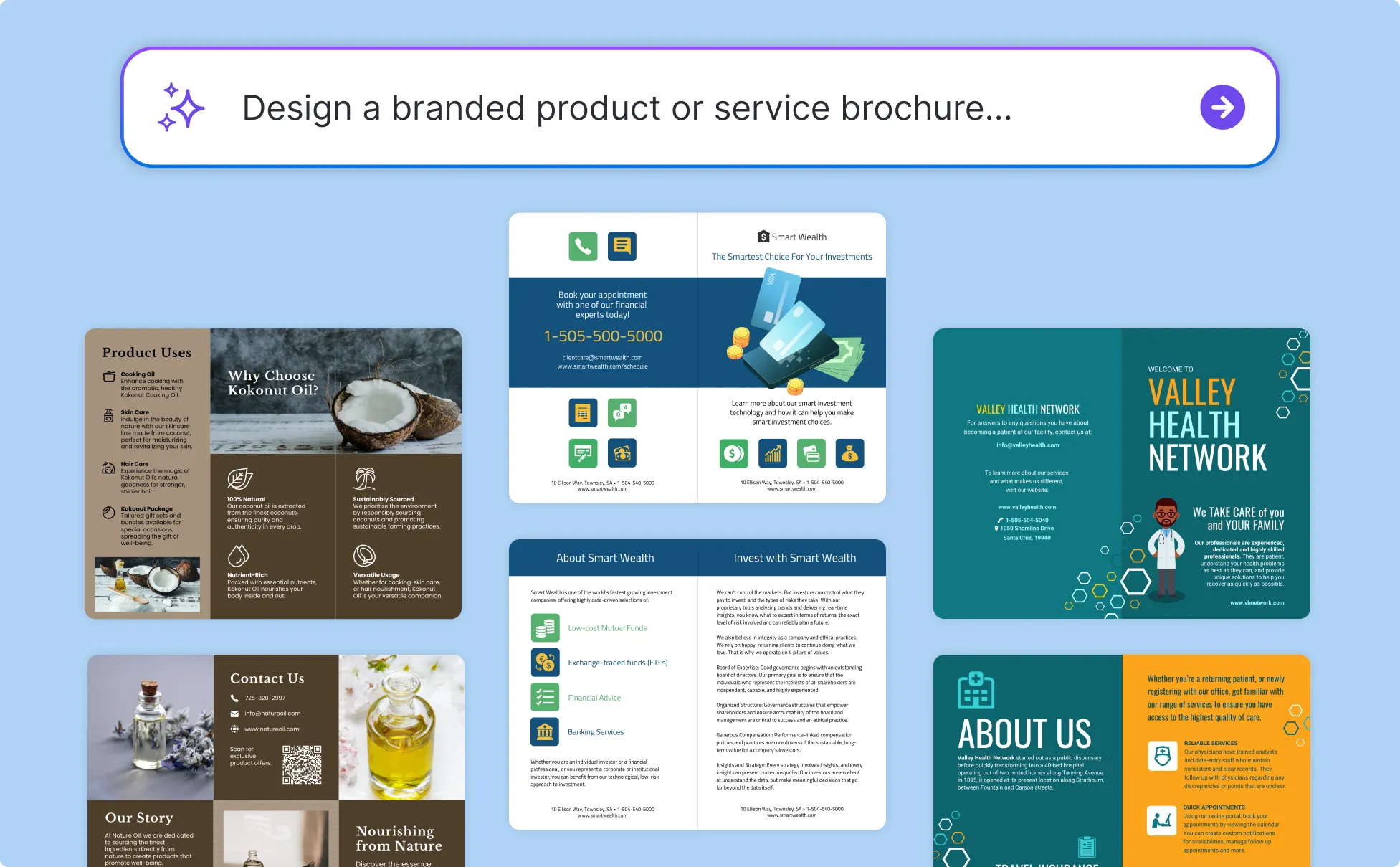
Generate Brochures for Product Launches as a Marketing Manager
Marketing teams often deal with slow brochure approvals, scattered revisions, and inconsistent branding across campaigns. Every update turns into another design request, making launch timelines harder to manage.
Venngage helps you generate brochures for product launches and campaigns from simple prompts. Customize messaging, visuals, and layouts, then use Brand Kit to keep designs consistent.
Generate Marketing Brochures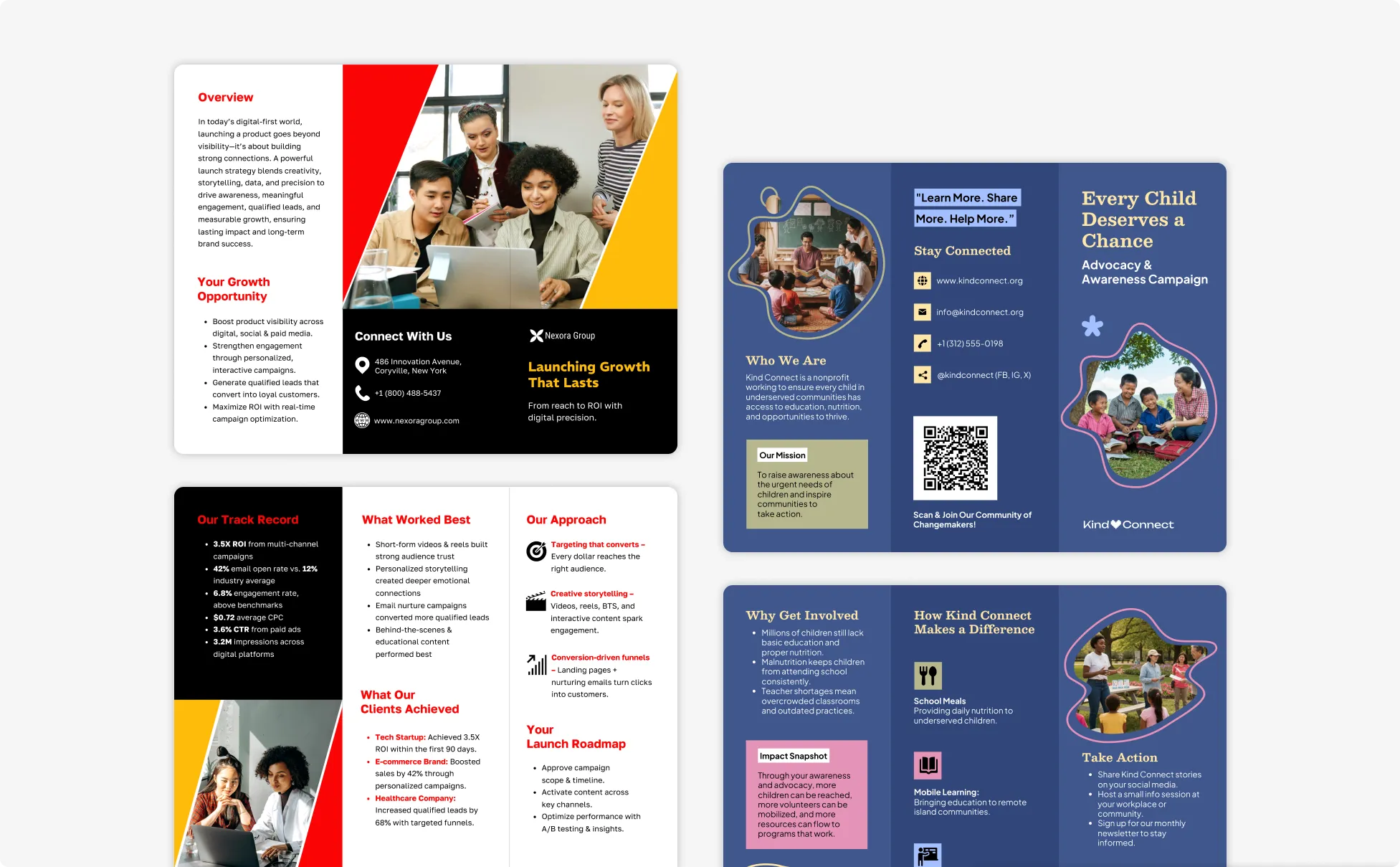
Create Event and Trade Show Brochures with AI
Trade show brochures usually come together at the last minute. Product details change, booth numbers get updated, pricing shifts, and suddenly the same brochure needs three different versions for different audiences or events.
With Venngage, you can generate a trade show brochure from a simple prompt. Customize it for different events, products, or audience segments using the drag-and-drop editor. Update pricing, booth details, schedules, visuals, or QR codes easily.
Generate Marketing Brochures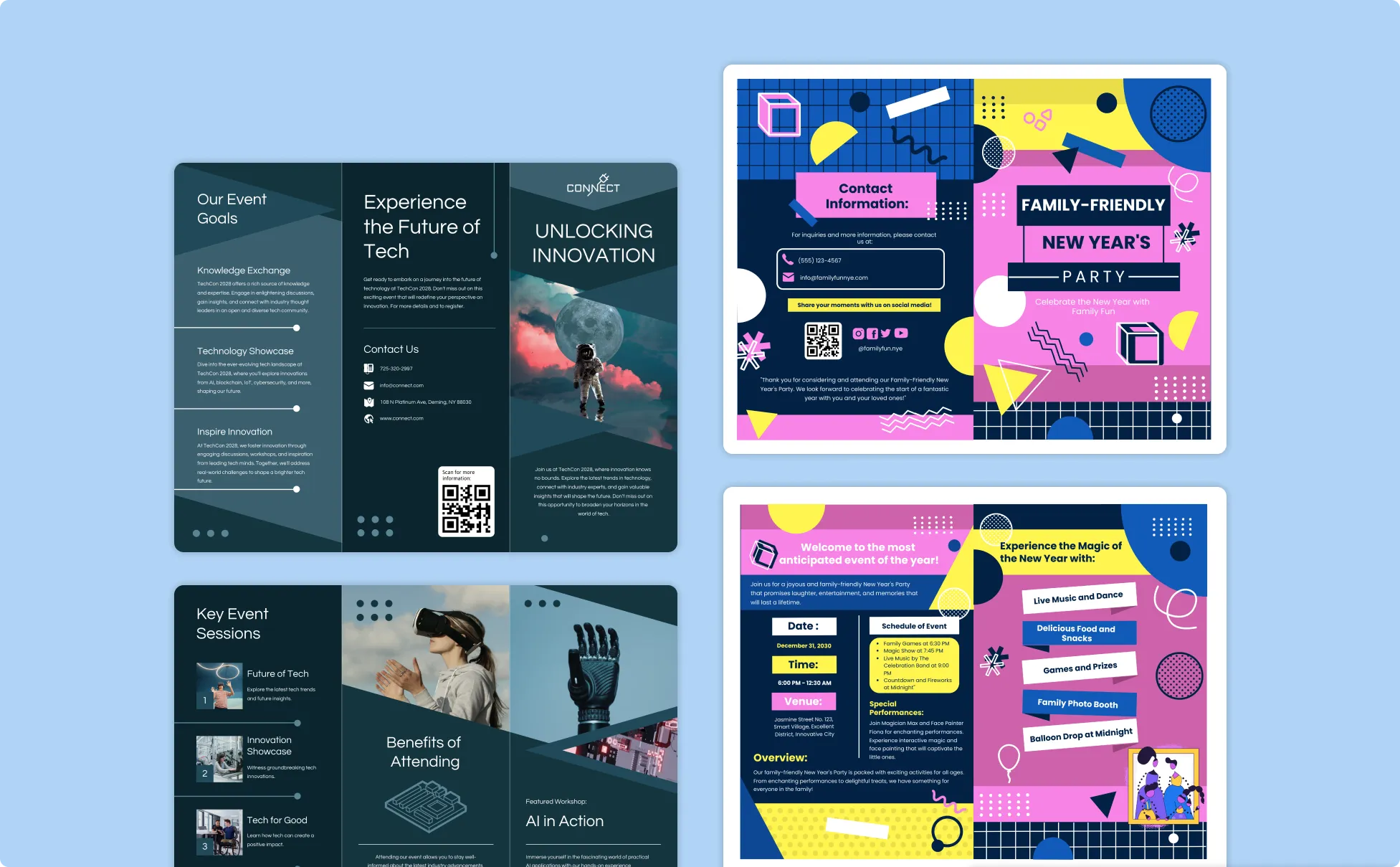
Generate Marketing Brochures In Seconds With Our AI Marketing Brochure Generator

Launch Product Campaigns Without Waiting on a Designer
Create print-ready marketing brochures for product launches, seasonal promotions, and trade shows without long design turnaround times. Generate campaign materials in minutes.

Keep Marketing Brochure Consistent Across Campaigns
Apply your Brand Kit to keep every brochure aligned with your colors, fonts, logo, and brand style. Reuse designs across product launches, promotions, and trade show materials without rebuilding layouts.

Generate Custom Visuals for Your Marketing Brochure
Use Venngage’s AI Image Generator and AI Icon Generator to create product visuals, promotional graphics, section icons, and branded header designs for your marketing brochure.
Export Marketing Brochures for Print and Digital Campaigns
Create one marketing brochure and modify it for different distribution channels. Export a print-ready PDF for commercial printing, or download high-quality PNG and JPG files for email campaigns, paid ads, or social media.

Improve Marketing Copy With the AI Writing Assistant
Use Venngage’s AI Writing Assistant to refine brochure messaging, strengthen your value proposition, and make calls to action more persuasive. Rewrite sections, adjust the tone, and sharpen campaign copy.

Speed Up Marketing Brochure Reviews and Approvals
Share a private Venngage link to collect feedback directly on your brochure design. Manage comments, update content, and finalize approvals without sending multiple file versions back and forth.
Fuel Your Creativity with AI-Powered Design Tools
Venngage is your one-stop shop for creating impactful presentations, infographics, reports, and more. It's a favorite among professionals, educators, and marketers for a reason:
AI Branding Automation
Instantly extract brand colors, fonts, and styles. Auto-apply your logo and visual identity to every design for seamless brand consistency.

DesignAI Generator
Turn simple prompts into stunning professional visuals in seconds. Describe what you need in plain language and watch our AI generate layouts optimized for maximum visual impact.

AI Content Auto-Fill
Kickstart your design process in seconds. Choose a template and let our AI auto-fill it with relevant, on-brand content, ideal for streamlining workflow and boosting productivity.

AI Generated Icons and Images
Create unique visuals that perfectly match your content and style. Generate custom illustrations, icons and images that align perfectly with your brand.

AI Writer and Translation
Enhance clarity, rewrite content, and instantly translate text to create accessible, global-ready visuals.

Smart Accessibility AI
Ensure every project looks great and works for everyone. Use AI to write alt text check contrast, layout, and font readability, and export fully WCAG-compliant visuals and PDFs.

FAQs
Every marketing brochure needs a headline that grabs attention, a clear description of the product or service, the key benefits for the reader, contact details, and a call to action. For trifold and bifold formats, use the cover panel for the hook, inner panels for the offer and details, back panel for contact information, and next steps.
Tri-fold brochures are one of the most popular formats for marketing materials because they give you enough space to explain your offer, highlight key benefits, and include contact information in an easy-to-scan layout. Bi-fold brochures work better for product-focused designs with larger visuals, while single-page handouts are useful for trade shows, events, or quick promotional takeaways.
Yes. Export any marketing brochure as a high-resolution PDF formatted for commercial printing, including trifold and bifold layouts. You can also export as PNG or JPG for digital use across email campaigns, social media, and your website.
We offer a free plan so you can try out all our AI features without spending anything. If you want more advanced features like private sharing and auto branding, we've got Premium and Business plans available too.