


Free AI Letter Generator
Write better letters faster — for job seekers, businesses, and teams




Browse Through More Letter Templates
Popular AI Design Generators

Sample Prompts You Can Modify and Use
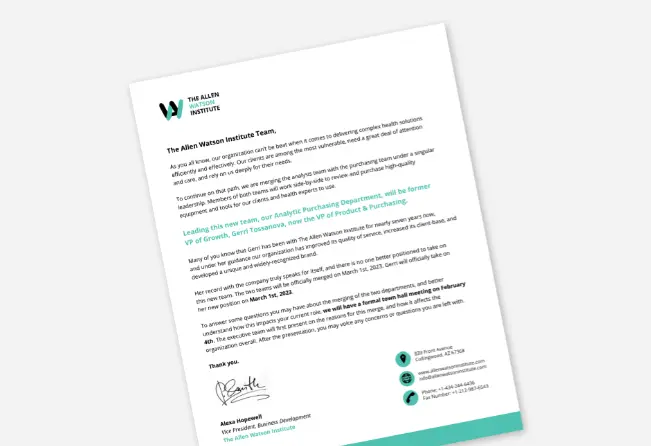
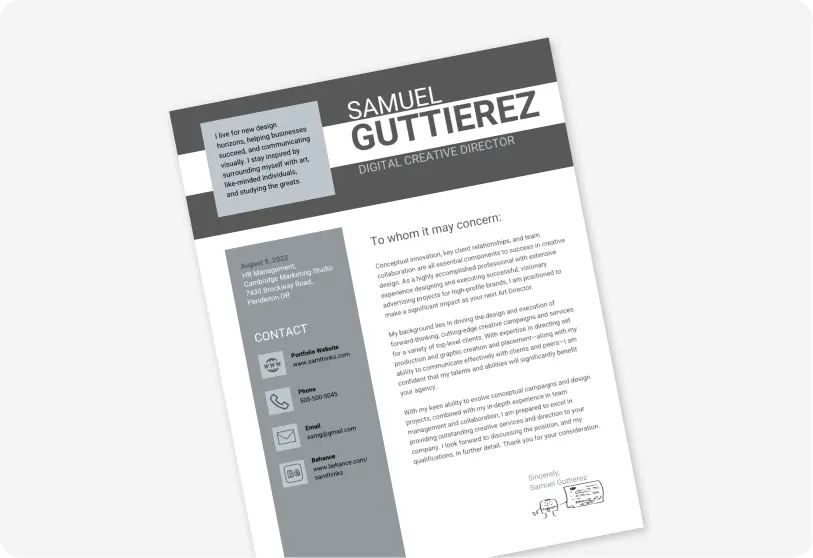
“As a career coach writing on behalf of a recent marketing graduate, write a cover letter for a junior content writer role that highlights transferable skills and academic projects, in 3 concise paragraphs.”
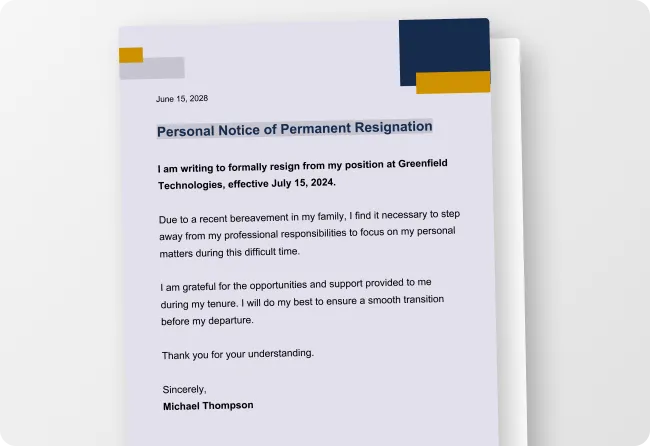
“Write a professional two weeks notice resignation letter from a mid-level account manager to their direct supervisor. The tone of theletter should be grateful, forward-looking, and free of grievances, in 2–3 short paragraphs.”
“Write a formal partnership request letter from an early-stage logistics startup to a mid-sized retail chain, making a clear case for mutual benefit and proposing a next step, under 250 words.”
“Write an academic appeal letter from a university student requesting grade reconsideration after missing final exams due to a documented medical emergency. Be respectful, factual, and support the letter with a clear timeline of events, in 2–3 paragraphs.”
How to Write a Letter Using AI
Step 1
Describe Your Letter in the Prompt Field
Type your request, including the letter type, recipient, your role, tone, and goal. For example: Write an ATS-friendly cover letter for a senior marketing manager applying to a SaaS company, confident and results-focused or Write a two weeks notice resignation letter, professional and grateful, under 200 words.
Step 2
Generate Your Letter Using Venngage's AI Letter Generator
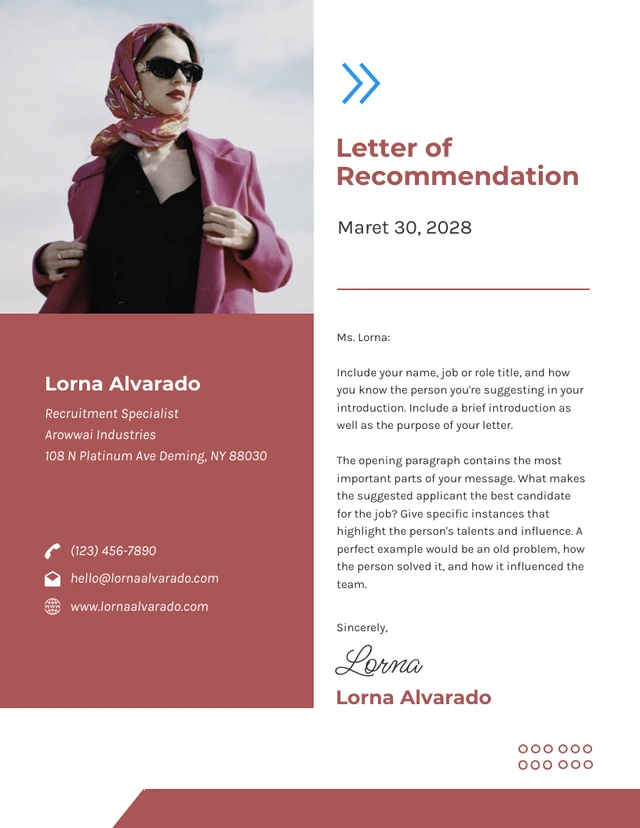
Click generate and let Venngage's AI Letter Generator produce a complete, structured letter — a persuasive salary negotiation letter, a polite formal complaint letter, a heartfelt thank you letter after an interview, or a professional letter of recommendation — matched to your prompt in seconds.
Step 3
Refine Your Letter Using the AI Design Tools
Use Venngage's AI tools to adjust the tone, rewrite a paragraph, or make the letter more formal or conversational without starting over. Type instructions like telling it to make this more persuasive, shorten one, or make the opening line stronger and the AI applies the changes instantly.
Step 4
Edit Your Letter Using Venngage's Editor & Brand Kit
Use Venngage's drag-and-drop editor to adjust typography, spacing, and professional letter formatting with ease. Use the Brand Kit to add your company fonts, colors, and logo — essential for business proposal letters, client thank you letters, and corporate formal letters.
Step 5
Export and Send Your Finished Letter
Download your completed letter as a print-ready PDF or PNG, or share it instantly via a private Venngage link for team review or client approval. Attach it directly to a job application as an ATS-friendly cover letter, send it as a formal letter via email, or print it for mailing.
Write a Cover Letter for a Job Application as a Job Seeker
Found the perfect role but dreading the cover letter? Venngage's AI Letter Generator writes a personalized, ATS-friendly cover letter from one prompt. Describe the job title, company, and your key skills, then download as a PDF and attach to your application in minutes.
Perfect for when a generic cover letter won't cut it but there's no time to write a tailored one from scratch.
Generate Letters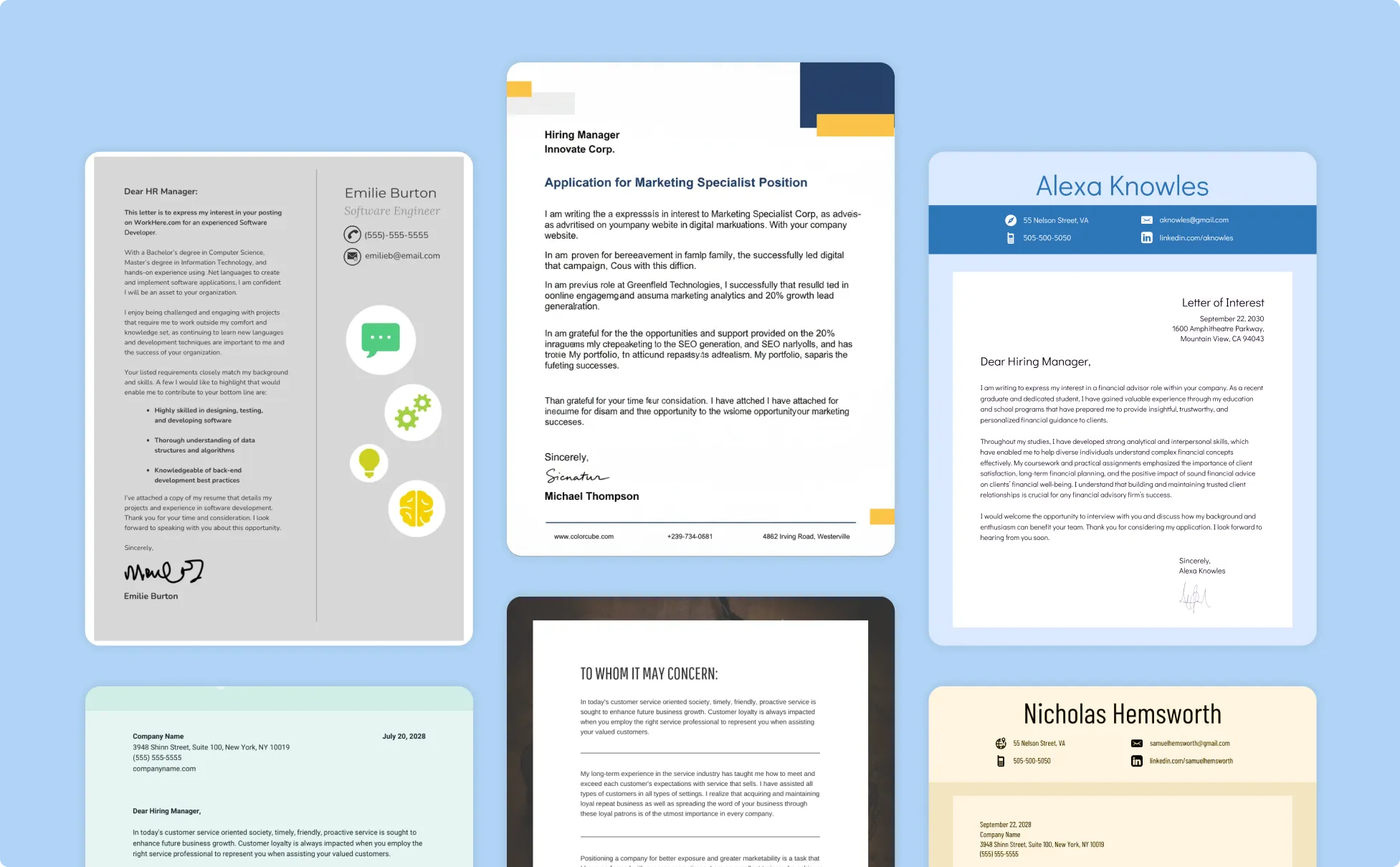
Write a Personal Letter for Any Situation
Sometimes you need a letter that's firm, clear, and professional but you're not a lawyer or HR manager. Type a prompt and Venngage's AI Letter Generator produces a properly structured, ready-to-send letter in under a minute.
It’s your go-to for a lease termination letter, debt settlement letter, insurance appeal letter, or character reference letter. When getting the tone wrong could cost you your deposit, your case, or your credibility.
Generate Letters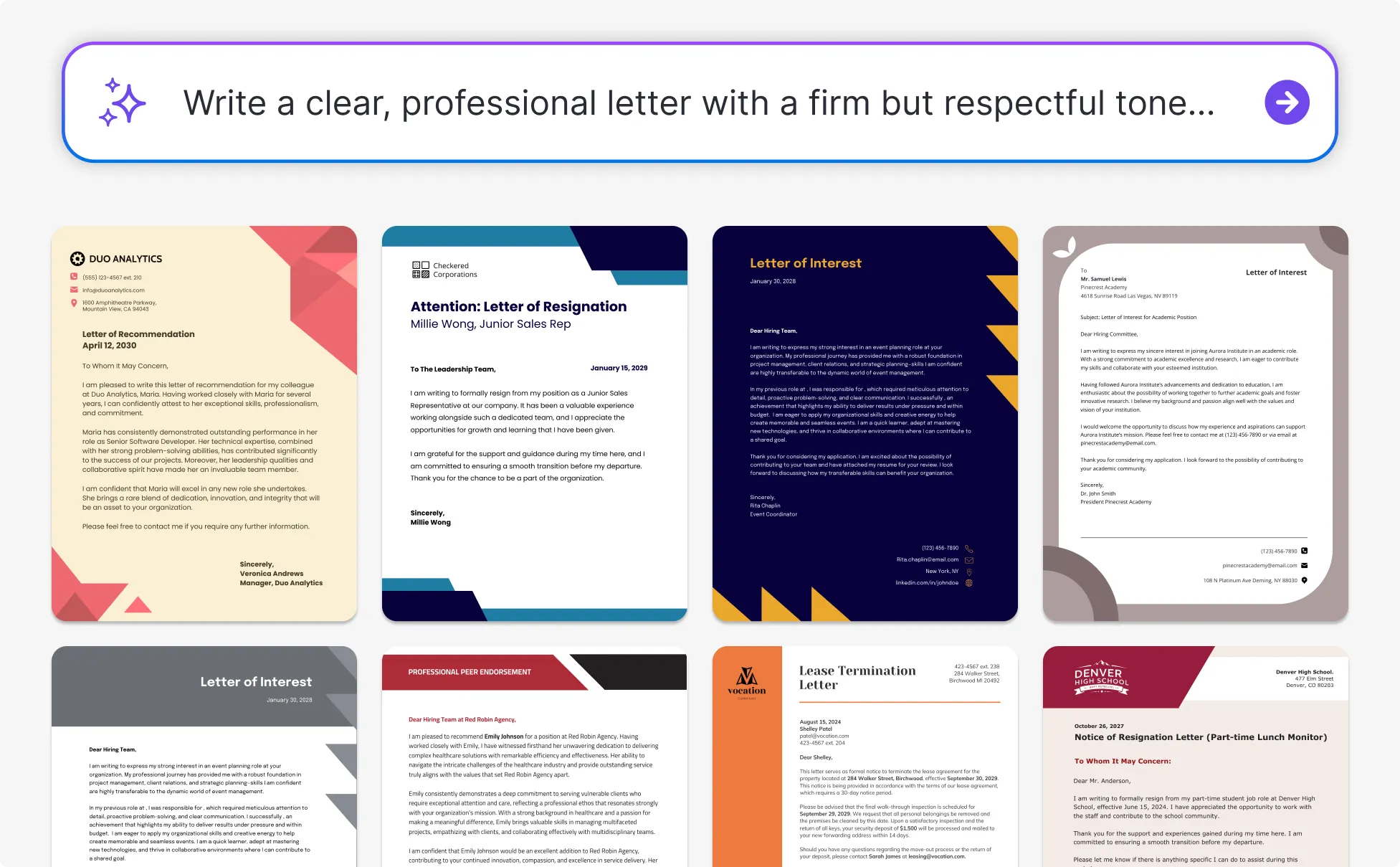
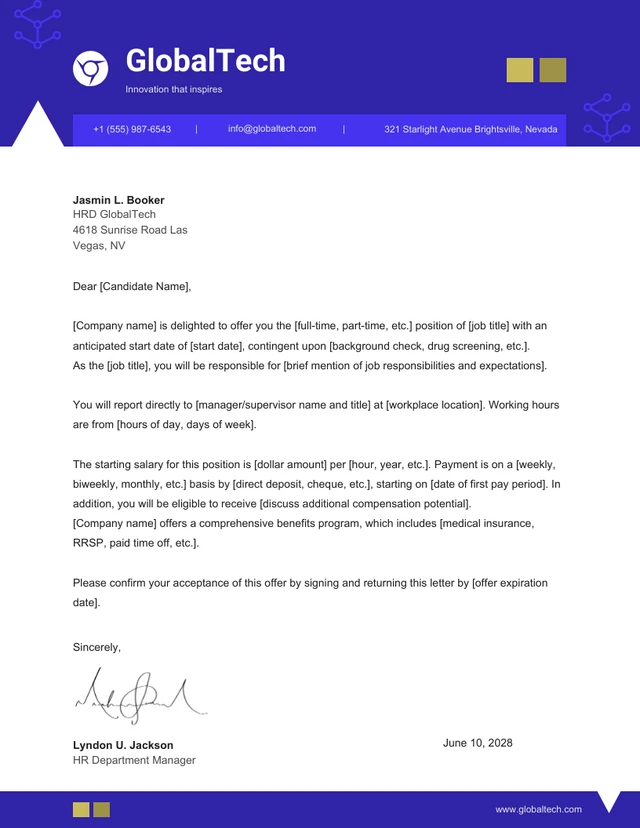
Write a Termination Letter or Job Offer Letter as an HR Manager
HR managers don't struggle with what to say but with how long it takes to say it correctly for every hiring decision, exit, or disciplinary action.
Venngage's AI Letter Generator produces a complete, properly worded letter in minutes, with the Brand Kit applied to keep every termination letter, warning letter, and employment verification letter consistently on-brand and export-ready.
Generate Letters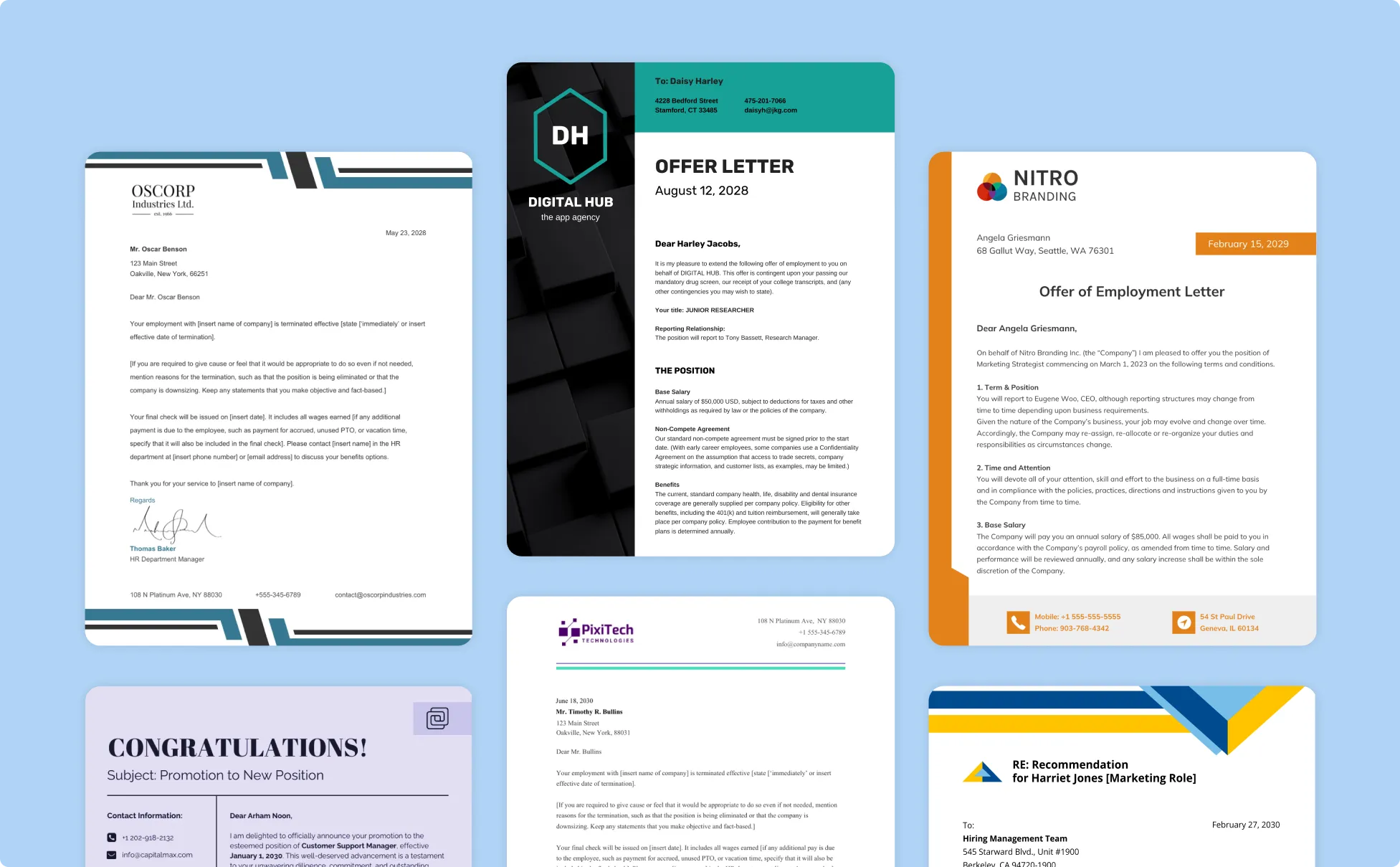
Generate Letters In Seconds With Our AI Letter Generator

Write Any Professional Letter in Minutes With AI
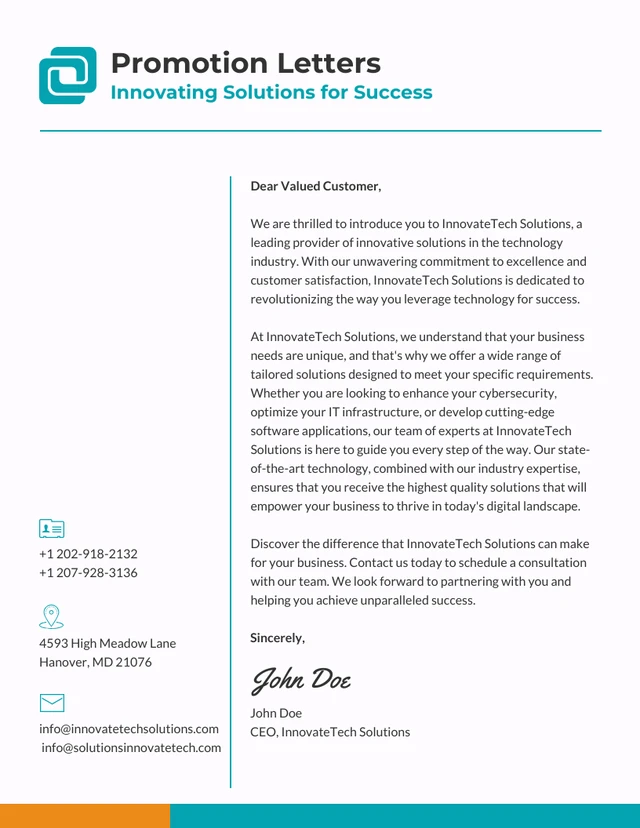
Generate a complete, professionally written letter from a single text prompt instead of starting from a blank page. Save time while producing a polished, ready-to-send cover letter, resignation letter, recommendation letter, or formal complaint letter in seconds.

Turn a Simple Prompt Into a Structured Professional Letter
Describe the letter type, recipient, tone, and goal in plain language and Venngage's AI Letter Generator generates a fully structured, properly formatted letter instantly. No writing experience needed, just type what you need and the AI handles the rest.

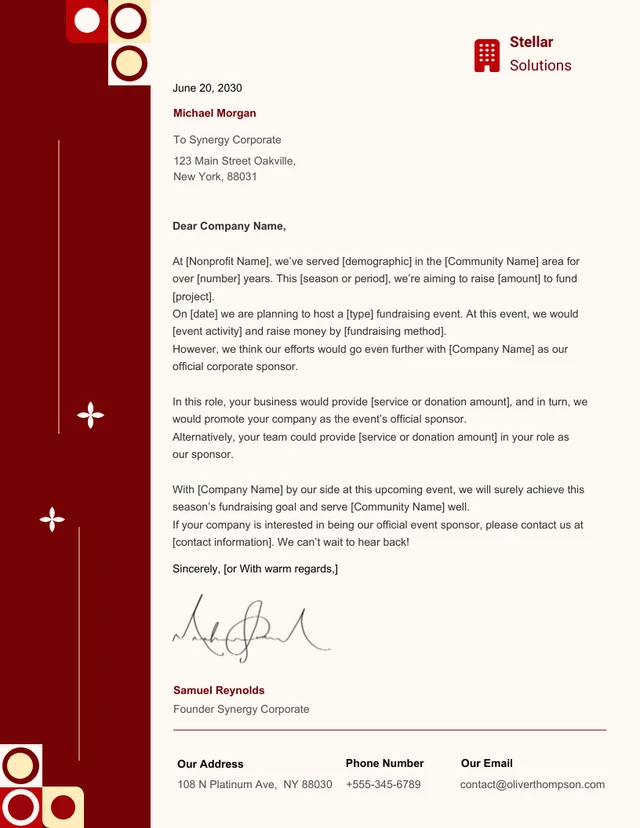
Maintain Consistent Branding Across Every Business Letter
Apply your Brand Kit to use approved fonts, colors, and logos in every letter you create. Keep business proposal letters, client thank you letters, and corporate formal letters aligned with your company branding every time.

Refine and Edit Letters Without Starting Over
Use Venngage's AI tools to adjust the tone, rewrite a paragraph, or change the length of any letter without recreating it from scratch. Make a cover letter more persuasive, a resignation letter warmer, or a complaint letter more formal in seconds.
Enhance Every Letter With Venngage's AI Tools
Use Venngage's AI Designer to apply clean professional layouts, the AI Icon Generator to add visual details to headers and sections, and the Brand Kit to keep every letter on-brand. Produce a complete, polished letter without switching between multiple tools.

Export and Share Letters in Any Format
Download your finished letter as a print-ready PDF or PNG, or share it instantly via a private Venngage link. Attach it to a job application as an ATS-friendly cover letter, send it as a formal letter via email, or print it for mailing without any additional formatting.
Fuel Your Creativity with AI-Powered Design Tools
Venngage is your one-stop shop for creating impactful presentations, infographics, reports, and more. It's a favorite among professionals, educators, and marketers for a reason:
AI Branding Automation
Instantly extract brand colors, fonts, and styles. Auto-apply your logo and visual identity to every design for seamless brand consistency.

DesignAI Generator
Turn simple prompts into stunning professional visuals in seconds. Describe what you need in plain language and watch our AI generate layouts optimized for maximum visual impact.

AI Content Auto-Fill
Kickstart your design process in seconds. Choose a template and let our AI auto-fill it with relevant, on-brand content, ideal for streamlining workflow and boosting productivity.

AI Generated Icons and Images
Create unique visuals that perfectly match your content and style. Generate custom illustrations, icons and images that align perfectly with your brand.

AI Writer and Translation
Enhance clarity, rewrite content, and instantly translate text to create accessible, global-ready visuals.

Smart Accessibility AI
Ensure every project looks great and works for everyone. Use AI to write alt text check contrast, layout, and font readability, and export fully WCAG-compliant visuals and PDFs.

FAQs
Absolutely. All AI-generated letters on Venngage's platform are fully customizable, allowing you to personalize colors, designs, images and more to match your unique vision.
Yes, there are a variety of design generators available on Venngage. Along with the AI Letter Generator, Venngage offers tools to create infographics, social media posts, reports, and more. These AI design tools are easy to use and customizable, helping you generate professional visuals quickly to match your style and needs.
Yes, the AI-generated letters created using Venngage's tools are copyright-free. You can use them for both personal and commercial purposes without any restrictions on copyright. However, it's always good practice to ensure that any externally sourced content you include is also cleared for use.
We offer a free plan so you can try out all our AI features without spending anything. If you want more advanced features like private sharing and auto branding, we've got Premium and Business plans available too.