


Free AI Flyer Generator
Venngage's AI Flyer Generator turns a text prompt into a print-ready, fully editable flyer sized for print or social. Describe your event, promotion, or announcement and the AI builds the design in 30 seconds. Trusted by marketers, recruiters, nonprofits, and SMBs.




Start with a template
Get started with a professionally designed template. You can either edit the template with AI or make manual changes.
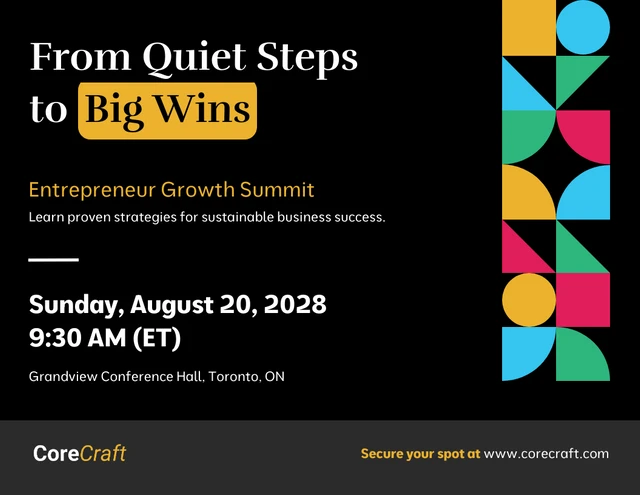
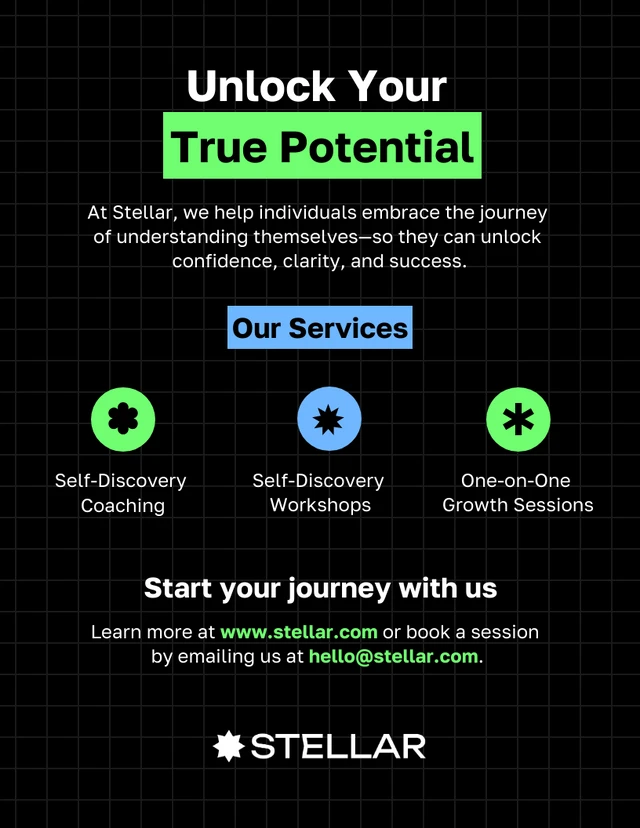
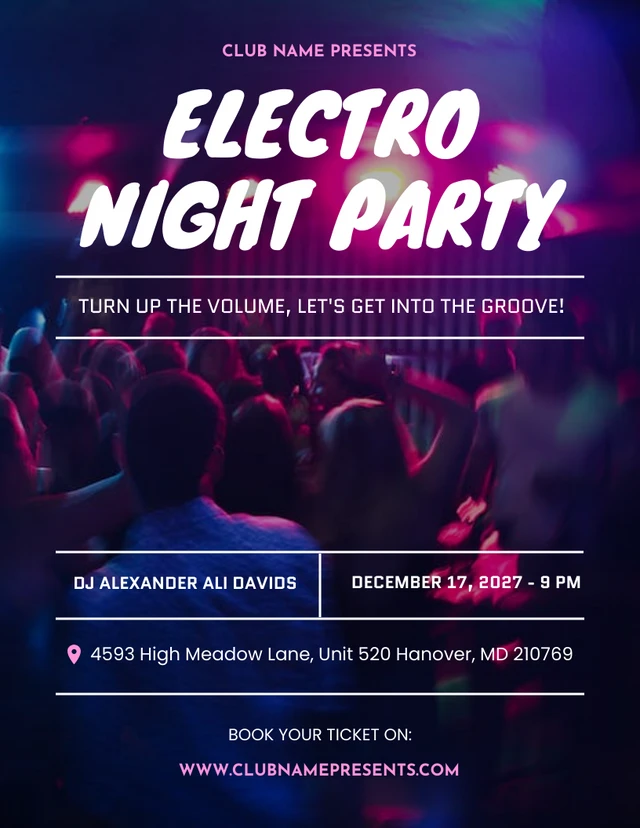
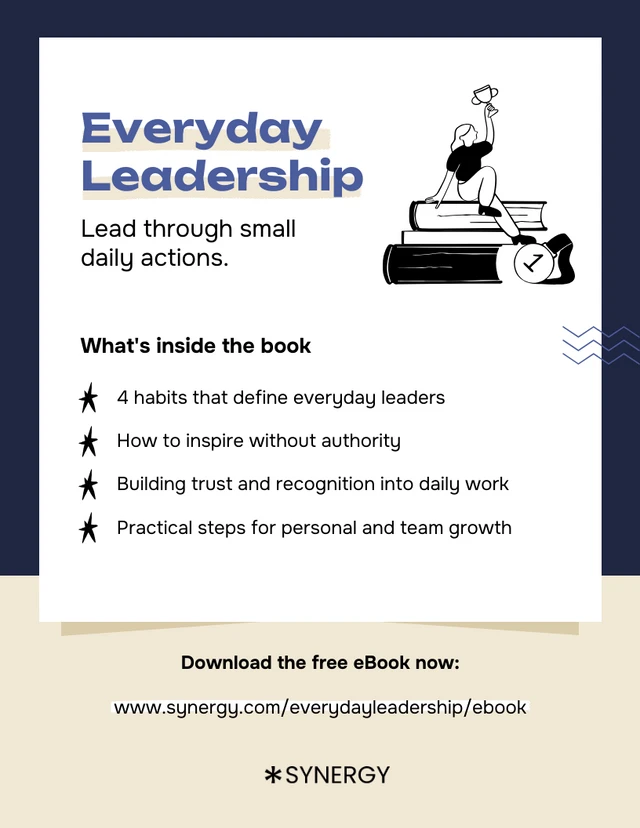
AI-Powered Tools
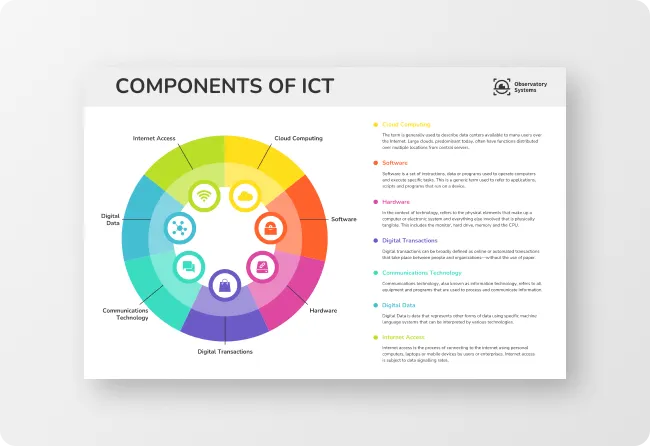
How To Write A Prompt That Generates The Flyers You Want?
Start With Your Goal and Audience: The AI needs to know what the flyer is for and who will see it. A flyer for a school fundraiser looks completely different from one for a nightclub event. Lead your prompt with the purpose and the audience before anything else.
Include The Essential Details Upfront Don't make the AI guess. Include the event name, date, time, location, and any call to action (register, RSVP, visit a website). The more specific you are, the less editing you'll need to do afterward.
Describe The Look and Feel Tell the AI the visual style you're going for — modern, vintage, minimalist, bold, professional, playful. Mention preferred colors or your brand colors. If you have a reference point, use it: similar to a luxury hotel aesthetic or bright and energetic like a fitness brand.
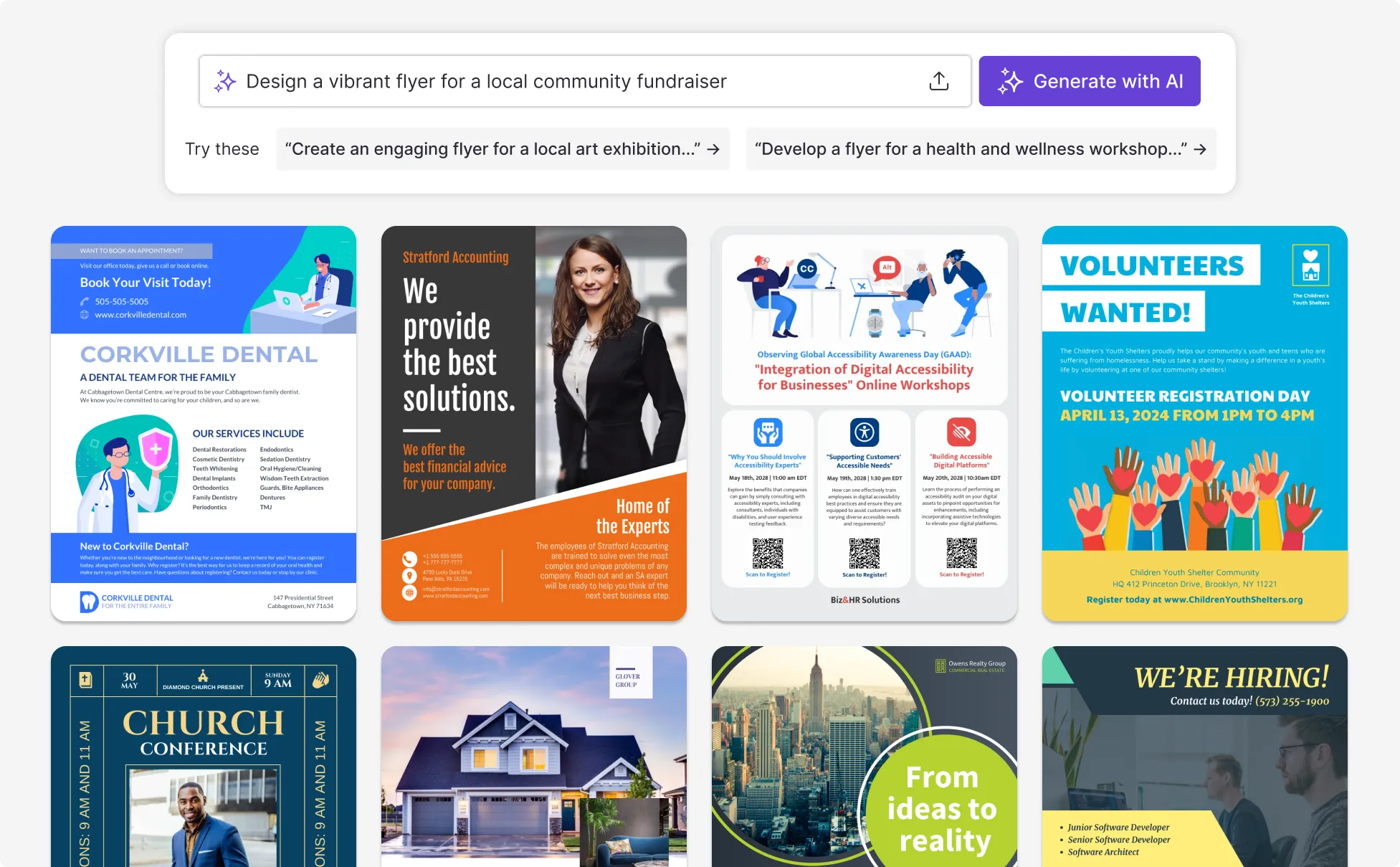
Sample Prompts You Can Modify and Use
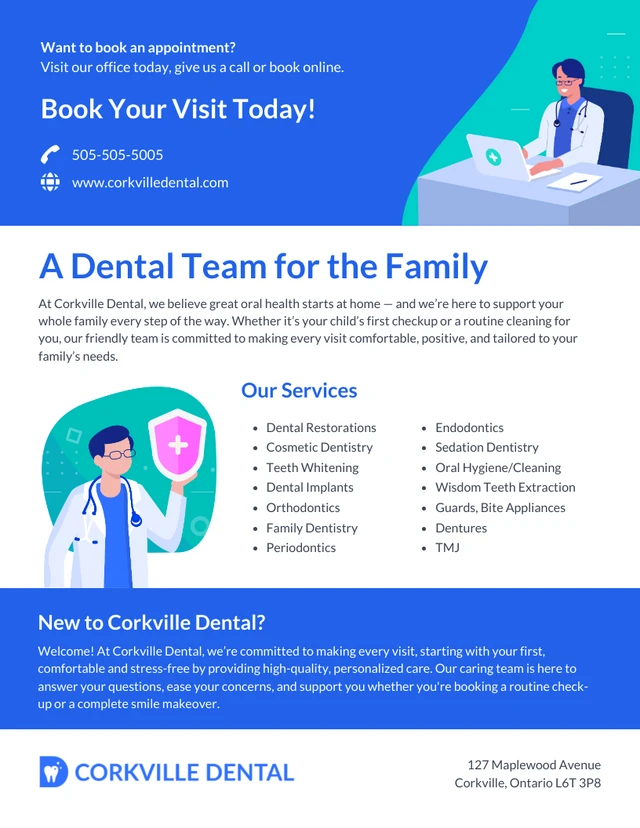
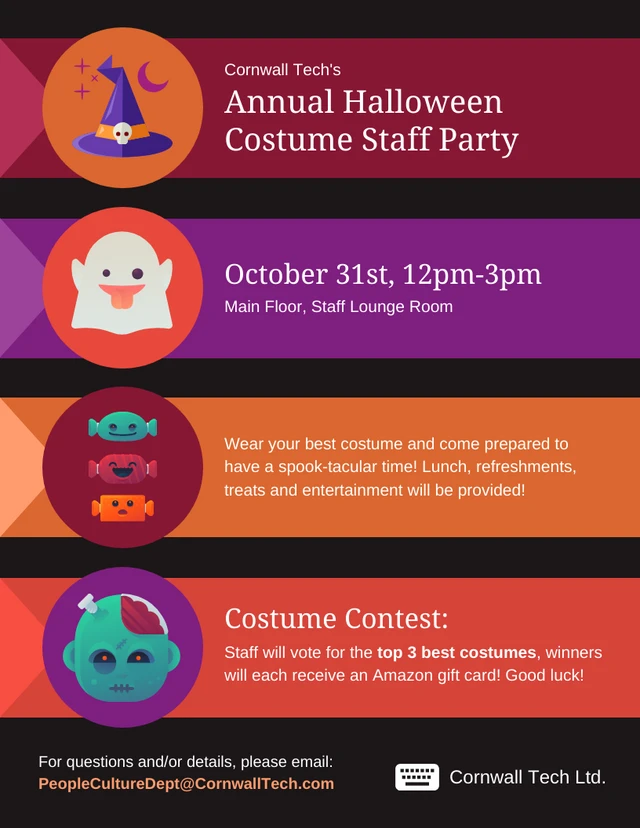
“Create a birthday party flyer for a surprise 40th birthday party. Event is Saturday August 2nd at 7pm, The Loft Venue, 22 King Street. RSVP to mike@email.com by July 25th. Fun and celebratory tone, gold and black color scheme, bold typography, confetti or balloon graphics.”
“Design a community fundraiser event flyer for the Annual City Food Bank Gala. Date: Friday October 10th, 6–9pm, Grand Ballroom, Hilton Downtown. Tickets $75 per person at foodbankgala.org. Elegant but warm tone, navy and gold palette, include a headline, event details, and a clear call to action.”
“Create a business promotional flyer for a local accounting firm offering free 30-minute consultations for new clients throughout March. Professional and trustworthy design, clean layout, dark blue and white color scheme, include the firm name, phone number, website, and office address.”
“Design an open house flyer for a 3-bedroom townhouse listed at $389,000. Open house: Sunday May 18th, 12–3pm. Address: 47 Birchwood Lane. Contact Sarah Keller, Century Realty, 555-0144. Clean, professional layout with space for a property photo, key features list, and agent contact details.”
How To Create A Flyer Using AI
Step 1
Define Your Goal
Define your goal and write your prompt by clarifying your flyer’s purpose—whether you're promoting an event, product, sale, or role—and identifying your audience and the action you want them to take. Use that to write a prompt with key details like name, date, time, location, call to action, and preferred tone or style so the AI can generate a closer first draft.
Step 2
Generate Your Flyer
Click generate and Venngage’s AI Flyer Generator will create a layout with matching content, typography, and visuals based on your prompt. If the result isn’t quite right, tweak your prompt and regenerate until it aligns with what you need.
Step 3
Choose Your Flyer Size
Select the format that fits where your flyer will appear, whether that’s print sizes like 8.5×11 inches Letter, Half-sheet 5.5×8.5 inches Half-sheet, or 11x17 inches Large, or digital formats like 1080×1080px for Instagram, 1080×1920px for Instagram Story, or Facebook—you can either specify the size in your prompt or choose it directly in Venngage’s editor.
Step 4
Edit Using Venngage's Editor and AI Tools
Use the drag-and-drop editor to adjust text, images, fonts, and colors, then refine with the AI Designer, AI Writing Assistant, AI Image Generator, and Brand Kit. Run an accessibility check to ensure your flyer meets WCAG contrast and readability standards before sharing.
Step 5
Export or Share Your Flyer
Download as a high-resolution PDF for professional printing, or as a PNG or JPG for digital use across email, social media, and websites. You can also share a live link directly from Venngage without needing to download a file.
Drive Sales and Promotions As a Small Business Owner
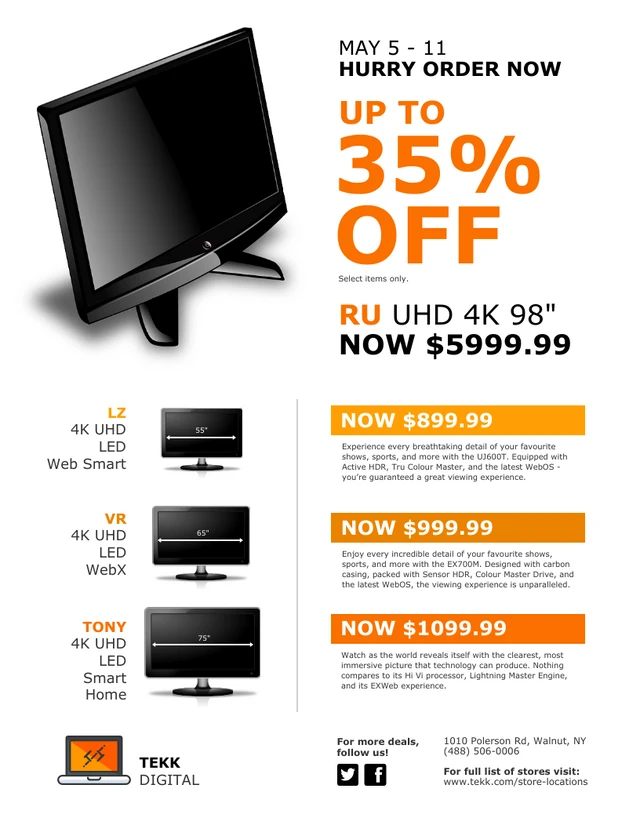
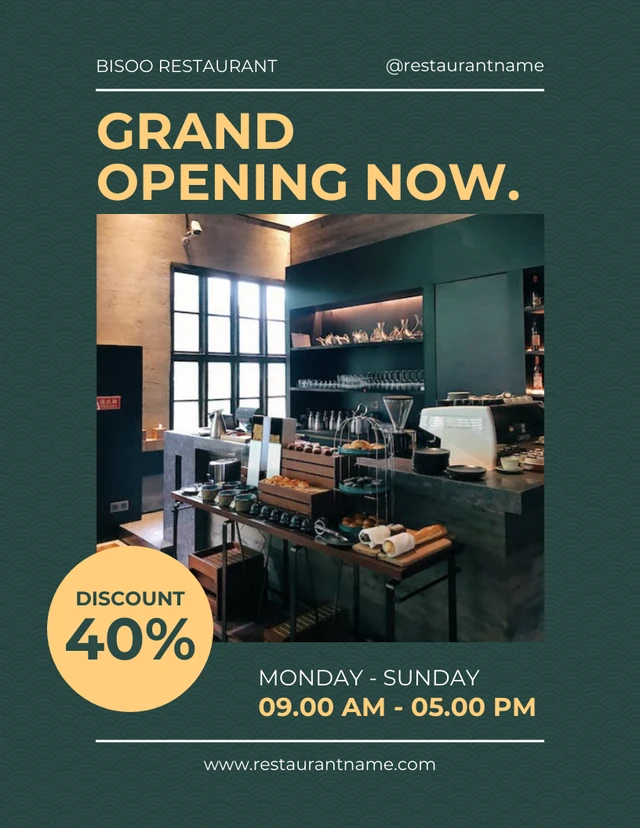
Venngage's AI Flyer Generator lets you create grand opening flyers, seasonal sale announcements, and promotional flyers in seconds. Just describe your offer in a prompt and the AI builds a professional layout instantly.
Use the Brand Kit to automatically apply your logo, colors, and fonts, and the AI Writing Assistant to sharpen your headline and call to action without hiring a copywriter. Download print-ready PDFs for in-store display and local distribution, or social-media-sized PNGs for Instagram, Facebook, and Google all from one tool.
Generate AI Flyers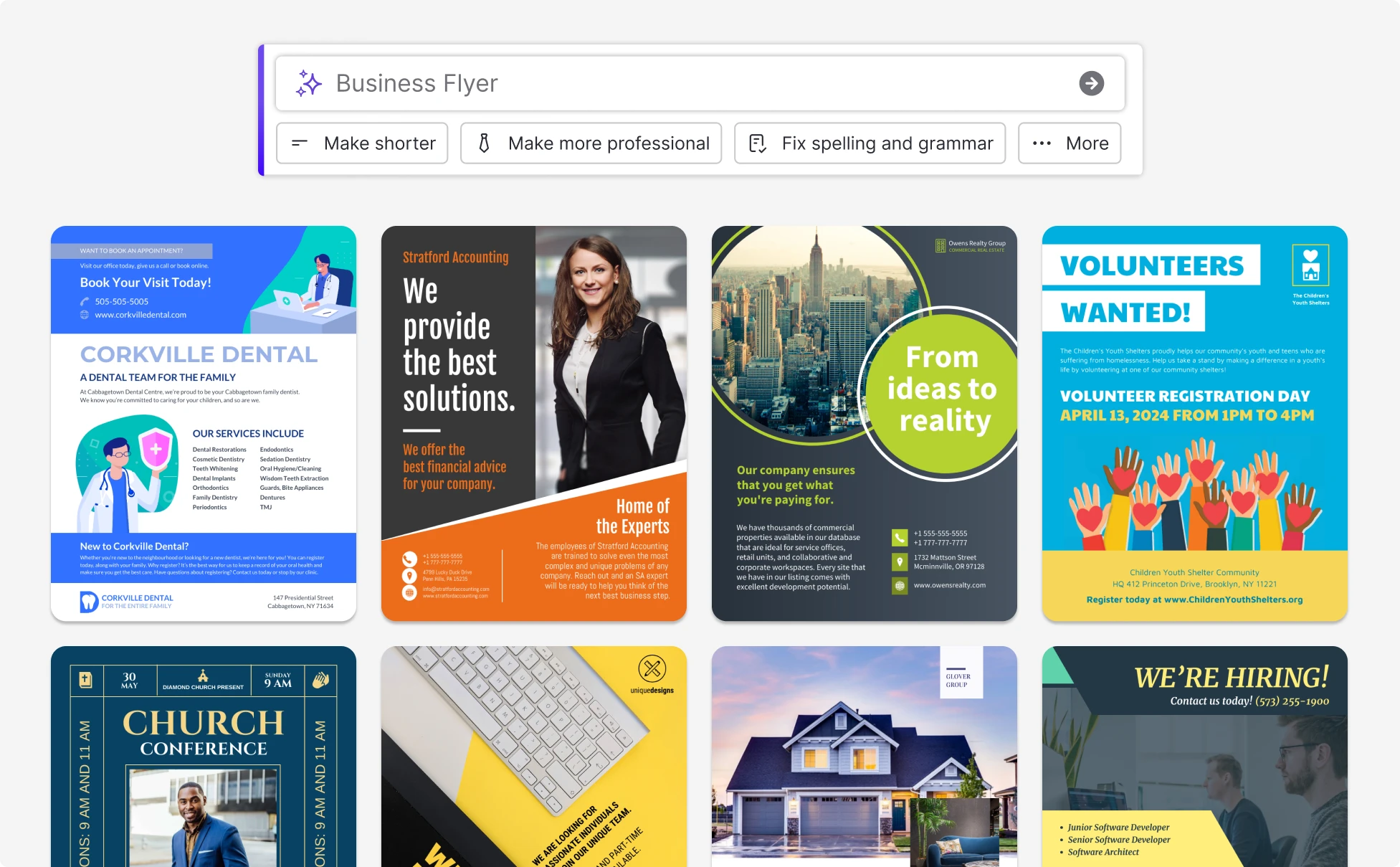
Market Your Listings As a Real Estate Agent
Real estate moves fast but agents have Venngage's AI Flyer Generator to help keep up. Describe your property details and it instantly produces a professional open house flyer, listing announcement, or rental promotion with the right layout, typography, and space for your photos.
The Brand Kit keeps your agency's logo, colors, and fonts consistent across every listing, while the AI Image Generator creates custom visuals to make each flyer stand out. When you're ready, export a print-ready PDF for physical distribution or a PNG for Zillow, social media, and email in just one click.
Generate AI Flyers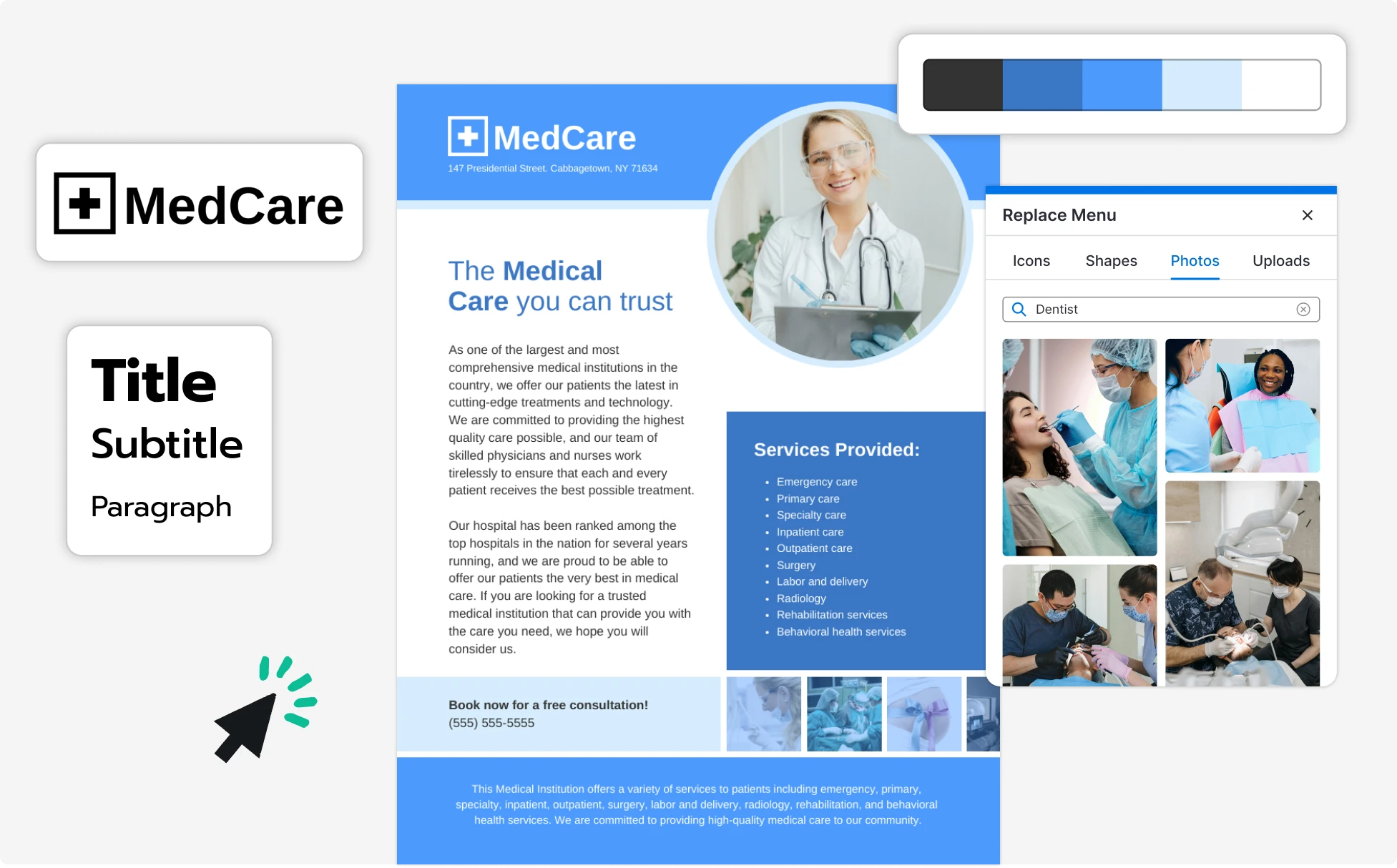
Grow Your Audience As a Social Media Manager
Venngage's AI Flyer Generator creates on-brand social media flyers sized perfectly for Instagram posts (1080×1080px), Instagram Stories (1080×1920px), TikTok, and Facebook. Just describe your campaign and the AI handles the layout, visuals, and copy instantly.
Before publishing, run the built-in Accessibility Checker to automatically scan your flyer for color contrast issues, missing alt text, and readability problems so your content reaches all audiences. Download as a PNG or JPG and publish directly — no resizing, no reformatting, no back and forth with designers.
Generate AI Flyers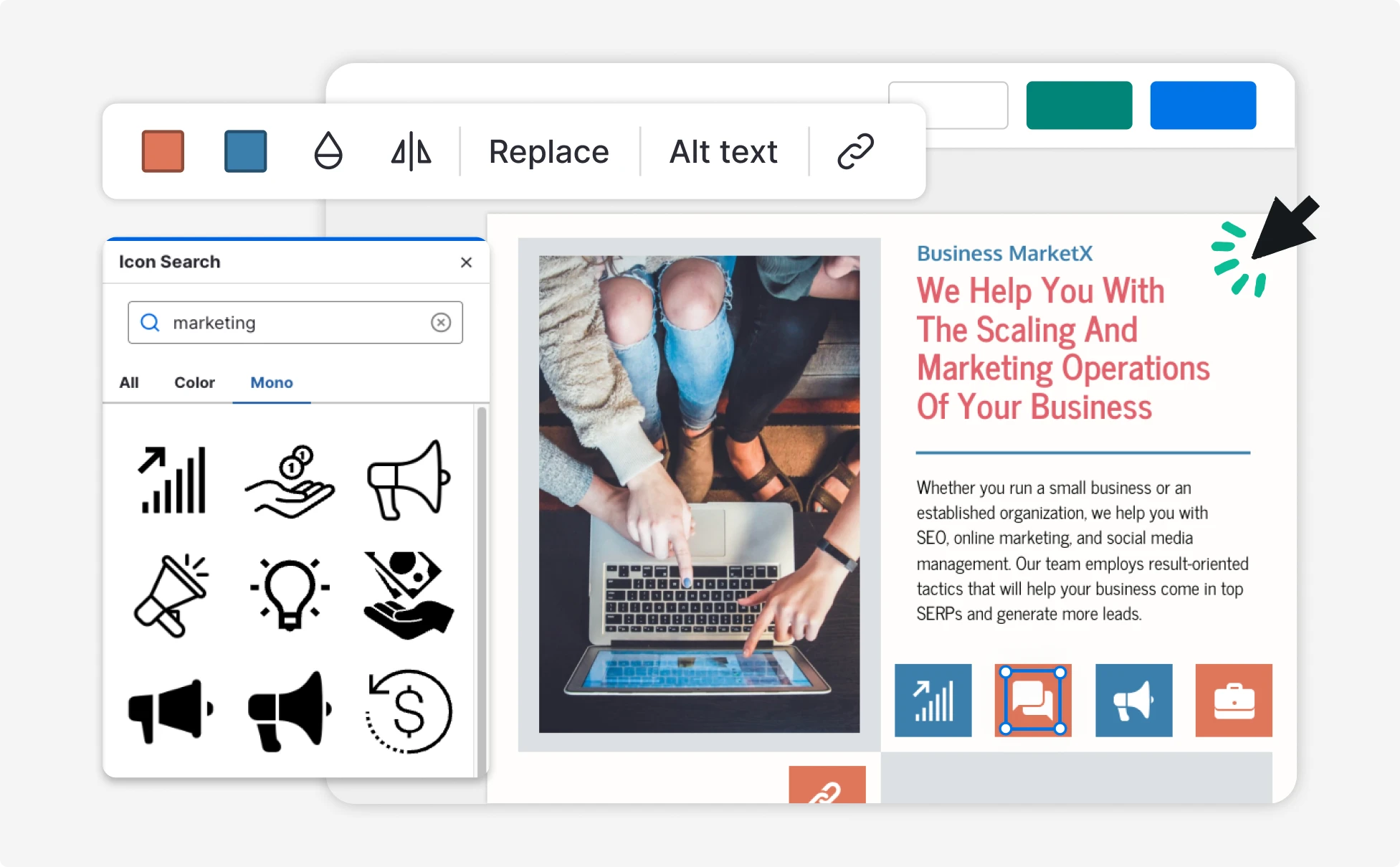
Fuel Your Creativity with AI-Powered Design Tools
Venngage is your one-stop shop for creating impactful presentations, infographics, reports, and more. It's a favorite among professionals, educators, and marketers for a reason:
AI Branding Automation
Instantly extract brand colors, fonts, and styles. Auto-apply your logo and visual identity to every design for seamless brand consistency.

DesignAI Generator
Turn simple prompts into stunning professional visuals in seconds. Describe what you need in plain language and watch our AI generate layouts optimized for maximum visual impact.

AI Content Auto-Fill
Kickstart your design process in seconds. Choose a template and let our AI auto-fill it with relevant, on-brand content, ideal for streamlining workflow and boosting productivity.

AI Generated Icons and Images
Create unique visuals that perfectly match your content and style. Generate custom illustrations, icons and images that align perfectly with your brand.

AI Writer and Translation
Enhance clarity, rewrite content, and instantly translate text to create accessible, global-ready visuals.

Smart Accessibility AI
Ensure every project looks great and works for everyone. Use AI to write alt text check contrast, layout, and font readability, and export fully WCAG-compliant visuals and PDFs.


What Our Customers Say
Venngage is easy to use, has a diverse library, and is a great value for the price.
FAQs
Yes, you can fully customize all AI-generated templates on Venngage's platform.
Yes, Venngage offers a wide variety of flyer designs to suit different needs and preferences. Whether you're looking for something sleek and modern, or more detailed and data-focused, you'll find numerous options to choose from in our extensive template library.
Yes, the AI-generated flyers created using Venngage's tools are copyright-free. You can use them for both personal and commercial purposes without any restrictions on copyright. However, it's always good practice to ensure that any externally sourced content you include is also cleared for use.
We offer a free plan so you can try out all our AI features without spending anything. If you want more advanced features like private sharing and auto branding, we've got Premium and Business plans available too.
ChatGPT can help you write the content for your flyer—like headlines, descriptions, or calls to action—but it doesn’t handle visual design. That’s where Venngage comes in. You can take AI-written content and easily drop it into professionally designed flyer templates using Venngage’s editor.
Yes, AI-generated flyers made with Venngage are safe for commercial use. All templates and design elements are copyright-free. Just be sure to double-check any images, icons, or assets you upload from outside the platform.
You can export your flyer in PDF, PNG, or JPG format. Whether you need it for printing, emailing, or sharing on social media, Venngage gives you the flexibility to choose the right file type.
Absolutely. Venngage lets you download your flyer in high-resolution formats like PDF and PNG—perfect for crisp, professional-looking prints.
You can export your flyer in PDF, PNG, or JPG format. Whether you need it for printing, emailing, or sharing on social media, Venngage gives you the flexibility to choose the right file type.
Yes! Venngage offers templates optimized for social media platforms like Instagram and Facebook. Just choose the right size and let the AI help you create scroll-stopping visuals tailored for digital sharing.
Venngage makes flyer design simple with AI-assisted layouts, easy drag-and-drop tools, and templates built specifically for flyer formats. It’s a great option if you want fast results without needing advanced design skills.
Yes, you can create all kinds of flyers—marketing, business, event, church, and more—with Venngage’s AI Flyer Generator. Just describe what you need, and the AI will build a layout and content draft you can quickly personalize.
Yes. You can create flyers tailored to specific use cases like real estate listings, open houses, business promotions, sales events, fundraisers, or workshops. Just describe the event or offer in your prompt, and Venngage’s AI Flyer Generator will structure the layout and messaging accordingly.
You can adjust flyer dimensions directly in the Venngage editor by selecting a different page size or resizing the canvas to match formats like A4, Letter, or custom dimensions. This makes it easy to prepare flyers for printing or digital sharing.
Yes. The Venngage AI Flyer Maker generates headlines, supporting copy, and visuals based on your prompt, helping you quickly build a flyer that communicates your message clearly without starting from scratch.
Absolutely. You can upload your own images or product photos into Venngage’s editor and place them directly into the flyer, allowing you to combine your visuals with AI-generated layouts.
Yes. You can add icons, illustrations, and graphics using Venngage’s AI Icon Generator and built-in libraries, or create custom visuals with the AI Image Generator to enhance your flyer and highlight key information.
Yes. Flyers can be exported in high resolution as PDF, PNG, PPT, or HTML, making them suitable for printing, physical distribution, or professional use without loss of quality.
The most common print flyer size is Letter which is 8.5×11 inches, with 5.5×8.5 inches Half-sheet for smaller handouts and 11×17 inches for posters and window displays. For digital flyers, Instagram and TikTok use 1080×1920px, Instagram feed posts use 1080×1080px, and Facebook event covers are 1920×1005px. Venngage lets you choose your size before generating, so your layout is always optimized for where it'll be used.
Yes, you just describe what you need in plain language and Venngage's AI generates a professionally designed flyer with matching layout, typography, and visuals. From there, a simple drag-and-drop editor lets you swap text, change colors, and upload your logo without touching a single design setting. Thousands of small business owners, marketers, recruiters, and event organizers use Venngage to create professional-looking flyers with no design experience at all.
For Instagram Stories and TikTok, use a vertical format at 1080×1920px which fills the full screen on both platforms. For a regular Instagram feed post, use a square 1080×1080px format instead. When using Venngage’s AI Flyer Generator, specify your format in the prompt before generating so the AI creates a layout already sized for the platform, then download as a PNG to upload directly.
It depends on what you need. Canva has a larger general template library and is great for quick, casual designs. Venngage is the stronger choice for professional and business flyers as its Brand Kit automatically applies your logo, colors, and fonts across every design, and it's the only major flyer tool with built-in WCAG accessibility checking to verify contrast and readability before you share. For teams that need brand consistency across multiple users, Venngage's collaboration features and template locking give it a clear edge.
Yes, you can prompt the AI with your property details (address, price, key features, open house date, agent contact) and it generates a clean layout with space for a property photo, feature highlights, and a call to action. Use the drag-and-drop editor to swap in your listing photos and apply your agency branding via the Brand Kit. Download as a print-ready PDF for physical distribution or as a PNG for social media and email.
Yes, download as a high-resolution PDF for the print shop or home printer, or as PNG, JPG, or HTML for digital sharing. For best print results, set up your flyer at 8.5×11 inches Letter or 5.5×8.5 inches Half-sheet. The PDF export is print-quality, so text stays sharp and colors print accurately.