


Free AI Comic Generator
From comic strips and graphic novels to manga and superhero stories — generated by AI in minutes.




Popular AI Image Generators

Popular AI Design Generators
Sample Prompts You Can Modify and Use
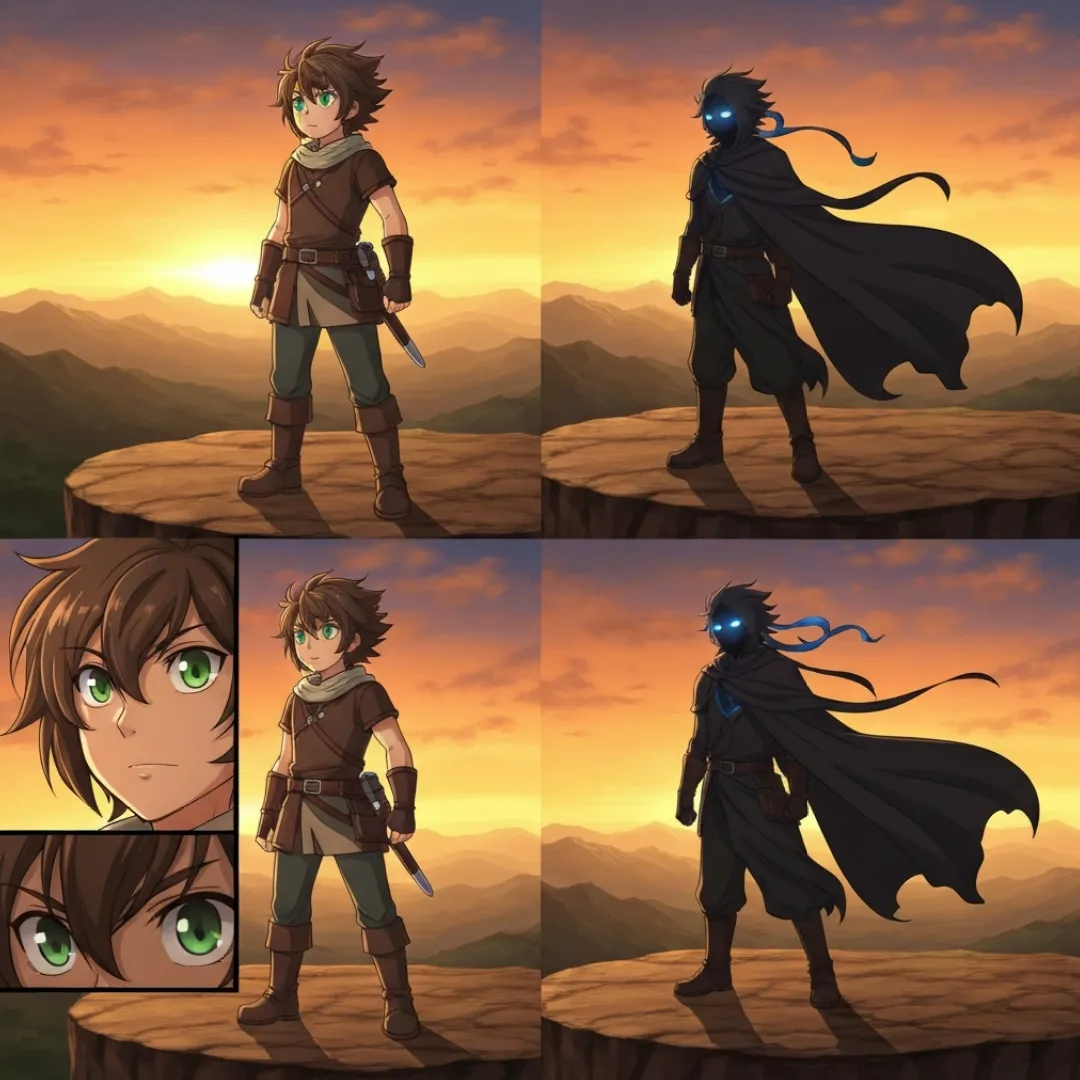
“A single graphic novel page opening a fantasy story of a young woman stands at the edge of a cliff looking out over a vast ruined city below, her cloak moving in the wind. No dialogue on this page, just atmosphere. Seven panels of varying sizes building from a wide establishing shot to a close-up on her eyes in the final panel. Detailed fantasy illustration style, cool blue and grey palette with warm amber light source.”
“Create a 4-panel comic strip opening for a thriller. A detective finds an envelope on her desk with her name on it, no sender. Inside: a single photograph of her taken through her apartment window. Last panel: she looks up at the window. Noir thriller comic style, heavy shadow, muted palette, single accent color.”
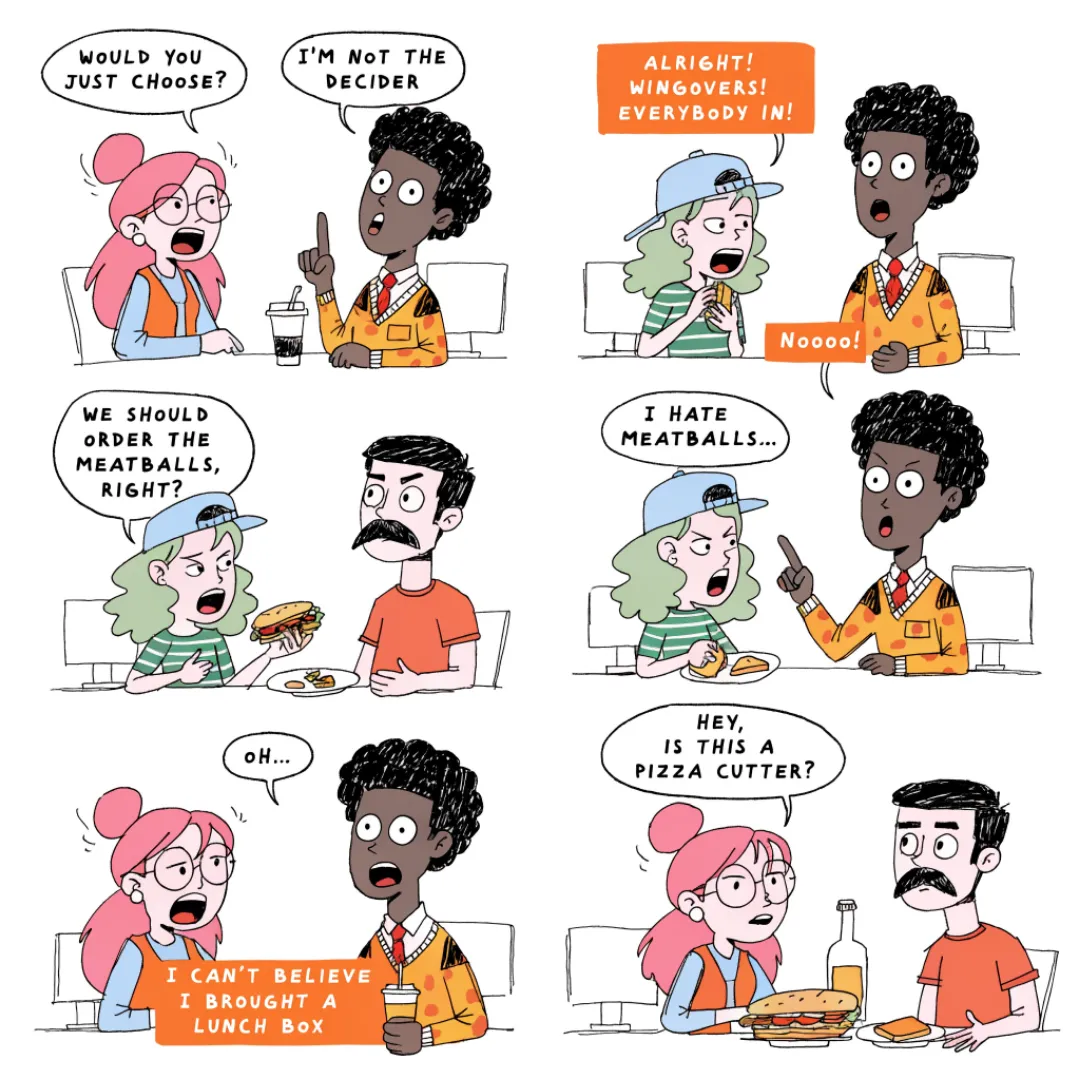
“3 panels. A meeting that could have been an email. Panel 1: the calendar invite arrives. Panel 2: the meeting, everyone visibly dead inside. Panel 3: the follow-up email summarizing everything just said. Simple cartoon style, expressive faces.”
“Draw a 4 panel comic of four characters each representing one of the MAIN causes, arguing in a room that gets progressively more chaotic. Labels identify each character. Simple clear style, suitable for classroom use.”
How To Generate Comics Using AI
Step 1
Describe the Story and the Style
Describe what happens panel by panel — characters, setting, mood, art style, and dialogue. A 4-panel comedy strip needs a different description than a graphic novel opening page or a manga fight scene. The more the description reads like a scene direction, the more the finished comic reads like it was drawn for this story specifically.
Step 2
Generate the Panels and Refine
Venngage's AI illustrates every panel and assembles them into a complete comic page instantly. Use the AI Designer to adjust character expressions, rebalance the panel layout, shift the color palette, and edit dialogue until every panel does exactly what the story needs.
Step 3
Download and Put It Into the World
Download as a high-resolution PDF or PNG and print it, post it online, add it to a graphic novel manuscript, or share it in a community. The comic that existed only as an idea is now a finished page.
Turn Your Story Into a Comic as a Webcomic Creator
The story has always been there, the only thing missing was someone to draw it. Describe the panels, characters, dialogue, and style and Venngage generates a fully illustrated comic page — superhero origin, comedy strip, graphic novel page, or manga sequence — without a single sketch.
Use the AI Designer to refine character expressions, adjust panel layouts, and perfect the pacing before it goes live. Download as a high-resolution PNG ready to publish the moment it looks right.
Generate Comics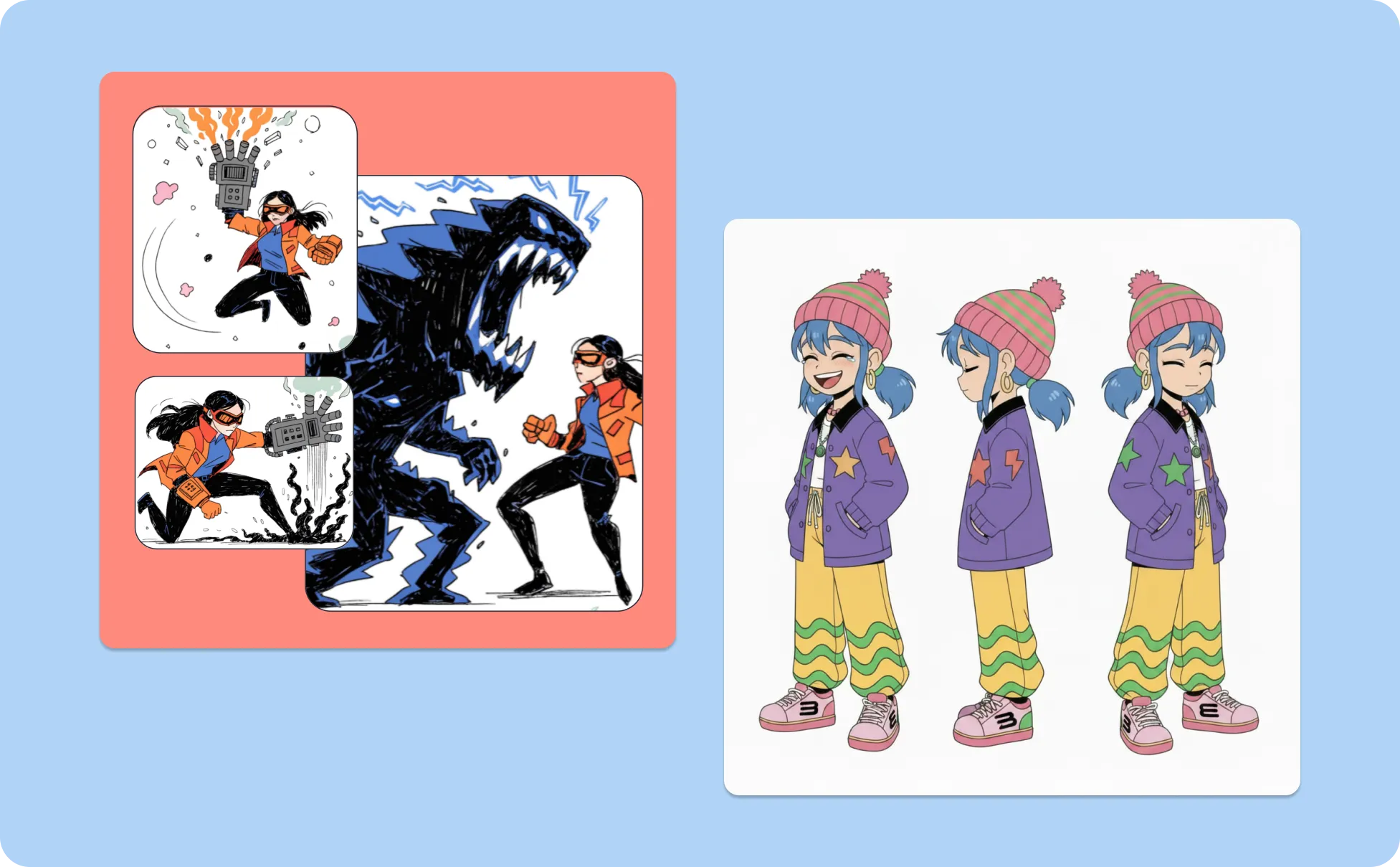
Create Comic Strip Content That Gets Engagement as a Content Creator
A funny comic strip about Monday morning meetings outperforms a stock photo of a laptop every time. Describe the situation, the characters, and the punchline and Venngage’s AI Comic Generator generates a branded comic strip ready to post on Instagram, LinkedIn, or TikTok.
Use the Brand Kit to apply consistent colors, characters, and visual identity across every comic strip in the series, so every strip looks like it came from the same creator. Download as a PNG and post directly, no additional editing required.
Generate Comics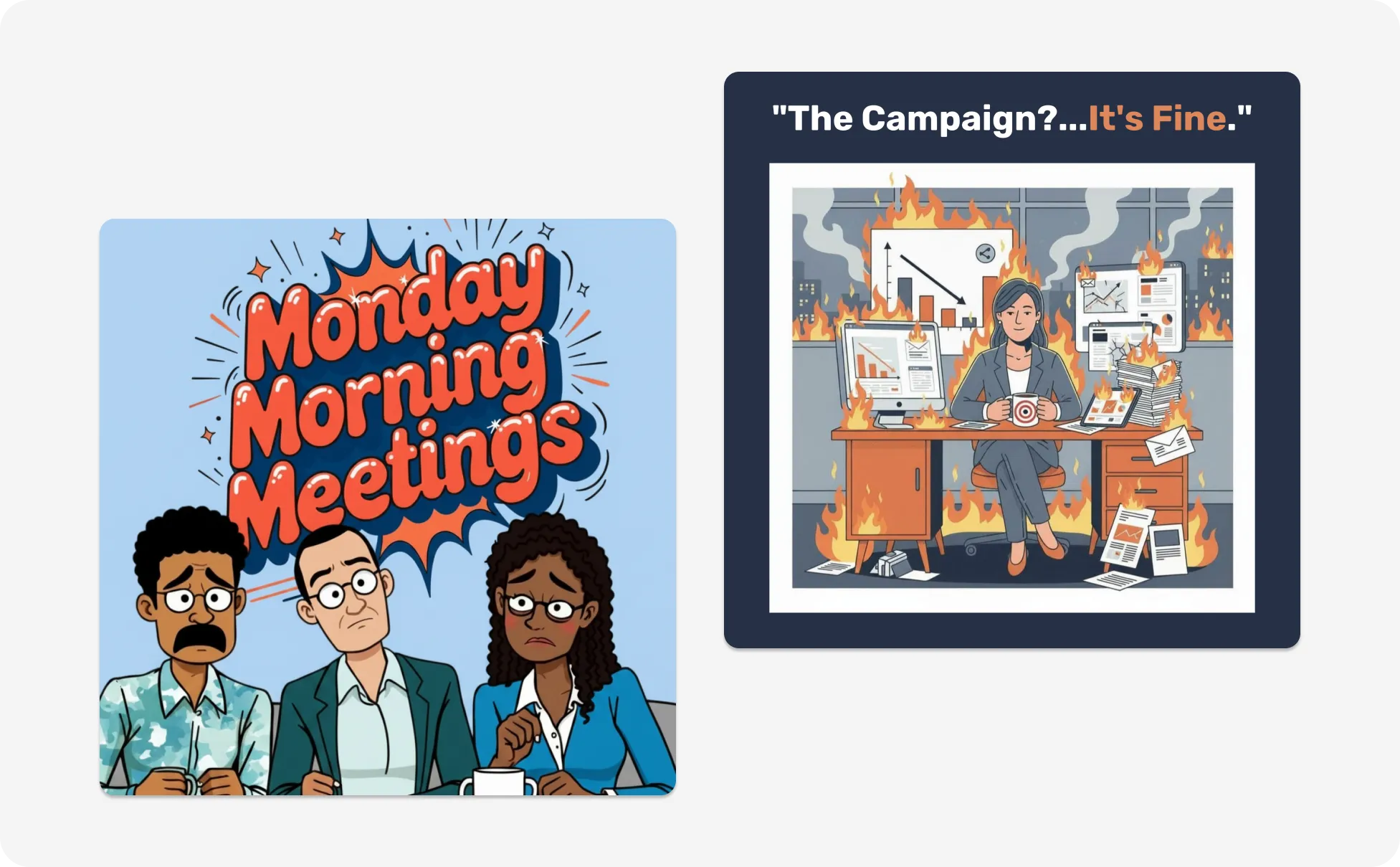
Make Complex Concepts Stick With Educational Comics as a Teacher
A concept explained in three comic panels is remembered longer than the same concept in three paragraphs. Describe the concept, characters, and panel structure and Venngage generates a classroom-ready educational comic instantly.
Use the AI Writing Assistant to adjust reading level or simplify dialogue without rebuilding from scratch, then share via link or download as a printable PDF.
Generate Comics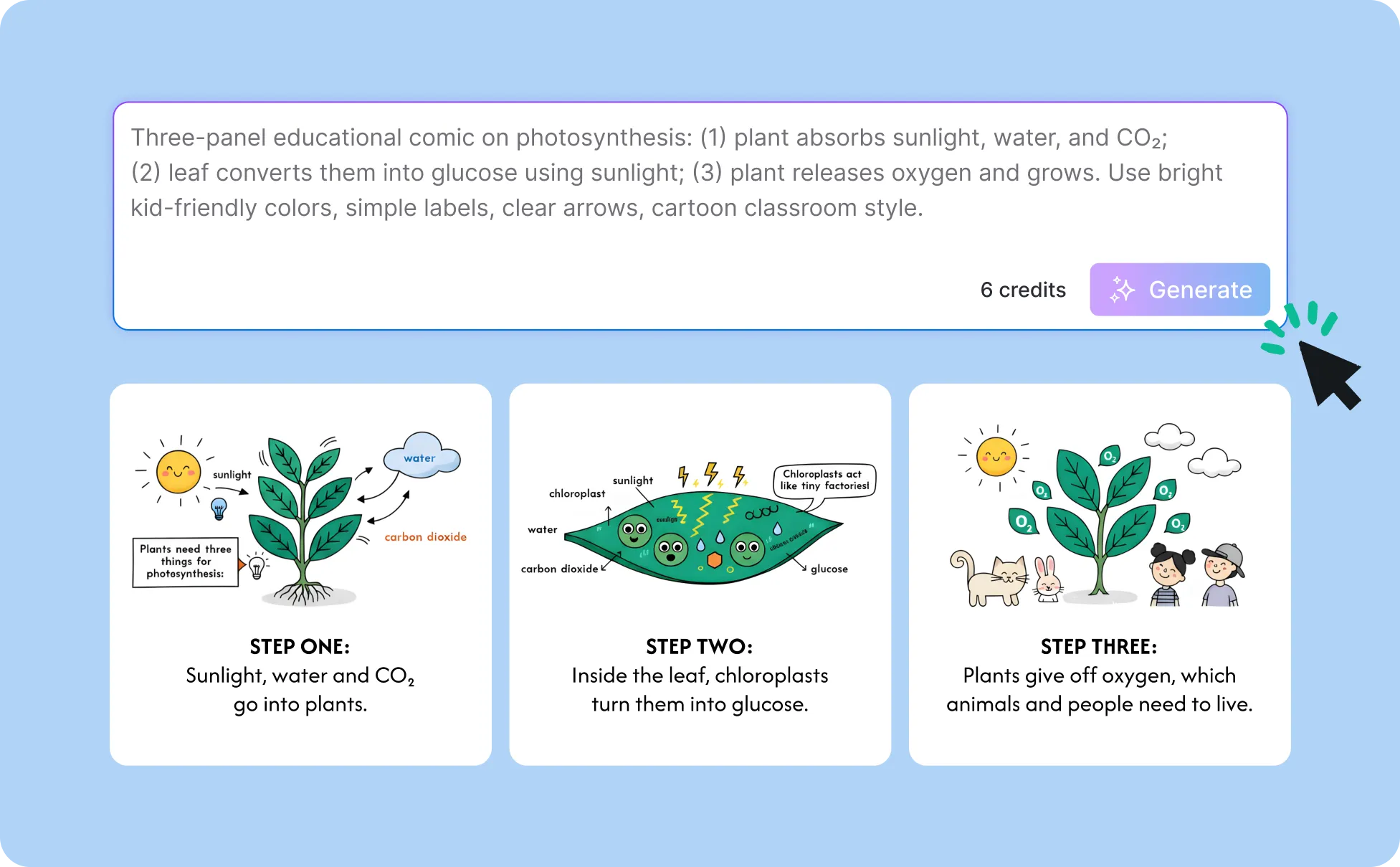
Generate Comics In Seconds With Our AI Comic Generator

Tell the Story That's Been Waiting for an Artist
Most people who have a story worth telling in comic form can't draw. Describe the scene, characters, and panels and Venngage's AI Comic Generator produces the art without a single sketch.

Generate Panels That Actually Serve the Story
A comic panel is a storytelling decision — wide shot or close-up, dialogue or silence, one panel or six. Describe the panel layout, character expressions, and pacing and Venngage generates panels built around the story's needs, not around what was easiest to draw.

Work in Any Comic Style Without Learning Any of Them
Superhero comics, manga, graphic novel, newspaper strip, noir thriller, educational comic, describe the style in plain language and Venngage generates a comic that reads like it was drawn by someone who has spent years working in that format.
Iterate on Every Panel Until the Story Reads Right
Use the AI Designer to adjust character expressions, rebalance the panel layout, and shift the color palette after the first generation. It’s always one refinement away from exactly right without redrawing anything from scratch.

Keep Every Comic in a Series Visually Consistent
Use the Brand Kit to apply consistent colors, typography, and visual identity across every comic in a series so every installment looks like it belongs to the same universe.

Download Print-Ready Comics for Any Format or Platform
Download as high-resolution PDFs for print like zines, classroom handouts, graphic novel manuscripts or PNGs for webcomics, social media, and digital publishing. Every export is ready to put into the world the moment it downloads.
Fuel Your Creativity with AI-Powered Design Tools
Venngage is your one-stop shop for creating impactful presentations, infographics, reports, and more. It's a favorite among professionals, educators, and marketers for a reason:
AI Branding Automation
Instantly extract brand colors, fonts, and styles. Auto-apply your logo and visual identity to every design for seamless brand consistency.

DesignAI Generator
Turn simple prompts into stunning professional visuals in seconds. Describe what you need in plain language and watch our AI generate layouts optimized for maximum visual impact.

AI Content Auto-Fill
Kickstart your design process in seconds. Choose a template and let our AI auto-fill it with relevant, on-brand content, ideal for streamlining workflow and boosting productivity.

AI Generated Icons and Images
Create unique visuals that perfectly match your content and style. Generate custom illustrations, icons and images that align perfectly with your brand.

AI Writer and Translation
Enhance clarity, rewrite content, and instantly translate text to create accessible, global-ready visuals.

Smart Accessibility AI
Ensure every project looks great and works for everyone. Use AI to write alt text check contrast, layout, and font readability, and export fully WCAG-compliant visuals and PDFs.

FAQs
Once your comic is generated, use Venngage's AI Designer to adjust the visual details until the character looks exactly the way you imagined. Iterate as many times as needed until it suits your vision.
Yes, there are a variety of image generators available on Venngage. Along with the AI Comic Generator, Venngage offers tools to generate, images, icons, illustrations and more. These AI design tools are easy to use and customizable, helping you generate professional visuals quickly to match your style and needs.
Yes, the AI-generated comics created using Venngage's tools are copyright-free. You can use them for both personal and commercial purposes without any restrictions on copyright. However, it's always good practice to ensure that any externally sourced content you include is also cleared for use.
We offer a free plan so you can try out all our AI features without spending anything. If you want more advanced features like private sharing and auto branding, we've got Premium and Business plans available too.