


Free AI Proposal Generator
Turn a short prompt into a complete, designed business proposal, covering scope, timelines, and pricing with no design skills needed. Export as PDF, PPT or PNG.




Discover an extensive range of proposals
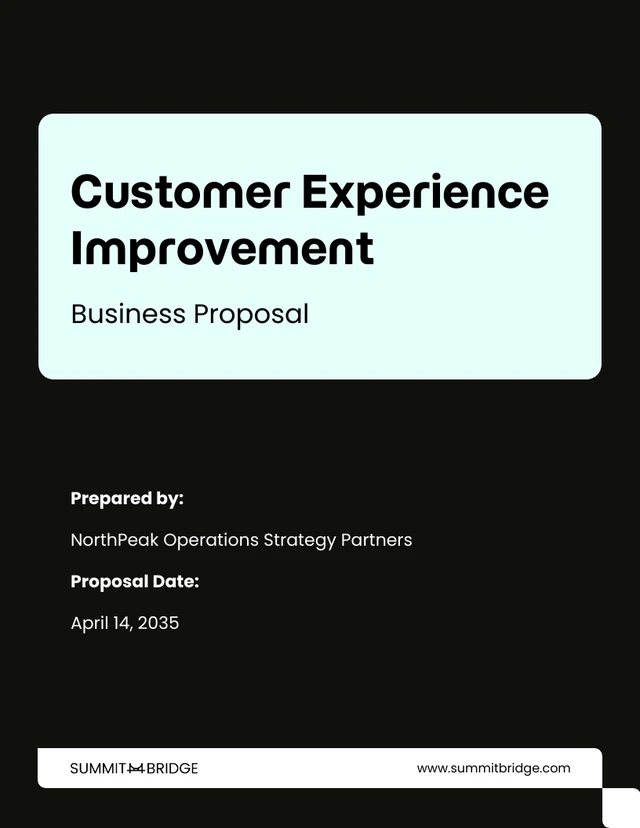
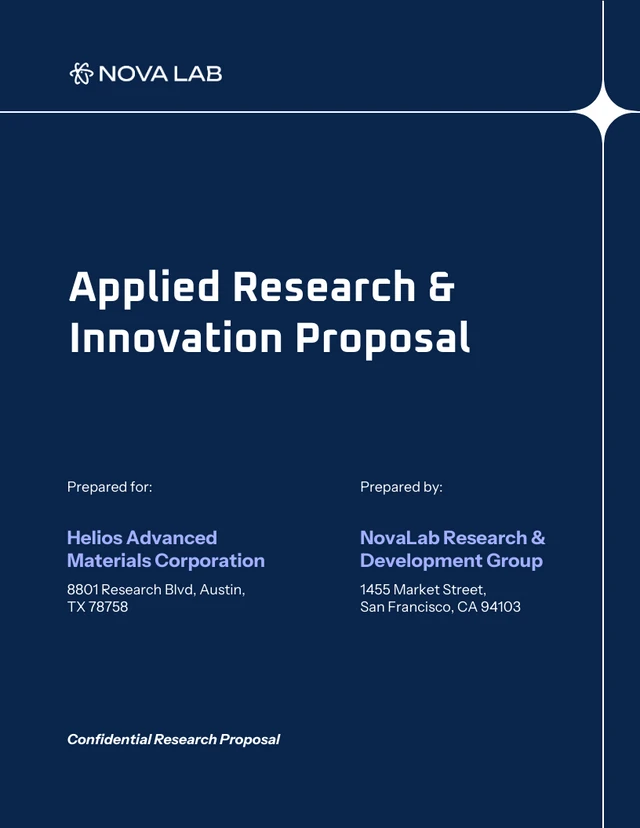
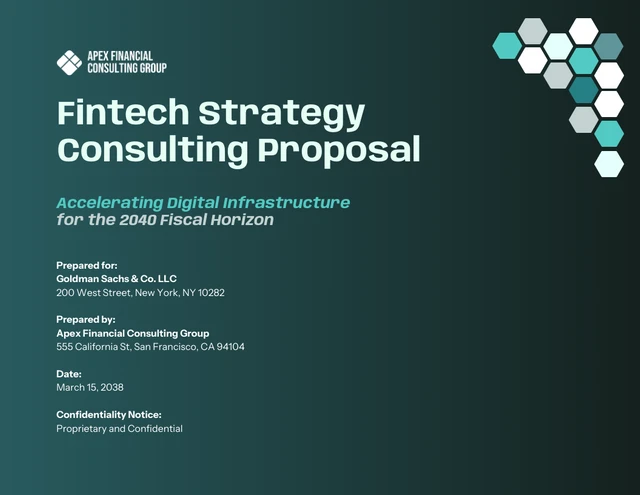
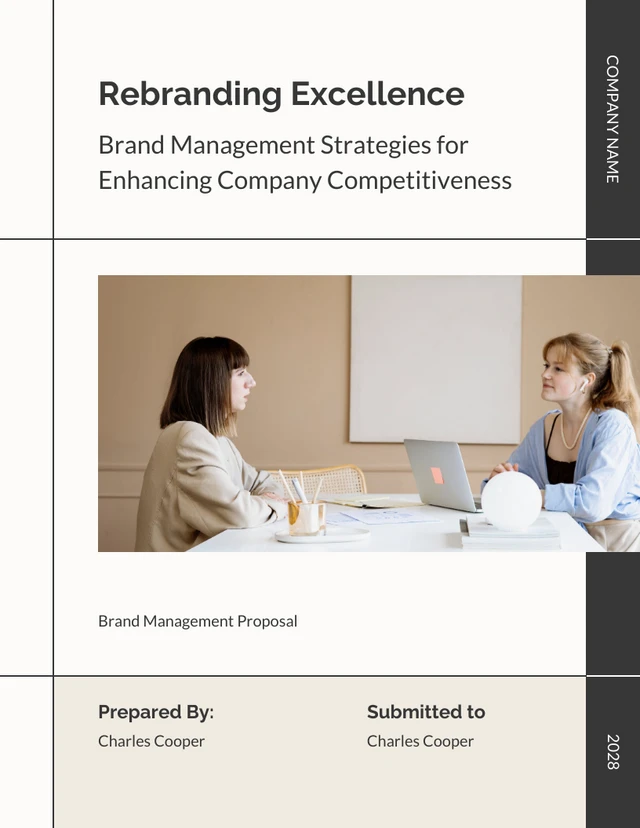
AI-Powered Tools
What Should a Business Proposal Include?
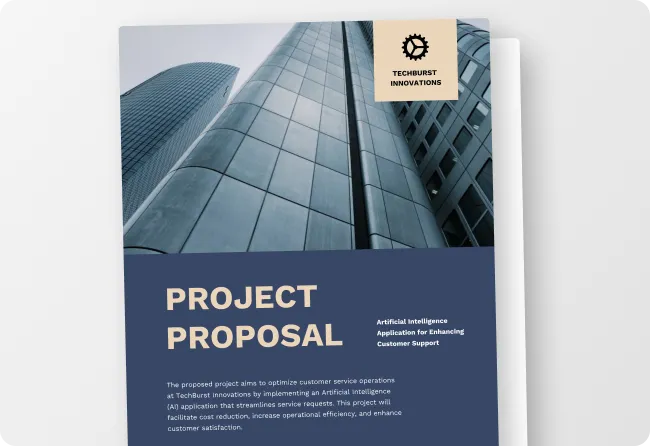
Executive Summary: A brief overview of who you are, what you're proposing, and why it's the right fit for the client.
Problem Statement: The specific challenge, gap, or opportunity your client is facing that your proposal addresses.
Proposed Solution: Your approach, methodology, or service, and why it's the best way to solve the problem.
Scope of Work: The specific deliverables, tasks, and responsibilities included (and excluded) in the engagement.
Timeline: Key milestones, project phases, and estimated completion dates so the client knows what to expect.
Pricing: A clear breakdown of costs, payment terms, and any available options or tiers.
Next Steps: A simple, direct call to action telling the client exactly what to do to move forward.
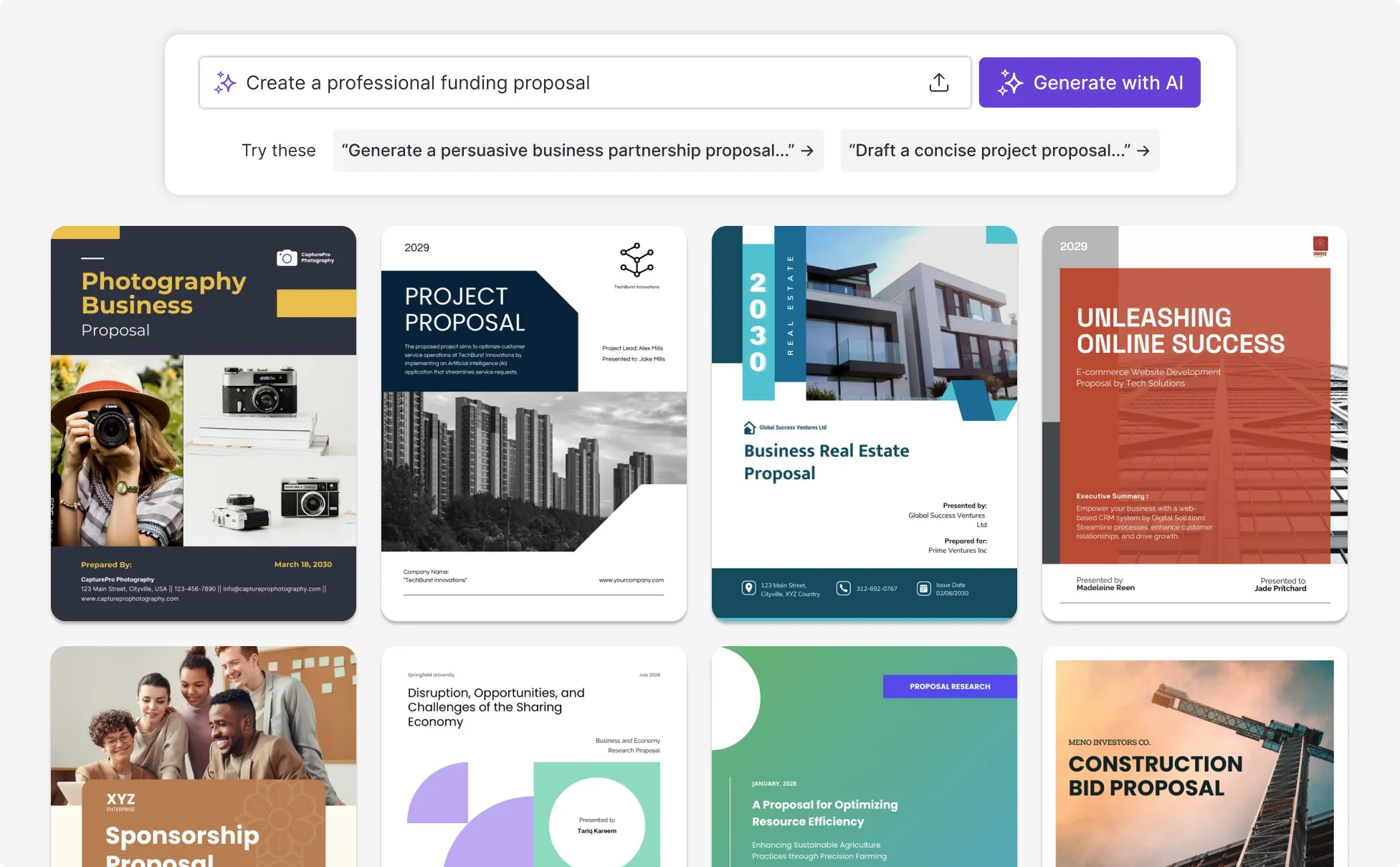
Sample Prompts For Every Proposal Type
“Freelance web design proposal: Create a client proposal for a freelance web designer pitching a website redesign project. Include a project overview, deliverables, revision policy, timeline, and fixed-price packaging. Keep it to one page and written for a small business owner.”
“Agency client retainer proposal: Write a retainer proposal for a digital marketing agency pitching ongoing SEO and content services to a B2B software company. Include monthly deliverables, KPIs, pricing tiers, and contract terms. Format it as a branded PDF proposal.”
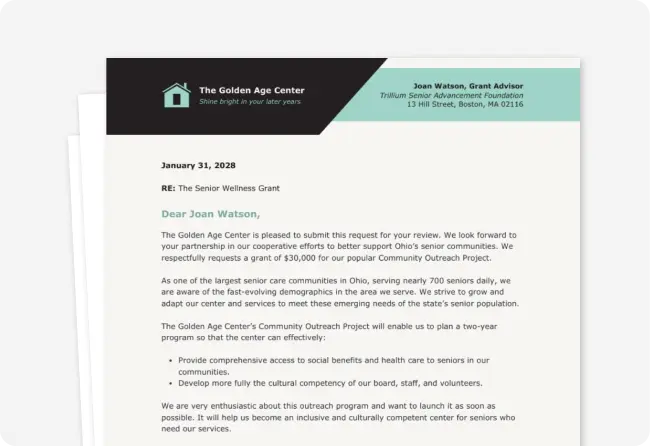
“Nonprofit grant proposal: Draft a grant proposal for a nonprofit seeking funding for a youth mentorship program. Include program goals, expected community impact, a budget overview, and measurable outcomes. Format it as a formal funding report ready for submission.”
“Startup consulting proposal: Write a business proposal for a startup consultant helping early-stage companies improve their product strategy. Include an executive summary, scope of work, project milestones, and pricing options. Format it as a one-page proposal summary.”
How to Create a Business Proposal in 5 Steps
Step 1
Describe Your Proposal Goal and Target Audience
Type your proposal purpose, target audience, and service or project details directly into Venngage’s AI Proposal Generator.
Step 2
Write A Prompt and the AI Drafts Your Proposal Content
Describe the proposal scope, deliverables, timeline, and value statement to generate a structured proposal layout.
Step 3
Get A Complete Proposal in Seconds
Use Venngage’s AI Proposal Generator to create a complete proposal draft with sections for overview, pricing, and deliverables.
Step 4
Customize Layout, Branding, and Visuals
Use Venngage’s editor and AI tools like the AI Designer, AI Image Generator, AI Icon Generator, AI Writing Assistant, and Text Translation to adjust text, visuals, layout, branding elements, fonts, and colors throughout the proposal.
Step 5
Download as PDF, PPT, PNG or Share Via Link.
Download the proposal as a PDF, PNG, PPT or HTML, then send it to clients, stakeholders, or funding partners for review or approval.
Win More Clients As A Freelancer or Consultant
Freelancers and independent consultants often juggle multiple client opportunities at once, making it hard to send proposals quickly without sacrificing quality. Venngage's AI Proposal Generator creates a polished, client-ready proposal from a short prompt, automatically structuring your scope, deliverables, timeline, and pricing into a designed layout.
Use the AI Writing Assistant to refine your copy, the AI Image Generator to add custom visuals, and the Brand Kit to apply your logo, colors, and fonts in one click. Export as a branded PDF or one-pager and send it directly to your client.
Generate Proposal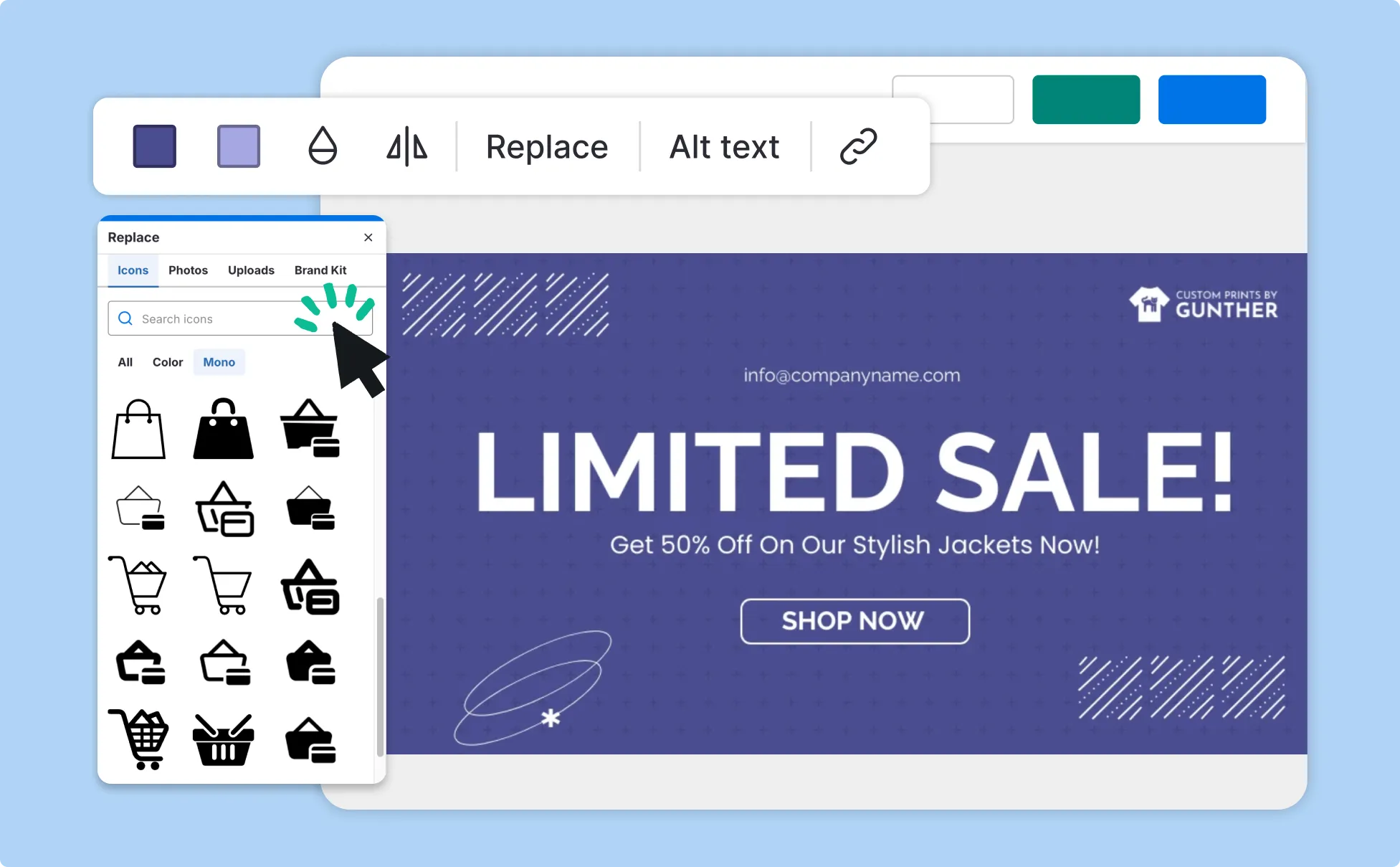
Send Better Pitches As An Agency
Agency teams often manage multiple client opportunities at once, making personalization time-consuming without a repeatable process. Venngage's AI Proposal Generator builds a tailored proposal for each client from a short brief.
Use the AI Designer to fine-tune layouts, the AI Writing Assistant to sharpen copy for each pitch, and the Brand Kit to keep every proposal consistent with your agency's identity. Export as a slide deck, branded PDF, or one-pager for presentations or email follow-ups.
Generate Proposal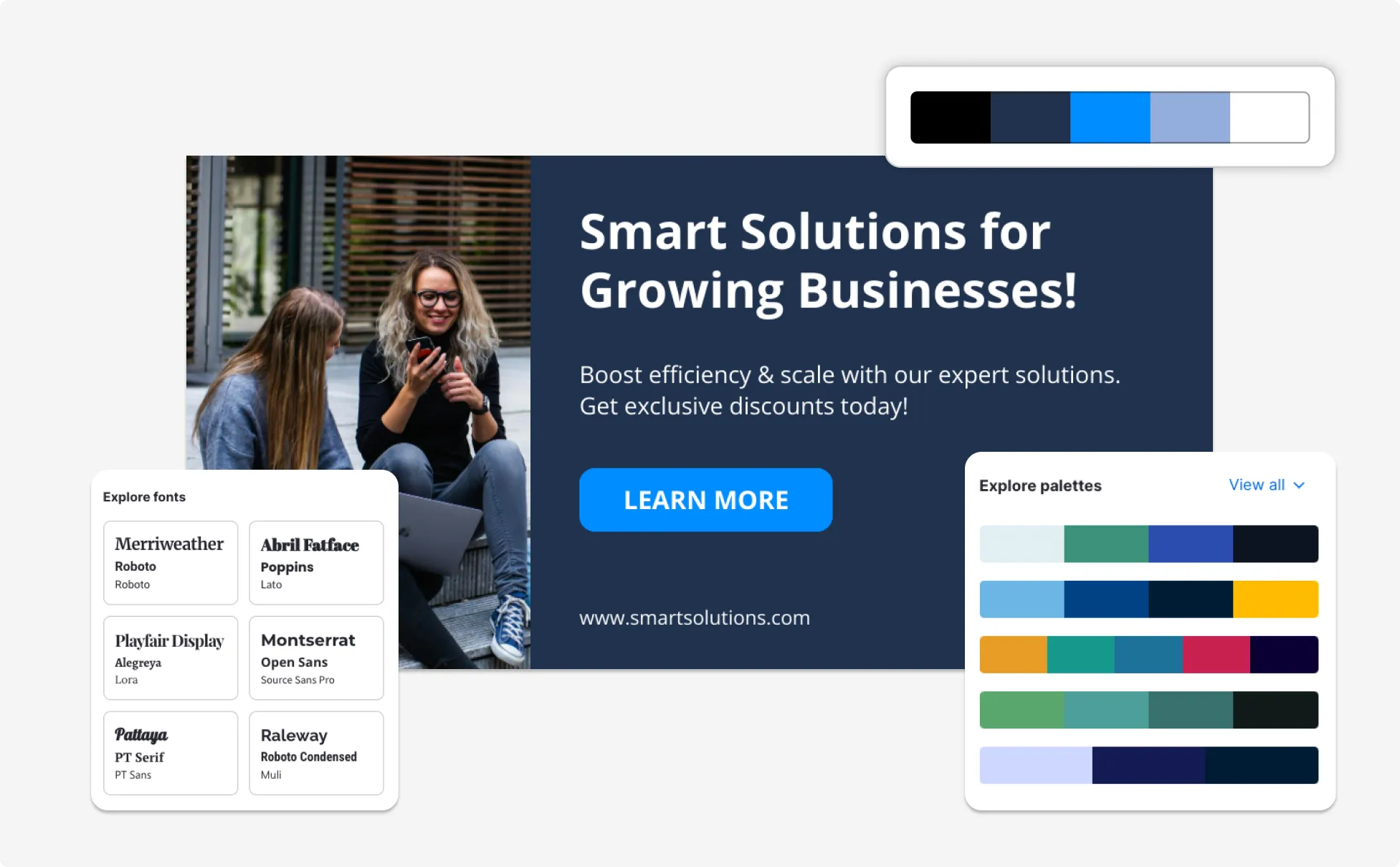
Write Stronger Grant Proposals
Nonprofit teams often work with limited resources, making it difficult to produce well-structured grant proposals for every funding opportunity. Venngage's AI generates a formatted grant proposal that covers program goals, community impact, budget breakdowns, and measurable outcomes from a single prompt.
Use the AI Writing Assistant to strengthen your impact statements, the AI Image Generator to add supporting visuals, and the Accessibility Checker to ensure your proposal meets readability standards before submission. Export as a PDF or presentation — ready to review, refine, and submit.
Generate Proposal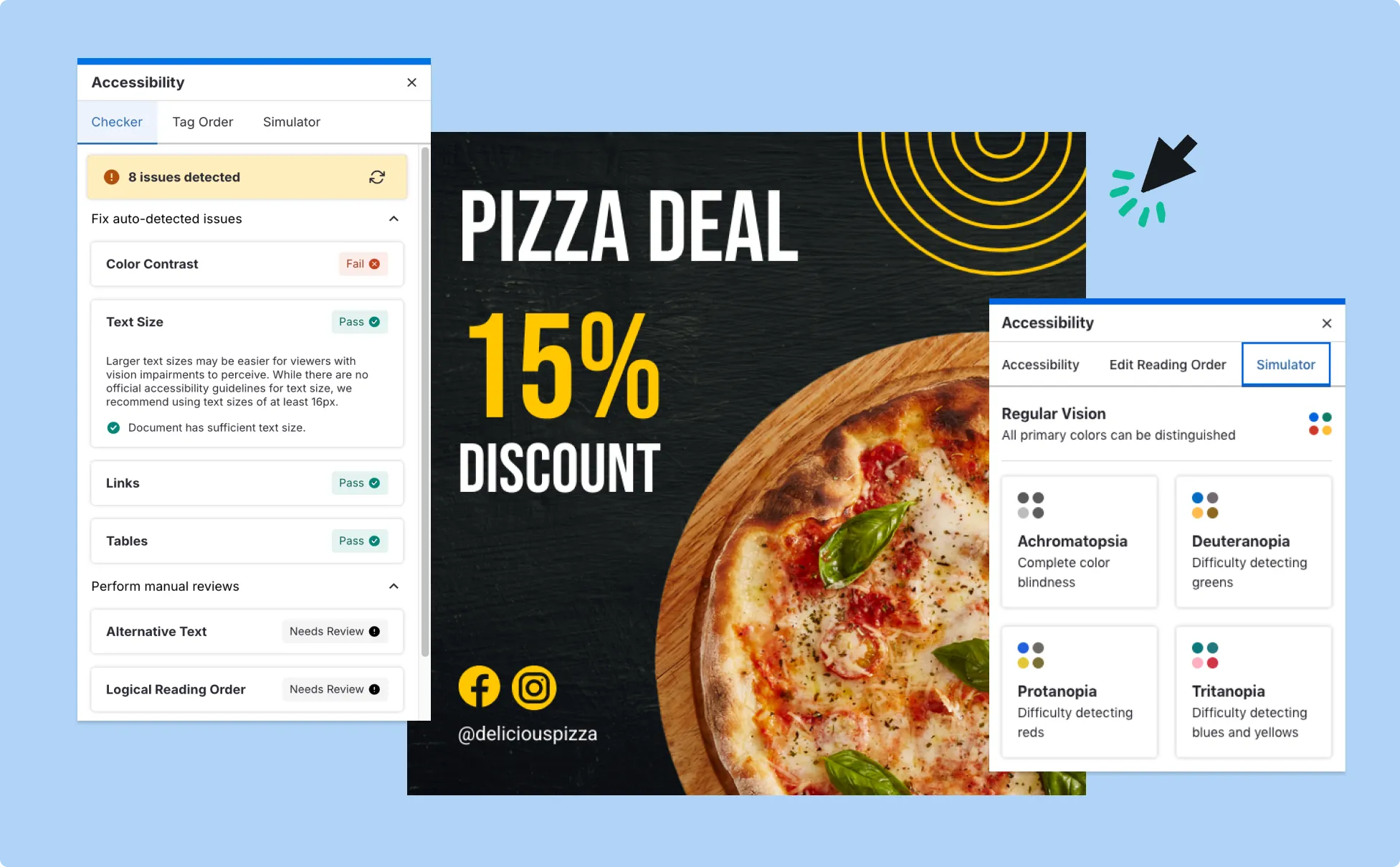
Fuel Your Creativity with AI-Powered Design Tools
Venngage is your one-stop shop for creating impactful presentations, infographics, reports, and more. It's a favorite among professionals, educators, and marketers for a reason:
AI Branding Automation
Instantly extract brand colors, fonts, and styles. Auto-apply your logo and visual identity to every design for seamless brand consistency.

DesignAI Generator
Turn simple prompts into stunning professional visuals in seconds. Describe what you need in plain language and watch our AI generate layouts optimized for maximum visual impact.

AI Content Auto-Fill
Kickstart your design process in seconds. Choose a template and let our AI auto-fill it with relevant, on-brand content, ideal for streamlining workflow and boosting productivity.

AI Generated Icons and Images
Create unique visuals that perfectly match your content and style. Generate custom illustrations, icons and images that align perfectly with your brand.

AI Writer and Translation
Enhance clarity, rewrite content, and instantly translate text to create accessible, global-ready visuals.

Smart Accessibility AI
Ensure every project looks great and works for everyone. Use AI to write alt text check contrast, layout, and font readability, and export fully WCAG-compliant visuals and PDFs.


What Our Customers Say
I stopped losing hours to formatting, and I’m now able to concentrate on defining the scope clearly and positioning the strategy properly for each document. It’s helped me send proposals quicker without compromising quality at all.
FAQs
Yes, you can fully customize all AI-generated templates on Venngage's platform.
Yes, Venngage offers a wide variety of proposal designs to suit different needs and preferences. Whether you're looking for something sleek and modern, or more detailed and data-focused, you'll find numerous options to choose from in our extensive template library.
We offer a free plan so you can try out all our AI features without spending anything. If you want more advanced features like private sharing and auto branding, we've got Premium and Business plans available too.
An AI proposal generator helps win more business by quickly creating clear, structured proposals that explain services, pricing, timelines, and value. Well-organized proposals are easier for clients and stakeholders to review, which can improve approval rates and shorten sales cycles.
Yes. Venngage’s AI Proposal Creator can turn a short text prompt into a complete business proposal. Users typically describe their service, target audience, and goals, and the AI automatically generates proposal content, layout, and structure.
AI-generated proposal templates usually include an introduction, client problem summary, proposed solution, scope of work, timeline, pricing details, and next steps. These sections match standard business, consulting, sales, and grant proposal formats.
Yes. Venngage’s AI proposal tools allow users to add logos, brand colors, and fonts to proposals. The tool also includes auto-branding features that automatically apply branding across all pages for a consistent visual design.
Yes. Proposals created with AI tools are generally owned by the user who generates them and can be used for commercial purposes, including client work, funding applications, and sales presentations. However, it's always good practice to ensure that any externally sourced content you include is also cleared for use.
Yes. Venngage's AI proposal generator is free. Free users can generate a proposal, customize it in the editor, and export as PNG. PDF and PowerPoint export, private sharing, and Brand Kit features are available on paid plans.
A proposal generator creates a complete, designed proposal document from a text prompt — handling layout, content, and formatting automatically. Proposal software like PandaDoc and Proposify manages the full deal cycle: e-signatures, CRM integrations, contracts, and payments. Use a proposal generator when you need a polished document quickly. Use proposal software when you need workflow and approvals built around that document.
A business proposal should include seven sections: an executive summary, a problem statement, a proposed solution, a scope of work, a timeline, a pricing breakdown, and a next steps section with a clear call to action. This structure applies across proposal types like consulting, grant, agency, and project proposals that all follow the same framework.
ChatGPT generates proposal text only, you still need to format, design, and export it yourself. Venngage produces a fully designed, export-ready proposal in one step. After generating, you can refine copy with the AI Writing Assistant, add visuals with the AI Image Generator, apply your branding with the Brand Kit, and export as a PDF, PowerPoint, or PNG with no additional formatting needed.
Yes. Venngage’s AI Proposal Generator lets you export proposals as PDFs, presentation-ready files, or downloadable documents. You can also share proposals using a private link, making it easy to collect feedback or send proposals to clients and stakeholders without attachments.