


Free AI Executive Summary Generator
Turn long reports, business plans, and PDFs into short, sharp takeaways in seconds.
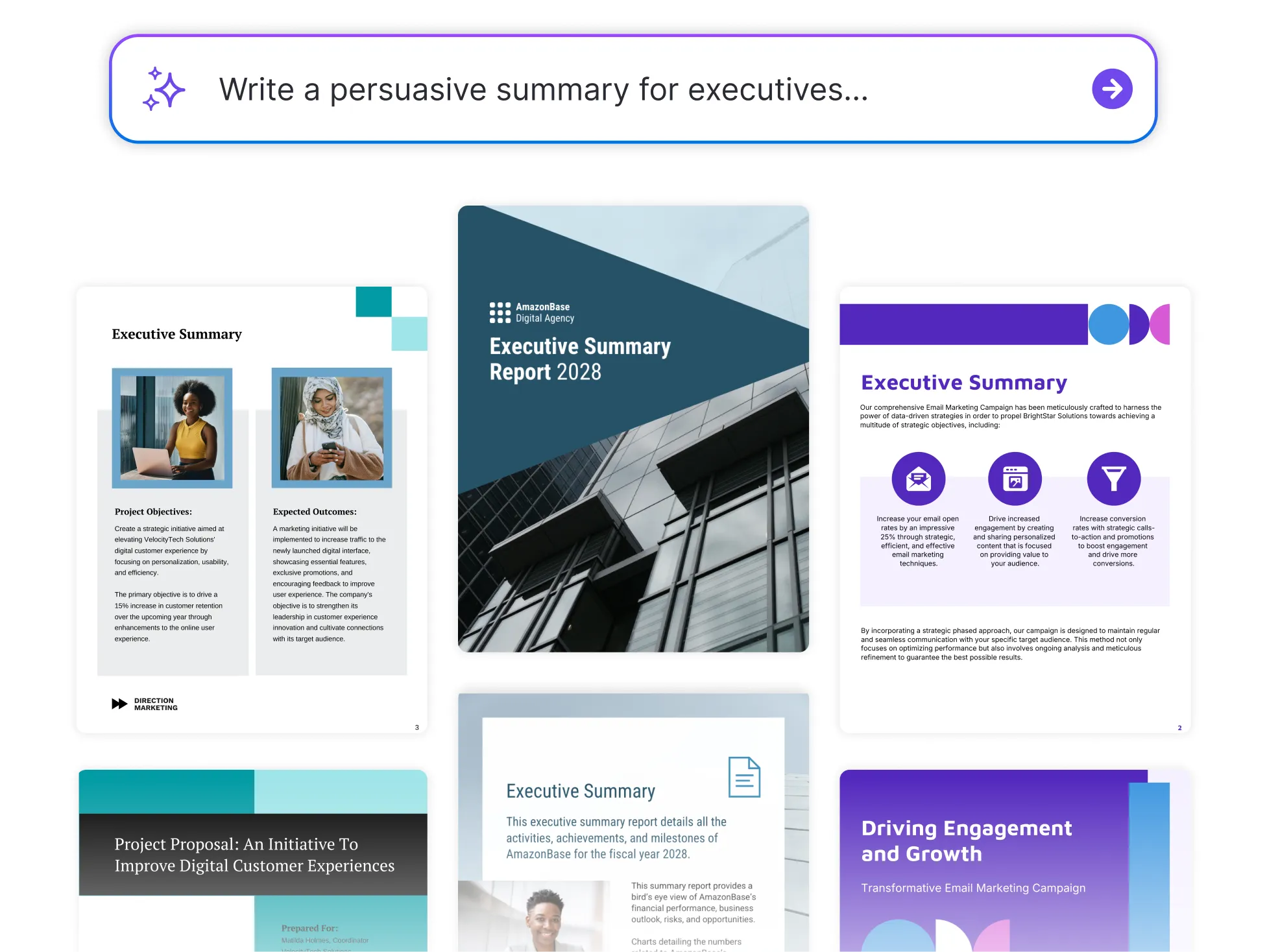




Browse Through More Executive Summaries
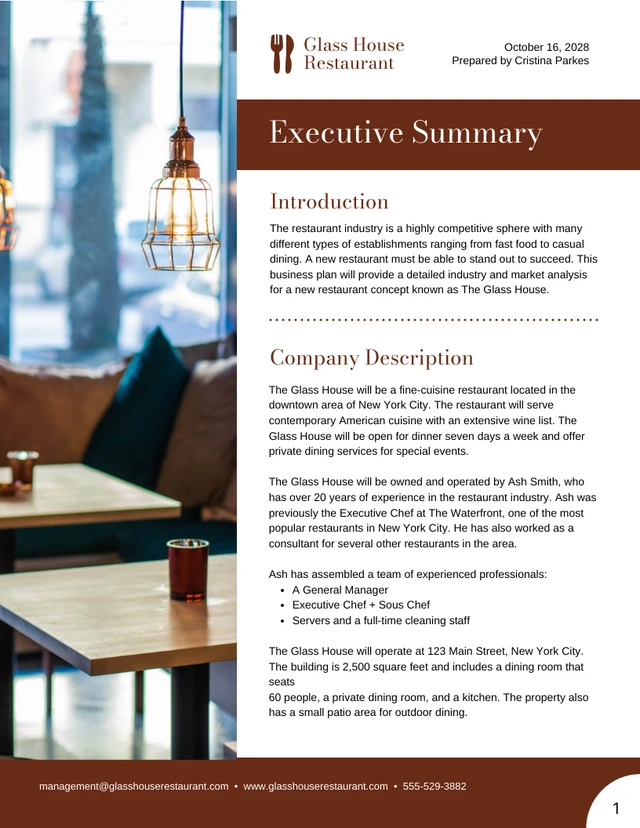

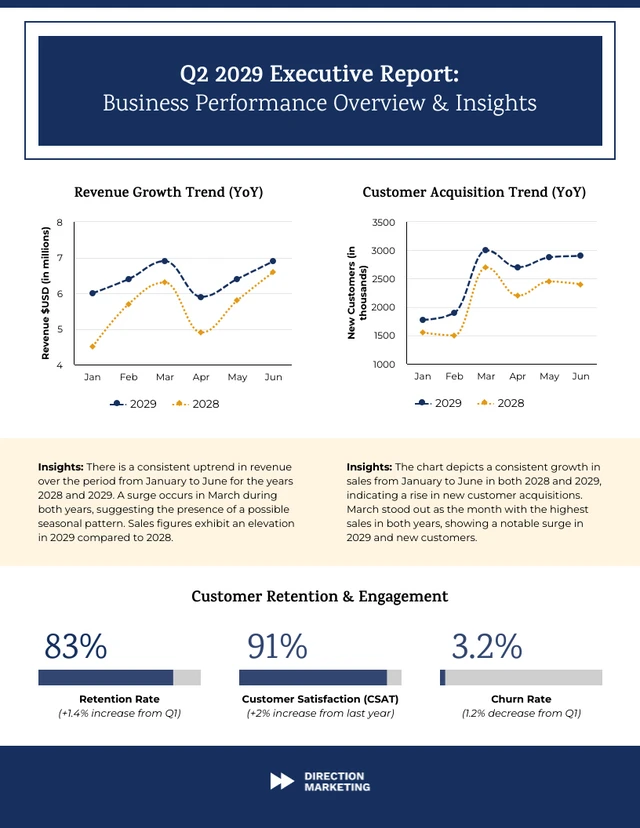
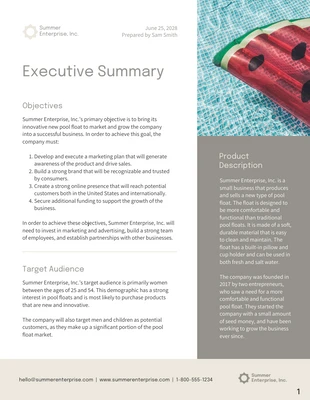


Popular AI Design Generators
Sample Prompts You Can Modify and Use
“Create an executive summary as a nonprofit director reporting annual fundraising results. Generate a one-page summary report designed to share impact metrics and financial outcomes with board members.”
“Write an executive summary as a corporate strategy lead summarizing a merger evaluation analysis. Generate a structured executive summary PDF designed for executive leadership, outlining financial projections, integration risks, cultural considerations, and recommended actions.”
“Summarize this quarterly business review as a CFO preparing a leadership briefing. Generate a concise executive summary document focused on financial performance, forecast adjustments, and risk exposure.”
“Write an executive summary as a project manager using the attached document. Generate a one-page executive summary that explains the main outcomes, risks, and action items for leadership review.”
How To Write An Executive Summary using AI
Step 1
Upload or Paste Your Report
Add your report, proposal, or document so Venngage’s Executive Summary Generator can extract key insights and context.
Step 2
Add Your Prompt in Venngage’s Executive Summary Generator
Write a prompt that defines tone, audience, and purpose to guide the summary structure.
Step 3
Generate the Executive Summary
Click generate to produce a concise executive summary design with key findings, highlights, and recommendations.
Step 4
Edit and Refine the Summary Using Venngage’s Editor and AI Tools
Use Venngage’s editor to adjust content, then use the AI Writing Assistant, AI Designer, AI Icon Generator, and AI Image Generator to improve clarity and layout, creating a polished, easy-to-read executive summary.
Step 5
Export the Executive Summary
Download the summary as a PDF for reports, PNG for quick sharing, PPT for presentations, or HTML for web use. You can also share a private link so stakeholders can easily review the summary without downloading files.
Create Clear Project Report Executive Summaries as a Project Manager
Employees spend 19% of their workweek searching for information, which makes concise summaries more important. Project managers can use Venngage’s Executive Summary Maker to create executive summary PDFs and stakeholder one-pagers highlighting progress, risks and next steps.
Pull key updates, generate the summary design, and share it before review meetings. It keeps leadership aligned without sending another 30-page report.
Generate an Executive Summary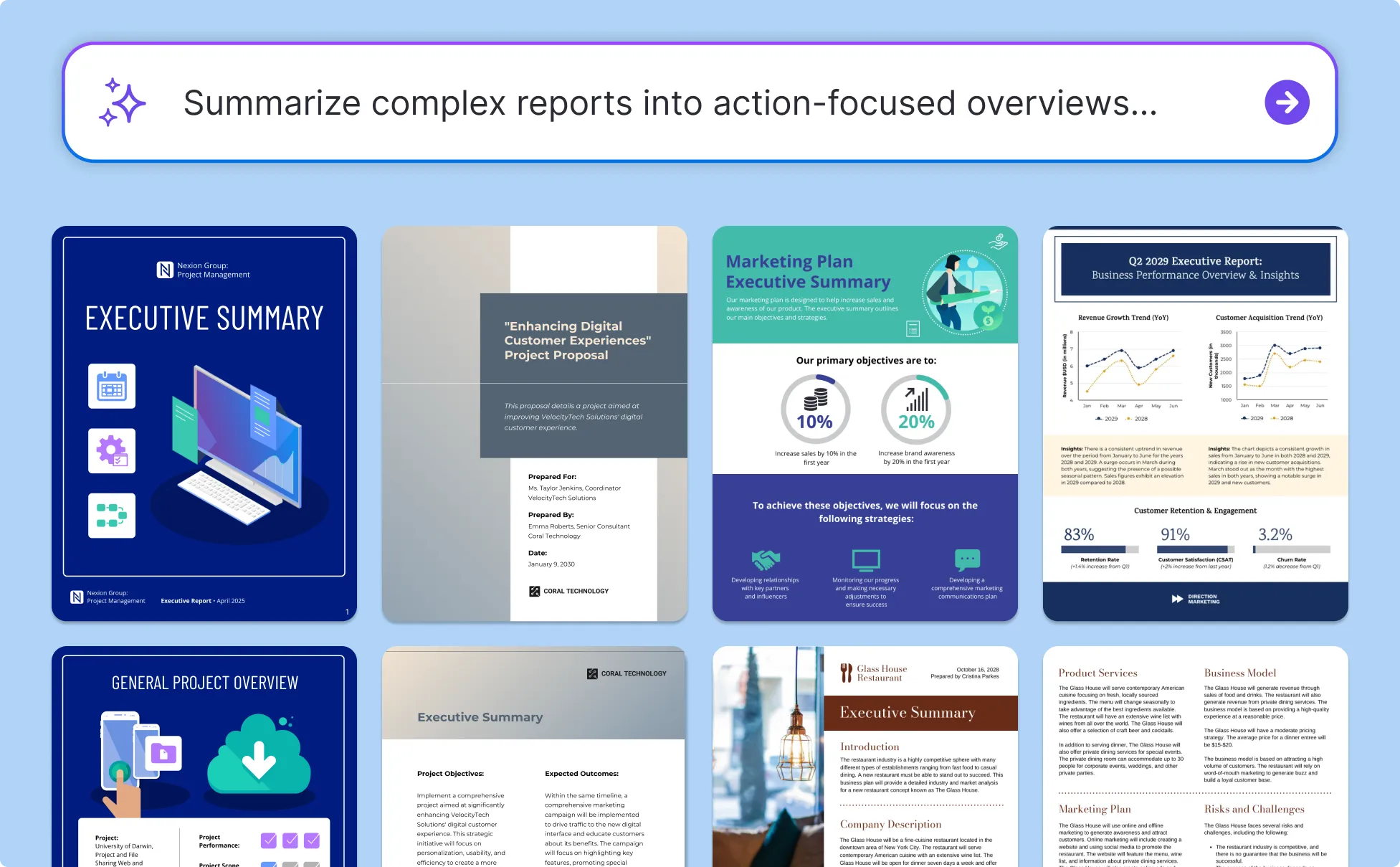
Build Client Project Executive Summaries as a Consultant
Delivering value means making results easy to understand. Consultants use Venngage’s Executive Summary Creator to create client summary PDFs and consulting project one-pagers for agencies that clearly present outcomes and recommendations.
Simply summarize insights, generate the report design, and present it during project wrap-ups to help clients see impact quickly and move to the next decision.
Generate an Executive Summary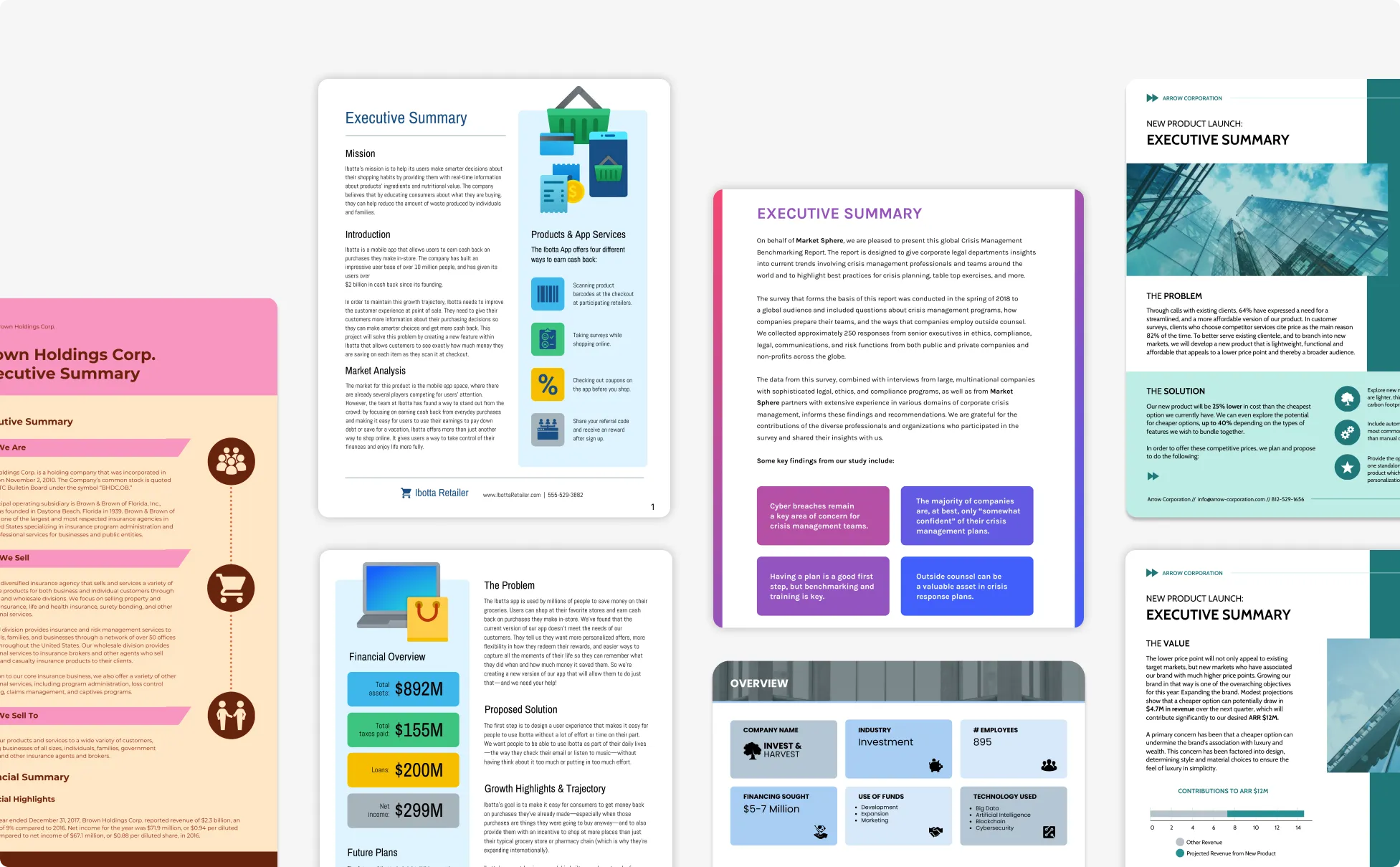
Share Investor And Company Updates Using Executive Summaries as a Founder
Investors want progress updates without reviewing full decks or spreadsheets. Founders use Venngage’s Executive Summary Maker to create investor update PDFs and company progress one-pagers that highlight growth and milestones.
Add KPIs, generate the summary design, and share it during check-ins or fundraising updates to keep communication clear and focused.
Generate an Executive Summary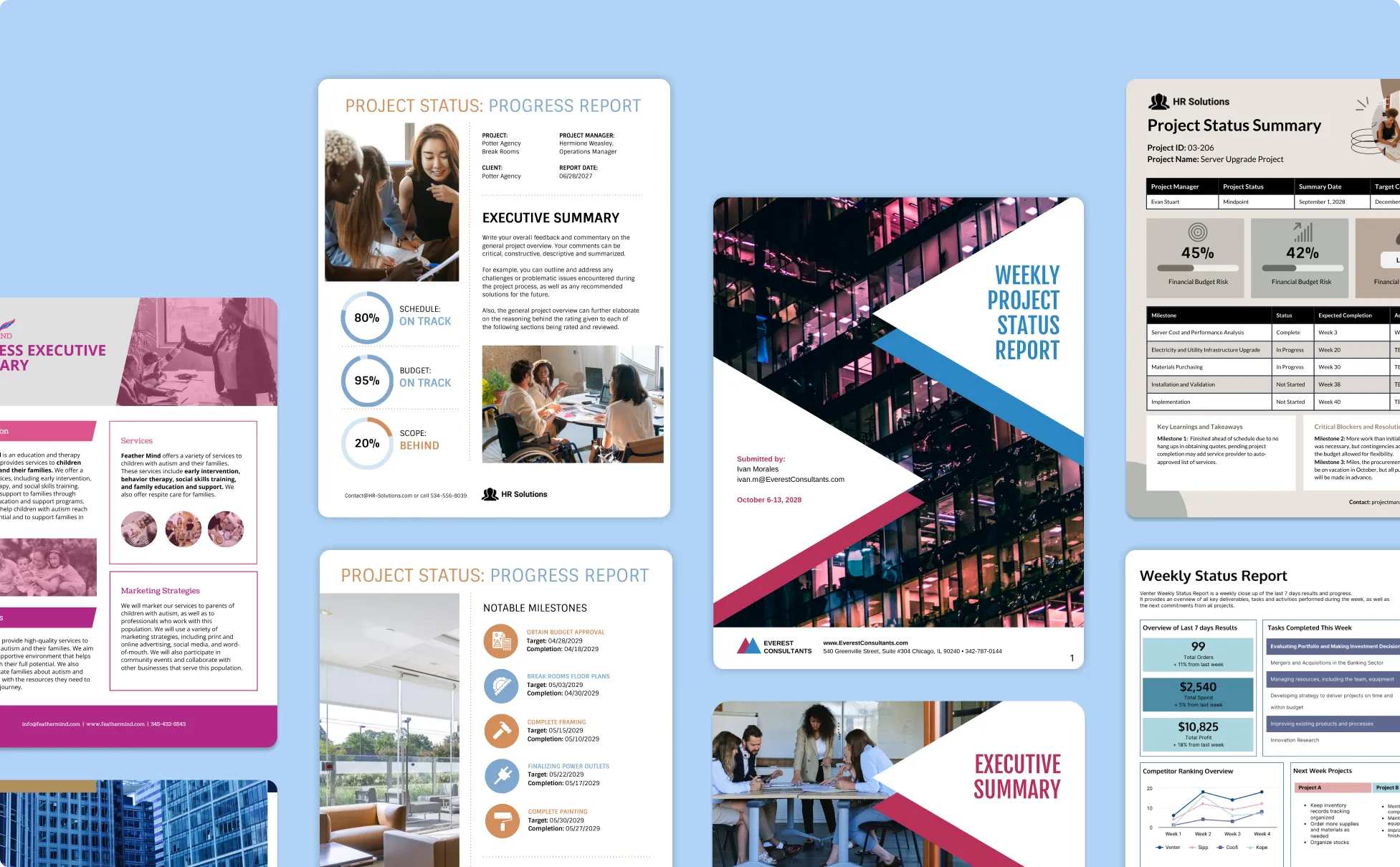
Generate Executive Summaries In Seconds With Our AI Executive Summary Generator

Summarize Long Reports in Minutes
Whether it’s a strategy doc, project update, or client proposal, you can turn complex content into a concise summary without starting from scratch.

Get Clear, Structured Overviews Instantly
Venngage’s AI organizes your input into an easy-to-follow format with a strong opening, key points, and a clear conclusion, no formatting stress involved.

Tailor The Tone to Fit Your Audience
Use a quick prompt to set the tone—whether you need something formal for execs or more conversational for internal updates.

Stay On-Brand and Professional
With Venngage’s Brand Kit, your summaries always reflect your visual identity, complete with consistent fonts, colors, and layout.

Make Quick Edits with Visual Ease
The intuitive drag-and-drop editor lets you fine-tune content and layout in seconds that are ideal for last-minute changes before sharing.

Built for Busy Professionals
Whether you're a consultant, founder, or project lead, Venngage helps you save time while still delivering executive-level clarity and polish.
Fuel Your Creativity with AI-Powered Design Tools
Venngage is your one-stop shop for creating impactful presentations, infographics, reports, and more. It's a favorite among professionals, educators, and marketers for a reason:
AI Branding Automation
Instantly extract brand colors, fonts, and styles. Auto-apply your logo and visual identity to every design for seamless brand consistency.

DesignAI Generator
Turn simple prompts into stunning professional visuals in seconds. Describe what you need in plain language and watch our AI generate layouts optimized for maximum visual impact.

AI Content Auto-Fill
Kickstart your design process in seconds. Choose a template and let our AI auto-fill it with relevant, on-brand content, ideal for streamlining workflow and boosting productivity.

AI Generated Icons and Images
Create unique visuals that perfectly match your content and style. Generate custom illustrations, icons and images that align perfectly with your brand.

AI Writer and Translation
Enhance clarity, rewrite content, and instantly translate text to create accessible, global-ready visuals.

Smart Accessibility AI
Ensure every project looks great and works for everyone. Use AI to write alt text check contrast, layout, and font readability, and export fully WCAG-compliant visuals and PDFs.


What Our Customers Say
What stands out to me is the balance between speed and control. The tool reduces the friction of summarising complex material while still allowing me to apply strategic thinking and final edits. It improves readability, strengthens communication, and ensures that important insights are not lost in lengthy reports. For professionals working in fast-paced, remote, or client-facing environments, this tool supports clearer communication and more confident delivery.
FAQs
Absolutely. All AI-generated executive summaries on Venngage's platform are fully customizable, allowing you to personalize colors, designs, images and more to match your unique vision.
Yes, there are a variety of design generators available on Venngage. Along with the AI Executive Summary Generator, Venngage offers tools to create infographics, social media posts, reports, and more. These AI design tools are easy to use and customizable, helping you generate professional visuals quickly to match your style and needs.
Yes, the AI-generated executive summaries created using Venngage's tools are copyright-free. You can use them for both personal and commercial purposes without any restrictions on copyright. However, it's always good practice to ensure that any externally sourced content you include is also cleared for use.
We offer a free plan so you can try out all our AI features without spending anything. If you want more advanced features like private sharing and auto branding, we've got Premium and Business plans available too.
An executive summary is usually 5–10% of the original document. Business plans often need a longer summary (1–2 pages), while reports and proposals work best with a shorter, high-level overview. Our Executive Summary Generator tool automatically adapts the summary length based on the document type, content depth and intended audience to produce executive-ready results.
This tool is purpose-built for creating executive summaries, not general writing or grammar correction. Instead of focusing on sentence-level edits, it identifies key insights, structure and business context. It’s designed to help decision-makers quickly understand priorities, outcomes and next steps.
Yes. Uploaded documents are processed securely and used only to generate your executive summary. Files are handled temporarily and aren’t stored, shared or used for advertising or training purposes. Privacy and data protection are built into the summarization process.
This executive summary generator is designed for business teams, founders, consultants and professionals who need fast, clear summaries of reports, business plans, proposals or presentations. It’s ideal for anyone who needs concise, decision-focused insights without rewriting documents manually.
Yes. You can upload your document directly into Venngage and generate a structured, one-page executive summary in minutes. The AI condenses key insights, major findings, and recommendations into a clear editable overview, which you can then format into a polished, presentation-ready layout.
A standard AI-generated executive summary usually includes the objective, key findings, major data points, recommendations, and a brief conclusion. The exact sections can also depend on your prompt. With Venngage, you can guide the AI to highlight specific insights, metrics, or business outcomes based on your reporting goals.
Yes. You can specify tone in your prompt, such as persuasive, analytical, or formal. AI tools adjust wording and structure accordingly, making it easier to tailor summaries with audience-specific farming for investors (compelling tone), executives, or internal stakeholders (ROI-driven).
Our AI tool uses pattern recognition to identify repeated themes, emphasize metrics, and key conclusions within your content. It prioritizes results, financial figures, performance metrics, and recommendations in an editable format to ensure the summary reflects the most impactful information in your unique way.
Yes. Venngage’s AI Executive Summary Generator generates original summaries based on the content you provide. It does not copy from external sources. This makes the output suitable for professional use, while still allowing you to review and refine the final wording.
Yes. With Venngage, you can convert a text-based executive summary into a visually designed slide, report page, or infographic layout. This makes it easier to present key insights to stakeholders in a clear, professional format.