


Free AI Marketing Collateral Generator
Generate brochures, one-pagers, sell sheets, and pitch decks from a single prompt




Browse Through More Marketing Collateral Templates
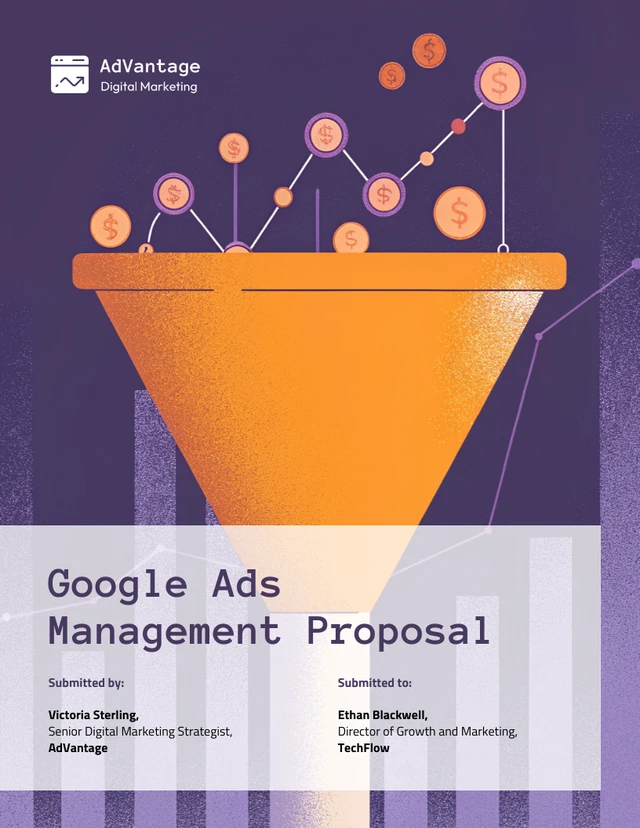
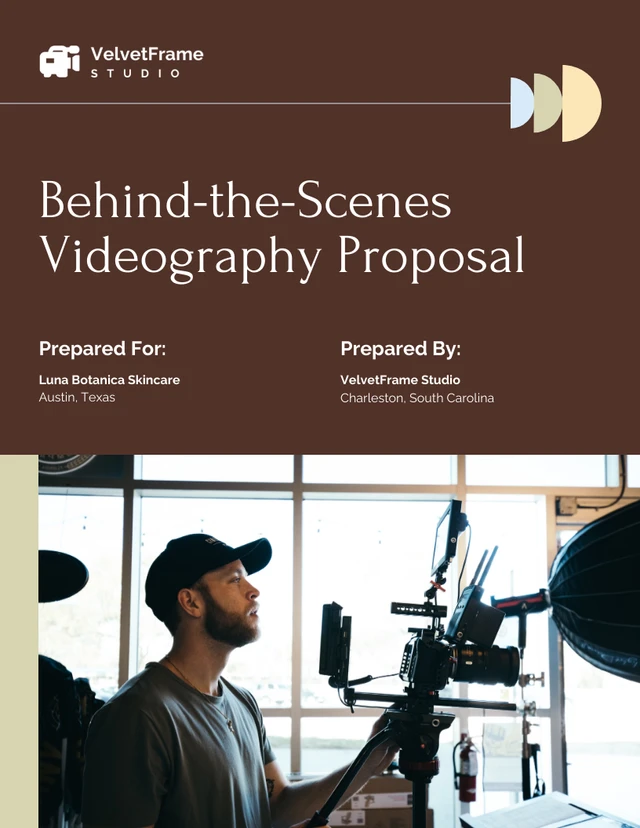
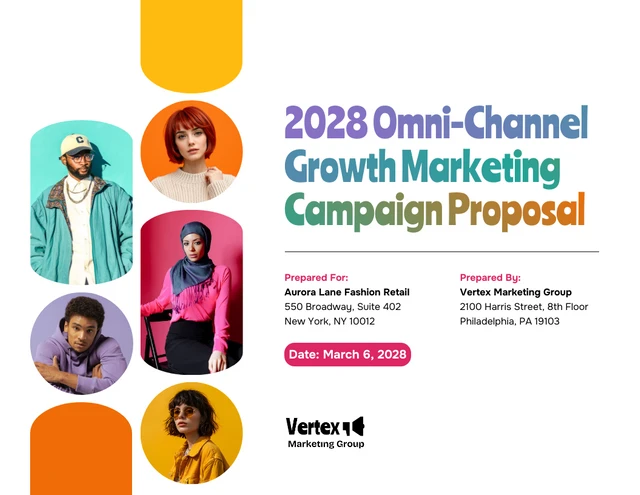
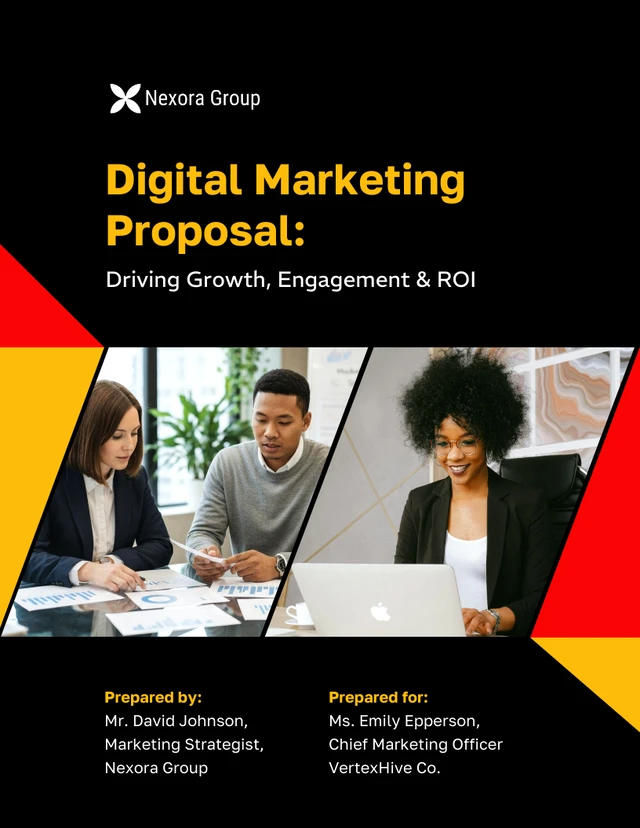
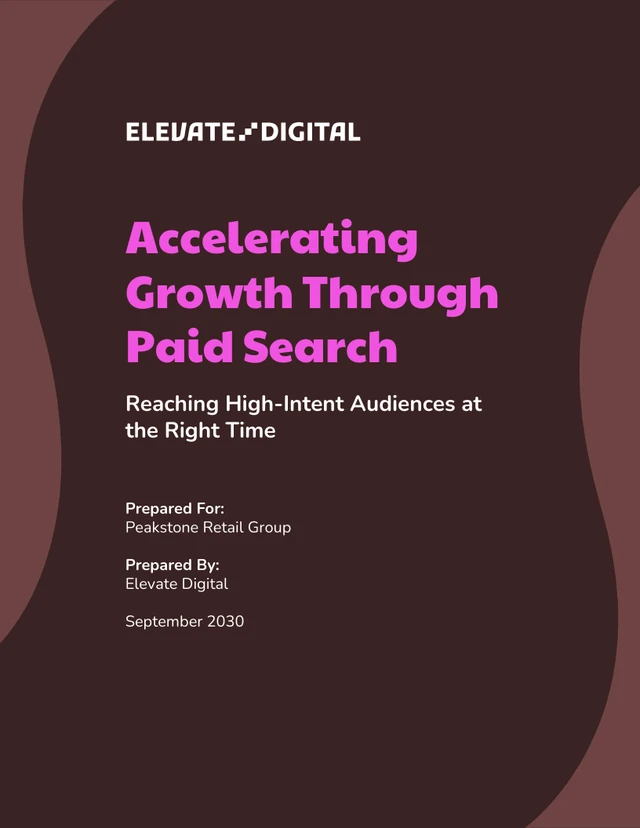
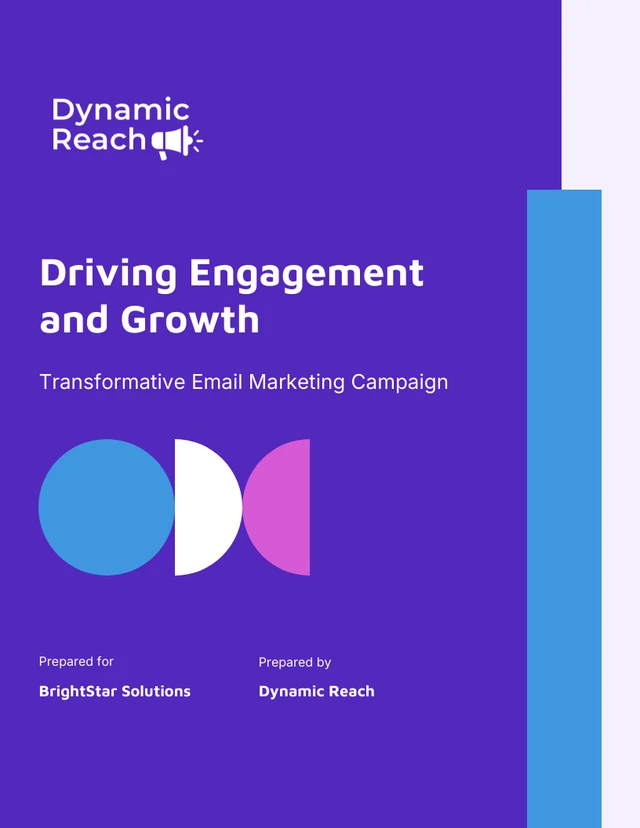
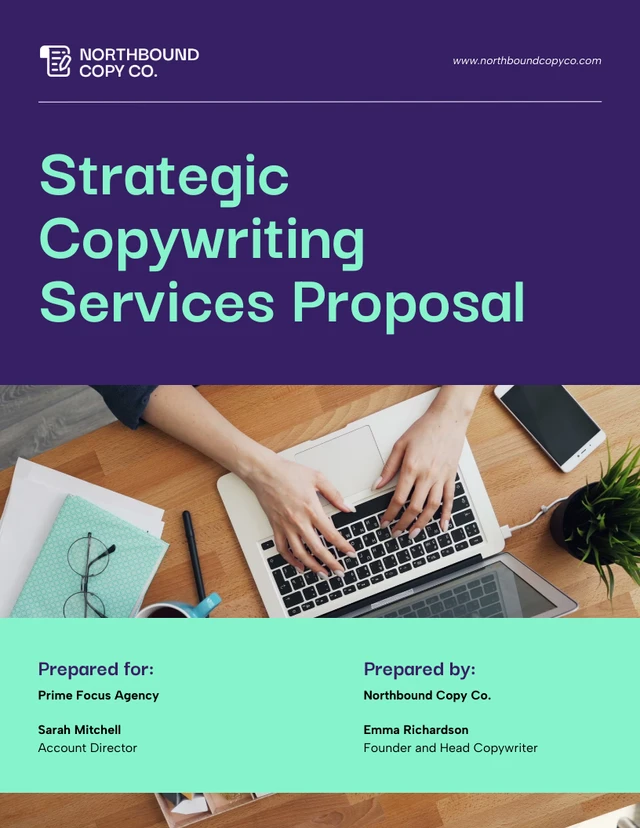
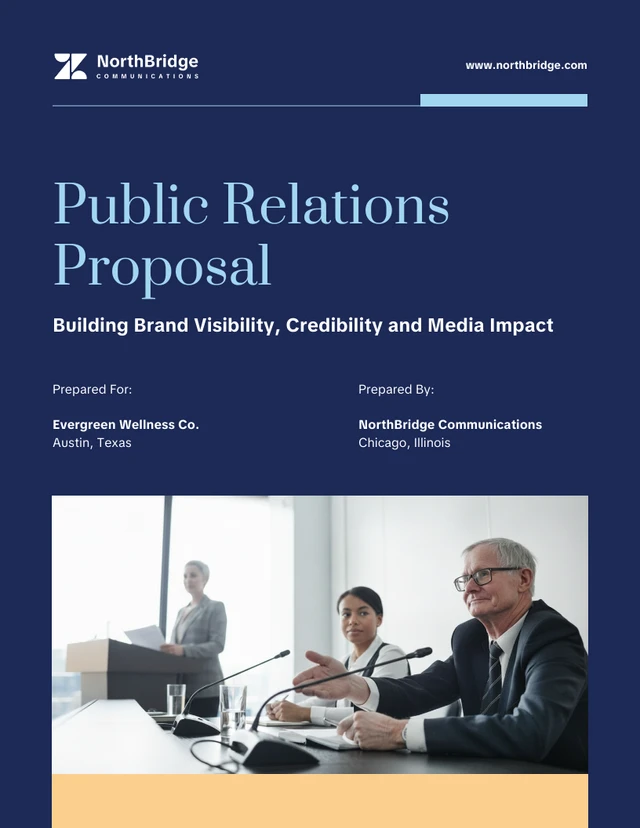
More Marketing Collateral Generators
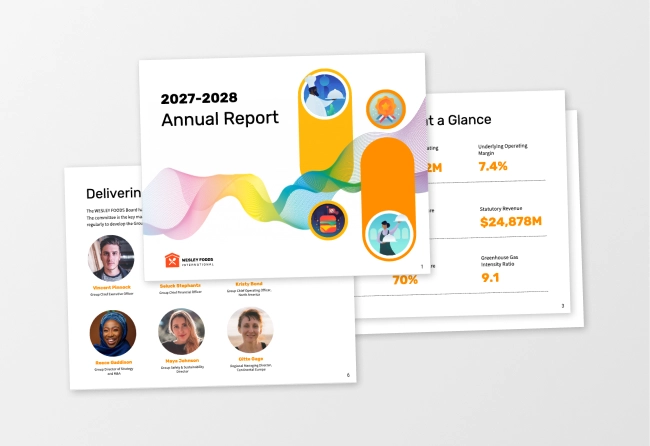
Sample Prompts You Can Modify and Use
“I've uploaded a rough notes document with bullet points about a client project — the challenge they faced, what we did, and the results we achieved. Turn these raw notes into a professionally written and designed case study, organized into challenge, solution, and results sections with three metrics highlighted, formatted as a two-page print-ready PDF.”
“As a product marketer at a B2B project management SaaS company, design a three-panel product brochure targeting operations managers at mid-sized companies. Include sections for the core problem the product solves, organized into problem, solution, and proof sections, formatted as a print-ready trifold PDF.”
“I've uploaded our current investor pitch deck as a PDF. Extract the core value proposition, key metrics, and competitive advantage and turn them into a sales one-pager targeting enterprise procurement managers, formatted as a single-page print-ready PDF ready to share after an introductory sales call.”
“Design an annual marketing report for a digital agency sharing industry benchmarks and campaign performance data with their client base. It should be data-focused and visually clean, organized into key findings, channel performance, and predictions for the year ahead, formatted as a shareable PDF and a private Venngage link.”
How to Create a Thank You Card Using AI
Step 1
Describe Your Thank You Card in the Prompt Field
Type the occasion, recipient, tone, and personal details like the gift received, the act of kindness, or the relationship. The more specific the prompt, the more genuine the finished thank you card will feel.
Step 2
Generate Your Thank You Card Message and Design
Click generate and Venngage's AI produces a complete thank you card — message, layout, color palette, and typography matched to the occasion instantly. A wedding thank you card feels warm and celebratory, a business thank you card professional and sincere, a baby shower thank you note excited and personal.
Step 3
Refine Your Message With the AI Writing Assistant
Rewrite a line, adjust the tone, or make the card sound more personal without starting over. Prompt the AI to make this sound less formal, add a detail about the gift, or make this warmer and the change applies instantly.
Step 4
Enhance Your Design With Venngage's AI Tools
Use the AI Designer to refine the layout, adjust typography, and update colors. Use the AI Icon Generator to add illustrated details — floral motifs for wedding thank you cards, baby-themed icons for shower notes, or clean minimal details for business thank you cards.
Step 5
Export and Send Your Thank You Card
Download as a printable PDF, export as PNG for digital sharing, or share via a private Venngage link as a digital thank you card ready to send via email or messaging app.
Send Wedding Thank You Cards as a Newlywed
The wedding is over, the gifts are stacked, and the thank you cards have been sitting on the kitchen table for two weeks. Venngage's AI Thank You Card Generator handles the part that's actually hard (finding something real to say to 150 different people) in seconds.
Type the guest's name, what they gave, and one specific detail, and get a wedding thank you card that sounds like you wrote it yourself. Download as a printable PDF or send as a digital card and get through the stack before the first anniversary.
Generate Thank You Cards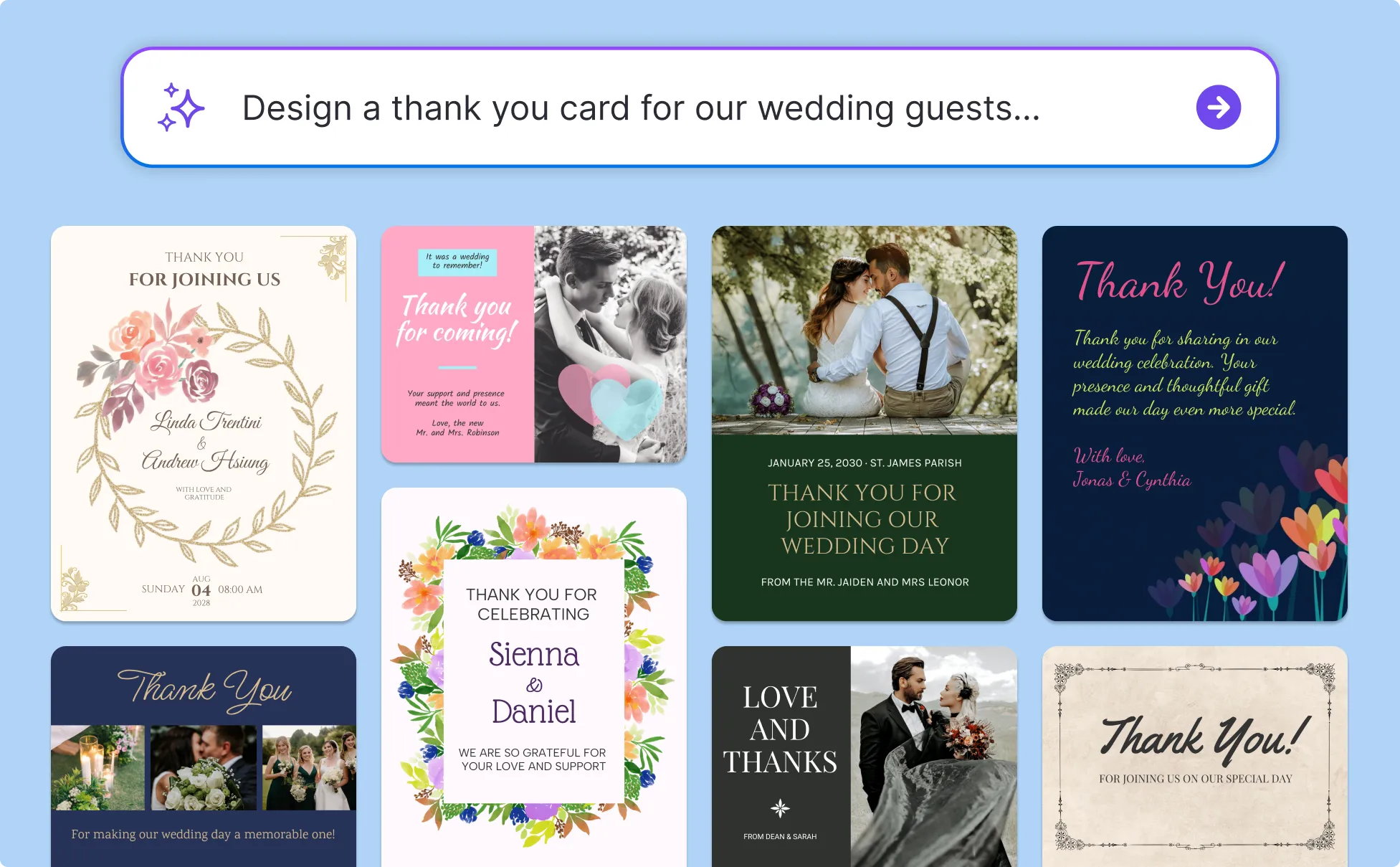
Send Client Thank You Cards as a Small Business Owner
The clients who refer you are the ones who felt appreciated after the last project ended. A thank you card is one of the cheapest ways to make that impression last and Venngage makes it fast enough happen instead before the moment has passes.
Write a prompt and get a thank you message specific to the project and the relationship, apply the Brand Kit to keep every card on-brand, and export a print-ready PDF or send a digital thank you card the moment the project closes.
Generate Thank You Cards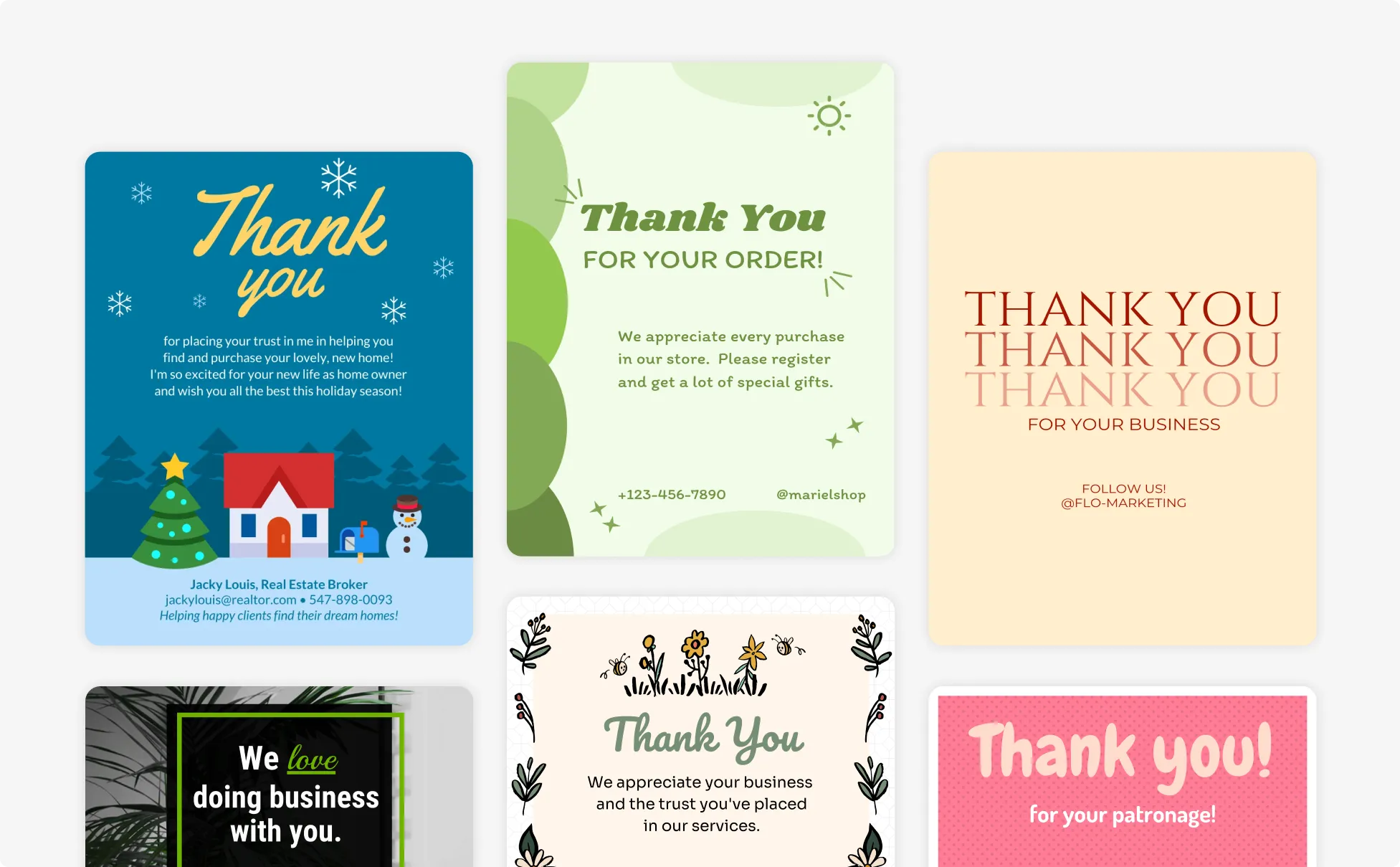
Write Baby Shower Thank You Cards a New Parent
Somewhere in the chaos of new parenthood, there are 40 thank you cards that need to go out. Venngage's AI Thank You Card Generator gets you through the stack without losing the personal touch.
Describe the gift, the guest, and one specific detail and Venngage's AI generates a baby shower thank you card that feels handwritten, not templated. Change one detail per card and the message changes completely so no two guests receive the same note.
Generate Thank You Cards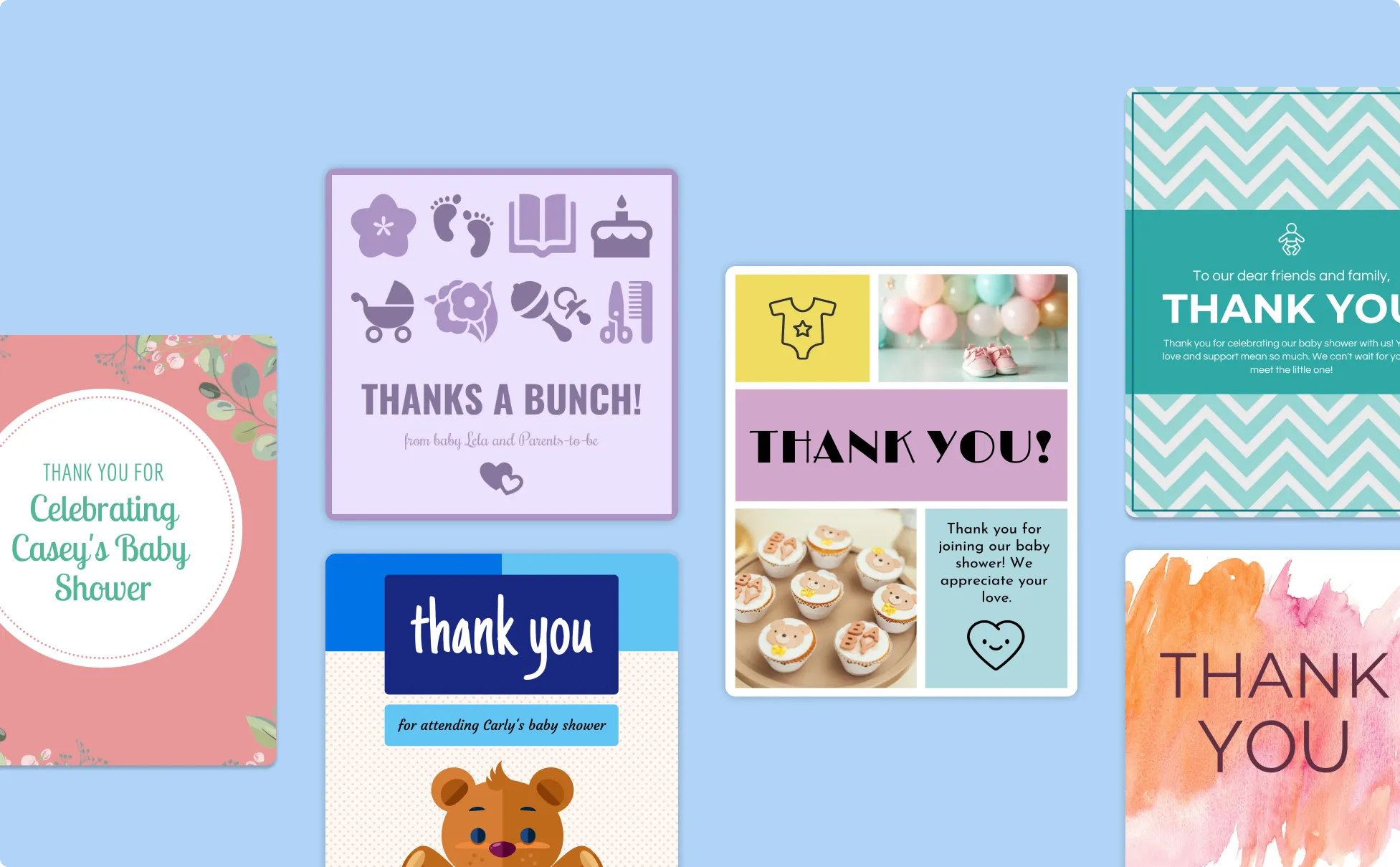
Generate Thank You Cards In Seconds With Our AI Thank You Card Generator

Say Something Real, Not Something Generic
The hardest part of a thank you card isn't sending it, it's finding the words. Venngage's AI Thank You Card Generator creates messages specific to the person, the gift, and the moment so the card actually means something when it arrives.

Handle the Stack Without Losing Personal Touch
Wedding thank you cards, baby shower notes, client appreciation cards — the occasions that require the most thank yous always have the least time to write them. Venngage generates bulk thank you cards that feel personal enough that nobody suspects they came from a prompt.

Write Every Card Differently Without Writing Every Card Yourself
Change the name, the gift, and one detail in the prompt and the message changes completely so a batch of 50 wedding thank you cards doesn't read like the same card copied 50 times.

Turn a Blank Card Into a Finished Design in Seconds
Use the AI Designer to edit the layout, typography, and color palette. Add floral motifs for wedding thank you cards, baby-themed icons for shower notes, or clean minimal design for business thank you cards using the AI Icon Generator.

Keep Business Thank You Cards On-Brand
Use the Brand Kit to apply exact fonts, colors, and logo across every client appreciation card, employee thank you card, and corporate thank you note so every card looks like it came from the same business.

Print, Send Digitally, or Share Instantly
Download as a printable PDF, export as PNG, or send via a private Venngage link as a digital thank you card delivered by email or messaging app. The format fits the occasion, not the other way around.
Fuel Your Creativity with AI-Powered Design Tools
Venngage is your one-stop shop for creating impactful presentations, infographics, reports, and more. It's a favorite among professionals, educators, and marketers for a reason:
AI Branding Automation
Instantly extract brand colors, fonts, and styles. Auto-apply your logo and visual identity to every design for seamless brand consistency.

DesignAI Generator
Turn simple prompts into stunning professional visuals in seconds. Describe what you need in plain language and watch our AI generate layouts optimized for maximum visual impact.

AI Content Auto-Fill
Kickstart your design process in seconds. Choose a template and let our AI auto-fill it with relevant, on-brand content, ideal for streamlining workflow and boosting productivity.

AI Generated Icons and Images
Create unique visuals that perfectly match your content and style. Generate custom illustrations, icons and images that align perfectly with your brand.

AI Writer and Translation
Enhance clarity, rewrite content, and instantly translate text to create accessible, global-ready visuals.

Smart Accessibility AI
Ensure every project looks great and works for everyone. Use AI to write alt text check contrast, layout, and font readability, and export fully WCAG-compliant visuals and PDFs.

FAQs
Absolutely. All AI-generated marketing collaterals on Venngage's platform are fully customizable, allowing you to personalize colors, designs, images and more to match your unique vision.
Yes, there are a variety of design generators available on Venngage. Along with the AI Marketing Collateral Generator, Venngage offers tools to create infographics, social media posts, reports, and more. These AI design tools are easy to use and customizable, helping you generate professional visuals quickly to match your style and needs.
Yes, the AI-generated marketing collaterals created using Venngage's tools are copyright-free. You can use them for both personal and commercial purposes without any restrictions on copyright. However, it's always good practice to ensure that any externally sourced content you include is also cleared for use.
We offer a free plan so you can try out all our AI features without spending anything. If you want more advanced features like private sharing and auto branding, we've got Premium and Business plans available too.