


Free AI LinkedIn Banner Generator
Turn simple text prompts into LinkedIn banners that highlight your skills, services, or career goals.




Browse Through More LinkedIn Banner Templates
Popular AI Design Generators
Sample Prompts You Can Modify and Use
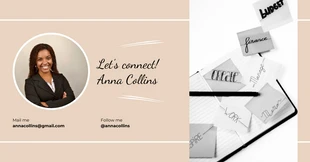
“Create a LinkedIn banner for a UX designer who is open to new roles. Use a navy and white color scheme, a clean sans-serif font, and include a headline with job title and a one-line value statement.”
“Generate a LinkedIn profile banner for a freelance content strategist. Include a bold headline with specialty, a short credibility line, and a soft gradient background.”
“Create a LinkedIn banner for a business coach. Use a professional blue and white layout with confident typography and include the phrase “Helping Entrepreneurs Scale With Clarity and Strategy.””
“Generate a portfolio for a recent marketing graduate applying to entry-level positions. Include a cover page, marketing philosophy, four academic campaign projects with briefs, creative samples, and result metrics, and a contact section.”
How to Create a LinkedIn Banner Using AI
Step 1
Enter Your LinkedIn Banner Prompt
Add a simple text prompt describing your role, industry, personal brand, or the style you want for your LinkedIn banner.
Step 2
Generate a LinkedIn Banner
Venngage’s AI LinkedIn Banner Generator creates a custom banner with headline placement, and visuals tailored to your role, industry, and personal brand.
Step 3
Customize Your Banner Design
Use the drag-and-drop editor to update text, change fonts, swap visuals, adjust colors, or add your logo, website, or tagline.
Step 4
Enhance Your LinkedIn Banner Using AI Tools
Use AI Designer, AI Image Generator, and Brand Kit tools to improve the layout and keep your LinkedIn branding consistent.
Step 5
Export Your LinkedIn Banner
Download your LinkedIn banner as a high-quality PNG and upload it directly to your LinkedIn profile or company page.
Create a Polished LinkedIn Banner as a Job Seeker
Stand out to recruiters with a custom LinkedIn banner that highlights your role, industry, and skills. Venngage's AI LinkedIn Banner Generator turns a simple text prompt into a professional cover image that shows what you do and the opportunities you’re looking for.
Customize the text, colors, and visuals in the drag-and-drop editor. Download your banner as a PNG and upload it directly to your LinkedIn profile.
Generate LinkedIn Banners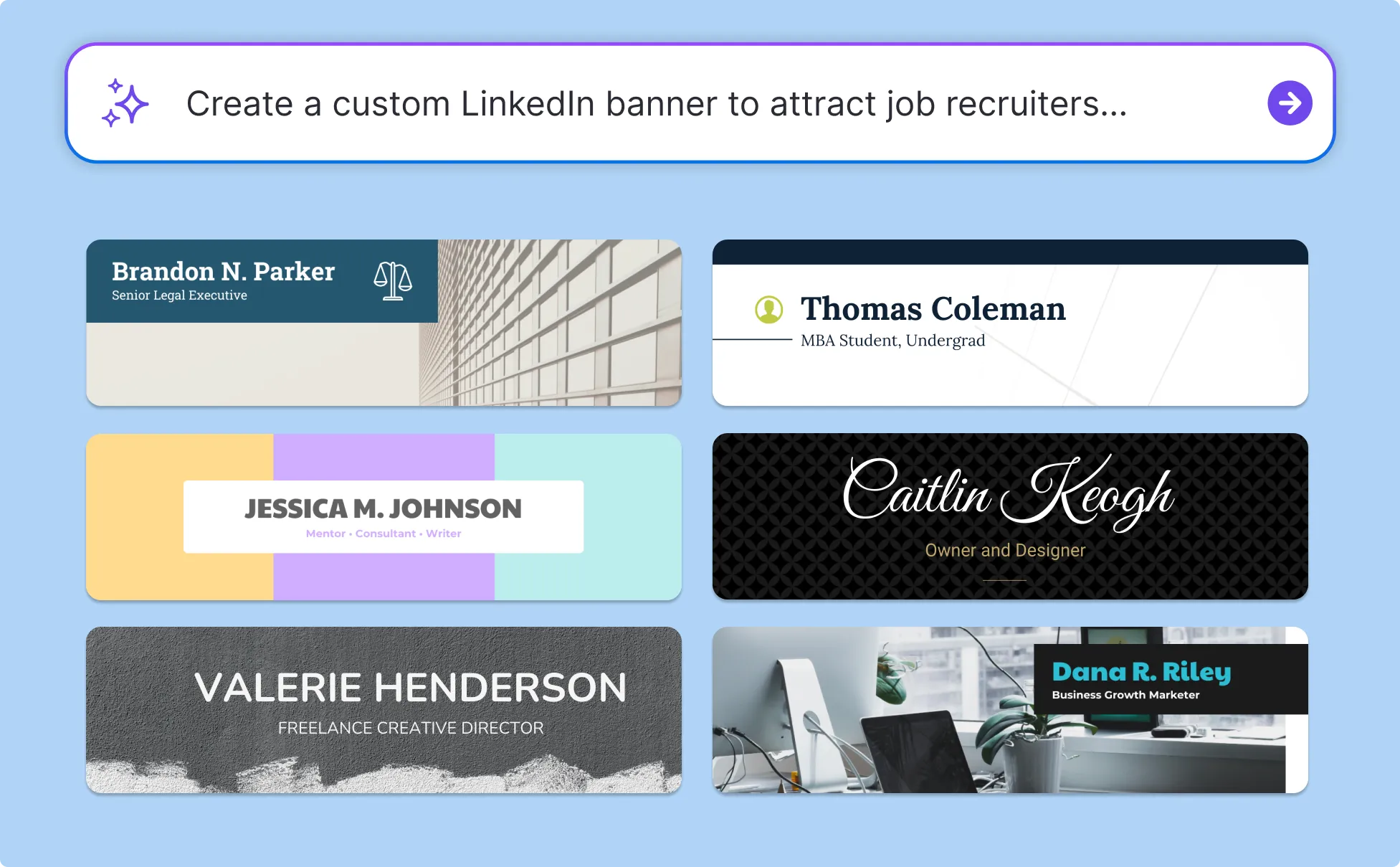
Create a LinkedIn Banner That Matches Your Brand as a Freelancer
Potential clients should understand what you offer the moment they visit your profile. Venngage’s AI LinkedIn Banner Generator helps you create a custom banner that showcases your services, niche, and personal brand.
Apply your Brand Kit to keep your fonts, colors, and logo consistent. Edit your design and export a professional LinkedIn banner image.
Generate LinkedIn Banners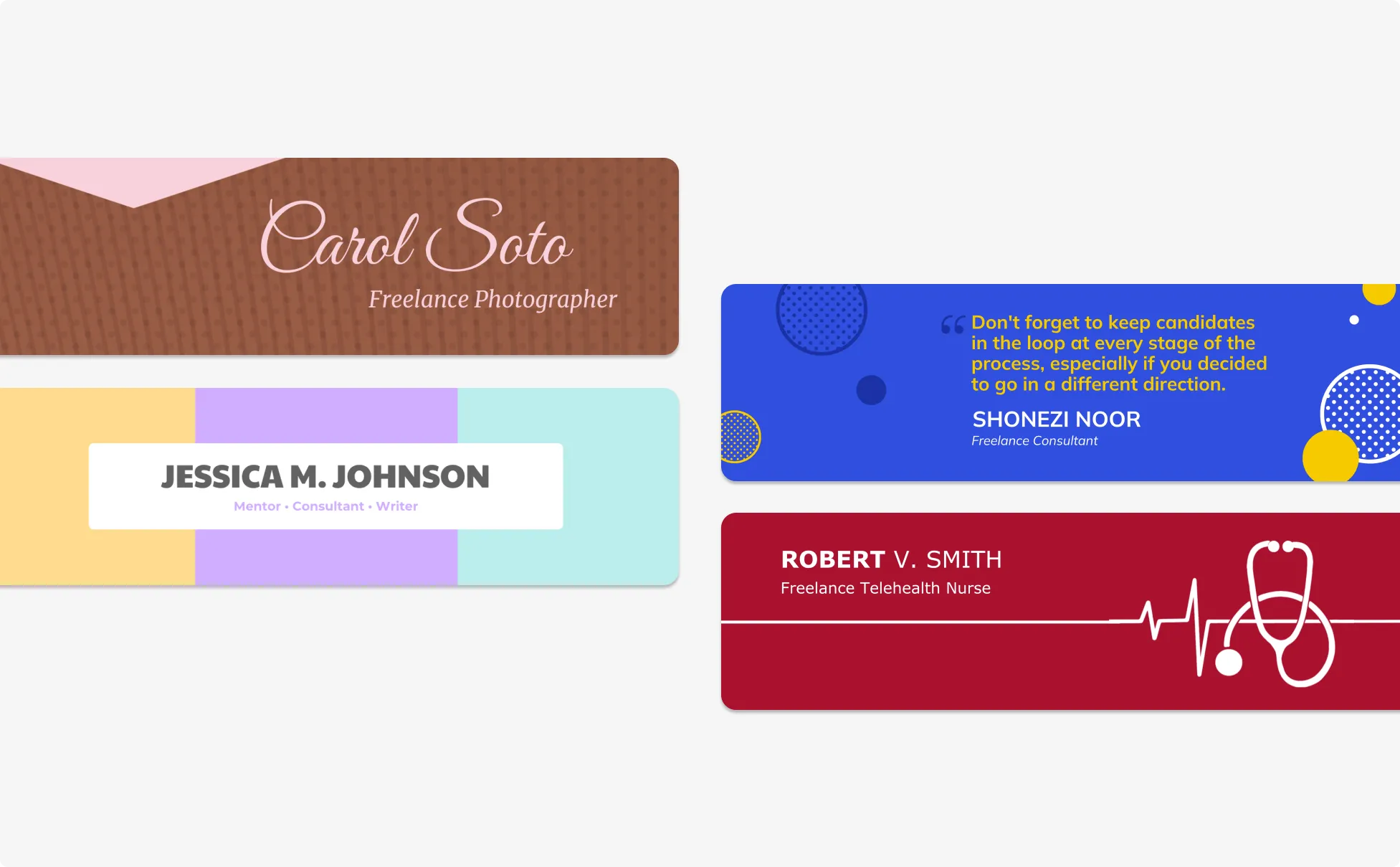
Turn Your LinkedIn Profile into a Lead-Gen Tool as a Founder
Your LinkedIn banner works like a digital storefront for your business. Use Venngage’s AI LinkedIn Banner Generator to create a branded cover image featuring your offer, CTA, and company message.
Add your logo, headshot, or custom visuals in the editor. Use Brand Kit to maintain your brand style and download a high-quality LinkedIn banner.
Generate LinkedIn Banners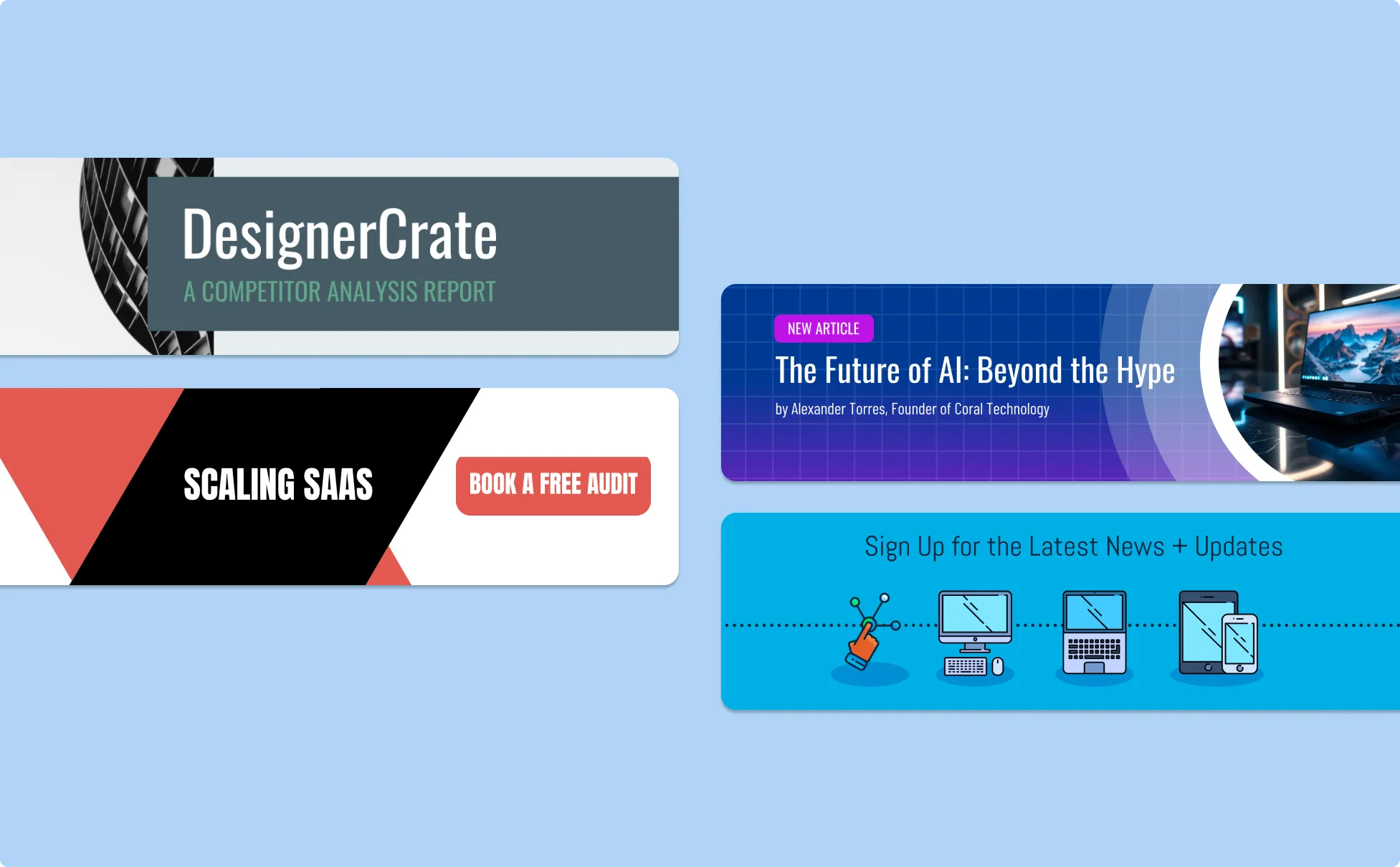
Generate LinkedIn Banners in Seconds With Our AI LinkedIn Banner Generator
Generate LinkedIn Banners From a Text Prompt
Describe your role, headline, style, and preferences in Venngage’s AI LinkedIn Banner Generator. Get a correctly sized banner with AI-generated layouts, copy, and visuals without starting from a blank canvas.

Start With Professional LinkedIn Banner Templates
Choose templates designed for job seekers, recruiters, freelancers, founders, and company pages. Customize the headline, tagline, colors, and visuals in the editor while keeping the original layout intact.
Keep Every Banner Consistent With Brand Kit
Save your fonts, colors, and logo in Venngage’s Brand Kit and apply them across your LinkedIn banners, resumes, proposals, and presentations for a consistent professional brand.

Customize Designs With a Drag-and-Drop Editor
Use Venngage’s editor to edit text, adjust colors, move elements, and replace images. Create a polished LinkedIn banner without using complex design tools.

Refine Your Banner With Venngage AI Tools
Pair the LinkedIn Banner Generator with AI Designer to adjust visual hierarchy, AI Icon Generator to add icons or industry symbols, and AI Writing Assistant to sharpen your headline.
Export as PNG
Download a high-quality LinkedIn banner ready for your profile or company page. Upload your design without extra resizing or cropping.
Fuel Your Creativity with AI-Powered Design Tools
Venngage is your one-stop shop for creating impactful presentations, infographics, reports, and more. It's a favorite among professionals, educators, and marketers for a reason:
AI Branding Automation
Instantly extract brand colors, fonts, and styles. Auto-apply your logo and visual identity to every design for seamless brand consistency.

DesignAI Generator
Turn simple prompts into stunning professional visuals in seconds. Describe what you need in plain language and watch our AI generate layouts optimized for maximum visual impact.

AI Content Auto-Fill
Kickstart your design process in seconds. Choose a template and let our AI auto-fill it with relevant, on-brand content, ideal for streamlining workflow and boosting productivity.

AI Generated Icons and Images
Create unique visuals that perfectly match your content and style. Generate custom illustrations, icons and images that align perfectly with your brand.

AI Writer and Translation
Enhance clarity, rewrite content, and instantly translate text to create accessible, global-ready visuals.

Smart Accessibility AI
Ensure every project looks great and works for everyone. Use AI to write alt text check contrast, layout, and font readability, and export fully WCAG-compliant visuals and PDFs.

FAQs
The recommended LinkedIn banner size for a personal profile is 1584 x 396 pixels, with a maximum file size of 8MB in PNG, JPEG, or GIF format. For LinkedIn company pages, the recommended size is 1128 x 191 pixels. Venngage's AI LinkedIn Banner Generator exports banners at these dimensions automatically, so your image displays sharply on desktop and mobile without cropping or stretching.
A strong LinkedIn banner includes a clear headline with your role or value proposition, a short supporting line with your specialty or niche, and a background color or image that fits your industry. You can also add a logo, a social proof line like 'Trusted by 50+ teams,' or a short call to action. Keep text minimal.
No. Type a prompt, generate a banner, adjust the text and colors in the drag-and-drop editor, and download. You do not need to know Figma, Photoshop, or Illustrator to get a finished, upload-ready banner.
Yes. Venngage's AI LinkedIn Banner Generator creates banners for both personal profiles and company pages. Enter your company name, tagline, core services, and brand colors to generate a company page cover at 1128x191 pixels. Apply your Brand Kit to keep the cover consistent with your other branded materials and export as PNG for direct upload.
We offer a free plan so you can try out all our AI features without spending anything. If you want more advanced features like private sharing and auto branding, we've got Premium and Business plans available, too.